Watermarks kill great art. You spend 20 minutes crafting the perfect prompt, the AI generates something genuinely beautiful, and then it stamps a logo across the middle of it because you did not pay for the premium tier. That frustration is real, and it is pushing millions of creators toward a new wave of free AI art generators with no watermark that actually deliver clean, downloadable images without strings attached.
This breakdown cuts through the noise. You will see which tools are truly free, which ones sneak watermarks into downloads, and how platforms like PicassoIA are changing what free actually means in AI image generation.
Why Watermarks Still Ruin Free AI Art
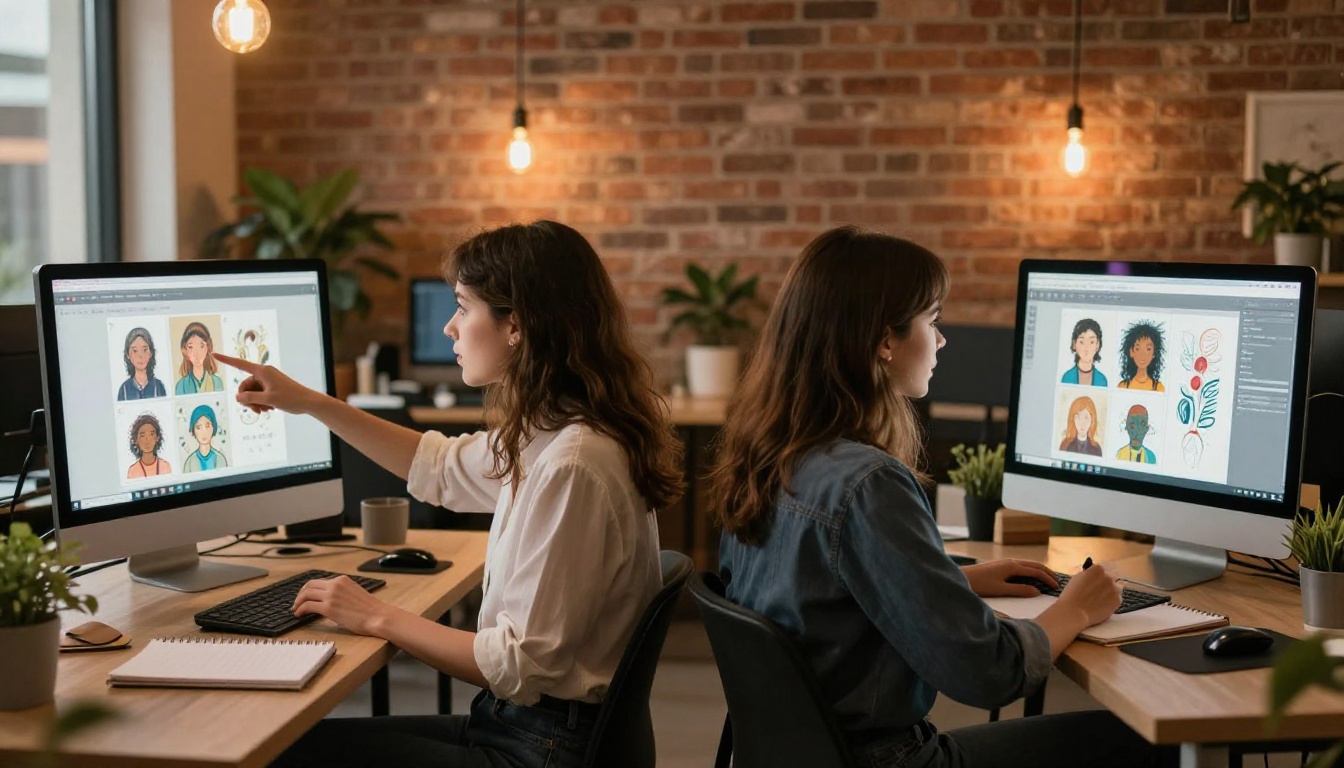
Most AI art tools advertise themselves as "free" but bury a critical catch in the fine print: watermarks on every download. This is not just a minor annoyance. For anyone using AI-generated images for social media content, product mockups, personal projects, or creative portfolios, a watermark signals immediately that the image was made using a tool you did not pay for. It undermines the work.
The Hidden Cost of "Free" Tools
The business model is simple: offer a stripped-down free plan to hook users, then paywall the one thing everyone actually needs, which is a clean image. Some tools add watermarks subtly in the corner. Others embed them into the image metadata. A few make the watermark so large and central that the art becomes unusable without cropping.
💡 Worth knowing: Resolution is also commonly gated. Free tiers often limit you to 512px or 768px outputs, far below what you need for printing or high-quality digital display.
What No-Watermark Actually Means
A genuine watermark-free AI image generator gives you the full output with no branding overlay, no embedded metadata watermarks, and no resolution limitations disguised as "free." The image you download is the image you can use, share, and modify freely. That is the standard worth holding any tool to.
The Best Free AI Art Generators with No Watermark
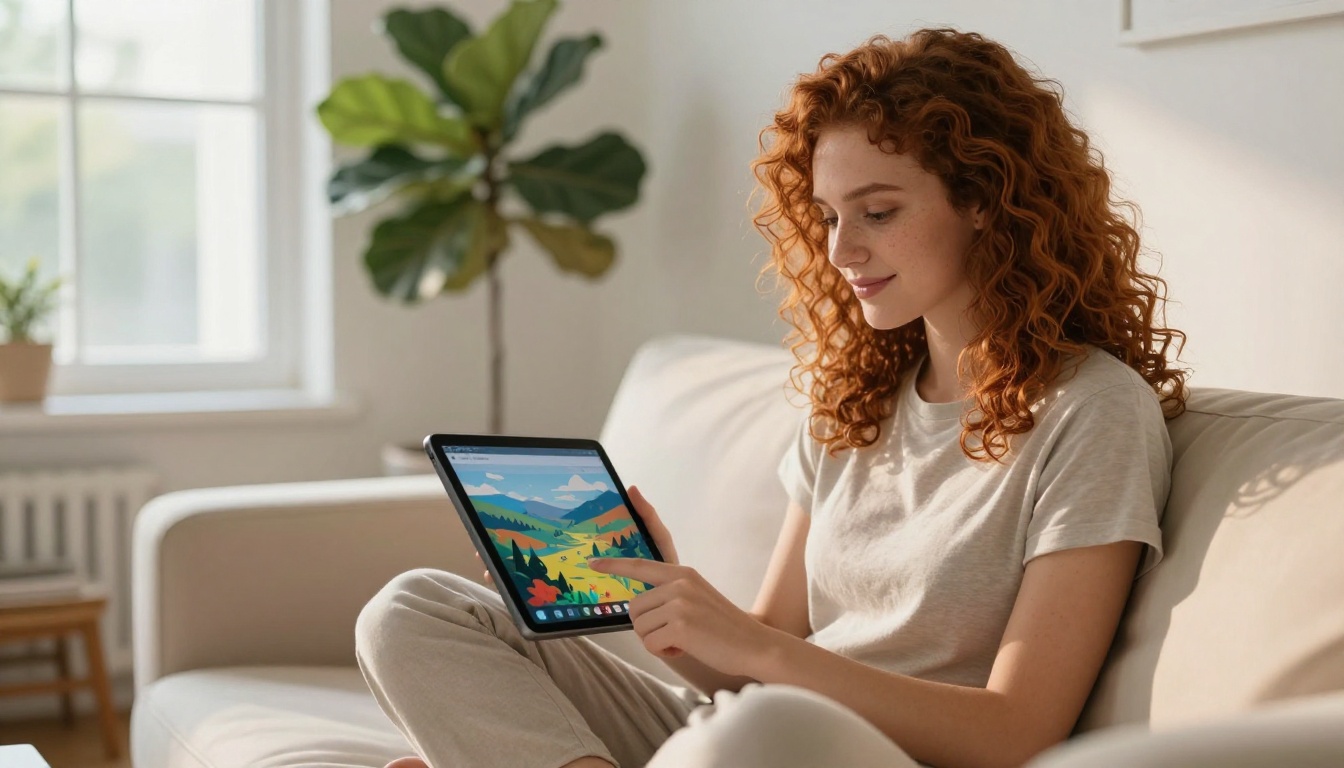
Not all free tools are created equal. Below are the top models available for free AI image generation that produce clean, watermark-free results with serious output quality.
GPT Image 2
GPT Image 2 is one of the most capable text-to-image models available, delivering photorealistic results with exceptional prompt adherence. It handles complex scenes, accurate text rendering within images, and nuanced lighting with minimal artifacts. It is particularly strong for AI portraits, product visuals, and editorial-style photography.
| Feature | GPT Image 2 |
|---|
| Realism level | Very High |
| Text in images | Excellent |
| Speed | Fast |
| Output resolution | High |
Seedream 4.5
Seedream 4.5 specializes in 4K image output, making it a standout choice when you need high-resolution AI art without watermarks for large format prints or detailed digital canvases. Its color rendering is vivid and natural, particularly for landscape and environmental compositions.
💡 Tip: Seedream 4.5 responds exceptionally well to cinematic lighting descriptions in prompts. Add "golden hour," "soft volumetric light," or "Rembrandt lighting" to dramatically improve output quality.
Flux 2 Klein
Flux 2 Klein 9B Base LoRA brings a LoRA fine-tuning architecture that lets you generate stylized AI art with consistent aesthetic control. It is well-suited for creators who want a repeatable visual style without needing to edit each image individually. Whether you are building a series of brand visuals or personal art pieces, Flux 2 Klein maintains visual coherence across outputs.
Stable Diffusion 3
Stable Diffusion 3 remains one of the most trusted free AI image generators in the ecosystem. Its third-generation architecture dramatically improved human anatomy, text rendering, and compositional accuracy over earlier versions. For creators who prioritize artistic control and open-ended generation, SD3 is a proven performer.
Recraft 20B
Recraft 20B is built for versatility. It can produce photorealistic images, illustrations, flat design, and conceptual art from the same platform. This makes it ideal for AI-generated digital art that spans multiple visual styles without switching tools.
Hunyuan Image 2.1
Hunyuan Image 2.1 generates 2K images with strong performance on fine detail, particularly for portraits and fashion-forward imagery. Its architecture handles complex prompt structures well and is one of the more reliable options for AI portrait generators free of charge.
How Output Quality Compares
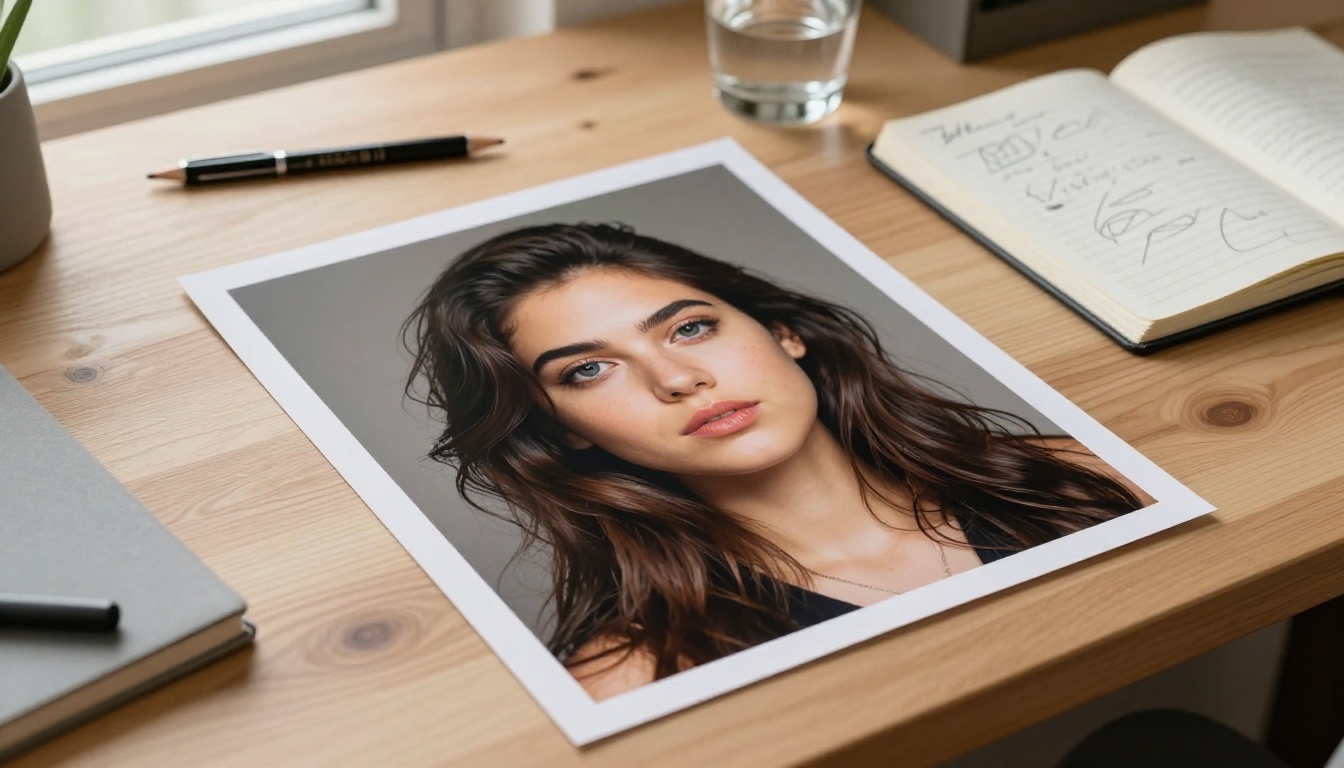
Not every free AI art generator is competitive on output quality. The gap between low-end and high-end tools is significant enough to affect how professional your work looks.
Photorealism vs. Stylized Art
Photorealistic models like GPT Image 2 and Seedream 4.5 produce outputs that are difficult to distinguish from photography. Stylized models like Recraft 20B and Flux 2 Klein lean into aesthetic consistency and artistic direction. Choosing between them depends entirely on what the image is for.
| Use Case | Best Model |
|---|
| Social media portraits | GPT Image 2 |
| High-res prints | Seedream 4.5 |
| Brand visual series | Flux 2 Klein |
| Mixed media art | Recraft 20B |
| Fashion and beauty | Hunyuan Image 2.1 |
| Open-ended creation | Stable Diffusion 3 |
Resolution and Download Quality
Resolution is where many "free" tools fall short. Tools that claim no watermark but cap your download at 512px are still limiting your creative output significantly. The best no-watermark AI image generators offer outputs at 1K, 2K, or 4K resolution by default, not just for paid subscribers.
💡 Quick check: Before committing to any free tool, download a test image and inspect its actual pixel dimensions. Marketing copy about "HD quality" can be misleading when the actual output is under 1 megapixel.
How to Create No-Watermark AI Art on PicassoIA
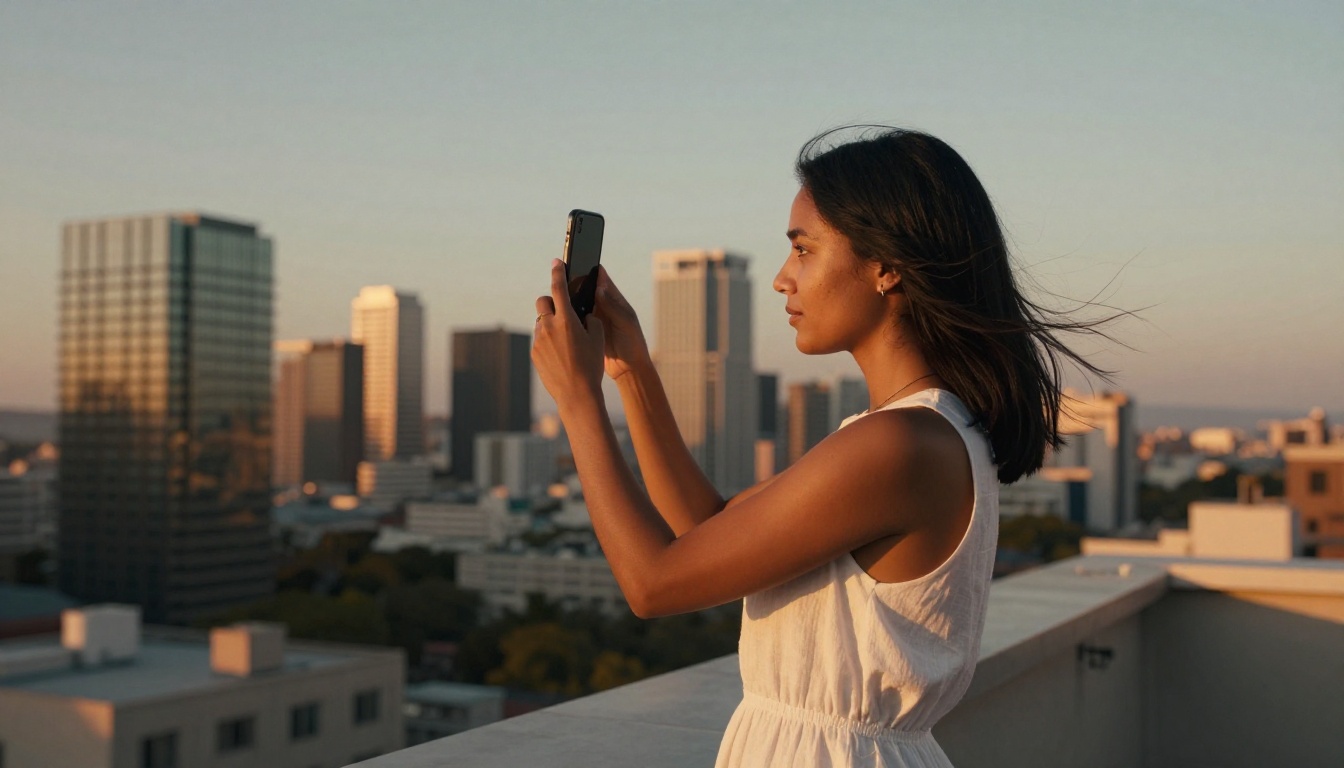
PicassoIA gives you direct access to all the models listed above without requiring a premium subscription to download clean images. Here is exactly how to use it.
Step 1: Choose Your Model
Browse the text-to-image collection and filter by your use case. For photorealistic results, start with GPT Image 2 or Seedream 4.5. For stylized or conceptual art, try Recraft 20B or Flux 2 Klein 9B. Each model page shows example outputs so you can judge fit before generating.
Step 2: Write a Strong Prompt
The model is only as good as the prompt it receives. Weak inputs produce weak outputs. Strong prompts include:
- Subject with specifics: "A woman in her 30s with curly red hair" not just "a woman"
- Environment: "sitting in a sunlit cafe with exposed brick walls and warm Edison lighting"
- Camera details: "shot with an 85mm f/1.8 lens, slight bokeh, medium close-up"
- Mood and lighting: "golden hour from the left, warm amber tones, film grain"
- Style modifier: "photorealistic, Kodak Portra 400, 8K"
Step 3: Download Clean
Once your image generates, click download. The file you receive is the full-resolution output with no watermark overlay. You can use it immediately for any purpose, personal or commercial, depending on the model's license terms.
Prompts That Actually Work
The difference between a mediocre and a stunning AI image is almost always the prompt. Here are structures that consistently produce exceptional results across multiple models.
Portraits and People
For AI portrait generation without watermarks, specificity wins every time. Vague prompts produce generic faces. Detailed prompts produce images that feel genuinely real.
Prompt structure that works:
"A 28-year-old woman with shoulder-length dark brown hair and green eyes, standing in a sunlit botanical garden, wearing a flowing terracotta midi dress. Shot from a medium low angle with an 85mm f/1.8 lens. Dappled natural light through tree canopy above. Natural skin texture, slight freckles, genuine relaxed expression. Kodak Portra 400 film grain, photorealistic 8K RAW."
Landscapes and Environments
Environments respond well to time-of-day specificity and atmospheric conditions.
Prompt structure that works:
"An expansive coastal cliff at dawn, sea mist rising over dark water below, a lone wooden bench at the cliff edge. Shot from a low wide angle with a 16mm lens. Pale lilac and rose sunrise sky, soft diffused morning light. Dew on grass visible, rough texture of cliff rock. Film grain, photorealistic 8K."
Products and Commercial Use
Product photography is one of the highest-value use cases for AI image creation free of charge.
Prompt structure that works:
"A white ceramic mug on a smooth marble surface, morning light from the left casting long shadows, steam rising from the mug. Macro shot with a 100mm lens at f/4.0. Clean white background with soft gradient. Ultra-sharp product detail, photorealistic 8K."
💡 For commercial use: Always verify the specific model's output license. Most models on PicassoIA allow personal and commercial use of generated images, but terms vary by model creator.
Common Mistakes to Avoid
Even with the best free tools available, a few consistent habits hold most creators back from producing genuinely strong AI-generated artwork without watermarks.
Weak Prompts, Weak Results
The most common mistake is under-specifying the prompt. If your prompt is three words, you should not be surprised by generic output. The models are powerful but not telepathic. Add the camera angle, lighting direction, time of day, clothing, background, lens, and mood. Every extra detail narrows the model toward what you actually want.
Ignoring Model Strengths
Using a stylized model when you need photorealism, or a photorealistic model when you need consistent brand aesthetics, wastes generation attempts and time. Match the model to the task. Wan 2.7 Image Pro excels at high-detail 4K scenes. Create by Reve is optimized for fast iteration on conceptual ideas. Using the right model cuts iteration cycles significantly.
Not Testing Multiple Outputs
AI generation has natural variance. One prompt can produce ten different results across a single model. The best creators generate multiple outputs and select the strongest rather than accepting the first result. Most free tools allow several generations before hitting daily limits, so use them deliberately.
When you strip away marketing language, the gap between the best and worst free AI art generators without watermarks comes down to three factors: output resolution, model quality, and whether the download is actually clean.
| Tool | Watermark-Free | Max Resolution | Best For |
|---|
| GPT Image 2 on PicassoIA | Yes | High | Photorealism, text in image |
| Seedream 4.5 on PicassoIA | Yes | 4K | Landscapes, large prints |
| Flux 2 Klein on PicassoIA | Yes | High | Stylized visual consistency |
| Stable Diffusion 3 on PicassoIA | Yes | High | Open-ended creative art |
| Recraft 20B on PicassoIA | Yes | High | Multi-style versatility |
All five models listed above are accessible through PicassoIA and produce watermark-free AI images by default. No subscription required to download a clean file.
Start Creating Right Now
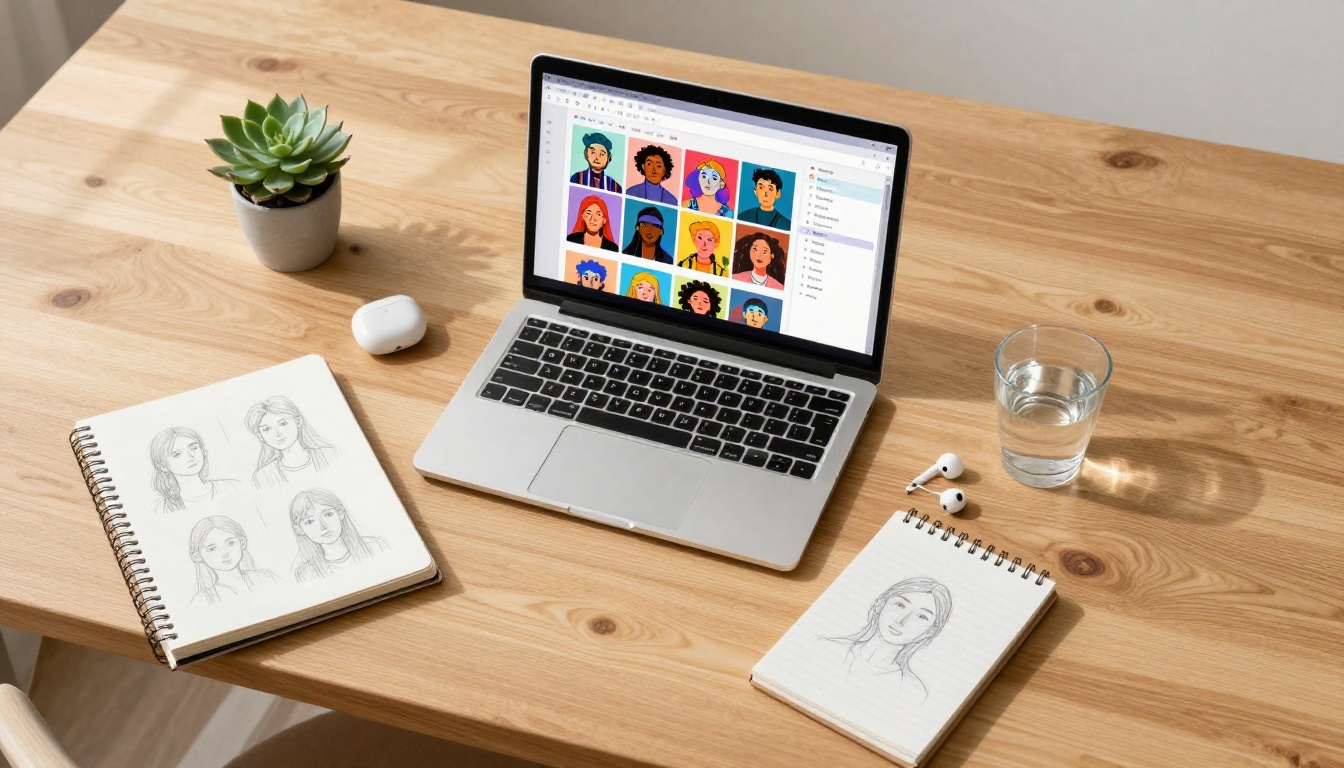
The tools are free, the models are genuinely powerful, and the watermarks are not part of the deal. Whether you are building a creative portfolio, generating images for social media, producing product visuals, or just experimenting with what AI can produce, the barriers that used to stand in the way have largely fallen.
Pick a model that fits your goal. Write a prompt with real specificity. Generate, iterate, and download clean. That is the complete workflow for free AI art generation with no watermark, and it is available right now without a credit card.
Start on PicassoIA with GPT Image 2 for photorealism, Recraft 20B for versatile creative output, or Seedream 4.5 when you need 4K resolution without compromise. Your first watermark-free image is one prompt away.


