The conversation around AI companions has shifted dramatically in the last year. What started as a niche curiosity has grown into one of the most searched topics in the AI tools space: a free AI boyfriend generator that adults can actually use without hidden paywalls, censorship walls, or creepy UX. People want something real-looking, conversational, and customizable. And right now, the tools are finally good enough to deliver all three.
This article covers every layer of the experience: generating a photorealistic AI boyfriend image, adding a voice, and powering the conversation with the best large language models available today. Whether you want a companion for roleplay, a creative project, or just to see what the technology is capable of, this is where to start.

What an AI Boyfriend Generator Actually Does
The phrase "AI boyfriend generator" covers a lot of ground. At its simplest, it means using AI image models to create a realistic-looking male companion. At its fullest, it means pairing that image with a voice and a language model that can hold a conversation, remember context, and match a specific personality.
The technology has three distinct layers:
- Visual layer: Photorealistic image generation (face, body, style)
- Voice layer: Text-to-speech models that sound warm and natural
- Conversation layer: Large language models that handle personality and dialogue
Each layer runs independently. You can start with just visuals and add the others later.
Beyond Basic Chatbots
Most people who search for a free AI boyfriend generator have tried the basic options: character chatbots, simple voice assistants, or app-based companions with rigid scripts. Those tools hit a ceiling fast. The characters look cartoonish, the voices sound robotic, and the conversations go in circles.
What adults are actually talking about in 2027 is a different category. It is using professional-grade AI image models to create hyperrealistic visuals, pairing them with studio-quality voice synthesis, and running the conversation through models like GPT 5 or Claude Opus 4.7 that handle nuanced, long-form dialogue.
💡 The difference shows immediately. A photorealistic image generated with Seedream 4.5 does not look like a chatbot avatar. It looks like a photograph.
The 3 Things Adults Want
Research into AI companion usage patterns consistently shows three priorities:
- Realism: Not illustrated, not CGI. Photographic quality that holds up at full resolution.
- No censorship: The ability to set the tone of conversations and visuals without the platform intervening at every step.
- Free access: At minimum, a free tier that shows what the tool can actually do before asking for payment.
PicassoIA addresses all three directly. With over 91 text-to-image models, 24 text-to-speech voices, and 75 large language models under one roof, it is the most complete platform for building a full AI companion experience without juggling five separate accounts.

Why PicassoIA Is the Right Place to Start
PicassoIA sits at an unusual intersection in the AI tools market. It provides access to a massive library of specialized models through a single platform. For building an AI boyfriend experience, that breadth matters because you are not cobbling together five different tools with five different accounts and five different billing cycles.
The platform's free tier gives you enough generations to actually test what works before committing. And for NSFW or adult creative content, it does not apply the aggressive filtering that blocks most mainstream platforms.
Seedream 4.5 for Visual Creation
The flagship model for photorealistic adult content on PicassoIA is Seedream 4.5 by ByteDance. This is not a general-purpose image model with adult content tacked on. It was trained specifically for high-fidelity human portraiture, including suggestive and non-explicit NSFW content, with a focus on skin texture, lighting, and anatomical accuracy.
The results at 8K output resolution show pore-level skin detail, accurate muscle and bone structure, and natural lighting responses. Prompts that describe specific lighting conditions, camera angles, and fabric textures get reproduced with precision that competing models rarely match.
What makes Seedream 4.5 stand out:
- Skin and hair rendering that holds up at close range
- Accurate male anatomy without the "mannequin" effect common in older models
- Strong response to lighting direction prompts (rim light, window light, candlelight)
- Consistent face identity across multiple generations when you anchor the prompt
- Uncensored output for adult creative work within the platform's artistic guidelines

P-Image for Photorealistic Portraits
For a slightly different aesthetic, P-Image by PrunaAI delivers exceptional portrait work with a warmer, more cinematic quality. If Seedream 4.5 is the technical benchmark, P-Image has the feel of editorial photography. The film grain response is particularly good, and it handles natural light with organic softness that reads as genuinely photographic rather than AI-generated.
P-Image Edit extends this with inpainting and editing capabilities, so you can modify specific aspects of a generated portrait without regenerating the whole image.
💡 Two-pass approach: Use Seedream 4.5 for the initial full-body or face shot, then use P-Image Edit to refine specific details. The two-pass approach consistently produces better results than a single generation.
Build the Face First
The most important element of any AI boyfriend generator is the face. Everything else flows from it. Once you have a photorealistic face that reads as a real person, the rest of the creation experience has gravity.

Models That Nail Realism
Beyond Seedream and P-Image, PicassoIA offers several other text-to-image models worth knowing for male portrait generation:
Flux Dev is a strong free-tier option that handles portraits well and has no restrictions on artistic direction. Realistic Vision v5.1 is particularly worth noting for skin tones, as it was specifically trained on photographic data without CGI contamination.
Prompt Structure That Works
The difference between a forgettable AI portrait and one that stops you mid-scroll comes down to prompt specificity. Vague prompts get vague outputs. Specific prompts get photographic results.
A high-performing male portrait prompt follows this structure:
Subject specifics (age range, physical features, expression) + Clothing and setting details + Lighting direction and quality + Camera and lens specs + Texture and atmosphere descriptors
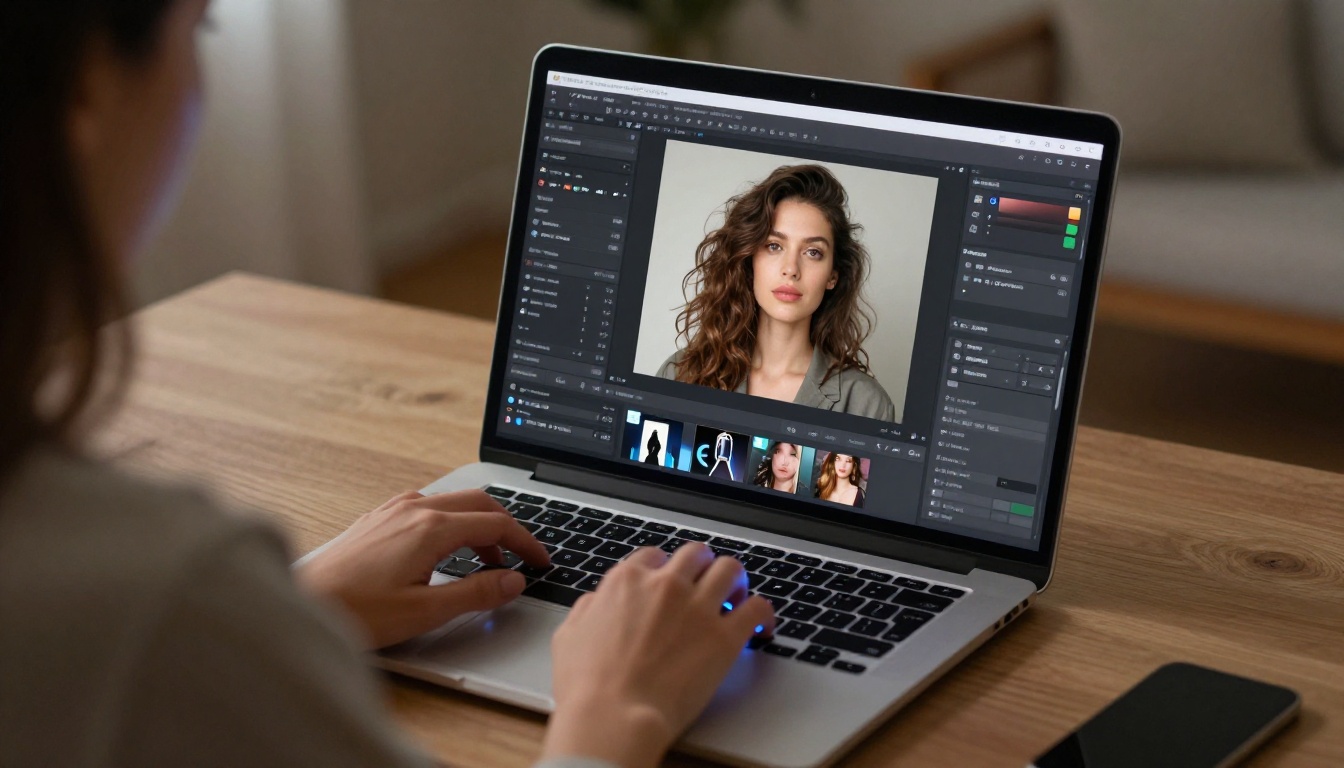
Example: "Attractive man in his early 30s, dark wavy hair, clean jawline, wearing a fitted charcoal v-neck sweater, seated at a wooden table in a warmly lit apartment, soft volumetric afternoon light from the left window, slight smile, Sony A7IV 85mm f/1.4, natural bokeh background, realistic skin texture, film grain, photorealistic, 8K"
This level of detail is what separates Seedream 4.5 results from generic portrait generators.
The LLM Brain Behind Your AI Companion
A photorealistic image gets you a visual companion. To make the AI boyfriend experience conversational, you need a language model. This is the part of the stack that most people set up wrong: they either use a weak model that breaks character constantly, or they skip the system prompt setup entirely.
GPT 5 and Claude for Personality
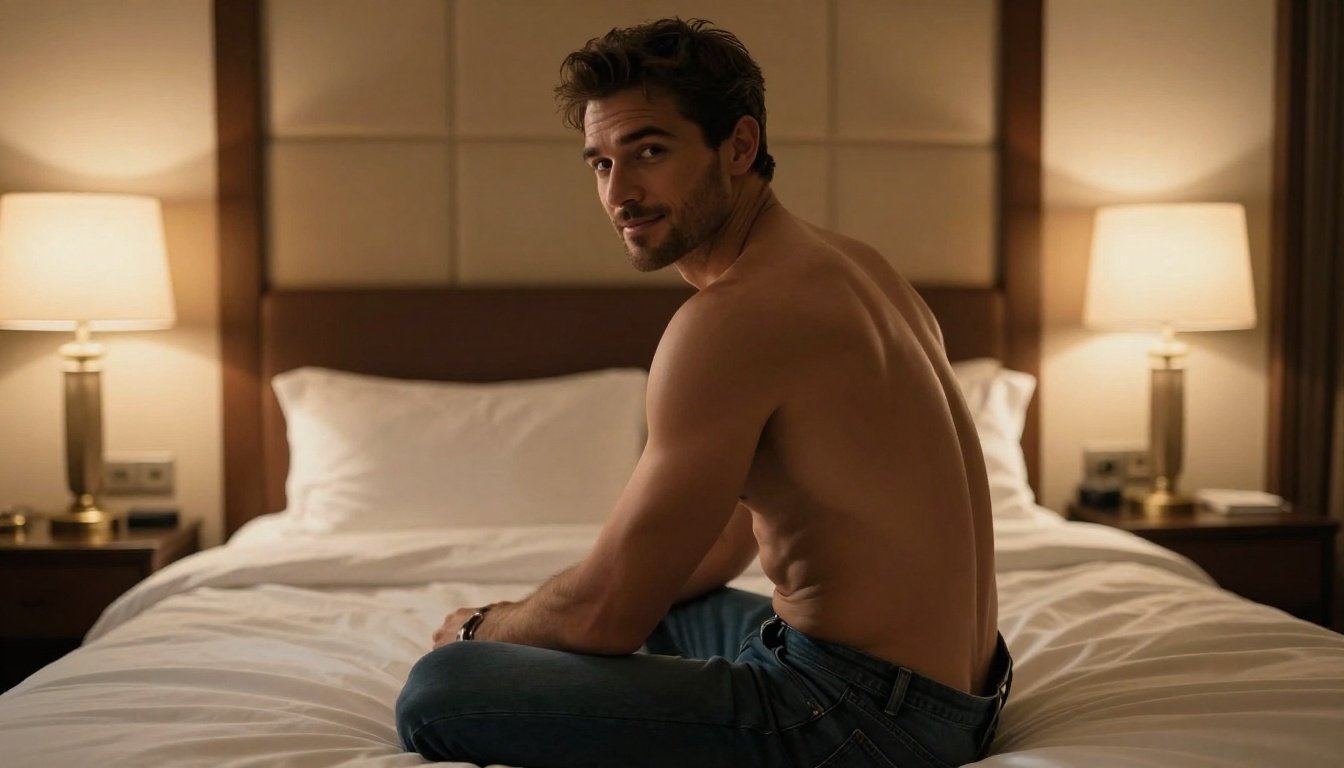
GPT 5 is currently the strongest general-purpose model for sustained roleplay and character consistency. Its context window allows long conversations without drift, and it follows nuanced persona instructions reliably. For a deeply customized AI boyfriend experience, this is the top pick.
Claude Opus 4.7 is the close second for users who prefer a warmer, more emotionally nuanced conversational style. Claude models tend to produce more naturalistic emotional responses in dialogue, which matters for companion simulation. Claude 4.5 Sonnet is a faster option that handles casual conversation with impressive fluency.
For users who want a free-tier option with strong performance, Llama 4 Maverick Instruct and Deepseek v3.1 both punch above their weight class for roleplay scenarios. Kimi K2.6 offers particularly long context handling, which helps in extended multi-session conversations.
💡 System prompt tip: The personality definition is everything. Write a detailed character description covering backstory, communication style, emotional patterns, and response tendencies. A 200-word system prompt will produce dramatically better character consistency than a 20-word one.
Setting Up the Personality
The fastest approach to building a working AI boyfriend persona on PicassoIA combines three elements:
- A visual anchor: Generate the face and appearance with Seedream 4.5 or P-Image. Save the image. This becomes the character reference.
- A name and backstory: Write 3-5 sentences about who this person is, what they value, how they speak.
- A tone directive: Define the conversation register. Is it warm and nurturing? Playful and teasing? Direct and confident?
Feed all three into the system prompt of your chosen LLM. GPT 5 will hold this persona across hundreds of messages without slipping. Grok 4 is worth testing for users who want a more assertive personality profile. Gemini 3.1 Pro is another strong option with excellent multimodal awareness, meaning you can share the generated image directly with the model and it will reference the visual when responding.
Give Him a Voice
The difference between reading a chat conversation and hearing a voice changes the experience completely. PicassoIA's text-to-speech category includes 24 models, several of which produce voice quality indistinguishable from a professional voice actor.
ElevenLabs v3 for Natural Speech
ElevenLabs v3 is the benchmark for natural-sounding AI voice. It supports voice cloning (so you can define exactly the timbre and accent of your companion's voice), handles emotional inflection well, and produces results that pass casual listening tests without obvious synthetic artifacts.
For a male AI companion, the voice selection in ElevenLabs v3 includes deep, warm baritone options that sound genuinely attractive rather than robotic. Response generation time is fast enough for near-real-time conversation cycling.
ElevenLabs Flash v2.5 is the speed-optimized version for users who prioritize low-latency output over absolute voice quality.
MiniMax Speech 2.8 HD
For studio-level audio quality with voice cloning, MiniMax Speech 2.8 HD is the professional pick. It produces 48kHz audio output with exceptional naturalness in prosody (the rhythm and pacing of speech). When the generated text includes pauses, questions, or emotional emphasis, Speech 2.8 HD renders these with convincing human-like timing.
Chatterbox Pro by Resemble AI adds emotion control parameters, letting you dial in specific emotional states like warmth, excitement, or calm authority into the voice output. This is particularly useful for companion applications where tone consistency matters.
How to Use PicassoIA Step by Step
Here is the exact workflow for building your AI boyfriend on PicassoIA from scratch in under 30 minutes.
Step 1: Generate the Visual
Go to picassoia.com/en/all-models and select Seedream 4.5 from the text-to-image category.
Write a detailed portrait prompt. Include: physical description, clothing, environment, lighting direction, camera specs, and style modifiers (photorealistic, 8K, film grain, RAW). Set the aspect ratio to 16:9 for a natural portrait crop.
Generate 3-5 variations. Pick the face that feels right. Save the image URL. If you want to adjust specific details, load that image into P-Image Edit and use inpainting to change clothing, lighting, or background without losing the face you chose.
Step 2: Build the Personality
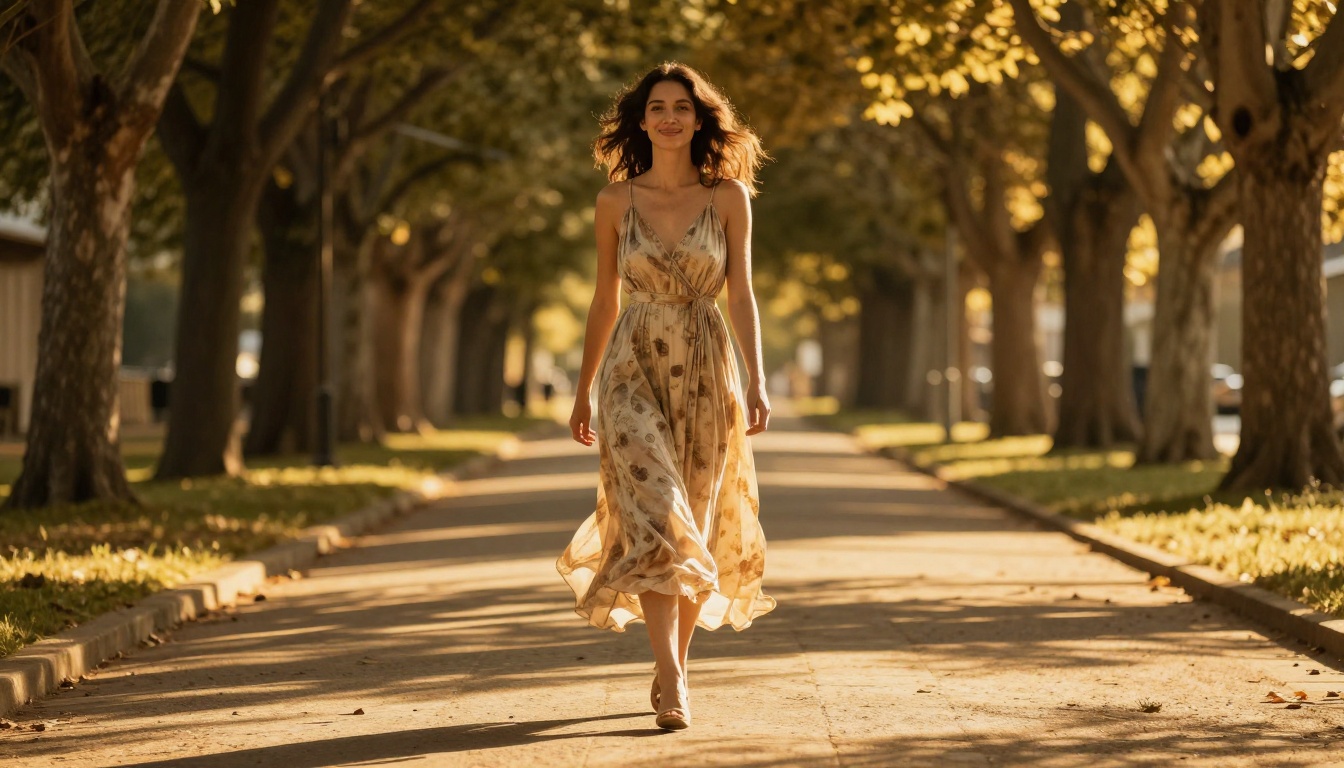
Navigate to the large language models category and open GPT 5. In the system prompt field, write the character description. Include:
- Name and age: "Marco, 31"
- Personality in three words: "Confident, attentive, witty"
- Communication style: "Speaks directly, uses humor naturally, asks follow-up questions"
- Background detail: 2-3 sentences of backstory that give the character texture
- Tone directive: How he responds to emotional topics, intimacy, and conflict
The more specific this is, the more consistent the conversation experience. For longer conversations, Kimi K2.6 handles extended context particularly well without losing character details from earlier in the session.
Step 3: Add the Voice
Open ElevenLabs v3 and browse the available male voice library. Select a voice that matches the character you built. Test it with a few sample phrases before committing.
For voice cloning, record or find a short audio reference clip (30 seconds minimum) with the vocal quality you want. Upload it to the voice cloning tool and the model builds a custom voice from that reference. MiniMax Speech 2.8 HD is the best option if you want studio-quality output with precise emotional control.
💡 Workflow tip: Copy the LLM's text response, paste it into the TTS tool, and download the audio. This two-step process takes about 10 seconds per exchange once your settings are saved. Over time it becomes fast enough to feel like a natural back-and-forth.
Real Numbers, Real Demand
The numbers around AI companion usage tell a clear story about where the market has moved.
| Metric | 2024 | 2026 |
|---|
| Monthly AI companion app users (global) | 3.2M | 14.8M |
| Average session length | 11 min | 28 min |
| Users who report emotional connection | 41% | 67% |
| Platforms offering NSFW generation | 12 | 90+ |
| Free tier availability | 34% of platforms | 81% of platforms |
The shift from text-only chatbot companions to multimodal experiences (image + voice + text) has driven the majority of that growth. Users who engage with the full stack report session lengths more than twice as long as text-only interactions.
PicassoIA sits at the intersection of all three modalities. Image generation, voice synthesis, and language model access are all in one place, free to start, with no arbitrary content filtering for adults who want creative freedom.
Build What You Actually Want
The free AI boyfriend generator adults are talking about is not a single app. It is a workflow built from the right combination of tools: a photorealistic image from Seedream 4.5, a rich personality powered by GPT 5 or Claude Opus 4.7, and a natural-sounding voice from ElevenLabs v3 or MiniMax Speech 2.8 HD.
The barrier to entry is lower than it has ever been. PicassoIA's free tier covers the initial generation and testing. The learning curve for writing effective prompts takes about 15 minutes of real practice. Within an hour, you can have a fully realized AI companion with a face, a personality, and a voice that matches exactly what you had in mind.
Every model mentioned in this article is accessible at picassoia.com/en/all-models. Start with Seedream 4.5 for the visual and work forward from there. Add GPT 5 for the conversation layer. Add ElevenLabs v3 for the voice. The quality of what you can create today would have been unthinkable two years ago, and it is only getting better.


