Every time you close a chat window, most AI assistants forget everything. Your project context, your preferences, your entire conversation history: gone. But a new wave of free AI chatbots with persistent memory changes that completely. Here is what you actually need to know before you waste another hour re-explaining yourself.
The Reset Problem Is Bigger

Most people blame themselves when AI responses feel generic or off-target. In reality, the problem is almost always the same: the model has no memory of who you are or what you discussed before. Every new session starts cold, with zero context.
This creates a frustrating loop. You spend the first five minutes of every conversation re-establishing ground rules:
- Your name, role, and what you are working on
- The project background and relevant constraints
- Your preferred writing style or output format
- What the AI already suggested last time and why it did not work
For occasional users, that overhead is annoying. For people who rely on AI assistants daily, it is a genuine productivity drain.
What Memory Actually Means in AI
When we say an AI chatbot "remembers" your conversations, it can mean a few different things depending on the platform:
- Within-session memory: The model holds your entire conversation in its active context window. Every message stays visible to the model until the window fills up.
- Cross-session memory: The platform explicitly saves key facts from past conversations and injects them into new sessions automatically.
- User-managed memory: You paste a summary or reference document at the start of each session to restore context manually.
- Long-context models: Models with very large context windows (128K tokens or more) can hold entire documents, transcripts, and histories in one session.
The best free platforms now offer at least one of these, and some offer all four.
Best Free Chatbots With Real Memory
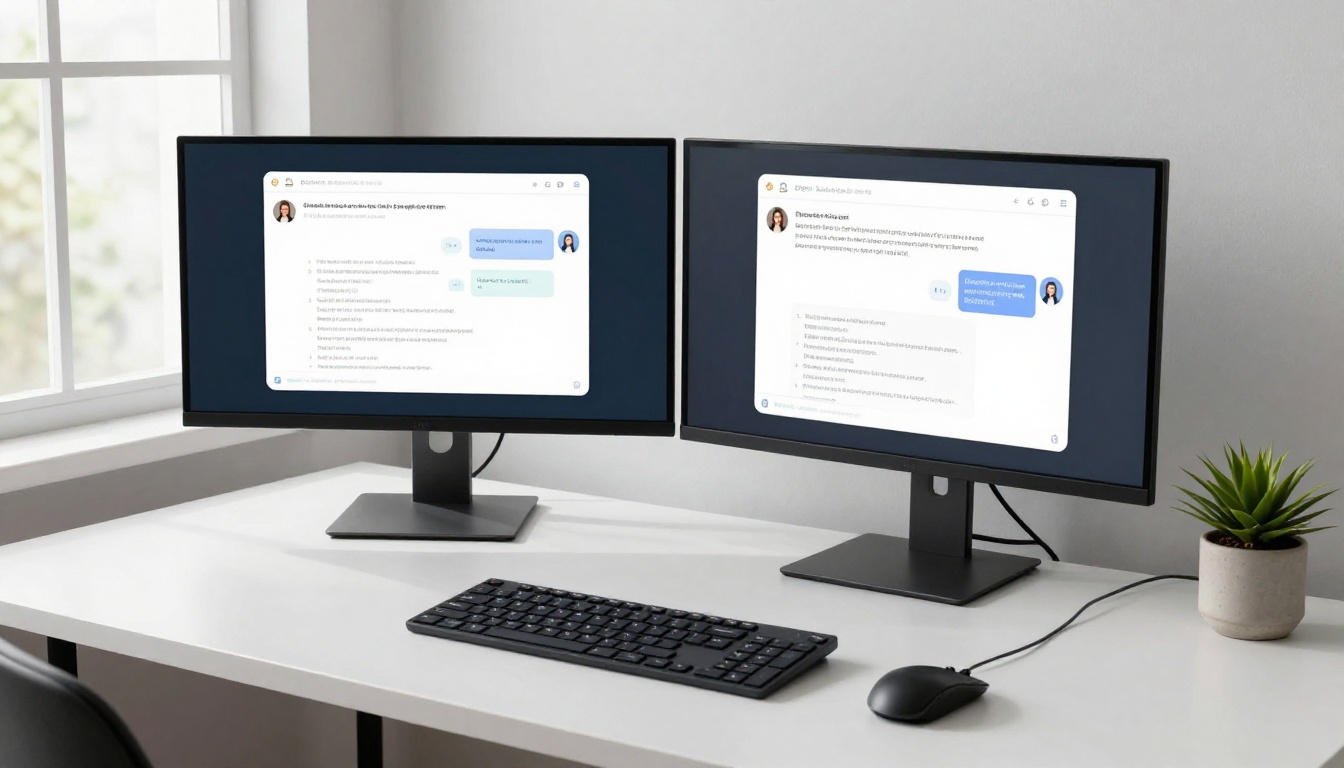
The AI chatbot space has grown fast. But not every platform handles memory the same way, and free tiers vary widely in what they actually retain. Here are the standouts worth your time.
Claude: Context That Actually Sticks
Anthropic's Claude family sets the bar for sustained, coherent conversation. Claude Sonnet 4.6 handles long multi-turn exchanges with remarkable coherence, rarely losing track of details mentioned dozens of messages back.
Claude Opus 4.7 takes this further with a massive context window that lets it hold full project briefs, research documents, and conversation histories in a single session. And Claude Sonnet 5 brings even sharper reasoning to automated tasks where continuity matters most.
💡 Pro tip: Paste a brief context document at the start of each new Claude session. Three to five sentences summarizing who you are and your current project. Claude will reference it consistently throughout the entire session.
GPT-5 and the OpenAI Memory System
GPT-5 is OpenAI's current flagship, and it works best in combination with the platform's saved memory features. When memory is enabled, GPT-4o and GPT-5.1 can recall facts about you across completely separate sessions.
What gets remembered:
| Category | Examples |
|---|
| Personal facts | Name, profession, location |
| Preferences | Response length, tone, format |
| Ongoing projects | Active tasks, project names |
| Explicit instructions | Always respond in bullet points |
The catch: native cross-session memory on OpenAI requires an account, and the free tier has generation limits. But the within-session context window is generous, and free access is widely available through partner platforms like PicassoIA.
Gemini: Search-Powered Memory
Google's Gemini 3.5 Flash and Gemini 3 Pro integrate with Google's ecosystem, which creates a different kind of persistent memory. Connected to your Google account, Gemini can reference your calendar, emails, and documents, making sessions feel far more personally relevant.
For users already working inside Google Workspace, this integration is genuinely powerful. You do not need to paste context because the context is already there.
DeepSeek: Open-Source With Surprising Depth
DeepSeek R1 and DeepSeek v3.1 are the open-source entries that punch well above their weight. While they do not offer native cross-session memory in most free interfaces, their reasoning chains are exceptionally good at maintaining internal consistency over long conversations.
💡 For DeepSeek users: Use the system prompt field to inject persistent context. A short paragraph describing your role and project will dramatically improve consistency across sessions.
Other Models Worth Knowing
- Grok 4: Strong at long, complex reasoning chains with consistent internal state.
- Kimi K2.6: Excellent at agentic tasks where context must persist across multiple steps.
- Llama 4 Maverick Instruct: Open-weight, deployable on your own infrastructure for total memory control.
How Conversation Memory Actually Works

The mechanics here will help you use these tools smarter. Here is what is happening under the hood when an AI "remembers" something.
The Context Window
Every large language model processes your conversation as a sequence of tokens (roughly, words and parts of words). The total amount of text it can consider at once is called the context window. Larger windows mean more memory within a session.
Modern top-tier models offer context windows ranging from 32K to over 1 million tokens. To put that in perspective:
- 32K tokens: roughly 25,000 words, or a short novel
- 128K tokens: a full academic thesis
- 1M tokens: an entire codebase or book series
When your conversation exceeds this limit, older messages get dropped. This is why very long sessions can feel like the AI "forgot" something: it literally ran out of space to hold the earlier text.
Cross-Session Memory Systems
For true cross-session memory, platforms use one of two approaches:
Structured memory stores: The platform extracts key facts from your conversations and saves them in a database. When you start a new session, relevant facts get injected into the system prompt automatically. This is how ChatGPT's memory feature works.
Retrieval-augmented generation (RAG): Your past conversations get embedded into vector databases. When you ask a new question, semantically similar past exchanges get retrieved and included in the current context. More sophisticated, and better at surfacing specific relevant details.
Both approaches have trade-offs. Structured memory can miss nuance. RAG retrieval can pull in irrelevant context. The best implementations combine both.
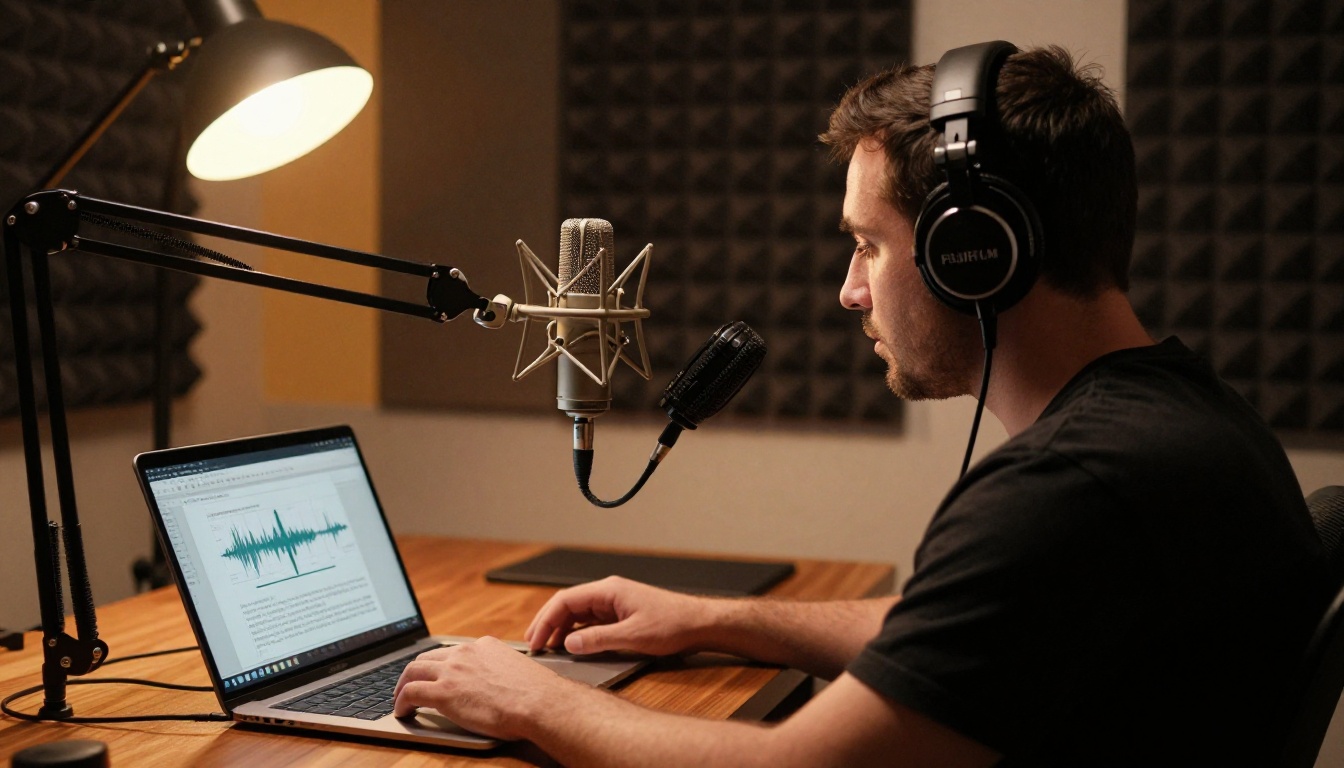
Persistent memory gets even more interesting when you move beyond text. Voice-based AI assistants bring their own memory challenges, and the solutions are genuinely useful.
Transcribe First, Then Chat
One of the most effective workflows for persistent AI memory combines speech-to-text transcription with a stateful LLM session. Here is how it works in practice:
- Record your voice notes, meeting audio, or podcast episode
- Run it through an AI transcription tool to get clean text
- Paste that transcript into an LLM session as starting context
- Ask the AI questions, request summaries, or extract action items
This approach creates a searchable, queryable record of everything you have said or heard, across as many sessions as you need. Your past conversations become permanent context, not lost data.
Text-to-Speech Memory Assistants
Going the other direction, text-to-speech tools let you have your AI assistant read back summaries, briefings, or responses in natural voice. When combined with a session that has rich context loaded in, this creates an assistant experience that feels genuinely continuous.
💡 Try this workflow: Start each morning by having your AI summarize last week's notes in audio form. It gives you full context without reading, and the session continues from a shared starting point.

Not every platform handles memory the same way. This comparison covers the most important dimensions for free users:
| Platform | Within-Session | Cross-Session | Voice/Audio | Free Tier |
|---|
| Claude (via PicassoIA) | Very long context | Manual (paste notes) | Via integrations | Yes, generous |
| GPT-5 / GPT-4o | Large context | Native memory (limited) | Yes | Yes, limited |
| Gemini 3.5 Flash | Large context | Google account sync | Yes, strong | Yes |
| DeepSeek R1 | Long context | Manual (system prompt) | Via integrations | Yes, unlimited |
| Kimi K2.6 | Very long context | Growing support | Planned | Yes |
| Grok 4 | Strong context | Growing | Limited | Yes |
The pattern is clear: free tiers are generally strong at within-session memory. Cross-session memory is where paid tiers pull ahead, unless you use the smart workarounds covered below.
What to Do When Memory Runs Out
Even the best context windows eventually fill. Here are the practical strategies that actually work when that happens.
The Running Summary Method
At the end of each major session, ask the AI to write a concise summary of:
- The main topic or project you discussed
- Key decisions made or conclusions reached
- Specific facts or constraints to remember for next time
- Outstanding questions and next steps
Save this summary. Paste it at the start of your next session. You have now created a portable, compressed memory that travels across any platform or model.
The System Prompt Briefing
Most interfaces that expose a system prompt field let you pre-load persistent context before your first message. Use this for things that never change:
- Your name, role, and field
- Your communication preferences
- Standard constraints for your project
- Model behavior instructions
This does not replace conversation memory, but it handles the stable layer of context so the conversation window stays free for actual work.
Exporting and Archiving Sessions
Several platforms now allow conversation export in plain text or JSON format. If you are working on a long-term project, export your conversation history regularly. Even when you switch platforms, you can paste relevant excerpts as context in any new session on any model.
The Speech-to-Text and LLM Combination

For anyone who works with audio, the combination of AI transcription and persistent LLM memory is one of the most practical workflows available today.
What AI Transcription Actually Does
When you can accurately transcribe audio, every spoken moment becomes a searchable, queryable data point. Meeting recordings become structured notes. Voice memos become searchable documents. Podcast research becomes a knowledge base.
The key is accuracy. Poor transcription introduces errors that compound when you feed the text into an LLM. The best AI transcription tools now achieve near-human accuracy on clear recordings, making this a genuinely production-ready workflow.
Building a Persistent Knowledge Base
Here is a simple but powerful system for using transcription with LLM memory:
- Capture everything: Record meetings, calls, ideas, and research sessions
- Transcribe immediately: Use an AI transcription tool while the audio is still fresh
- Summarize and tag: Ask an LLM to extract key points, decisions, and action items
- Store in a knowledge document: Append summaries to a running document organized by project
- Feed context to your LLM: Paste relevant excerpts at the start of each new session
Over time, this document becomes an AI-readable memory bank. Your sessions start with real context, not a blank slate.

How to Use Free LLMs on PicassoIA
PicassoIA gives you free access to over 75 large language models in one place, including every top memory-capable model discussed in this article. You do not need separate accounts or API keys for each model. One platform, all the models, no lock-in.
Claude Sonnet 4.6: Persistent Session Setup
Claude Sonnet 4.6 is available directly on PicassoIA with no signup walls blocking access. Here is how to get the most from it:
- Navigate to the Claude Sonnet 4.6 model page on PicassoIA
- Open the system prompt field in the interface settings
- Paste your context briefing: Two to four sentences describing your project, your role, and any persistent constraints
- Start your conversation normally. Claude will maintain this context throughout the entire session.
- At session end, use the prompt "Summarize this conversation for my next session" and save the output
- Next session: Paste that summary back into the system prompt before you begin
This workflow turns a within-session model into a surprisingly effective cross-session assistant, at zero cost.
Switch Between Models Without Losing Context
One of PicassoIA's biggest advantages is the ability to switch models mid-project without losing your working context. Because you own your summary documents, you can:
Each model receives the same context. Each brings a different strength. The result is often better than staying with any single model throughout the entire project.
💡 Power move: Use Kimi K2.6 for multi-step agentic tasks where keeping track of a complex sequence of instructions matters. Its long context and instruction-following are both excellent for sustained work.

Why Context Length Keeps Mattering
The trend is clear: context windows are getting longer, memory systems are getting smarter, and the best models are increasingly good at maintaining coherence across long, complex conversations.
What that means practically: the workflows in this article, the running summary method, the system prompt briefing, the transcription-to-context approach, will continue to work and get easier as the underlying models improve. You are building habits around a direction the whole field is moving in, not working around limitations that will disappear.
Models like Claude Opus 4.7, GPT-5 Pro, and Gemini 3 Pro are already pushing the boundaries of what persistent AI conversation looks like. Getting fluent with these workflows now means you will be ahead when seamless persistent memory becomes the baseline expectation.
The AI that remembers you is already here. You just need the right platform and the right habits to make it work.
Start Your Persistent AI Session Today
You have everything you need to stop starting from zero. Pick any of the models from this article, spend two minutes writing a context briefing about your current project, and run your first persistent-memory AI session today.
PicassoIA puts over 75 free LLMs in one place, including every model discussed here. No subscriptions required for the models that matter most. Start with Claude Sonnet 4.6 if you want long-context coherence, or try GPT-5 if native memory features are your priority. If you work heavily with audio, pair any of these models with an AI transcription workflow and watch your session continuity improve immediately.
The AI that remembers you is waiting. It just needs a little help getting started.


