There is a moment that happens the first time a free AI companion app actually talks back to you. Not types. Not sends a text bubble. Talks. In a real voice, with a natural cadence, responding to something you just said seconds ago. That moment shifts something. Suddenly, the conversation feels less like filling out a form and more like, well, a conversation.
That shift is what millions of people are chasing right now. Search trends for free AI companion apps that talk back in real time have been climbing for two years straight, and the technology has finally caught up to the demand. Real-time voice AI, ultra-low-latency speech synthesis, and lipsync avatars that move their lips in sync with spoken words are no longer premium features locked behind expensive subscriptions. Many are free, or free to start.
This article breaks down exactly what these apps do, how the underlying technology works, and where you can try the best AI voice and lipsync tools available today.
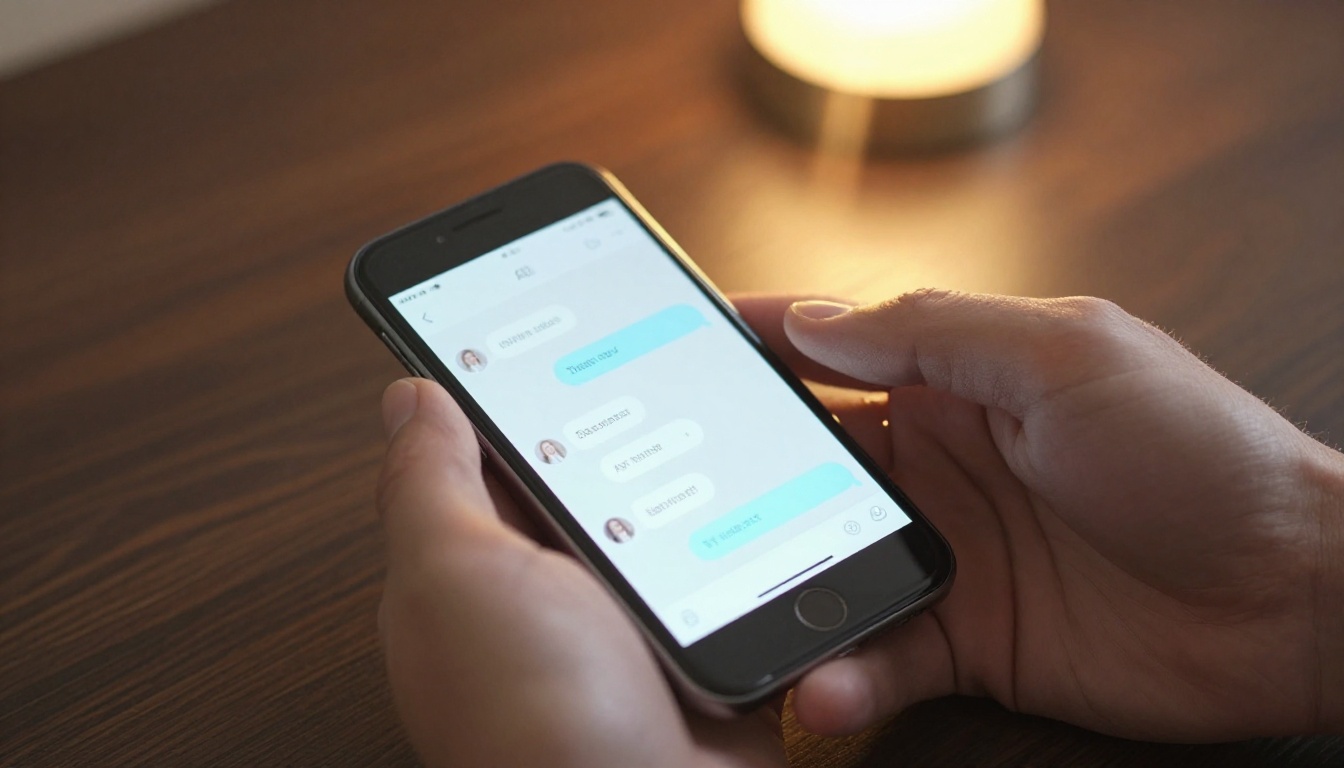
Why People Actually Want This
About Presence, Not Just Information
Text chatbots have been around for decades. GPT-style interfaces have been mainstream since 2023. So why are people specifically searching for AI that talks back?
The answer is not information. People already get information from text. They want presence. They want the feeling that something is actually there, responding to them, not just generating tokens on a screen.
Voice changes this completely. A well-synthesized AI voice with natural pacing, breath-like pauses, and tone variation creates a sense of presence that text simply cannot replicate. Research on human-computer interaction has consistently shown that voice makes AI feel significantly more alive, more trustworthy, and more emotionally resonant.
For companion apps specifically, that matters enormously. Whether someone is looking for a conversational partner for language practice, an emotional support tool, or just something interesting to talk to at the end of a long day, voice is the difference between a utility and an experience.
What "Real Time" Actually Requires
Not all AI voice is created equal. There is a massive difference between an app that records your speech, sends it to a server, processes it through an LLM, generates a text response, synthesizes audio, and plays it back in five seconds, versus an app that does all of that in under 500 milliseconds.
Real-time voice AI has three hard requirements:
- Low-latency speech recognition: Your voice has to be transcribed to text in under 100ms.
- Fast LLM inference: The language model has to generate a response in under 200ms, with streaming output helping here.
- Sub-200ms text-to-speech: The response has to be spoken back before you lose the conversational thread.
Apps that hit all three feel like talking to a person. Apps that miss even one feel clunky. This is why voice quality alone is not enough. Latency is just as important as how natural the voice sounds.

Best Free AI Companion Apps Right Now
Apps Worth Trying Today
The landscape of free AI companion apps that talk back has matured significantly. Here are the strongest options available right now:
Character.AI remains one of the most popular platforms for AI conversation companions. Its voice mode, available on mobile, uses streaming TTS to deliver responses in under a second on a good connection. The app lets you build custom AI characters with specific personalities, voices, and conversational styles. The free tier is generous for casual use.
Replika has pivoted heavily toward voice interaction. Its AI companion speaks back with an emotionally tuned voice, and long-term users report a genuine sense of continuity in the relationship over time. The app is free to download with voice features accessible on the free tier.
Pi by Inflection is arguably the best pure conversation AI available for free. Its voice mode is exceptionally natural, using a custom TTS pipeline with remarkably human pacing. Pi does not try to be a character or a persona. It just has a conversation, and it does it very well.
Claude.ai (web interface) offers high-quality text conversation through models like Claude Sonnet 5, though its voice features are less developed than dedicated companion apps. The reasoning quality is unmatched for users who prioritize depth over speed.
💡 Tip: For the best real-time experience on mobile, use earbuds. The reduced echo and faster audio feedback loop make AI voice conversations feel dramatically more natural.
| App | Voice Mode | Free Tier | Best For |
|---|
| Character.AI | Yes, streaming | Generous | Custom personas |
| Replika | Yes | Basic | Emotional support |
| Pi AI | Yes, excellent | Unlimited | Pure conversation |
| Claude.ai | Limited | Yes | Deep reasoning |
What Makes a Voice Model Good
Not every AI voice is worth listening to. The difference between a mediocre TTS voice and a great one comes down to three things: prosody (natural rhythm and emphasis), emotional range (slight variation in tone based on content), and breathing (natural micro-pauses that make speech feel human).
The best text-to-speech models on the market right now nail all three. On PicassoIA, ElevenLabs V3 produces extraordinarily expressive voices with emotional range that genuinely shifts based on the content it reads. MiniMax Speech 2.8 HD delivers studio-quality audio with natural cadence across dozens of voices. For real-time applications where latency is the priority, Inworld Realtime TTS 2 achieves sub-120ms output without sacrificing voice quality.

The LLM Brain: Why It Matters
Fast Models, Smarter Responses
The voice is only half the equation. The other half is the large language model generating the response. A brilliant voice delivering a shallow answer is still a bad conversation.
The LLMs powering the best AI companion apps in 2027 are dramatically more capable than two years ago. GPT 5 from OpenAI has become the gold standard for coherent, contextually aware conversation. Gemini 3 Flash is the best option when speed is the priority. At 120ms inference for typical conversational responses, Gemini 3 Flash is arguably the only frontier model that genuinely fits inside a real-time voice pipeline without perceptible delay.
For users who want free options with no usage limits, Meta Llama 4 Scout Instruct is a powerful open-weight model that has become a popular backbone for self-hosted AI companion projects. It is free to use via the PicassoIA platform and delivers impressive conversational quality.
Deepseek R1 deserves mention for its reasoning capability. While not primarily a conversation model, its chain-of-thought architecture makes it exceptional for AI companions that need to think through complex or emotionally nuanced responses before speaking.
The Personality Layer
LLM capability alone does not make a good companion. Personality does. The best free AI companion apps invest heavily in system prompts, fine-tuning, and RLHF to shape the model into something that feels consistent, warm, and engaging over extended conversations.
What separates a conversational AI that people return to from one they try once is continuity. Does it remember what you talked about last time? Does it have consistent opinions? Does it ask follow-up questions? Does it have a sense of humor that does not feel canned?
These are engineering and product design problems, not just model problems. A moderately capable LLM, well-prompted and well-designed, can outperform a more powerful model with no personality layer built around it.

When Your AI Companion Gets a Face
Lipsync AI Changes Everything
Text, then voice, then face. That is the natural progression of AI companion experiences, and in 2027 we are firmly in the face era.
Lipsync AI refers to a class of models that take a static image and a piece of audio, then generate a realistic video of that face speaking the audio in perfect synchronization. The result is an AI companion that does not just talk, it appears to talk from a visible face, with mouth movements, micro-expressions, and natural head motion.
For companion apps, this is significant. Visual cues are a massive part of how humans process communication. Seeing a face, even a synthetic one, triggers social processing in the brain that audio alone does not. Lipsync AI bridges the gap between voice AI and the sense of actually talking with someone.
Best Lipsync Models Available
PicassoIA hosts several of the most capable lipsync models in the industry. Omni Human 1.5 by ByteDance is the most realistic option, capable of animating a photo into a fully synchronized talking video with subtle body language. It handles lighting, skin texture, and expression continuity at a level that was not achievable outside of expensive post-production studios just two years ago.
P Video Avatar is built for creating persistent talking avatar videos and works extremely well for companion applications where you want a consistent face across multiple interactions.
For video dubbing, taking existing videos and resyncing the lips to a new audio track, HeyGen Lipsync Precision is the industry benchmark. It supports frame-perfect synchronization across fast speech, multiple speakers, and emotional variations in delivery.
Sync React 1 and Lipsync 2 Pro both offer fast, high-quality outputs with excellent free tier access. For users who want the fastest turnaround on talking avatar content, these two are the practical choice.
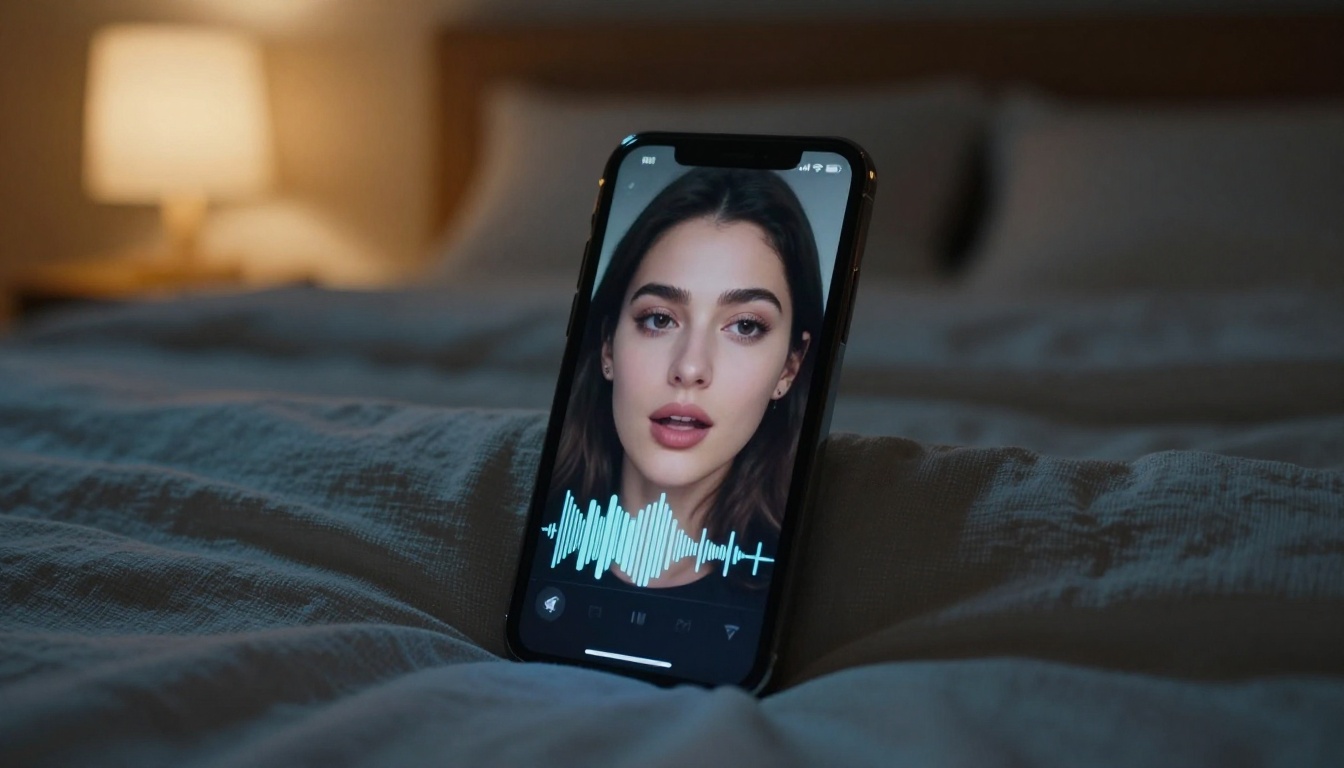
How to Build AI Voice Companions
Generate a Realistic Voice Response
PicassoIA gives direct access to the best text-to-speech models without requiring any coding or API credentials. Here is how to generate a realistic AI voice response for a companion app use case:
Step 1: Go to picassoia.com/en/all-models and navigate to the Text to Speech category.
Step 2: Select MiniMax Speech 2.8 HD for the highest audio quality, or Inworld Realtime TTS 2 for minimum latency.
Step 3: Paste your AI-generated companion response text into the input field. Choose your preferred voice from the available presets.
Step 4: Click generate. The audio is synthesized in seconds. Download or embed the result directly.
💡 Pro Tip: Qwen3 TTS lets you clone a specific voice by uploading a short audio sample. If you want your AI companion to speak in a particular tone (calming, warm, authoritative), this is the fastest way to achieve it.
Create a Talking Avatar
Combining TTS with lipsync produces the full AI companion experience: a face that speaks back in real time with a generated voice. The workflow is simpler than most people expect.
Step 1: Generate or choose a portrait-style image for your AI companion. This is the face that will be animated.
Step 2: Generate your audio using one of the TTS models above.
Step 3: Navigate to Omni Human 1.5 on PicassoIA. Upload the portrait as your source image and the audio as your input.
Step 4: Generate. Omni Human 1.5 returns a video of the face speaking your audio with natural mouth movements, eye behavior, and subtle head motion.
The entire workflow takes under five minutes and requires no technical background.

What to Actually Look For
Latency Is the Number One Factor
When evaluating free AI companion apps that talk back in real time, most people focus on voice quality. They should be focusing on latency first.
An okay-sounding voice that responds in 300ms is a dramatically better experience than a beautiful voice that takes 3 seconds. Human conversation has a natural rhythm of less than 500ms between turns. Once you exceed that, the interaction starts to feel like a satellite-delay phone call, not a conversation.
When testing any AI companion app with voice, measure the gap between when you stop speaking and when the AI starts responding:
- Under 500ms: Excellent, genuinely conversational
- 500ms to 1s: Acceptable for casual use
- Over 1s: The conversational rhythm breaks down
Voice Consistency Over Sessions
A companion app that sounds different every conversation, or that forgets the voice settings you chose, is frustrating. Look for apps and models that allow you to save a voice profile and apply it consistently.
ElevenLabs V3 and Chatterbox by Resemble AI both support custom voice creation that persists across sessions. This is essential if you want your AI companion to maintain a recognizable, consistent identity.
The Conversation Quality Baseline
Voice delivery and lipsync are presentation layers. The underlying conversation quality depends entirely on the LLM. A well-voiced AI giving shallow, repetitive answers loses its appeal within minutes.
The sweet spot for 2027 is pairing a fast, capable LLM with a high-quality TTS model. On PicassoIA, Kimi K2 Instruct from MoonshotAI has emerged as a surprisingly strong option for companion-style conversations because of its natural, flowing response style and strong long-context retention. Paired with Speech 2.8 Turbo for fast output, this combination creates a genuinely engaging conversational AI experience.
Voice Cloning and Personalization
Make It Sound Like Anyone
One of the most striking capabilities of modern AI voice tools is voice cloning. Upload a short audio clip of any voice, and the model learns to replicate it with near-perfect accuracy, including intonation patterns, accent, pace, and characteristic sounds.
This opens up compelling possibilities for AI companion personalization. You can design your companion to speak in a voice you find naturally calming, authoritative, warm, or simply pleasant to listen to for extended periods.
MiniMax Voice Cloning is the most accessible option on PicassoIA for this. It requires only a clean audio sample of around 10 seconds and produces cloned voice output that passes most casual listening tests with ease.
💡 Note: Use voice cloning responsibly. Cloning voices of real, identifiable people without their consent raises serious legal and consent issues in many jurisdictions. Best practice is to clone your own voice or use synthetic base voices as starting points.
Multilingual Companions
For users who want an AI companion in a language other than English, the 2027 TTS landscape has expanded considerably. Gemini 3.1 Flash TTS supports 70+ languages with 30 voice variants, making it one of the most versatile options for non-English AI companion applications. ElevenLabs V2 Multilingual covers 30+ languages with high voice quality and emotional expression.
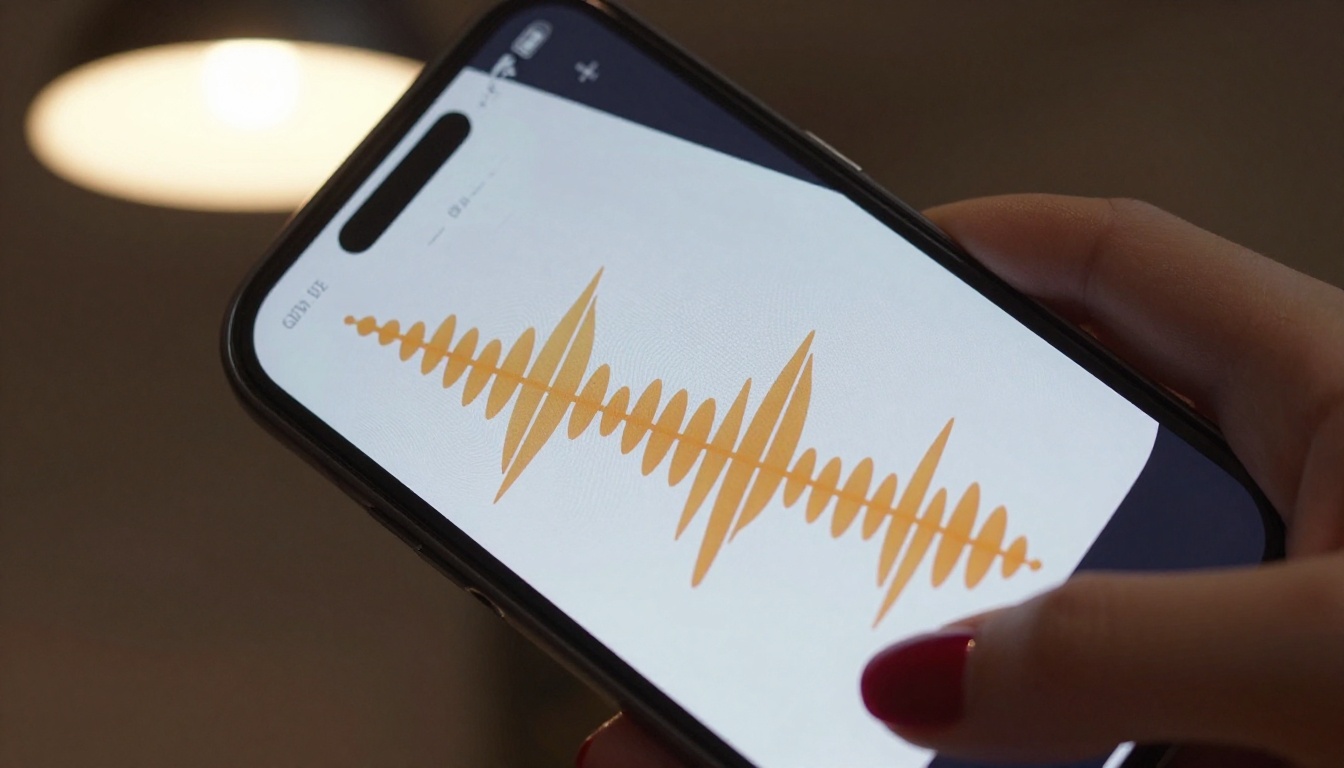
The Full-Stack AI Companion
Putting It All Together
A truly immersive AI companion that talks back in real time combines three layers:
- LLM layer: Generates contextually aware, emotionally intelligent responses. Best free options: GPT 5 Mini, Gemini 3 Flash, Llama 4 Scout Instruct.
- TTS layer: Converts text to natural-sounding voice. Best free options: ElevenLabs Flash v2.5, Inworld Realtime TTS 1.5 Mini, Speech 2.8 Turbo.
- Lipsync layer (optional): Animates a face to match the audio. Best options: Omni Human 1.5, P Video Avatar.
Each layer can be mixed and matched based on your priorities: speed, quality, realism, or free-tier access.
Most consumer companion apps bundle all three layers invisibly. But understanding the stack gives you the ability to evaluate what you are actually getting, and to build your own when no existing app hits the right combination.
Why PicassoIA Works for Experiments
PicassoIA gives you direct, no-code access to every layer of this stack. There is no infrastructure to manage and no complex interfaces to navigate. You pick a model, provide input, and get output. The platform hosts over 90 LLMs, 24 TTS models, and 12 lipsync models, all accessible from a single interface at picassoia.com/en/all-models.
For people who want to experiment with building their own AI companion voice experience, it is the fastest path from idea to working prototype, with no code required.

Start Talking
The best way to understand what free AI companion apps that talk back in real time actually feel like is to try one. Reading about latency figures and voice quality benchmarks only goes so far.
Start with one of the consumer apps listed above. Then, when you want to go deeper, head to picassoia.com/en/all-models and try building your own combination. Pick an LLM for the brain, a TTS model for the voice, and a lipsync tool if you want a face. Put them together. The technology is good enough in 2027 that the results will likely surprise you.
There is something different about an AI that speaks back. Once you have had that experience, text-only AI starts to feel like it is missing something fundamental. That sense of presence, that feeling that something is actually responding to you, is exactly what these tools are designed to create. Try it for yourself.


