Most people testing free AI companion apps hit the same wall within five minutes: the chat feels shallow, the voice sounds robotic, and the moment you send a photo, the app either ignores it or crashes. The gap between what these apps promise and what they deliver at zero cost is real, but it is closing fast. The underlying technology powering voice and photo responses has improved dramatically in the past 18 months, and some free options now do things that felt impossible to get without a subscription just a year ago.
This article breaks down how to find, evaluate, and actually use free AI companion apps with voice and photos, what makes some dramatically better than others, and how platforms like PicassoIA let you access the same large language models that power these apps directly.

What Separates Good From Forgettable
The word "companion" gets used loosely in app store descriptions. A basic chatbot that repeats your name and asks how your day went technically qualifies. What people actually want is something that responds without sounding scripted, talks back with a voice that does not make you flinch, and can look at a photo you took and say something genuinely useful about it.
Those three things, natural conversation, real voice, and photo understanding, require three completely different technical layers to work. Most apps get one right. Very few nail all three.
Voice Quality Sets the Ceiling
The voice layer matters more than most people expect. Even if the text response is perfect, a robotic or monotone voice breaks the experience immediately. Your brain is extremely good at detecting unnatural speech patterns, and a companion app that sounds like a 2018 GPS unit gets uninstalled within a day regardless of how smart the underlying model is.
The best AI voice generation models today operate under 200ms of latency and produce speech that is difficult to distinguish from a human recording. Inworld Realtime TTS 2 pushes toward that sub-200ms target specifically for interactive use cases where real-time feel matters. ElevenLabs V3 produces noticeably natural prosody, meaning the rise and fall of speech sounds emotionally appropriate to the content. MiniMax Speech 2.8 HD covers 30-plus languages with studio-quality output.
The apps that feel most natural are the ones routing their text through high-quality TTS models before audio reaches your ears, not the ones using older synthesis engines baked into the app itself.

Photo Understanding Changes Everything
Photo responses elevate a companion app from a fancy text tool into something that actually participates in your life. When your AI companion can look at a restaurant menu you photographed and discuss it, analyze a plant you are trying to identify, or react to a selfie you sent, it starts to feel like talking to someone who is actually paying attention.
This requires a multimodal model, not just a language model. The models handling this well have genuine vision capabilities built in. Gemini 3.5 Flash from Google handles image-plus-text inputs natively and responds in milliseconds. GPT-5 from OpenAI processes images with high contextual accuracy. Kimi K2.5 from Moonshotai also reads images alongside text, making it viable for companion apps where the user shares visuals frequently.
The photo latency problem is usually a bandwidth issue on the app's backend, not the model itself. Apps that resize images before sending them to the model feel faster. Apps that send full-resolution files make you wait.
Free AI Companion Apps Worth Your Time

The market splits cleanly into two categories: apps built specifically for companionship (character-focused, persona-driven) and general AI assistants that happen to work well as companions. Each has real advantages depending on what you are after.
Apps With the Best Voice Interaction
Apps that invest in low-latency voice feel markedly different from those that do not. When you say something and the response comes back within half a second in a natural voice, the experience crosses a threshold where it starts feeling less like using software and more like talking to someone.
The best performers in the free tier tend to use one of the following approaches:
- Streaming TTS: The text response is voiced as it generates, instead of waiting for the full response before speaking. This cuts perceived latency significantly.
- Voice selection options: Some apps let you choose a voice that fits the persona you want.
- Interruption handling: The AI stops talking when you start. Apps without this feel like a one-sided conversation.
Gemini 3.1 Flash TTS supports 30 distinct voices across 70-plus languages and is accessible through Google's ecosystem at no cost with rate limits. ElevenLabs Flash v2.5 is the speed-optimized version for real-time conversation flows.
💡 Tip: When evaluating a voice AI companion, count the seconds between when you finish speaking and when the AI starts responding. Anything over 2 seconds will feel unnatural in extended conversation.
Apps That Actually Process Photos Well
Photo-capable AI companions are rarer than they should be. The free versions of most character AI apps strip out image features or limit you to a handful of uploads per day. General AI assistants tend to handle photos better on free tiers.
What to look for:
- Image description depth: Does the AI describe what is actually in the photo, or does it give a generic summary?
- Contextual reaction: Does the response connect the photo to your ongoing conversation?
- Speed: Under 3 seconds for a photo response is acceptable. Over 5 is frustrating.
The multimodal models available through PicassoIA include Gemini 3 Flash, GPT-4o, and Qwen3.7 Plus, all of which handle image inputs as part of a conversation context.
What the Free Tier Really Gives You
Free tiers across AI companion apps share a predictable structure. You get a limited number of messages per day, reduced voice quality compared to paid tiers, and often no photo support. The exact limits vary:
| Feature | Typical Free Limit | Paid Tier |
|---|
| Messages per day | 20-50 | Unlimited |
| Voice responses | Low quality or off | HD, low-latency |
| Photo inputs | 0-5 per day | Unlimited |
| Model quality | Smaller or older model | Latest model |
| Response speed | Throttled | Priority queue |
The exceptions are general-purpose AI platforms that function well as companions. Access to powerful models through PicassoIA at no cost means you can have conversations with GPT-5 Mini, Llama 4 Scout Instruct, or Deepseek v3.1 without a subscription.
How LLMs Power Today's AI Companions
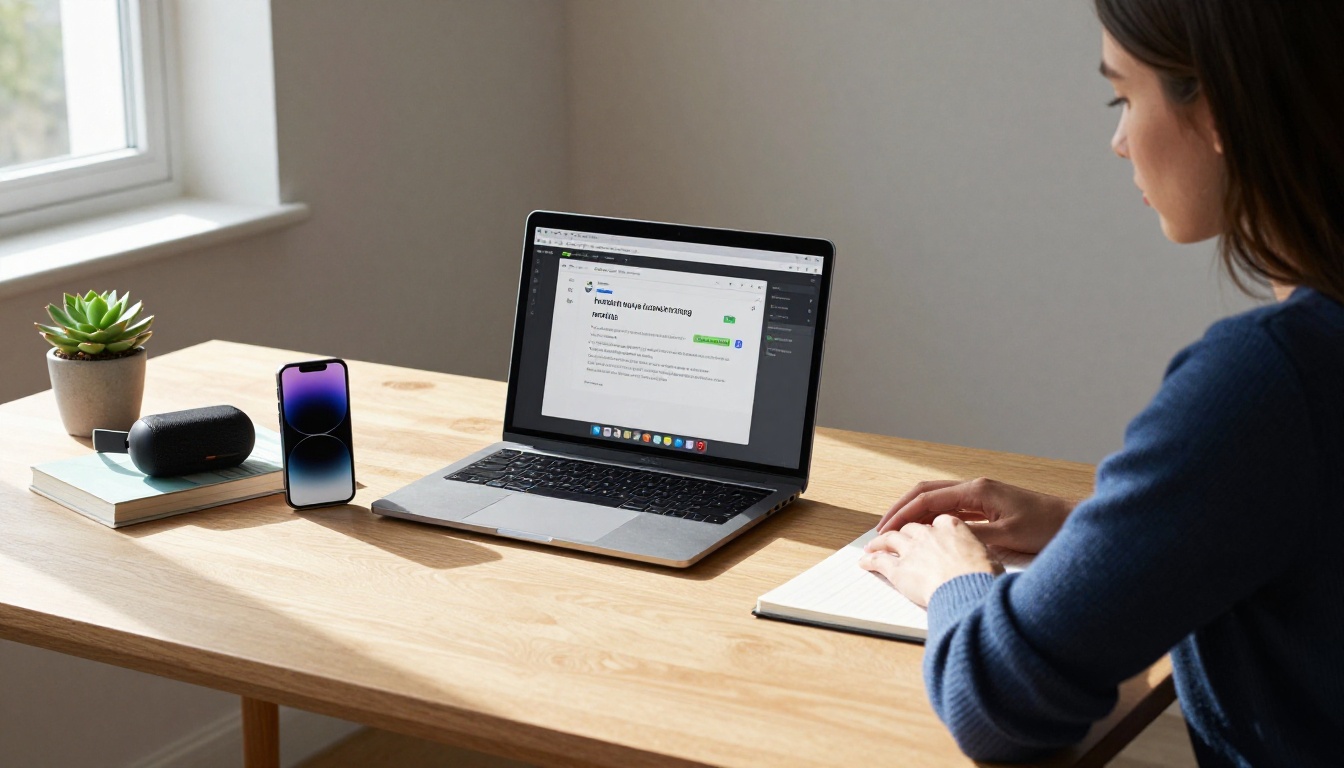
Every AI companion app runs a language model at its core. The model determines the quality of the conversation, the depth of responses, and how well the companion maintains context over time. The model is also the piece you have almost no control over in dedicated companion apps: it is chosen for you.
GPT-5 and Real Conversational Depth
GPT-5 represents a generational improvement in what a conversational AI can do with a prompt. It remembers context across long exchanges, infers emotional tone, and adapts its language style to match yours over time. When used as the backbone of a companion app, these traits translate into conversations that feel less like scripted Q&A and more like genuine back-and-forth.
GPT 5.2 and GPT 5.4 build on this further, with faster output and stronger instruction-following for applications that need the AI to maintain a specific persona consistently.
Gemini's Native Multimodal Edge
Google's Gemini models were built from the start with vision and audio in mind, not added as features later. Gemini 3.1 Pro and Gemini 3.5 Flash can receive text, images, and audio in the same prompt and respond to all three coherently. For a companion app, this means the AI can process a voice message, a photo you sent, and a written note together, which is how people actually communicate.
The Flash variant is optimized for speed, making it well-suited for real-time voice interaction where latency matters more than extended reasoning depth.
Open-Source Models for Private Companions
Not everyone wants their personal conversations routed through commercial servers. Open-source models give users the option to run a companion locally, with no data leaving their device. Llama 4 Maverick Instruct and Meta Llama 3.1 405B Instruct from Meta are both capable of sustained conversational quality. Deepseek R1 offers strong reasoning that benefits complex or emotional conversation threads.
For users who prefer open-source but do not want to manage their own infrastructure, these same models are accessible through PicassoIA's platform without setup.
Voice Generation Behind the Experience
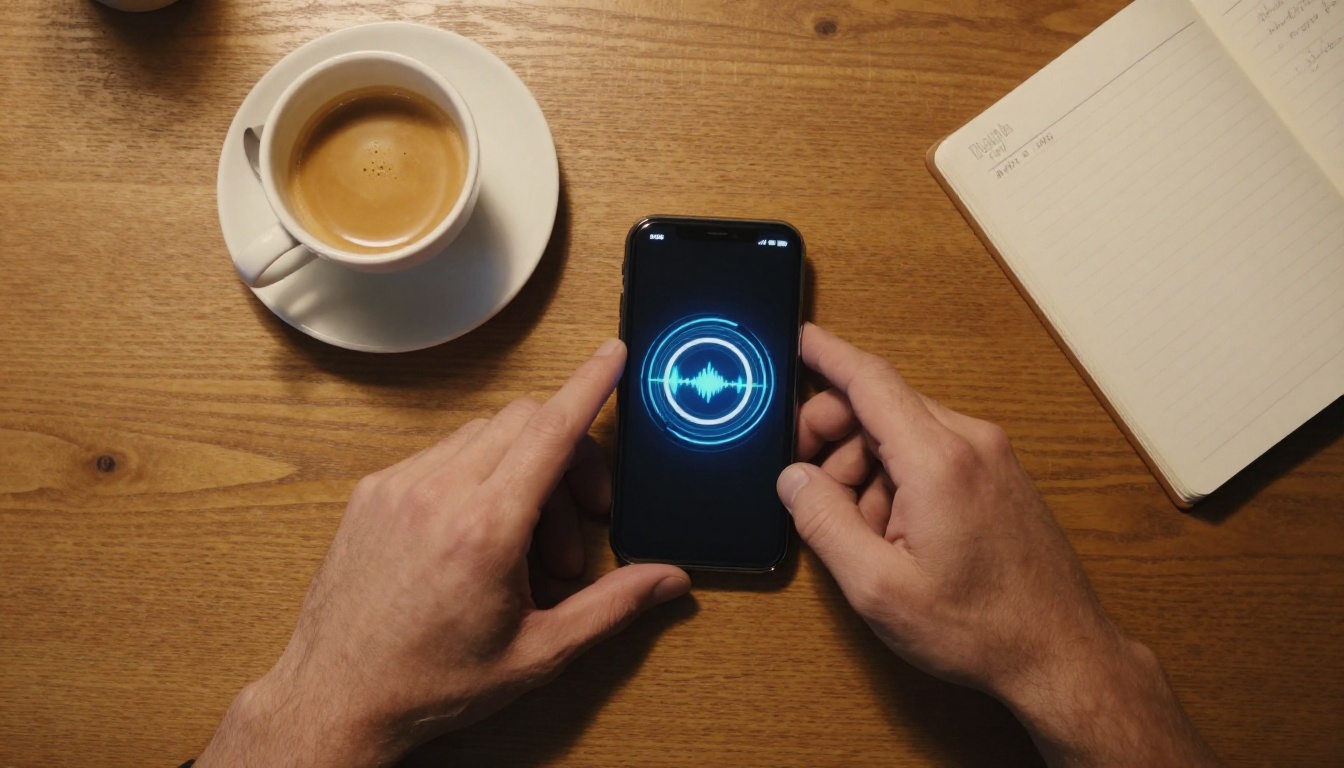
The voice you hear from an AI companion is produced by a separate text-to-speech system layered on top of the language model. Understanding this separation helps explain why some apps sound great and others do not: they may use the same underlying LLM but drastically different voice models.
Why TTS Latency Matters
In a voice conversation, every millisecond of delay registers emotionally. A 400ms pause between your message and the AI's vocal response starts to feel uncomfortable. A 1-second pause breaks conversational flow. A 3-second pause makes the interaction feel like navigating a phone menu.
The newer generation of TTS models specifically addresses this. Inworld Realtime TTS 1.5 Mini hits 120ms latency targets for voice generation. Inworld Realtime TTS 1.5 Max stays under 200ms while adding voice quality improvements. These latency numbers make real-time back-and-forth voice conversations feel natural rather than transactional.
The Best Voices Available Free
Voice quality is subjective, but some models stand out consistently across use cases:
- ElevenLabs V3: Natural prosody and emotional range. Among the most human-sounding options for English.
- MiniMax Speech 2.8 HD: Studio-quality output with strong multilingual support across 30-plus languages.
- Qwen3 TTS: Can clone any voice or build a custom voice profile, useful for making a companion feel consistent across sessions.
- Chatterbox Pro: Strong emotion control, letting the AI voice respond appropriately to the emotional weight of a conversation.
- Play Dialog: Designed for dialogue rather than narration, aligning well with the back-and-forth structure of companion conversations.
- Speech 2.8 Turbo: MiniMax's faster variant for when speed takes priority over maximum audio quality.
💡 Note: Companion apps that let you switch TTS models offer significantly more flexibility than those locking you into a single voice. PicassoIA's platform exposes these voice models directly.
Building Your Own AI Companion on PicassoIA

Rather than fitting yourself to whatever a pre-built companion app offers, PicassoIA lets you access the individual components and combine them as you want. You are not locked into one model, one voice, or one feature set.
Choosing Your LLM
Start with the conversation model. For most companion use cases, you want something that balances speed and conversational quality:
Adding a Voice Layer
Once you have your conversation model selected, connect a TTS model for voice output. The choice depends on what you prioritize:
Enabling Photo Responses
For photo input, choose a multimodal model that handles vision alongside text. GPT-4o, Gemini 3.5 Flash, and Qwen3.7 Plus accept image inputs natively within their chat interfaces. You can send a photo and a text message together, and the model processes both as a single request.
Granite Vision models from IBM, specifically Granite Vision 4.1 4B and Granite Vision 3.3 2B, are lighter-weight vision options suited to specific visual tasks like reading charts or parsing documents within a companion context.
Free vs. Paid: The Real Trade-offs

The honest answer to "can I get a great AI companion experience for free?" is: yes, with caveats. Here is what the trade-off looks like across different platform types:
| Platform Type | Free Conversation Quality | Free Voice Quality | Free Photo Support | Rate Limits |
|---|
| Dedicated companion apps | Medium | Low | Rarely | Heavy |
| General AI assistants | High | Varies | Often yes | Moderate |
| Direct model platforms (PicassoIA) | High | High | Yes (multimodal models) | Reasonable |
| Self-hosted open-source | High | Depends on setup | Yes | None |
The biggest trade-off in free tiers is always rate limiting, not model quality. The model quality available for free through platforms like PicassoIA is genuinely impressive. What you give up is the ability to use it continuously throughout an entire day without hitting limits.
💡 Reality check: A free tier with 30 messages per day sounds restrictive, but if you are using an AI companion for focused, intentional sessions rather than constant passive availability, that limit covers a lot of ground.
Privacy, Limits, and What You're Agreeing To

Companion apps that process personal conversations and photos sit closer to sensitive personal data than a productivity tool. These questions are worth asking before you commit:
Where do conversations go? Most apps store conversation history on their servers to maintain context. Check whether they use your conversations to train their models, as some services do by default. Opting out is usually possible but buried in settings.
What happens to the photos you send? Images sent to AI models for analysis may be cached temporarily or stored indefinitely depending on the service. Read the data retention section of the privacy policy, not just the summary at the top.
Is free tier data treated differently? Some services apply looser data practices to free accounts. Paid tiers sometimes include data isolation or training opt-out options that free tiers do not offer.
Open-source models running locally sidestep these concerns entirely. Llama 4 Maverick Instruct and Deepseek R1 can run on capable local hardware, keeping every conversation and photo on your own device. For users who want platform access without managing infrastructure, PicassoIA connects you to these same models without the setup overhead.
Start Building Your AI Companion Now

Free AI companion apps with voice and photos are no longer a novelty or a compromise. The same underlying models powering the best paid experiences are accessible for free, either through platform free tiers or directly through services like PicassoIA that put those models within reach.
The smart approach is to stop looking for the single perfect companion app and instead understand what each component does: the LLM handles the conversation, the TTS model handles the voice, and a multimodal model handles photos. Mix and match based on what matters most to you.
PicassoIA puts GPT-5, Claude Sonnet 4.6, Gemini 3.5 Flash, ElevenLabs V3, and dozens of other models in the same place, so you are not hunting across five different services. Start with the conversation model that feels right for what you want, add a voice layer, and try sending a photo. The best AI companion experience is the one you build to fit how you actually communicate.
Visit picassoia.com/en/all-models to see every available model across conversation, voice generation, and image understanding, all accessible without a subscription.


