Building a free AI companion designed for adults has never been more within reach. The right combination of image generation and large language models lets you design a persona that looks, speaks, and responds exactly the way you want, without technical background, without paying per generation, and without running into censorship walls every five minutes.

What an AI Companion Builder Actually Does
An AI companion builder is a workflow, not a single button. You combine a visual generation model that creates your companion's appearance with a large language model that gives it personality, conversational ability, and a defined voice. The result is a custom AI persona you interact with on your own terms.
Most mainstream platforms add friction: content filters, credit limits, safety guardrails that block creative scenarios the moment things get interesting. PicassoIA takes a different position. Its catalog of 91+ text-to-image models and 75+ large language models includes options that work without those restrictions, so your creative vision stays intact from concept to output.
More Than a Chatbot
The early AI companion apps were simple text interfaces. You typed, a bot responded in a predictable loop. The personas were shallow because there was nothing visual anchoring them.
Today, combining a photorealistic image model with a capable LLM changes what "companion" means. You generate an appearance, iterate on it until it matches what you had in mind, then pair that with a language model that maintains character, holds context, and responds with the tone you set. The two components together create something that feels genuinely designed, not assembled from pre-made templates.
Visual Meets Conversational
💡 The most effective AI companions pair a photorealistic image model for appearance with a reasoning LLM for personality. Neither works as well alone.
The visual side determines how your companion looks in any scenario you create. The conversational side determines how it thinks, responds, and maintains its character across long interactions. PicassoIA hosts both categories in the same platform, which means you do not need to manage multiple accounts or stitch together outputs from separate tools.
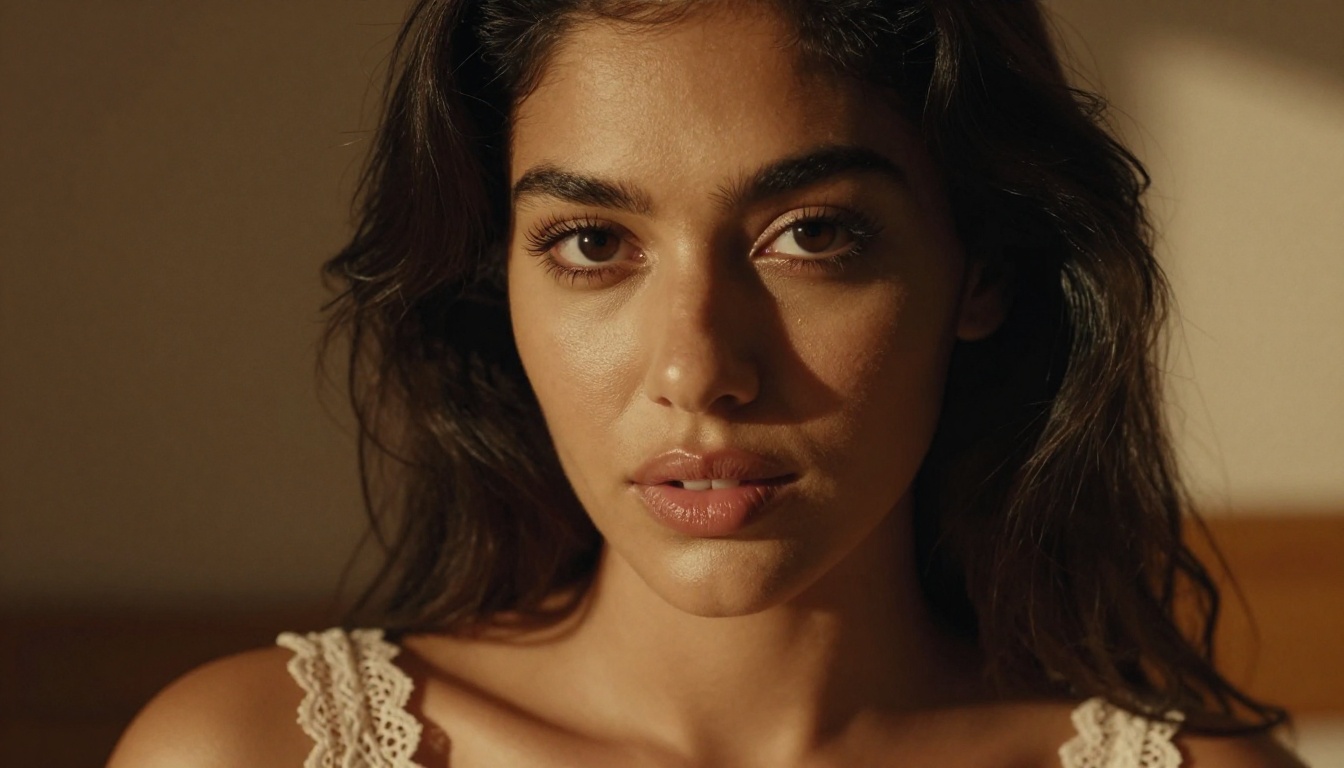
Best NSFW Image Models on PicassoIA
The image models below are the ones that actually accept adult content. Every model on this list generates photorealistic output and is available directly on PicassoIA.
Seedream 4.5 Leads the Way
Seedream 4.5 is the top recommendation for any adult AI companion project. It accepts NSFW prompts, generates highly realistic results, and supports image editing, so you can refine your companion's appearance without starting from scratch each time. Generation time is under 3 seconds, which matters when you are iterating on dozens of variations.
Its successor, Seedream 5 Lite, does not support NSFW content, so stick with Seedream 4.5 for adult content work.
| Feature | Seedream 4.5 |
|---|
| NSFW Support | Yes |
| Generation Speed | Under 3 seconds |
| Image Editing | Yes |
| Realism Level | Very high |
PicassoIA Image Editor Pro for Unlimited Personas
PicassoIA Image Editor Pro operates as an image-to-image model, which means you can take any image of your companion and refine it, adjust the styling, change the scene, or modify details without regenerating the entire output. The critical advantage here is unlimited generations on Elite and Infinite plans.
Consider the math: generating 1,000 variations on models like Nano Banana 2 costs roughly $100. On PicassoIA Image Editor Pro, those same 1,000 generations cost nothing extra because they are included in your subscription. For companion building, where iteration is everything, that difference is significant. Results arrive in under 1 second, and there is a 3-generation free trial with no credit card required.
More Models Worth Knowing
Beyond the two primary recommendations, PicassoIA hosts several models that add range:
- Qwen Image 2 — Open source, accepts NSFW, and produces very detailed realism from both text prompts and image edits
- Grok Imagine Image — Especially strong at style transformations, including converting any photo to different outfit scenarios
- Recraft V4 — Text-to-image only, but the output realism is exceptionally high
- P-Image — NSFW text-to-image that generates in under 1 second, useful for rapid first drafts
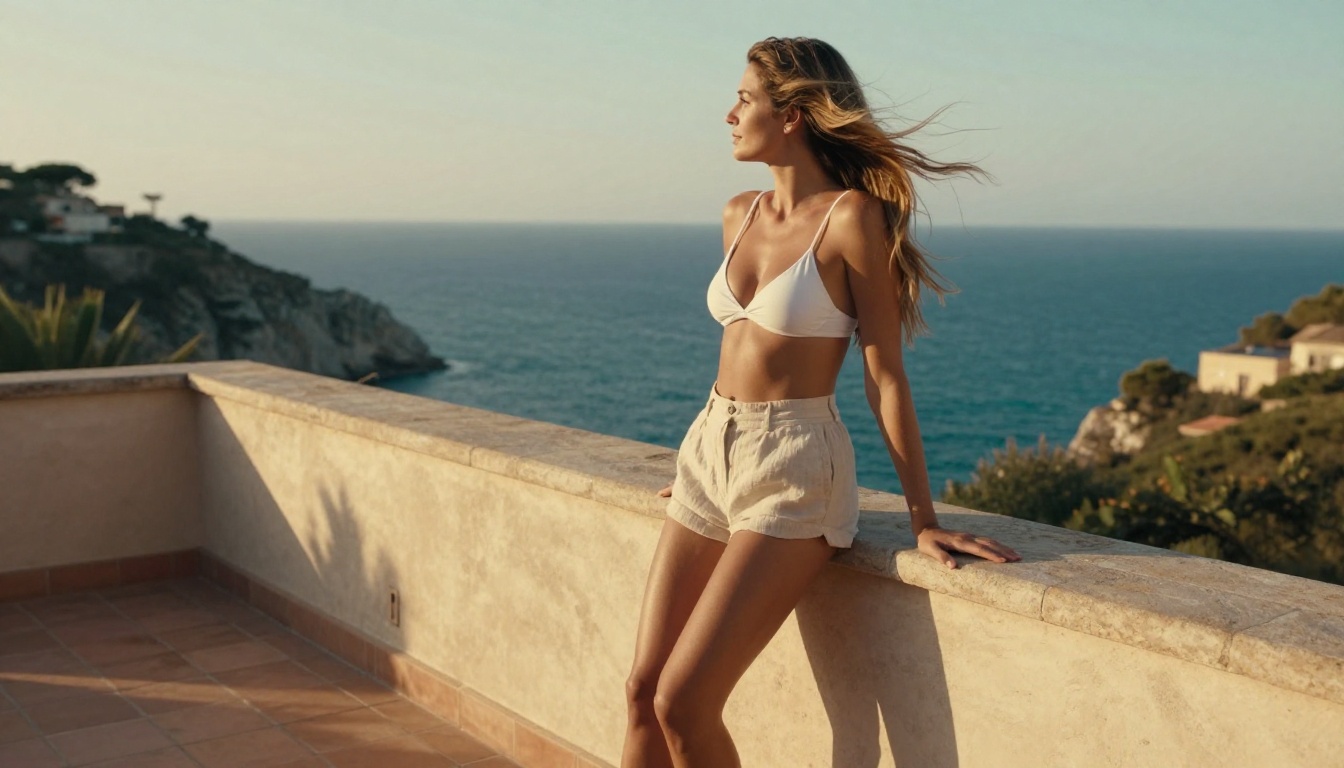
How to Build Your Companion Step by Step
There is no single right workflow, but this sequence works reliably for most people building an adult AI companion from scratch.
Define Your Companion's Look and Personality
Before opening any generation tool, write out what you want. Specificity is what separates generic outputs from something that actually matches your vision.
For the visual:
- Age range, build, hair color and texture, skin tone
- Default outfit or style (casual, glamour, professional, relaxed)
- Setting or environment (modern apartment, outdoor locations, studio)
- Lighting and mood (warm golden hour, cool studio, dramatic evening)
For the personality:
- Tone of voice (warm and nurturing, confident and direct, playful and witty)
- Conversational style (short punchy responses or detailed and expressive)
- Topics they engage with well
- How they handle creative or adult scenarios
The more specific your starting point, the fewer iterations you need later.
Generate Visuals with Seedream 4.5
Open Seedream 4.5 and enter a detailed prompt. Structure it: [Subject description] + [outfit and styling] + [environment] + [lighting] + [camera angle and lens] --ar 16:9 --style raw.
💡 Prompt tip: Write your Seedream 4.5 prompts the way a photographer would brief a shoot. Describe the light source direction, the lens focal length, and the texture of surfaces. "Natural morning light from the left, 85mm f/1.4, visible skin pore texture" produces dramatically better results than "beautiful woman, realistic."
Once you have a strong base image, bring it into PicassoIA Image Editor Pro to iterate. Change the setting, adjust the outfit, try different lighting without rebuilding the visual identity from scratch.
Choose the Right LLM for Personality
Pairing your visual companion with the right language model determines how satisfying the conversational experience is. The image is the body; the LLM is the mind.

LLMs That Power Your Companion's Mind
PicassoIA hosts 75 large language models. For adult companion work, the ones below offer the right balance of conversational depth, context retention, and creative range.
GPT 5 for Deep Conversation
GPT 5 handles long context windows and maintains character consistency across extended interactions better than almost anything else available. If your companion needs to remember earlier parts of a conversation, respond to nuance, and stay in character during complex scenarios, GPT 5 is the strongest option.
GPT 5 Pro adds built-in reasoning, which shows up in how it handles ambiguous or multi-part prompts. For roleplay that requires the companion to hold a complex character through many turns of conversation, the reasoning capability matters.
Claude Sonnet 5 for Creative Roleplay
Claude Sonnet 5 is particularly strong at creative writing and roleplay scenarios. Its prose quality is high, which means companion responses feel more natural and less like AI output. For companions built around storytelling or narrative scenarios, Claude Sonnet 5 produces noticeably better character voice.
Claude Opus 4.7 steps up for more elaborate scenarios where you need extended reasoning alongside high-quality prose. It codes, reasons, and writes at a level that makes companion personalities feel genuinely dimensional.
Open-Source Options
For users who want more control or lower cost:
- Llama 4 Maverick Instruct — Fast, capable, free AI chat with strong conversational performance
- Deepseek R1 — Reasoning-first model that handles complex multi-turn conversations with depth
- Gemini 3.5 Flash — Fast response times, ideal for lighter companion interactions that prioritize speed
| LLM | Best For | Speed |
|---|
| GPT 5 | Deep long-context conversation | Fast |
| Claude Sonnet 5 | Creative roleplay and prose | Fast |
| Llama 4 Maverick | Free open-source chat | Very fast |
| Deepseek R1 | Complex reasoning scenarios | Moderate |
| Gemini 3.5 Flash | Quick casual interactions | Very fast |
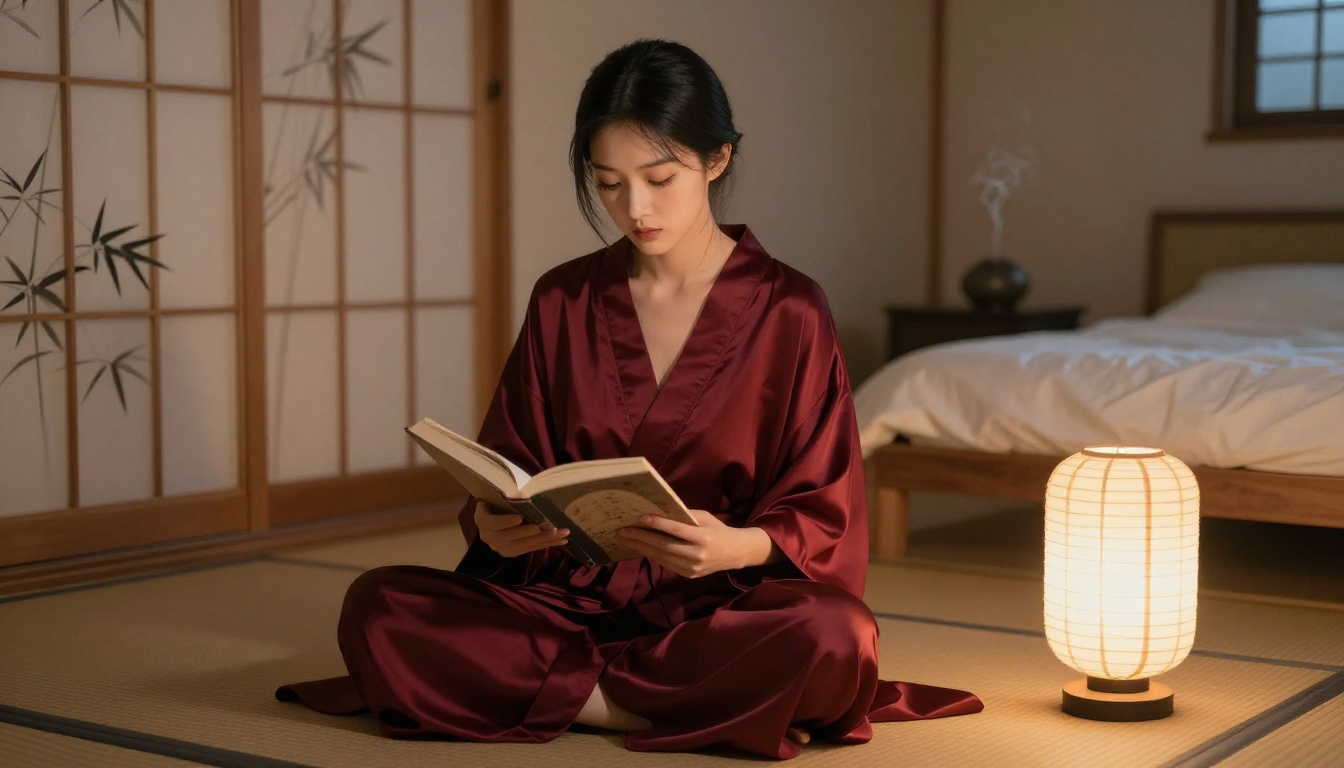
The adult AI companion space is filled with platforms that promise freedom and then add friction once you start creating. PicassoIA is different in three ways that matter.
No Content Filters Blocking Creativity
Most mainstream image generators either refuse NSFW prompts outright or water down results to the point of uselessness. The models featured in this article, including Seedream 4.5, PicassoIA Image Editor Pro, Qwen Image 2, and P-Image, do not apply those restrictions. You write what you want, and the model generates it.
This is not a minor convenience. For companion building, content restrictions mean constantly rewriting prompts to avoid trigger words, losing hours to workarounds, and ending up with outputs that do not match what you actually wanted. Removing that barrier makes the entire process faster and more satisfying.
Unlimited Generations on Elite Plans
Most generation platforms charge per image. At scale, that adds up fast. PicassoIA Image Editor Pro breaks that model. Elite and Infinite subscribers generate as many images as they want with no additional cost per generation.
For companion building specifically, unlimited generations change what is possible. You can iterate freely. Try fifty variations of the same scene. Experiment with different lighting setups. Generate every outfit option you can think of. None of that extra exploration costs anything beyond the subscription.
Speed That Changes the Experience
💡 Seedream 4.5 generates in under 3 seconds. PicassoIA Image Editor Pro delivers results in under 1 second. At that speed, iteration feels instant rather than laborious.
When generation is slow, you become conservative with your prompts. You test fewer ideas. When it is near-instant, you try everything. That shift in creative behavior produces better companions because you do not stop iterating before you find what you actually wanted.

Real-World Uses for Adult AI Companions
Understanding what people actually use these tools for makes it easier to design a companion that serves your specific purpose.
Creative Writing and Storytelling
Writers use AI companions to populate their narratives with consistent characters. Rather than describing a character repeatedly to themselves, they generate a visual reference and pair it with an LLM that holds that character's voice across long sessions. The companion becomes a writing partner that stays in character as the story develops.
Claude Sonnet 5 is particularly effective here because of its prose quality. Pair it with a Seedream 4.5 visual and you have a character that feels three-dimensional from both directions.
Personal Entertainment
The most common use case is simply having an AI companion that responds the way you want without restrictions. Users build companions with specific personalities, aesthetics, and conversational styles, then interact with them on their own schedule.
The advantage of building your own companion on PicassoIA rather than using a pre-built app is control. You choose the model. You choose the personality parameters. You choose what the companion looks like. Nothing is decided by someone else's template.
Character Design for Creators
Adult content creators use these tools to design character references for their own work. A generated image from Seedream 4.5 becomes a consistent visual reference. Multiple scenes of the same character in different settings are generated through PicassoIA Image Editor Pro, maintaining visual consistency without photoshoots.
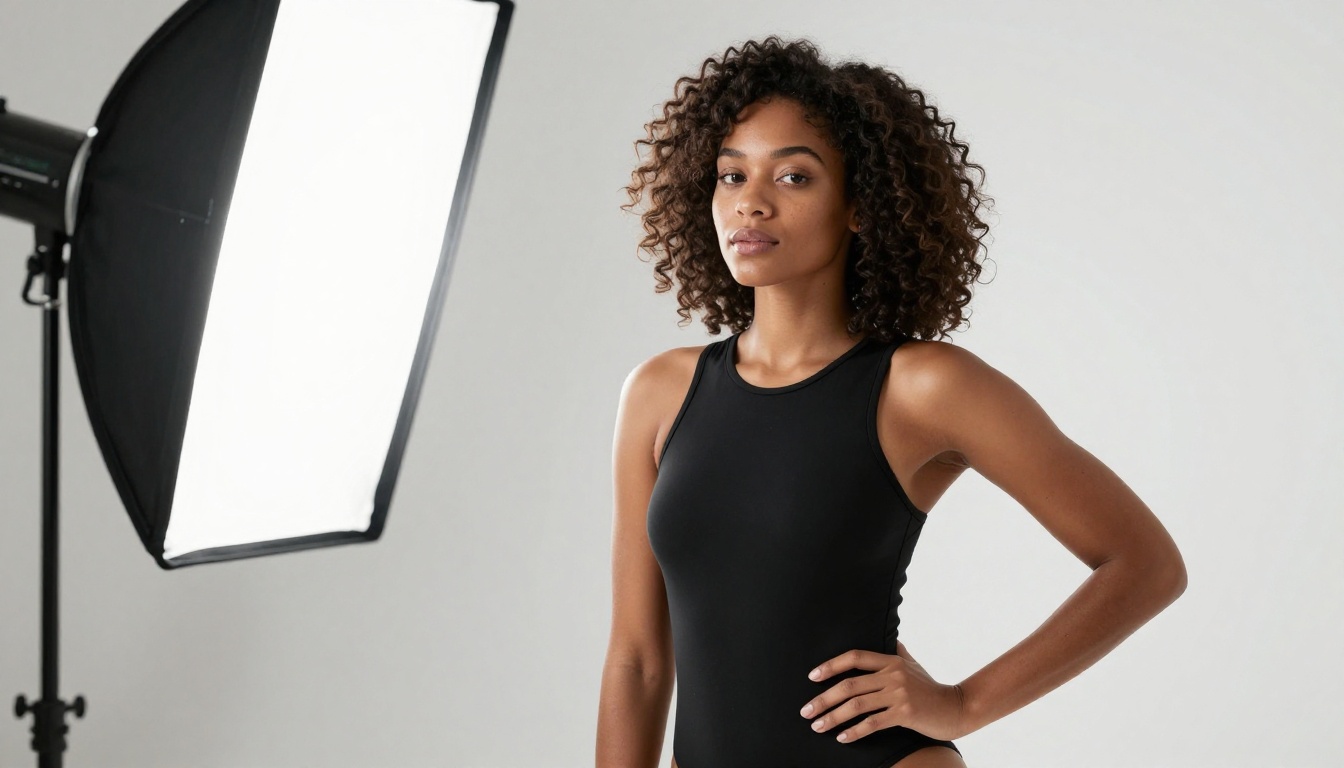
Models for Editing and Styling Your Companion
Generating a strong base image is only the beginning. These models let you iterate, modify, and refine your companion's visual identity across different scenarios.
Qwen Image 2 for Realistic Edits
Qwen Image 2 accepts both text prompts and image inputs. When you have a base image you like, Qwen Image 2 lets you describe a specific change, such as adjusting the lighting to evening or shifting the outfit to something more casual, and applies it with high realism. The open-source architecture means it applies fewer restrictions to what it will modify.
Grok Imagine Image for Style Transfers
Grok Imagine Image is strong at style transfers and outfit changes. Feed it an existing image of your companion and describe the variation you want. It handles the transformation realistically, particularly for styling changes that involve clothing, accessories, or setting shifts.
This model pairs naturally with Seedream 4.5 in a two-step workflow: use Seedream for initial high-quality generation, then Grok Imagine Image for specific stylistic variations.
Recraft V4 for Portrait Work
Recraft V4 produces some of the most realistic portrait outputs available on the platform. As a text-to-image model, it works best when you are generating a fresh image from a detailed prompt rather than iterating on an existing one. For establishing a companion's visual identity in portrait format, it delivers exceptional results.

What Makes a Companion Feel Real
Visual quality and conversational ability both matter, but there is a third element most people underestimate: consistency.
A companion that looks different every time you generate them does not feel like the same person. An LLM that loses track of the character's established personality after a few exchanges breaks the experience. Both problems are solvable with the right approach.
For visual consistency:
- Save the seed value from successful Seedream 4.5 generations so you can return to the same base
- Use PicassoIA Image Editor Pro for scene variations rather than regenerating from scratch
- Build a consistent prompt template that anchors the key physical traits
For conversational consistency:
- Write a detailed system prompt that defines the companion's personality, speech patterns, and how they handle specific topics
- Use models with long context windows, such as GPT 5 or Claude Opus 4.7, so they retain earlier conversation details
- Include personality anchors: phrases or responses the companion always uses that make them feel recognizable
💡 The combination of a photorealistic visual identity and a well-defined LLM persona is what separates a compelling AI companion from a generic chatbot. Neither element is sufficient alone.

Start Creating Your Own Companion Now
Everything described in this article is available right now on PicassoIA. You do not need coding skills. You do not need an expensive subscription to begin. Seedream 4.5 accepts your first prompt today, and PicassoIA Image Editor Pro offers 3 free generations with no credit card required.
The models are there. The LLMs are there. The only thing missing is your idea of what your companion should look like and how they should speak.
Start with a specific visual concept. Write the prompt with as much detail as you can. Generate, iterate, refine. Then pair the result with an LLM that matches the personality you have in mind. Within an hour, you can have a companion that looks exactly how you imagined and responds in a voice that feels designed rather than generic.
For companion video, PicassoIA Video offers unlimited video generation from text prompts at up to 720p, and P-Video takes it further with outputs up to 1080p and its safety filter off by default. When you are ready to bring your companion to life in motion, both are available in the same platform.
The full catalog of available models, including every NSFW-capable image generator and every LLM listed in this article, is at picassoia.com/en/all-models.


