Looking for free AI editing tools that actually work? You're not alone. The promise of artificial intelligence transforming photo and video editing has created massive interest, but finding genuinely free tools that deliver professional results can feel like searching for a needle in a haystack. Between subscription traps, watermarked exports, and limited functionality, many "free" tools leave users frustrated.
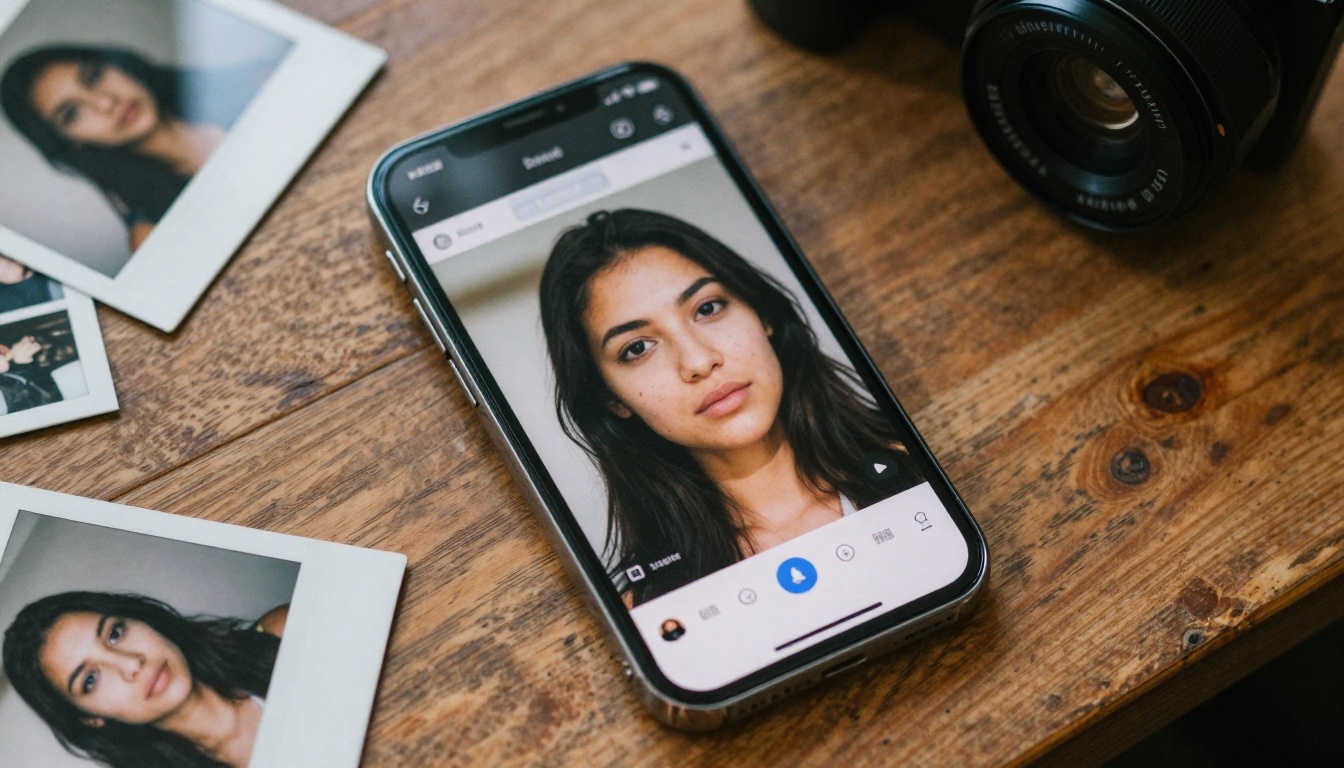
Before and after comparison showing AI photo enhancement capabilities
The reality is more nuanced. While premium AI editing suites like Adobe's offerings dominate professional workflows, genuinely useful free tools exist for both photos and videos. These tools leverage neural networks for specific tasks rather than trying to replace comprehensive editing software.
The Current State of Free AI Editing
AI editing has evolved from novelty to practical toolset. What began as simple filters has transformed into sophisticated neural networks capable of understanding image content, recognizing objects, and making intelligent adjustments. The free tier of these tools typically offers:
- Basic enhancement algorithms for quick fixes
- Limited but functional object recognition
- Web-based interfaces requiring no installation
- Mobile applications for on-the-go editing
- Community-driven improvements through user feedback
💡 Key Insight: Free AI tools excel at specific, repetitive tasks rather than comprehensive editing. They're perfect for automating the boring parts of your workflow.
Photo Editing vs Video Editing Tools
The AI editing landscape splits clearly between photo and video tools, each with different technical challenges and available solutions:
| Photo AI Tools | Video AI Tools | Key Differences |
|---|
| Instant processing | Longer processing times | Video requires frame-by-frame analysis |
| Higher quality free tiers | More limited free options | Video processing demands more resources |
| Web-based and mobile | Mostly web-based | Mobile video editing lags behind photo |
| Better object detection | Basic stabilization | Real-time video AI is computationally intensive |
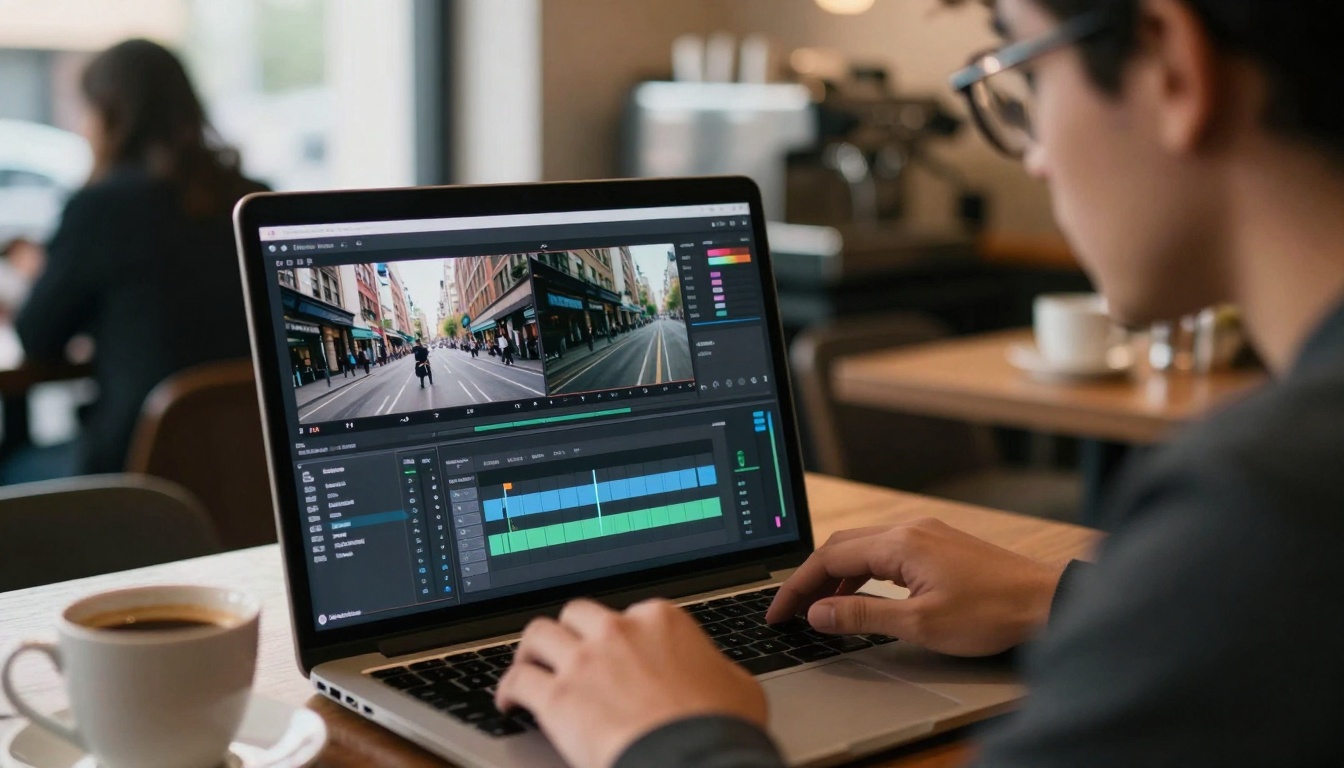
AI video stabilization transforming shaky footage into smooth motion
Free AI Photo Editors That Deliver
Several free photo editing tools consistently deliver useful results without hidden costs or subscription requirements. These tools specialize in specific areas where AI provides clear advantages over manual editing.
Background Removal Without Cost
Background removal represents one of AI's strongest applications in photo editing. Free tools like remove.bg (with its free tier) and integrated solutions in platforms like Canva offer surprisingly good results for:
- Product photography isolation
- Portrait background replacement
- E-commerce image preparation
- Social media content creation
The neural networks powering these tools have been trained on millions of images, learning to distinguish foreground subjects from backgrounds with remarkable accuracy. For simple objects and clear contrasts, free tools often achieve results comparable to paid alternatives.
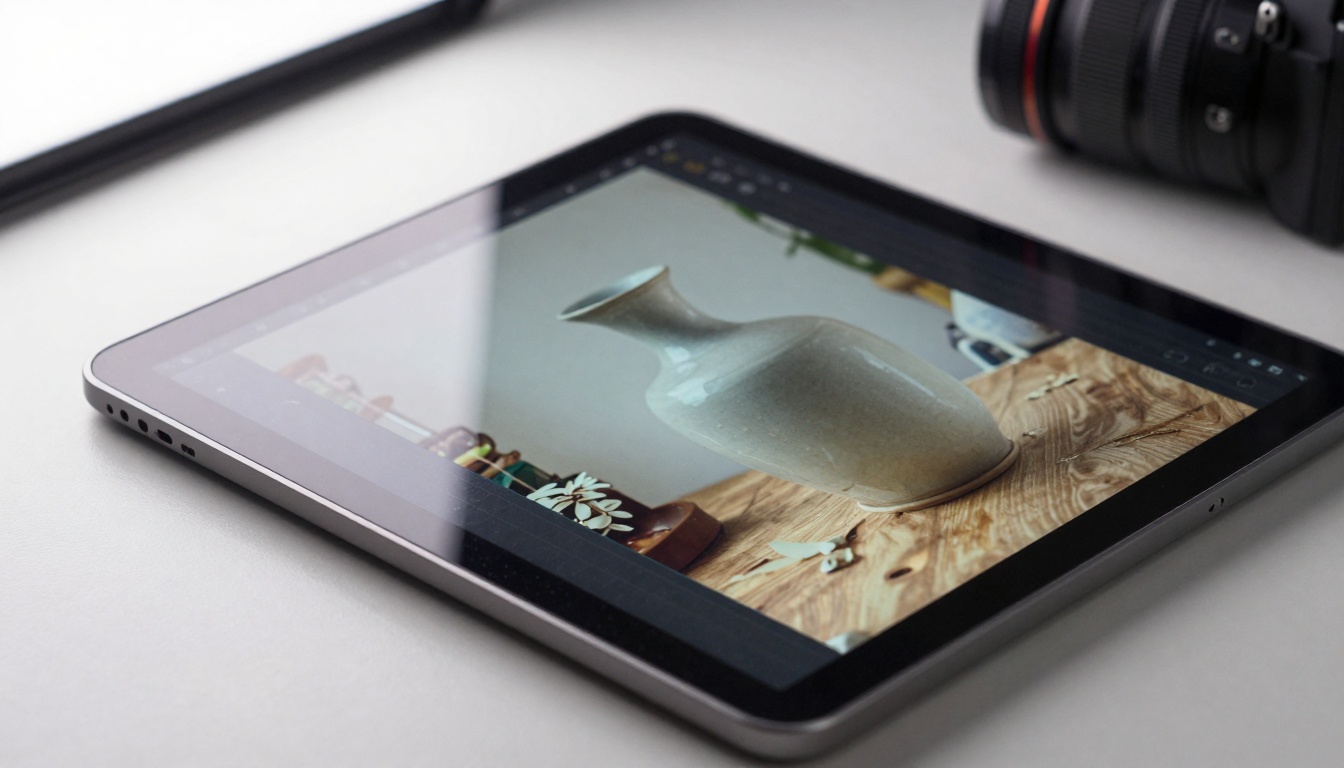
Precision AI background removal on product photography
Color Correction and Enhancement
AI color correction tools analyze image content to make intelligent adjustments that would require manual skill and time. Free options include:
- Photopea's AI color matching
- Pixlr's auto-enhancement features
- Fotor's one-click improvement tools
- Online editors with neural network filters
These tools examine color distribution, contrast levels, and lighting conditions to apply adjustments that generally improve image quality. While they can't replace a skilled color grader's judgment for critical work, they provide excellent starting points for casual editing.
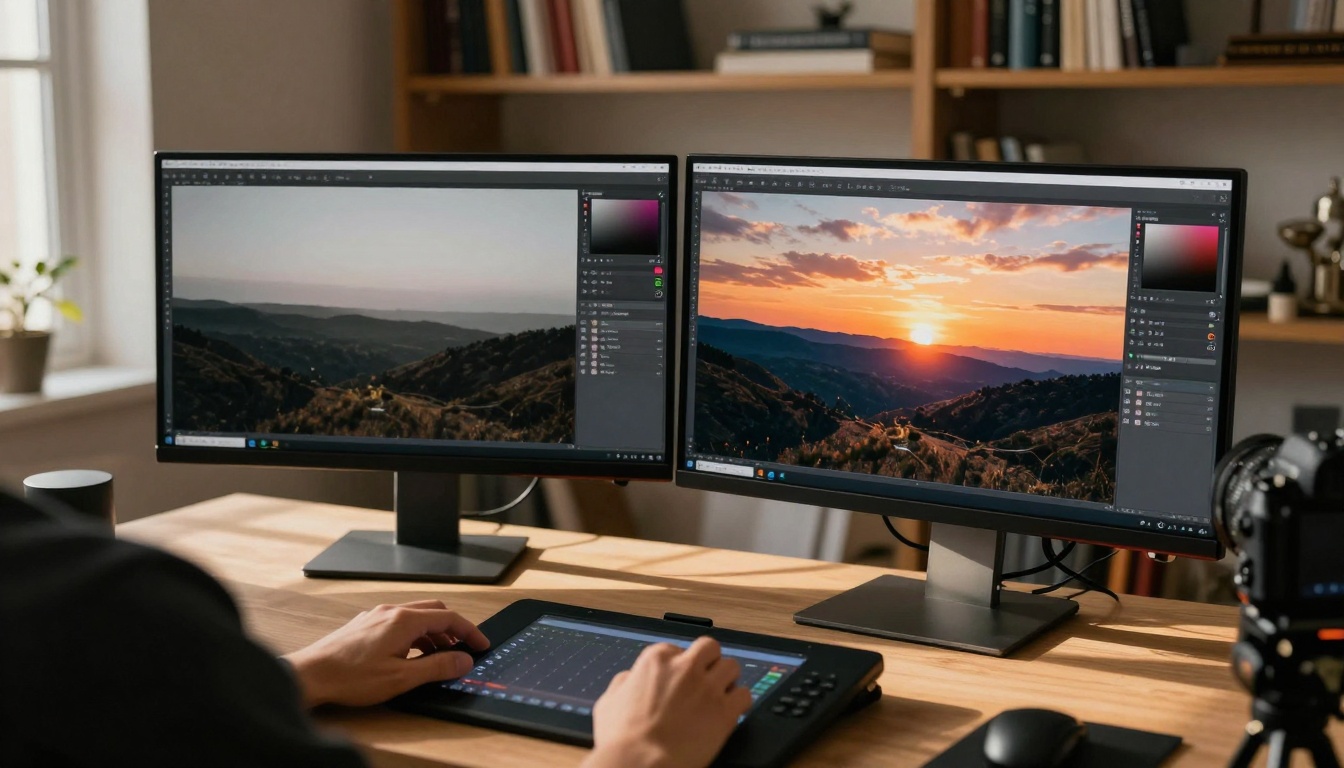
Dramatic color transformation through AI correction
Face and Skin Retouching
AI-powered face editing has advanced significantly, with free tools offering capabilities that were once exclusive to professional software:
- Automatic skin smoothing that preserves texture
- Eye enhancement without unnatural effects
- Teeth whitening with adjustable intensity
- Facial feature balancing for natural proportions
Mobile applications like FaceApp (free version) and web tools like BeautyPlus demonstrate how neural networks can understand facial anatomy to make targeted improvements. The key with free tools is managing expectations - they work best for subtle enhancements rather than dramatic transformations.
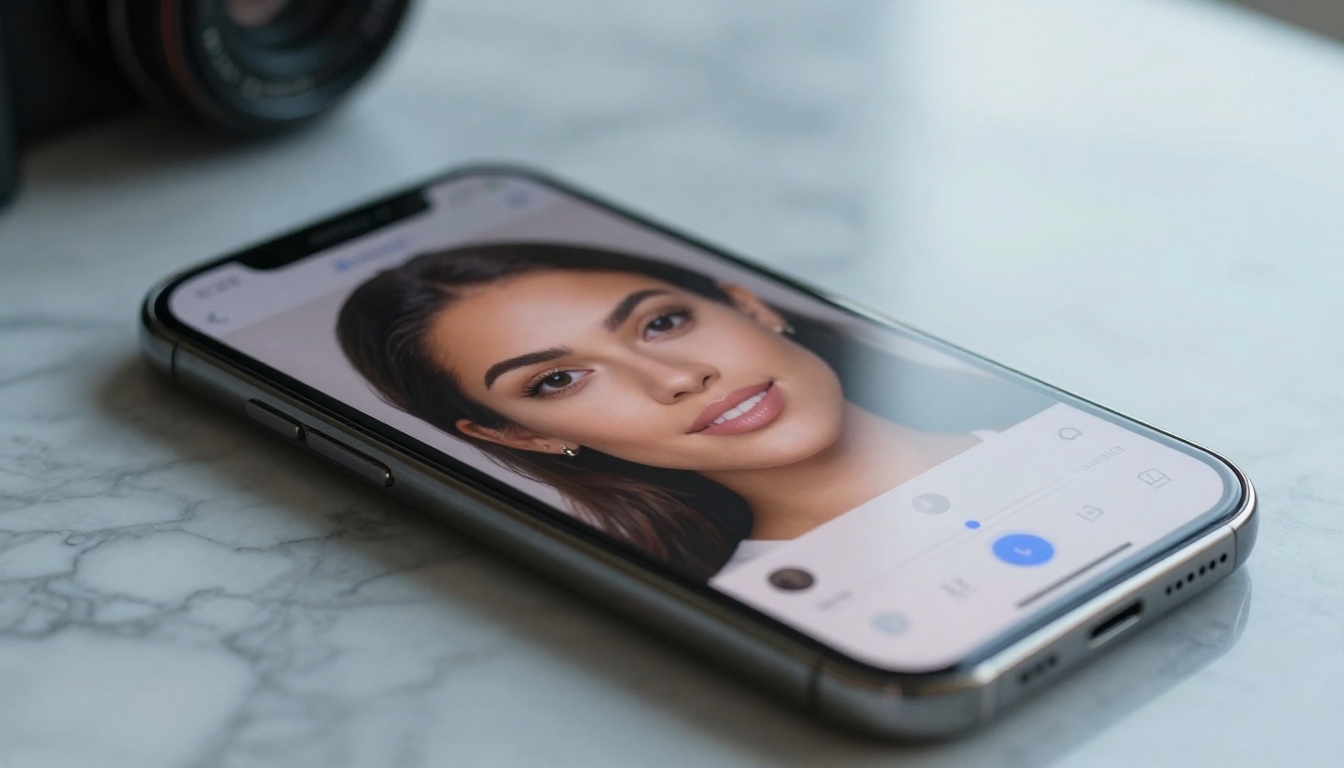
AI face enhancement with adjustable intensity controls
Free AI Video Editors Worth Using
Video editing presents greater computational challenges, but free AI tools have emerged for specific tasks where automation provides clear value.
Stabilization and Smoothing
AI video stabilization represents one of the most practically useful free tools available. Services like YouTube's built-in stabilizer (free for uploaded content) and applications like Shotcut with stabilization plugins can transform shaky footage into smooth, professional-looking video.
The AI analyzes motion patterns frame by frame, distinguishing between intentional camera movement and unwanted shake. This computational approach produces results that often surpass traditional stabilization methods.
Object Tracking and Removal
Object tracking and removal represents AI video editing's most impressive capability. Free tools like DaVinci Resolve's (free version) object removal features and online services demonstrate how neural networks can:
- Track moving objects across frames
- Fill removed areas with context-aware content
- Maintain consistency throughout the video
- Handle complex backgrounds with reasonable results
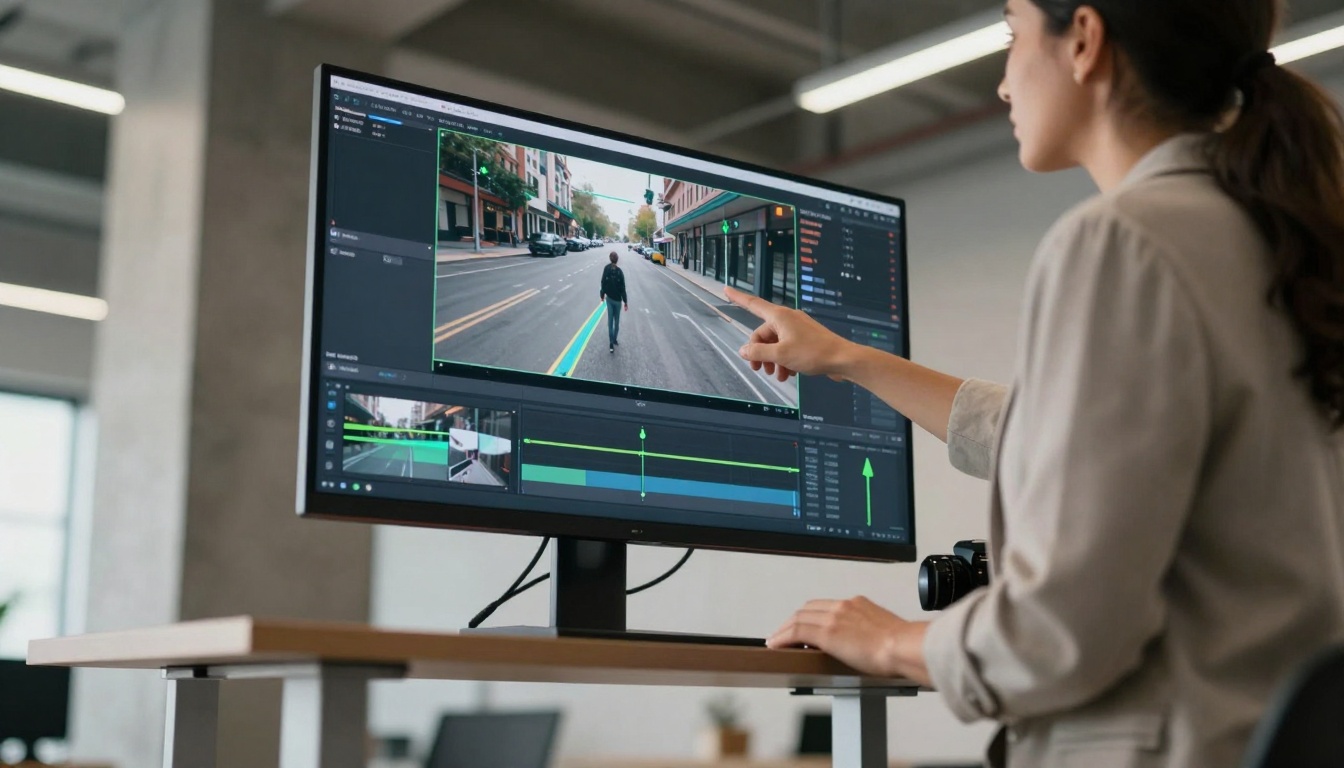
AI tracking and removal of objects in video sequences
Automated Color Grading
AI color grading for video analyzes scene content, lighting conditions, and color balance to apply cinematic looks automatically. While free tools can't match professional colorists' precision, they provide:
- Consistent looks across multiple clips
- Time-saving starting points
- Style transfer from reference footage
- Basic correction for common issues
Platforms like Clipchamp (Microsoft's free editor) include AI-powered color tools that work surprisingly well for social media content and personal projects.
Understanding what free AI editing tools can't do is as important as knowing what they can do. These limitations shape realistic expectations and workflow decisions.
Resolution and Quality Restrictions
Most free tools impose resolution limits that affect output quality:
- Photo tools: Often limit exports to 1024px or less
- Video tools: Frequently restrict to 720p or lower
- Compression artifacts: More noticeable in free versions
- Detail preservation: Limited compared to paid tools
These restrictions matter less for social media and web content than for professional print or broadcast work. The trade-off between cost and quality becomes a practical consideration for each project.
Watermarks and Export Limits
The business model of free AI tools typically involves some form of limitation:
- Visible watermarks on exported content
- Daily or monthly usage limits
- Reduced processing priority
- Limited format options
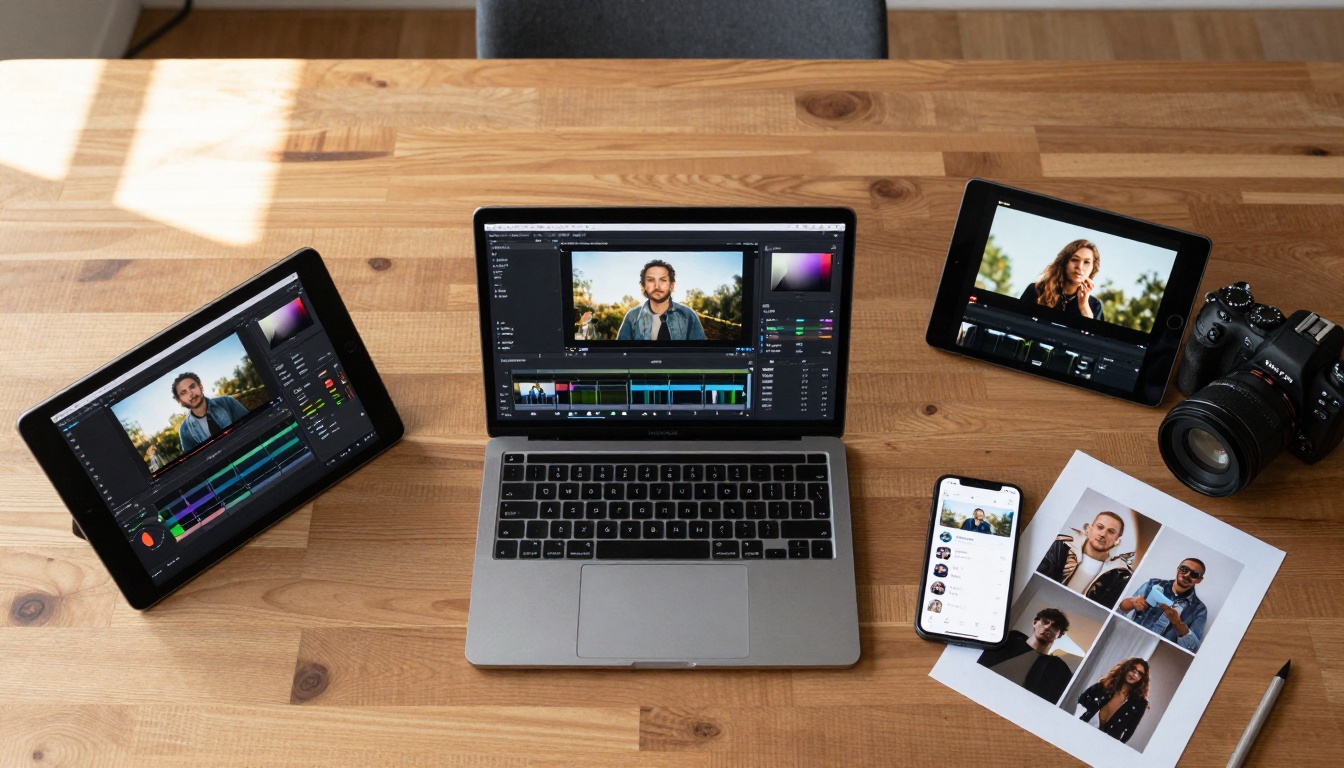
Multiple free AI editing tools used in complementary workflow
Integrating AI Editing Into Your Workflow
Successful use of free AI editing involves strategic integration rather than complete replacement of traditional tools.
When AI Works Best
AI editing tools excel in specific scenarios:
- Batch processing similar images or clips
- Tedious repetitive tasks like background removal
- Quick fixes for common issues
- Exploratory editing to test different looks
- Educational purposes to learn editing concepts
The combination of AI automation with manual refinement creates efficient workflows where each tool does what it does best.
Manual Refinement Still Matters
Even the best AI tools benefit from human oversight and adjustment:
- Fine-tuning AI-generated selections
- Correcting errors in complex scenes
- Adjusting intensity of AI effects
- Combining multiple AI processes
- Quality control of final output
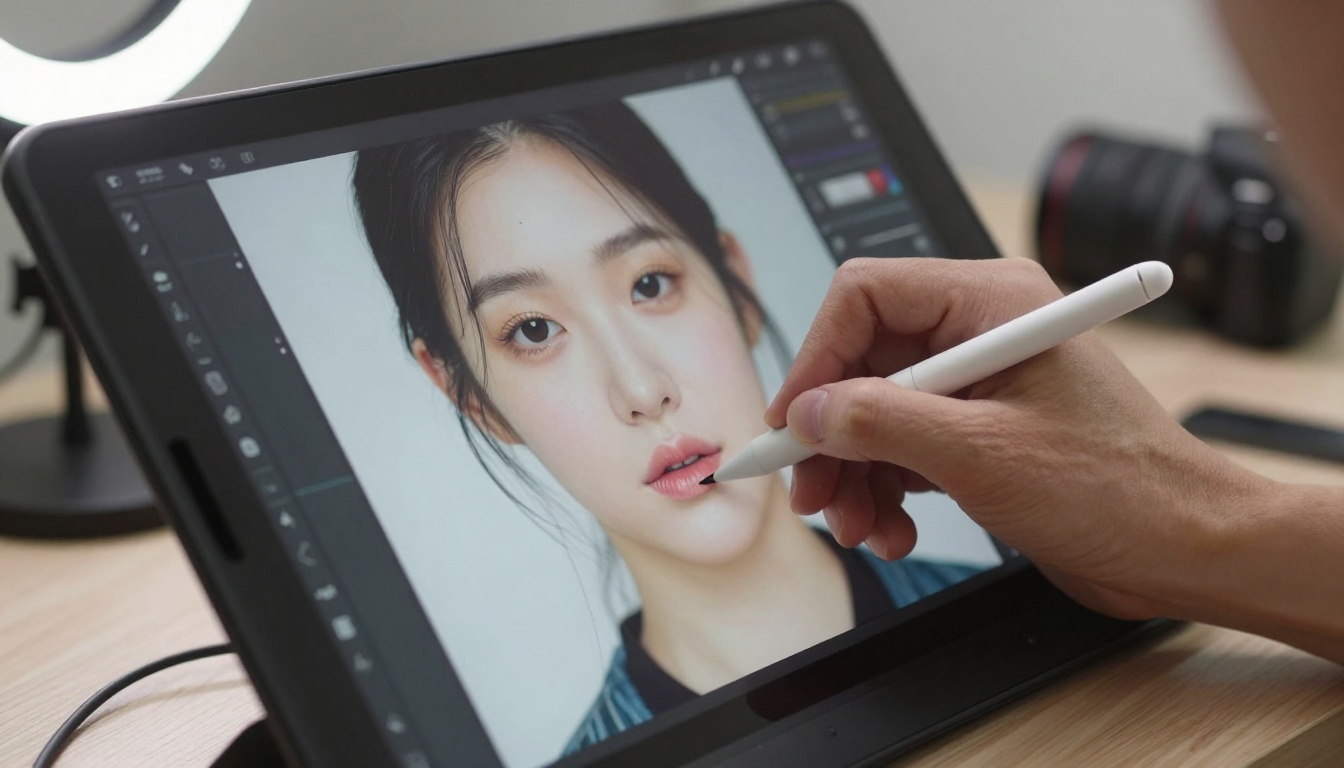
Manual refinement of AI-generated edits for perfect results
Future Developments in AI Editing
The trajectory of AI editing suggests several developments that will impact free tools:
- Improved accuracy through better training data
- Reduced computational requirements
- More specialized tools for niche applications
- Better integration with traditional software
- Community-driven model improvements
As neural networks become more efficient and training data grows, free tools will likely offer capabilities that currently require paid subscriptions.
Try Creating Your Own AI-Enhanced Content
The best way to understand free AI editing tools is to experiment with them directly. Start with a simple project - enhance some personal photos, stabilize a video clip, or remove backgrounds from product images. Pay attention to where the AI succeeds and where it needs manual help.
Consider combining multiple free tools for different aspects of your project. Use one tool for color correction, another for object removal, and a third for final export. This modular approach lets you leverage each tool's strengths while working within free limitations.
As you explore these tools, you'll develop intuition about when AI editing makes sense for your needs and when traditional methods remain necessary. The combination of automated efficiency and human creativity produces the best results, regardless of your budget or experience level.


