Real voice cloning has left the lab. What once required tens of thousands of dollars in studio time and specialized engineering now takes a 10-second audio clip and an internet connection. The results are not close to human. They are human, at least to the ear of anyone not specifically listening for artifacts.
This is not about novelty. Creators, developers, dubbing studios, accessibility projects, and solo content builders are already using free AI for real voice cloning to produce work at a scale and speed that was impossible two years ago. If you have not looked at what these tools can actually do in 2027, the gap between your expectations and the current reality is probably large.
This article covers how voice cloning works, which free tools actually deliver, how to get clean results from the first attempt, and how to use the voice cloning models available on PicassoIA right now.
What Real Voice Cloning Actually Does
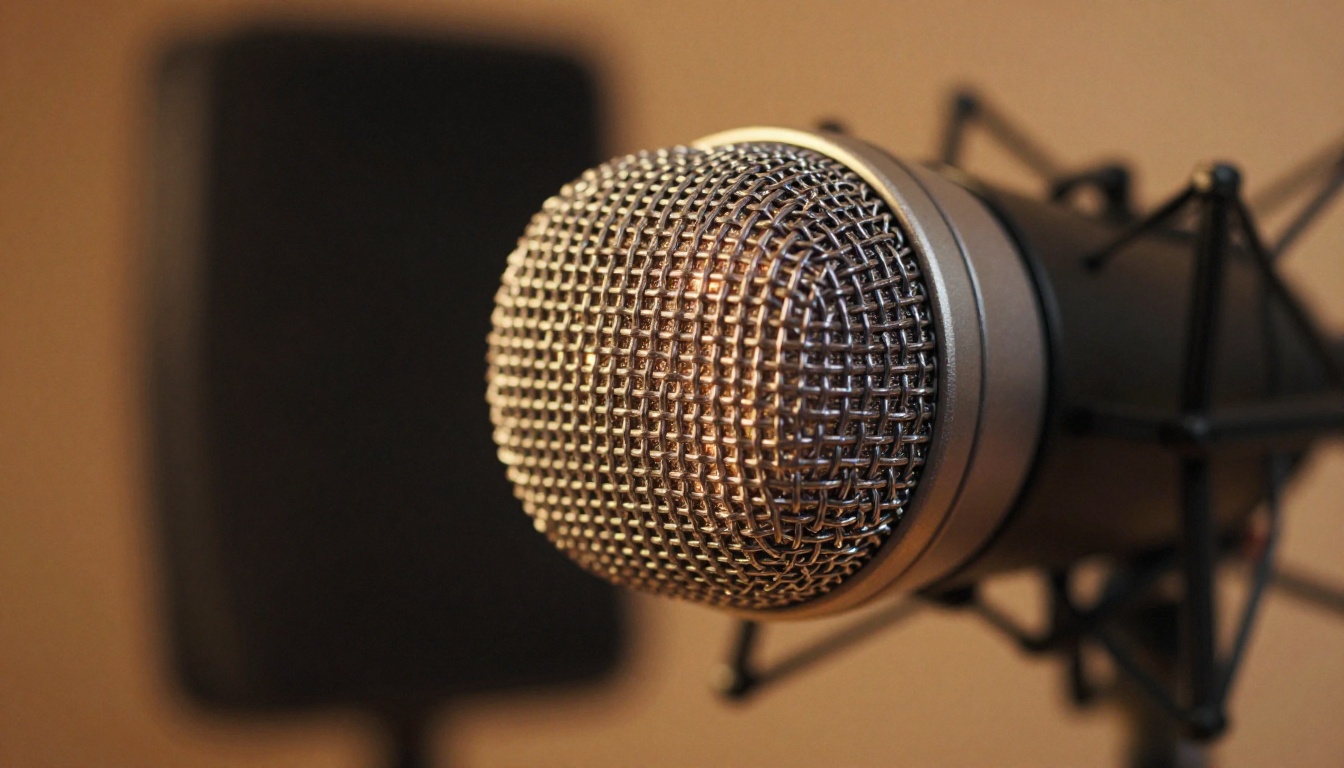
The phrase "voice cloning" covers a wide range of outputs. At the low end, you get a voice that sounds vaguely similar but obviously synthetic. At the high end, you get something that a trained audio professional would need to scrutinize carefully to distinguish from a real recording.
Free AI for real voice cloning today sits firmly at the high end, provided you feed it good input.
How the Neural Engine Works
Modern voice cloning systems use encoder-decoder neural architectures. The encoder reads an audio sample and extracts a speaker embedding: a numerical fingerprint representing that voice's unique acoustic properties, including pitch distribution, resonance frequencies, speaking rhythm, and even breath patterns.
The decoder then uses this embedding as a conditioning signal. When you type new text, the system generates speech that carries all those fingerprinted characteristics rather than defaulting to a generic synthetic voice.
The critical insight is that the embedding is separate from the linguistic content. This means you can write anything, and the system will say it in the cloned voice, regardless of whether that person ever spoke those words.
What Makes a Clone Sound Real
Four factors determine perceptual realism:
- Prosody modeling: Does the voice rise and fall naturally? Does it handle questions and statements differently?
- Breath and pause placement: Real speakers breathe. They pause. They do not speak in continuous, metronomic streams.
- Formant accuracy: The resonant frequencies of a voice, shaped by the speaker's vocal tract dimensions. These are the hardest to fake and the most distinctive.
- Phoneme transitions: How sounds blend into each other at the boundaries. Unnatural transitions are the most common tell in lower-quality clones.
The best free models available today handle all four of these well enough for most production use cases.
Who Actually Needs This
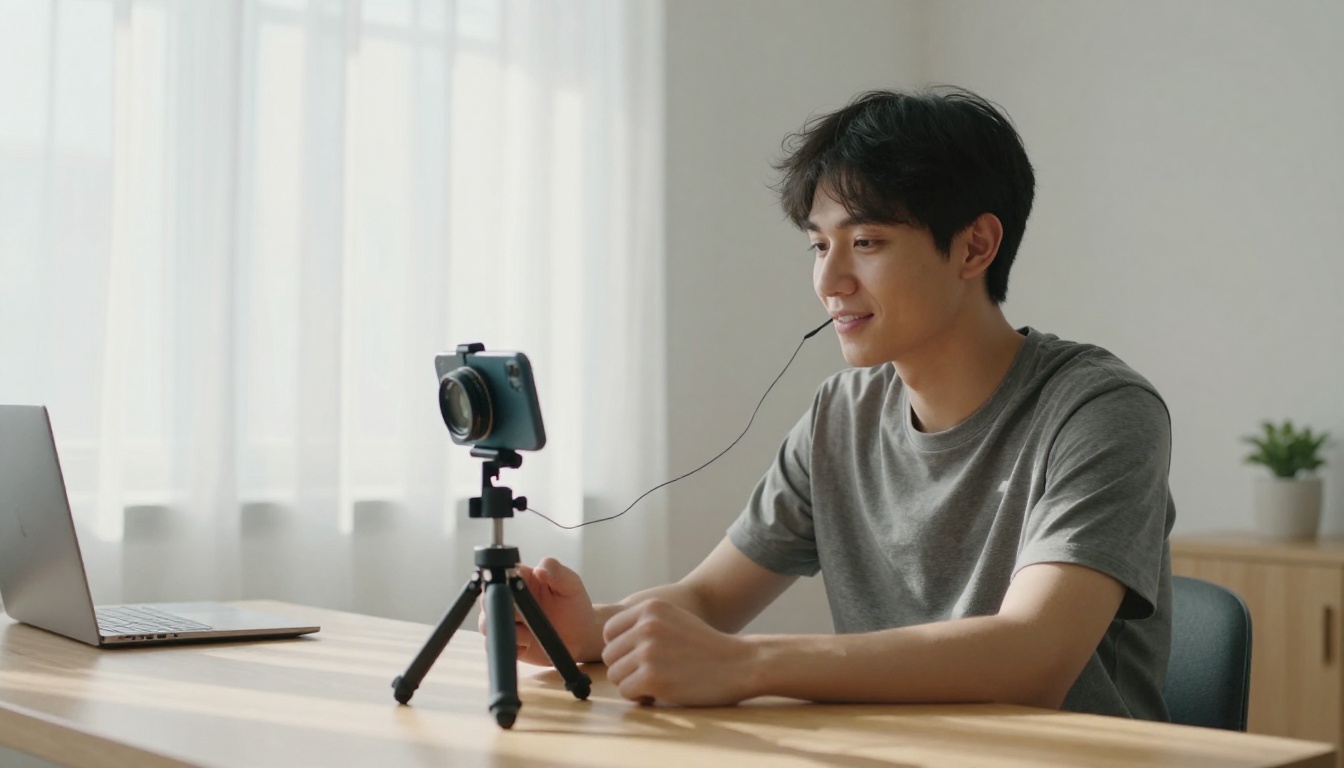
The use cases for free AI voice cloning have expanded significantly. It is no longer a niche tool for audio engineers or AI researchers.
Content Creators and Podcasters
Podcasters use voice cloning to produce edited versions of episodes without re-recording flubbed lines. YouTubers use it to dub their content into other languages while keeping their own voice. Audiobook narrators clone their voices as a backup for future edits, avoiding the need to re-record entire chapters when small changes are needed.
💡 One practical use: Record a clean 30-second sample of yourself, upload it to a voice cloning model, and use it any time you need to fix a word in a finished recording without booking studio time.
Developers and Builders
App developers building voice interfaces, IVR systems, or accessibility tools need custom voices that do not sound like a generic TTS robot. Cloning a client's voice, or a voice character created for a project, gives the product a human feel that off-the-shelf synthetic voices cannot match.
Language learning apps, e-learning platforms, and interactive fiction games all benefit from voices that feel consistent and personal rather than corporate and flat.
Accessibility and Preservation
People who are losing their voice to illness can bank recordings of themselves early, then use cloning technology to generate speech that sounds like them throughout their treatment. Archivists working with historical recordings use voice cloning to restore damaged audio or produce new material in a historical speaker's voice for educational use.
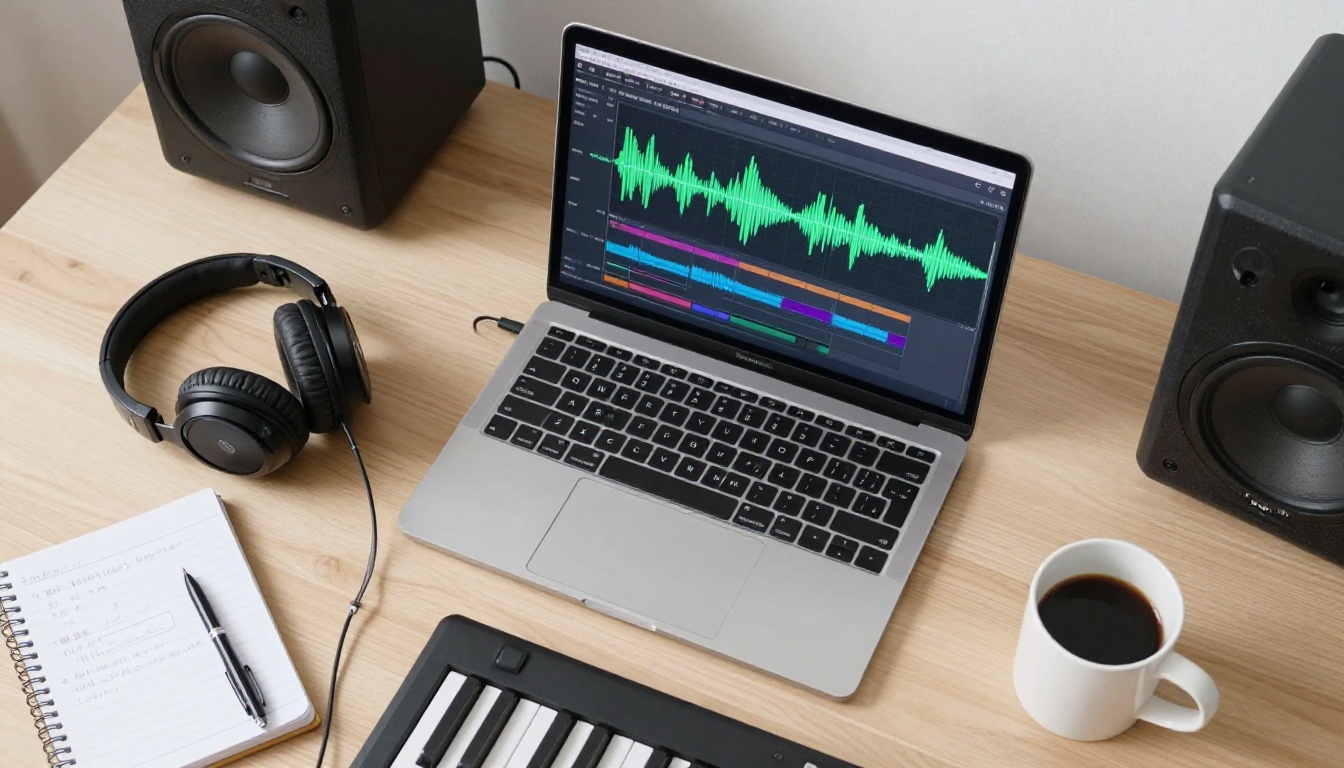
Not all free voice cloning tools are equal. Some offer full voice cloning. Others are text-to-speech systems with preset voice libraries that technically qualify as "free" but do not let you clone a new voice. The distinction matters.
Here are the tools that actually support custom voice cloning, are available for free or with a meaningful free tier, and produce results worth using in real projects.
Minimax Voice Cloning
Minimax Voice Cloning is one of the most capable dedicated voice cloning models available. It accepts a short audio reference and produces speech in that voice with strong prosody and naturalness.
What sets it apart is the quality of the speaker embedding extraction. Even with a 10-second sample, the output retains the distinctive characteristics of the reference voice rather than averaging them toward a generic synthetic baseline. It handles multiple languages and produces results that hold up under close listening.
Qwen3 TTS
Qwen3 TTS takes a different approach: it lets you either clone an existing voice from a reference sample or design a voice from scratch using descriptive prompts. Want a deep, calm male narrator with a slight gravel to it? Describe it. Want to replicate a specific speaker? Provide the sample.
This dual-mode approach makes it unusually flexible. For projects where you do not have a reference recording but have a clear idea of what the voice should sound like, Qwen3 TTS is the better starting point.
Chatterbox by Resemble AI
Chatterbox is built specifically around emotion control. Beyond replicating a voice's acoustic profile, it lets you adjust the emotional register of the output: the same cloned voice can sound neutral, warm, excited, or subdued depending on the setting.
For content that requires emotional range, such as audiobooks, character voices in games, or marketing voiceovers, this is a significant practical advantage. The faster Chatterbox Turbo variant sacrifices some emotional granularity for significantly faster generation, making it useful for real-time applications. Chatterbox Pro offers the highest quality output for final deliverables.
ElevenLabs V3
ElevenLabs V3 is one of the most well-known voice cloning models in circulation. Its cloning quality is consistently high across a wide range of input voices, and it handles unusual speaking styles, accents, and non-standard prosody better than most alternatives.
The free tier provides enough monthly credits for light production use. For multilingual projects, ElevenLabs v2 Multilingual extends coverage to 30+ languages while preserving the voice profile across all of them. For speed-sensitive workflows, Flash v2.5 cuts generation time dramatically.
Comparing the Top Free Options
Clone a Voice on PicassoIA
PicassoIA gives you access to all the models above without requiring separate accounts on multiple platforms. Here is how to use voice cloning through the platform.
Step 1: Choose Your Model
Navigate to the Minimax Voice Cloning model or the Chatterbox model depending on your needs. If you want emotion control, go with Chatterbox. If you need multilingual output, Minimax Voice Cloning is the better choice.
Step 2: Upload Your Audio Sample
Upload your reference audio file. Most models accept WAV, MP3, or M4A formats. The sample should be:
- 10 to 30 seconds of clear speech
- No background music or competing audio
- One speaker only in the recording
- Recorded at consistent volume without clipping
The model will extract the speaker embedding from this file. The quality of this extraction directly determines the quality of the final clone.
Step 3: Enter Your Text
Type or paste the text you want the cloned voice to speak. There is no practical length limit for most models, though very long generations benefit from being split into paragraphs for more natural pacing.
💡 Tip: Punctuation affects prosody. Use commas to create natural pauses. Use periods to signal sentence-final intonation drops. The model reads punctuation as pacing instructions.
Step 4: Adjust Parameters
Depending on the model, you may have access to:
- Stability: How closely the output matches the reference voice versus allowing natural variation. Higher stability means more consistent but potentially flatter delivery.
- Similarity: How strongly the speaker embedding is weighted. Very high similarity can cause artifacts if the reference audio is imperfect.
- Speed: Speaking rate adjustment. Values between 0.9 and 1.1 sound natural. Beyond those extremes, quality degrades.
For Chatterbox, you also have emotion and exaggeration sliders. A setting of around 0.4 on exaggeration produces natural expressive speech. Higher values work for theatrical content.
Step 5: Generate and Download
Click generate and wait for the output. Most models complete in 5 to 20 seconds for standard-length text. Download the audio file and inspect it. If the clone sounds accurate but the delivery is slightly off, adjust stability or try a different section of your reference audio as the sample.
What Makes a Good Voice Sample
The most common reason for poor voice clone quality is a poor reference sample. The neural encoder can only extract what is actually present in the audio.
Length and Quality Matter
Longer samples are not always better. A 10-second sample of clean, clear speech in a quiet room will outperform a 3-minute recording full of room reverb, background noise, and microphone handling artifacts.
The encoder needs to hear the voice clearly. Anything that masks or distorts the voice degrades the embedding. This includes:
- Room reverb: The echo of your room becomes part of the extracted profile, making the clone sound like it is always in a large space
- Compression artifacts: Heavily compressed audio (phone calls, low-bitrate MP3s) removes the high-frequency detail that distinguishes voices
- Multiple speakers: If two people overlap in the sample, the encoder averages across both and produces a voice that sounds like neither
The Cleanest Possible Recording
The best samples come from close-mic recordings in treated rooms. If you do not have a studio, a small closet full of clothing acts as decent acoustic treatment. A USB condenser microphone placed 15 to 20 cm from your mouth, with nothing between you and the mic, will produce a sample quality that commercial models can work with effectively.
💡 Quick test: Play back your reference audio through speakers and listen for reverb, hiss, or any sound that should not be there. If you hear it, the model will encode it.
3 Mistakes That Kill Your Clone Quality
Most quality problems with AI voice cloning come from a small set of predictable errors.
1. Using a phone call recording as the reference
Phone audio is band-limited, compressed, and often includes background noise and call artifacts. The resulting clone will carry all of these characteristics into every generated output. Always use a direct recording made in a quiet space.
2. Setting similarity too high
This feels counterintuitive. You want the clone to match the voice, so why would high similarity cause problems? Because if your reference audio has any imperfection, extremely high similarity forces the model to replicate that imperfection in every output. A similarity setting of 0.75 to 0.85 usually produces better results than 1.0.
3. Generating very long text in a single pass
Long single-pass generations tend to drift. The voice stays accurate for the first few sentences, then gradually loses character as the generation extends. Split long content into paragraphs. Generate each separately. Stitch the audio files together afterward. The result is more consistent throughout.
How Speech 2.8 HD Fits In
Not every voice project requires a clone of a specific existing voice. Sometimes you need a high-quality, natural-sounding voice that does not belong to any real person.
Speech 2.8 HD from Minimax is built for this. It generates studio-quality voiceovers from a curated library of voices with exceptional naturalness. For projects where you need professional voice quality but do not have a reference speaker, it is a faster path to a polished result than cloning.
Gemini 3.1 Flash TTS extends this further with 30 voices and support for over 70 languages, making it the right choice for global content that needs to sound locally authentic rather than translated.
The practical workflow for many creators is to use a TTS model like Speech 2.8 HD for initial drafts and prototypes, then switch to a cloning model like Minimax Voice Cloning or Chatterbox when the project moves into final production and a specific voice identity matters.
Real-Time and Streaming Use Cases
Turbo v2.5 from ElevenLabs and Chatterbox Turbo from Resemble AI are specifically optimized for low-latency generation. Where standard models take 5 to 20 seconds to produce output, turbo variants can generate in under 2 seconds.
This matters for applications where voice needs to feel live: AI assistants, interactive fiction games, live dubbing workflows, and any product where waiting for audio to generate breaks the user experience.
The tradeoff is that turbo models slightly compress the voice profile, making clones sound accurate but occasionally less expressive than their standard counterparts. For most real-time use cases, this tradeoff is completely acceptable.
💡 When to use turbo: If your product shows generated audio to a user while they are waiting, use turbo. If the audio is pre-generated and downloaded before playback, use the standard model for better voice fidelity.
Start Creating Your Own Voice Projects
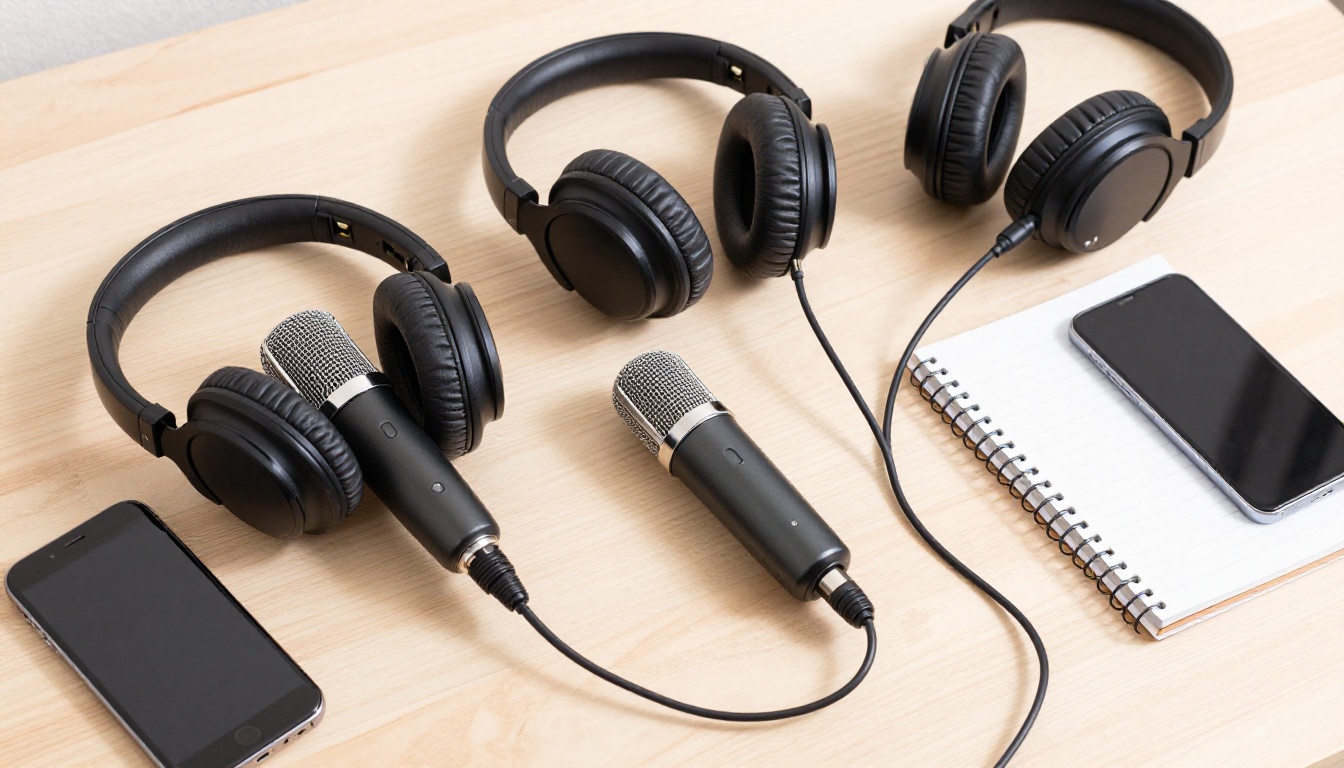
Free AI for real voice cloning is available right now, it works, and the barrier to entry is a clean audio sample and a few minutes of time.
PicassoIA brings all of these models into a single platform. You can test Minimax Voice Cloning for precise speaker matching, switch to Qwen3 TTS for custom voice design, experiment with Chatterbox for emotional range, or produce polished multilingual content with ElevenLabs v2 Multilingual, all without managing separate accounts or API keys.
The only thing needed to get a result that would have required a studio session two years ago is a 15-second recording of your own voice, or anyone else's voice with the appropriate permissions. Upload it, type what you need said, and the model does the rest.
Every creator, developer, and builder working with voice should have at least one cloning model in their toolkit. Start with whatever use case is closest to a real project you are already working on. The quality will be better than you expect, and the workflow will be faster than anything that came before it.


