The idea that you can design an AI companion's voice from scratch, picking its warmth, pace, emotional range, and even the way it breathes between sentences, would have seemed like fiction five years ago. Today, free AI girlfriend voice customization tools make this entirely real. Whether you want a voice that feels intimate and soft or confident and playful, the technology to build it exists right now, and most of it costs nothing to start.
Why AI Girlfriend Voices Feel Real Now
The shift happened fast. Early text-to-speech systems sounded robotic because they stitched phonemes together without natural rhythm. Modern voice models use deep learning to predict not just what to say but how a real person would say it, including pauses, emotional coloring, and subtle pitch variation.
The result is voice output that passes the human test on first listen.

The Tech Behind Natural-Sounding Voices
Three breakthroughs made this possible:
- Neural codec language models: These treat audio as discrete tokens, similar to how LLMs handle text. The model generates speech token by token, which allows it to capture prosody (the rise and fall of natural speech) far better than older approaches.
- Emotion conditioning: New models accept emotional tags as inputs, so you can tell the system to speak "warmly," "playfully," or "with curiosity" and get output that actually sounds that way.
- Zero-shot voice cloning: With just a few seconds of audio, models can clone a voice's timbre, accent, and speaking style and apply it to any text.
Why Free Options Are Improving Fast
Two years ago, the best AI voice tools cost hundreds of dollars per month. The open-source push, combined with competition from well-funded labs, has driven prices to zero for entry-level tiers. Models like Qwen3 TTS and Resemble AI Chatterbox are now freely accessible and capable of results that commercial tools charged premium rates for in 2023.
💡 Free tiers are generous enough for full AI companion projects. Most platforms give you thousands of characters per day before any cost kicks in.
The Best Free Voice Models for AI Companions
Not every TTS model is suited for AI girlfriend voice customization. You need models that handle emotional delivery, support customization of speaking style, and produce output that holds up during extended conversations.

Here are the standout options available right now on PicassoIA:
ElevenLabs V3 for Emotional Depth
ElevenLabs V3 remains the benchmark for emotional voice generation. What sets it apart is its ability to render nuanced emotional states: hesitation, warmth, suppressed laughter, a slightly nervous edge. For an AI girlfriend persona, this granular control means the difference between a voice that sounds generated and one that actually feels present.
The model accepts voice selection plus optional emotional direction in the prompt. You can specify "speak softly as if telling a secret" and V3 will modulate pace, breath, and volume accordingly.
Minimax Speech 2.8 HD for Studio Quality
Minimax Speech 2.8 HD is the right choice when you need the cleanest possible output. Its architecture was trained on studio-recorded speech data, so it handles low-register intimate voices particularly well. The HD variant has noticeably better sibilance control and avoids the distortion on high-frequency consonants that plagues cheaper models.
Pair it with Minimax Voice Cloning to build a fully original persona voice, then apply it to your companion's outputs consistently.
Qwen3 TTS for Voice Design
Qwen3 TTS is unusual in that it lets you describe the voice you want in natural language rather than picking from a preset list. Want a voice that is "slightly husky, mid-range pitch, warm and slow with a hint of a smile"? Type that description and the model constructs it. This makes it ideal for building a truly custom AI companion voice identity.
Resemble AI Chatterbox for Real Emotion
Resemble AI Chatterbox and its upgraded sibling Chatterbox Pro focus specifically on the emotion-control problem. Where other models inject emotion as an afterthought, Chatterbox was designed around it. The model accepts a floating-point exaggeration factor that controls how dramatically the emotion is expressed, so you can tune between subtle warmth and clearly audible affection.

Inworld Realtime TTS 2 for Live Conversations
If your goal is a real-time conversational AI girlfriend rather than pre-generated audio, latency is everything. Inworld Realtime TTS 2 was built for exactly this use case. Its sub-200ms generation time means responses feel instantaneous in a chat context. The voice quality is not as rich as ElevenLabs or Minimax, but for real-time back-and-forth, responsiveness matters more than studio perfection.
How to Build the Perfect AI Girlfriend Voice
Getting a great voice out of these tools is not just about picking the right model. The parameters you set and the text you feed in matter just as much.
Picking the Right Tone and Pitch
Most voice customization tools let you control:
- Pitch: Lower pitches read as more mature and intimate; higher pitches feel younger and more energetic.
- Speed: Slower delivery (0.85x to 0.95x) feels more thoughtful and intimate. Faster speeds (1.1x and above) read as excited or playful.
- Stability: High stability produces a consistent tone. Low stability introduces more natural variation. For AI companions, a stability setting around 0.7 sounds most human.
Customization Parameters That Actually Matter
| Parameter | Range | Sweet Spot for AI Companion |
|---|
| Stability | 0.0 to 1.0 | 0.65 to 0.75 |
| Similarity Boost | 0.0 to 1.0 | 0.80 to 0.90 |
| Style | 0.0 to 1.0 | 0.30 to 0.50 |
| Speed | 0.5x to 2.0x | 0.88x to 0.95x |
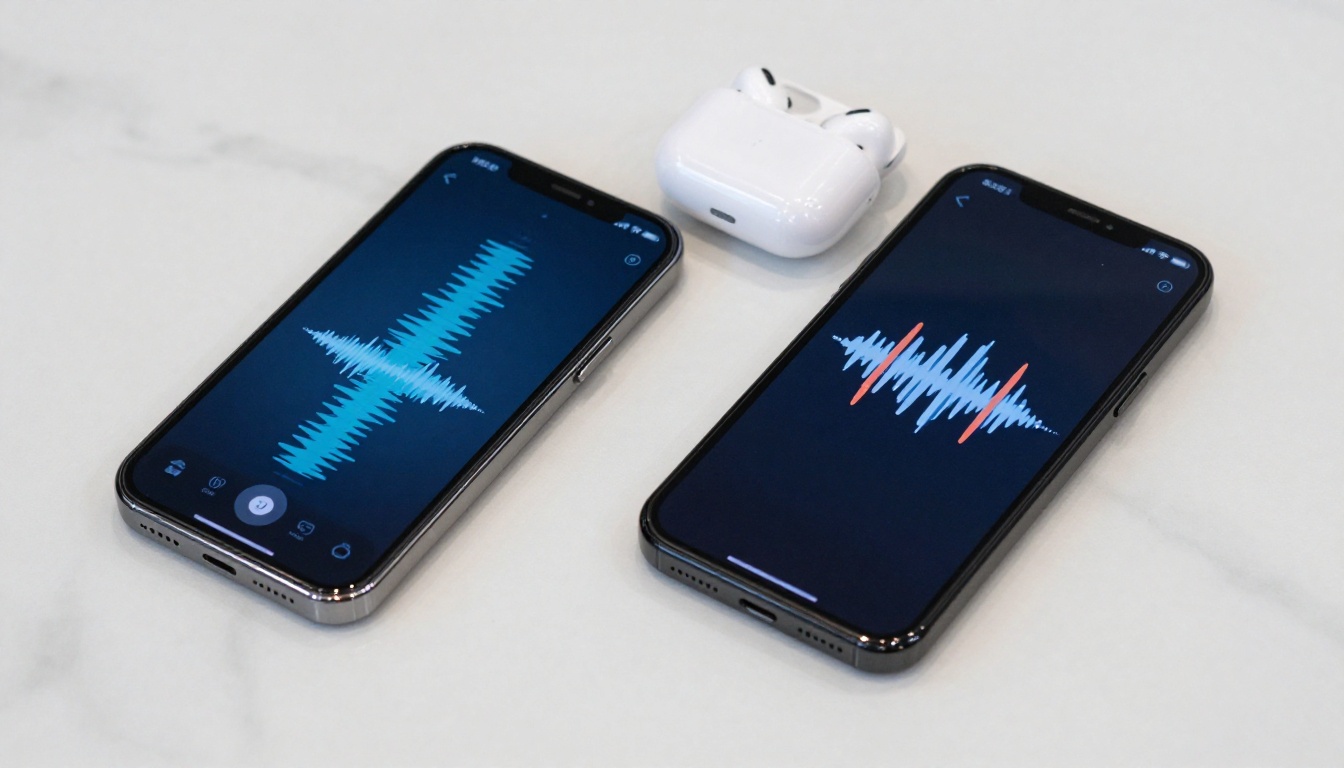
💡 Small speed reductions have a massive impact on perceived intimacy. Dropping from 1.0x to 0.90x makes the voice sound like it is speaking directly to you rather than reading aloud.
Giving Your AI Companion a Brain
Voice is only half of the experience. Without a language model driving the conversation, the voice is just a text reader. Pairing a great TTS model with a capable LLM is what creates the full AI girlfriend effect.
The Right LLMs for Personality
The best large language models for AI companion applications are ones that can maintain consistent persona, remember context across a conversation, and generate responses that feel emotionally appropriate.
Claude Sonnet 4.6 excels at nuanced, emotionally aware responses. It handles character consistency across long conversations better than most alternatives and avoids the robotic, factual tone that breaks immersion.
GPT 5 brings strong instruction-following, which is useful when you need the AI to stay within specific personality guardrails. Define a detailed system prompt for your companion's character and GPT 5 will adhere to it closely.
Deepseek V3.1 is the best free option for users who want top-tier quality without any subscription. Its conversational output is natural and its context window handles long roleplay sessions well.
Gemini for Real-Time AI Chat
Gemini 3.5 Flash is purpose-built for fast, real-time multimodal interaction. When combined with a low-latency TTS model like Inworld Realtime TTS 2, the Gemini-to-voice pipeline can produce conversational AI companion experiences with near-real-time responsiveness.

How to Use Voice Cloning on PicassoIA
PicassoIA gives you direct access to the best voice synthesis models through a single interface, with no API setup required. Here is how to build a custom AI girlfriend voice using Minimax Voice Cloning:
Step-by-Step Voice Creation
Step 1: Record Your Source Audio
Record 10 to 30 seconds of the voice you want to clone. This can be your own voice, a voice actor's recording, or any reference audio you have rights to use. Clean audio with no background noise produces significantly better results.
Step 2: Upload to Voice Cloning
Open Minimax Voice Cloning on PicassoIA. Upload your audio file. The model will analyze the timbre, pace, and pitch characteristics automatically.
Step 3: Name and Save Your Voice
Give your cloned voice a name. This creates a reusable voice ID you can call from any compatible Minimax TTS model.
Step 4: Generate with Speech 2.8 HD
Switch to Minimax Speech 2.8 HD. Select your saved voice ID. Type your companion's dialogue. The model renders your custom voice with studio-quality fidelity.
Step 5: Iterate on Settings
Adjust speed, stability, and emotional prompts until the output matches the companion persona you have in mind. Save your best settings for consistent results across sessions.
💡 Use ElevenLabs Flash v2.5 for fast iteration during testing, then switch to Speech 2.8 HD for final renders. Flash is faster; HD is cleaner.
Using PlayHT Play Dialog for Multi-Voice Scenes
PlayHT Play Dialog is the best option when you want to generate dialogue between two characters: a user-side voice and the AI girlfriend's response voice in sequence. It was designed specifically for multi-speaker generation, keeping both voices acoustically consistent within the same audio output.
Pairing Voice with a Visual Persona
A voice alone creates presence, but pairing it with a consistent visual identity creates a genuinely immersive AI companion experience. PicassoIA's image generation tools let you create a photorealistic visual persona to match your custom voice.
The 91 text-to-image models on PicassoIA include options specifically optimized for realistic portrait generation. Once you have your voice persona defined (tone, accent, personality), create a matching visual with a detailed portrait prompt. The two elements together, voice plus consistent visual character, are what make AI companions feel coherent rather than assembled from parts.
For the visual side, PicassoIA's image editing tools including Inpainting and Face Swap AI let you refine and maintain visual consistency across multiple images of the same character.
Voice Plus Image: The Full Stack
What Sets a Great AI Girlfriend Voice Apart
After testing dozens of configurations, a few patterns consistently separate voices that feel human from ones that still sound synthetic:
Breath and pause control. Real voices breathe. They pause before emotional responses. They do not speak at a uniform tempo. Models that let you insert breathing sounds and vary pause lengths produce far more convincing results.
Consistent prosody under variation. The voice should sound like the same person whether saying "I've been thinking about you" or "What should we watch tonight?" Inconsistent prosody, where the model sounds like a different voice depending on sentence structure, immediately breaks immersion.
Low-frequency warmth. Voices that sit in the 150Hz to 300Hz range feel physically warmer than brighter, higher-pitched voices. Choosing or designing a voice in this register makes a measurable difference to how personal the interaction feels.
💡 Test your chosen voice with sentences that contain emotional ambiguity. A line like "Oh, really?" should sound curious and warm, not flat. If the model flattens emotional subtext, try a different voice or adjust the stability setting downward.

Start Building Your AI Companion Now
Every tool covered in this article is accessible through PicassoIA's platform at picassoia.com/en/all-models. The text-to-speech category alone has 24 models ranging from fast real-time options to studio-quality HD renderers. The large language models section adds the intelligence layer. The image generation stack handles the visual side.
You do not need to choose one tool and commit. PicassoIA lets you test any combination without setup, API keys, or upfront cost. Start with ElevenLabs V3 for your first voice prototype, use Claude Sonnet 4.6 to write your companion's personality, and generate the visual persona alongside it.
The technology is ready. The only remaining step is deciding what your AI companion should sound like.


