A practical guide showing how anyone can create professional images using free AI tools, regardless of design experience. Covers platform selection, prompt crafting techniques, and practical workflows for immediate results. Learn to communicate visual ideas through language instead of design software, with specific examples of common mistakes and their solutions. Includes real-world applications for small businesses, education, and personal projects.
The barrier between imagination and visual creation has dissolved. For decades, professional image creation required years of training in design software, color theory, composition, and technical execution. Today, that entire skillset transforms into a simple conversation with artificial intelligence. Anyone with a clear idea and basic language skills can generate professional-quality images in seconds.
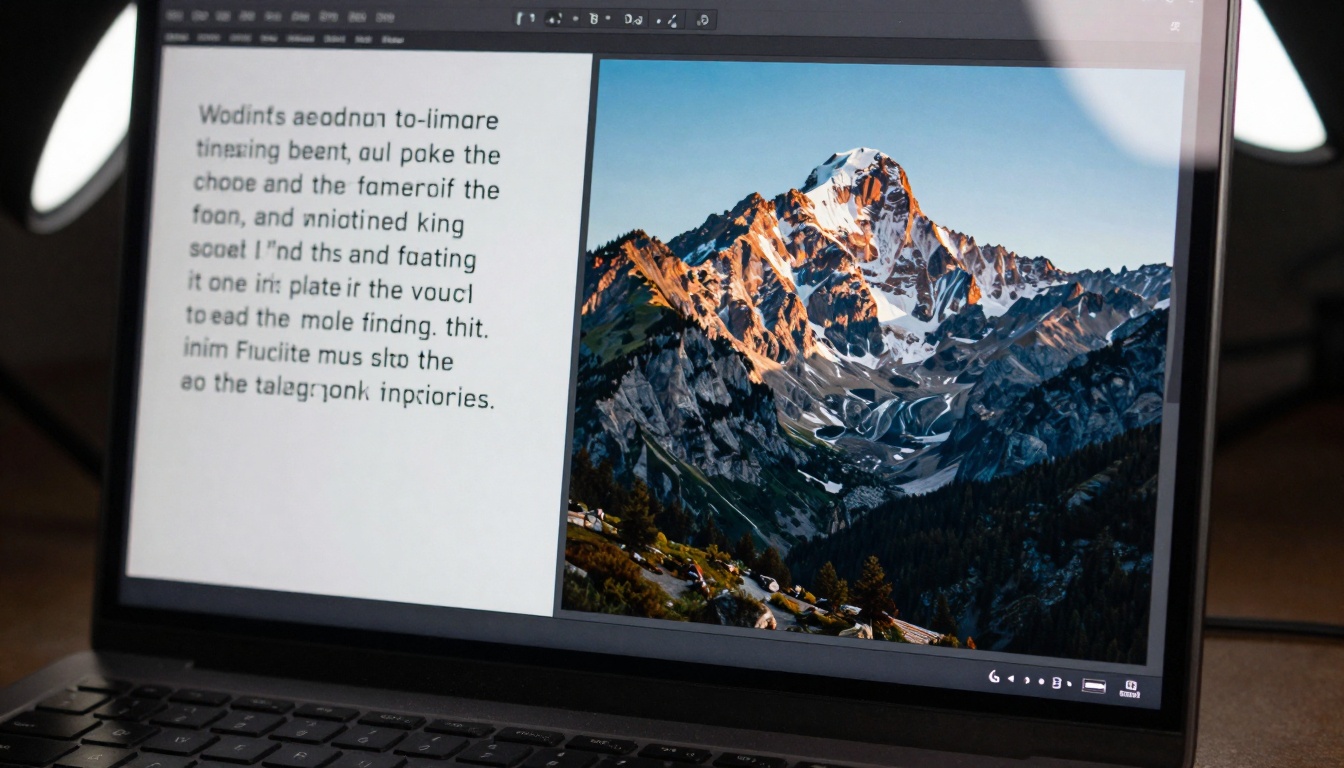
Close-up of prompt writing process showing detailed interface interaction
This shift represents more than technological convenience—it's a democratization of visual communication. Small businesses can now create marketing materials without hiring designers. Educators generate custom illustrations for lessons. Writers visualize book covers. Content creators produce unique thumbnails. The common thread? No design experience required.
How AI Image Generation Actually Works
Understanding the mechanism helps optimize results. Modern AI image generators like Flux, Qwen Image, and P-Image operate on diffusion models trained on billions of image-text pairs. When you provide a description, the system doesn't "draw" in the traditional sense—it reconstructs visual patterns from its training data that match your words.
💡 Key Insight: The AI doesn't understand art theory. It recognizes statistical patterns. "Cinematic lighting" appears frequently with certain shadow patterns and color grading in its training data, so it reproduces those patterns.
The Three Core Components
Every AI image generation follows this fundamental structure:
Text Encoder: Converts your words into mathematical vectors
Diffusion Processor: Gradually adds/removes noise to shape the image
Decoder: Transforms the mathematical representation into pixels
Visual comparison showing text input transforming into photorealistic output
Practical Workflow for Non-Designers
Most people approach AI image generation incorrectly. They type vague descriptions and expect masterpiece results. The actual effective workflow looks different:
Phase 1: Pre-Generation Planning
Before touching any platform, answer these questions:
Planning Question
Why It Matters
Example Answer
What's the primary subject?
AI needs clear focal point
"A golden retriever puppy"
What action is happening?
Adds dynamism and context
"Playing with a red ball in a grassy park"
What's the environment?
Sets scene and lighting
"Sunny afternoon with dappled light through trees"
Bad Example: "A beautiful landscape"
Good Example: "A majestic mountain range at sunrise, snow-capped peaks catching first golden light, mist rising from pine forests in the valleys, cinematic wide-angle shot with dramatic cloud formations, photorealistic 8K resolution, National Geographic style photography"
Team collaboration session discussing AI image generation strategies
Common Mistakes and How to Fix Them
People without design background typically encounter these specific issues:
Mistake 1: Vague Descriptions
Problem: "Make a cool office"
Solution: "Modern minimalist home office with large north-facing window, natural morning light streaming across oak desk, 27-inch curved monitor displaying colorful data visualization, ergonomic chair, indoor plants in ceramic pots, clean Scandinavian aesthetic"
Mistake 2: Contradictory Elements
Problem: "A sunny rainy day"
Solution: "Sun breaking through storm clouds creating dramatic beams of light through light rainfall, wet pavement reflecting colorful autumn leaves, cinematic contrast between shadow and illumination"
Mistake 3: Too Many Subjects
Problem: "A cat, a dog, a bird, and a rabbit in a garden"
Solution: "A calico cat curiously watching a sparrow from behind rose bushes in an English cottage garden, selective focus on the cat's eyes with background soft blur"
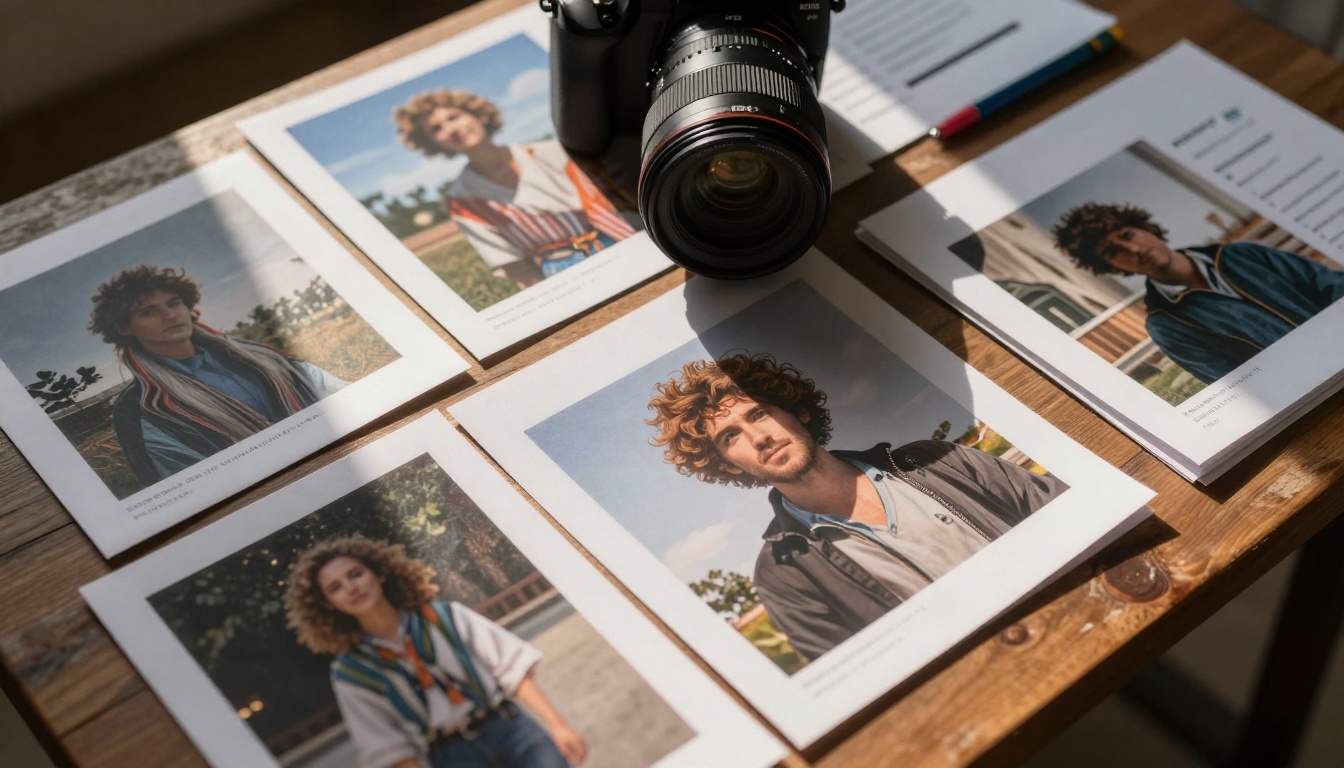
Critical evaluation of AI-generated print quality and composition
Advanced Techniques Without Advanced Skills
You don't need design training to employ these professional techniques:
Negative Prompting
Tell the AI what not to include. This eliminates common unwanted elements:
"no blurry faces, no distorted hands, no watermarks, no text overlay, no cartoon style"
Weighted Keywords
Emphasize important elements using syntax:
"(photorealistic:1.5)" makes photorealism 50% more important
"[sunset|golden hour]" gives options
"blue AND sky" requires both elements
Style Transfer
Reference artistic styles without knowing art history:
"In the style of Ansel Adams landscape photography"
"Cinematography similar to Roger Deakins"
"Color palette of Wes Anderson films"
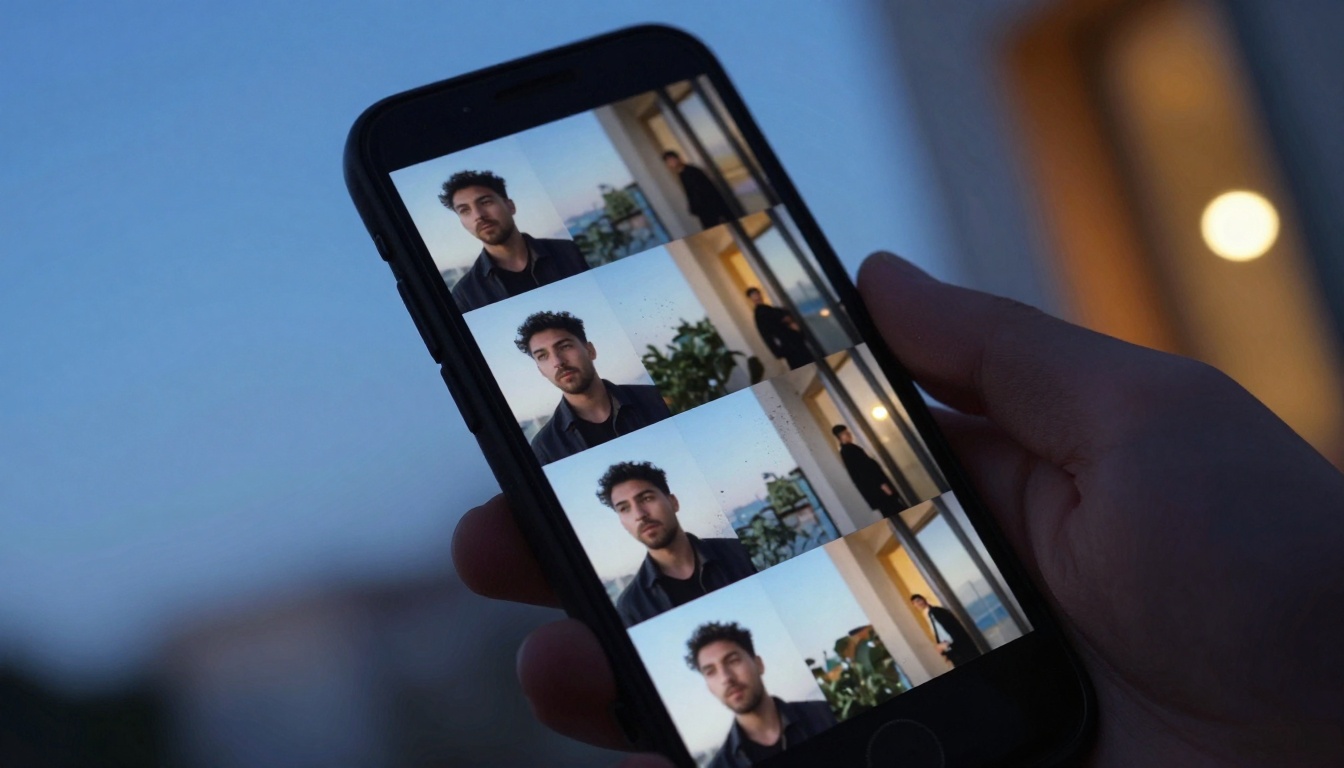
Mobile interface showing multiple AI image variations for selection
Real-World Applications for Non-Designers
Small Business Marketing
Before: Generic stock photos that don't match brand
After: Custom images showing your products in your aesthetic
Example Workflow:
Describe your actual workspace
Generate product mockups in realistic settings
Create social media graphics with consistent style
Produce blog illustrations that match content tone
"Detailed cross-section of human heart with labeled chambers"
"Ancient Roman forum during market day, historically accurate architecture"
"Molecular structure of water with electron orbits visible"
Personal Projects
Before: Limited by photography skills or budget
After: Visualize book covers, album art, personal branding
Organized collection of printed AI images for project planning
Quality Control Without Design Training
How to evaluate AI images when you lack formal design education:
The 5-Second Glance Test
If you can't immediately identify the main subject and action, the image fails its communication purpose.
Consistency Check
Do all elements belong together? An ancient Roman shouldn't hold a smartphone unless intentionally anachronistic.
Practical Utility
Will this image actually work for its intended use? A social media thumbnail needs clarity at small sizes.
Technical Issues
Watch for:
Distorted faces or hands
Inconsistent lighting
Merged objects (common AI error)
Text artifacts (AI struggles with readable text)
Collaborative feedback session analyzing AI image quality and improvements
Iterative Refinement Process
Professional results come from iteration, not single attempts:
Round 1: Basic concept generation
Round 2: Style refinement Round 3: Composition adjustment
Round 4: Lighting and color tuning
Round 5: Final polish and details
Each round builds on the previous, using variations and incremental improvements.
Ethical Considerations for New Creators
Without design background, you might not consider these aspects:
Originality vs. Imitation
AI generates based on existing work. Are you creating something new or simply remixing others' styles?
Transparency
When using AI-generated images commercially, disclosure expectations vary by industry and platform.
Cultural Sensitivity
AI training data contains biases. Be aware of how different cultures, ethnicities, and genders might be represented.
Future-Proofing Your AI Image Skills
The technology evolves rapidly. Strategies that work today:
Master prompt engineering - This skill transfers across all platforms
Understand core principles - Composition, lighting, color work similarly in AI and traditional media
Build a reference library - Save successful prompts and their results
Experiment systematically - Change one variable at a time to learn cause-effect relationships
Modern workspace optimized for AI image generation and collaboration
Getting Started Today
The most effective approach begins with specificity rather than ambition:
Choose one platform - Start with P-Image for balance of speed and quality
Pick a simple subject - Something familiar you can describe in detail
Write three variations - Same subject, different descriptions
Compare results - Note which elements each version captures well
Combine best aspects - Create a fourth prompt incorporating successful elements
This iterative learning approach builds competence faster than trying to create complex scenes immediately.
Resources and Next Steps
For continued learning without design background:
Prompt Libraries: Study successful prompts from platforms like PicassoIA to understand effective patterns
Community Examples: Many platforms showcase user-generated images with their prompts
Technical Documentation: Read model-specific guides for Flux or Qwen to understand their strengths
Practice Consistently: Generate at least one image daily with intentional learning focus
The most significant realization for non-designers using AI image generation: Your unique perspective matters. Professional designers bring technical skill but might lack your specific context, industry knowledge, or creative vision. AI becomes the bridge between your ideas and visual execution.
Start with simple descriptions of things you know well. Observe how the AI interprets your words. Refine based on results. Within days, you'll develop an intuitive sense of how to communicate visually through language. Within weeks, you'll produce images that serve real purposes in your work and projects. The technical barrier has been removed—what remains is your creativity and willingness to experiment.