Free AI Image Generator with GPT Image 1.5 and Flux 2 Pro
The landscape of image creation has fundamentally shifted. Where photographers once needed expensive cameras, lenses, and studio lighting, anyone with internet access can now generate professional-grade images using AI models like GPT Image 1.5 and Flux 2 Pro. These free tools produce photorealistic results that rival traditional photography, offering creative professionals and hobbyists unprecedented access to visual content generation. This exploration examines how these models work, their specific strengths, and practical applications for creating everything from product shots to artistic compositions without financial barriers.
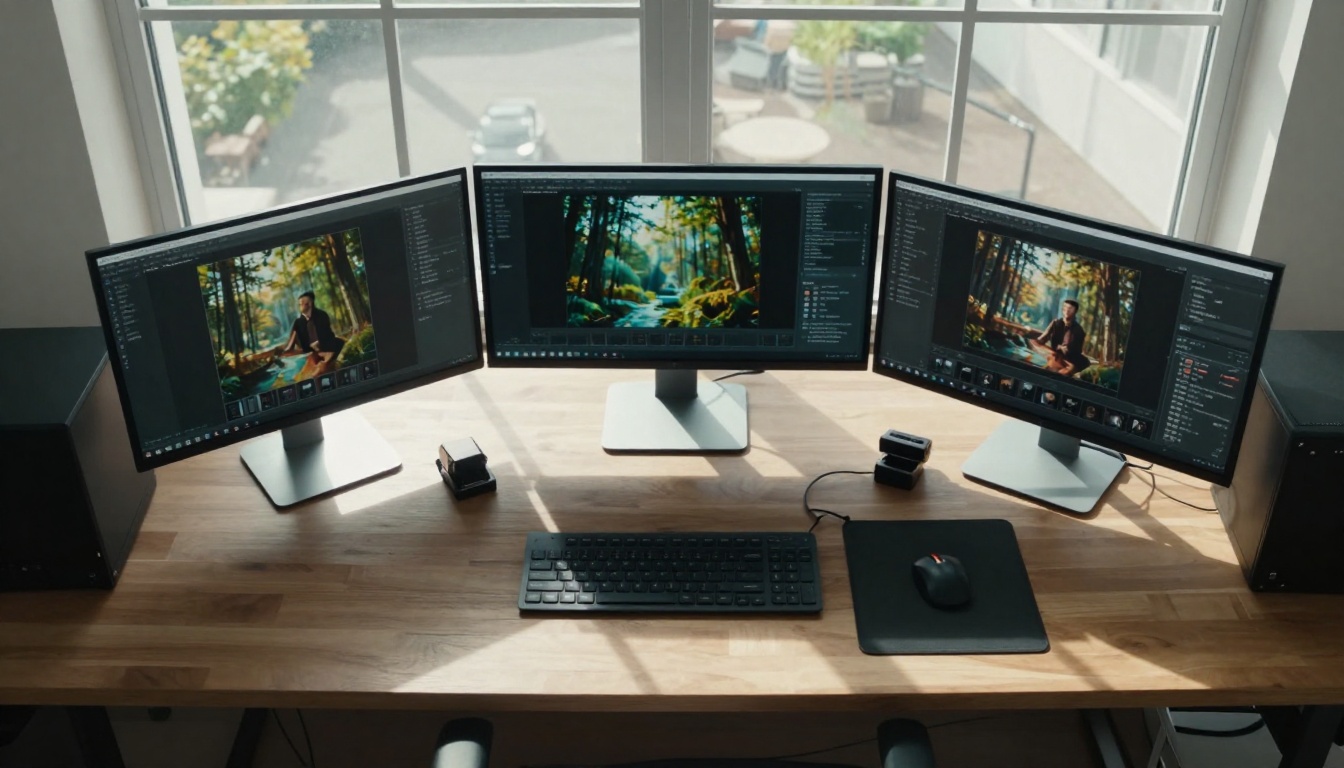
The photography landscape has undergone a seismic shift. Where creative professionals once needed thousands of dollars in camera equipment, studio lighting, and editing software, today's most powerful image creation tools require nothing more than internet access and a descriptive prompt. Two models stand at the forefront of this revolution: OpenAI's GPT Image 1.5 and Black Forest Labs' Flux 2 Pro. These free AI image generators produce results that often surpass what amateur photographers achieve with actual cameras.
The Photography Revolution Without Cameras
Photography has always been about capturing reality through a lens. The fundamental equation remained unchanged for nearly two centuries: light enters a camera, exposes film or sensor, and creates an image. AI image generation rewrites this equation entirely. Instead of capturing existing light, these models generate light, texture, and composition from mathematical patterns learned from billions of existing images.
Traditional photography costs quickly add up:
Professional camera: $2,500+
Quality lenses: $800-$3,000 each
Studio lighting: $1,500+
Editing software: $240/year
Studio space: $500+/month
Props and backgrounds: variable
AI image generation costs: $0 with free tools like GPT Image 1.5 and Flux 2 Pro. The barrier to entry has evaporated. What required years of technical skill development and significant financial investment now requires descriptive language and creative vision.
💡 The most important shift isn't technological—it's economic. Creative professionals who once needed client budgets justifying equipment purchases can now produce commercial-grade images without upfront investment.
GPT Image 1.5: OpenAI's Visual Intelligence
GPT Image 1.5 represents OpenAI's entry into the visual generation space, bringing their renowned language model expertise to image creation. The model excels at understanding complex, nuanced prompts and translating them into coherent visual narratives.
Technical strengths of GPT Image 1.5:
Aspect
Performance
Notes
Prompt understanding
Exceptional
Handles complex, multi-clause descriptions better than most models
Coherence
High
Maintains consistent elements throughout complex scenes
Photorealism
Very Good
Particularly strong with human subjects and natural environments
Detail fidelity
Good
Preserves fine details mentioned in prompts
Generation speed
Moderate
Slower than specialized image-only models
Where GPT Image 1.5 shines:
Conceptual art: Abstract ideas translated into visual form
Character design: Consistent human figures across multiple images
Scene composition: Complex multi-element arrangements
Narrative images: Single frames that tell stories
The model's architecture builds on OpenAI's work with GPT language models, giving it exceptional context window handling. You can describe a scene with multiple characters, specific lighting conditions, particular emotional tones, and precise compositional elements—GPT Image 1.5 will attempt to incorporate all these aspects coherently.
Flux 2 Pro: Black Forest Labs' Photorealistic Mastery
Flux 2 Pro comes from Black Forest Labs, specialists in photorealistic image generation. Where GPT Image 1.5 excels at conceptual understanding, Flux 2 Pro focuses on creating images that look like they were captured with professional photography equipment.
Technical strengths of Flux 2 Pro:
Aspect
Performance
Notes
Photorealism
Exceptional
Rivals high-end digital photography
Material rendering
Outstanding
Perfect glass, metal, fabric, skin textures
Lighting accuracy
Excellent
Natural light behavior and studio lighting effects
Fashion photography: Clothing texture and drape accuracy
The model's training specifically emphasizes material properties and lighting physics. When you generate an image of a leather jacket, Flux 2 Pro doesn't just create something that looks like leather—it renders the specific texture, sheen, crease patterns, and light interaction of genuine leather.
Comparing Image Quality and Output Characteristics
Choosing between GPT Image 1.5 and Flux 2 Pro depends entirely on your specific needs. They're complementary tools rather than competitors, each optimized for different aspects of image creation.
Side-by-side comparison:
GPT Image 1.5 advantages:
Better narrative coherence: Complex stories in single images
Superior prompt flexibility: Understands abstract concepts
Consistent character rendering: Same person across multiple scenes
Emotional tone control: Conveys specific moods effectively
Flux 2 Pro advantages:
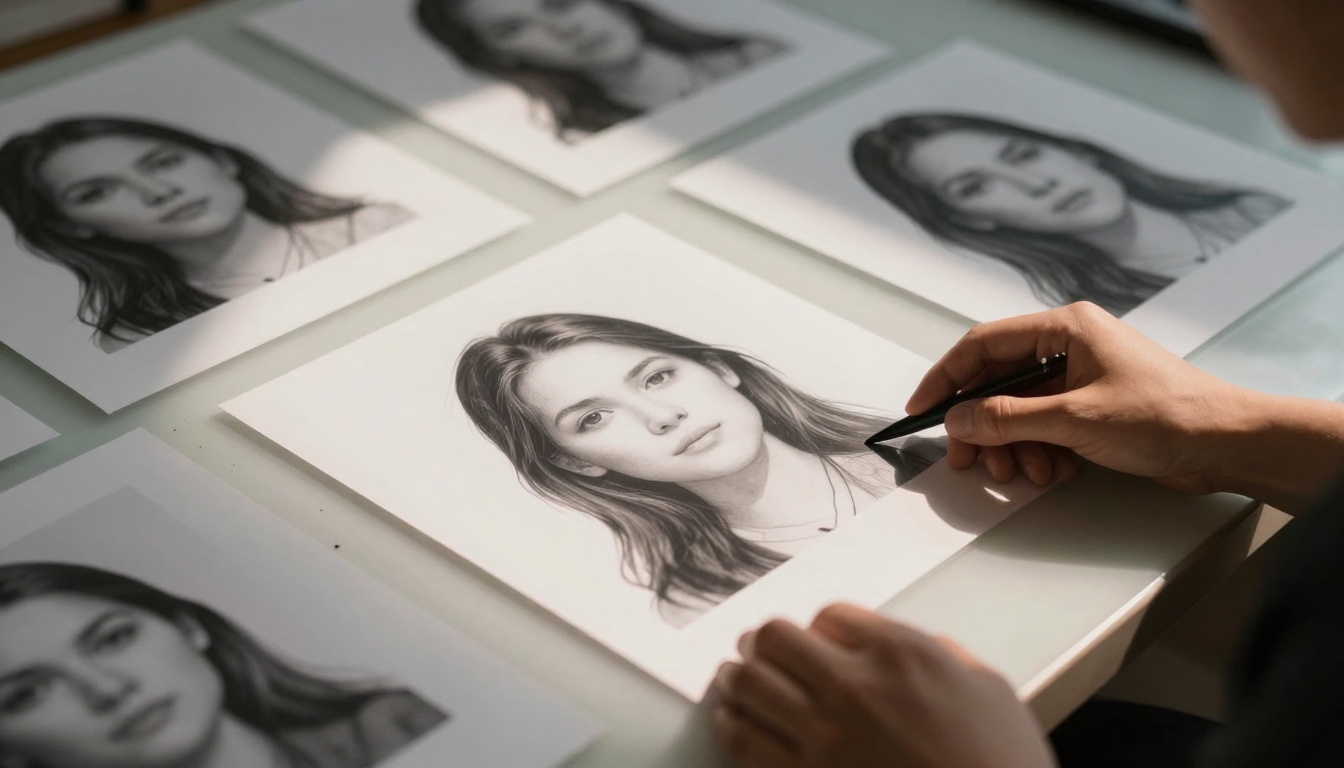
Photographic realism: Indistinguishable from camera-captured images
Material accuracy: Perfect textures for all surfaces
Lighting precision: Natural and artificial light behavior
Commercial readiness: Images ready for professional use
Practical example: Creating an image of "a chef preparing pasta in a rustic Italian kitchen at golden hour"
GPT Image 1.5 would excel at: Capturing the chef's focused expression, the rustic atmosphere, the golden hour warmth, and the narrative of cooking
Flux 2 Pro would excel at: Perfect pasta texture, accurate kitchen equipment materials, realistic steam from boiling water, and photographic lighting quality
💡 Use both models strategically. Start with GPT Image 1.5 for conceptual development and narrative images, then use Flux 2 Pro for final commercial assets requiring photographic realism.
Practical Applications for Creatives
The applications extend far beyond casual experimentation. Professional creatives across industries are integrating these free tools into their workflows:
Marketing and advertising:
Product mockups: Generate images of products in various settings without photoshoots
Social media content: Create engaging visual posts for campaigns
Website imagery: Professional photos for websites and landing pages
Advertising visuals: Compelling images for ads and promotions
Content creation:
Blog illustrations: Custom images for articles and tutorials
YouTube thumbnails: Attention-grabbing visuals for videos
Podcast artwork: Professional cover images for audio content
Newsletter graphics: Engaging visuals for email campaigns
Design and prototyping:
Concept visualization: Show design ideas before production
Mood boards: Create visual references for projects
Presentation materials: Professional images for client presentations
Portfolio pieces: Showcase work without actual photography
Education and training:
Educational materials: Create custom illustrations for lessons
Training manuals: Visual aids for instructional content
Research visualization: Represent concepts and data visually
Academic presentations: Professional images for papers and talks
Case study: A small e-commerce business selling handmade ceramics previously spent $2,500 on professional product photography. Using Flux 2 Pro, they now generate:
50+ product images in various settings: $0
Lifestyle images showing products in use: $0
Seasonal promotional visuals: $0
Social media content calendar images: $0
The quality matches their previous professional photography, and they can generate new images instantly as products evolve.
Cost Analysis: Free vs Traditional Photography
The financial implications are staggering when comparing traditional photography costs against free AI image generation:
Traditional photography expenses for a medium business:
Expense
Annual Cost
Notes
Equipment depreciation
$3,200
Cameras, lenses, lighting depreciate
Studio rental
$6,000
$500/month for basic space
Photographer fees
$15,000
Freelance rates for 30 shoots/year
Model/prop costs
$4,000
Models, clothing, props per shoot
Editing/post-production
$2,400
$200/shoot for basic editing
Total
$30,600
Minimum viable professional setup
AI image generation costs for same output:
Expense
Annual Cost
Notes
GPT Image 1.5 usage
$0
Free through Picasso IA
Flux 2 Pro usage
$0
Free through Picasso IA
Prompt development time
$2,000
Learning curve investment
Total
$2,000
Primarily time investment
The 15:1 cost ratio means businesses can achieve the same visual content output for approximately 6.5% of traditional photography costs. This doesn't even account for the flexibility advantages: instant generation, unlimited variations, no scheduling constraints, and global accessibility.
💡 The cost savings aren't just financial—they're temporal. What required weeks of scheduling, shooting, and editing now happens in minutes. Campaigns can pivot instantly with new visuals, product launches can include comprehensive image suites from day one, and creative testing becomes virtually free.
Technical Requirements and Setup
Accessing these powerful tools requires surprisingly little technical infrastructure. The barrier to entry has been systematically dismantled:
Minimum requirements:
Internet connection: Basic broadband sufficient
Web browser: Chrome, Firefox, Safari, or Edge
Device: Smartphone, tablet, or computer
Account: Free registration on platform
No required hardware:
❌ No high-end graphics card
❌ No powerful processor
❌ No dedicated workstation
❌ No specialized software
❌ No expensive peripherals
Access through Picasso IA:
Both GPT Image 1.5 and Flux 2 Pro are available through the Picasso IA platform with identical access:
Create free account: Register with email
Navigate to models: Find in text-to-image category
Input prompt: Describe desired image
Generate: Click create button
Download: Save generated image
The interface requires no technical expertise. The complexity happens server-side, where powerful GPU clusters process requests. Users experience simple web forms that produce professional results.
Workflow integration:
Direct generation: Create images within Picasso IA interface
API access: Programmatically generate images (available for advanced users)
Style consistency: Maintain visual coherence across image sets
Prompt Engineering for Professional Results
The quality of generated images depends almost entirely on prompt quality. "Prompt engineering" has become the new creative skill, replacing technical photography knowledge with descriptive precision.
"A professional chef in white uniform meticulously preparing fresh pasta dough on marble countertop in rustic Italian kitchen during golden hour, volumetric morning light streaming through window creating soft shadows, 85mm f/1.8 shallow depth of field, photorealistic food photography style, detailed texture of flour on hands and counter, steam rising from boiling water in background, cinematic composition with leading lines drawing eye to chef's focused expression"
Key prompt elements for different needs:
For GPT Image 1.5 (narrative focus):
Include emotional tone ("joyful," "contemplative," "energetic")
Describe character relationships and interactions
Specify narrative elements and story beats
Mention atmospheric and mood details
For Flux 2 Pro (photographic focus):
Specify exact lighting conditions and quality
Describe material textures in detail
Include camera/lens technical specifications
Mention photographic style and genre
Prompt optimization tips:
Start specific: Begin with detailed descriptions rather than simple concepts
Iterate gradually: Make small adjustments between generations
Reference photography terms: Use terms like "shallow depth of field," "golden hour," "studio lighting"
Include negative prompts: Specify what NOT to include ("no text," "no people," "no modern furniture")
Test variations: Generate multiple versions with slight prompt adjustments
💡 Save successful prompts. Build a library of effective prompts for different use cases. Professional users maintain categorized prompt collections for consistent quality across projects.
Limitations and Ethical Considerations
Despite their capabilities, GPT Image 1.5 and Flux 2 Pro have limitations that users should understand:
Technical limitations:
Consistency challenges: Same character across multiple images may vary
Complex anatomy: Hands, feet, and complex poses sometimes imperfect
Text generation: Text within images often garbled or incorrect
Specific brands: Logos and trademarked elements may be approximated
Extreme detail: Microscopic details may lack precision
Current practical boundaries:
Resolution limits: Maximum output resolutions may not match ultra-high-end photography
Generation time: Complex prompts take longer to process
Bias in training data: Reflects biases present in training images
Style limitations: May struggle with extremely niche artistic styles
Ethical considerations:
Intellectual property:
Generated images exist in legal gray areas regarding copyright
Commercial use requires understanding of platform terms
Derivative works of copyrighted material may raise issues
Misrepresentation risks:
Images could be used to create false narratives or fake evidence
Product representations might not match actual products
Historical or factual accuracy may be compromised
Industry displacement:
Professional photographers face economic challenges
Traditional creative roles evolving or disappearing
Skill sets shifting from technical to conceptual
Responsible use guidelines:
Transparency: Disclose AI generation when context matters
Verification: Cross-check factual representations
Ethical boundaries: Avoid harmful, deceptive, or malicious uses
Support transition: Help traditional creatives adapt to new tools
The human element remains crucial. These tools augment human creativity rather than replace it. The most successful implementations combine AI generation with human curation, editing, and creative direction.
Future Developments in AI Image Generation
The current capabilities of GPT Image 1.5 and Flux 2 Pro represent just the beginning. Several developments will further transform image creation:
Near-term improvements (1-2 years):
Higher resolutions: 8K+ output becoming standard
Faster generation: Near-instant results for simple prompts
Better consistency: Perfect character and object consistency across images
Video generation: Moving from still images to video creation
3D model generation: Creating 3D assets from 2D prompts
Medium-term developments (3-5 years):
Real-time generation: Interactive creation during video calls or presentations
Style learning: Models that learn and replicate individual artistic styles
Multi-modal integration: Combining image, text, audio, and video generation
Physical simulation: Accurate physics in generated scenes
Emotional intelligence: Images that evoke specific emotional responses
Long-term possibilities (5+ years):
Complete virtual production: Entire films generated from scripts
Personalized content: Custom visuals based on individual preferences
Educational transformation: Visualizing any concept instantly
Medical visualization: Generating medical images for training and diagnosis
Scientific discovery: Visualizing theoretical concepts and data
The democratization continues. Each improvement makes professional visual creation more accessible. What began as specialized tools for technical experts becomes universally available creative platforms.
Try creating your own images today. The best way to understand these tools is to use them. Start with simple prompts, experiment with different descriptions, and discover how GPT Image 1.5 and Flux 2 Pro can transform your creative workflow. The learning curve is shallow, the costs are zero, and the potential is limited only by your imagination.