Right now, creative professionals and hobbyists are discovering that they don't need expensive software or technical expertise to create stunning visuals. The landscape of AI image generation has exploded with free tools that anyone can access, and people are using them for everything from social media content to professional projects.
Low-angle view showing smartphone interfaces for AI image generation
What's Driving the Free AI Image Generator Trend
Several factors have converged to make free AI image generators not just possible, but exceptionally powerful. The computational costs that once made this technology accessible only to large corporations have dropped dramatically. Open-source communities have developed and shared sophisticated models. Cloud infrastructure allows these services to scale without requiring users to have expensive hardware.
💡 Key insight: The democratization of AI image generation follows a familiar pattern in technology—what starts as expensive, specialized tools eventually becomes accessible to everyone. This happened with photography, video editing, and now AI-generated visuals.
Aerial perspective of AI image generation in a modern workspace
1. Web-Based Generators with No Signup Required
These platforms have gained massive popularity because they remove all barriers to entry. You visit a website, type a prompt, and get results instantly. No accounts, no credit cards, just immediate creativity.
Why they're popular:
- Zero commitment experimentation
- Perfect for quick concept testing
- Great for casual users and beginners
Current limitations:
- Watermarks on free outputs
- Queue times during peak usage
- Resolution limits for free tier
2. Freemium Model Platforms
These services offer generous free tiers that hook users with quality, then offer premium features for power users. The business model works because the free offering is genuinely useful, not just a crippled demo.
Most effective approaches:
- Daily credit systems (5-10 free generations per day)
- High-quality outputs even on free tier
- Community features that add value
Extreme close-up of photorealistic AI-generated artwork
3. Open Source Tools You Can Run Locally
For the technically inclined, there's a growing ecosystem of open-source models that can run on consumer hardware. While these require more setup, they offer complete control and no usage limits.
Popular open-source options:
- Stable Diffusion variants
- Custom-trained models from community hubs
- Web UI interfaces that simplify the process
Quality Comparison: What Free Actually Gets You
Many people assume "free" means "low quality," but that's no longer true. The gap between free and paid AI image generators has narrowed significantly in the last year.
| Aspect | Free Tier Quality | Pawn Tier Differences |
|---|
| Resolution | 1024×1024 to 2048×2048 | Higher resolutions (4K+) |
| Speed | 10-30 seconds per image | Near-instant generation |
| Customization | Basic parameters | Advanced controls |
| Commercial Use | Often restricted | Full commercial rights |
| Watermarks | Sometimes present | Never watermarked |
Professional comparing AI-generated images side by side
Social Media Content Creation
The single biggest use case is social media. Creators need constant visual content, and AI generators provide an endless stream of unique images. Instagram stories, YouTube thumbnails, TikTok backgrounds—all benefit from AI-generated visuals.
Common patterns:
- Brand-consistent imagery without photo shoots
- Custom illustrations for each post
- Rapid testing of visual concepts
Prototyping and Concept Art
Designers and developers use free AI tools to visualize ideas before committing to detailed work. A quick AI-generated mockup can communicate concepts far better than written descriptions.
Specific applications:
- Website layout concepts
- Product design visualization
- Architectural renderings
- Fashion design sketches
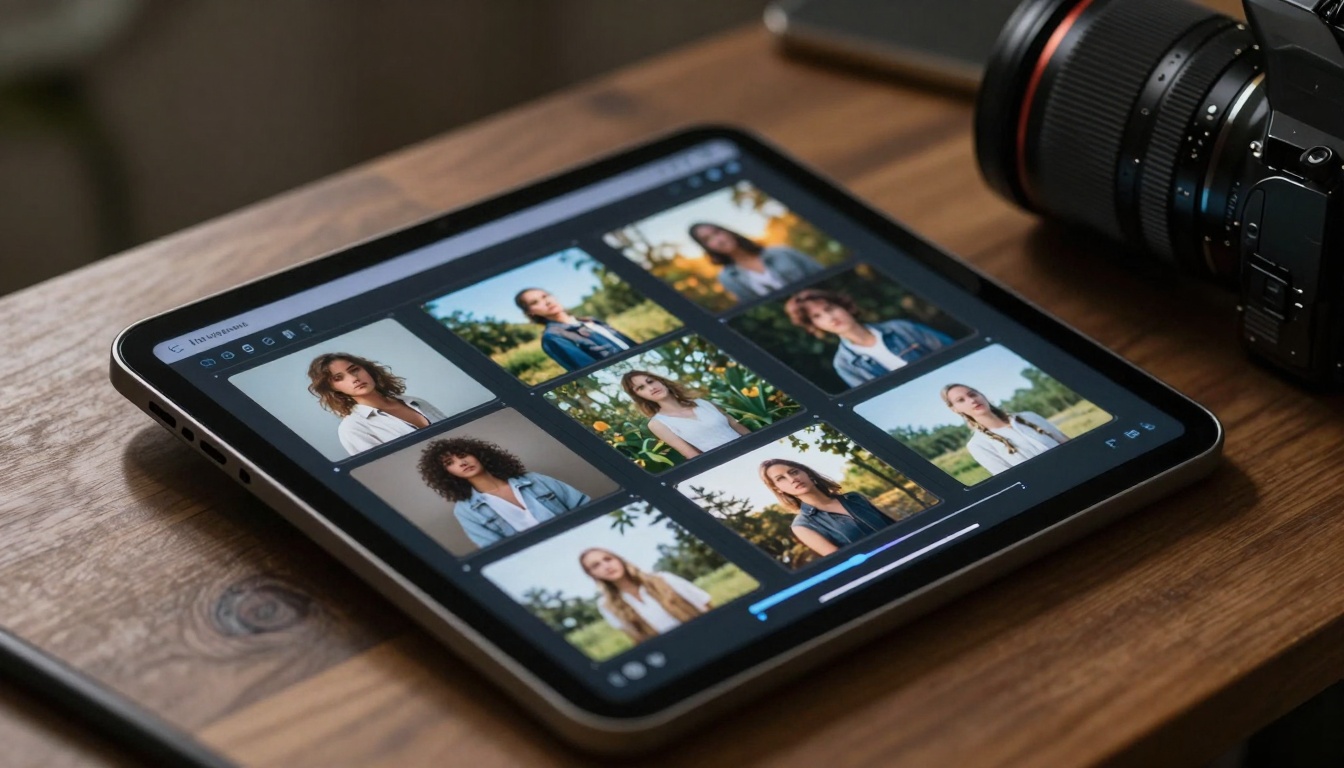
Tablet showing AI image generation in progress
Educational and Non-Profit Projects
Schools, universities, and non-profit organizations leverage free AI tools because their budgets are limited. These tools enable visual storytelling and educational materials that would otherwise be cost-prohibitive.
Educational benefits:
- Historical recreations for history classes
- Scientific visualizations for complex concepts
- Language learning through visual associations
- Accessibility tools for creating custom visuals
Personal Projects and Hobbies
From creating custom wallpapers to visualizing book characters, personal use represents a significant portion of free AI generator usage. People enjoy the creative outlet without financial pressure.
Popular personal applications:
- Fantasy character creation for tabletop games
- Custom artwork for personal spaces
- Visualizing dream vacations or homes
- Creating unique gifts and cards
Image Quality and Realism
The photorealistic capabilities of free AI image generators have improved dramatically. Current models can produce images that are difficult to distinguish from photographs in many scenarios.
Key quality factors:
- Lighting accuracy: Natural shadow placement and highlight detail
- Texture fidelity: Realistic material representation
- Anatomical correctness: Improved human and animal proportions
- Perspective coherence: Consistent spatial relationships
Style Range and Control
Free tools now offer impressive style variety, from photorealistic to various artistic interpretations. The control over output style has become more granular, allowing users to dial in exactly what they want.
Style capabilities:
- Photorealistic rendering
- Various artistic movements (impressionism, cubism, etc.)
- Specific artistic medium simulation (oil paint, watercolor)
- Period-specific aesthetics (Art Deco, Victorian, etc.)
Modern creative studio environment with multiple AI devices
Prompt Engineering for Better Results
The community has developed sophisticated prompt engineering techniques that work well with free tools. People share effective prompt formulas and learn from each other's successes.
Effective prompt strategies:
- Specificity over generality ("a golden retriever puppy" vs. "a dog")
- Artistic terminology inclusion ("cinematic lighting," "professional photography")
- Negative prompts to avoid unwanted elements
- Style references using artist names or movement terms
The Picasso IA platform has emerged as a central hub for accessing various AI models, including several excellent options for free image generation. Rather than being a single generator, Picasso IA provides access to multiple models from different developers.
Available Free Options on Picasso IA
Several models on Picasso IA offer free tiers or credits that make them accessible to everyone:
- p-image by prunaai - Known for speed and quality balance
- z-image-turbo by prunaai - Ultra-fast generation with good results
- qwen-image-2512 by qwen - Excellent for realistic outputs
- flux-2-klein-4b by black-forest-labs - High-quality detailed generation
Why Picasso IA's Approach Works
The platform's model-centric approach gives users flexibility. If one model doesn't produce the desired results, you can try another with different strengths. This diversity means free users aren't locked into a single generation style.

Close-up interaction with AI interface touchscreen
Workflow Optimization
Experienced users develop efficient workflows that maximize their free credits or generations. Batch processing, careful prompt refinement, and output selection strategies all play roles.
Workflow strategies:
- Generate multiple variations simultaneously
- Use low-resolution previews before full-quality generation
- Save successful prompts for reuse
- Combine AI outputs with traditional editing
Quality vs. Quantity Balance
Free tools often impose limits, so users must decide between generating many mediocre images or fewer high-quality ones. The most effective approach varies by use case.
Decision factors:
- For concept exploration: More variations, lower quality
- For final deliverables: Fewer outputs, highest quality
- For social media: Medium quality with consistent style
Community Resource Leveraging
The communities around free AI tools are treasure troves of knowledge. People share not just images, but prompt formulas, workflow tips, and tool-specific techniques.
Community benefits:
- Prompt libraries and templates
- Workflow tutorials and guides
- Tool comparison discussions
- Problem-solving collective intelligence
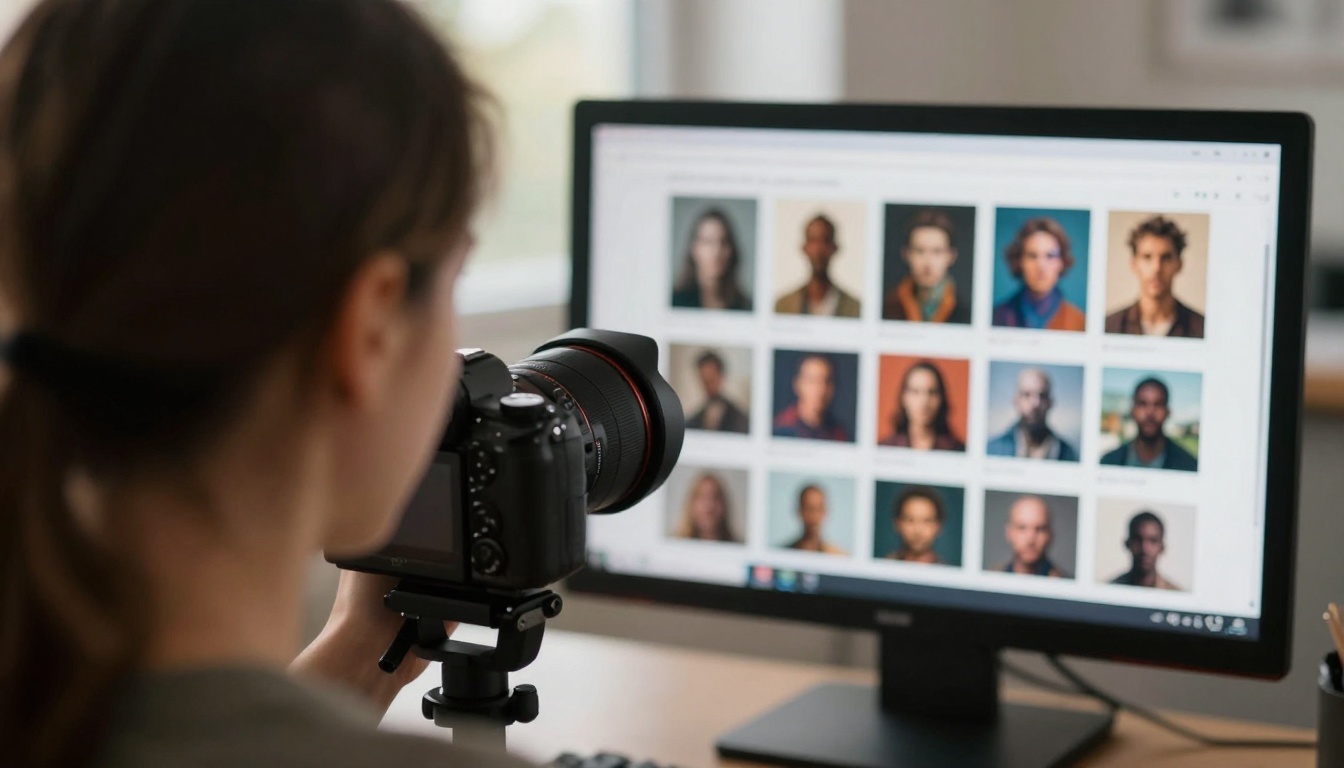
Over-the-shoulder view of AI-generated image gallery
Limitations and Workarounds
Common Free Tool Limitations
Understanding the constraints helps users work effectively within them rather than fighting against them.
Typical limitations:
- Generation queue times during peak hours
- Watermarks on exported images
- Commercial usage restrictions
- Lower resolution outputs
- Limited style control options
Effective Workarounds
Creative users have developed numerous workarounds for common limitations. These techniques extend the usefulness of free tools beyond their apparent constraints.
Practical workarounds:
- Upscaling: Use separate AI upscaling tools to enhance resolution
- Watermark removal: Simple editing to remove watermarks when allowed
- Batch scheduling: Generate during off-peak hours
- Hybrid approaches: Combine multiple free tools for different tasks
When to Consider Paid Options
While free tools are powerful, there are situations where paid options make sense. Understanding these thresholds helps users make informed decisions.
Paid option triggers:
- Consistent commercial usage needs
- Time-sensitive professional projects
- Specific quality requirements
- Advanced control needs
Future Trends in Free AI Image Generation
Quality Improvements
The trajectory suggests free tools will continue closing the quality gap with paid options. Each model iteration brings improvements that eventually trickle down to free tiers.
Expected improvements:
- Higher resolution outputs
- Faster generation speeds
- Better prompt understanding
- More consistent quality
Feature Democratization
Features currently reserved for paid tiers will likely become available in free versions as competition increases and development costs decrease.
Features likely to become free:
- Advanced style controls
- Batch processing capabilities
- Higher daily generation limits
- Commercial usage rights for small-scale use
Detailed examination of printed AI-generated artwork
Integration with Other Tools
Free AI image generators will increasingly integrate with other creative tools, creating seamless workflows rather than isolated generation steps.
Integration trends:
- Direct integration with design software
- Social media platform native tools
- Mobile app companion applications
- Collaborative workspace features
Getting Started Today
The barrier to entry for AI image generation has never been lower. With the current crop of free tools, anyone can start creating within minutes. The key is beginning with realistic expectations and gradually building skills.
First steps recommendation:
- Choose one free tool that matches your primary need
- Start with simple, clear prompts
- Study successful examples from the community
- Experiment without pressure
- Gradually refine your approach
Common Beginner Mistakes to Avoid
New users often stumble on predictable pitfalls. Avoiding these accelerates the learning curve.
Avoid these mistakes:
- Overly complex initial prompts
- Expecting perfection from first attempts
- Ignoring community resources
- Sticking with disappointing tools too long
- Not saving successful prompts and settings
The Real Value Proposition
Free AI image generators offer more than just cost savings—they provide creative freedom without financial risk. This psychological aspect significantly impacts how people use these tools. When there's no money on the line, experimentation flourishes, leading to unexpected creative breakthroughs.
Psychological benefits:
- Reduced creative anxiety
- Increased experimentation
- Lower barrier to trying new styles
- Freedom to fail without consequence
Your Next Steps
The landscape of free AI image generation tools continues to evolve rapidly. What's available today represents just the beginning of this technology's democratization. The tools people are using right now will likely seem primitive compared to what's coming, but they're remarkably capable today.
Try creating something with the free tools available on platforms like Picasso IA. Start with a simple concept, experiment with different models like p-image or qwen-image-2512, and see what you can create without spending anything. The experience itself—understanding how these tools work and what they can do—is valuable regardless of your specific creative goals.


