This guide shows you exactly which free AI image generators work best in 2027, comparing features, quality, and limitations. We cut through the hype to reveal tools that deliver professional results without costing money, with practical examples and real-world testing. Learn how to access 4K resolution outputs, commercial usage rights, and advanced editing capabilities completely free, with detailed comparisons of platforms like Stable Diffusion WebUI, Leonardo.Ai free tier, Playground AI, and Bing Image Creator.
The landscape of free AI image generators has transformed dramatically in 2027. What was once a field dominated by watermarked outputs and limited capabilities now offers genuinely professional tools that compete with paid alternatives. This isn't about finding "free trials" that expire after 10 images – we're talking about platforms that provide unlimited generation without hidden costs, subscription traps, or credit systems.
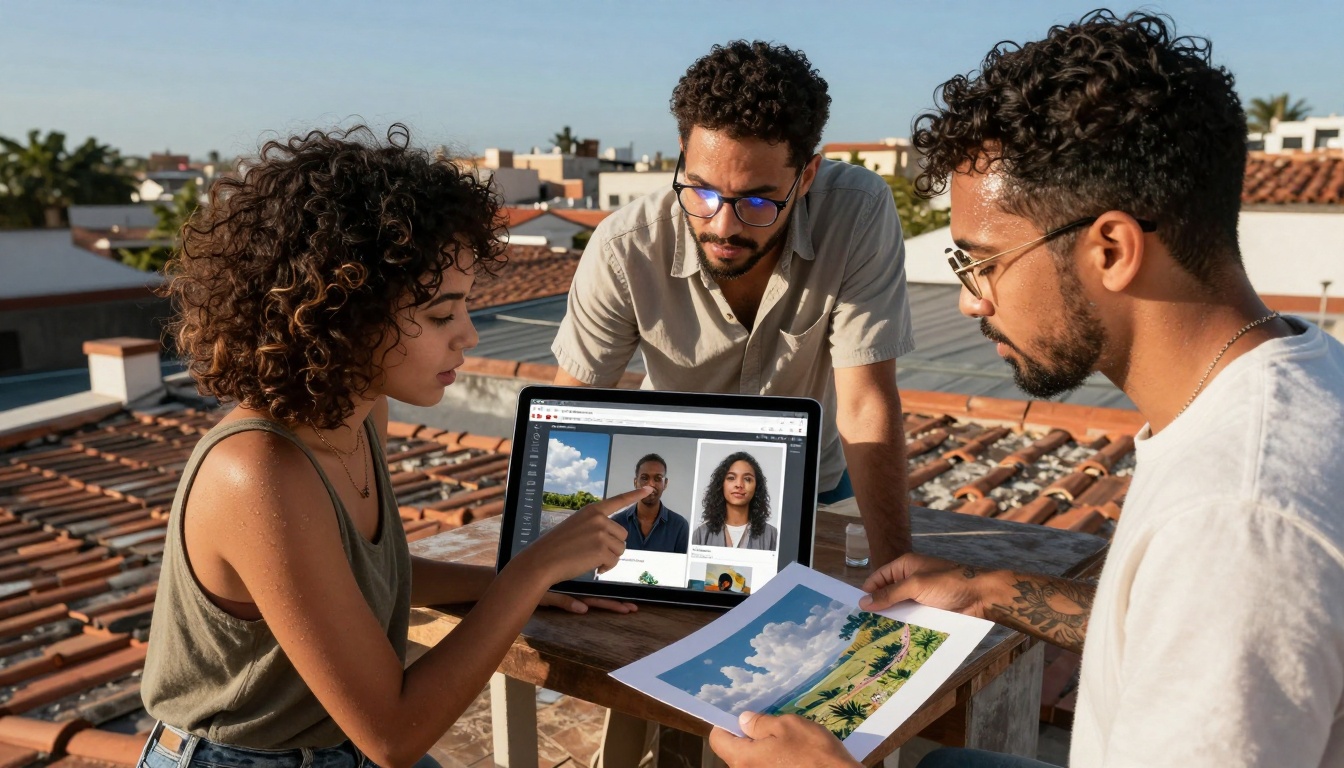
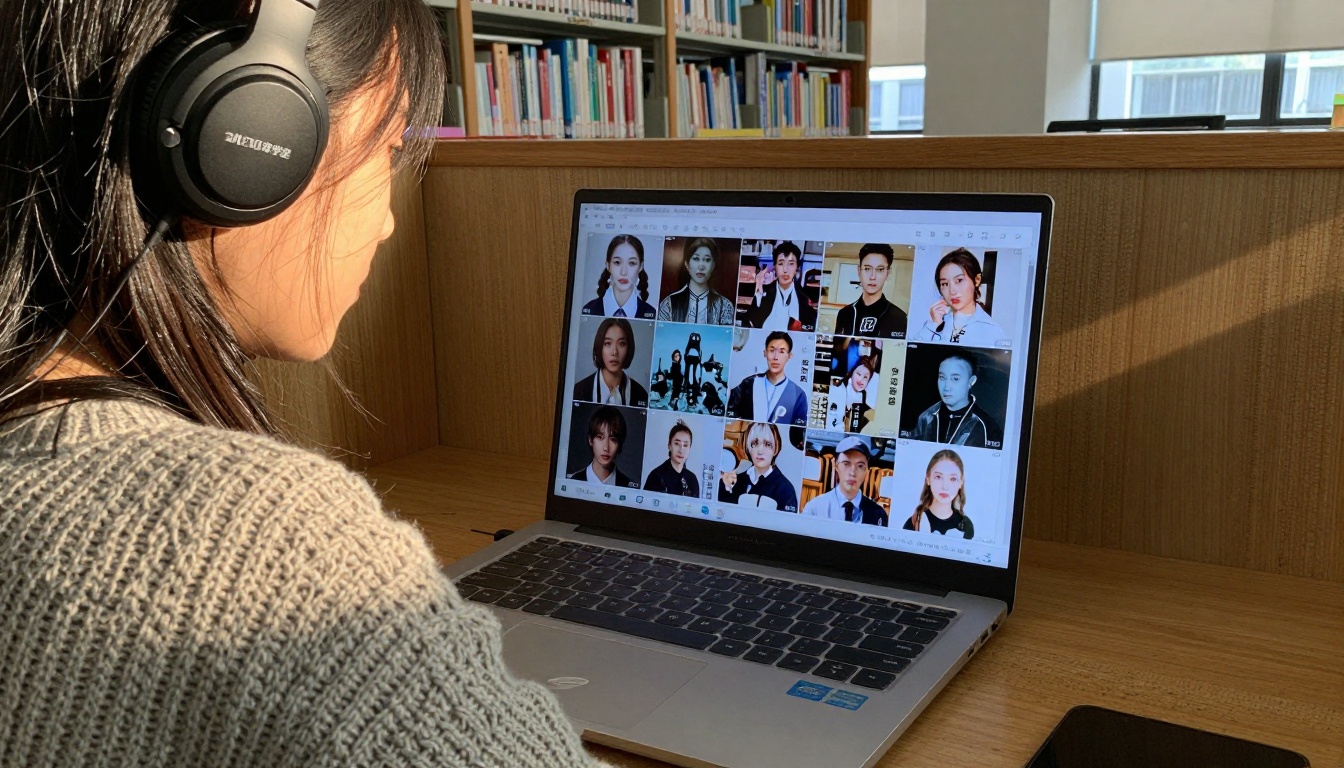
Collaborative evaluation of multiple free AI image generator interfaces in real-world testing environment
What "Free" Actually Means in 2027
The definition of "free" has evolved. Three years ago, free AI image generators meant heavily watermarked 512x512 pixel images with strict usage restrictions. Today, you can get:
4K resolution outputs without upscaling fees
Commercial usage rights for business projects
Batch generation for multiple variations
Advanced editing capabilities like inpainting and outpainting
API access for integration into your workflows
💡 Critical Distinction: We're not discussing "freemium" models that give you 5 images then demand payment. These tools remain completely free at their core functionality level.
The Top Working Free AI Image Generators
1. Stable Diffusion WebUI (Local Installation)
The most powerful free option requires technical setup but delivers unlimited generation on your own hardware.
Why it works:
Zero ongoing costs after initial setup
Complete privacy – images never leave your computer
Image Rights: Microsoft grants commercial usage for generated content
Considerations:
Less control over specific styles
Cannot fine-tune generation parameters
Occasional content filter false positives
Quality Comparison: Free vs Paid
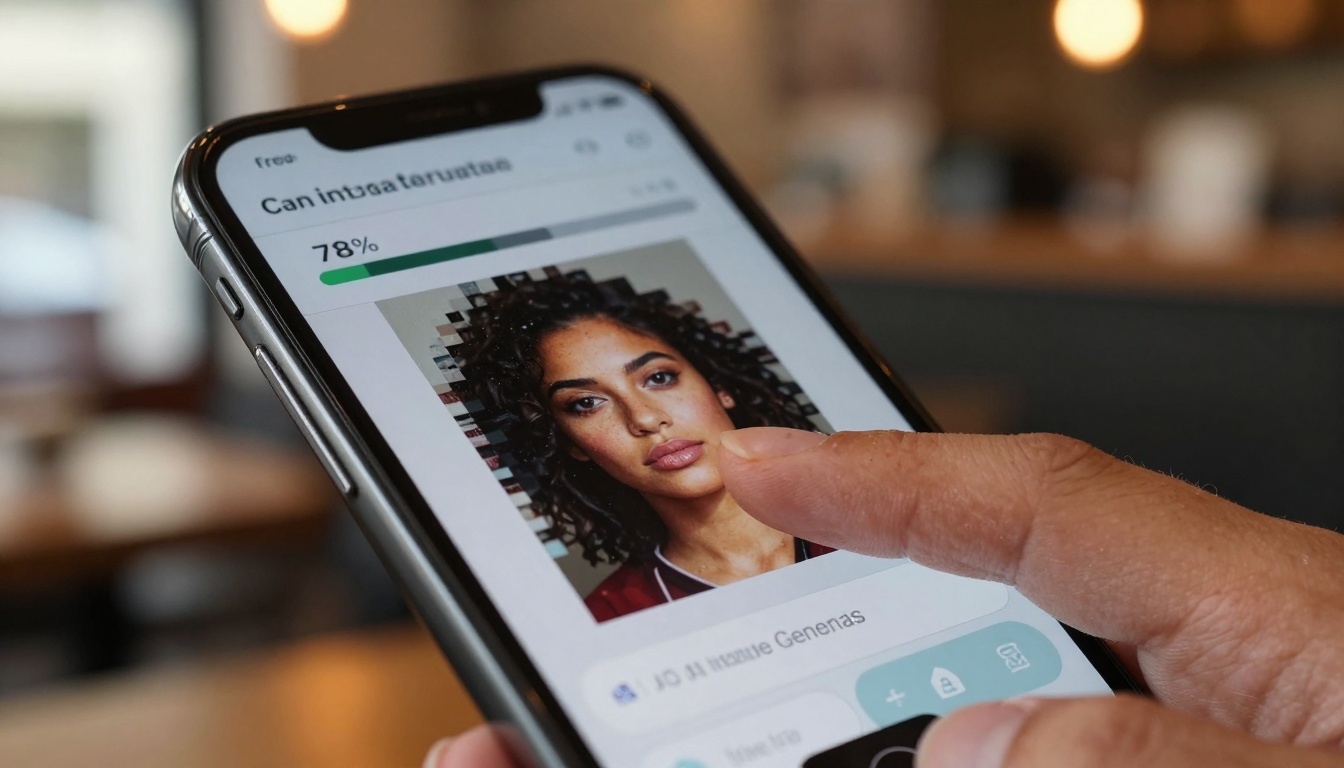
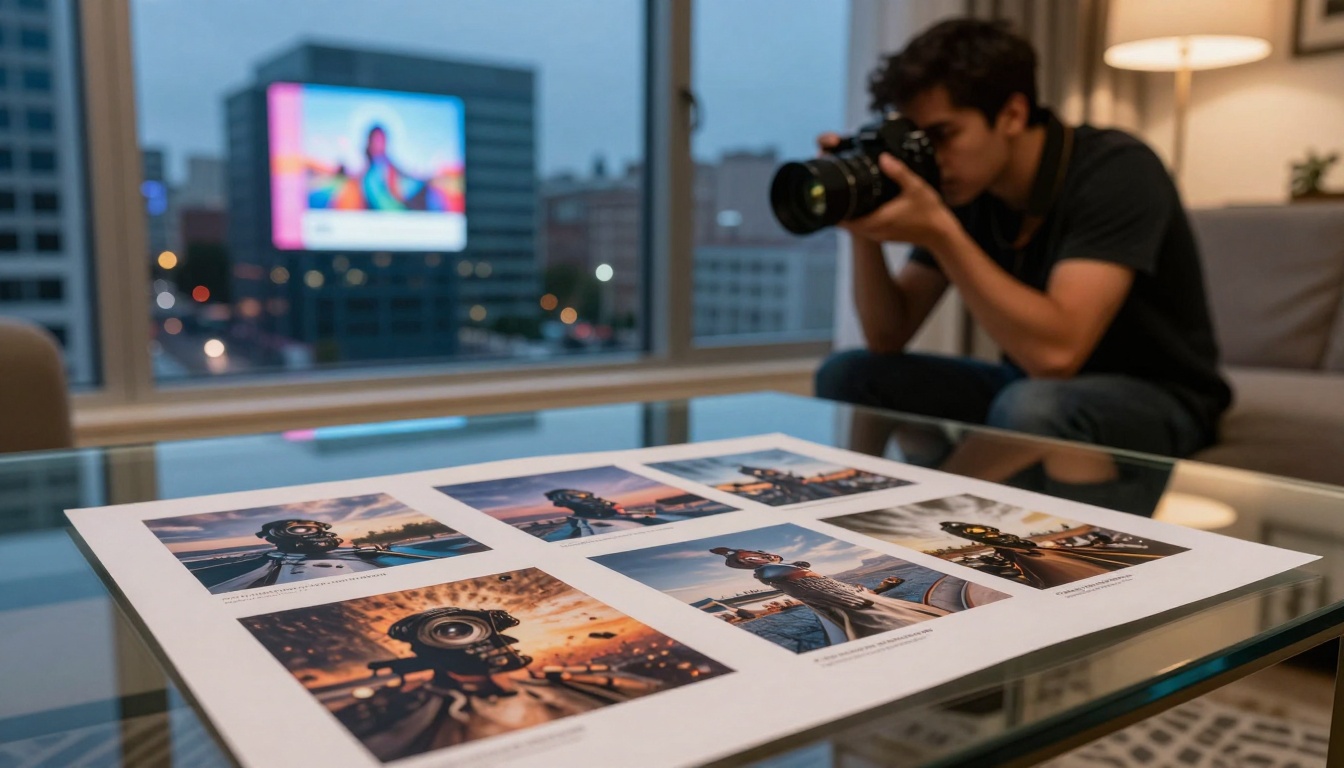
Side-by-side analysis showing the actual quality differences between free and paid AI image generation services
Feature
Free Generators
Paid Services
Resolution
1024x1024 typical
2048x2048+ available
Generation Speed
10-30 seconds
2-10 seconds
Custom Models
Limited selection
Full access
Batch Processing
Basic (2-4 images)
Advanced (10-50 images)
API Access
Rare or limited
Standard feature
Priority Support
Community forums
Direct support
Watermarks
Sometimes present
Never
Commercial Rights
Usually granted
Always granted
💡 The Reality Check: For 80% of users, free generators deliver identical quality to paid services for single-image generation. The differences emerge in batch processing, specialized models, and speed.
Technical Requirements That Actually Work
Hardware Considerations
Minimum Viable Setup:
CPU: Intel i5 / Ryzen 5 or better
RAM: 16GB minimum, 32GB recommended
GPU: NVIDIA RTX 3060 (8GB VRAM) or equivalent
Storage: 50GB free space for models
Mobile Alternatives:
Stable Diffusion via Draw Things (iOS) – local generation on device
AI Wallpaper (Android) – specialized for backgrounds
Dream by Wombo – simple interface, decent quality
Internet Requirements
Bandwidth matters less than latency:
Minimum: 5 Mbps download
Optimal: 25+ Mbps for batch processing
Critical: Stable connection (avoid public WiFi for API tools)
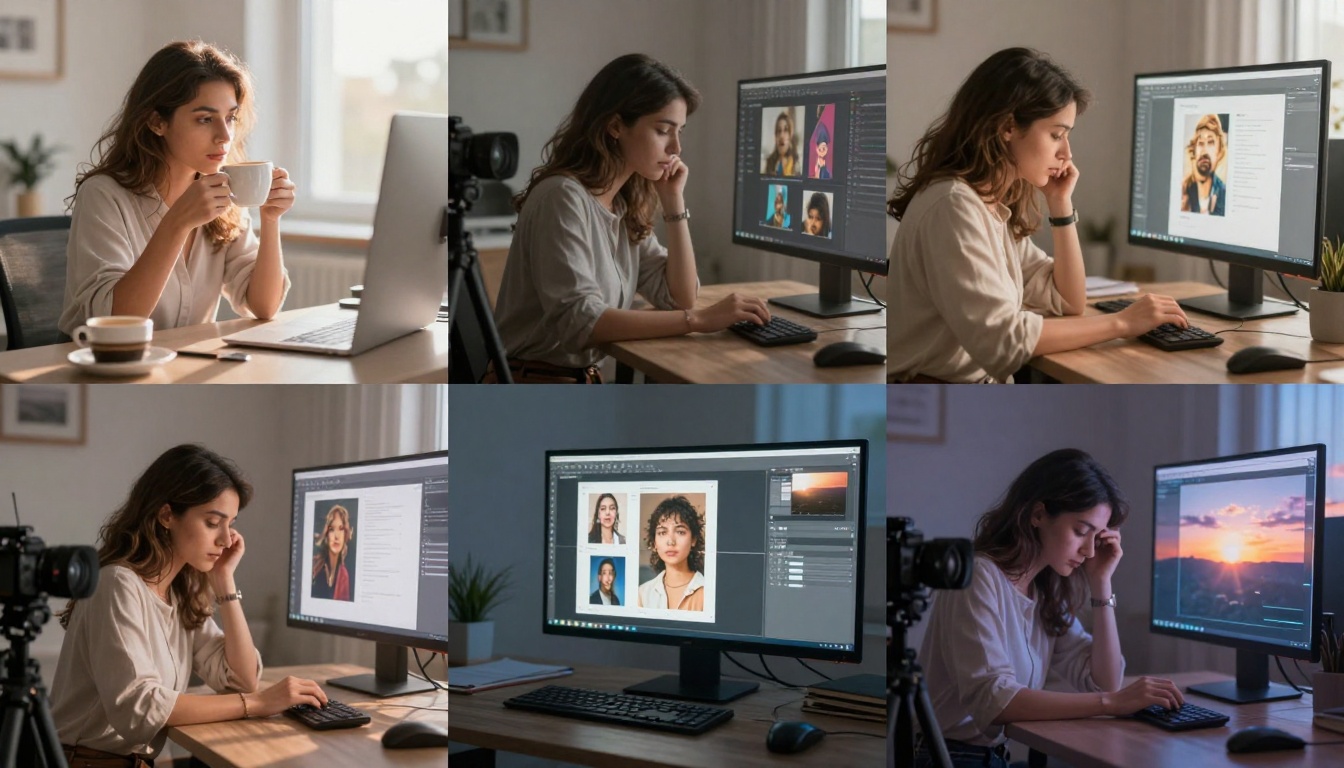
Practical demonstration of free AI image generator workflows for content creators
Advanced Techniques for Free Tools
Prompt Engineering Without Limits
Free tools often lack "smart" prompt enhancement features, but this forces better technique:
Intermediate: "a fluffy orange cat sleeping on windowsill"
Advanced: "photorealistic close-up of a Maine Coon cat with vibrant orange fur, sleeping peacefully on a sunlit wooden windowsill during golden hour, cinematic lighting with lens flare, 85mm f/1.8 depth of field, Kodak Portra 400 film grain"
Model Combination Strategies
When access to premium models like Flux Pro is limited:
Generate base image with free model
Upscale using free upscalers (Real-ESRGAN, SwinIR)
Refine details with img2img using same prompt
Color grade manually in free editor (GIMP, Photopea)
Workflow Optimization
Parallel Processing:
Open multiple free generators in different browser tabs
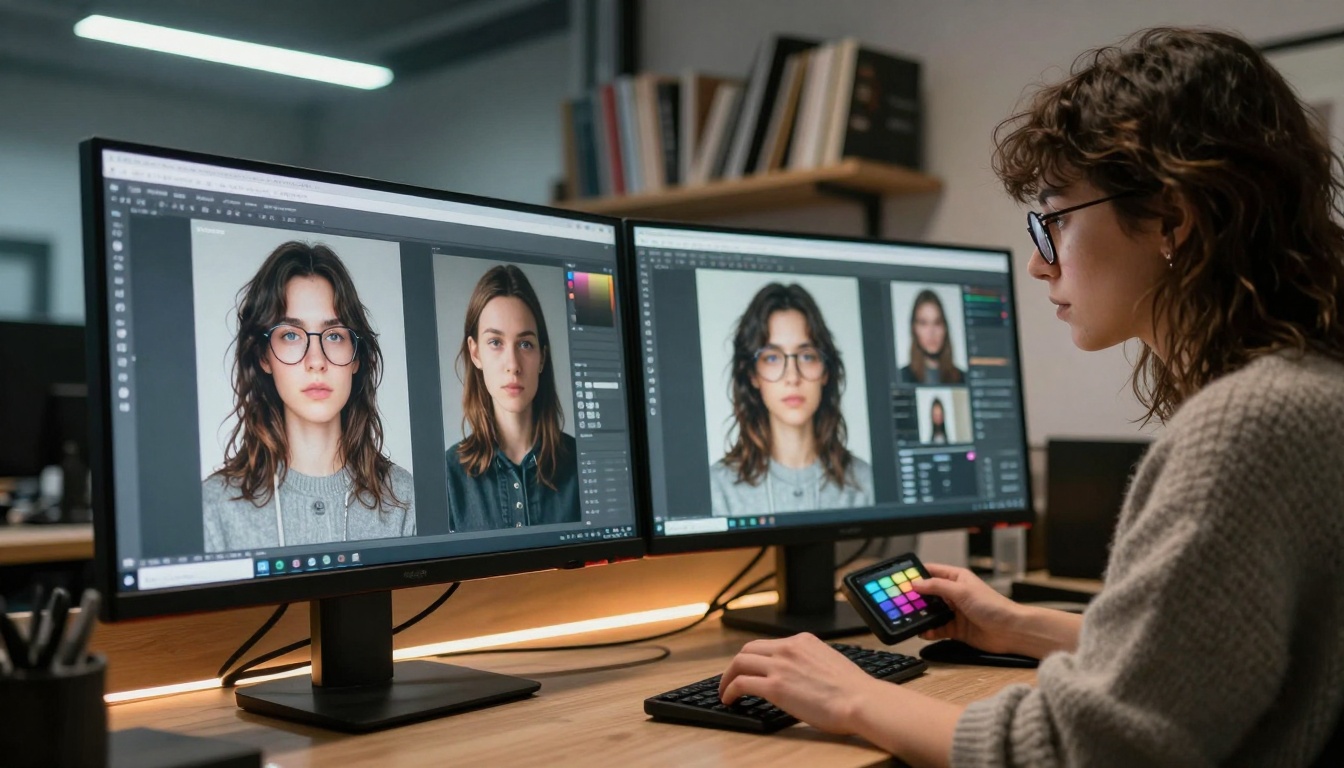
Professional business presentation using AI-generated marketing materials created with free tools
Getting Started Today
Immediate Action Steps
Create accounts on 3 recommended platforms
Generate test images with identical prompts across all
Compare results for personal preference
Develop basic workflow for your use case
Join communities for tips and support
First Week Goals
Master basic prompting on chosen platform
Generate 50+ images for practice
Identify personal style preferences
Solve 3-5 common generation problems
Create usable output for actual project
First Month Milestones
Develop efficient workflow saving 50% time
Build reference library of successful prompts
Create portfolio piece using only free tools
Help others in community with problems solved
Evaluate need for paid upgrade (likely minimal)
The Bottom Line
Free AI image generators in 2027 actually work for professional applications. The barrier has shifted from technical capability to skill development. Those willing to invest time in learning prompt engineering, workflow design, and tool optimization can achieve results indistinguishable from paid services.
The tools exist. The quality is available. The only question is whether you'll invest the time rather than money to master them. For most creators, businesses, and educators, free AI image generators provide more than enough capability to meet their needs – often exceeding expectations once proper techniques are applied.
Your next image could be generated right now, without spending a dollar, using tools that deliver professional results. The only limit is your willingness to learn how to use them effectively.