Most free AI image tools make you beg. They serve you a watered-down result, slap a watermark on it, and flag your request if it contains a bare shoulder. Meanwhile, the tools that actually produce what you typed are either paywalled, slow, or buried under five layers of "community guidelines." This article cuts through all that. Below you'll find the free AI image tools that skip the censor, what they can actually do, and where to access the best ones right now.
Not all content blocking is the same. Knowing why tools restrict output helps you find better alternatives faster.
Safe Mode vs Full Block
Some platforms operate on a sliding scale. They allow swimwear, art-style nudity, or suggestive content in "relaxed" mode but shut everything down in "safe" mode. Others hard-block entire categories regardless of context, prompt wording, or artistic intent.
The difference matters because:
- Sliding-scale tools can often be configured through settings or subscriptions
- Hard-block tools use prompt classifiers that flag keywords regardless of intent
- Open-weight models (like Stable Diffusion) have no filter at all unless the host adds one
When you hit a block, you might be hitting any of these layers or all of them simultaneously. That is why rewording a prompt sometimes works (bypasses the prompt classifier) but the output still gets blocked (the output classifier still fires). Knowing the architecture helps you choose the right tool rather than trying to trick a platform not built for your use case.
Why Free Tools Restrict Output
Free means someone is paying for the servers. That someone usually has advertisers, app store agreements, or investors who demand "safe" defaults. The restrictions are not always moral choices. They are business decisions designed to protect ad revenue and avoid platform bans.
The result: the more commercial a free tool is, the more it censors you. Platforms with subscription tiers often place uncensored generation behind a paywall, which is why knowing which tools allow it freely, and which require a cheap plan, saves you time and frustration.
💡 Tip: Most platforms that advertise a free trial for uncensored generation let you test without a credit card. Take advantage of that before committing.
Here is what is actually available right now. These tools have been verified to accept NSFW, suggestive, or unrestricted prompts without blocking mid-generation.
Seedream 4.5: Speed and NSFW in One
Seedream 4.5 is the top pick for unrestricted generation. It accepts NSFW and adult-oriented prompts, supports image editing, and produces ultra-realistic results in under 3 seconds. That speed alone separates it from most competitors where you wait 30 to 90 seconds per image.
It also functions as an image editor, meaning you can feed it an existing photo and instruct it to modify specific elements, including wardrobe, background, or style, without losing the original composition. For creators who work from reference photos, this dual capability is a real time-saver.
💡 Note: The newer Seedream 5 Lite does not support NSFW content. For creative freedom, stay with Seedream 4.5.
PicassoIA Image Editor Pro: Unlimited Runs
PicassoIA Image Editor Pro is an image-to-image model and the most cost-effective option for high-volume creators. Its core advantage: unlimited generations with an Elite or Infinite subscription.
To put that in perspective: generating 1,000 images on pay-per-generation models like Nano Banana 2 costs around $100. On PicassoIA Image Editor Pro, that same volume costs nothing extra since it is included in the plan. Results arrive in under 1 second, and you can start with a 3-generation free trial, no credit card required.
For artists who need to iterate quickly on body poses, outfits, or lighting without burning through credits, this is the obvious pick.
Qwen Image 2: Open Source, No Guards
Qwen Image 2 is open-source and carries none of the commercial restrictions found in closed models. It edits and creates images in seconds with detailed realism. Being open-weight means the community has validated that its output is not filtered at the model level, only at the hosting layer, which on PicassoIA is configured for creative freedom.
This makes it ideal for workflows where you want to edit existing photos with fine-grained control, including content that mainstream platforms would refuse.
Grok Imagine Image: Realistic Photo Conversion
Grok Imagine Image is the specialized pick for image-to-image modification. It handles skin tone matching, fabric physics simulation, and environmental lighting in a way that feels convincingly photorealistic rather than pasted-on. If your workflow involves taking a reference photo and adjusting wardrobe or setting, this model handles it with minimal artifacts.
Recraft V4: Text-to-Image Without Filters
Recraft V4 accepts adult-oriented text prompts and produces very realistic results. It is text-to-image only with no image editing, which makes it best for original creation from scratch rather than photo modification. If you know exactly what you want and can describe it well in text, Recraft V4 delivers clean, detailed output.
P-Image: Under 1 Second, NSFW On
P-Image is built for speed. NSFW content is supported, and generation happens in under 1 second per image. For creators running large batches of variations, this is the fastest option in the lineup.
Models Ranked by Creative Freedom
Here is the full comparison of models available on PicassoIA for unrestricted image generation:
💡 Speed note: "Under 1 second" on PicassoIA is a real differentiator. Most competing platforms average 30 to 90 seconds per image even at standard quality settings.
How to Use Seedream 4.5 on PicassoIA
PicassoIA hosts Seedream 4.5 directly, so you do not need to install anything or manage API keys. Here is how to start generating in under 5 minutes:
Step 1: Open the Model Page
Go to picassoia.com/en/collection/text-to-image/bytedance-seedream-45. The prompt input field is immediately visible, and no account is required to view the page.
Step 2: Write a Detailed Prompt
Seedream 4.5 responds well to descriptive, natural-language prompts. The more specific you are about lighting, camera angle, subject pose, and environment, the more precisely it matches your intent.
Example prompt: "a woman in a white linen dress standing on a beach at golden hour, soft backlight, 85mm portrait lens, shallow depth of field, photorealistic, Kodak Portra 400"
Step 3: Set Your Parameters
- Aspect ratio: 16:9 for landscape, 9:16 for vertical or portrait, 1:1 for square
- Resolution: Choose the highest your plan allows for maximum detail
- Negative prompt: Add what you want to avoid, for example: "blurry, cartoon, watermark, text"
Step 4: Generate and Review
Hit generate. Results appear in under 3 seconds. If the composition is close but not perfect, use the built-in edit mode to modify specific regions without regenerating the full image from scratch.
Step 5: Download or Continue Editing
Images download at full resolution. For further modifications, feed the output into PicassoIA Image Editor Pro for unlimited refinement iterations at no extra cost on Elite or Infinite plans.
💡 Workflow tip: Combining Seedream 4.5 for initial generation with Image Editor Pro for unlimited iterations gives you both quality and volume without depleting your credits.
Background Removal That Respects Your Work
Once you have your generated image, post-processing is often next. Cutting a subject out of an AI portrait is one of the most common follow-up tasks, and most manual tools require careful masking around hair and fine details.
Bria Remove Background on PicassoIA handles this automatically. It preserves strand-level hair detail, maintains transparency at fabric edges, and processes the cutout in seconds. This matters specifically for unrestricted images where you are working with swimwear, flowing fabric, or artistic compositions that mainstream background removers sometimes mishandle or outright reject.
Use cases after removing the background:
- Composite the subject onto a custom location or studio backdrop
- Product shots featuring a person with a clean white or gradient background
- Animation prep where the subject needs isolation on a transparent layer
- Overlay designs where the AI portrait is layered with graphic elements
The combination of unrestricted generation and clean background removal in the same platform removes a friction point that forces many creators to switch between four or five different apps.
Visual Effects Without the Paywall
Visual effects capabilities in AI tools usually sit behind premium tiers. On PicassoIA, several effects-class operations are accessible at the same entry level as standard image generation:
- Super Resolution: Upscale generated images 2x to 4x without introducing sharpening halos or compression artifacts. Useful when you need large-format prints or want to zoom into a specific region of a portrait without losing detail.
- AI Image Restoration: Fix noise, blur, or compression damage in existing photos before using them as references for generation. If your source material is a low-quality scan or a screenshot, restoration brings it up to a usable level.
- Inpainting and Outpainting: Fill missing regions of an image or expand the canvas beyond its original borders. These tools are especially useful for adjusting compositions that were cropped too tightly, or for placing a generated subject into a wider scene.
- Object Replacement: Swap specific objects within an image without affecting the surrounding pixels. Change a piece of clothing, replace a background element, or modify a prop while everything else stays exactly as generated.
These are not separate tools requiring separate logins. They live inside the same PicassoIA interface where you are already generating, which makes the iteration cycle much faster than piecing together a workflow from multiple services.
The restriction is not about the technology. It is about deployment decisions. Here is what is actually happening inside most censored tools:
The Censorship Layers
Most platforms stack multiple filters:
- Prompt classifier: Scans your text before generation and blocks flagged keywords
- Output classifier: Analyzes the generated image after rendering and blocks delivery
- Sanitized model weights: The underlying model is fine-tuned to avoid adult content
- Platform policy review: A human review layer for flagged accounts or repeat violations
When you hit a block, you might be hitting any one of these layers or all four. That is why rewording sometimes works (bypasses the prompt classifier) but the output still gets flagged (the output classifier still fires).
How PicassoIA Does It Differently
PicassoIA offers models where these layers are either turned off or configured for adult content by platform policy. It is not designed for the mainstream ad-supported audience. It is built for creators who need creative freedom without workarounds.
That means:
- No prompt classifier blocking bikini, nude, or suggestive terms on NSFW-capable models
- No output blocking on tasteful adult content
- Model weights on the NSFW-capable models are not sanitized at the source level
- Privacy by design: your generations are not used for moderation training pipelines
The tradeoff is personal responsibility. You get creative freedom, and you are expected to use it within legal limits. PicassoIA is explicit about this in its terms, which makes the platform more honest than tools that block everything "for your protection" while actually protecting their advertising contracts.
What "Free" Actually Gets You
The word "free" means different things depending on the platform. Here is a real breakdown:
| Platform Type | What Is Free | What Is Blocked |
|---|
| Commercial mainstream (Canva, Adobe) | Basic image generation | NSFW, suggestive, bikini formats |
| Open-source self-hosted | Everything, no restrictions | Nothing, fully local |
| PicassoIA (free trial) | 3 generations, full NSFW access | Nothing during trial |
| PicassoIA (paid plan) | Unlimited on Image Editor Pro | Nothing |
| Other NSFW-focused platforms | Often watermarked output | Commercial use without subscription |
The honest answer is that fully uncensored, unlimited, commercial-grade free generation does not exist anywhere. What does exist: a free trial with real access and no credit card (PicassoIA), open-source local tools (Stable Diffusion, FLUX), and affordable paid plans where "unlimited" actually means unlimited rather than "unlimited within a monthly cap."
When Local Tools Win
Running Stable Diffusion or FLUX locally gives you complete control. No server, no policy, no filter. The practical drawbacks:
- Requires a GPU with at least 8GB VRAM for decent performance at standard quality
- No user interface out of the box; requires manual setup through ComfyUI or Automatic1111
- Model downloads exceed 10GB per checkpoint, and multiple checkpoints add up fast
- No cloud backup, sharing tools, or browser-based access from other devices
For most creators, this is more friction than the freedom is worth. PicassoIA covers the same level of creative freedom without the hardware requirement or setup time.
Prompt Tips for Unrestricted Results
Even on platforms that allow adult content, prompt quality determines output quality. Vague prompts produce vague images regardless of what the platform allows.
What works:
- Describe the light source precisely: "warm afternoon sun from the left, casting soft shadows right" beats "good lighting"
- Name the camera and lens: "shot on Canon EOS R5, 85mm f/1.4" triggers realistic depth of field simulation
- Specify film stock: "Kodak Portra 400" or "Fuji Velvia 50" shifts color science and grain structure
- Describe the subject's pose in physical terms: "arms at sides, weight on left hip, gaze directly into lens, slight chin tilt"
- Include texture details: "visible skin pores, individual hair strands catching backlight, fabric weave texture visible at hems"
What does not work:
- Single-word style descriptors like "beautiful," "sexy," or "realistic" without supporting detail
- Conflicting instructions like "soft background bokeh, sharp full-body shot from 5 meters"
- Over-relying on negative prompts to fix a weak positive prompt
💡 Pro tip: The best prompts read like a photography brief, not a wishlist. Think about what a cinematographer would tell a lighting director before a shoot.
Best NSFW Models on PicassoIA
All of the following models are available at picassoia.com/en/all-models and accept unrestricted creative prompts:
- Seedream 4.5 — Best all-around. Photorealistic output in under 3 seconds, supports NSFW and image editing from the same interface.
- PicassoIA Image Editor Pro — Best for volume. Unlimited generations on Elite or Infinite plans, results in under 1 second. Three generations free, no card required.
- Qwen Image 2 — Best open-source option. No commercial filters, detailed realism from text or image input.
- Grok Imagine Image — Best for realistic photo modification. Converts reference images with accurate texture and lighting matching.
- Recraft V4 — Best for text-only creation. Realistic output from descriptive prompts without image input.
- P-Image — Fastest. NSFW-capable in under 1 second per image, ideal for batch workflows.
Unlike most mainstream AI platforms, PicassoIA gives creators full creative freedom with uncensored, high-performance models.
Your Turn: Start Generating
The tools above are not theoretical. They are running right now on PicassoIA, and several offer free trials with no credit card required. The fastest path from prompt to image without content filters applied is Seedream 4.5: type your prompt, hit generate, and see results in under 3 seconds.
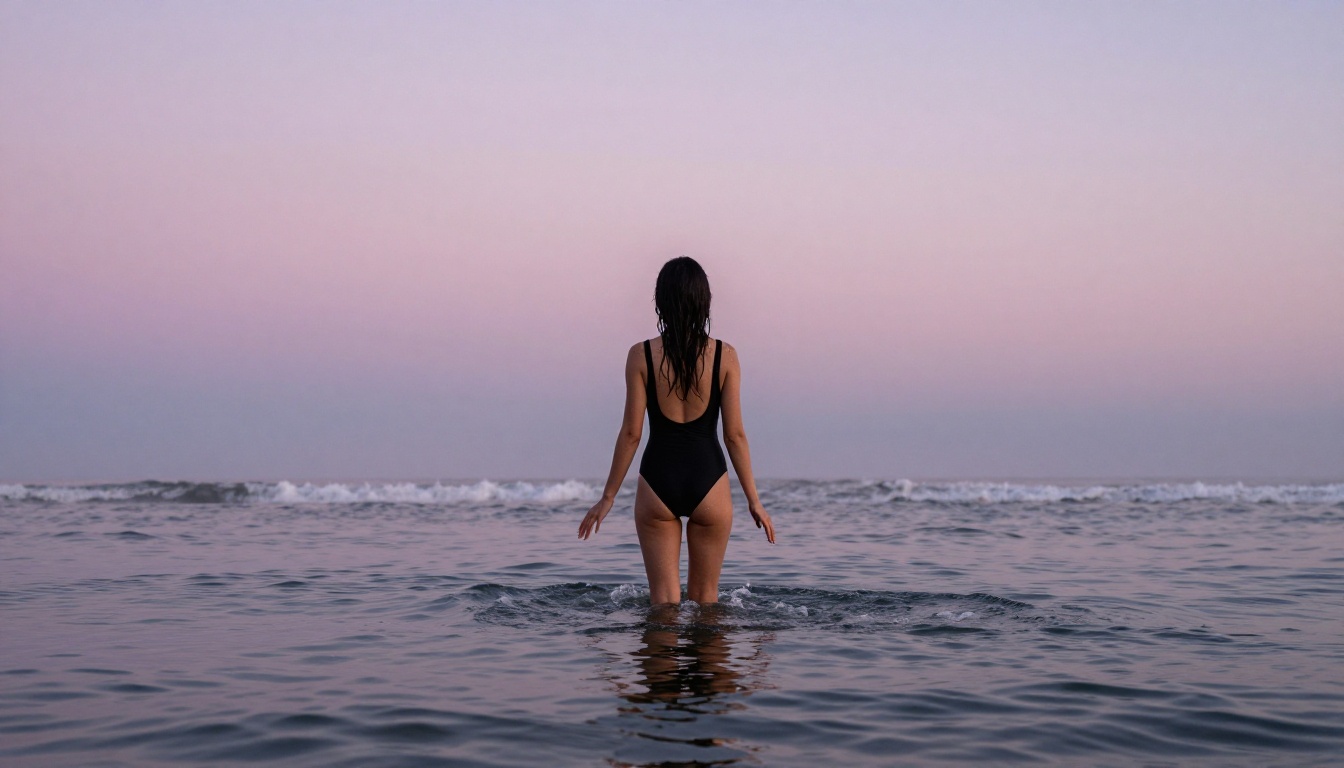
If you want volume over speed, PicassoIA Image Editor Pro lets you iterate without counting credits. When you need your generated subject on a clean background, Bria Remove Background handles the cutout automatically without mishandling hair or fabric edges.
The full model catalog, including newer additions and video generation tools, is at picassoia.com/en/all-models. Everything you need to generate without limits is already there, and most of it is available to try before you spend a cent.


