The visual landscape has shifted dramatically. What was once the exclusive domain of professional photographers with expensive equipment and years of training is now accessible to anyone with an internet connection. Free AI image generation has evolved from producing cartoonish approximations to delivering photorealistic results that challenge human perception. The gap between artificial creation and authentic photography has narrowed to the point where telling the difference requires expert examination.
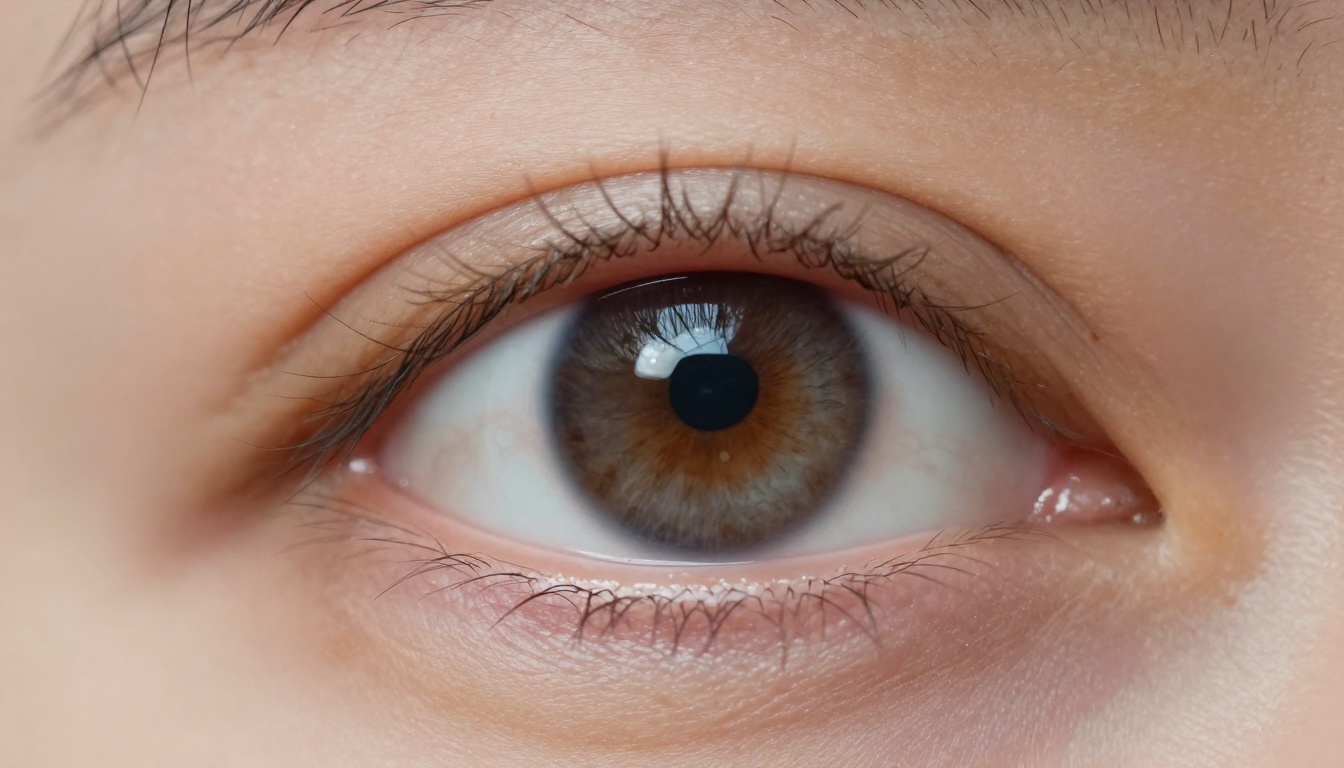
Extreme close-up macro photography demonstrating AI's ability to capture biological authenticity with eyelash separation and skin texture details
The Reality Gap: Why Most Free AI Images Look Fake
Early AI image generators suffered from identifiable flaws that made their artificial origins obvious. These included:
💡 Common AI Artifacts That Reveal Artificial Origins:
- Unnatural symmetry in facial features
- Impossible lighting that violates physical laws
- Texture repetition in surfaces and materials
- Anatomical errors in hands, eyes, and proportions
- Logical inconsistencies in object relationships
- Uncanny valley effects in human representations
The evolution toward authentic realism required addressing these fundamental issues. Modern systems like Flux and GPT Image 1.5 incorporate advanced physics simulations, material science understanding, and biological accuracy that previous generations lacked.
Photorealism Standards That Matter
True photorealism isn't about resolution alone—it's about visual authenticity across multiple dimensions:
| Authenticity Factor | What It Means | How AI Achieves It |
|---|
| Lighting Physics | Natural light behavior including shadows, reflections, and refraction | Ray tracing algorithms and material property databases |
| Material Texture | Realistic surface properties showing wear, grain, and interaction with light | High-resolution texture synthesis with physical properties |
| Anatomical Accuracy | Correct human and biological structures with natural variation | Medical imaging datasets and 3D modeling integration |
| Spatial Consistency | Logical object relationships and perspective accuracy | 3D scene understanding and spatial reasoning algorithms |
| Environmental Detail | Natural imperfections and contextual elements | Large-scale environmental dataset training |
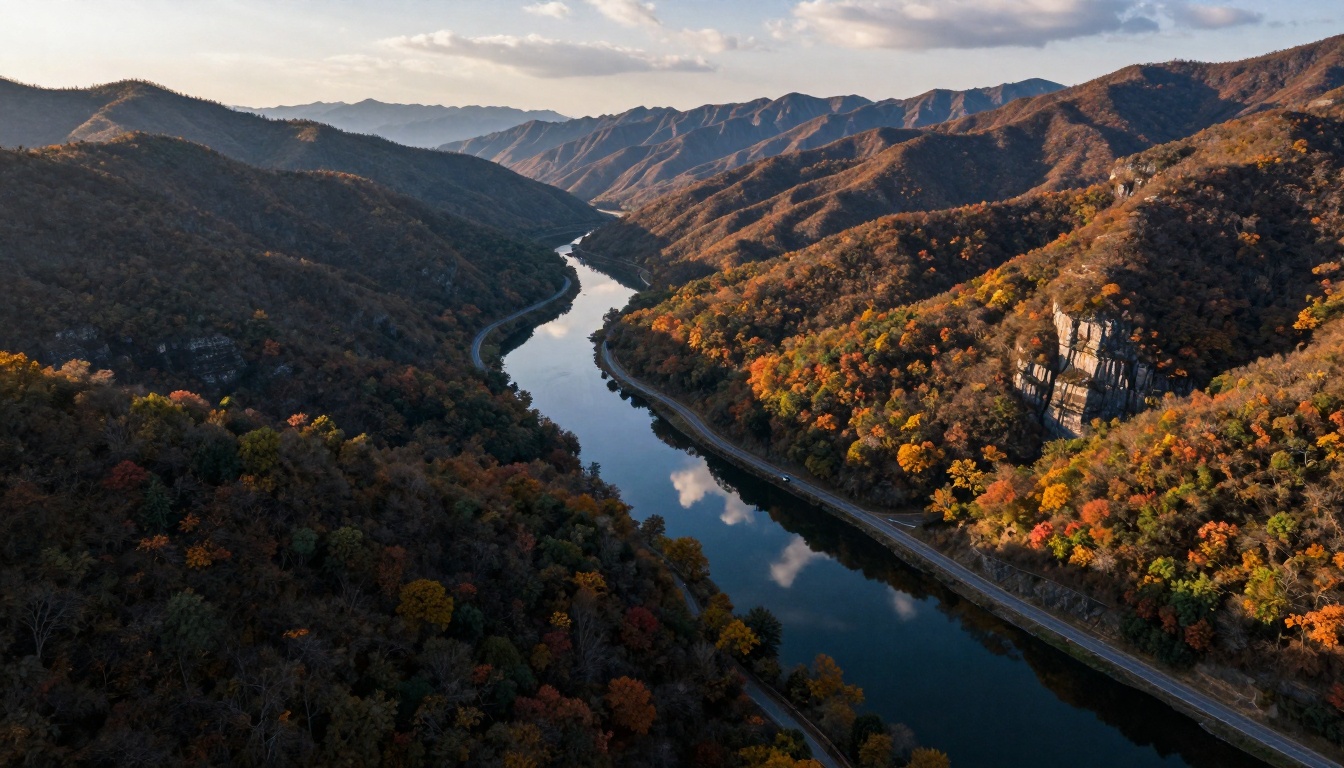
Aerial drone photography showing AI's understanding of atmospheric perspective, lighting, and natural composition
Free Models That Deliver Professional Results
Several accessible models now produce professional-grade results without cost barriers:
Flux Series Models
The Flux architecture represents a breakthrough in cost-effective realism. With multiple free-accessible variants, these models understand:
- Natural lighting conditions from golden hour to studio setups
- Material properties including subsurface scattering in skin
- Perspective accuracy with proper vanishing points
- Dynamic range preserving details in shadows and highlights
Qwen Image Models
Qwen's image generation systems excel at architectural and product photography realism. Their strength lies in:
- Geometric precision for architectural elements
- Material authenticity for product representation
- Consistent lighting across complex scenes
- Scale accuracy with proper spatial relationships
PrunaAI Systems
Models like p-image offer rapid generation with surprising quality. Their free accessibility makes them ideal for:
- Portrait photography with natural skin tones
- Action shots with proper motion blur
- Environmental scenes with atmospheric effects
- Macro photography with extreme detail
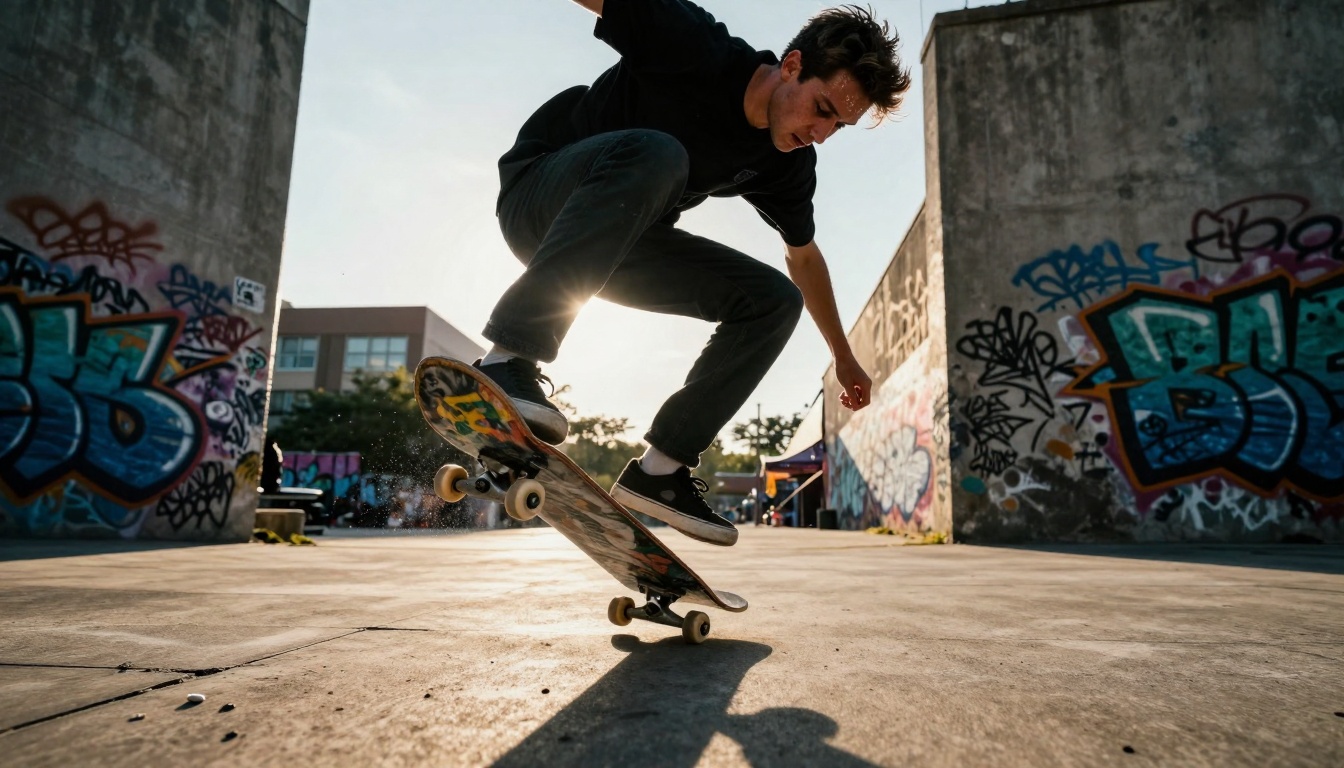
Low-angle action photography demonstrating AI's ability to capture dynamic human movement with authentic motion blur and lighting
Lighting Techniques That Create Authenticity
Lighting simulation separates amateur AI images from professional-grade results. Free models now incorporate sophisticated lighting understanding:
Natural Light Simulation
💡 Golden Hour Parameters: Specify "volumetric morning sunlight filtering through dense canopy leaves" for outdoor scenes. This triggers the model's understanding of directional light, atmospheric particles, and warm color temperatures.
Studio Lighting Patterns
Three-point lighting setups work effectively in prompts:
- Key light direction ("soft directional illumination from upper left")
- Fill light intensity ("subtle shadow detail preservation")
- Hair light separation ("rim lighting separating subject from background")
Environmental Lighting
Complex lighting scenarios like:
- Underwater god rays ("sunlight filtering through water surface creating volumetric beams")
- Neon street scenes ("available light from street lamps and neon signs creating cinematic palette")
- Astrophotography conditions ("faint starlight illumination with zodiacal light visible")
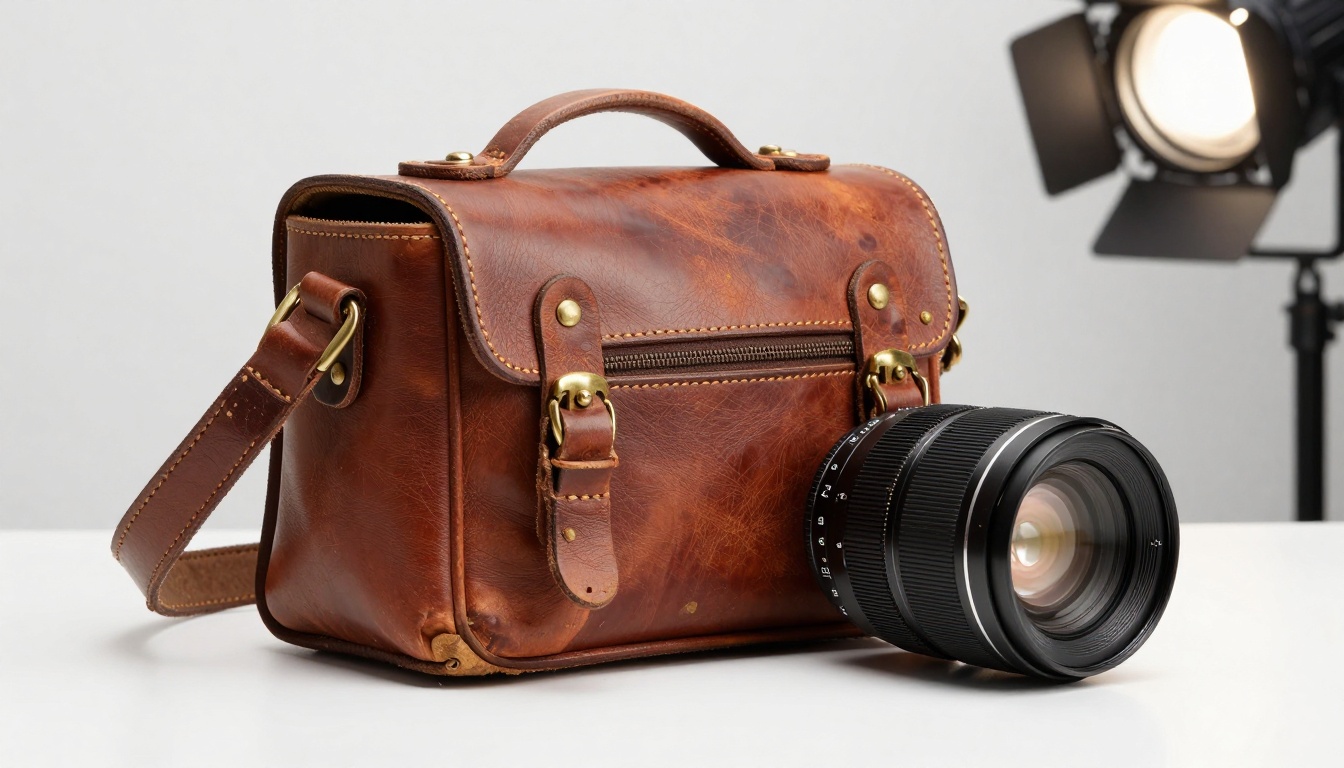
Professional product photography showing material authenticity with leather grain, hardware details, and studio lighting techniques
Composition and Camera Simulation
Photographic composition techniques translate directly to AI prompts:
Lens Characteristics
Specify exact lens parameters for authenticity:
- "85mm f/1.8 prime lens" for portrait photography
- "24mm tilt-shift lens" for architectural correction
- "100mm f/2.8 macro" for extreme close-ups
- "16mm underwater housing" for aquatic scenes
Camera Positioning
- "Eye-level perspective" for natural viewing angles
- "Ground-level low angle" for dramatic emphasis
- "Waist-level documentary" for street photography
- "Aerial drone altitude" for landscape overviews
Technical Settings
Include photographic technical details:
- "ISO 100, 1/250 sec shutter speed"
- "Focus stacking for maximum depth of field"
- "20-second exposure with star tracker"
- "RAW processing with minimal editing"
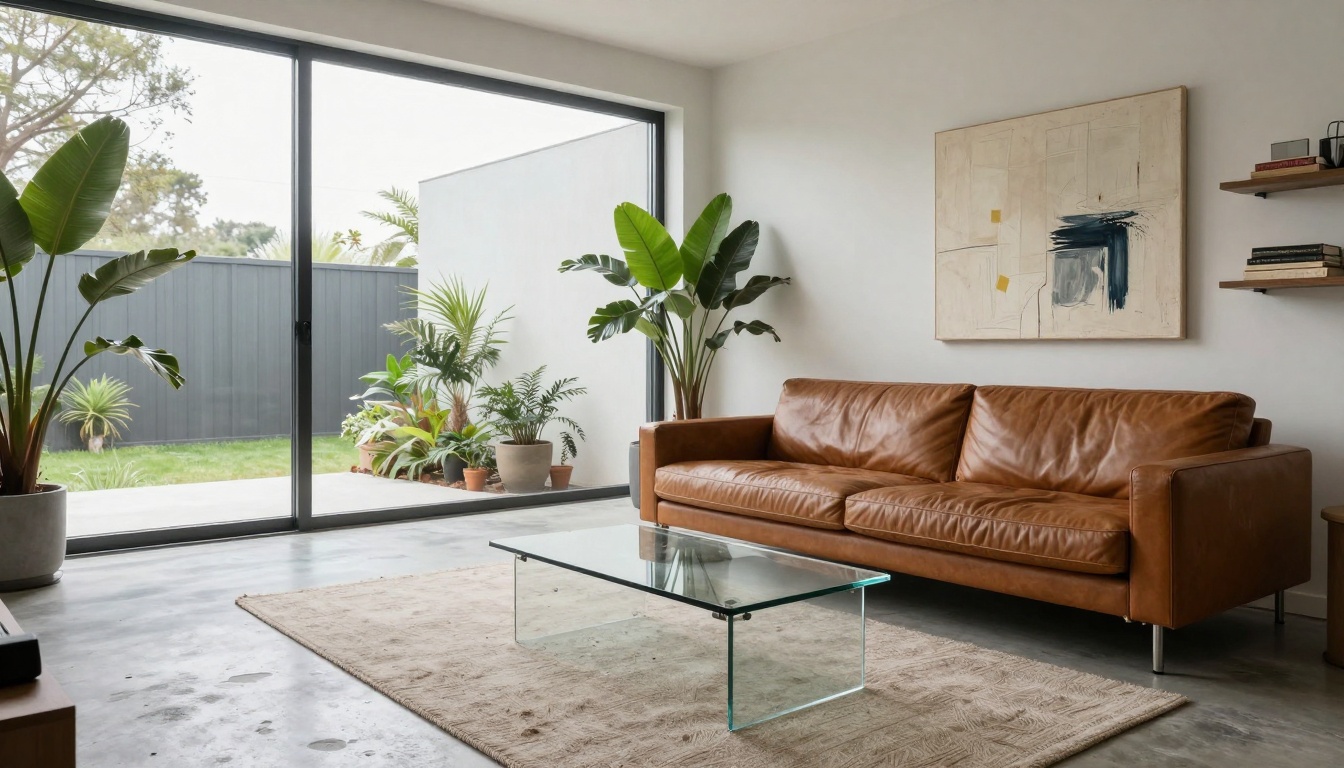
Architectural interior photography demonstrating perspective correction, material representation, and natural lighting balance
Texture and Detail Preservation
The micro-details that make images feel real:
Material Authenticity
- Skin texture: "subsurface scattering showing blood capillaries beneath translucent epidermis"
- Fabric detail: "individual fibers and natural wrinkles in linen"
- Metal properties: "tarnish and oxidation on brass hardware"
- Organic surfaces: "moss-covered bark with visible lichen colonies"
Environmental Imperfections
Natural imperfections add authenticity:
- "Dew droplets on ferns refracting light"
- "Cigarette butts on ground adding urban realism"
- "Peeling paint on weathered building facades"
- "Shell fragments on sand bottom"
Atmospheric Effects
- "Morning mist particles visible in light shafts"
- "Distant atmospheric haze creating depth perception"
- "Rain streaks captured with motion blur"
- "Steam rising from manhole covers"
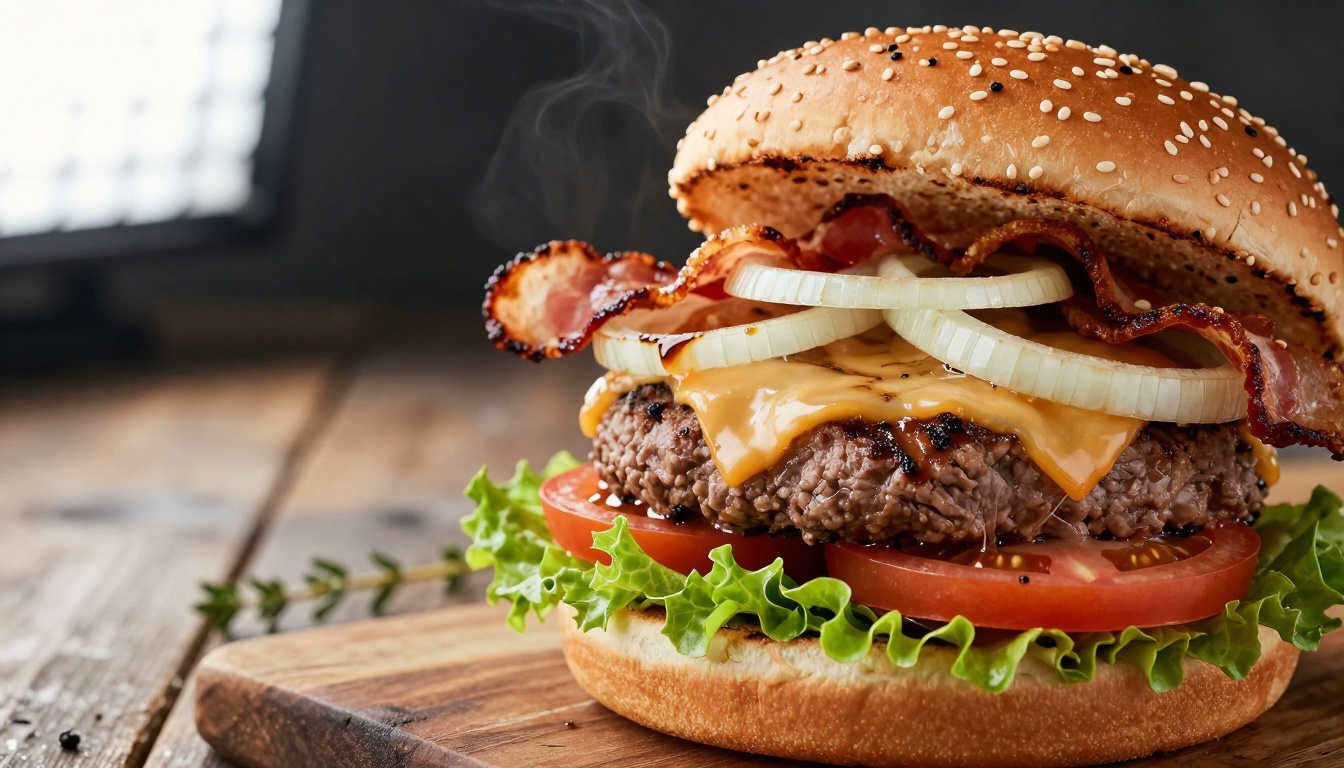
Food photography showing material authenticity with burger components, condiment viscosity, and appetizing lighting techniques
Practical Applications for Realistic Images
Free photorealistic AI images serve numerous practical purposes:
Marketing and Advertising
- Product photography without photoshoot costs
- Lifestyle imagery for social media campaigns
- Architectural visualizations for real estate
- Food presentation for restaurant menus
Content Creation
- Blog illustrations with specific thematic relevance
- Social media posts with consistent visual style
- Presentation graphics with professional quality
- Educational materials with accurate representations
Creative Projects
- Portfolio building for aspiring photographers
- Concept development for film and game production
- Personal artwork with specific emotional tones
- Experimental photography exploring impossible scenarios
Commercial Use Considerations
While free models provide access, commercial applications may require:
- Understanding usage rights for generated content
- Platform-specific policies on commercial applications
- Ethical considerations for subject representation
- Legal frameworks for AI-generated commercial imagery
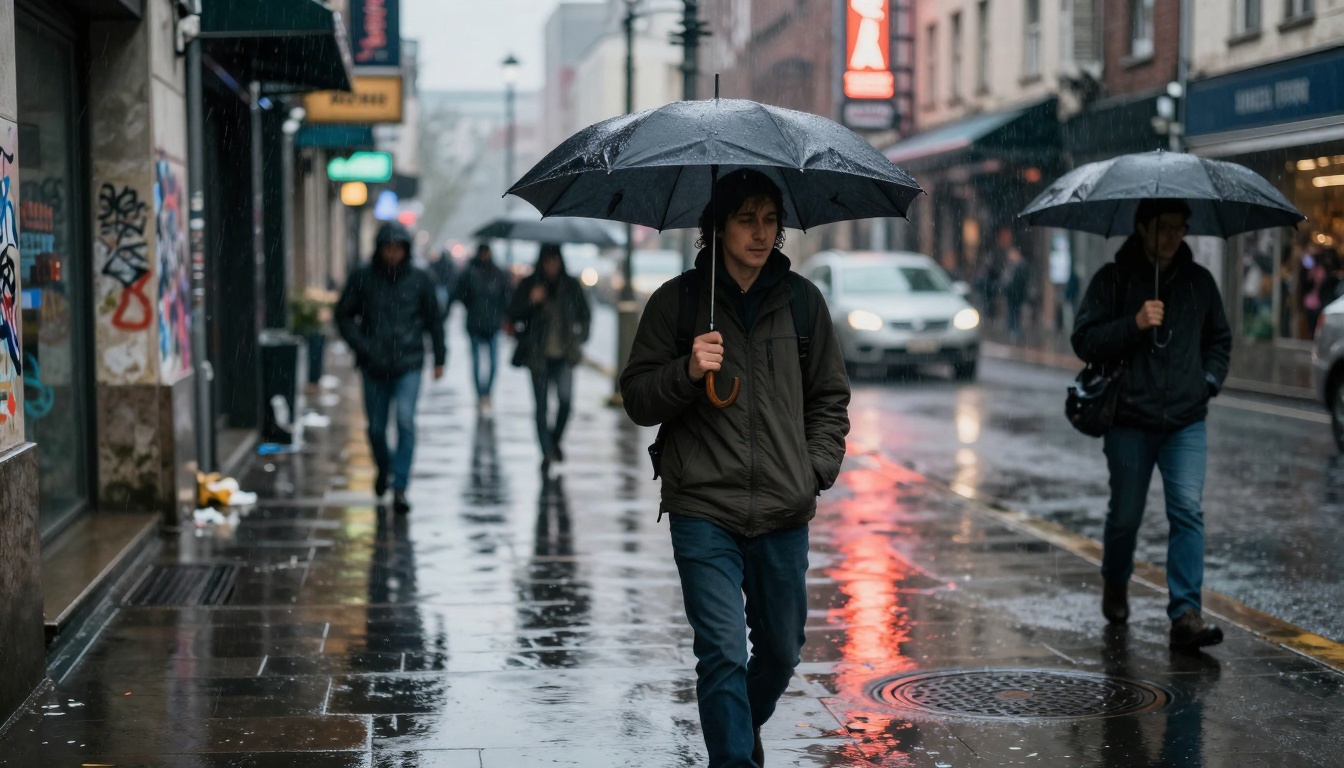
Street photography capturing candid moments with authentic urban details, atmospheric conditions, and natural lighting
Moving Beyond Visual Artifacts
The remaining challenges in AI photorealism and how free models address them:
Temporal Consistency
While single images achieve photorealism, sequence consistency remains challenging. Free models excel at:
- Frozen moments with perfect timing
- Peak action captures with dynamic composition
- Environmental stills with atmospheric accuracy
- Portrait expressions with emotional authenticity
Logical Scene Construction
Modern free models demonstrate improved scene understanding:
- Physical relationships between objects
- Scale accuracy across different elements
- Perspective consistency throughout the frame
- Lighting coherence across complex environments
Style Authenticity
Different photographic styles require specific approaches:
- Documentary realism with natural imperfections
- Commercial polish with controlled aesthetics
- Artistic interpretation with intentional stylization
- Scientific accuracy with precise representation
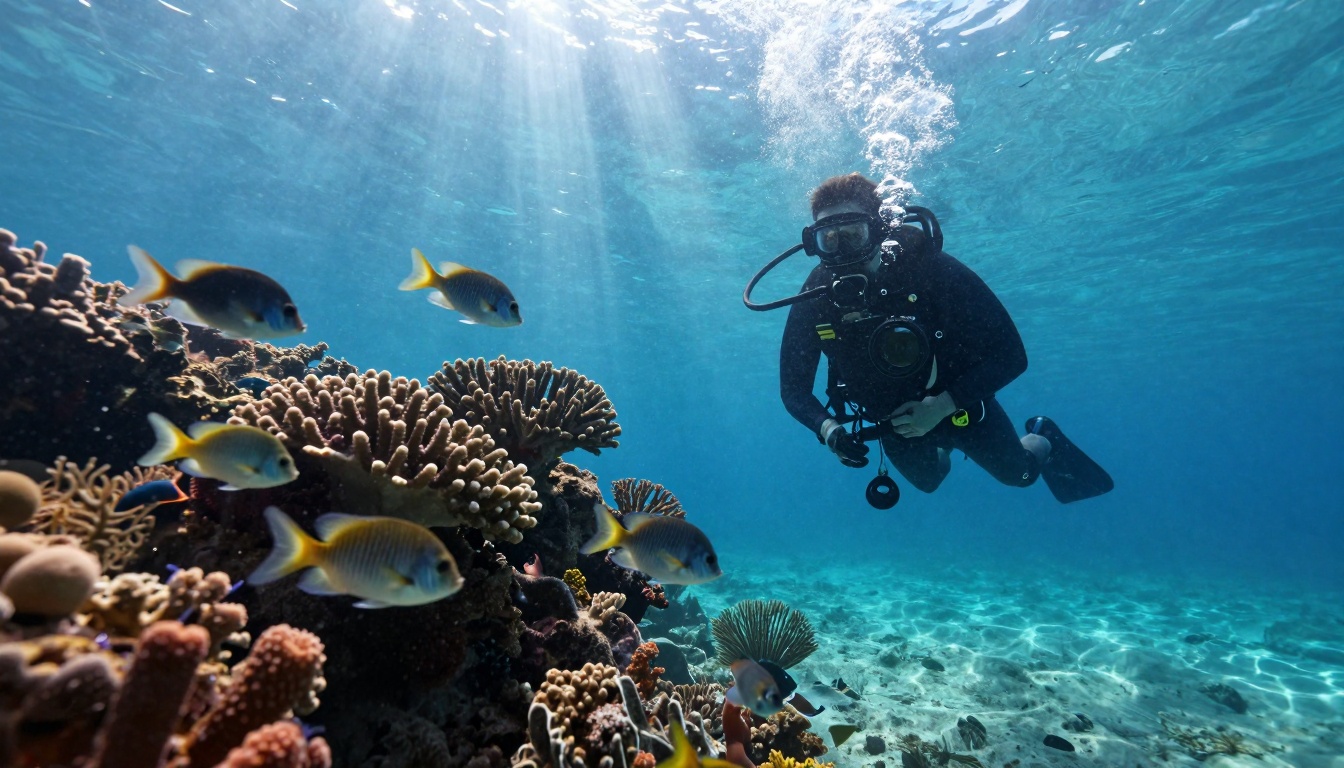
Underwater photography demonstrating specialized aquatic lighting conditions, marine environment representation, and equipment details
What makes this moment significant isn't just the quality—it's the accessibility. Professional-grade photorealism is now available through:
Platform Integration
- Direct API access to free-tier models
- Browser-based interfaces with instant generation
- Mobile applications for on-the-go creation
- Community platforms sharing techniques and results
Learning Resources
- Prompt engineering guides specific to photorealism
- Parameter optimization tutorials for different genres
- Style transfer techniques adapting photographic approaches
- Workflow integration with existing creative tools
Community Development
- Open-source models with continuous improvement
- Shared datasets expanding capability ranges
- Collaborative development addressing specific challenges
- Cross-disciplinary applications exploring new possibilities
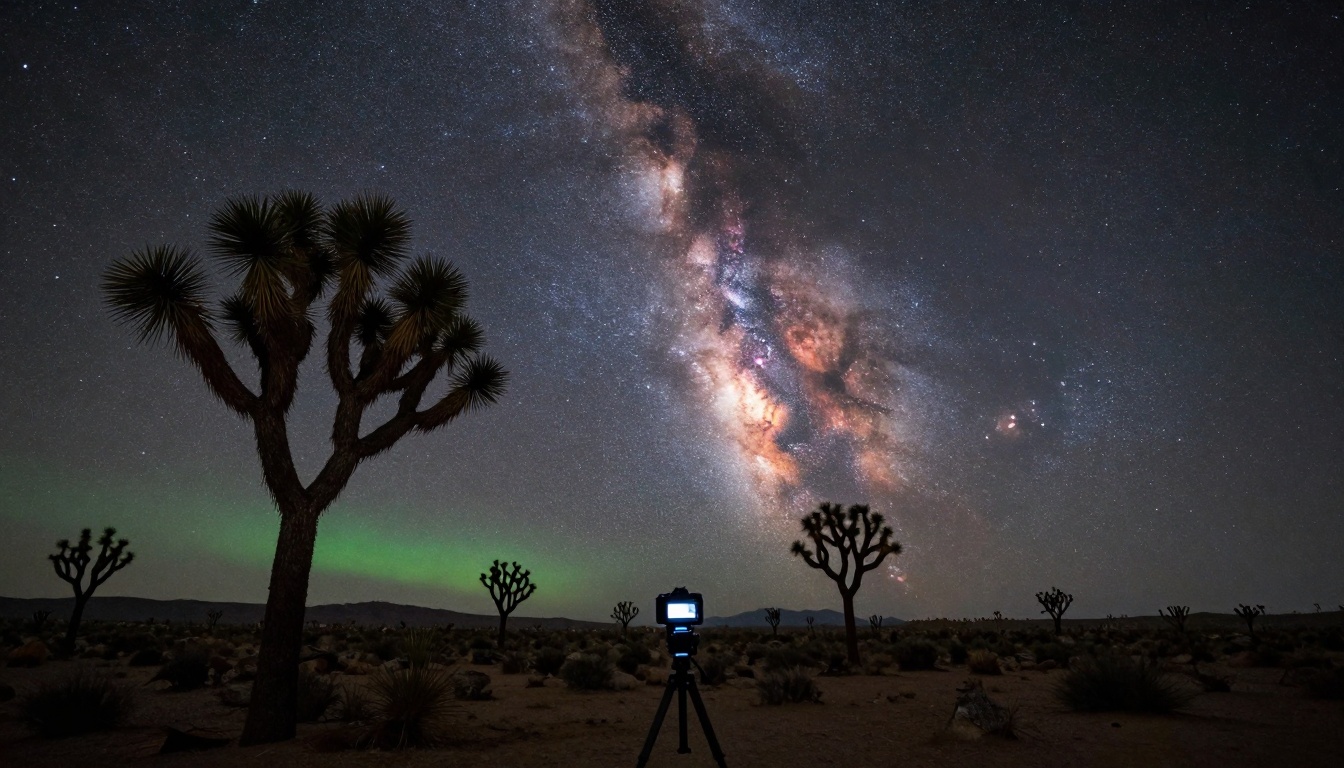
Astrophotography demonstrating specialized night photography techniques, celestial mechanics understanding, and low-light condition representation
Creating Your Own Realistic Images
The practical approach to generating photorealistic AI images for free:
Starting Points
- Choose your genre (portrait, landscape, product, etc.)
- Select appropriate model based on strengths
- Research photographic techniques for your subject
- Study reference images to understand quality standards
Prompt Construction
Build detailed prompts incorporating:
- Subject description with specific details
- Lighting conditions with technical accuracy
- Camera specifications with lens and settings
- Environmental context with atmospheric details
- Stylistic approach with photographic tradition
Iterative Refinement
- Generate initial variations to assess model capabilities
- Refine lighting descriptions based on results
- Adjust composition parameters for better framing
- Enhance detail specifications for increased realism
- Test different models comparing strengths
Quality Assessment
Evaluate results against photographic authenticity standards:
- Lighting consistency throughout the scene
- Material representation accuracy
- Anatomical correctness for living subjects
- Spatial relationships logical coherence
- Atmospheric effects natural appearance
The Future Trajectory
Current free models represent just the beginning of accessible photorealism. Emerging developments include:
Technical Improvements
- Higher resolution outputs with finer detail
- Reduced generation times for faster iteration
- Improved consistency across generation parameters
- Enhanced material understanding for complex surfaces
Accessibility Expansion
- More free model variants covering additional genres
- Simplified interfaces reducing technical barriers
- Integrated toolchains connecting generation to editing
- Mobile optimization for on-device generation
Creative Applications
- Personalized style development based on preferences
- Genre specialization for specific photographic traditions
- Collaborative generation combining multiple approaches
- Educational applications teaching photographic principles
Your Next Steps with Realistic AI Images
The barrier between imagination and visualization has effectively dissolved. What once required years of training and thousands of dollars in equipment now requires thoughtful description and model selection. The images throughout this article demonstrate not just what's possible, but what's immediately accessible.
Experiment with the models mentioned—Flux variants, Qwen systems, PrunaAI tools—testing their capabilities with your specific needs. Start with simple compositions, gradually adding complexity as you understand each model's strengths. Document your successful approaches, building a personal library of effective prompt constructions.
The most significant development isn't the technology itself, but its democratization. Professional-grade visual creation is no longer gatekept by cost or technical expertise. The creative possibilities expand with each model iteration, each community contribution, each personal experiment. The images you envision can now materialize with authenticity previously unattainable without professional resources.


