Your brand identity lives or dies on a single symbol. A logo that fails costs you trust before you've said a single word, and a great one works while you sleep. Free AI logo makers have reached a point where you can build something genuinely professional without a graphic designer, without Illustrator, and without paying anything upfront. This article cuts through the noise and shows you exactly which AI models do the job, how to prompt them correctly, and how to turn a generated asset into a logo your brand can actually use.
Why Your Logo Is Not Optional
People form visual impressions in less than 100 milliseconds. That's not a metaphor. Neuroscience research consistently shows that brand recognition works through visual pattern-matching before conscious thought kicks in. Your logo is the primary vehicle for that pattern.
First Impressions Happen Fast
Think about the brands you trust most. Chances are you can picture their logo right now without trying. That instant recall doesn't happen by accident. It's the result of a mark that's simple, distinctive, and applied consistently across every touchpoint. When your brand has no logo, or a bad one, you're asking customers to work harder to remember you. Most of them won't bother.
A strong logo communicates four things at once: what you do, who you do it for, what your values are, and why you're different. Getting that into a single image used to require weeks of agency work and budgets most small businesses couldn't justify.
The Real Cost of a Bad Logo
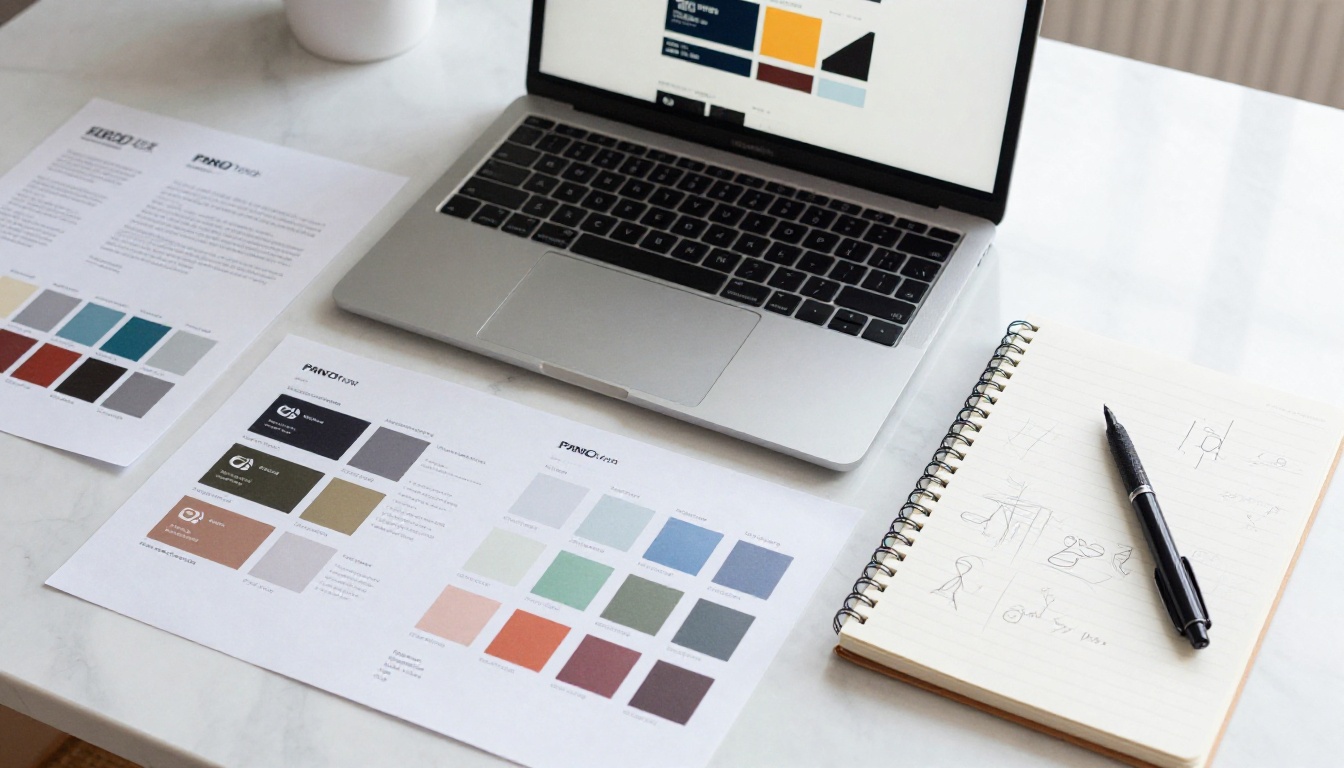
Amateur logos don't just look unprofessional. They actively drive customers away. Studies on consumer trust consistently link poor visual branding with doubts about product quality and business legitimacy. If you're selling premium services with a logo that looks like it was made in 2003, you're working against yourself every single day.
The three most common problems with DIY logos:
- Overcomplication: Too many elements, colors, and fonts fighting for attention
- Poor scalability: Looks fine at large sizes, falls apart at small ones
- No distinctiveness: Generic shapes that could belong to any brand in any industry
AI doesn't eliminate these risks automatically. But the right models, with the right prompts, get you much closer to avoiding them than any template-based free tool from the past decade.
How AI Logo Makers Actually Work
Not all AI tools that claim to make logos work the same way. There's an important distinction between text-to-image models (which generate visual concepts from prompts) and dedicated logo platforms (which often use template engines with limited real AI involvement). Knowing this difference saves you time.
Prompt-to-Image vs. Dedicated Logo Tools
Dedicated logo platforms like Looka or Tailor Brands use AI to match keywords to templates. The output looks professionally formatted but is often generic and heavily branded with watermarks on free tiers. You don't own the creative direction.
Text-to-image models are fundamentally different. You describe what you want, and the AI generates something original from scratch. The upside is creative freedom. The downside is that standard image generators don't always understand what "logo-ready" means: clean backgrounds, scalable geometry, legible text. The solution is knowing which models are built for this specific use case.

What "Free" Really Means
Most AI platforms offer free credits or a free tier. "Free" typically means:
| Platform Type | Free Tier Limitation | What You Actually Get |
|---|
| Image generation | Limited credits per month | Full-quality outputs within credit limit |
| Template tools | Watermarked downloads | Preview only, pay to download |
| Open-source models | Compute costs only | Full access if self-hosted |
The models on PicassoIA operate on a credit system. Within the free allowance, you get the same output quality as paid users. No watermarks on generated images. That's a meaningful difference from most legacy logo tools.
The Best AI Models for Logo Creation
Choosing the right model is the single biggest factor in logo quality. Here's a breakdown of which models on PicassoIA perform best for different logo needs.
Recraft 20B SVG: The Logo Specialist
Recraft 20B SVG is the closest thing to a dedicated logo model available in a general-purpose AI platform. Unlike standard image generators that output raster files (JPG, PNG), Recraft 20B SVG generates scalable vector graphics (SVG). This is critical for logos, because vectors scale to any size without quality loss. Your logo on a business card and on a billboard use the same file.
💡 SVG vs. PNG for logos: PNG logos look sharp at their original size but blur when scaled up. SVG logos are infinitely scalable. If you're building a real brand, SVG is the only format that matters.
The model also handles clean geometric shapes, flat design, and minimalist marks far better than photorealistic generators. It knows that a logo needs white space, not visual complexity.
Recraft 20B is the raster version and delivers equally strong design outputs when you need PNG format for digital-only use.
Ideogram v2 Turbo: Text Inside Your Logo
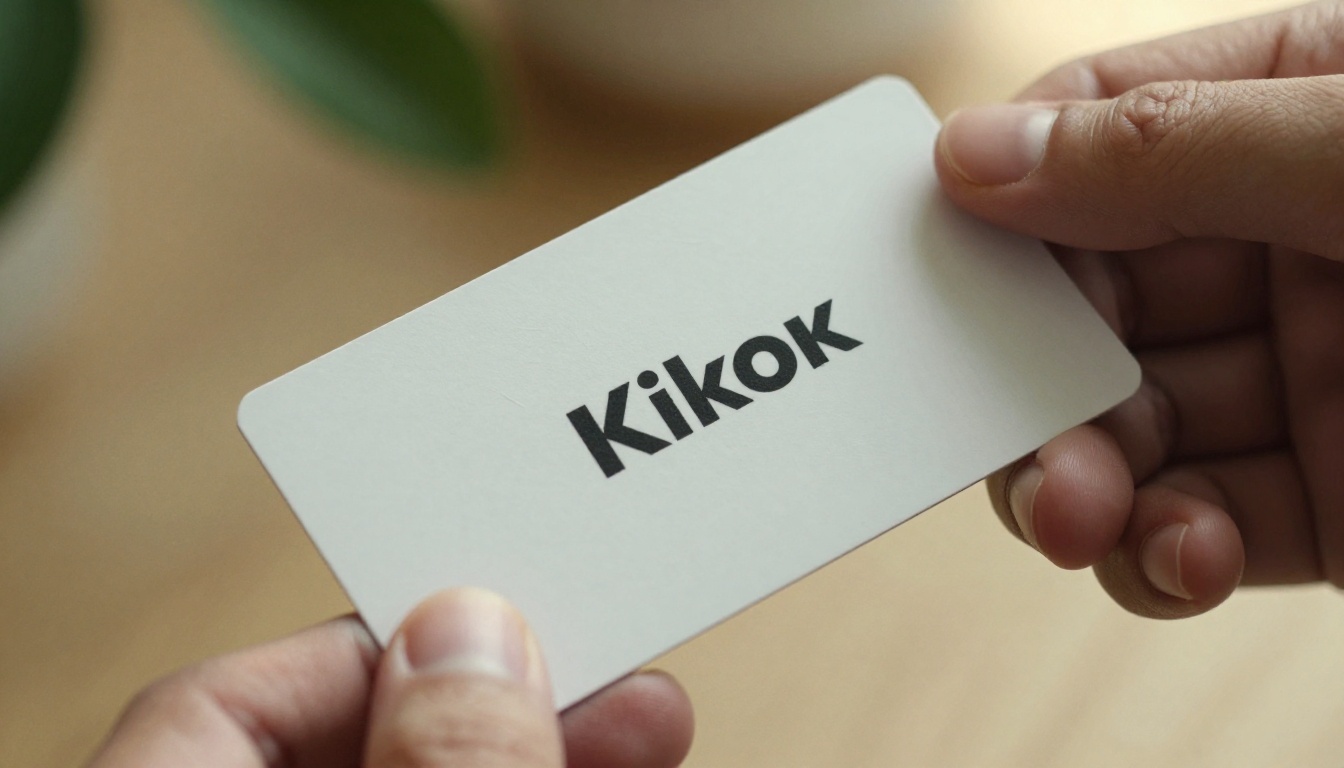
One of the hardest problems in AI image generation is putting readable text inside an image. Most models produce garbled letters and spelling errors. Ideogram v2 Turbo was specifically trained to solve this problem.
If your logo concept includes your brand name as a wordmark, or a tagline below an icon mark, Ideogram v2 Turbo produces text that's actually legible. This is a capability that sets it apart from virtually every other free image model available today.
Use cases where Ideogram v2 Turbo wins:
- Wordmark logos (brand name as the logo itself)
- Combination marks (icon plus text side by side)
- Monogram designs (initials in a distinctive typographic style)
- Badge-style logos with text wrapped around a central element
Flux Pro: Photorealistic Brand Concepts
Flux Pro isn't a logo tool in the traditional sense. It's a photorealistic image generator. But for brand concepting, it's invaluable.
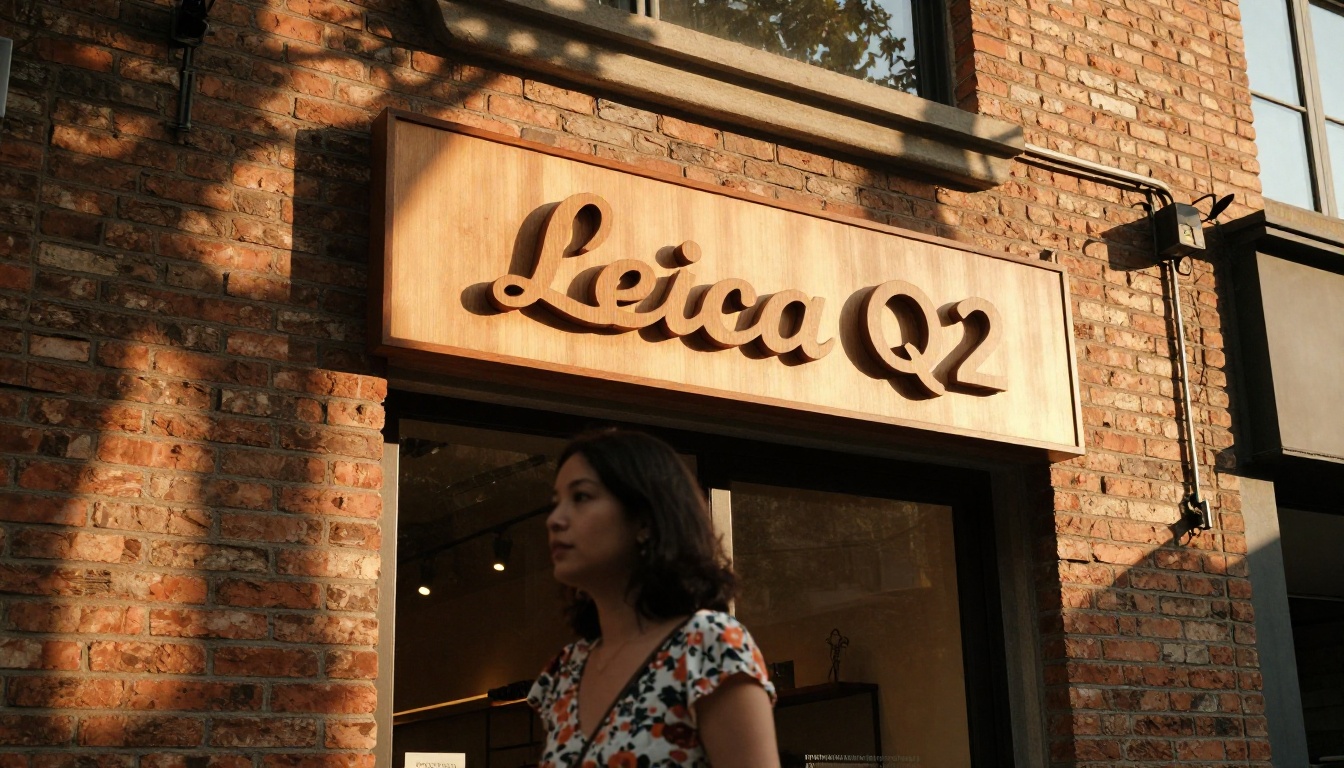
Before you finalize a logo, you want to see it in context. How does your brand mark look on a product? On a storefront? On packaging? Flux Pro lets you visualize that before committing to a design direction. Generate mockups of your brand in real environments to test whether your visual identity holds up in the real world.
Flux Fast is the speed-optimized version, useful when you're iterating quickly and don't need maximum resolution on every test.
GPT Image 2 and Imagen 4 Ultra: The Versatile Pair
GPT Image 2 brings strong prompt-following capabilities and handles abstract concept visualization extremely well. When you have a brand concept that's hard to describe in traditional design terms, GPT Image 2 often interprets creative intent better than other models.
Imagen 4 Ultra excels at detail fidelity and texture quality. For brands where photography-adjacent visuals are part of the identity (food, lifestyle, fashion), Imagen 4 Ultra produces the most realistic supporting imagery to build out the full brand look.
How to Use Recraft 20B SVG on PicassoIA
Since Recraft 20B SVG is the most purpose-built tool for logo creation on the platform, here's a step-by-step workflow that actually delivers results.
Step 1: Define Your Brand Personality
Before touching a prompt, answer these four questions:
- What industry are you in? (Tech, food, wellness, fashion, services)
- Who is your customer? (Age, lifestyle, values, income level)
- What tone does your brand have? (Playful, serious, premium, accessible)
- What do you want people to feel? (Trust, excitement, calm, ambition)
These answers directly inform every prompt decision you make. Without this clarity, you'll spend twice as long iterating because you don't know what you're aiming for.

Step 2: Write a Prompt That Actually Works
A good logo prompt for Recraft 20B SVG follows this structure:
[Logo type] + [Brand name if applicable] + [Core concept or icon] + [Style descriptors] + [Color palette] + [What to avoid]
Example for a wellness brand:
"Minimalist SVG logo mark for a wellness brand. A single lotus flower composed of clean geometric petals. Soft sage green and off-white color palette. Flat design, no gradients, no shadows, no text, suitable for small sizes. White background."
Example for a tech startup:
"Clean SVG wordmark logo. Bold sans-serif lettering with a subtle geometric abstract mark to the left. Dark navy blue and electric teal. Modern, minimal, corporate but approachable. White background, no decorative elements."
💡 Pro tip: Always specify "white background" in your logo prompt. It makes the result immediately usable and easier to place on different surfaces without additional editing.
Step 3: Iterate and Refine
Your first generation is rarely your final logo. The workflow that works:
- Generate 4-6 variations with slightly different prompt wording
- Identify which elements work (shape language, color, weight)
- Use those observations to tighten your prompt
- Generate another round
- Take the best result into a vector editor (Inkscape is free) for final cleanup
The entire process from first generation to production-ready logo takes 30 to 60 minutes for most brands.
From Logo to Full Brand Identity
A logo alone isn't a brand. It's the anchor point for a broader visual system.
Colors and Typography
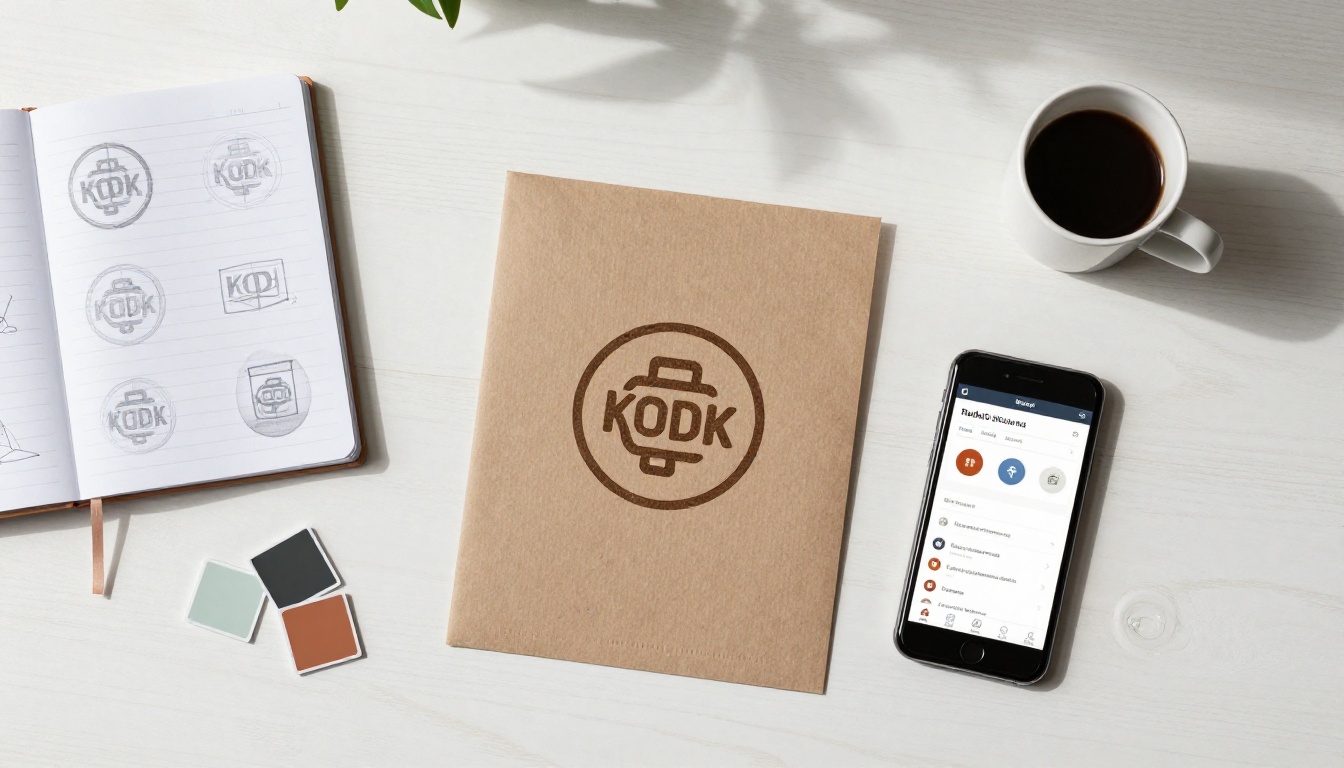
Once you have a logo direction, extract your brand's core colors from it. Most designers work with:
- Primary color: Your main brand color, used for logos and calls-to-action
- Secondary color: Supports the primary, used for accents and backgrounds
- Neutral: Usually a dark or light tone for text and containers
Typography should echo the personality of your logo mark. A geometric, minimal logo calls for a clean sans-serif font family. A handcrafted, organic logo pairs better with humanist or slightly irregular typefaces.
Applying Your Logo Everywhere
Once your SVG file is ready, you need variations:
- Full color version (primary use on light backgrounds)
- Reversed version (white or light-colored mark on dark backgrounds)
- Monochrome version (for printing, embroidery, single-color applications)
- Favicon (simplified mark for browser tabs and app icons, typically 32x32 or 64x64 pixels)
Use Recraft v4 Pro to generate print-ready variations of your brand assets. For upscaling any logo image before final export, Recraft Crisp Upscale on PicassoIA delivers clean high-resolution outputs without the artifacts that plague most upscaling tools.
What Free Gets You (And What It Doesn't)
Being clear-eyed about free tiers saves frustration down the line.
The Real Limits of Free Tiers
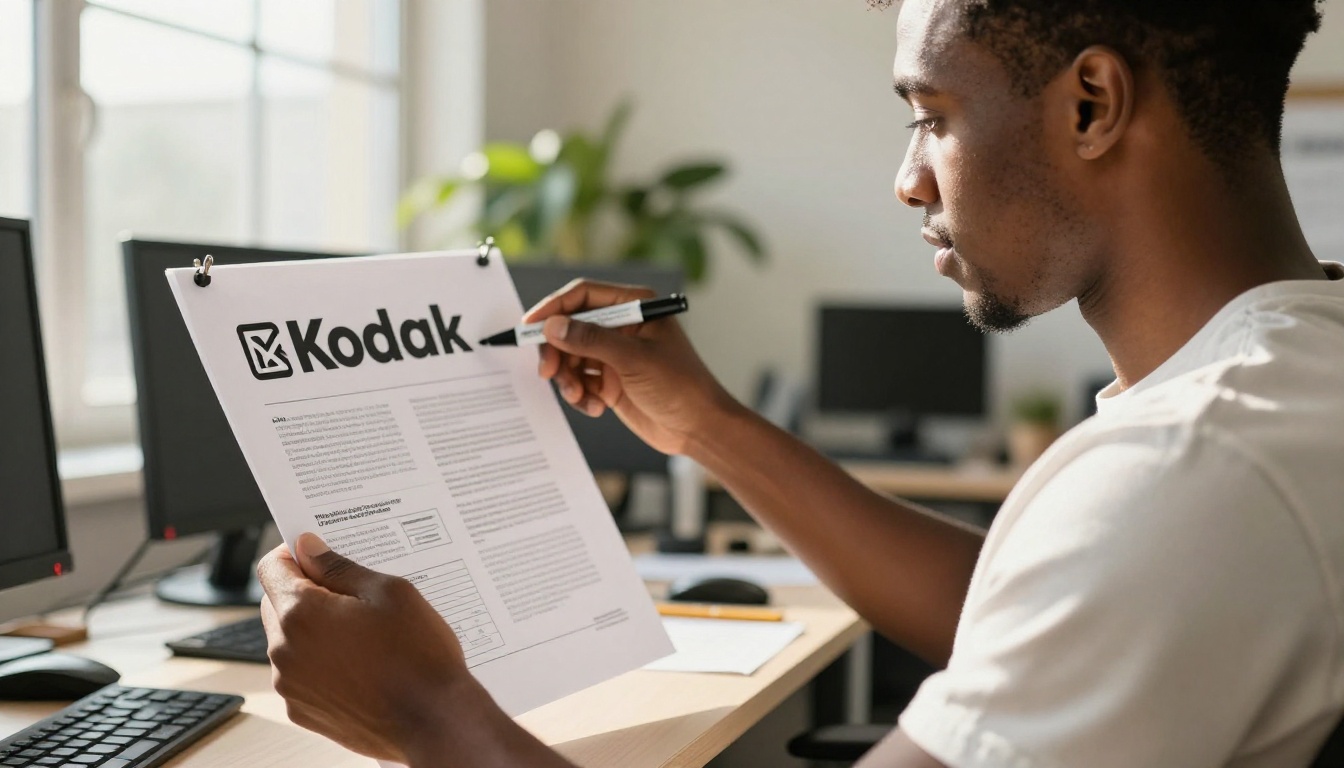
Free credits on AI platforms are typically enough for concept validation and early-stage iteration. Where they fall short:
- Volume: If you're iterating heavily across many brand directions, you'll exhaust free credits quickly
- Commercial licensing: Always check the terms. Most AI image generators grant full commercial rights, but verify per platform before going to market
- Post-processing: AI generates a strong starting point. Professional finishing (cleaning up SVG paths, removing artifacts, preparing format variants) still requires some effort on your end
When More Credits Make Sense
The math is simple. A freelance logo designer charges $200 to $2,000 for a professional logo. A monthly plan on an AI image platform costs a fraction of that and gives you access to every model for every project, not just the logo.
For anyone running a business, brand, or side project, the cost-benefit comparison is not close.
Real Use Cases That Work
For Small Businesses
A bakery owner described her process: she generated 12 logo concepts using Recraft 20B SVG in about 45 minutes. She refined three of them in Inkscape and chose one for her packaging, social profiles, and storefront signage. Total cost: the time it took.
For local service businesses, retail shops, and food brands, the AI-first logo workflow is already proven in practice.
For Personal Brands
Content creators, consultants, and freelancers have some of the most specific logo needs. The mark needs to represent a person, not just a category. Ideogram v2 Turbo handles this particularly well for monogram-style designs where initials carry the full weight of the brand identity.
The ability to iterate quickly matters here. With AI, you can test 20 directions in an afternoon that a traditional process would take weeks to produce.

Build Your Brand Logo Today
The barrier to a professional logo is lower than it has ever been. You have access to the same generation quality used by creative agencies, without the overhead and without the waiting. The models are there. The workflow is clear.
Start with Recraft 20B SVG for your first logo attempt. If your brand requires readable text in the mark, run Ideogram v2 Turbo in parallel. Use Flux Pro to visualize your brand identity in real-world contexts and see whether it holds up before you commit.
Everything you need to build a brand identity from scratch is available on PicassoIA right now. Open the platform, pick a model, write your first prompt, and see what your brand could look like. Most people are surprised at how close the first result is to what they had in mind.
The only logo that doesn't work is the one you never make.


