When you publish YouTube videos that get copyright strikes for background music, produce podcasts needing original intros, or create social media content requiring soundtracks, traditional music licensing becomes a barrier. AI music generators change this equation by offering instant, royalty-free music creation from text prompts. These tools understand musical concepts like tempo, mood, instrumentation, and genre, then generate completely original tracks that avoid copyright issues.
The shift happened quietly. First AI could generate images, then text, now music. For creators working with limited budgets, this means professional-quality audio without the $50 monthly subscription fees or $300 one-time licensing costs. You describe what you need—"upbeat electronic music for tech tutorial," "cinematic orchestral intro for documentary," "lo-fi hip hop for study vlog"—and get a track in seconds.
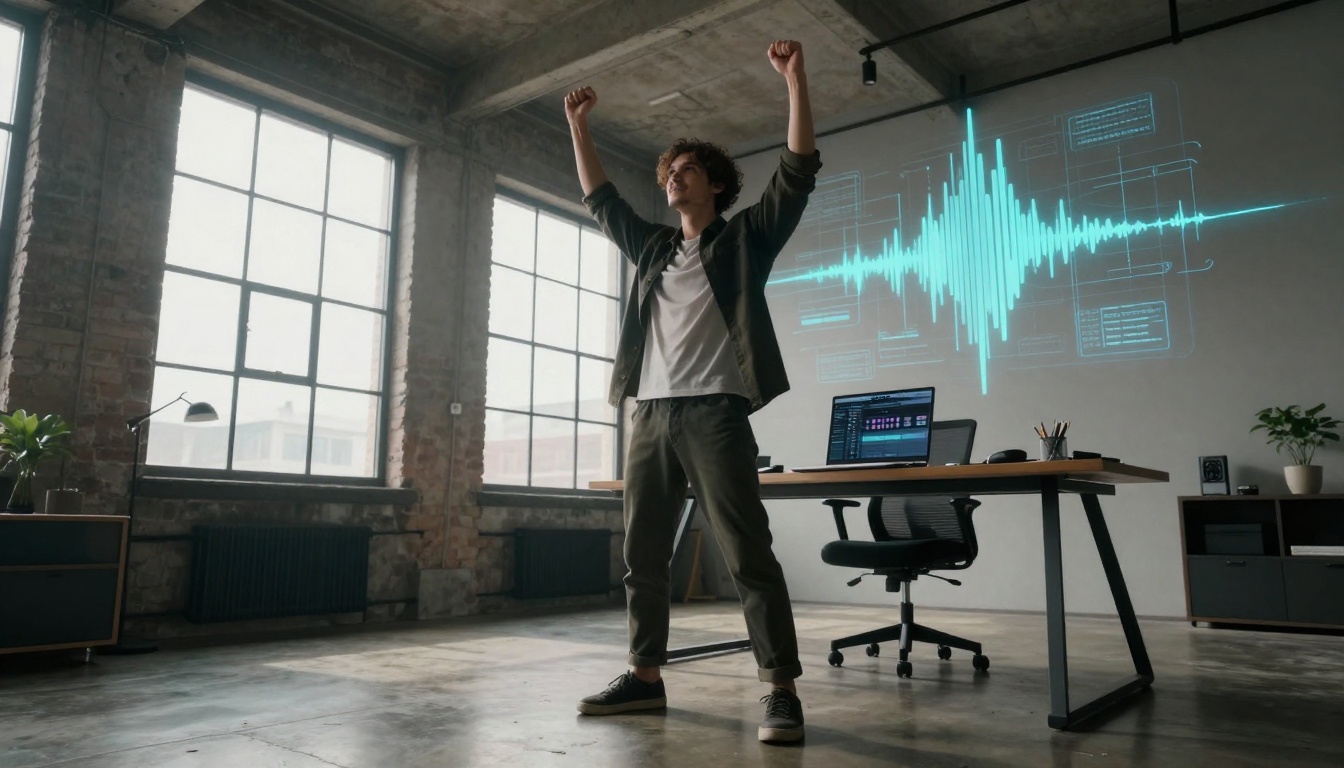
Low-angle perspective of a creator surrounded by holographic music waveforms in a modern workspace
Why AI Music Matters for Creators
Budget constraints define independent content creation. Professional music licensing often costs more than the equipment used to produce videos. A single track from premium music libraries runs $30-100, while subscription services charge $15-50 monthly. For creators publishing multiple videos weekly, these costs become unsustainable.
YouTube's copyright system creates additional pressure. Even properly licensed music sometimes triggers false claims, requiring hours of dispute resolution. AI-generated music sidesteps this entirely—it's 100% original with no existing copyright, so claims become impossible.
Three specific creator pain points solved by AI music:
- Cost elimination: Zero licensing fees for unlimited use
- Time savings: Minutes instead of hours searching libraries
- Customization: Music tailored exactly to content mood and pacing
💡 Practical Tip: Start with AI music for "background" elements first—intro/outro music, transition stings, ambient beds. These are lower risk while you learn prompt engineering.
Cost Barriers for Independent Creators
The economics of content creation have always favored large studios. Independent creators face:
| Expense Category | Traditional Cost | AI Music Cost |
|---|
| Background music | $30-100 per track | $0 |
| Subscription fees | $15-50 monthly | $0 |
| Copyright disputes | Hours of labor | None |
| Custom composition | $300-1000+ | $0 |
Small channels averaging 10 videos monthly would spend $300-1000 on music alone. AI tools convert this expense line to zero, freeing budget for better equipment or marketing.
YouTube Copyright Strike Risks
Content ID algorithms don't distinguish between properly licensed and infringing uses. They detect audio patterns, not legal agreements. This creates false positives where:
- Licensed music still gets claims
- Disputes require manual review (3-30 days)
- Revenue gets held during disputes
- Multiple claims risk channel termination
AI-generated music contains no pre-existing audio fingerprints, making it invisible to Content ID. The system can't claim what it can't recognize.
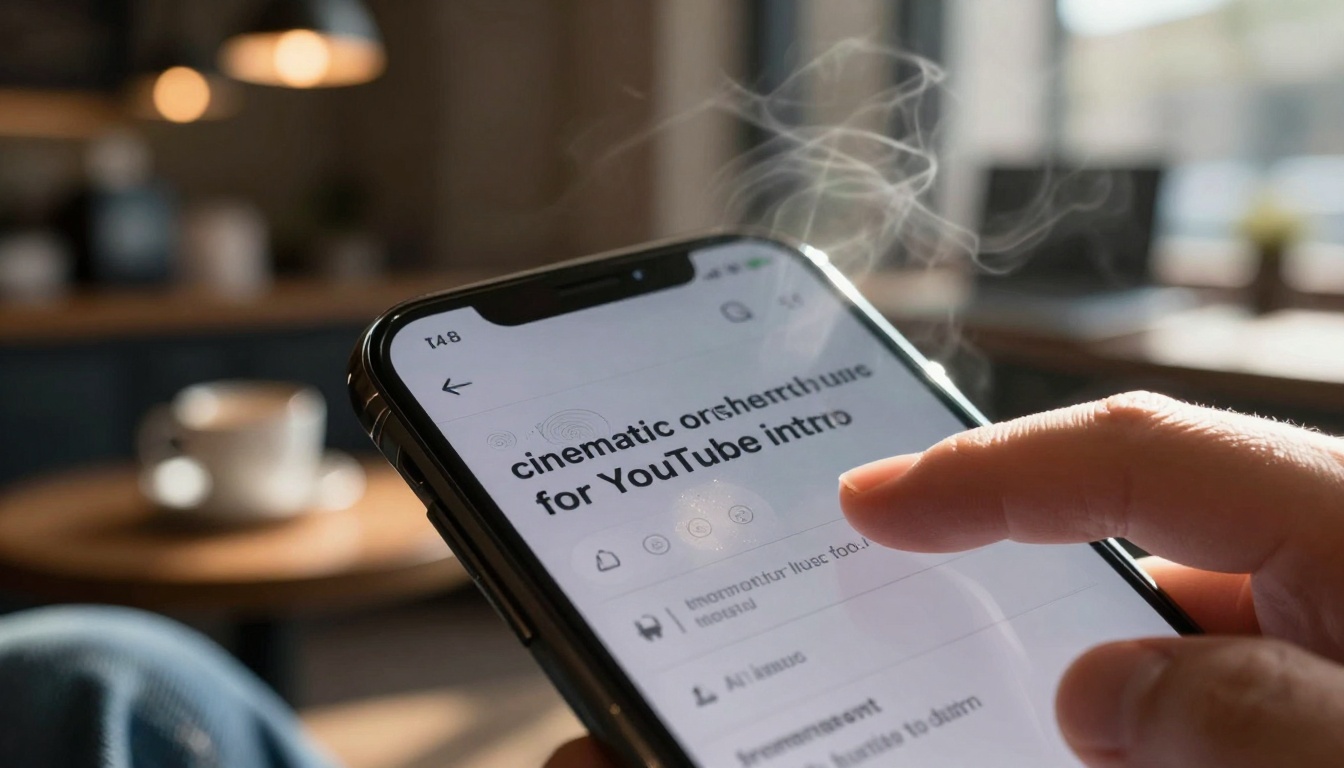
Extreme close-up of smartphone interface showing music prompt input
How AI Music Generation Actually Works
The technology operates on neural networks trained on millions of music samples. These systems learn patterns of melody, harmony, rhythm, and instrumentation across genres. When you input a text prompt, the model doesn't "copy" existing music—it generates novel combinations based on learned patterns.
Technical workflow:
- Text prompt → musical concept mapping
- Concept → MIDI sequence generation
- MIDI → instrument sound selection
- Sound → audio waveform synthesis
- Waveform → final mix rendering
Different models specialize in different aspects. Some excel at melodic composition, others at realistic instrument sounds, others at genre authenticity.
Neural Network Music Synthesis
Modern AI music systems use diffusion models similar to image generators. They start with random noise and progressively refine it toward musical coherence based on the text prompt. The training data includes:
- Genre classifications
- Mood tags
- Instrumentation metadata
- Tempo information
- Key signatures
- Musical structure patterns
The models learn relationships between descriptive language and musical characteristics. "Cinematic" correlates with string sections and dramatic dynamics. "Upbeat" correlates with faster tempos and major keys.
Text-to-Music Prompt Engineering
Effective prompts combine multiple descriptive layers:
Basic Structure: [Genre] [Mood] [Instrumentation] [Use Case]
Example: "lo-fi hip hop with relaxed mood featuring jazz piano and vinyl crackle for study podcast background"
Advanced techniques:
- Reference existing artists: "in the style of [artist] but more [quality]"
- Specify BPM: "120 BPM upbeat electronic"
- Include musical terms: "4/4 time signature with syncopated rhythms"
- Describe progression: "builds from quiet to dramatic climax"
💡 Pro Tip: Combine emotional descriptors with technical specifications. "Melancholic ambient pad with subtle piano melodies at 70 BPM" produces more consistent results than just "sad music."
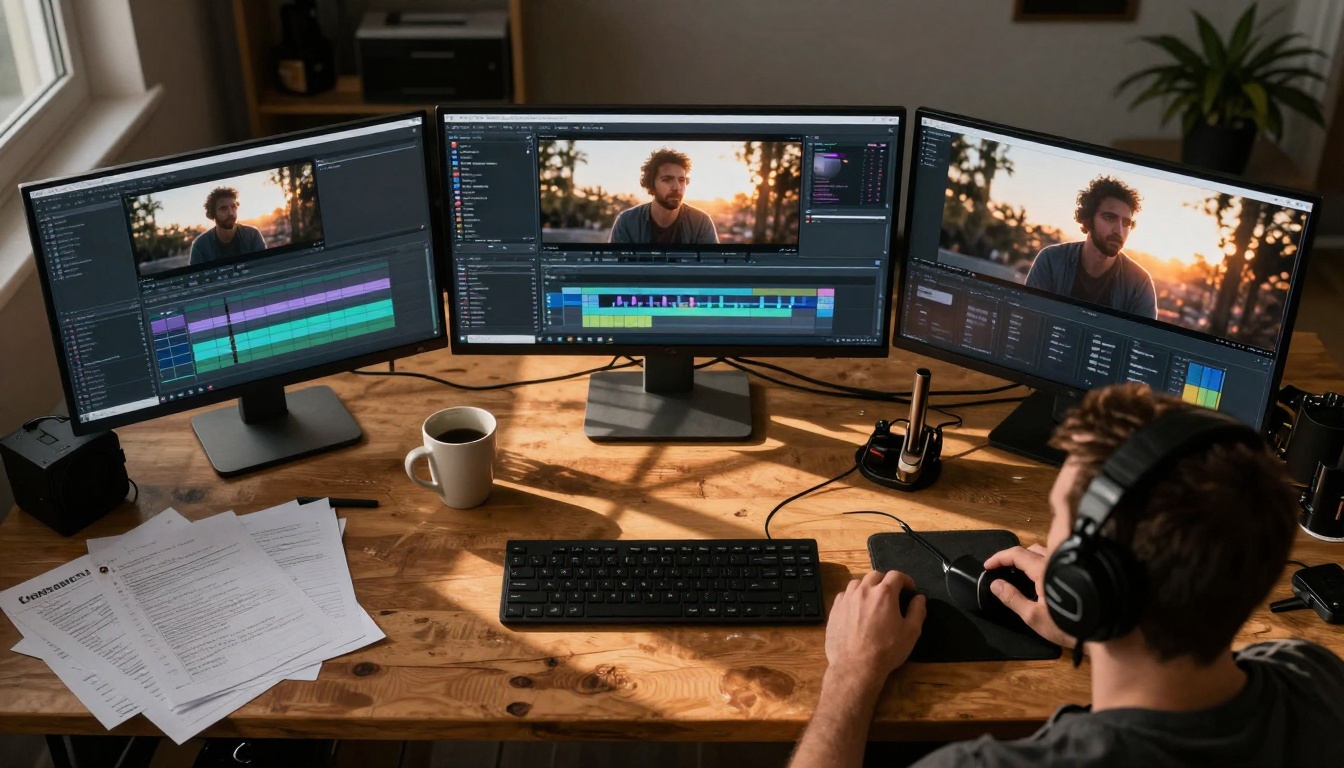
Aerial view of YouTuber's workspace with multiple monitors showing production workflow
Several platforms offer free tiers with generous limits. The PicassoIA platform includes multiple AI music models with different strengths:
music-01 by minimax
Specialization: Instant music and vocal generation
Free tier: Generates complete tracks with vocals
Best for: Podcast intros, song-style content
Link: music-01 on PicassoIA
stable-audio-2.5 by stability-ai
Specialization: High-quality instrumental music
Free tier: Professional-grade audio generation
Best for: YouTube background, cinematic scores
Link: stable-audio-2.5 on PicassoIA
music-1.5 by minimax
Specialization: Versatile music generation
Free tier: Multiple genre support
Best for: Social media, varied content needs
Link: music-1.5 on PicassoIA
lyria-2 by google
Specialization: AI music and audio generation
Free tier: Google's advanced music model
Best for: Experimental sounds, unique textures
Link: lyria-2 on PicassoIA
Comparison of free capabilities:
| Model | Max Length | Formats | Customization |
|---|
| music-01 | 3 minutes | MP3, WAV | Genre, mood, vocals |
| stable-audio-2.5 | 90 seconds | MP3, WAV | BPM, key, structure |
| music-1.5 | 2 minutes | MP3 | Multiple instruments |
| lyria-2 | 30 seconds | MP3 | Experimental parameters |
Comparison of Free Tier Limits
Most free tiers impose reasonable constraints:
- Duration limits: 30 seconds to 3 minutes
- Daily generations: 5-20 tracks
- Format options: MP3 standard, sometimes WAV
- Commercial use: Usually permitted
These limits work for most creator needs. YouTube intros average 15 seconds, background music loops work in 30-60 second segments, podcast music needs 30-second bumpers.
Avoiding Common Free Tier Pitfalls
- Don't expect album-length tracks from free tiers
- Do generate shorter segments and loop them
- Don't assume unlimited daily generations
- Do save successful prompts for reuse
- Don't expect studio mastering quality
- Do use basic audio editing for polish
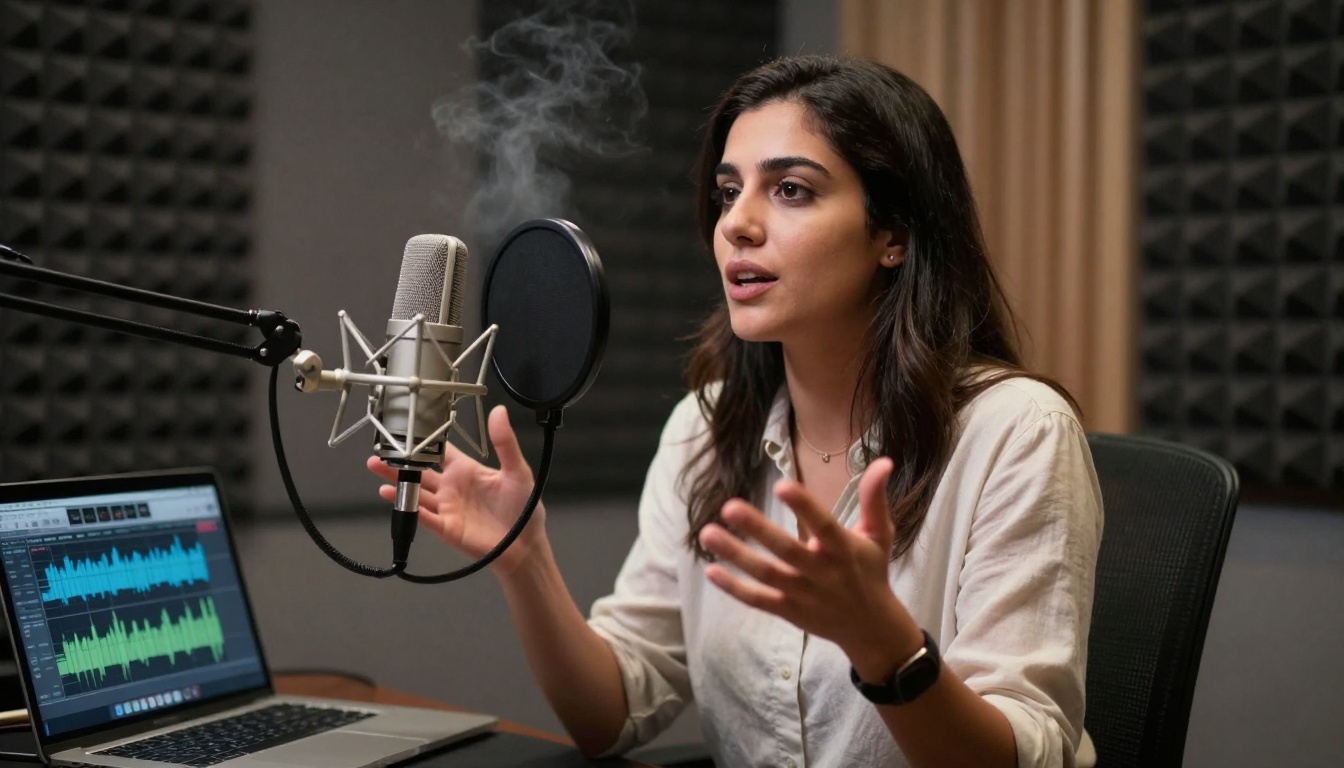
Podcast host in professional recording booth discussing AI-generated intro music
Practical Uses for Content Creators
Different content types benefit from specific AI music applications:
YouTube Background Music Creation
Problem: Videos feel empty without music, but copyrighted tracks risk monetization.
Solution: Generate mood-matching background beds that:
- Sit quietly behind dialogue
- Enhance emotional tone without distraction
- Loop seamlessly for longer videos
- Match content pacing (slower for tutorials, faster for vlogs)
Workflow:
- Determine video mood (educational, entertaining, dramatic)
- Generate 60-second loop in matching genre
- Import to editing software
- Adjust volume -15dB to -20dB below dialogue
- Add fade in/out transitions
Podcast Intro and Outro Music
Problem: Podcasts need recognizable audio branding without licensing complexity.
Solution: Create consistent intro/outro music that:
- Establishes show identity
- Remains consistent across episodes
- Signals segment transitions
- Professionalizes production value
Specific applications:
- Intro stinger: 5-10 seconds, energetic
- Outro bed: 30 seconds, fading
- Segment transition: 3-5 seconds, distinctive
- Sponsor read background: subtle, continuous
Social Media Soundtrack Generation
Problem: Platform algorithms favor videos with engaging audio.
Solution: Tailored music for different platforms:
- TikTok/Reels: 15-30 seconds, trending sounds
- Instagram Stories: 15 seconds, brand-consistent
- YouTube Shorts: 30-60 seconds, attention-grabbing
- LinkedIn video: professional, subtle
Platform-specific considerations:
- TikTok favors current trends and remix culture
- Instagram prefers aesthetic consistency
- YouTube values production quality
- LinkedIn expects professional tone
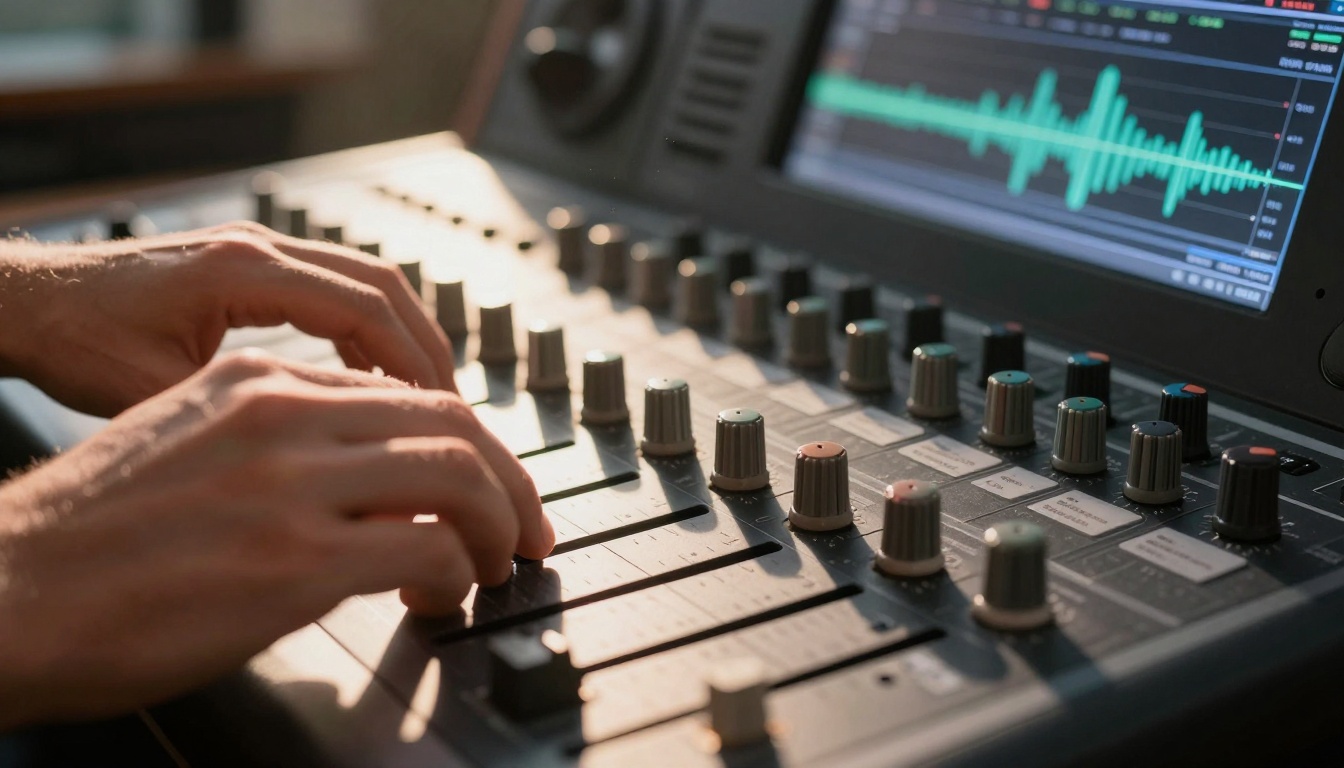
Detail shot of mixing console EQ adjustments on AI-generated track
Quality and Copyright Considerations
AI music quality varies by model and prompt. Understanding limitations helps set realistic expectations.
Audio Quality Expectations
Current AI music generation achieves:
- Instrument realism: Good for common instruments, limited for rare ones
- Mix balance: Generally well-balanced across frequency spectrum
- Genre authenticity: Strong within trained genres
- Melodic coherence: Structurally sound but sometimes repetitive
Common quality issues:
- Artificial sounding instruments: Especially in solo passages
- Repetitive patterns: Limited variation in longer generations
- Mixing inconsistencies: Volume spikes or drops
- Genre blending confusion: When prompts mix incompatible styles
Mitigation strategies:
- Use multiple short segments instead of one long track
- Layer AI music with recorded elements
- Apply basic EQ and compression
- Combine outputs from different models
Copyright and Commercial Use Rights
The legal landscape for AI-generated content remains evolving, but current consensus favors creators:
Key principles:
- Originality requirement satisfied: AI generates novel combinations
- No pre-existing copyright: Can't infringe what doesn't exist
- Creator ownership: Output belongs to the person who prompted it
- Commercial use permitted: Most platforms explicitly allow it
Platform terms comparison:
| Platform | Commercial Use | Attribution Required | Redistribution Rights |
|---|
| PicassoIA models | Yes | No | Full |
| Other free tools | Usually yes | Sometimes | Limited |
Practical safeguards:
- Keep records of generation dates and prompts
- Understand specific platform terms
- For critical commercial projects, consult legal advice
- Consider adding human modification for stronger claim
💡 Important: While AI music avoids existing copyrights, trademark considerations still apply. Don't generate music that mimics specific trademarked jingles or brand sounds.

Team workspace discussion around AI music options for video project
Getting Started with Free AI Music
The entry barrier is surprisingly low. You need no musical training, just descriptive language skills.
Step-by-Step Guide for Beginners
Phase 1: Exploration (Week 1)
- Create accounts on platforms with free tiers
- Generate 5-10 tracks with varied prompts
- Note which models produce preferred results
- Save successful prompt formulas
Phase 2: Application (Week 2)
- Match generated tracks to existing content
- Test integration in editing software
- Gather feedback from audience
- Refine prompt strategies based on results
Phase 3: Optimization (Week 3+)
- Develop prompt libraries for different content types
- Create template workflows
- Build music asset organization system
- Explore advanced customization options
Common Mistakes to Avoid
Prompting errors:
- Too vague: "good music" instead of "upbeat synthwave at 128 BPM"
- Too complex: conflicting genre descriptors
- Missing key specifications: tempo, duration, mood
Workflow errors:
- Not testing volume levels before publishing
- Forgetting to fade in/out
- Using unedited repetitive loops
- Ignoring platform-specific audio requirements
Legal/ethical errors:
- Assuming all platforms allow commercial use
- Not reading terms of service
- Generating content that could be mistaken for existing IP
- Failing to keep generation records
Social media creator filming with AI background music on urban rooftop
Creating Your First AI-Generated Track
Follow this concrete example workflow:
Project: YouTube tutorial video about photography techniques
Step 1: Content analysis
- Video mood: Educational, professional, inspiring
- Pacing: Moderate, with clear explanations
- Audience: Aspiring photographers
- Desired emotional tone: Confident, accessible
Step 2: Prompt development
Base prompt: "Background music for educational content"
Enhanced: "Moderate tempo ambient electronic with subtle piano melodies, professional tone, suitable for tutorial video, 100 BPM"
Step 3: Generation and selection
- Generate 3 variations with slightly different prompts
- Listen to each at -20dB volume (simulating background level)
- Select version that best supports without distracting
Step 4: Integration workflow
- Import selected track to video editor
- Set volume -18dB relative to dialogue
- Add 2-second fade in at start
- Add 3-second fade out at end
- Duplicate and loop for video duration
- Render test segment for quality check
Step 5: Final adjustments
Based on test render:
- Slight EQ cut at 250Hz to reduce muddiness
- Compress 3:1 ratio to even out levels
- Final volume adjustment to -17dB
- Confirm no clipping in loudest sections

Laptop screen showing YouTube analytics with "copyright claim: none" status
Advanced Prompt Engineering Techniques
Once comfortable with basics, explore these advanced methods:
Layering prompts:
Generate separate elements and combine them:
- "Ambient pad drone C major"
- "Simple piano melody moderate tempo"
- "Subtle percussion loop 100 BPM"
- Mix together in audio editor
Reference prompting:
"Similar to [artist/song] but more [quality] and with [modification]"
Example: "Similar to Hans Zimmer film scores but simpler and more electronic"
Parameter specification:
Include technical details in prompts:
- Key signature: "C major progression"
- Time signature: "4/4 rhythm with syncopation"
- Instrumentation: "string quartet with cello melody"
- Dynamic range: "builds from piano to forte"
Genre fusion:
Combine elements from multiple genres:
"Lo-fi hip hop beat with classical violin melody and ambient synthesizer pads"
Workflow Integration Strategies
For video editors:
- Create music template projects with placeholder tracks
- Develop prompt libraries categorized by video type
- Build batch processing workflows for multiple videos
For podcast producers:
- Standardize intro/outro music generation
- Create mood-based music categories for different episode types
- Develop transition sound library
For social media managers:
- Platform-specific music style guides
- Trend-responsive prompt adjustments
- Volume normalization standards across platforms
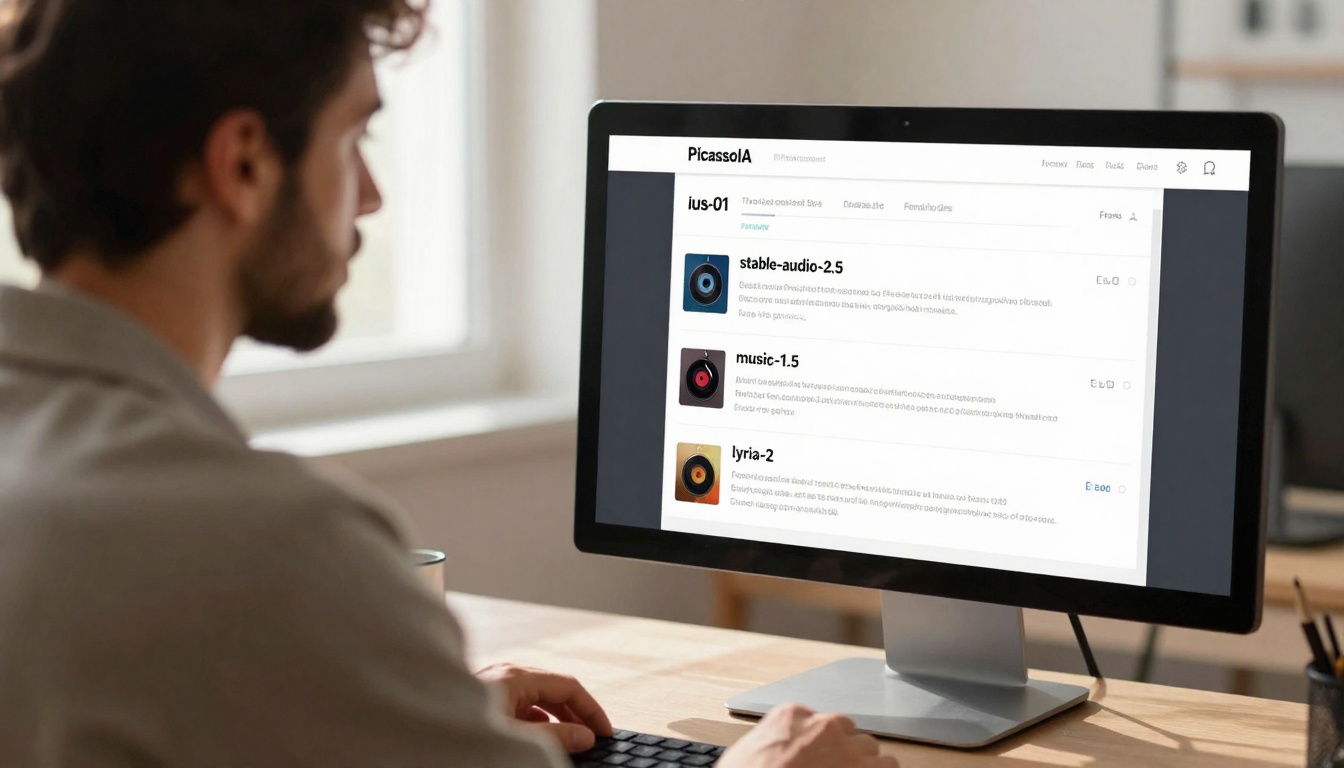
Over-the-shoulder view of creator exploring PicassoIA's music generation models
Moving Forward with AI Music
The technology continues evolving rapidly. What works today will improve tomorrow. The strategic advantage goes to creators who start integrating AI music now, developing skills and workflows ahead of mainstream adoption.
Immediate next steps:
- Test one model with your specific content type
- Document what works and what doesn't
- Develop a simple repeatable workflow
- Gradually expand to more complex applications
Long-term perspective:
AI music tools will become more sophisticated, but the fundamental shift has already occurred. Music generation moved from exclusive professional domain to accessible creator tool. The cost and legal barriers that once limited independent creators have effectively disappeared.
The creative opportunity lies not in replacing human musicians, but in augmenting creator capabilities. When you need background music for a video due tomorrow, podcast intro for this week's episode, or social media soundtrack for today's post, AI provides instant solutions that previously required budget, time, and legal navigation.
The tools exist, they're free to start, and they solve real creator problems. The only question is when you begin using them.


