The landscape of music creation has undergone a seismic shift in the last few years. What used to require expensive studio equipment, years of musical training, and complex technical knowledge can now be accomplished with free AI tools that democratize music production. These platforms aren't replacing human creativity—they're augmenting it, providing intelligent assistants that help musicians overcome technical barriers and creative blocks.
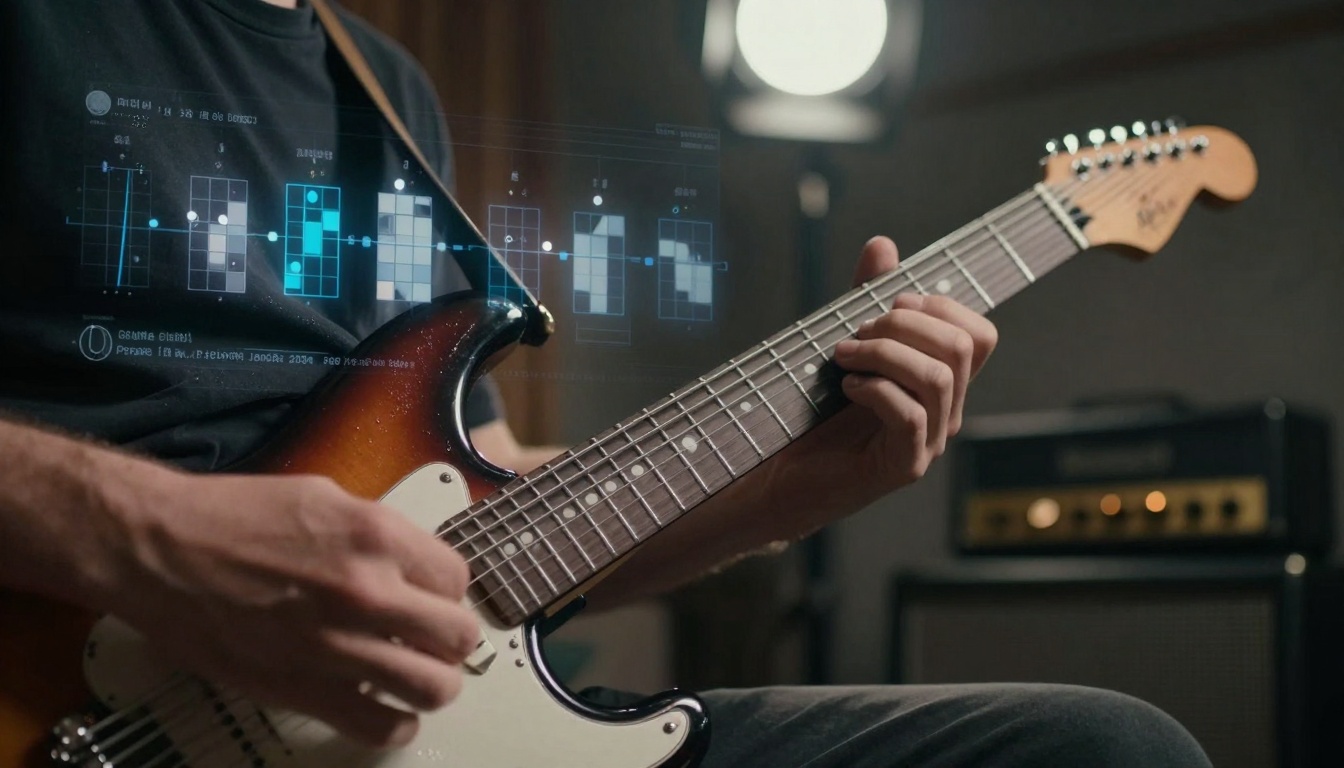
AI-assisted guitar composition tools analyze chord progressions and suggest harmonic variations in real-time
Traditional music production required significant financial investment. A basic home studio setup with a decent microphone, audio interface, monitors, and software could easily cost thousands. The learning curve was steep—understanding signal flow, EQ, compression, and mixing principles took years to master. AI music tools eliminate both barriers simultaneously: they're free to use and require no prior technical knowledge.
The fundamental shift happened when machine learning algorithms began understanding musical patterns at a deep level. These systems analyze millions of songs across genres, learning what makes a pop chorus catchy, a hip-hop beat compelling, or a film score emotionally resonant. They don't just mimic existing music—they generate entirely new compositions based on learned principles of harmony, rhythm, and structure.
💡 Key Insight: The most effective AI music tools don't attempt to replace human creativity. Instead, they serve as collaborative partners—suggesting chord progressions when you're stuck, generating drum patterns that match your melody, or proposing vocal harmonies that complement your lead line.
Modern AI music tools offer surprisingly sophisticated features considering they're available at zero cost. The capabilities have evolved from simple melody generators to comprehensive production suites:
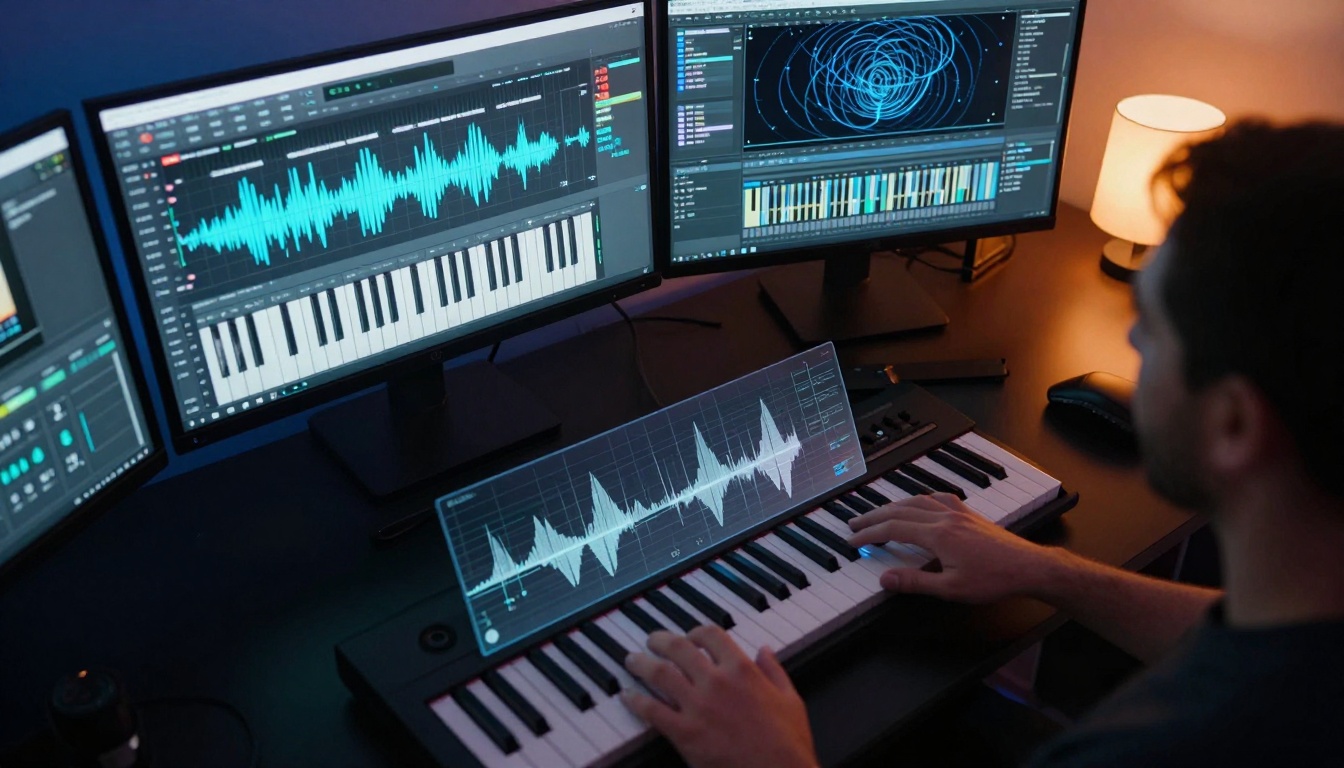
Modern DAWs integrate AI tools directly into the workflow, providing real-time suggestions and automated processing
Melody Generation
The foundation of any song is its melody, and AI excels at creating memorable melodic lines. These tools analyze your input—whether it's a mood description, genre preference, or existing chord progression—and generate multiple melodic options. The best systems understand melodic contour, phrasing, and emotional impact, creating lines that feel intentionally composed rather than randomly generated.
Harmonic Support
Chord progressions define a song's emotional landscape. AI harmonic tools suggest progressions that work with your melody, recommend substitutions to add interest, and even propose modulations to different keys. They understand functional harmony principles and can generate progressions that follow established patterns while introducing creative variations.
Rhythm Creation
Drum programming and rhythmic patterns are areas where AI particularly shines. These tools analyze the tempo and feel of your track, then generate appropriate drum patterns, percussion layers, and rhythmic variations. They understand genre-specific rhythmic conventions—from four-on-the-floor house beats to complex polyrhythmic patterns in progressive music.
Arrangement Assistance
Song structure is where many producers struggle. AI arrangement tools suggest section lengths, instrument entries and exits, build-ups, and drops. They analyze successful songs in your chosen genre and propose structures that maintain listener engagement while allowing creative flexibility.
Sound Design
AI sound design tools generate synthetic textures, atmospheric pads, unique lead sounds, and evolving soundscapes. They can create sounds that would take hours to program manually in a synthesizer, providing instant access to professional-grade timbres.
AI interfaces enhance traditional analog gear with intelligent parameter suggestions and patch generation
The market has exploded with free AI music tools, each offering unique strengths. Here's a breakdown of the most capable platforms currently available:
1. Amper Music (Now part of Shutterstock)
While originally a paid platform, Amper offers a free tier with substantial capabilities. It focuses on royalty-free music generation for content creators, with particular strength in generating background music for videos, podcasts, and presentations.
Key Features:
- Genre-based generation with mood controls
- Adjustable length and structure
- Stem separation for flexible mixing
- Direct integration with video editing software
Best For: Content creators needing background music, podcasters, video producers
2. AIVA (Artificial Intelligence Virtual Artist)
AIVA takes a more classical approach, specializing in emotional, cinematic compositions. The free version allows limited generations per month but provides access to sophisticated algorithms trained on classical music and film scores.
Key Features:
- Emotional parameter controls (happy, sad, tense, peaceful)
- Cinematic style presets
- Orchestra simulation with realistic instrument sounds
- Export to MIDI for further editing
Best For: Film scorers, game developers, classical composers
3. MuseNet by OpenAI
While not a traditional DAW, MuseNet represents the cutting edge of musical pattern recognition. It can generate compositions in the style of specific composers or combine multiple styles in surprising ways.
Key Features:
- Style imitation across 10+ genres
- Multi-instrument composition
- Continuation of existing musical ideas
- Browser-based interface requiring no installation
Best For: Experimental composers, music theorists, educators
4. Jukebox by OpenAI
Another research project from OpenAI, Jukebox focuses on raw audio generation rather than MIDI. It can generate complete songs with vocals in specific artist styles, though the free version has generation limits.
Key Features:
- Raw audio generation (not MIDI)
- Artist style imitation
- Lyric generation in specific styles
- Complete song production from text prompts
Best For: Producers interested in AI vocals, genre experimentation
5. Soundraw
Soundraw offers a hybrid approach combining AI generation with a library of pre-made musical phrases. The free version provides access to basic generation capabilities with watermarked exports.
Key Features:
- Phrase-based composition system
- Mood and genre controls
- Drag-and-drop interface
- Royalty-free licensing for paid tier
Best For: Social media creators, advertising agencies, indie game developers
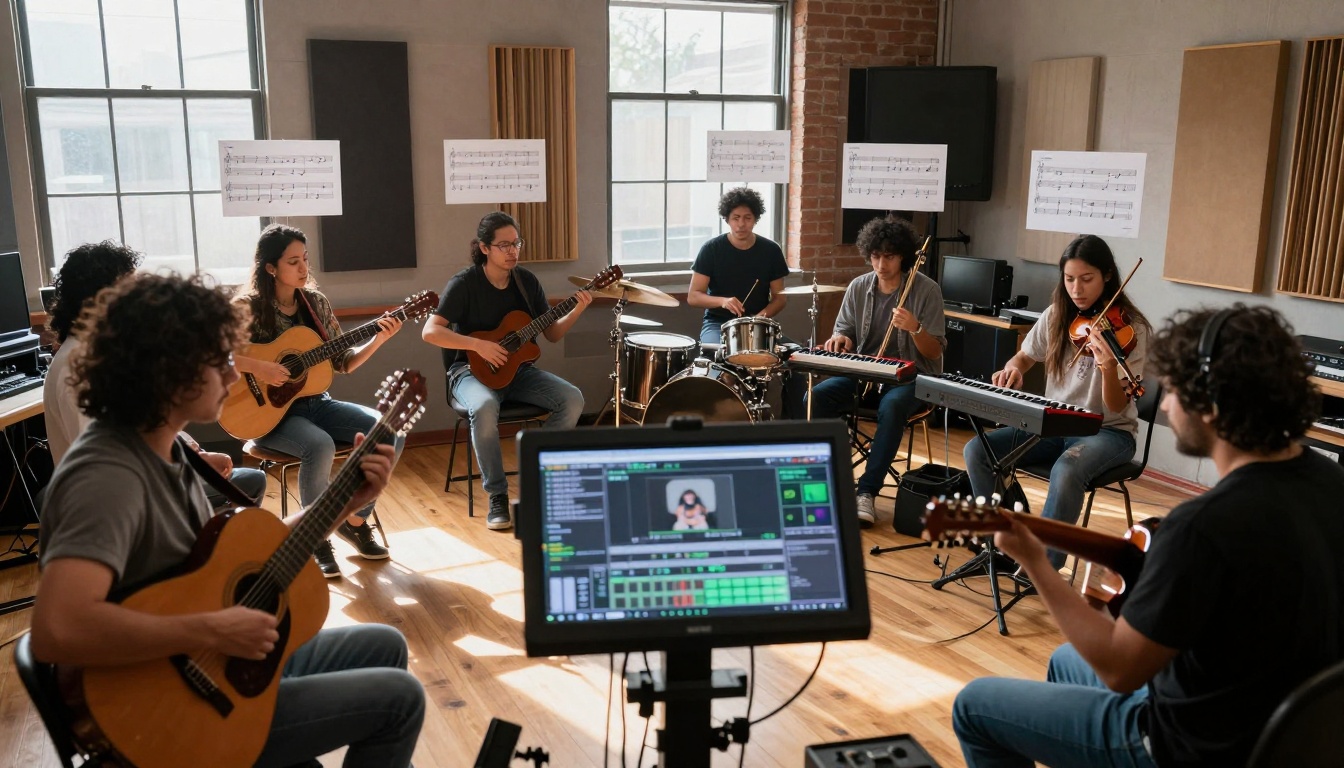
Collaborative sessions where multiple musicians use AI tools to generate and refine musical ideas in real-time
Success with AI music tools comes from understanding how to integrate them into an existing creative process rather than expecting them to do all the work. Here's a practical workflow:
Step 1: Define Your Starting Point
Begin with a clear intention. Are you starting with:
- A mood or emotion you want to convey?
- A specific genre or style?
- An existing melody or chord progression?
- Lyrics that need musical setting?
The clearer your starting point, the more effectively AI tools can assist you.
Step 2: Use AI for Inspiration, Not Replacement
Generate multiple options for each element. Create 5-10 different melodies, 8-12 chord progressions, several drum patterns. Don't settle for the first suggestion—use AI to expand your creative possibilities rather than limit them.
Step 3: Human Curation is Essential
AI generates possibilities; humans make artistic decisions. Listen critically to each suggestion:
- Does it serve the emotional intent?
- Does it feel coherent and intentional?
- Does it provide novelty without breaking musical logic?
Select the options that best serve your vision, then edit and refine them.
Step 4: Layer Human Performance
Even the best AI-generated parts benefit from human performance. Record live instruments over AI foundations, add expressive vocal performances, introduce human timing variations. The combination of AI precision and human expression creates the most compelling results.
Step 5: Iterate and Refine
Use AI tools at multiple stages of the process:
- Initial idea generation
- Arrangement suggestions
- Mixing and mastering recommendations
- Final polish and detail enhancement
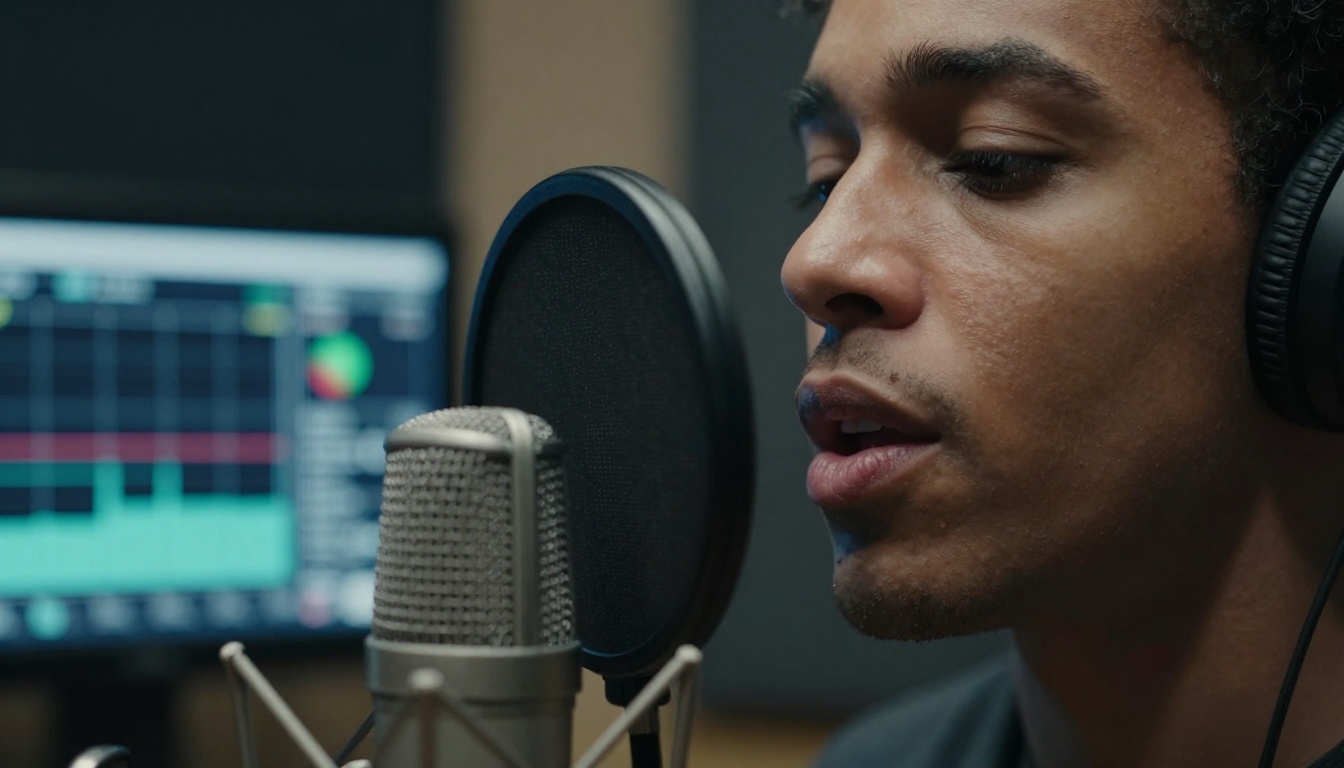
AI vocal analysis tools provide real-time feedback on pitch, timing, and emotional delivery during recording sessions
PicassoIA Music Generation Models
For those looking to experiment with cutting-edge AI music generation, PicassoIA offers several powerful models that specialize in different aspects of music creation. These platforms provide professional-grade capabilities with free access tiers:
1. music-01 by Minimax
The music-01 model focuses on instant music and vocal generation with particular strength in pop and electronic genres. It's designed for quick ideation and complete song generation.
How to Use music-01:
- Start with a text description of the mood, genre, and instruments you want
- Adjust generation parameters for length, complexity, and style
- Generate multiple variations and select the most promising
- Use the stem separation feature to isolate individual instruments for mixing
- Export as WAV or MIDI for further editing in your DAW
Pro Tip: music-01 responds well to specific emotional descriptors. Instead of "happy song," try "uplifting synthpop with nostalgic 80s influences and hopeful melodic contours."
2. stable-audio-2.5 by Stability AI
stable-audio-2.5 specializes in high-quality audio generation with excellent sonic fidelity. It's particularly strong at creating atmospheric textures and evolving soundscapes.
How to Use stable-audio-2.5:
- Focus on sound quality descriptions in your prompts
- Use genre + mood combinations for best results
- Experiment with duration parameters—longer generations allow more development
- Layer multiple generations to create complex arrangements
- Apply post-processing to enhance the raw audio output
Pro Tip: stable-audio-2.5 excels at ambient and cinematic music. Try prompts like "cinematic tension build with pulsing low-end and shimmering high-frequency textures."
3. music-1.5 by Minimax
music-1.5 offers balanced generation capabilities across multiple genres with good structural coherence. It's a versatile choice for general music production needs.
How to Use music-1.5:
- Provide clear structural instructions in your prompts
- Specify instrument roles (lead, rhythm, bass, percussion)
- Request specific song sections (verse, chorus, bridge)
- Use the variation controls to explore different interpretations
- Combine short generations to build complete songs
Pro Tip: music-1.5 handles genre blends effectively. Try "alternative rock with electronic production elements and melancholic vocal melodies."
4. lyria-2 by Google
lyria-2 represents Google's advanced music generation technology with strong melodic development and harmonic sophistication. It's particularly good at creating memorable hooks and satisfying resolutions.
How to Use lyria-2:
- Focus on melodic and harmonic descriptions
- Specify emotional journey through the composition
- Request dynamic contrast between sections
- Use the continuation feature to extend promising ideas
- Experiment with unconventional genre combinations
Pro Tip: lyria-2 responds to narrative prompts. Try "instrumental piece that tells a story of discovery, with a hesitant beginning that grows into confident exploration."
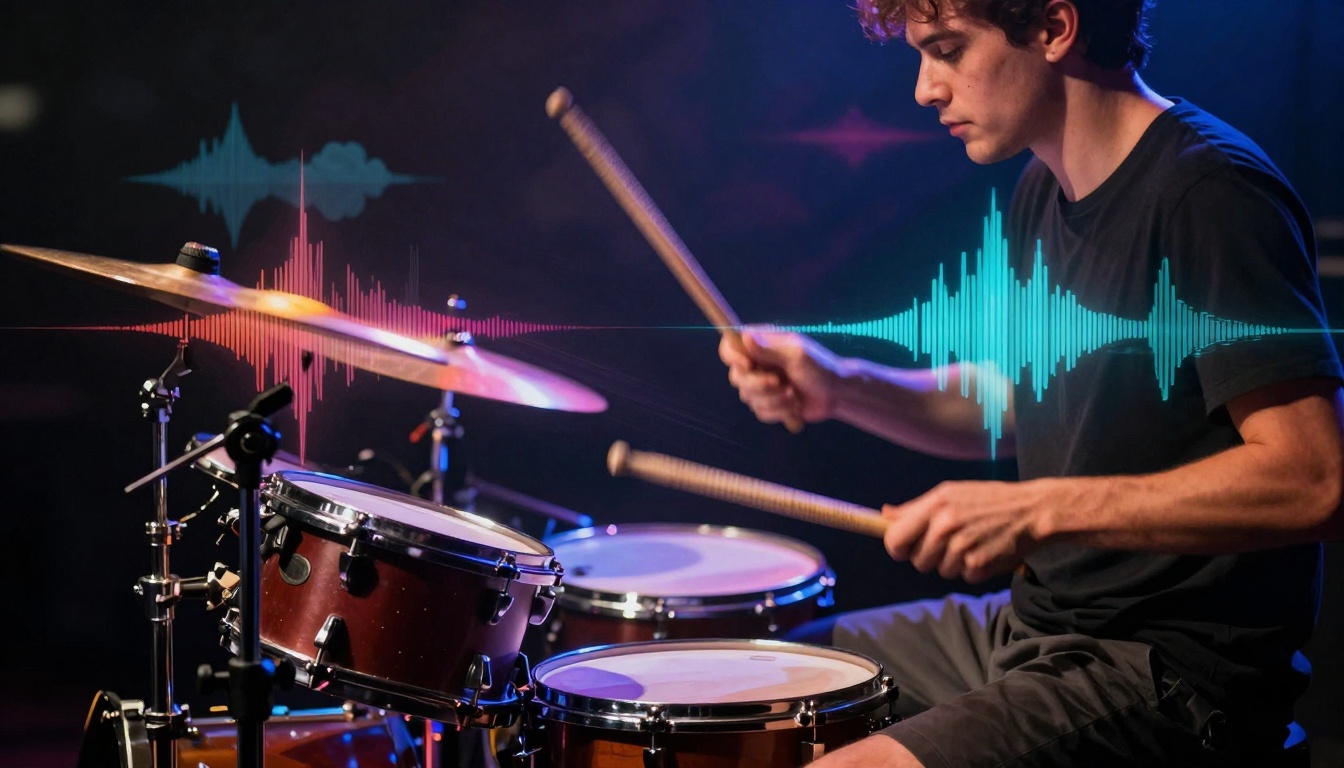
AI rhythm generators create complex drum patterns that maintain human-like feel while introducing creative variations
Practical Music Creation Workflows
Different types of music benefit from different AI integration approaches. Here are genre-specific workflows:
Electronic Music Production
Electronic genres naturally align with AI capabilities. The workflow typically involves:
- Generate foundational elements (kick, bass, chord progression)
- Layer melodic components (lead lines, arpeggios, pads)
- Add rhythmic variation (percussion, fills, breakdowns)
- Structure with AI arrangement suggestions
- Apply genre-specific processing (sidechain compression, filter automation)
Tool Combination: Use music-01 for complete tracks, stable-audio-2.5 for textures, and DAW AI tools for mixing.
Singer-Songwriter Composition
For acoustic-oriented music with vocals:
- Generate chord progressions that support lyrical themes
- Create melodic frameworks for verses and choruses
- Suggest vocal harmony arrangements
- Generate instrumental backing (piano, guitar, strings)
- Structure song with natural emotional arcs
Tool Combination: Use lyria-2 for harmonic sophistication, music-1.5 for structural coherence, and human performance for authenticity.
Film and Game Scoring
Cinematic music requires different approaches:
- Establish emotional tone with text prompts
- Generate thematic motifs for characters or locations
- Create atmospheric beds and transitional elements
- Structure for narrative pacing (tension builds, releases)
- Orchestrate with appropriate instrument combinations
Tool Combination: Use stable-audio-2.5 for textures, AIVA for classical elements, and manual arrangement for narrative alignment.
Experimental and Avant-Garde
Pushing boundaries with AI:
- Use unconventional prompts to break genre conventions
- Combine multiple AI generations in unexpected ways
- Process AI output with extreme effects and manipulation
- Use AI as sound source rather than composition tool
- Embrace glitches and artifacts as creative elements
Tool Combination: Use MuseNet for stylistic blends, Jukebox for raw audio experimentation, and manual processing for unique results.
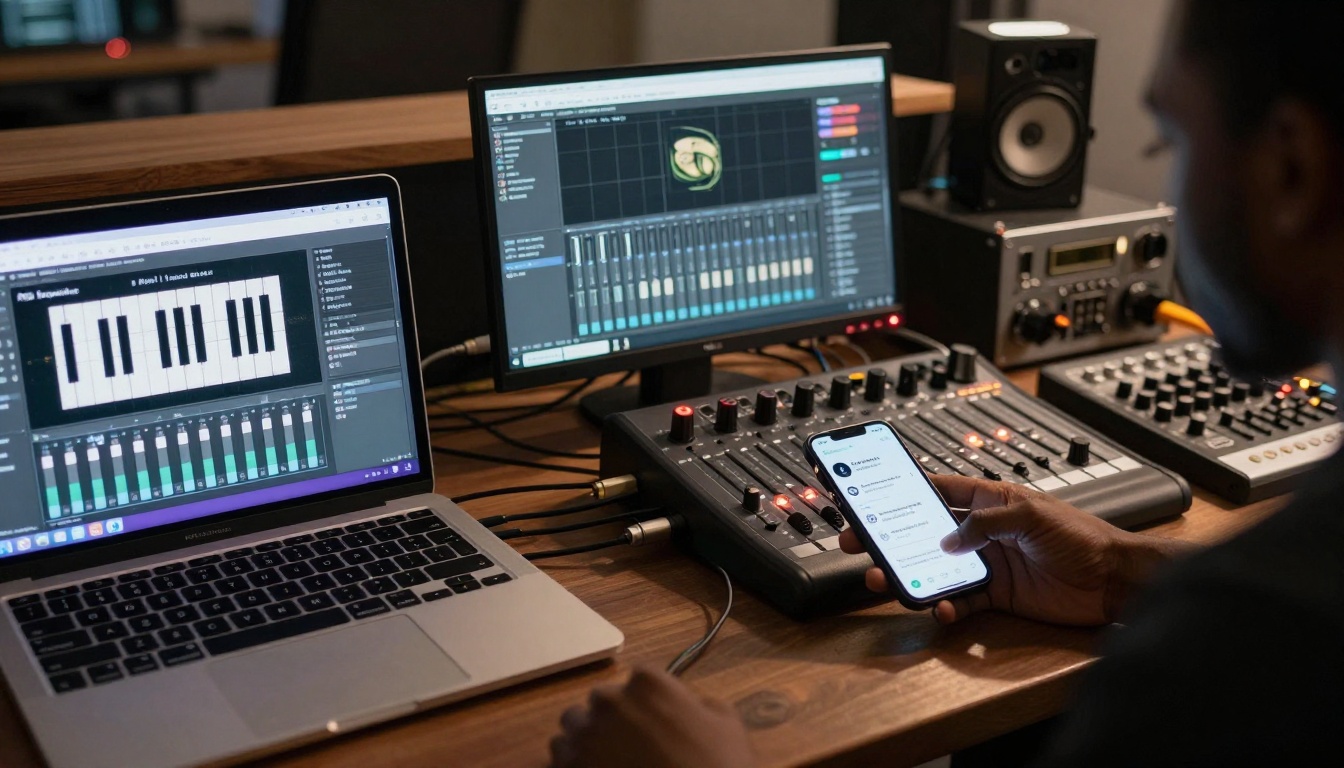
Modern production setups integrate multiple AI tools running simultaneously, each specializing in different aspects of music creation
Technical Considerations and Limitations
While AI music tools offer remarkable capabilities, understanding their limitations helps set realistic expectations:
Audio Quality Considerations
Most free AI tools generate audio at standard quality levels (44.1kHz, 16-bit). For professional releases, you may need to:
- Apply mastering processing to enhance final quality
- Use AI upscaling tools to improve resolution
- Layer with high-quality samples to enrich texture
- Consider paid tiers for higher fidelity exports
Copyright and Ownership
Understand the licensing terms for each platform:
- Royalty-free doesn't always mean copyright-free
- Commercial use may require attribution or paid licenses
- Derivative works policies vary between platforms
- Platform-specific terms override general assumptions
Creative Control Trade-offs
AI generation involves surrendering some control in exchange for inspiration:
- Parameter adjustment is often limited compared to manual composition
- Specific instrument control may be less precise
- Real-time manipulation during generation is typically not possible
- Iteration cycles can be time-consuming despite automation
Technical Requirements
Most AI music tools require:
- Stable internet connection for cloud-based generation
- Modern web browser with JavaScript enabled
- Sufficient storage for downloaded audio files
- Basic audio editing software for post-processing
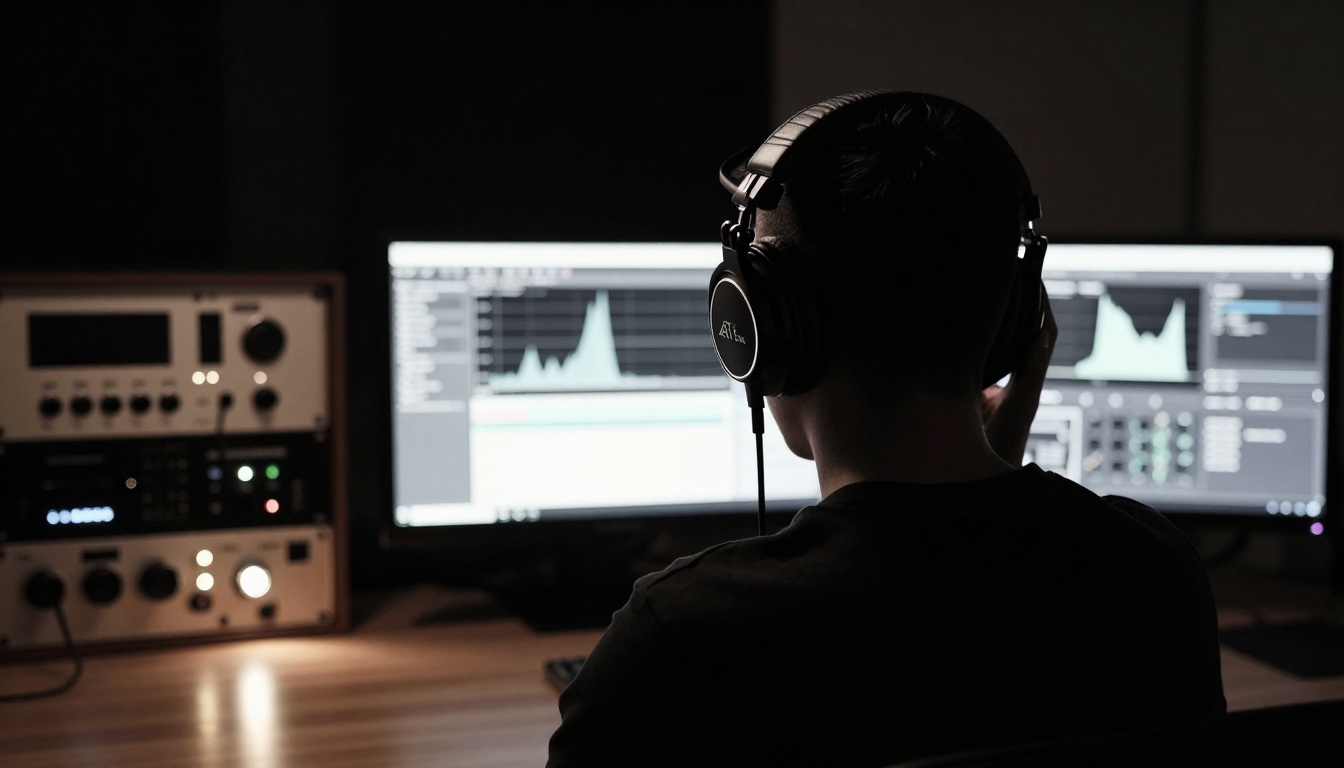
Critical listening with AI analysis tools helps identify areas for improvement in generated compositions
Future Developments in AI Music
The field of AI music generation is advancing rapidly. Several trends indicate where the technology is heading:
Real-time Collaboration
Future tools will likely offer:
- Live AI accompaniment during improvisation
- Instant style adaptation based on performer input
- Dynamic arrangement adjustment during performance
- Audience interaction influencing generation parameters
Personalized Music Generation
Advances in personalization may include:
- Style adaptation to individual creator preferences
- Learning from past creations to improve suggestions
- Emotional response prediction for target audiences
- Cultural context awareness in generation
Enhanced Creative Control
Future interfaces will probably offer:
- More granular parameter adjustment
- Real-time manipulation during generation
- Multi-modal input (voice, gesture, text)
- Collaborative AI ensembles with specialized roles
Integration with Traditional Tools
We'll likely see better integration with:
- Traditional DAWs as plugin formats standardize
- Hardware controllers for tactile parameter adjustment
- Live performance systems for stage use
- Educational platforms for music instruction
Getting Started with Your First AI-Generated Song
If you're new to AI music tools, here's a simple project to begin with:
Project: 3-Minute Ambient Track
- Choose a platform with strong atmospheric capabilities (stable-audio-2.5 or AIVA)
- Set parameters: 3-minute length, ambient genre, evolving structure
- Initial generation: "Slow-building ambient piece with piano textures and atmospheric pads"
- Layer additional elements: Generate separate components (bass drone, melodic fragments, rhythmic pulses)
- Arrange in DAW: Import all elements and arrange with crossfades and automation
- Add human elements: Record a simple live instrument part over the AI foundation
- Final processing: Apply reverb, compression, and limiting for cohesive sound
Common First-Time Mistakes to Avoid
- Expecting perfection immediately—AI tools require experimentation
- Using vague prompts—specificity yields better results
- Ignoring human curation—AI output always needs selection and editing
- Overcomplicating initially—start simple, then add complexity
- Neglecting basic audio editing—even AI output benefits from processing
Progression Path for Skill Development
- Week 1-2: Experiment with single-element generation (melodies, chords, rhythms)
- Week 3-4: Combine multiple AI elements into simple arrangements
- Month 2: Integrate AI elements with live recordings
- Month 3: Develop genre-specific workflows for your preferred styles
- Ongoing: Refine prompt engineering skills for more targeted generation
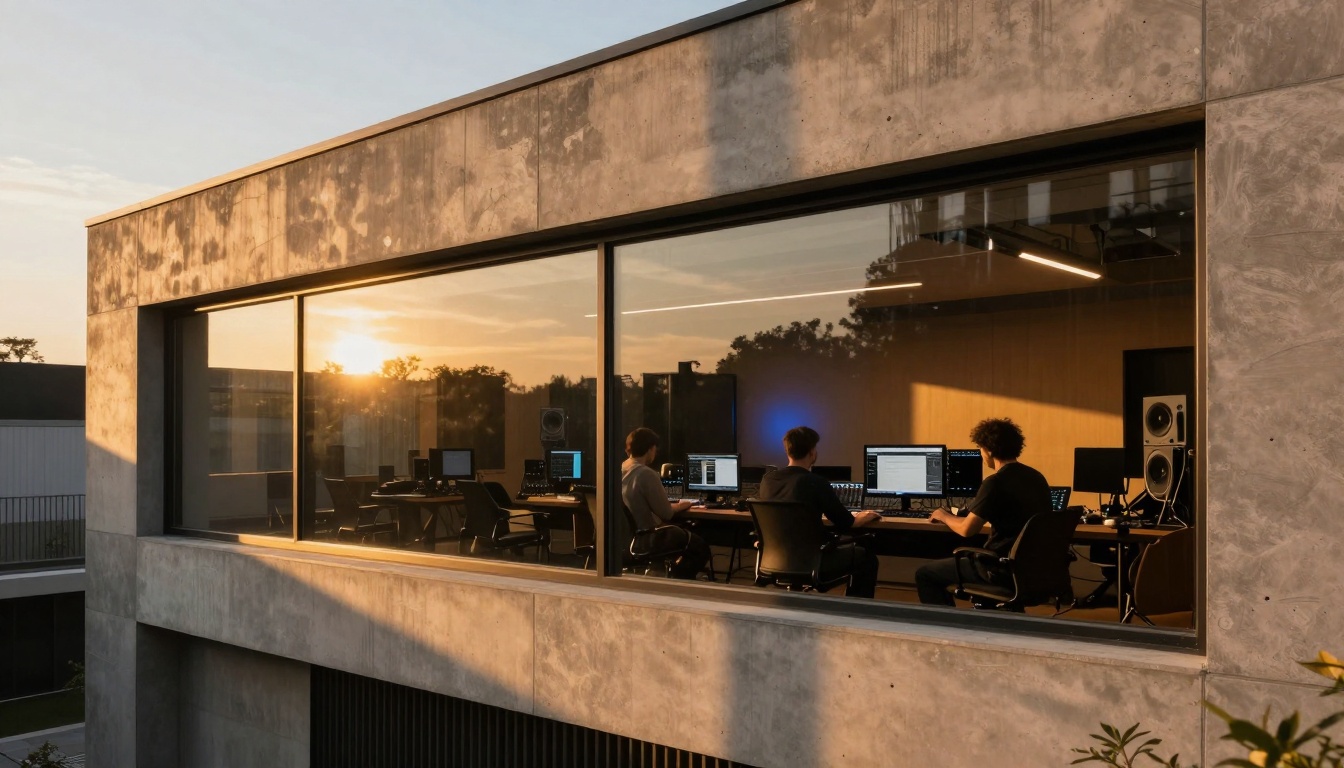
Modern studio designs incorporate technology seamlessly, creating environments where AI tools and human creativity coexist naturally
The Human Element in AI-Assisted Music
The most successful AI music projects maintain strong human creative direction. AI tools excel at generating possibilities, suggesting directions, and handling technical complexity. Human creators excel at making artistic judgments, injecting emotional authenticity, and providing the unique perspective that makes art compelling.
The future of music creation isn't AI replacing humans—it's humans using AI to expand their creative capabilities. These free tools lower barriers to entry, accelerate learning curves, and provide creative assistance when inspiration falters. They represent not the end of human musical expression, but a new beginning with expanded possibilities.
The tools are available, the barriers are lower than ever, and the creative possibilities are expanding daily. The only question remaining is what music you'll create with these new capabilities at your fingertips.


