The moment you search for a free AI NSFW generator online without registration, the intent is clear: you want access right now, zero friction, no inbox confirmation, no account dashboard. That is not an unreasonable demand. In 2027, the tools exist. The question is knowing where to look and which models are actually worth your time.
AI image generation has matured rapidly. What used to require a local GPU setup running Stable Diffusion has moved entirely online, and several platforms now let you generate suggestive, glamorous, or artistic NSFW content directly in a browser without signing up for anything. Quality has also taken a massive leap forward, with models like Flux Dev and Realistic Vision v5.1 producing results that are difficult to distinguish from professional photography.
This article covers the best free options available right now, the top models on PicassoIA, a full step-by-step tutorial, and how to write prompts that actually deliver the images you want.
Why Registration Gets in the Way
There is a real friction problem with most AI art platforms. You visit the site, see examples of exactly what you want, and then a sign-up wall appears. Email verification takes time. Some platforms require SMS confirmation. Others tie any meaningful usage to a paid plan from the moment you try anything beyond the lowest quality tier.
The no-registration demand also has a privacy angle. Many users do not want their NSFW generation activity tied to an email address or a persistent account profile. That is a completely legitimate concern, and platforms that respect it earn genuine loyalty.
Free, no-login access solves both problems:
- No personal data required to begin
- Immediate access to generation tools
- No usage history tied to an email address
- Zero commitment before testing quality
The trade-off is usually rate limiting or lower priority in the queue. But with the right models and prompt strategy, even free-tier outputs can be outstanding.
What NSFW Means in AI Generation
Before diving into tools, it helps to be precise about what "NSFW" covers in the AI art context, because the term spans a wide range.
| Category | Description | Common Use Cases |
|---|
| Suggestive | Swimwear, lingerie, glamour poses | Fashion, lifestyle photography |
| Artistic Nudity | Implied or tasteful nudity, boudoir | Fine art, photography emulation |
| Explicit | Graphic sexual content | Adult platforms, age-verified only |
Most free online generators operating without registration work in the suggestive to artistic nudity range. Explicit content generation generally requires age-verified accounts on specialized platforms, and that policy exists for good reason.
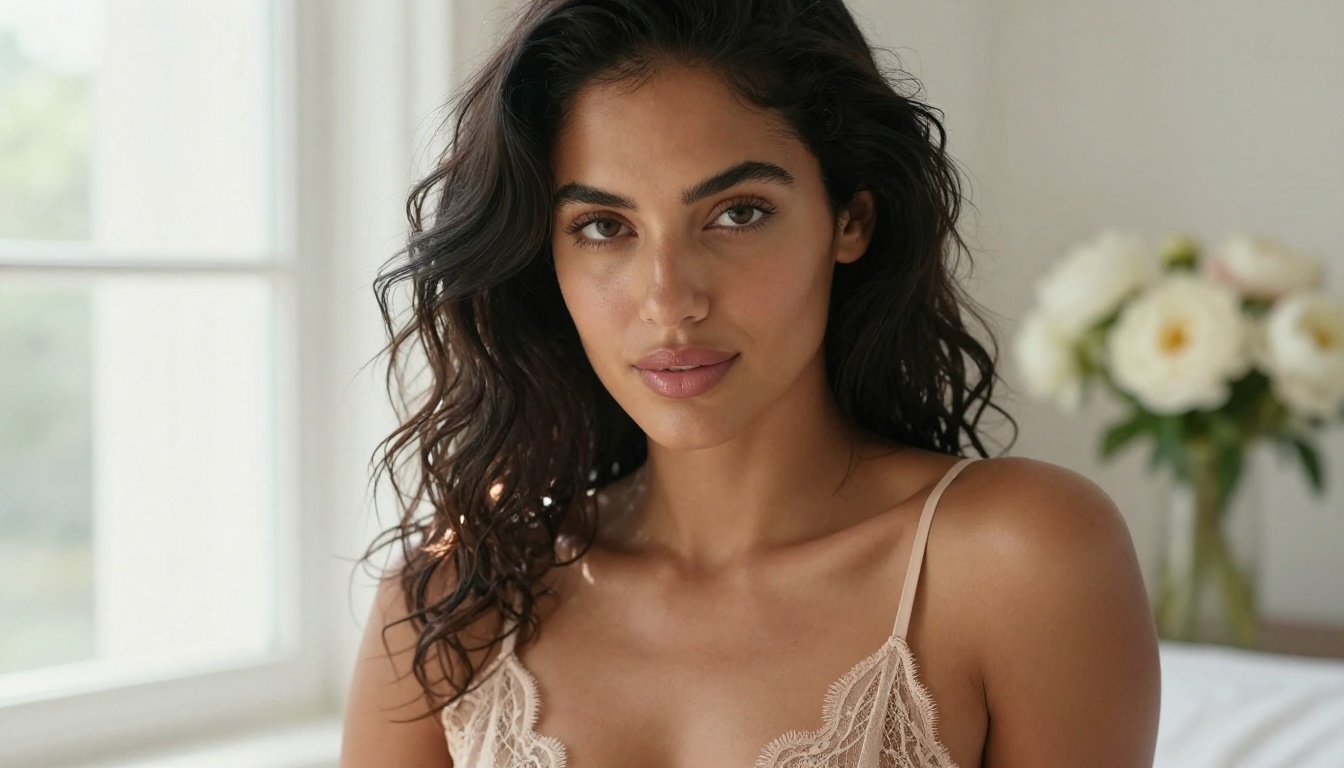
The focus here is on the first two categories: beautiful, sensual, well-composed images that push into NSFW territory while maintaining artistic integrity. Think high-end boudoir photography, glamour shoots, and thoughtful portrayals of the human form.
The Best NSFW Models on PicassoIA
Not all AI models handle photorealistic human figures equally. Some were built for stylized illustrations. Others were specifically fine-tuned for lifelike skin, realistic fabric, and natural body proportions. These are the models that actually perform for NSFW content.
Flux Dev
Flux Dev from Black Forest Labs is one of the strongest open-weight models for photorealistic human generation available right now. It handles skin texture, hair detail, and fabric drape with impressive accuracy. Most importantly, it follows detailed prompts about lighting and camera settings, which is critical for anyone trying to achieve a specific photographic style.
What it does well:
- Consistent, natural skin tone rendering
- Complex lighting scenarios (backlit, rim light, soft box, golden hour)
- Fabric realism for satin, lace, cotton, and sheer materials
- Compositional diversity across different aspect ratios
Flux 1.1 Pro
Flux 1.1 Pro improves on Flux Dev with better prompt adherence and finer detail on faces and hands. If you need results that match your prompt closely on the first pass, this is the model to reach for. It handles the historically problematic areas (fingers, toes, teeth) far more reliably than earlier diffusion architectures.
💡 Tip: Pair Flux 1.1 Pro with detailed lighting descriptions like "single softbox from the upper left, silver reflector fill from the right, 5600K daylight color temperature" for results that look like high-end editorial photography.
Realistic Vision v5.1
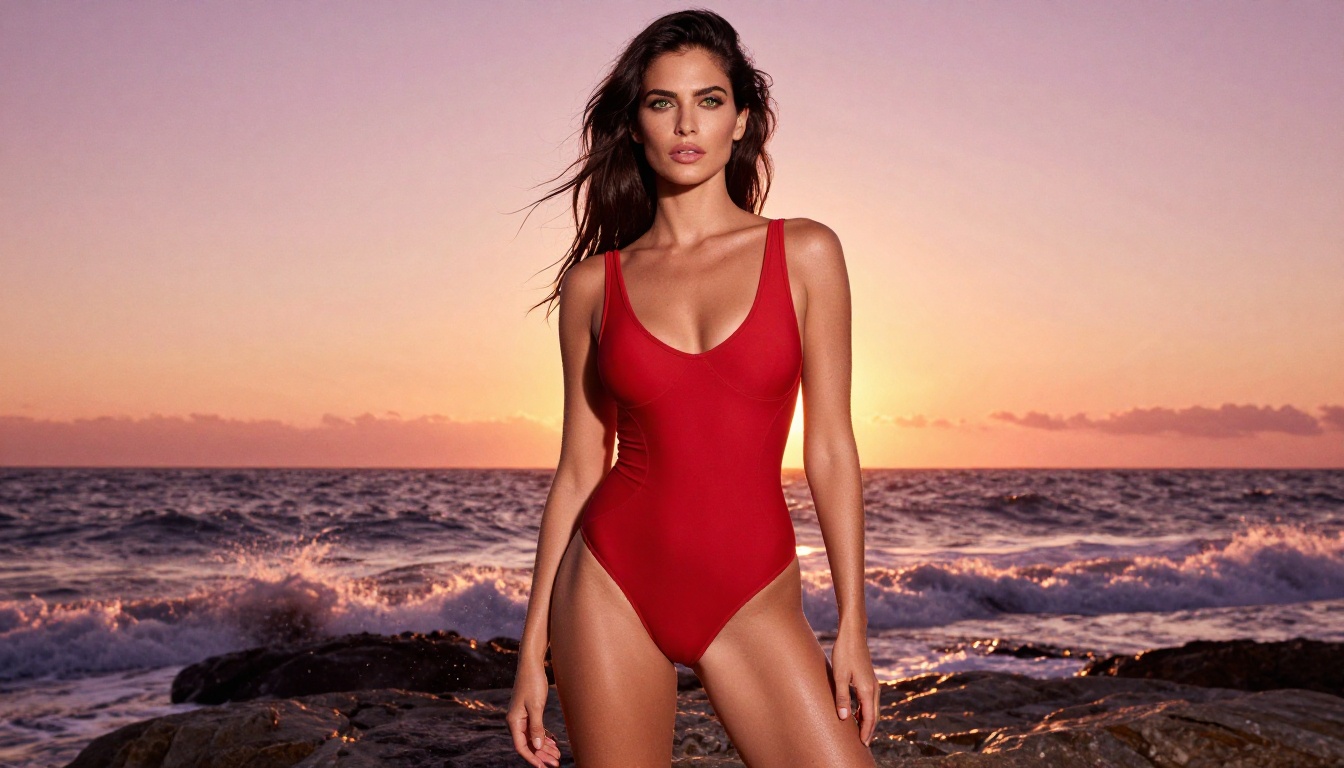
Realistic Vision v5.1 was fine-tuned specifically for photorealistic human generation. It was among the first models to consistently produce convincing skin texture without the waxy plastic quality that plagued earlier Stable Diffusion outputs. For portrait, boudoir, and indoor lighting scenarios, it remains one of the most reliable options available.
Ideal for:
- Close-up portrait work with high facial detail
- Indoor scenes with warm, controlled lighting
- Boudoir and intimate setting photography styles
SDXL
SDXL from Stability AI generates at a native 1024x1024 resolution and handles a broad range of scene descriptions accurately. For NSFW content that leans artistic rather than hyper-documentary, SDXL is reliable and versatile. Its wider training data means it interprets unusual scene compositions better than more narrowly fine-tuned models.
RealVisXL v3.0 Turbo
RealVisXL v3.0 Turbo combines SDXL's architecture with dedicated photorealism fine-tuning and faster generation speed. For prompt iteration, where you are testing variations of a concept and need results quickly, this is the most practical choice in the photorealistic category.
DreamShaper XL Turbo
DreamShaper XL Turbo sits between hyper-realism and aspirational aesthetics. The results feel polished and cinematic rather than documentary-real, which works particularly well for glamour content that should feel elevated rather than literal. For sensual AI art that has a magazine quality to it, DreamShaper is a consistent performer.
How to Use Flux Dev on PicassoIA
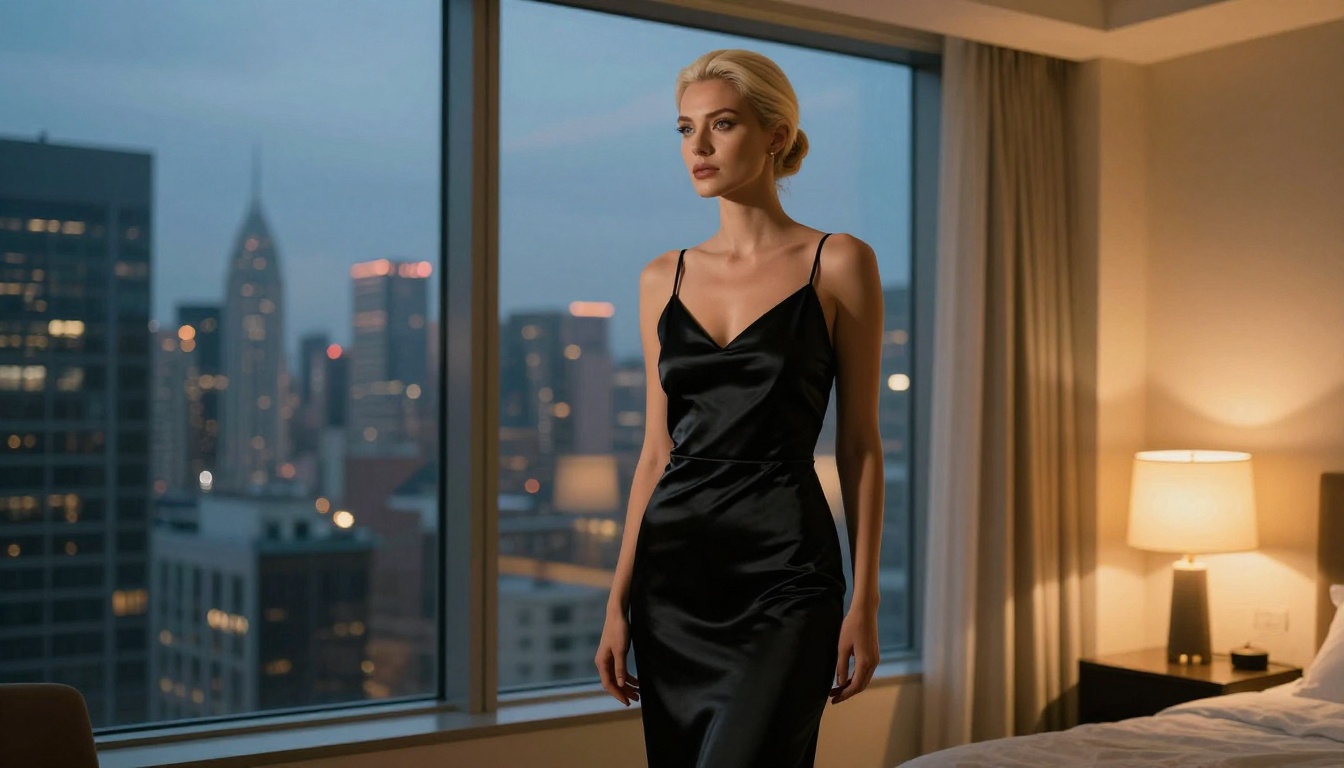
PicassoIA gives you browser-based access to all the models listed above without any required registration. Here is the complete workflow for generating NSFW content with Flux Dev.
Step 1: Open the Model Page
Go directly to the Flux Dev page on PicassoIA. The prompt interface loads immediately. You can begin generating without creating an account or providing any personal information.
Step 2: Build a Detailed Prompt
This is where most users underperform. Short or vague prompts produce generic results. Flux Dev is specifically designed to process and act on detailed input.
Weak prompt:
"beautiful woman in bikini on beach"
Strong prompt:
"A beautiful woman with auburn hair wearing a white bikini, standing at the edge of an infinity pool overlooking a Mediterranean coastline at golden hour. Volumetric amber light from the left, Canon EOS R5, 85mm f/1.4 lens, shallow depth of field, Kodak Portra 400 film grain, photorealistic, 8K"
The second prompt gives the model a complete visual scenario: subject, environment, time of day, light direction, camera body, lens, film stock, and resolution target. Each of those elements influences the final output in a measurable way.
Step 3: Configure the Parameters
| Setting | Recommended Value | Purpose |
|---|
| Aspect Ratio | 16:9 | Cinematic, editorial framing |
| Steps | 28-35 | Detail without over-processing |
| CFG Scale | 7.0-7.5 | Prompt adherence without artifacts |
| Seed | Fixed when iterating | Consistent composition for comparison |
Step 4: Iterate Strategically
After your first result, change only one variable at a time. If the lighting is wrong, adjust only the lighting description. If the pose is off, add pose-specific language. Changing everything at once makes it impossible to identify what caused the improvement.
💡 Tip: Add a negative prompt with "cartoon, illustration, CGI, plastic skin, deformed, watermark" to filter out the most common quality issues on the first pass.
Writing NSFW Prompts That Work
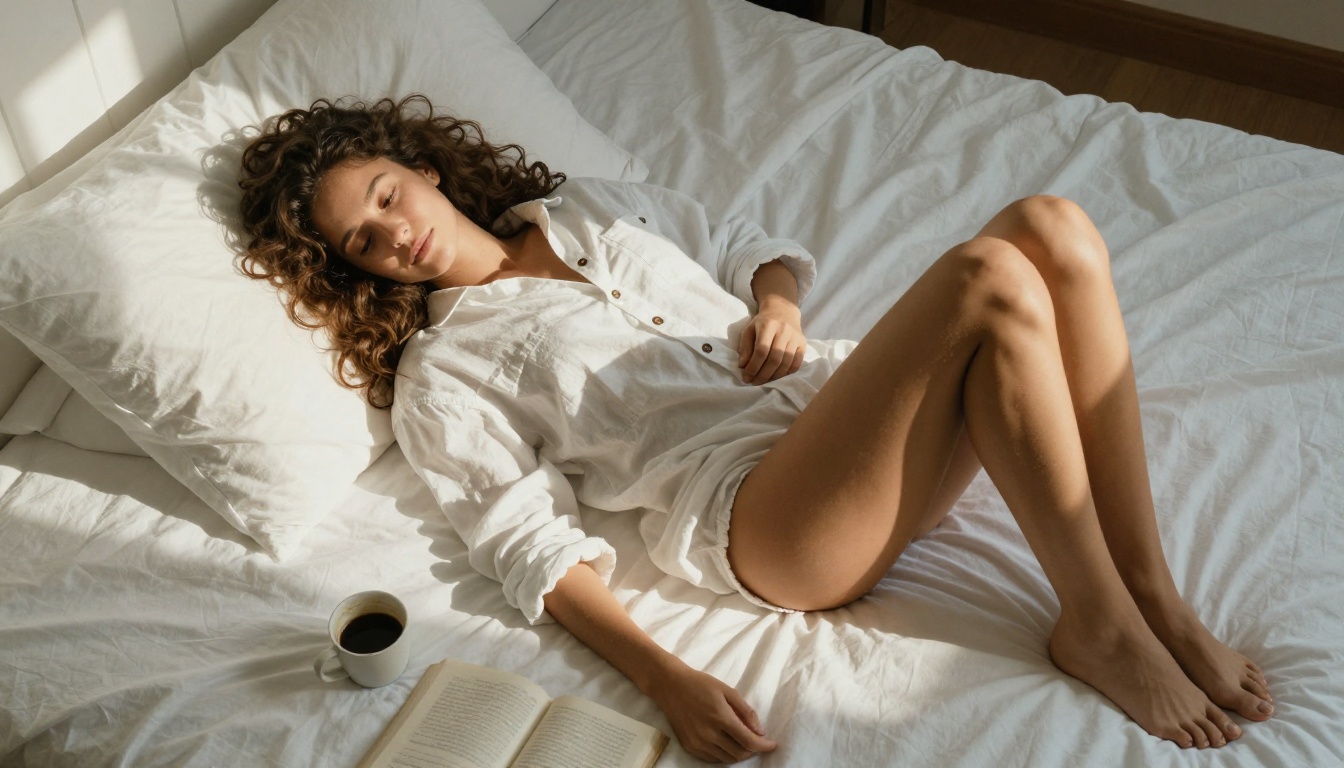
Prompting for NSFW content follows the same principles as photorealistic generation in general, with extra precision required on human anatomy and environmental context.
Describe the Scene, Not Just the Subject
The most common mistake is describing only the person while ignoring the setting. Context is what makes images feel real and intentional rather than floating in a generic void.
Instead of: "sexy woman in lingerie"
Try: "Woman in black silk lingerie, kneeling on white linen bedsheets, soft warm side lighting from a floor lamp at the right, shadows falling across white cotton, 35mm film grain, Kodak Portra aesthetic, intimate boudoir photography"
The second version specifies a surface, a lighting source, a lighting direction, a material texture, and a photographic style. All of that translates into visual decisions that move the output toward professionalism.
Use Photography Language
Models trained on photography datasets respond to technical camera terminology in ways that significantly improve output quality:
- Focal length:
85mm portrait lens, 35mm wide, 105mm macro close-up
- Aperture:
f/1.4 ultra-shallow depth of field, f/2.8 moderate blur
- Film stocks:
Kodak Portra 400, Fuji Pro 400H, Cinestill 800T
- Light sources:
softbox from upper left, golden hour backlight, candlelight ambient fill
- Genres:
editorial fashion photography, boudoir photography, fine art nude, lifestyle glamour
What to Avoid in Prompts
| Avoid This | Use This Instead |
|---|
| "perfect body" | "slender figure with natural proportions" |
| "beautiful" alone | "high cheekbones, full lips, almond-shaped eyes" |
| "hot" | "confident posture, direct gaze, slight smile" |
| "realistic" alone | "photorealistic, 8K resolution, Kodak film grain" |
| "detailed" alone | "visible skin texture, fabric weave pattern, individual hair strands" |
💡 Tip: Prompts in the 60 to 120 word range consistently outperform shorter ones. The model has more specific constraints to work within and produces more intentional-looking results rather than defaulting to generic compositions.
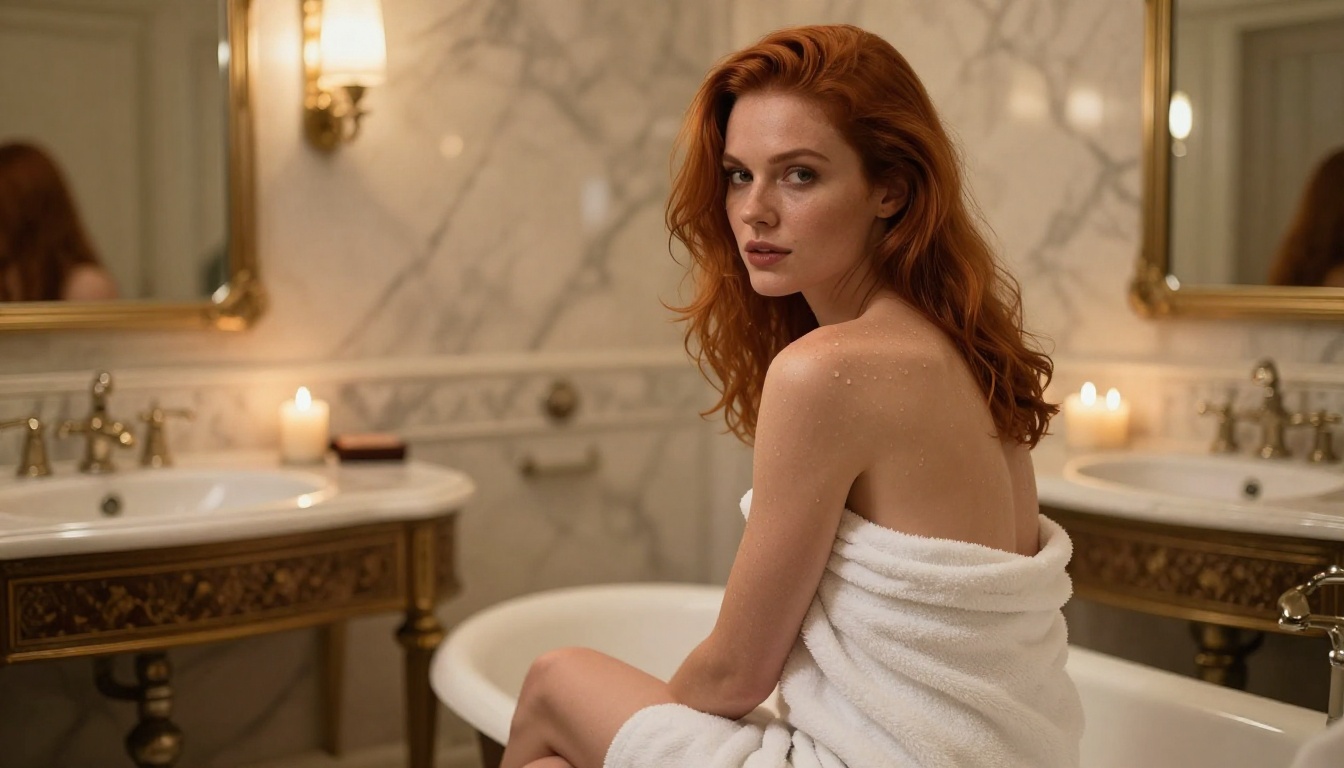
Free Access vs. Having an Account
Here is a practical comparison of what changes based on registration status:
| Feature | No Registration | Free Account | Paid Plan |
|---|
| Model access | Free-tier models | Same models | Premium and newest |
| Generation speed | Standard queue | Standard queue | Priority processing |
| Daily limit | Lower cap | Higher cap | Unlimited or very high |
| History saved | No | Yes | Yes |
| Seed control | Yes | Yes | Yes |
| HD output quality | Limited | Limited | Full access |
The model weights themselves do not change based on account status. Whether you are running Flux Dev, SDXL, or Realistic Vision v5.1 as an unregistered visitor or a paying subscriber, you are using the same underlying model with the same weights. The difference is purely access volume and convenience features.
For one-off generation or initial testing, no-registration access is fully functional. If you start generating regularly, a free account adds session history and higher daily limits without requiring any payment.
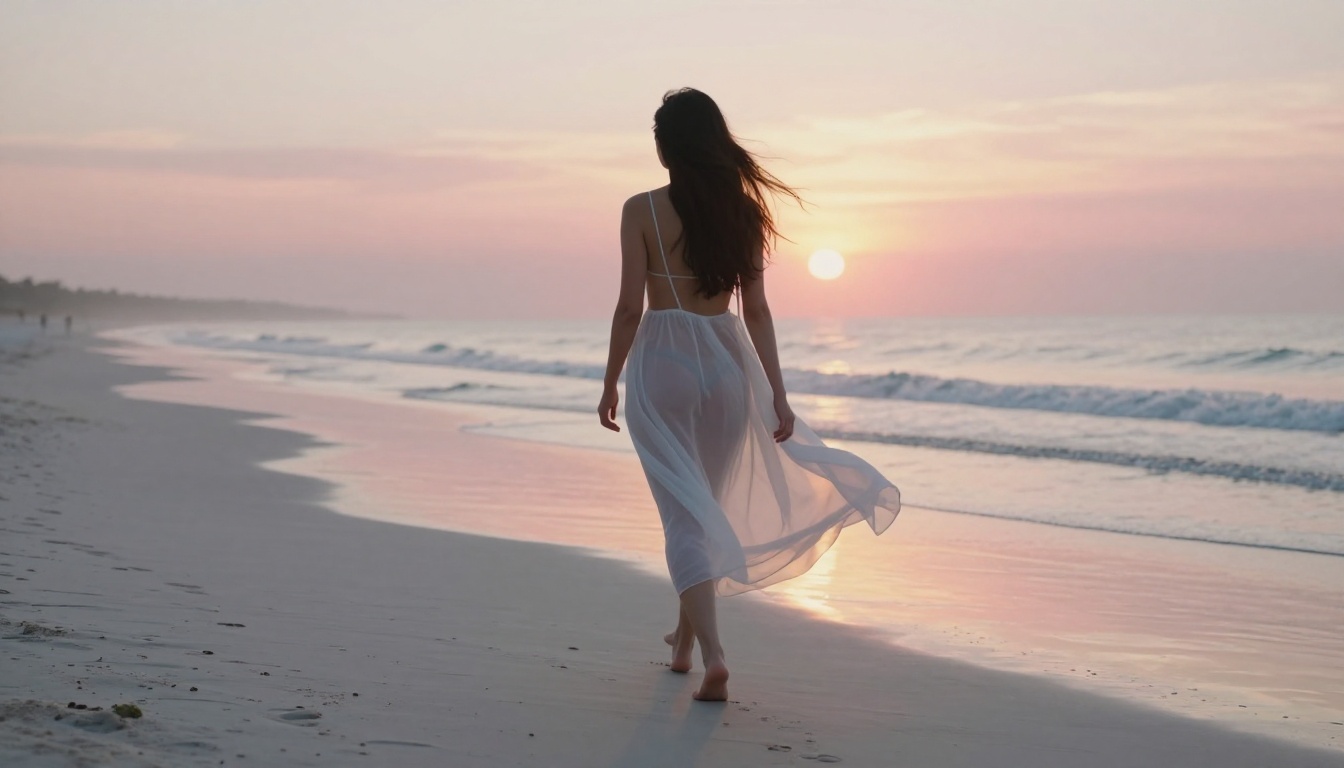
NSFW image generation does not have to stop at a single still image. PicassoIA offers several related capabilities that extend what is possible from a single session.
Super Resolution upscales generated images 2x to 4x while recovering fine detail. If your initial output is 512x512 or 1024x1024 and you need a larger file for print or close-up review, super resolution adds the missing detail rather than simply enlarging existing pixels.
Face Swap AI is useful when creating a series with a consistent character. If you want the same person appearing across multiple scenes and lighting conditions, face swapping provides a practical way to maintain visual consistency between separate generations.
Background Removal isolates your generated subject cleanly. Combined with an inpainting workflow, you can then regenerate the background entirely while keeping the figure intact, giving you precise control over the final scene composition.
Inpainting solves the "almost perfect" problem. When one area of a generation is off (a distorted hand, a fabric fold that looks wrong, an odd shadow), inpainting lets you mask only that region and regenerate it while everything else in the image stays fixed.
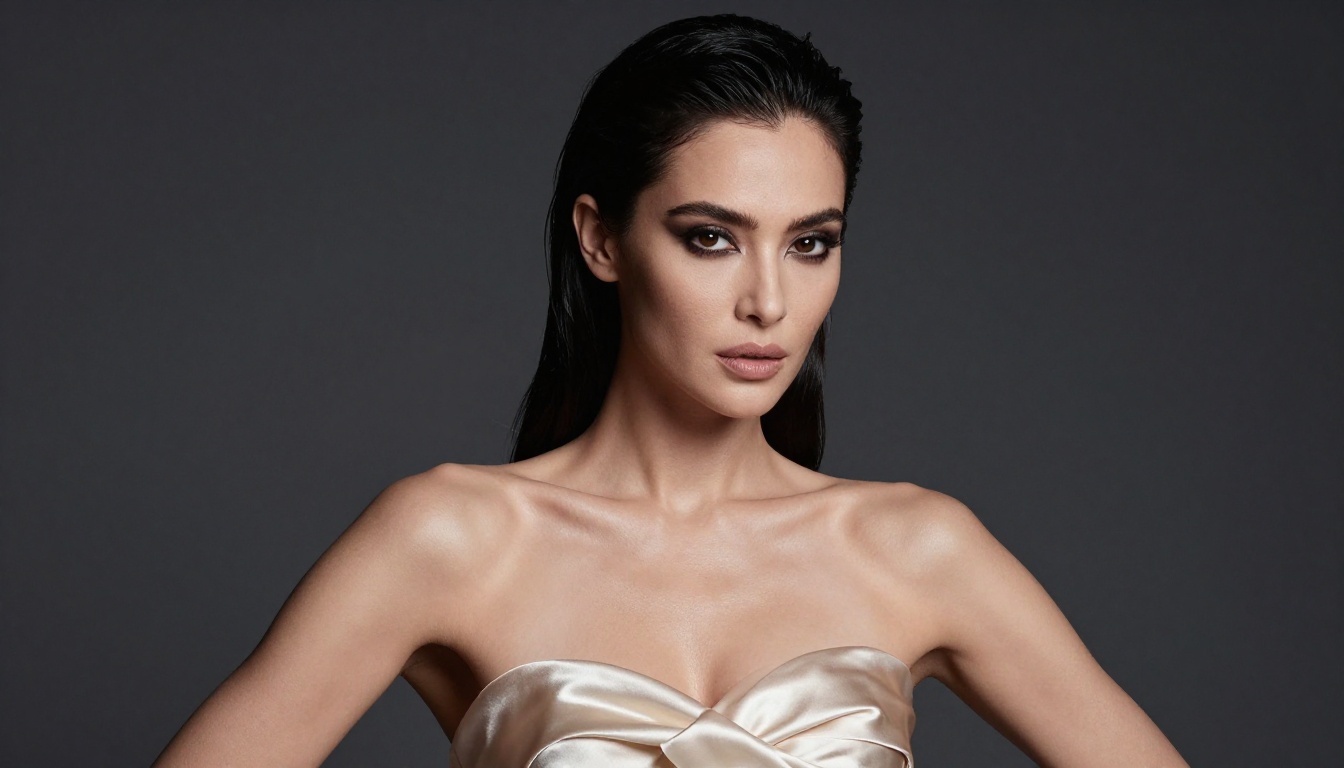
Where the Technology Stands Right Now
The free NSFW AI generation space in 2027 is in a fundamentally different position than it was two years ago. Three specific improvements have changed the experience entirely.
Anatomy accuracy has improved significantly. Models like Flux 2 Pro and Flux 1.1 Pro Ultra handle hands, fingers, and feet far more reliably than earlier architectures. Complex poses that used to require significant inpainting corrections often generate cleanly on the first attempt.
Generation speed is no longer a bottleneck. Flux Schnell produces usable outputs in under five seconds. For prompt iteration workflows where you are testing scene variations, this changes everything about how you work.
Prompt interpretation has matured considerably. GPT Image 1.5 and newer models from Google and ByteDance interpret nuanced prompt language with far higher accuracy. You can now specify lighting direction, fabric physics, and emotional tone in a single prompt and see those elements reliably appear in the output.
💡 Tip: For ultra-high-resolution outputs without post-processing upscaling, Seedream 4.5 from ByteDance generates natively at high resolution with strong detail retention in fine textures like skin, hair, and fabric.
A few more models worth knowing for specific use cases:
- Proteus v0.2: Strong at stylized glamour with a slightly polished, magazine aesthetic
- Stable Diffusion 3.5 Large: Reliable all-around model with strong detail at high resolutions
- Imagen 4: Google's latest, particularly strong at natural human skin rendering and lighting accuracy
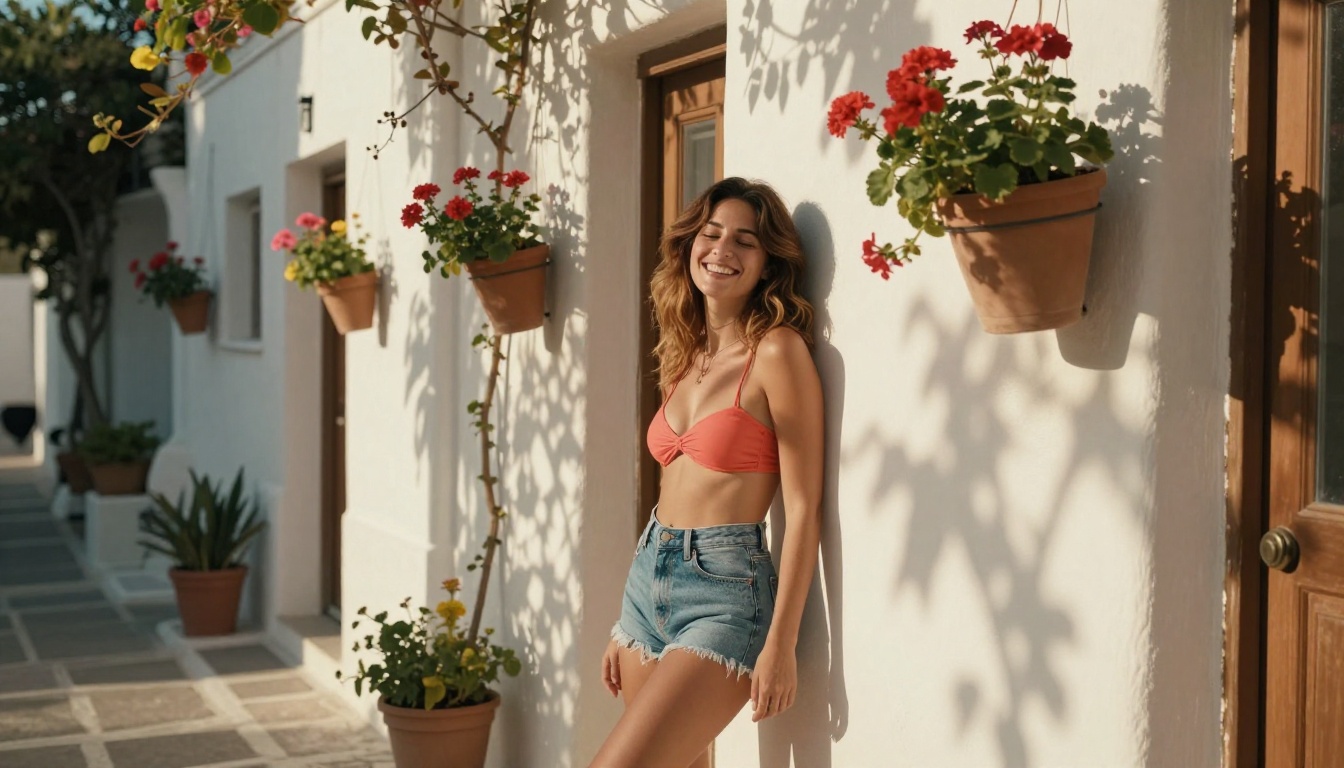
Try It Yourself Right Now
You have the models, the prompt structure, and the full workflow. The only remaining step is actually generating something.
PicassoIA gives you free, no-registration access to Flux Dev, Realistic Vision v5.1, SDXL, DreamShaper XL Turbo, RealVisXL v3.0 Turbo, and over 80 other text-to-image models right now. No sign-up, no email, no credit card.
Pick a scene you have in mind, build a prompt using the photography language from this article, and run it. First results are rarely perfect, but with the one-variable-at-a-time iteration approach from the tutorial section, most concepts sharpen into exactly what you are looking for within three or four generations.
Start with the model that matches your intent: Flux Dev for precision and photorealism, RealVisXL v3.0 Turbo for speed and iteration, or DreamShaper XL Turbo for cinematic polish. The access is free, the results are immediate, and no account is required to begin.


