The adult content creation industry is going through a production revolution, and most creators haven't caught up yet. While early adopters ship polished AI-generated videos at scale, the majority are still grinding through expensive software subscriptions or paying editors by the hour. The shift is real: free AI NSFW video tools for content creators now exist that can handle everything from scene generation to post-production, at zero cost.
This is not a situation where "free" means "barely usable." Several of the models covered here are state-of-the-art, maintained by major AI labs, and offered at no cost during public access phases. The window is open. Here's how to use it.
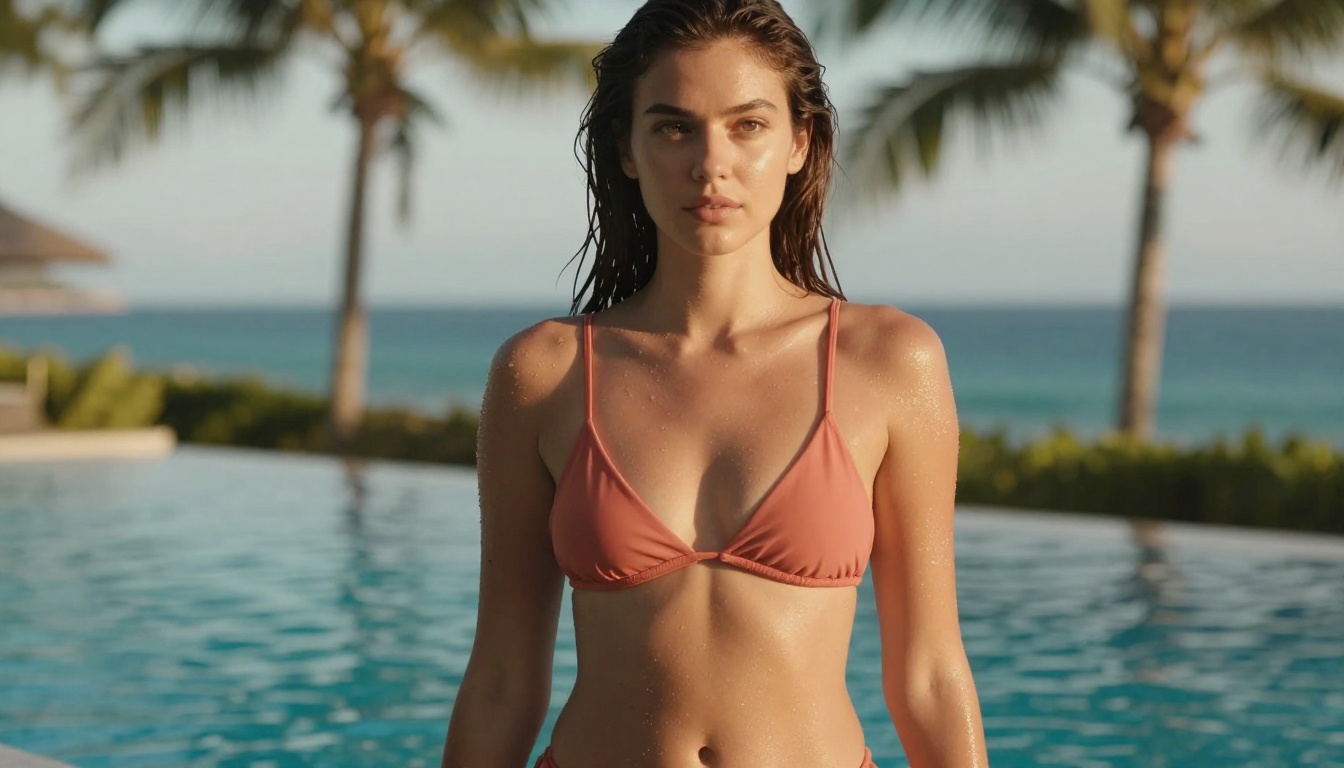
Why AI Video Changed Everything for Creators
Before AI video models, producing adult content on a budget meant either investing in real production (lighting, cameras, location, talent) or settling for static images. The middle ground simply didn't exist. Now it does.
With modern text-to-video and image-to-video models, a creator can:
- Animate a still photo into a 5-10 second clip with natural motion
- Generate entirely new scenes from a text description alone
- Change the visual style of existing footage without reshooting
- Upscale older videos to 4K resolution in minutes
- Add synced ambient audio to silent clips without a sound designer
The cost barrier collapsed. The skill barrier dropped to "can you write a prompt." What remains is knowing which tools to use and how to connect them into a real workflow.
💡 Most free tiers on AI video platforms are genuinely production-ready, not just demos. Daily credits, open-source models, and community access plans add up to a serious toolkit.
Top Free Text-to-Video Tools Right Now
Text-to-video is where most creators start: describe a scene, receive a clip. Quality varies dramatically between models, so picking the right one for NSFW-adjacent content matters far more than most guides admit.
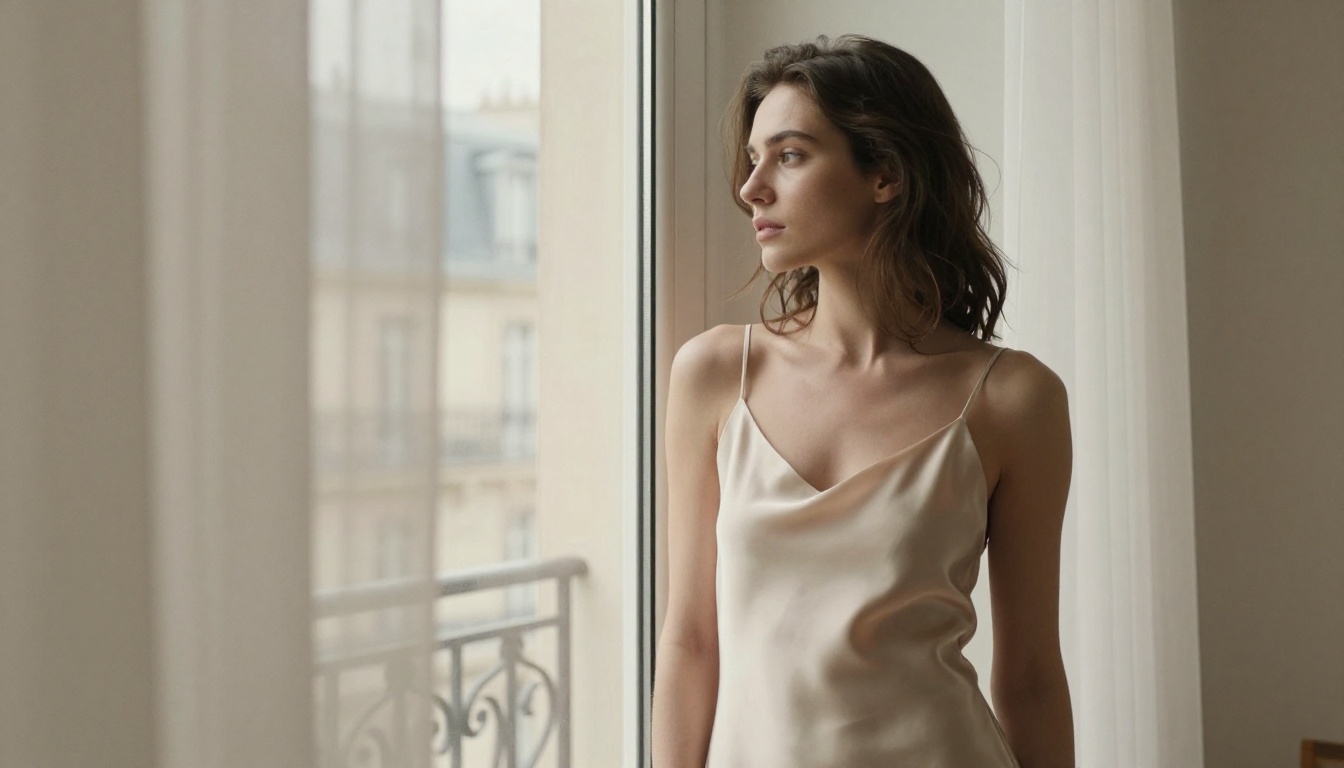
LTX-2 Distilled: The Free Baseline
LTX-2 Distilled from Lightricks is one of the most genuinely free text-to-video options available. The distilled version runs fast, handles human subjects well, and produces coherent motion across a 4-8 second window. For creators building content around glamour, fashion, and suggestive scenarios, it delivers clean results without the restrictive content filters that block competing commercial models.
Best for: Testing prompts quickly, building a volume-based content pipeline.
CogVideoX-5B: Open-Source Power
CogVideoX-5B is one of the strongest open-source text-to-video models available right now. Because it's community-run, it operates with fewer moderation constraints than proprietary alternatives, making it highly relevant for adult content creators working in the suggestive space. The 5B parameter count delivers noticeably better human anatomy coherence and facial stability than smaller models.
Best for: Realistic human motion, extended scene coherence, suggestive adult-adjacent content.
WAN 2.6 T2V: Cinematic Detail at No Cost
WAN 2.6 T2V represents one of the most significant quality leaps in accessible AI video generation. WAN's architecture handles fine detail in fabric, skin texture, and hair at a level previously gated behind expensive paid tiers. For creators whose content depends on aesthetics such as lingerie, swimwear, and glamour scenarios, the detail fidelity makes a tangible difference in perceived production value.
Best for: High-detail human subjects, fashion and beauty content, premium-feel clips.
Seedance 1 Lite: ByteDance's Free Entry
Seedance 1 Lite from ByteDance offers a free tier with smooth, temporally consistent clips. The motion quality for slower, more deliberate movements, which matter most in glamour and boudoir content, is above average for a no-cost model.
Hunyuan Video: Film Look for Free
Hunyuan Video from Tencent stands out for its cinematic feel. The model simulates depth-of-field, film grain, and natural color grading in ways that make generated clips look less "AI" and more "camera." For creators positioning content as premium or artistic, this aesthetic quality has direct monetization value on subscription platforms.
Image-to-Video: Animate Your Best Shots
Most adult content creators already hold a library of high-quality photos. Image-to-video models convert those static assets into motion content, which typically monetizes at three to five times the rate of still images on subscription platforms.
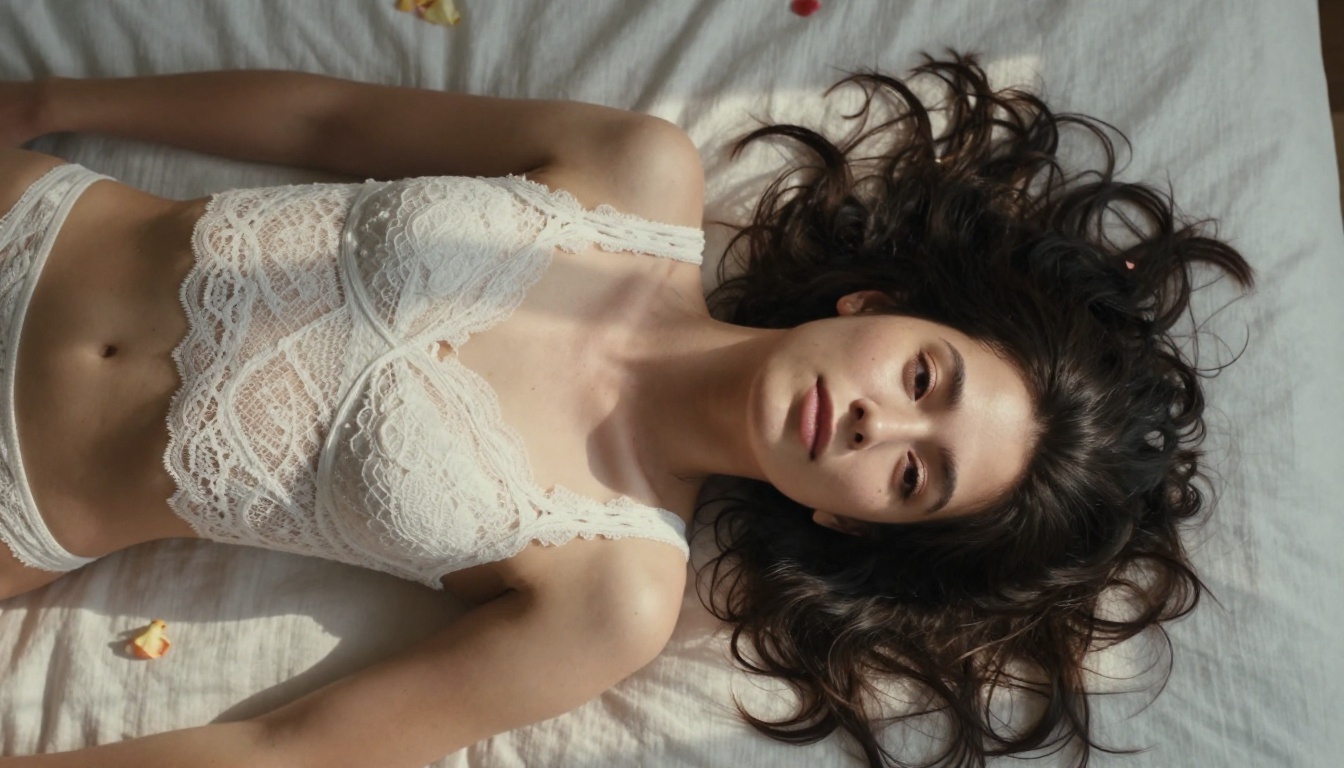
Wan 2.6 I2V: The Image Animator
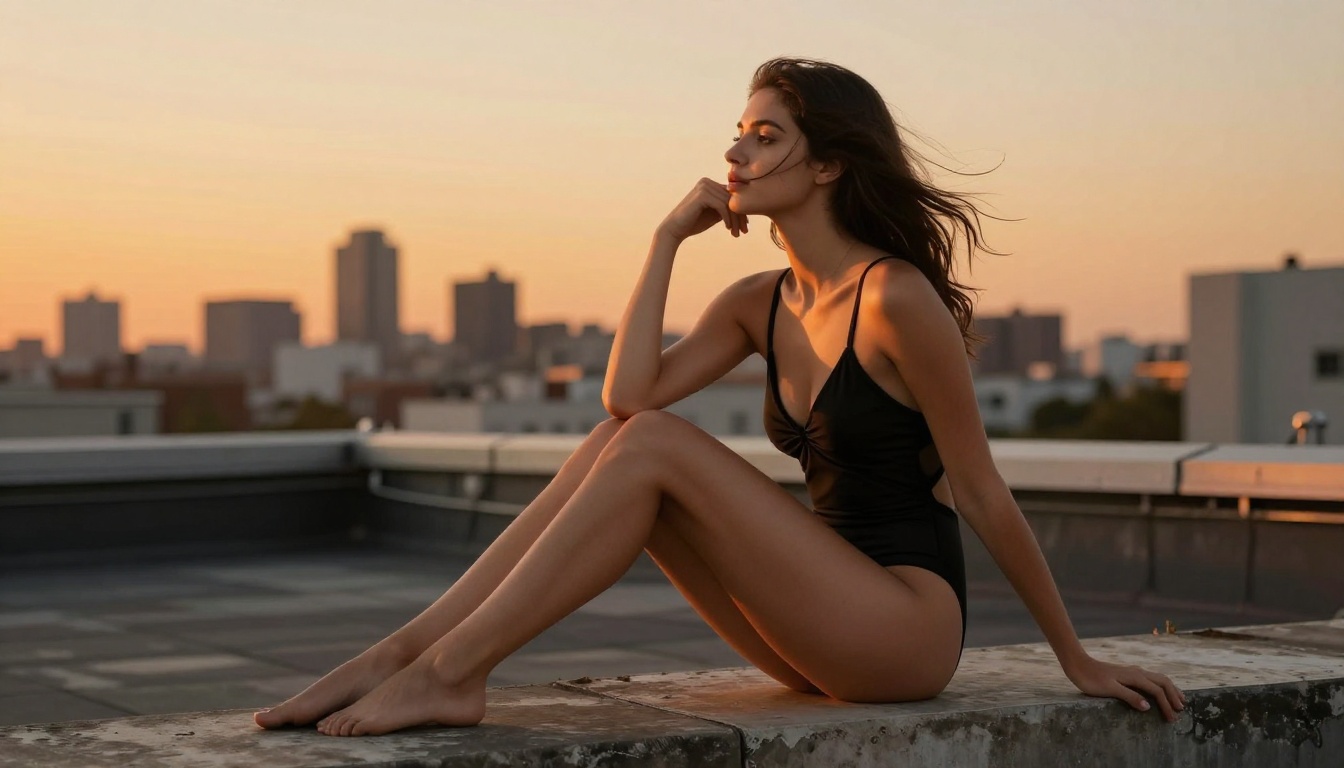
Wan 2.6 I2V takes an input image and animates it based on a motion prompt. Feed it a photo of a model in a swimsuit, prompt subtle wind-in-hair movement or a slow turn, and it returns a 5-8 second clip that reads as natural. Face preservation is solid, which is critical for brand-consistent creator content where character identity cannot shift between clips.
💡 Prompt tip: For image-to-video with human subjects, describe motion in terms of specific body parts. "Her hair lifts slightly in a breeze, she tilts her chin upward" outperforms "natural movement" by a wide margin in output quality.
Wan 2.2 I2V Fast: Speed for Volume
Wan 2.2 I2V Fast trades some output quality for generation speed. For creators managing a high-volume content calendar, faster generation means more clips per hour. The trade-off makes sense for teaser content, social media previews, and anything not going behind a premium paywall.
Wan 2.2 Animate Replace: Character Swapping
Wan 2.2 Animate Replace does something specifically powerful: it swaps the character in a video while preserving the original motion and scene. This means creators can reuse motion sequences with different subjects, or adapt reference motion to their own character images, dramatically expanding the usable output from a single generation run.
P-Video: Multi-Modal Input
P-Video from PrunaAI handles text, image, and audio input simultaneously. The multi-modal input means a creator can feed in a photo, a motion description, and a soundtrack reference and receive back a coherent clip already synced to the audio. For creators producing music-driven content, this is a significant time compression.
Editing and Post-Production at Zero Cost
Generating clips is half the workflow. Raw AI video output needs trimming, background cleanup, captioning, and upscaling before it's ready for any publishing platform. All of these steps can be done without paying for anything.
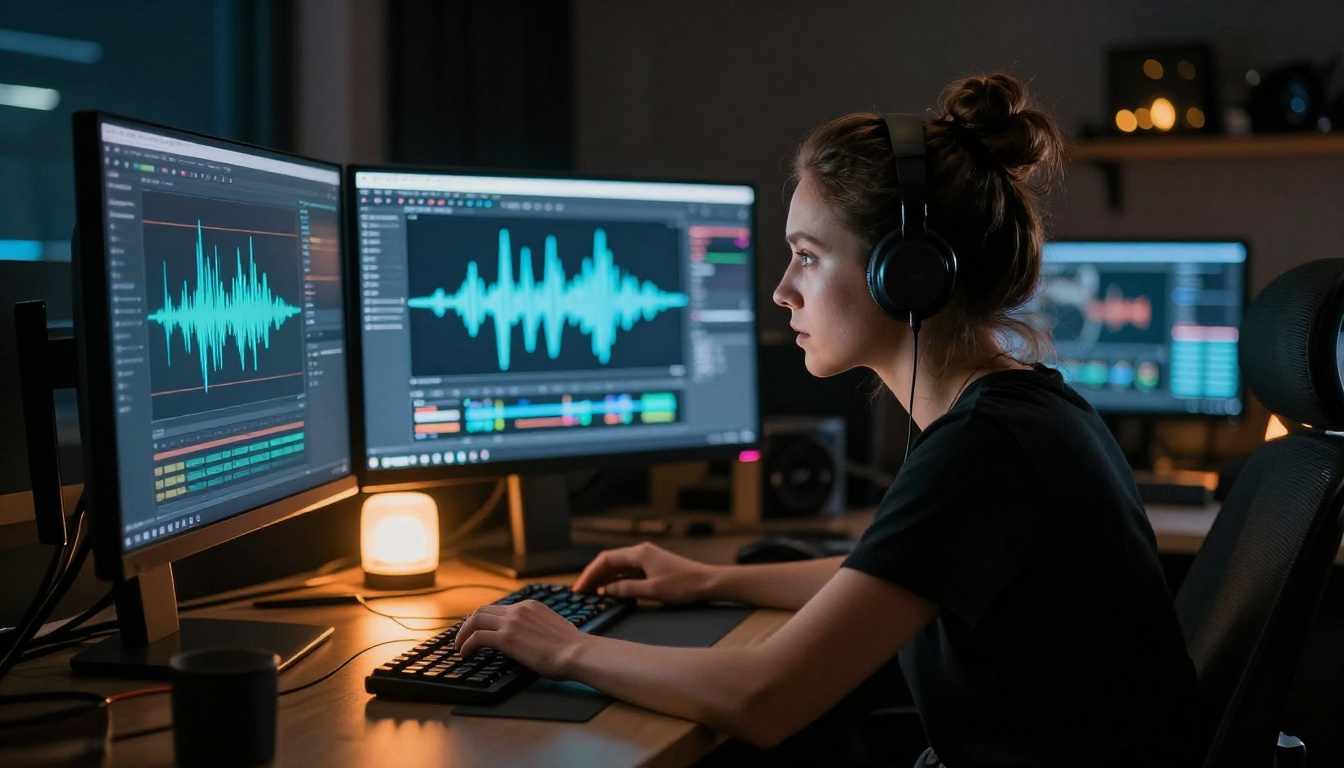
Clean Up Backgrounds Instantly
Video Remove Background removes backgrounds from video footage without any green screen setup. For creators shooting on phones or in non-studio environments, this is a post-production lifeline. The result composites cleanly over generated backgrounds, giving home-produced content a level of polish that was previously expensive to achieve.
Captions That Drive Conversions
AutoCaption adds styled, synced subtitles automatically. On subscription platforms, captions serve an accessibility function. On social media previews and teasers, they are a direct conversion driver: captions on silent autoplay clips produce measurably higher click-through rates on every major platform.
Sound Design Without a Budget
Two tools handle contextual audio generation for video at no cost:
- MMAudio generates AI soundscapes that match the visual content of a clip
- Thinksound generates contextually aware sound effects: feed it a beach scene, it returns appropriate ambient audio
For creators producing atmospheric NSFW content where mood drives viewer retention, having matched audio without paying a sound designer is a real production upgrade.
Trim, Split, and Merge
Trim Video, Video Split, and Video Merge handle mechanical editing tasks. These tools enable basic clip assembly without downloading heavy desktop software or paying for cloud editing subscriptions.
How to Use Wan 2.6 I2V on PicassoIA
The image-to-video workflow using Wan 2.6 I2V is one of the most practical setups for adult content creators right now. Here is the exact process.
Step 1: Prepare your source image
Use a high-resolution photo with clear subject placement and an uncluttered background. The model performs best with images at or above 1024x1024 pixels and with the subject well-lit.
Step 2: Navigate to Wan 2.6 I2V
Go to the Wan 2.6 I2V model page on PicassoIA and upload your prepared image.
Step 3: Write a specific motion prompt
Be precise. Instead of "natural movement," write something like: "Subject slowly tilts her head to the right, a gentle breeze moves strands of hair across her cheek, subtle fabric movement at the neckline, body remains still."
Step 4: Set your parameters
- Duration: 5-6 seconds is optimal for showcasing subjects with enough motion to feel real
- Motion intensity: Start at 0.6-0.7 for subtle, realistic movement; push to 0.8 for more active clips
- Guidance scale: 7-8 provides good prompt adherence without over-processing the subject
Step 5: Review and iterate
The first generation is rarely final. Adjust the motion prompt based on what the model returns. If motion appears too aggressive, lower the intensity setting. If the subject's face starts to drift across frames, add "face remains stable, forward-facing throughout" to the prompt.
💡 Generate three or four variations of the same image with slightly different motion prompts, then select the best clip for publishing. The time cost is minimal; the quality ceiling is meaningfully higher.
Video Quality Without Spending a Dollar
Raw AI video output is often lower resolution than what platforms prefer. Two categories of tools close this gap without any subscription cost.
Upscaling to 4K
Topaz Video Upscale and Runway Upscale v1 both take 480p or 720p generated clips to 2K or 4K. For subscription platforms that weight video quality in their recommendation algorithms, running an upscale pass before uploading is a direct ranking advantage over creators who upload raw AI output.
Real-ESRGAN Video is a strong free alternative with specific advantages for human-subject content: it handles skin texture and fine hair detail better than generic upscalers because its training data was heavily photography-based.
Resolution Increase by Bria
Video Increase Resolution from Bria pushes clips up to 8K output, the highest ceiling available among free tools. For creators producing premium-tier content or licensing footage to third parties, 8K deliverables are a professional-grade asset that most independent creators are not yet offering.
Building a Workflow That Scales
Individual tools are useful. A connected workflow is what separates hobbyists from producers generating consistent income.

Here is a full production chain that costs nothing to run:
- Source or generate a high-quality image using a photo from a shoot or an AI image generator
- Animate it with Wan 2.6 I2V
- Clean up the background with Video Remove Background
- Add ambient audio with MMAudio
- Upscale to 4K with Real-ESRGAN Video
- Add captions with AutoCaption
- Trim and deliver with Trim Video
With practice, a creator can move a source image through this entire chain and have a publishable clip in under 30 minutes.
Batch Content at Scale
For creators on subscription platforms where volume directly correlates with revenue, Kling v3 Video offers a strong middle ground between quality and throughput. Its free tier allows multiple daily generations, and the output quality is high enough for premium-tier content without requiring an upscale pass.
Pairing Kling v3 for scene generation with Hailuo 2.3 for image animation gives a creator two distinct generation paths from the same source material, with different aesthetic qualities suited for different content tiers.
Repurpose Across Platforms
One clip can serve multiple platforms with minimal extra editing:
- Full 4K clip: premium subscription platform upload
- 10-second preview: teaser clip for paywalled content, trimmed with Trim Video
- 5-second loop: social media preview, converted to WebP loop via vid2webp
- Vertical crop: adapted for portrait-format platforms using Reframe Video
One generation run produces four distinct content assets across four different platform formats. This is how volume-oriented creators stay consistent without burning through hours of editing time.
Picking the Right Model for Your Niche
Not all NSFW content is the same, and neither are the tools that serve different styles best.

Consistent Character Identity
One of the real challenges in AI video for adult content creators is maintaining consistent character identity across multiple clips. A few practices help significantly:
- Anchor every generation to the same source image when using image-to-video tools
- Build a detailed character reference prompt and reuse it exactly across text-to-video runs
- Use DreamActor-M2.0 from ByteDance, which is specifically designed to animate a character from a single reference photo while preserving facial identity across the entire clip
The DreamActor approach is particularly valuable for creators building a recognizable AI persona, since every generated clip reliably features the same face, body type, and visual identity regardless of the scene being generated.
Build Your AI Video Library Today
The tools covered here are not scattered across a dozen different platforms with separate accounts and API keys to manage. They are all accessible from one place, with no credit card required to start.
PicassoIA's video library includes over 87 text-to-video models alongside dedicated video editing, upscaling, and audio generation tools. The platform is built for creators who want to move fast: select a model, run a generation, download the result.
If you have been sitting on a photo library wondering how to convert it into video content, the path is now straightforward. Start with Wan 2.6 I2V, animate three or four of your strongest images, run the output through Real-ESRGAN Video for a quality pass, and see what publishes well on your platform of choice. The free AI NSFW video tools for content creators that exist right now are capable enough to build a genuine production operation. The creators using them at scale are already pulling ahead. Every week that gap widens.
Start creating your own AI-powered videos on PicassoIA today.


