The quality gap between a bad AI image and a breathtaking one usually comes down to one thing: the prompt. Not the model. Not the resolution settings. Not even the platform. The prompt.
Why Prompts Decide Everything
Most people blame the model when their AI images look flat, generic, or just wrong. But the fix is simpler: the prompt was vague. AI image models are extraordinarily capable, but they are not mind readers. Feed them weak instructions and you get weak results. Feed them precise, layered, detail-rich descriptions and the same model produces something completely different.
This is where free AI prompt generators step in. They do not replace creativity. They structure it. They take your rough idea and expand it into the kind of multi-dimensional description that actually speaks to how text-to-image models process language.
Prompts Are More Than Descriptions
A good AI image prompt is closer to a cinematographer's shot list than a sentence. It includes the subject, the environment, the lighting conditions, the camera angle, the mood, the texture details, and sometimes even the film stock. Getting all of that right from scratch, every time, is genuinely difficult. Prompt generators exist to make that process faster and more consistent.
Semantic Layering in Prompt Writing
The better prompt generators understand relationships between concepts. They know that "golden hour portrait" implies specific lighting values, that "85mm lens" implies a certain depth-of-field compression, and that "Kodak Portra 400" implies a specific grain and color temperature. This layered semantic awareness is what separates a real prompt generator from a simple text expander.

The Best Free Prompt Generators Right Now
These tools are free to access, require no subscription to get meaningful results, and are genuinely useful for AI image creation.
PromptHero
PromptHero started as a community gallery but has evolved into one of the most practical prompt resources available. You can search by model type, browse successful prompts from real users, and copy-adapt them for your own work. It is particularly strong for Stable Diffusion 3 and Flux Dev use cases because its community skews toward photorealistic generation.
What it does well: Real-world prompt examples with actual output images attached. You see exactly what a prompt produces before you try it yourself.
Limitation: Community-driven, so quality varies. Sort by "Most Liked" to filter the noise from the signal.
Lexica Art
Lexica indexes millions of AI-generated images alongside their exact prompts. Type any concept into the search bar and get back dozens of prompts that have already produced strong results. It functions more as a prompt search engine than a generator, but that distinction barely matters in practice.
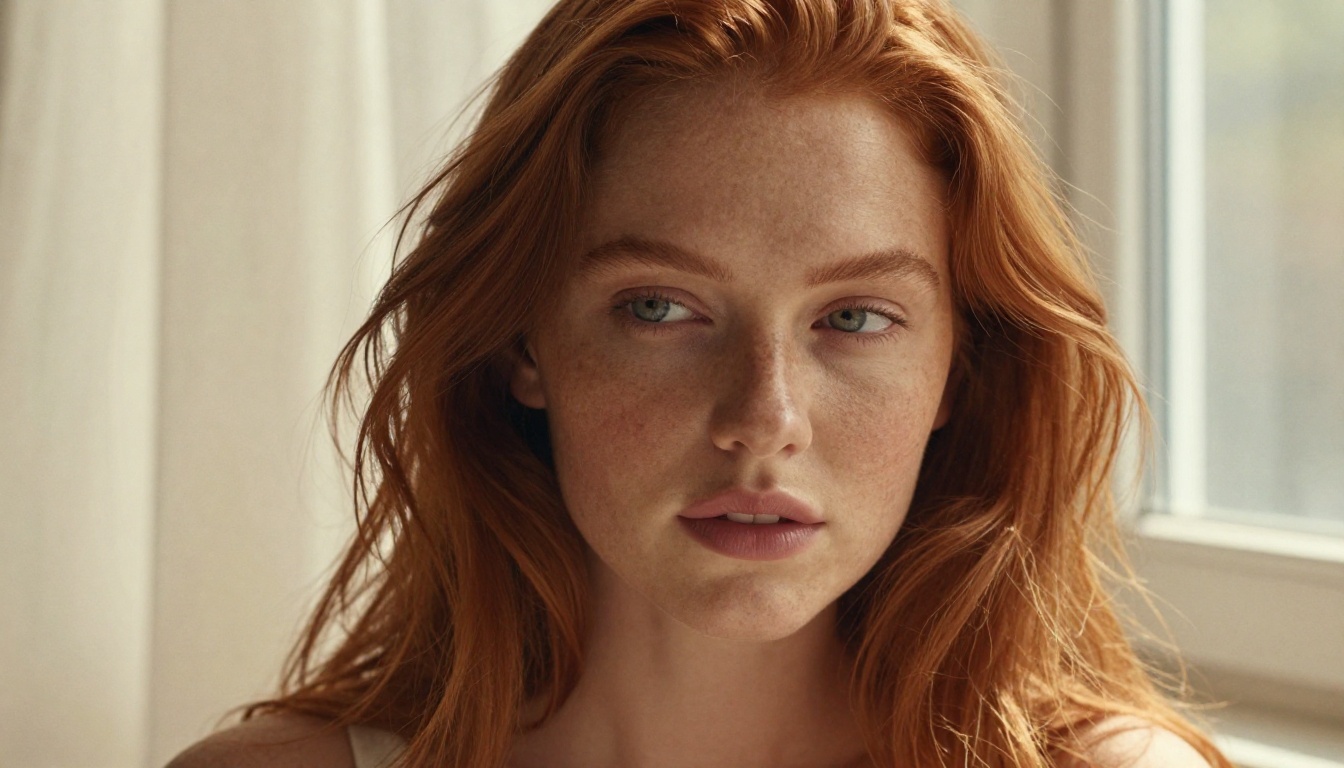
💡 Search for a mood or aesthetic rather than a literal subject. Try "diffused morning light portrait" instead of just "woman." The results will show you how experienced prompt writers frame atmosphere.
Promptomania
Promptomania has an actual prompt builder interface. You select a model, choose style modifiers, add lighting descriptors, set camera parameters, and it assembles the prompt for you. It is particularly useful if you are new to prompt writing and do not yet have intuition for which modifiers stack well together.
It works well when crafting prompts for Flux Schnell (fast generation, great for iteration) or GPT Image 2 (strong instruction-following and coherent outputs).
Krea AI Prompt Search
Krea offers a real-time prompt search tool that shows you AI images updating live as you type. It is one of the most viscerally useful tools for understanding prompt sensitivity. Move a single word and watch the image shift. This teaches you more about prompting in 20 minutes than most tutorials do in hours.
ChatGPT and Claude (Free Tiers)
This one gets overlooked: large language models are exceptional prompt generators when you give them the right instructions. Simply tell a conversational AI: "Write me a 60-word text-to-image prompt for a photorealistic portrait of a woman in golden hour light, shot on 85mm f/1.4, Kodak Portra 400 film grain." You will get a usable result immediately.
The free tiers of both tools give you access to this capability at no cost. The trick is being explicit about the model you are targeting and the style you want.
What Makes a Prompt Actually Work
Not all prompt elements carry the same weight. Understanding which components matter most will help you evaluate whether any prompt generator is giving you useful output.
| Prompt Element | Impact on Output | Example |
|---|
| Subject + Action | Very High | "woman reading, leaning against a sunlit window" |
| Lighting Description | Very High | "volumetric morning light from the left, rim lighting" |
| Camera Lens and Angle | High | "85mm f/1.4, low-angle, shallow depth of field" |
| Film Stock and Texture | Medium | "Kodak Portra 400, film grain, warm highlights" |
| Atmosphere and Mood | Medium | "melancholic, overcast, quiet Sunday morning" |
| Negative Prompts | Medium | "no text, no watermark, no blur" |
| Style Tags | Lower | "photorealistic, RAW, 8K, editorial photography" |
This table surprises most beginners. People add style tags first. Experienced prompt writers start with light and then subject. The model interprets light and spatial information before it processes stylistic labels. Getting this order right consistently improves output quality.
Prompt Styles That Actually Work
The Cinematographer Method
Write your prompt as if you are setting up a camera shot. Define the focal length, the light source direction, the distance from subject, and the mood first. Then add the subject. Then add texture details. This order mirrors how photographers actually think about a scene.
Example:
"Low-angle shot, 24mm f/8, morning fog in a pine forest clearing, soft diffused gray light from above, a lone woman in a red wool coat standing still among the trees, back to camera, slight mist visible between trunks, Fujifilm Velvia 50, photorealistic 8K"
This prompt structure works exceptionally well with Flux Pro because Flux models respond strongly to compositional and spatial language. Seedream 4.5 also handles this style with impressive atmospheric coherence, producing 4K outputs with strong tonal depth.
The Reference Stack Method
Rather than describing what you want, describe what it looks like. Stack known references: a specific film stock, a recognizable lighting setup, a real location type, a known era of photography described in plain terms.
"Like a candid editorial photo from a 1990s lifestyle magazine: warm grain, slightly overexposed highlights, natural light only, woman at a café table looking out a window, 35mm lens"
Recraft 20B handles this style particularly well for its aesthetic flexibility, holding consistent visual identity across a set of images even when subjects change.

The Negative Prompt Layer
Every major AI image model benefits from a well-crafted negative prompt. Most prompt generators ignore this or treat it as an afterthought. A reliable baseline for photorealistic work:
Negative: "text, watermark, logo, CGI, 3D render, cartoon, illustration, glowing effects, neon, blur, out of focus, overexposed, distorted anatomy, extra fingers, low quality, pixelated"
This does not guarantee perfect anatomy, but it significantly reduces the probability of generated artifacts that ruin an otherwise strong image. Add this to any prompt generator's output before running your final generation.
3 Common Mistakes That Kill Results
Stacking Style Tags Without a Clear Subject
"Photorealistic, 8K, HDR, cinematic, detailed, hyperrealistic, award-winning" means almost nothing without a clear subject. Models weight specificity over quantity. One precise description of a real thing beats ten vague superlatives every single time.
Forgetting the Light
Light is not a detail, it is the most important structural element of any photograph. If your prompt does not specify a light source, direction, and quality, the model will guess. Sometimes it guesses well. Usually it does not.
Using the Same Prompt Across Every Model
Flux Dev and GPT Image 2 understand language very differently. Flux models respond better to compositional and technical photography language. GPT Image 2 handles natural, conversational instruction phrasing more effectively. A prompt that produces a remarkable result on one model may be mediocre on another. Always consider which model you are targeting when you write or generate a prompt.
💡 Keep a personal prompt library. When a prompt produces exactly what you wanted, save it. Strip it down to its core structure and use that structure as a template for future prompts across sessions.
How to Pair Better Prompts with the Right Model
Once you have a strong prompt from any of the tools above, the question becomes: which model do you run it on?
Choosing the Right Model for Photorealism
For hyper-realistic portraits and people photography, the top performers on the platform are:
- Flux Pro: Exceptional for technical photography prompts with detailed lighting setups. Strong anatomy and spatial coherence on the first generation.
- Flux Dev: Open weights, highly customizable. Best when you want control and are comfortable iterating across generations.
- GPT Image 2: Strong at following full scene specifications. If you write a detailed prompt, it tends to honor the complete spec rather than averaging it into something generic.
- Seedream 4.5: ByteDance's flagship image model. Excellent at 4K outputs with cinematic color grading and atmospheric depth.
Running the Same Prompt Across Models
One productive workflow: generate the same optimized prompt on three different models and compare. Switching between models is immediate. You are not re-entering prompts or navigating between separate tools. The same interface gives you access to over 90 text-to-image models, including Stable Diffusion 3 and Flux Schnell. The same prompt can produce strikingly different moods across models, and that variation is often where the best result hides.
Build Your Own Prompt System
The best prompt generators eventually become unnecessary once you internalize their logic. Here is a simple framework you can copy right now:
The 5-Part Prompt Formula:
- Shot Setup: Camera angle, focal length, distance from subject
- Subject: Who or what, doing what, wearing or holding what
- Environment: Where, time of day, what surrounds the subject
- Light: Source, direction, quality (hard or soft), color temperature
- Texture and Grain: Film stock, grain level, color palette signature
Drop this structure into any of the free prompt generators listed above. Ask it to fill in each section for your concept. Then run the expanded output through the model of your choice and observe how much sharper the result is compared to a vague one-liner.
The gap between an average prompt writer and a skilled one is not talent. It is practice, observation, and a repeatable process. These tools accelerate all three.
Start Creating Right Now
There is no reason to wait. Pick any one of the free prompt generators from this article, spend five minutes building a prompt for something you actually want to see, and run it. Start with Flux Schnell if you want fast results to iterate quickly, or Flux Pro if you want the highest quality output on the very first run.
The models are ready. The tools to write better prompts are free. The only thing standing between a vague idea and a stunning image is the prompt itself, and now you know exactly how to build one worth running.


