The audio landscape for content creators has undergone a seismic shift in recent years. Where professional voice work once required expensive studio time, specialized equipment, and trained voice talent, artificial intelligence now offers democratized access to high-quality audio production tools. Content creators across platforms—from YouTube and TikTok to professional podcast networks—are discovering that AI speech and voice tools not only save time and money but often produce results indistinguishable from human recordings.
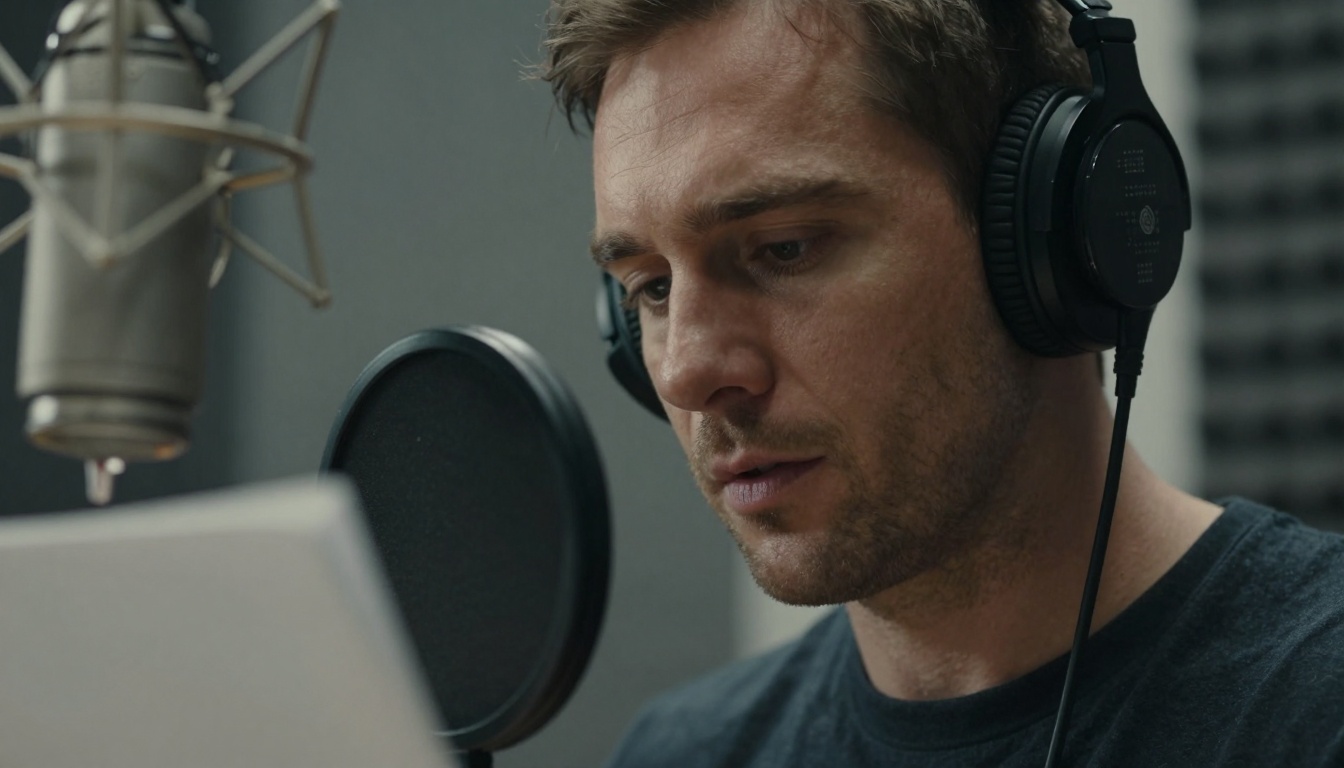
Time constraints represent the single biggest challenge for content creators. Recording, editing, and polishing audio content consumes hours that could be spent on content strategy, audience engagement, or creating additional material. Traditional workflows involve multiple stages: scripting, recording sessions (often requiring multiple takes), audio cleanup, noise reduction, equalization, compression, and final mastering. Each step demands specialized knowledge and dedicated time.
Budget limitations compound the problem. Professional voice actors charge $100-$500 per hour, studio recording sessions range from $50-$300 per hour, and quality microphones and audio interfaces start at several hundred dollars. For creators operating on limited budgets, these costs can be prohibitive, forcing compromises on audio quality that affect audience retention and professional credibility.
Consistency presents another major hurdle. Maintaining consistent audio quality across episodes, seasons, or different content types proves challenging. Human voice actors may have off days, technical issues can arise, and environmental factors affect recording quality. AI voice tools deliver predictable, consistent output regardless of external variables.
Free Text-to-Speech Generators That Actually Work
The text-to-speech landscape has evolved from robotic, monotone voices to remarkably human-like vocal performances. Several free tools have emerged as favorites among creators for their quality, flexibility, and ease of use.
Google's Text-to-Speech Engine
Google's text-to-speech technology powers many creator workflows through its comprehensive API. The service offers over 100 voices across multiple languages, with natural intonation patterns that handle complex sentence structures intelligently. What makes Google's system particularly valuable for creators is its custom voice option, allowing limited voice parameter adjustments for more personalized results.
Key features creators love:
- Natural prosody: The system analyzes sentence structure to place emphasis naturally
- Multiple language support: Seamless switching between languages within single audio files
- SSML support: Speech Synthesis Markup Language allows precise control over pacing, pitch, and pauses
- Affordable pricing tier: Free tier offers substantial monthly usage for most creator needs
💡 Pro Tip: When using Google's TTS for narration, add strategic pauses using SSML tags. The <break time="1s"/> tag creates natural breathing spaces that mimic human narration patterns, making long-form content more listenable.
Microsoft Azure Speech Services
Microsoft's offering stands out for its enterprise-grade quality available through a generous free tier. The neural voices demonstrate particularly impressive emotional range, handling everything from excited product announcements to somber documentary narration with appropriate tonal variation. Creators appreciate the real-time synthesis capabilities for live captioning and accessibility features.
Creator applications:
- Video narration: Consistent voice quality across entire video series
- Accessibility captions: Automated audio descriptions for visual content
- Multilingual content: Single script generation in multiple languages
- Character voices: Different voices for different characters in audio dramas
Amazon Polly
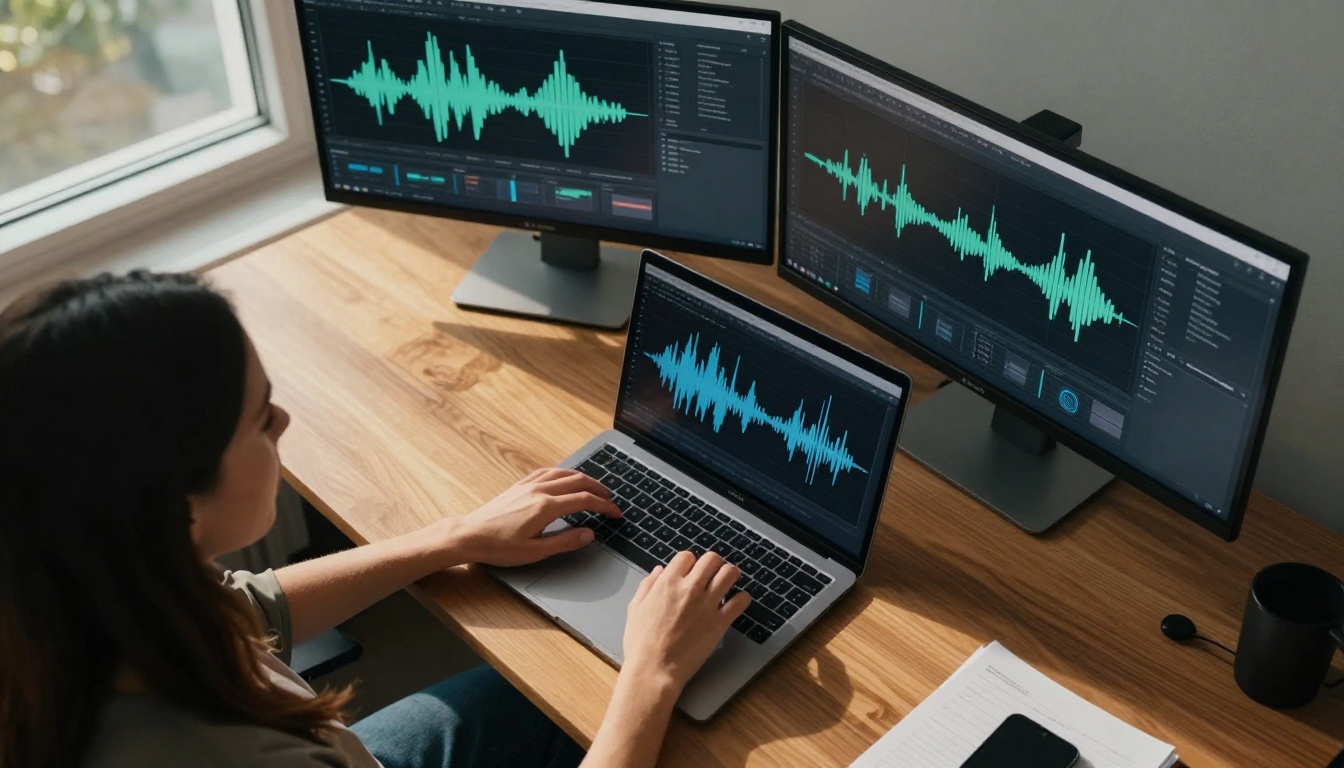
While primarily known as a paid service, Amazon Polly's free tier provides substantial value for creators. The service excels at long-form content with its neural voices maintaining consistent quality across hour-long narrations. The recent addition of expressive speaking styles allows creators to select conversational, news, or excited tones that match their content's mood.
Why creators choose Amazon Polly:
- Voice branding: Create consistent audio branding across all content
- Batch processing: Efficiently generate multiple audio files from text documents
- Custom lexicons: Define pronunciation for brand names, technical terms, or unique vocabulary
- Integration options: Seamless workflow integration through API calls
Speech-to-Text Transcription Without Cost
Accurate transcription forms the backbone of many creator workflows. From generating subtitles and captions to creating searchable archives of podcast episodes, reliable speech-to-text tools eliminate hours of manual work.
Whisper by OpenAI
The open-source Whisper model has revolutionized speech-to-text for creators. Its accuracy across diverse accents, noisy environments, and technical vocabulary makes it indispensable. The model handles multiple languages with automatic language detection, producing timestamps that simplify subtitle synchronization.
Creator workflow integration:
- Batch processing: Upload multiple audio files for simultaneous transcription
- Timestamp generation: Precise time codes for video editing and subtitle placement
- Speaker diarization: Automatic identification of different speakers in conversations
- Format flexibility: Output in SRT, VTT, TXT, or JSON formats
Google Speech-to-Text
Google's offering provides near-perfect accuracy for clear audio recordings, with particularly strong performance on educational and technical content. The real-time streaming capabilities enable live captioning for streams and broadcasts, while the asynchronous processing handles large audio files efficiently.
Key advantages for creators:
- Real-time processing: Immediate transcription during live recordings
- Custom models: Train on specific vocabulary for niche content
- Automatic punctuation: Intelligent sentence structure detection
- Multi-channel audio: Separate transcription for stereo interview recordings
Mozilla DeepSpeech
As an open-source alternative, Mozilla DeepSpeech offers complete transparency and customization potential. Creators with technical backgrounds appreciate the ability to fine-tune models for specific applications, creating specialized transcription systems for niche content areas.
When creators choose DeepSpeech:
- Complete control: Modify and optimize the model for specific use cases
- Privacy focus: On-premise deployment eliminates cloud privacy concerns
- Cost predictability: No variable costs based on usage volume
- Community support: Active development community provides continuous improvements
Voice Cloning and Customization
The ability to create custom voices represents the most exciting frontier in AI speech technology. Voice cloning allows creators to maintain consistent audio branding or create unique character voices without hiring multiple voice actors.
Coqui TTS
This open-source voice cloning system has gained popularity for its accessibility and quality. Creators can train custom voices with relatively small amounts of audio data (as little as 30 minutes of clean speech), producing synthetic voices that capture individual speaking characteristics.
Training process for creators:
- Data collection: Record clean audio samples covering phonetic diversity
- Preprocessing: Remove noise and normalize audio levels
- Model training: Typically 4-8 hours on consumer-grade hardware
- Voice synthesis: Generate new speech with the trained voice
Applications in creator workflows:
- Brand consistency: Maintain same voice across all content
- Character creation: Unique voices for different content segments
- Language expansion: Clone voice for multiple language versions
- Archival restoration: Recreate voices from limited historical recordings
Resemble AI (Free Tier Features)
While primarily a paid service, Resemble AI's free tier offers valuable voice cloning capabilities. The platform simplifies the cloning process with an intuitive interface, making custom voice creation accessible to creators without technical expertise.
Creator-friendly features:
- Web-based interface: No installation or technical setup required
- Real-time synthesis: Immediate voice generation during content creation
- Emotional control: Adjust tone and emotion through simple parameters
- API access: Integration into automated content pipelines
Audio Enhancement and Noise Reduction
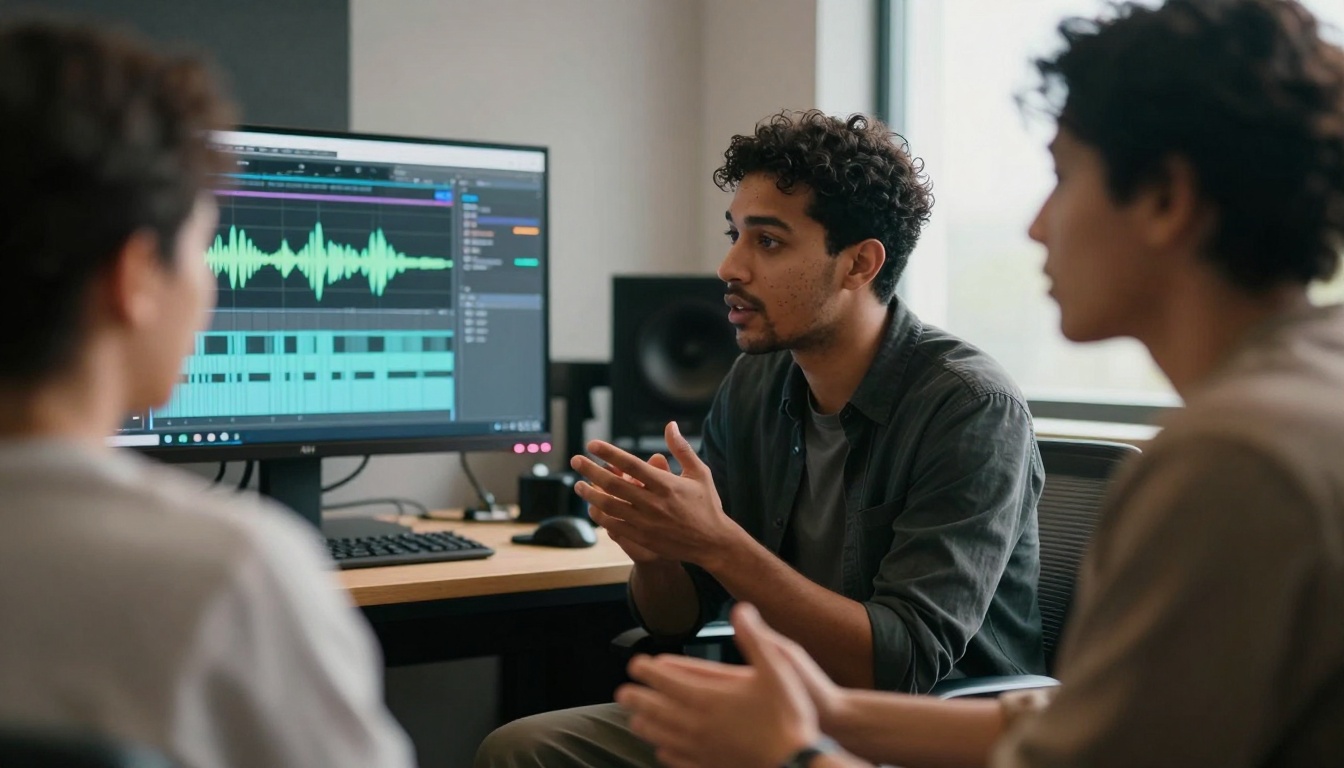
Clean audio quality separates professional content from amateur productions. AI-powered audio enhancement tools transform mediocre recordings into studio-quality sound without expensive equipment or extensive editing knowledge.
Krisp AI
Krisp's noise cancellation technology has become essential for creators recording in suboptimal environments. The AI identifies and removes background noise—keyboard clicks, fan hum, traffic sounds—while preserving voice clarity. The free tier offers sufficient minutes for most weekly recording schedules.
Daily applications for creators:
- Remote interviews: Clean audio from both participants regardless of environment
- On-location recording: Professional sound from makeshift recording spaces
- Live streaming: Elimination of distracting background sounds during broadcasts
- Mobile recording: Quality audio from smartphone recordings in noisy locations
Audacity with AI Plugins
The venerable Audacity audio editor, combined with modern AI plugins, creates a powerful free audio processing suite. Community-developed AI plugins handle tasks like noise reduction, vocal enhancement, and automatic leveling that previously required expensive professional software.
AI-enhanced workflow in Audacity:
- Noise profile creation: AI analyzes silent sections to identify noise patterns
- Adaptive reduction: Smart filtering that preserves voice quality
- Vocal isolation: Separate voice from music or background sounds
- Automatic mastering: AI-driven optimization of final audio levels
Integration with PicassoIA Speech Models
The PicassoIA platform offers specialized AI models that creators can access alongside these free tools. These models provide targeted capabilities for specific audio production tasks.
Speech-to-Text Models on PicassoIA
PicassoIA hosts several powerful speech-to-text models that complement free transcription tools. The Google Gemini 3 Pro model provides advanced transcription with contextual understanding, while OpenAI GPT-4o Mini Transcribe offers efficient, accurate transcription for high-volume content creators.
When to use PicassoIA transcription models:
- Technical content: Specialized vocabulary and complex sentence structures
- Multi-speaker recordings: Clear separation and identification of different voices
- Noisy environments: Better performance on imperfect audio sources
- Real-time requirements: Lower latency for live applications

Text-to-Speech Models on PicassoIA
For creators needing premium voice quality, PicassoIA's text-to-speech models deliver exceptional results. The Minimax Speech 2.6 HD model produces studio-quality voiceovers with natural emotional expression, while Minimax Voice Cloning enables custom voice creation for unique audio branding.
Advantages of PicassoIA TTS models:
- Emotional range: More natural expression than standard TTS services
- Voice consistency: Stable performance across different content types
- Customization depth: Fine-grained control over voice characteristics
- Integration flexibility: API access for automated content production
Practical Workflow Implementation
Implementing AI voice tools requires thoughtful integration into existing workflows. The most successful creators develop systematic approaches that maximize efficiency while maintaining quality standards.
Content Planning Stage
AI tools influence content planning from the earliest stages. Scripts can be optimized for text-to-speech systems by avoiding complex sentence structures that challenge AI parsing. Content formats can be designed to leverage AI capabilities—creating template-based content that works well with automated voice generation.
Planning considerations:
- Script optimization: Structure for natural AI narration
- Template creation: Reusable formats for consistent audio branding
- Voice selection: Matching voice characteristics to content mood
- Quality checkpoints: Planned review stages for AI-generated content
Production Phase Integration
During production, AI tools handle repetitive tasks while human creators focus on creative direction. Automated voice generation produces draft narrations for review and refinement. Speech-to-text creates immediate transcripts for editing and subtitle preparation.
Production workflow:
- Script finalization: Human-written content optimized for AI delivery
- AI voice generation: Initial audio production using selected TTS system
- Human review: Creative direction and emotional adjustment
- AI refinement: Regeneration with adjusted parameters
- Final polish: Light editing and mastering
Post-Production Enhancement
AI tools continue to add value during post-production. Automated noise reduction cleans recordings, AI-driven equalization optimizes frequency balance, and intelligent compression ensures consistent volume levels. These enhancements transform raw recordings into professional-quality audio.
Post-production AI applications:
- Noise reduction: Elimination of background sounds and artifacts
- Vocal enhancement: Optimization of voice clarity and presence
- Automatic leveling: Consistent volume across entire audio program
- Format conversion: Batch processing for different distribution platforms
Quality Control and Refinement
While AI tools produce impressive results, human oversight remains essential for professional-quality output. Successful creators develop systematic quality control processes that catch imperfections and guide refinement.
Listening Analysis Checklist
Develop a consistent listening process that evaluates specific audio quality aspects:
| Evaluation Category | What to Listen For | Common Issues |
|---|
| Clarity | Word articulation, consonant precision | Mumbling, swallowed syllables |
| Naturalness | Breathing patterns, pacing variation | Robotic rhythm, unnatural pauses |
| Emotional Tone | Appropriate expression for content | Flat delivery, mismatched emotion |
| Consistency | Stable voice characteristics throughout | Variable quality, shifting tone |
| Technical Quality | Noise levels, volume stability | Background hum, volume spikes |
Iterative Refinement Process
The most effective AI voice workflows incorporate multiple refinement cycles:
- Initial generation: AI produces first version based on script
- Human review: Creator identifies specific improvement areas
- Parameter adjustment: Modify TTS settings based on feedback
- Regeneration: Produce improved version with adjusted parameters
- Final evaluation: Confirm quality meets professional standards
💡 Critical Insight: The best AI voice results come from treating the technology as a collaborative partner rather than a replacement. Guide the AI with specific feedback about pacing, emotion, and emphasis to achieve truly human-like results.
Cost-Benefit Analysis for Creators
Understanding the financial implications helps creators make informed decisions about integrating AI voice tools. The true value extends beyond direct cost savings to include time recovery, scalability advantages, and quality consistency.
Direct Cost Comparison
| Production Element | Traditional Cost | AI Tool Cost | Savings |
|---|
| Voice Talent | $100-$500/hour | $0-$50/hour | 50-100% |
| Studio Time | $50-$300/hour | $0 | 100% |
| Equipment | $500-$5000 | $0-$200 | 60-100% |
| Editing Time | 3-5 hours/episode | 0.5-1 hour/episode | 67-90% |
| Transcription | $1.50-$3/minute | $0-$0.10/minute | 93-100% |
Time Recovery Value
Beyond direct costs, the time savings from AI tools create substantial indirect value. Hours previously spent on mechanical audio tasks can be redirected to content strategy, audience engagement, or creating additional content.
Time allocation shift:
- Before AI: 70% mechanical tasks, 30% creative work
- After AI: 30% mechanical tasks, 70% creative work
This reallocation often produces higher-quality content and increased production volume, both contributing directly to creator success and revenue potential.
Different content platforms have unique audio requirements and audience expectations. Successful creators adapt their AI voice strategies to match platform characteristics.
YouTube and Long-Form Video
YouTube audiences expect professional audio quality, particularly for educational and documentary content. The platform's algorithm reportedly favors content with clear audio and accurate captions.
YouTube optimization strategies:
- Caption accuracy: Use high-quality speech-to-text for better search visibility
- Consistent volume: AI mastering tools ensure stable audio levels
- Voice branding: Distinctive voice identity across channel content
- Accessibility focus: Complete audio description for visual content
Podcast Platforms
Podcast listeners prioritize natural, engaging vocal delivery. The intimate nature of podcast listening makes audio quality particularly important for audience retention.
Podcast production priorities:
- Natural pacing: AI voices must avoid robotic rhythm patterns
- Emotional connection: Appropriate tone for content subject matter
- Episode consistency: Stable quality across entire series
- Intro/outro branding: Memorable audio branding elements
Social Media Short-Form Content
Platforms like TikTok and Instagram demand immediate audience engagement. Audio must capture attention within seconds while working with platform-specific technical constraints.
Short-form audio considerations:
- Immediate impact: Strong opening seconds optimized for AI delivery
- Platform optimization: Audio formats matching platform specifications
- Trend responsiveness: Rapid content adaptation using AI efficiency
- Cross-platform consistency: Unified audio branding across platforms
Technical Implementation Guide
Successfully integrating AI voice tools requires attention to technical details. Proper setup ensures reliable performance and professional results.
Audio Quality Standards
Establish consistent quality standards for all AI-generated audio:
Technical specifications:
- Sample rate: 44.1kHz or 48kHz for compatibility
- Bit depth: 16-bit minimum, 24-bit preferred
- File format: WAV for production, MP3 for distribution
- Loudness standards: -16 LUFS for podcasts, -14 LUFS for YouTube
- Noise floor: -60dB or better
Workflow Automation
Automating repetitive tasks maximizes efficiency gains from AI tools:
Automation opportunities:
- Batch processing: Generate multiple audio files from text documents
- Template systems: Reusable formats for consistent content types
- API integration: Direct connection between content management and AI tools
- Quality checking: Automated analysis of technical audio parameters
Backup and Redundancy
AI tools represent single points of failure in production workflows. Implement redundancy to maintain production continuity.
Redundancy strategies:
- Multiple tool familiarity: Proficiency with alternative AI services
- Local processing options: On-device alternatives to cloud services
- Traditional backup workflows: Fallback to conventional recording methods
- Content archiving: Preservation of source materials for regeneration
Future Developments and Trends
The AI voice technology landscape continues evolving rapidly. Understanding emerging trends helps creators stay ahead of curve and maintain competitive advantage.
Voice Personalization Advances
Future systems will offer deeper voice customization, allowing creators to define not just voice characteristics but speaking style, emotional patterns, and even personality traits. This evolution will enable truly unique audio identities that reflect individual creator brands.
Expected developments:
- Emotion modeling: AI understanding of nuanced emotional expression
- Style adaptation: Automatic adjustment to different content genres
- Aging simulation: Voice characteristics that evolve over time
- Context awareness: Adaptation to audience demographics and listening context
Real-Time Collaboration Features
AI voice tools will increasingly support collaborative workflows, allowing multiple creators to work simultaneously on audio projects with AI assistance. Real-time voice generation during collaborative writing sessions represents one promising application.
Collaboration enhancements:
- Multi-user interfaces: Simultaneous access for team members
- Version control: Track changes and iterations in voice development
- Comment integration: Feedback systems within voice generation interfaces
- Workflow synchronization: Integration with project management tools
Integration with Other AI Capabilities
Voice AI will increasingly connect with other artificial intelligence systems, creating comprehensive content production ecosystems. Text generation, image creation, and video production will all integrate seamlessly with voice capabilities.
Integration opportunities:
- End-to-end content creation: Single workflow from idea to finished content
- Cross-modal consistency: Unified style across text, image, and audio elements
- Automated quality assurance: Comprehensive quality checking across all content elements
- Performance optimization: Data-driven improvement based on audience engagement metrics
For creators new to AI voice technology, starting with simple applications builds confidence and demonstrates value before committing to comprehensive workflow changes.
Initial Implementation Steps
- Identify pain points: Determine which audio tasks consume disproportionate time
- Select trial tool: Choose one AI tool addressing primary pain point
- Limited scope test: Apply to small portion of content production
- Quality evaluation: Compare results with traditional methods
- Workflow adjustment: Modify processes based on tool capabilities
Common Starting Points
Most creators find success beginning with these applications:
Speech-to-text transcription: Immediate time savings with clear quality comparison
Text-to-speech for drafts: Rapid content iteration without recording sessions
Noise reduction: Obvious quality improvement with minimal workflow change
Scaling Implementation
After initial success, expand AI tool application systematically:
- Additional tools: Introduce complementary AI capabilities
- Broader application: Extend to more content types and formats
- Workflow integration: Connect AI tools into automated production pipelines
- Quality system development: Establish standards and review processes
- Team training: Share expertise across production team members
The combination of free AI speech and voice tools with specialized models available through PicassoIA creates unprecedented opportunities for content creators. These technologies eliminate traditional barriers to professional audio production while preserving—and often enhancing—creative control.
The most successful creators approach AI voice tools not as replacements for human creativity but as amplifiers of creative potential. By handling mechanical tasks with consistency and efficiency, AI tools free creators to focus on strategic content decisions, audience engagement, and creative innovation.
Experiment with the free tools discussed here, explore the specialized capabilities available through PicassoIA's speech-to-text models and text-to-speech offerings, and develop your own optimized workflow. The audio production revolution has arrived, and it's accessible to every creator willing to explore these transformative technologies.


