The idea that you need a film crew, a $50,000 camera, and a color grading suite to produce cinematic video is dead. Right now, a handful of AI models can take a text prompt and generate footage with real motion blur, depth of field simulation, and lighting behavior that would have cost thousands of dollars to shoot just three years ago. The best part: several of these tools are completely free to use.
This is not about toy animations or choppy 4-second clips with obvious AI artifacts. The new generation of text-to-video models, from Wan 2.7 T2V to Kling v3 Video, is producing footage that holds up to real scrutiny. If you know how to write a solid prompt and pick the right model for the job, you can generate clips worth actually using.
What Makes a Video Actually Cinematic
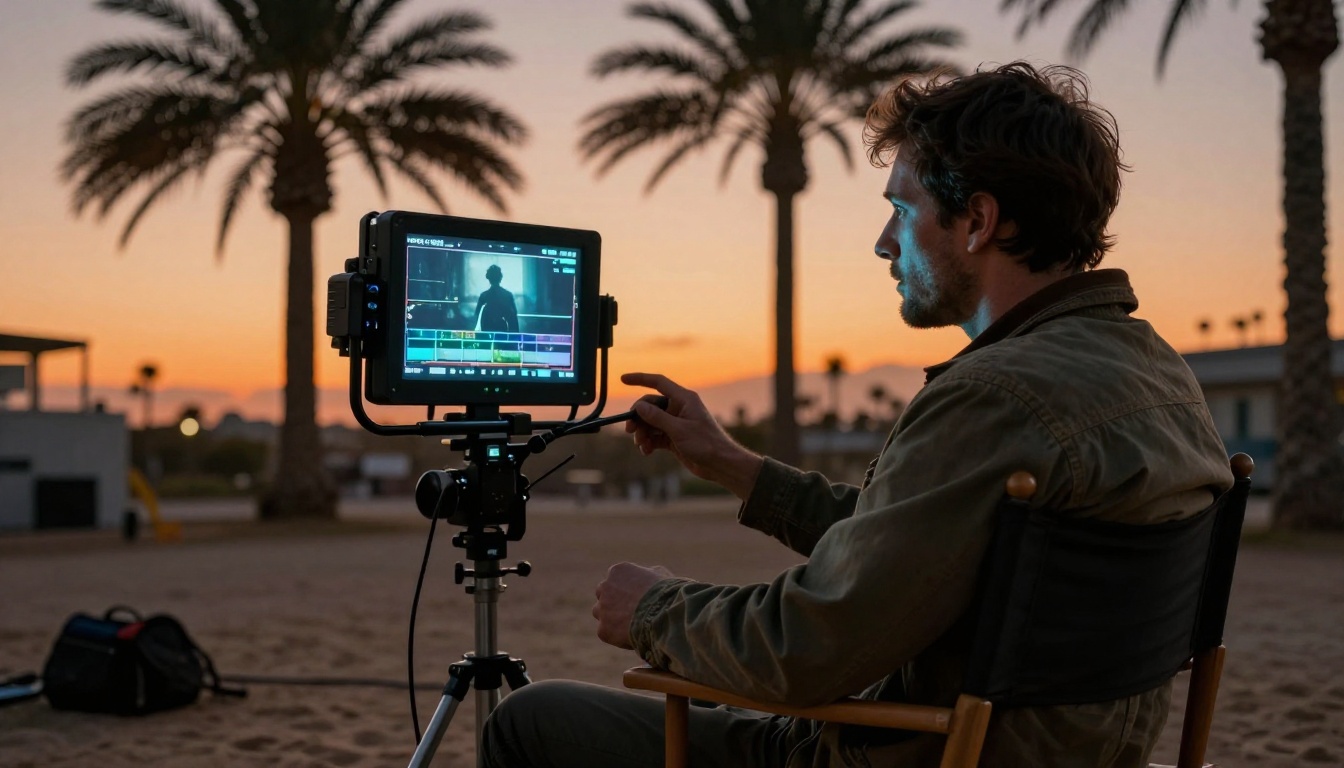
Most people use the word "cinematic" to mean "looks expensive." But there are specific technical qualities that create that feeling, and understanding them changes how you write prompts.
It Is About Motion, Not Resolution
Resolution is the least important factor. A 4K clip with stiff, robotic movement looks cheap. A 720p clip with natural camera drift, subtle subject motion, and proper motion blur looks cinematic. The best AI models understand physics-based motion: hair moves with wind, fabric sways, water reflects properly.
Models like Wan 2.7 T2V and Seedance 1 Pro have been trained on high-motion, high-quality footage, which means their output carries natural movement patterns rather than the slide-show quality of earlier models.
Depth, Color, and Lighting Behavior
Cinematic footage reads in layers. The foreground is sharp, the background falls off into bokeh, and light wraps around subjects rather than hitting them flat. This is what your prompt needs to communicate explicitly.
When you describe "85mm lens, f/1.4, golden hour backlight," you are not just setting an aesthetic. You are giving the model a specific visual grammar to work with. The difference in output quality between a generic prompt and a detailed one is not subtle. It is dramatic.
The Best Free AI Video Models Right Now
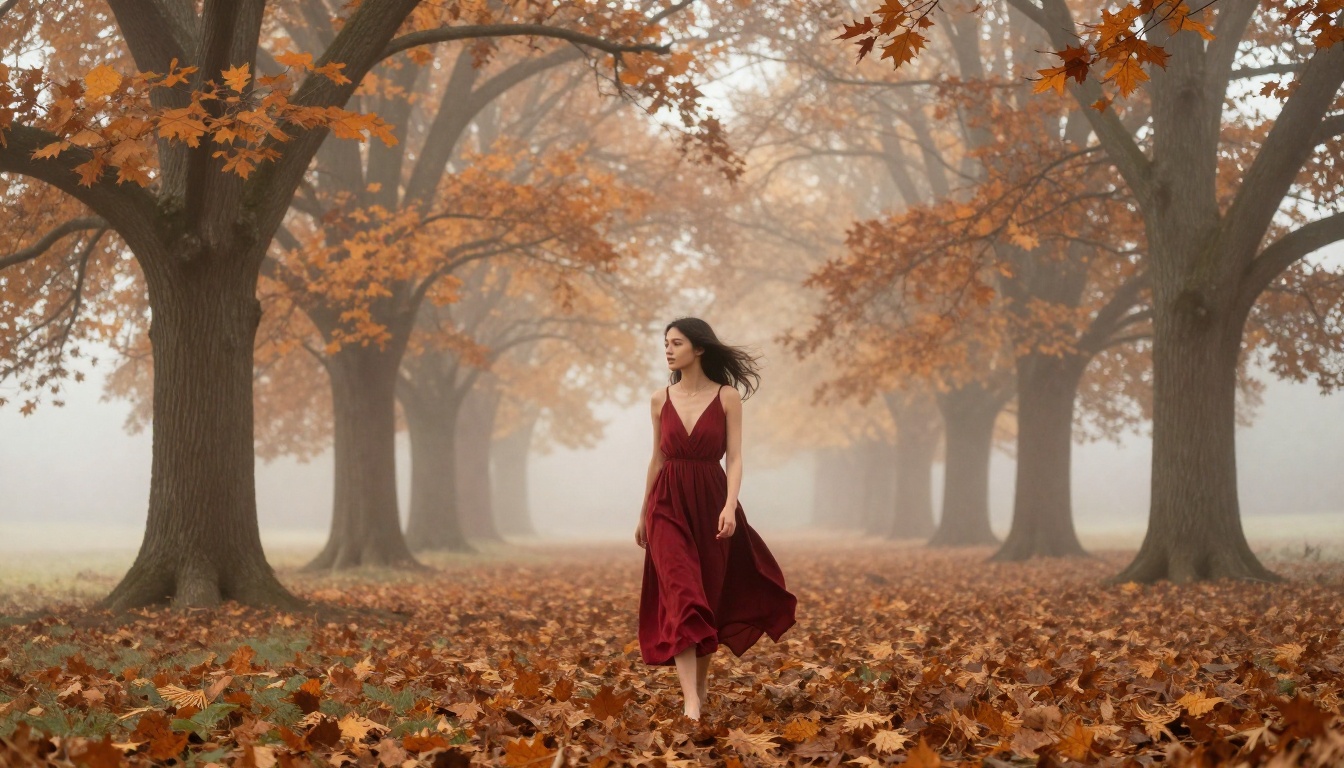
Not every model worth using costs money. Several of the most capable text-to-video models available right now either have free tiers or generate clips at no cost whatsoever. Here is where the free cinematic quality actually lives.
Wan 2.7 T2V: The Free Workhorse
Wan 2.7 T2V is the most capable openly accessible text-to-video model available. It generates 1080p clips with strong motion coherence, handles camera movement descriptions well, and produces realistic lighting without hallucinating geometry.
What it does well:
- Complex camera movements (dolly in, crane up, tracking shots)
- Natural human motion and facial expression
- Outdoor scenes with atmospheric depth
Prompt style that works: Be specific about camera behavior. "Slow dolly push toward subject" produces dramatically better results than "close-up shot."
Ray Flash 2: Fast and Free at 540p
Ray Flash 2 540p sits at the sweet spot for anyone who wants fast iteration without a credits bill. The 540p resolution is not 4K, but the motion quality and temporal consistency are genuinely impressive. For social media content or quick concept tests, this model delivers.
Luma's training data includes a lot of cinematically-shot material, which means Ray Flash 2 540p handles rack focus and depth layering better than you would expect from a free-tier model.
LTX 2 Fast: Real-Time Speed
LTX 2 Fast from Lightricks generates video in near real-time, which changes how you work. Instead of committing to a single prompt and waiting minutes, you can iterate quickly, adjust, and iterate again. The quality ceiling is lower than Wan 2.7, but the workflow speed makes it invaluable for rough-cut testing.
If you need to check whether a scene composition works before committing to a longer, higher-quality generation, LTX 2 Fast is the right tool.
Seedance 1 Lite: ByteDance's Free Entry Point
Seedance 1 Lite punches above its weight class. ByteDance trained this on the same data pipeline as Seedance 1 Pro, so it inherits strong motion physics and temporal consistency. Clips stay coherent across their duration, which is still a real differentiator among free-tier models.
For portrait-style footage, dramatic slow-motion composition, and anything involving human subjects, Seedance 1 Lite is worth testing before reaching for a paid option.
How to Use Wan 2.7 T2V on PicassoIA
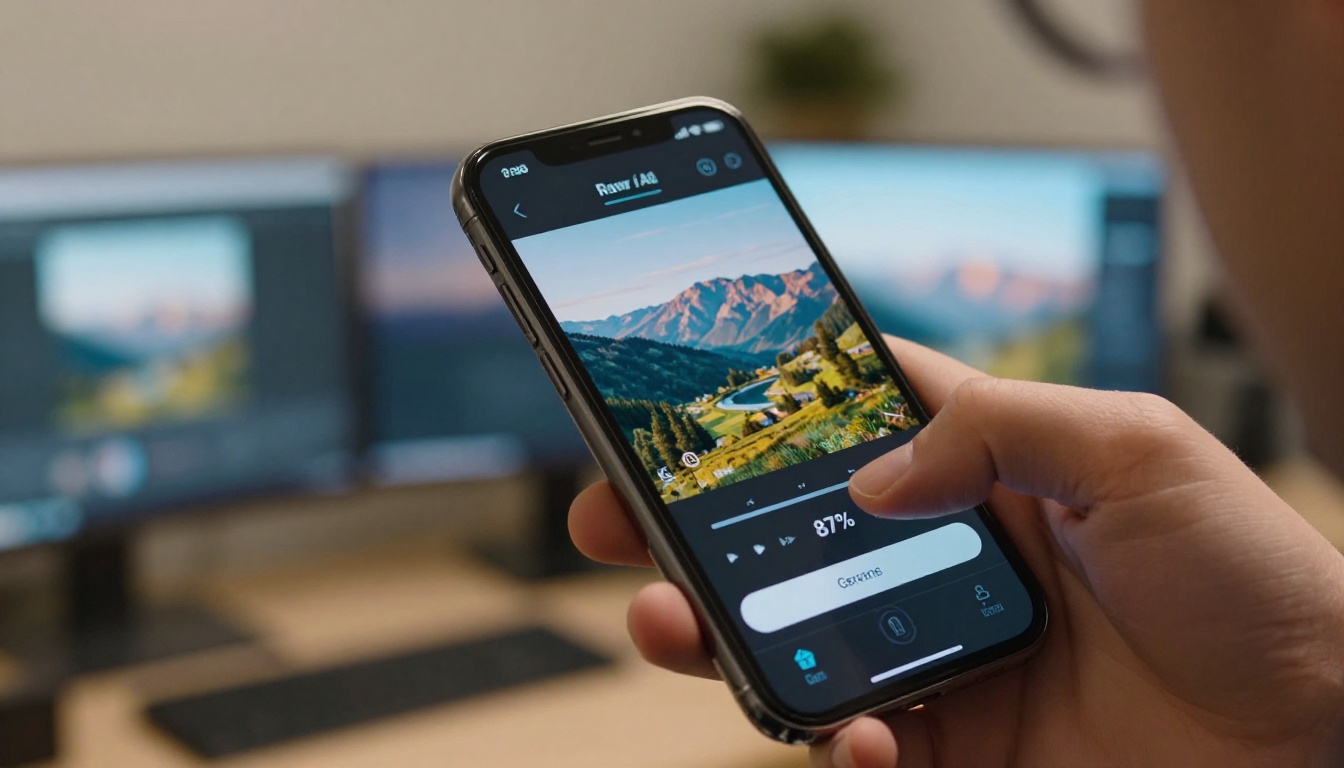
Wan 2.7 T2V is available directly on PicassoIA with no setup, no API tokens, and no local hardware required. Here is exactly how to get cinematic results from it.
Step 1: Write a Cinematic Text Prompt
Start with your subject, then add camera behavior, lighting, and atmosphere. Structure matters:
Subject + Action + Camera + Lighting + Atmosphere
Example: "A woman walks slowly through fog at dawn, camera tracking from behind at medium distance, diffused soft morning light, muted color palette, shallow depth of field with bokeh background, 85mm lens feel, slow motion."
What to avoid: Vague directions like "make it cinematic" or "professional quality." The model reads description, not intent.
Step 2: Set Your Parameters
On the model page, you will find options for duration, resolution, and motion strength. For cinematic output:
- Duration: 5-8 seconds is the sweet spot. Long enough to feel like a real shot, short enough to stay coherent.
- Negative prompt (if available): Add "text overlay, watermark, cartoon, animation, low quality, blurry, overexposed."
- Seed: Note the seed of any result you like. This lets you make small prompt adjustments while keeping the same composition baseline.
Step 3: Evaluate the Output
Before downloading, check three things:
- Motion consistency: Does the subject move naturally, or does it warp mid-clip?
- Depth behavior: Is there clear foreground and background separation?
- Lighting coherence: Does the light source stay consistent throughout?
If any of these fail, adjust the prompt rather than accepting the result. The quality gap between a first-draft prompt and a refined one is significant.
Prompts That Actually Produce Cinematic Results
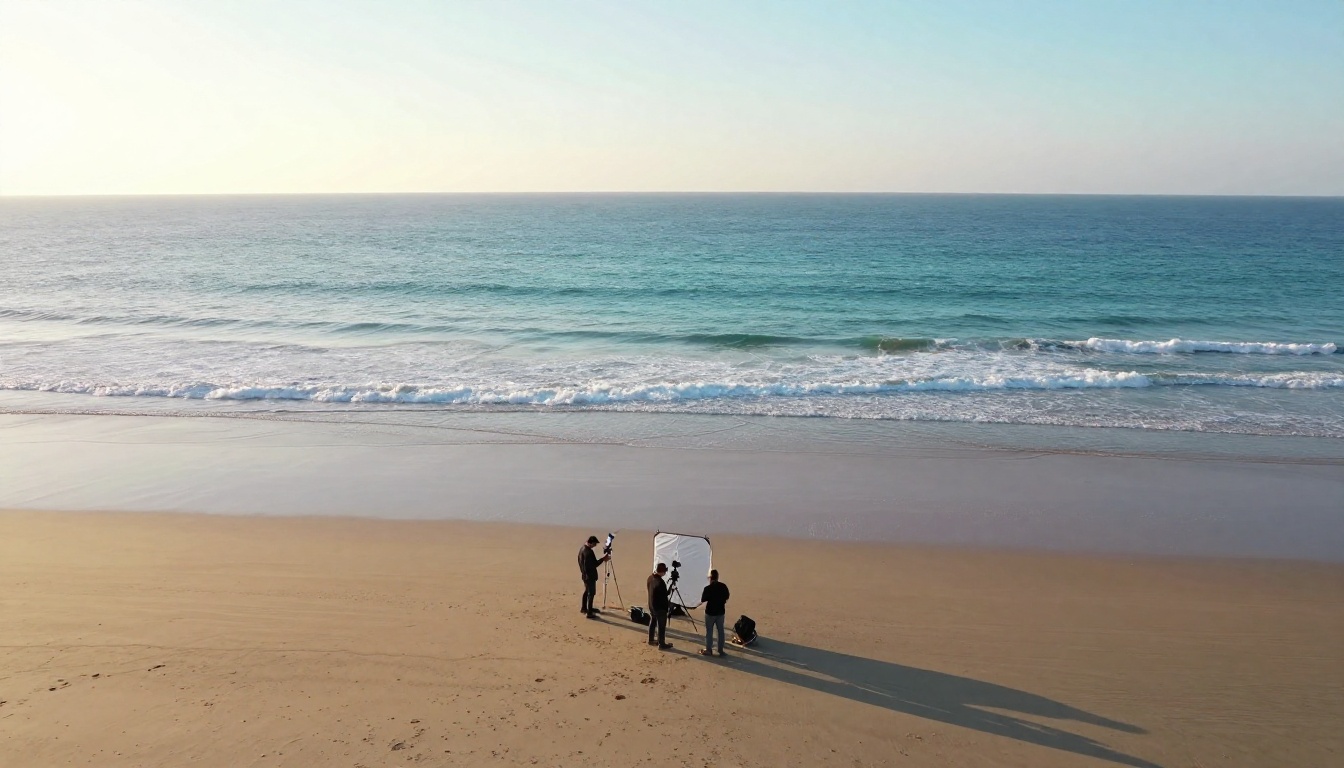
The single biggest factor in output quality is prompt construction. Here is a breakdown of what works, organized by visual goal.
| Visual Goal | Prompt Elements That Work |
|---|
| Depth of field | "85mm f/1.4, shallow focus, bokeh background, subject in sharp relief" |
| Golden hour lighting | "Warm amber backlight from low angle, volumetric rays, long natural shadows" |
| Slow motion feel | "Overcranked motion, slow deliberate movement, minimal camera shake" |
| Tracking shot | "Camera slowly follows subject from behind, medium distance, smooth dolly" |
| Documentary realism | "Handheld, slight camera sway, natural available light, no color grading" |
| Dramatic portrait | "135mm compression, split lighting, chiaroscuro, strong shadow on half face" |
💡 One rule above all: Describe what the camera sees, not what you want the result to feel like. "Feels cinematic" is useless. "135mm telephoto, f/2.0, subject isolated against blurred cityscape" is a prompt the model can act on.
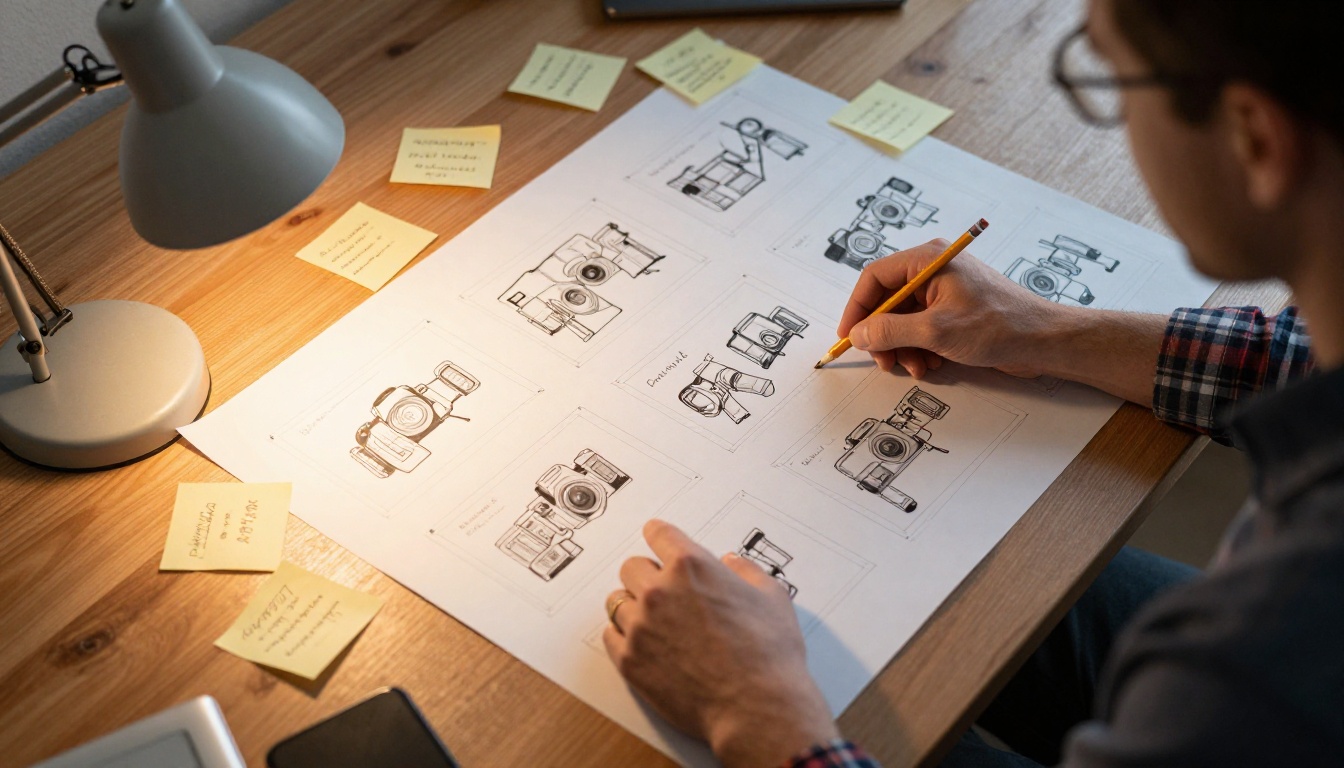
Image-to-Video: Better Cinematic Control
Text-to-video is powerful, but image-to-video gives you precise control over the starting frame. If you have a specific visual in mind, generating a still image first and then animating it produces more consistent cinematic results.
The workflow:
- Generate a high-quality photorealistic still using a text-to-image model
- Feed that still into Wan 2.7 I2V or Wan 2.6 I2V
- Prompt the animation: describe what should move and how
This approach eliminates one of the hardest problems in text-to-video: getting the exact composition you want. Instead of describing a scene and hoping the model interprets it the way you imagined, you show it exactly what you mean with the starting image.
Models like P Video accept both text and image inputs, making them flexible for either workflow. This is especially useful when you have a portrait or a landscape image you want to bring to life with cinematic camera motion.
Free vs. Paid: What You Actually Lose
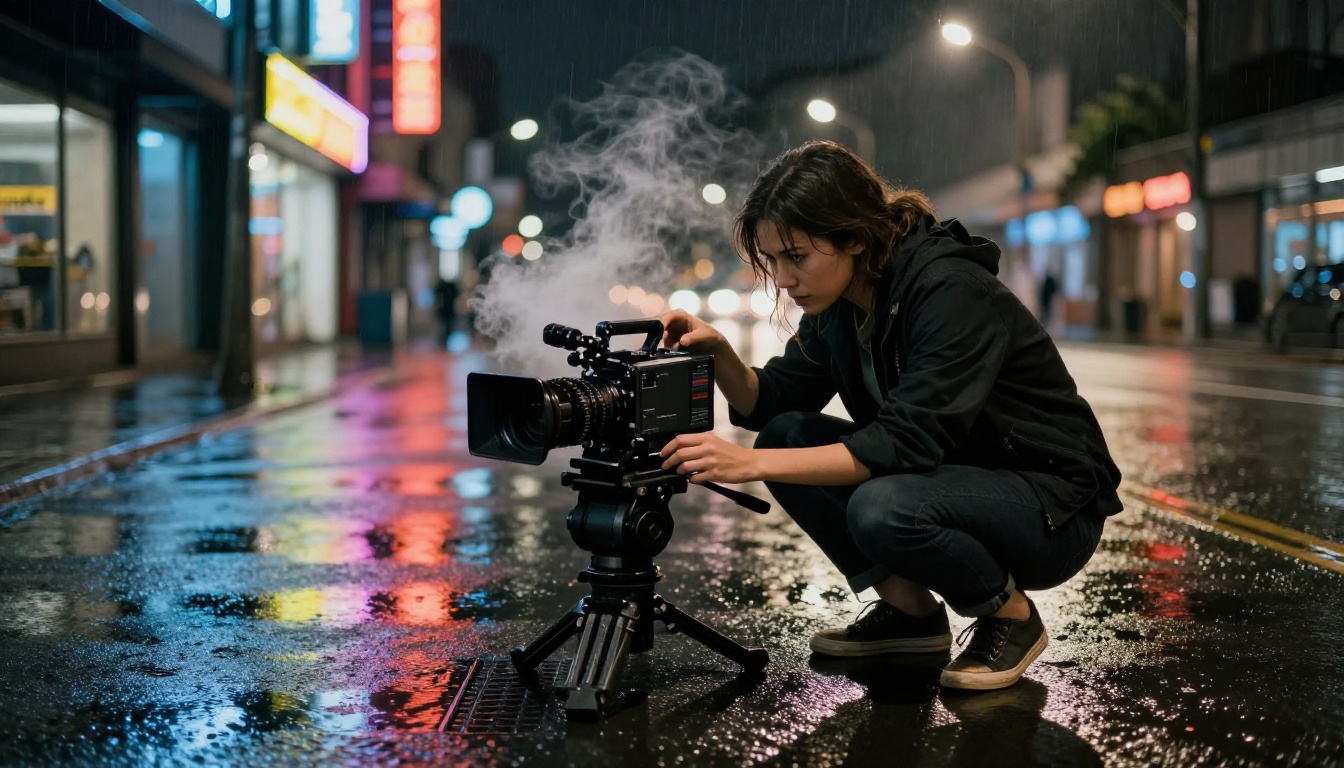
Free access is real, but there are genuine differences between free-tier and paid models. Here is an honest comparison.
| Feature | Free Models | Paid and Pro Models |
|---|
| Resolution | 480p-720p typical | Up to 4K (LTX 2.3 Pro) |
| Duration | 3-5 seconds typical | Up to 10 seconds |
| Generation speed | Slower queue | Priority processing |
| Audio | Rarely included | Available on select models |
| Watermark | Sometimes present | None |
| Temporal consistency | Good | Excellent |
The honest verdict: for social media clips, concept tests, and creative experiments, free models are genuinely sufficient. For client deliverables or broadcast content, the step up to models like LTX 2.3 Fast or Kling v3 Video is worth it.
💡 Veo 3 Fast is worth a mention here because it generates video with native audio. Even ambient sound changes how cinematic a clip feels. Silence makes AI video obvious. Sound makes it real.
3 Common Mistakes That Kill Cinematic Quality
Most people getting mediocre results from AI video are making one of these three mistakes.
1. Prompting the Feeling Instead of the Frame
"Make it look like a Hollywood movie" is not a prompt. "Wide establishing shot, camera slowly pushes in from 100 feet away, subject silhouetted against a fiery sunset, 24mm lens feel, anamorphic flare from the right" is a prompt.
Describe the physical world, the optics, the light source, and the camera behavior. The model was not trained on your feelings. It was trained on actual footage with specific visual properties.
2. Ignoring the Negative Prompt
Every model that accepts a negative prompt should have one. The defaults are poor. At minimum, add:
cartoon, animation, text overlay, watermark, CGI, artificial, overexposed, grainy noise, low resolution
This alone eliminates a category of failures that otherwise appear randomly and are almost impossible to fix through positive prompting alone.
3. Accepting the First Output
The first generation is a draft. Every professional who uses these tools iterates. Adjust one variable at a time: change the lighting description, adjust the camera distance, modify the motion language. Keep what works, rebuild what does not. Three rounds of iteration usually produces something usable. Six rounds often produces something genuinely good.

The Models Worth Bookmarking
To make this actionable, here is a quick-reference list of free and accessible cinematic video models available on PicassoIA right now:
- Wan 2.7 T2V: Best overall free text-to-video, 1080p output
- Ray Flash 2 540p: Fast, free, consistently good motion quality
- Seedance 1 Lite: Strong temporal consistency, great for human subjects
- LTX 2 Fast: Real-time speed for rapid iteration and testing
- Wan 2.7 I2V: Best for image-to-video with cinematic motion
- P Video: Flexible text or image input, solid quality
- Hailuo 02 Fast: Instant generation at 512p for fast concept tests
- Wan 2.1 1.3b: Completely free 5-second clips with no cost at all
Start Generating Your First Cinematic Clip
The barrier to entry is gone. You do not need a camera, a crew, or a budget. You need a well-written prompt and twenty seconds of generation time.
Start with Wan 2.7 T2V on PicassoIA. Write a prompt that describes a specific camera angle, lighting condition, and subject behavior. Run it. Iterate. Within a few generations you will have footage that holds up visually, which was simply not possible with free tools even a year ago.
If you want more control over the exact composition, pair the video models with PicassoIA's image generation to create a precise starting frame before animating. The image-to-video pipeline consistently produces more intentional, controlled cinematic results than pure text-to-video for specific subjects.
Write your first cinematic prompt, pick a model from the list above, and see what comes back. The tools are there. The rest is just iteration.


