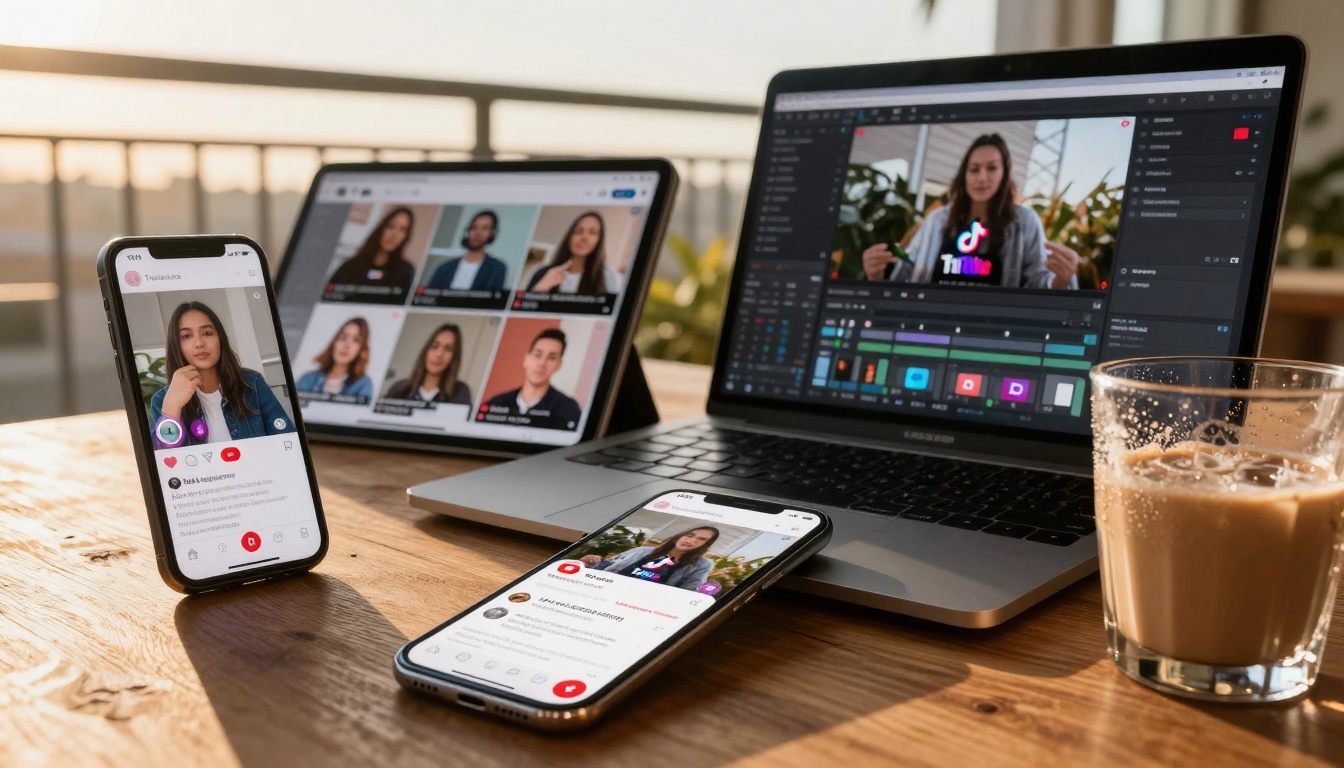
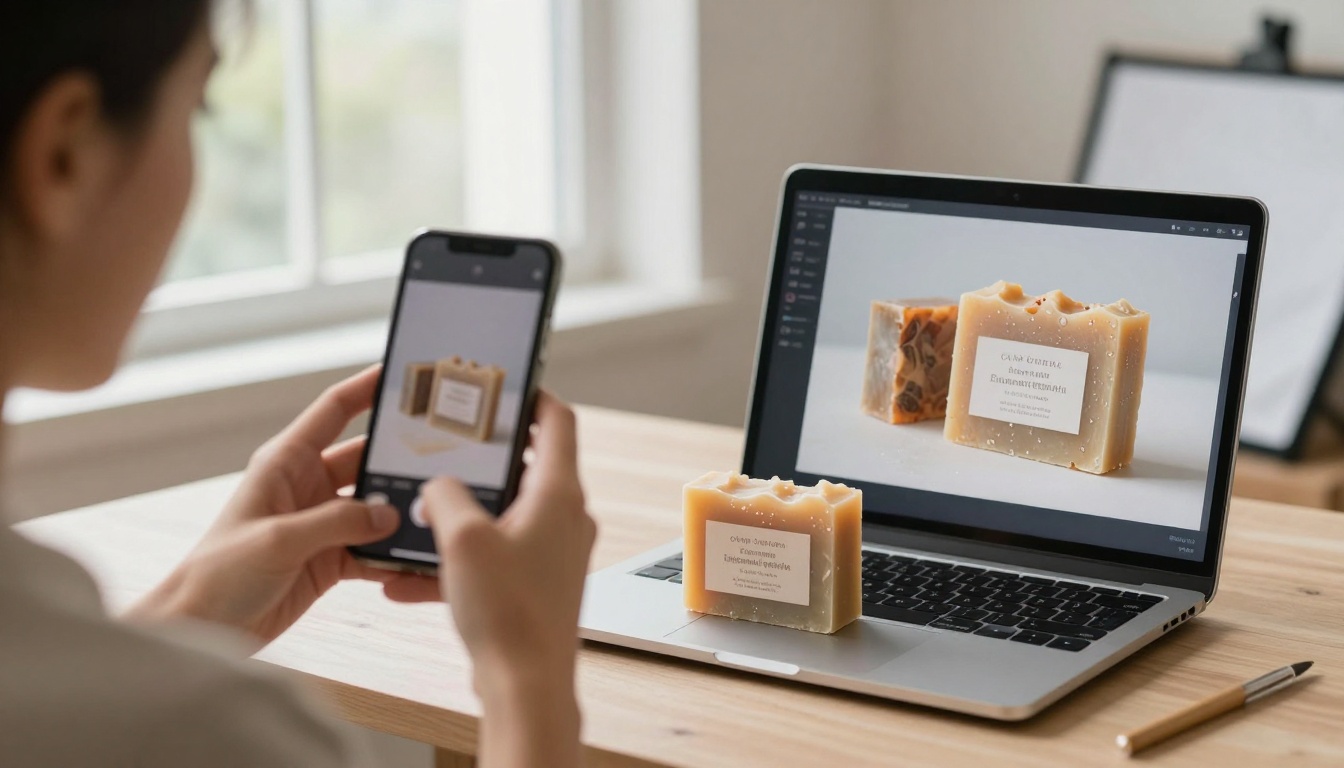
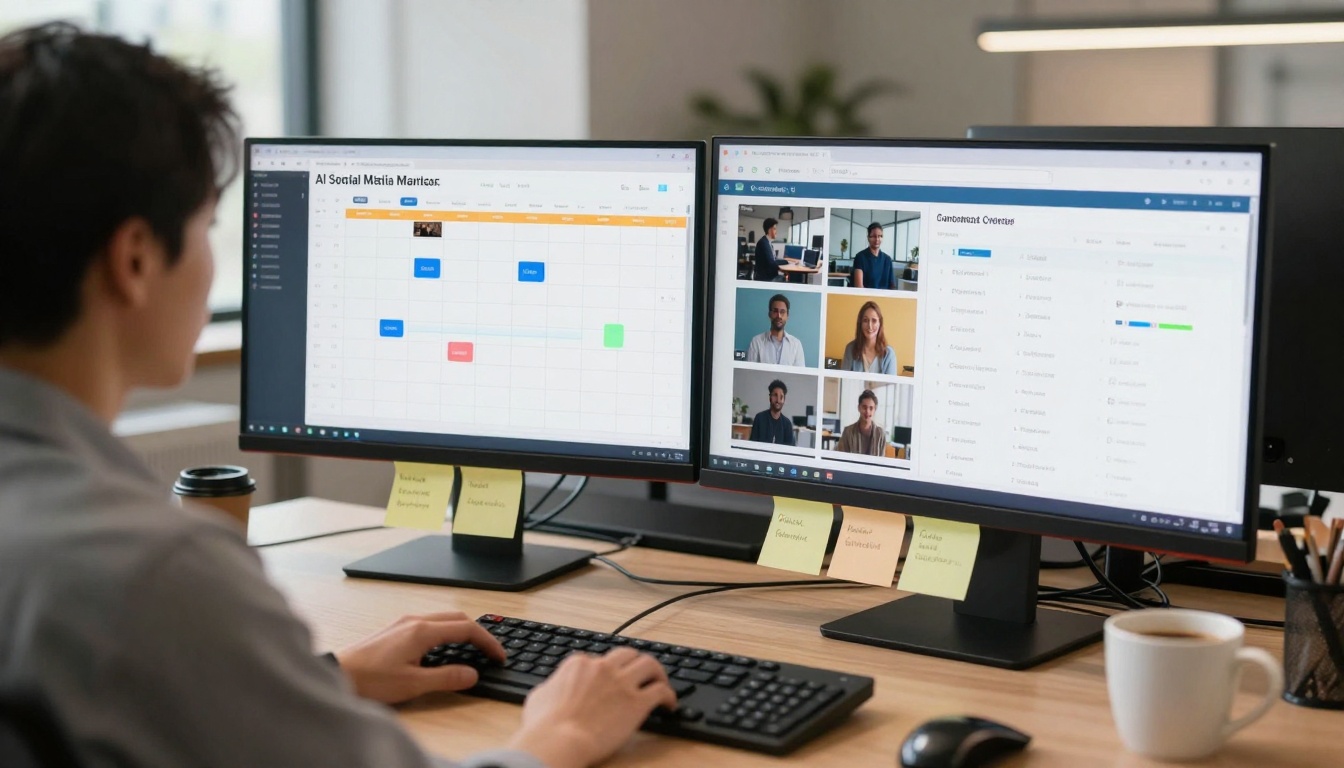
Content creators face constant pressure to produce high-quality visuals without breaking budgets. This article reveals the free AI tools professional creators actually use for generating images, creating videos, and automating content workflows. From text-to-image generators to AI-powered video editors, you'll discover practical solutions that deliver professional results at zero cost. We cover specific tools for social media content, YouTube thumbnails, product photography, and visual storytelling—all accessible without subscriptions or hidden fees.
Content creation has evolved beyond expensive software subscriptions. The pressure to produce professional visuals without draining budgets pushes creators toward free AI tools that deliver commercial-grade results. This isn't about compromising quality—it's about accessing powerful technology that was exclusive to corporate budgets just months ago.
Why Free AI Tools Changed Everything
💡 The barrier between amateur and professional visuals has collapsed. What required $3,000 in software and equipment now happens through browser tabs.
Creative workflows transformed when AI image generators like Flux and GPT Image 1.5 became accessible without subscriptions. The same shift happened with video when Kling and WAN offered free tiers.
Three critical changes occurred:
Cost elimination for core creative functions
Speed multiplication of production workflows
Quality democratization across skill levels
Image Generation Without Subscriptions
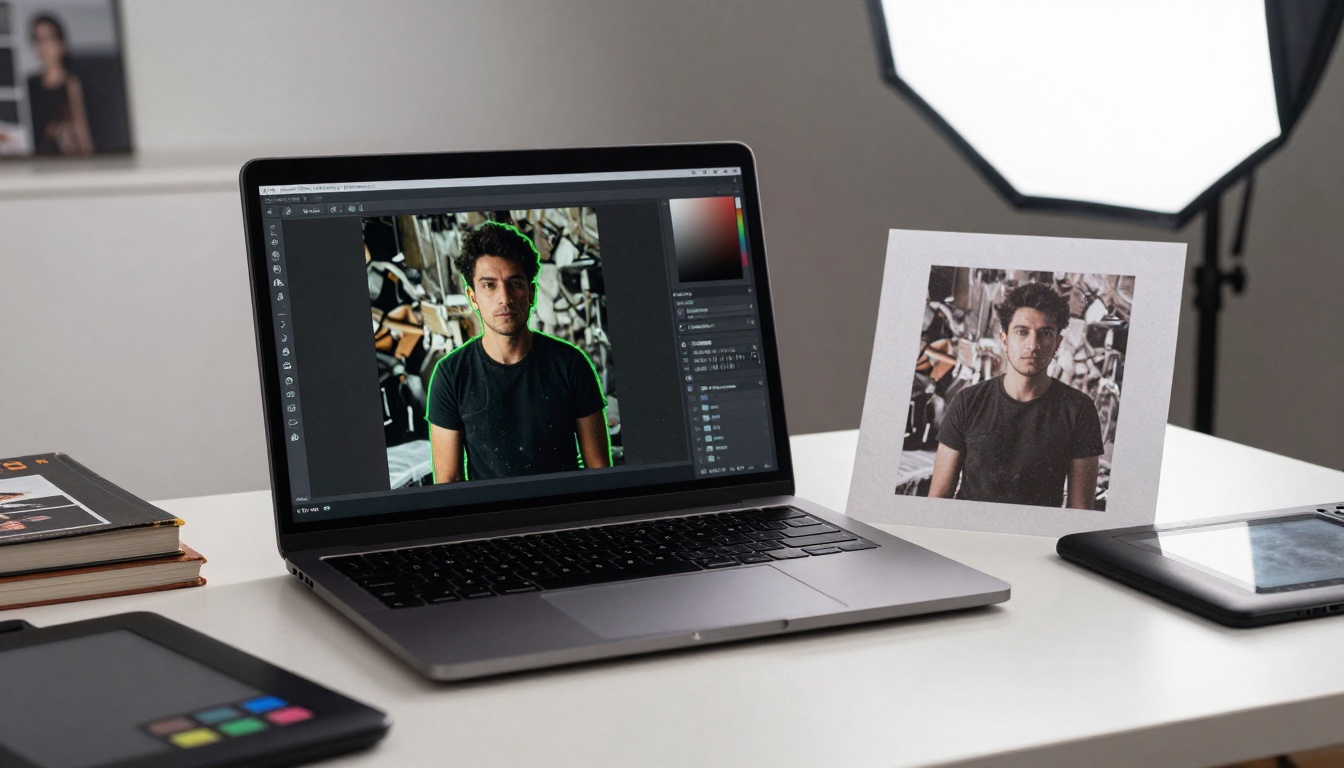
Text-to-Image Models Available Free
The landscape shifted when models like Qwen Image and P-Image offered free generation credits. These aren't limited demos—they're full-featured engines producing print-ready imagery.
Practical applications creators use daily:
Use Case
Free Tool
Typical Output
Social Media Graphics
Flux models
1080x1080 Instagram posts
Product Photography
Qwen Image
E-commerce product shots
Blog Illustrations
P-Image
Article featured images
YouTube Thumbnails
Z-Image Turbo
Click-worthy thumbnails
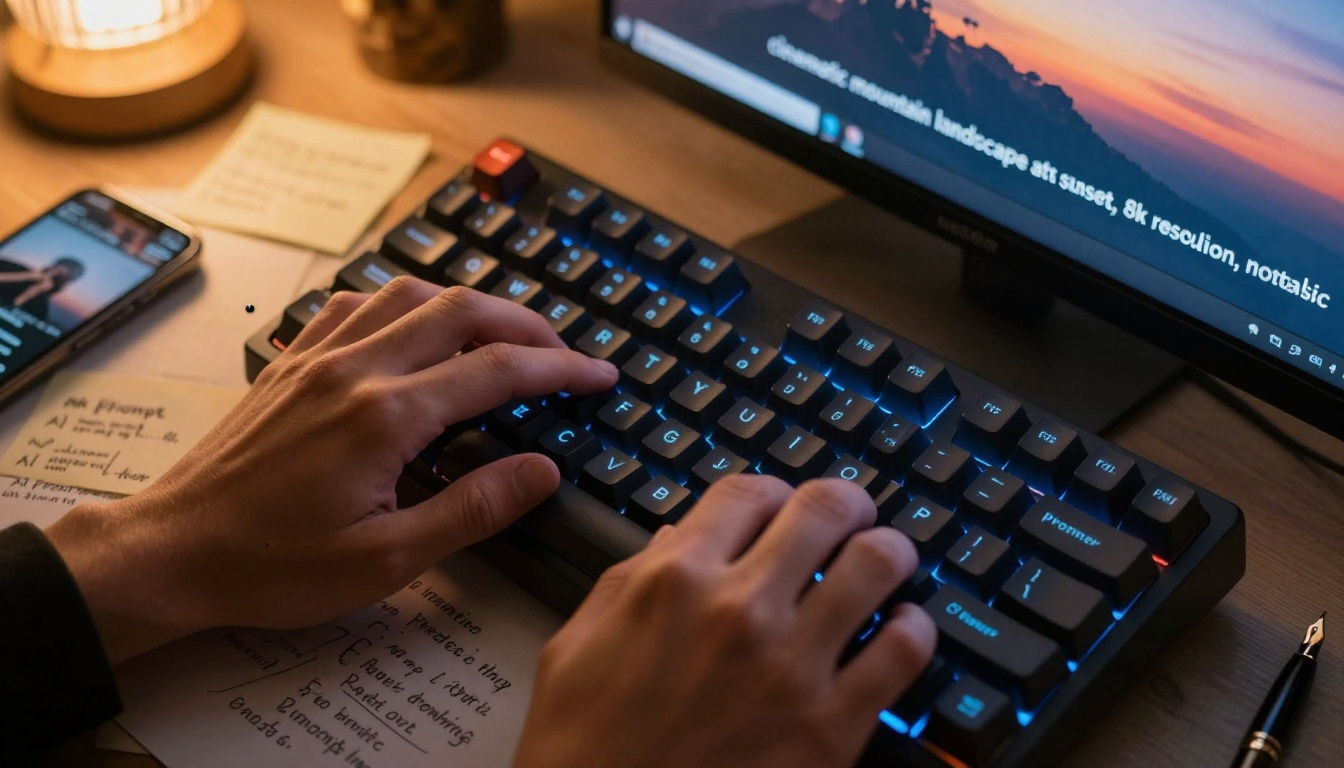
The Prompt Engineering Difference
Crafting effective prompts separates basic results from professional visuals. Free tools work identically to paid versions—the limitation isn't capability, but user understanding.
💡 Example: "Photorealistic barista preparing artisan coffee in minimalist cafe, morning light through large windows, commercial food photography style, 8k resolution, shallow depth of field"
Video Creation Revolution
Free Video Generation Models
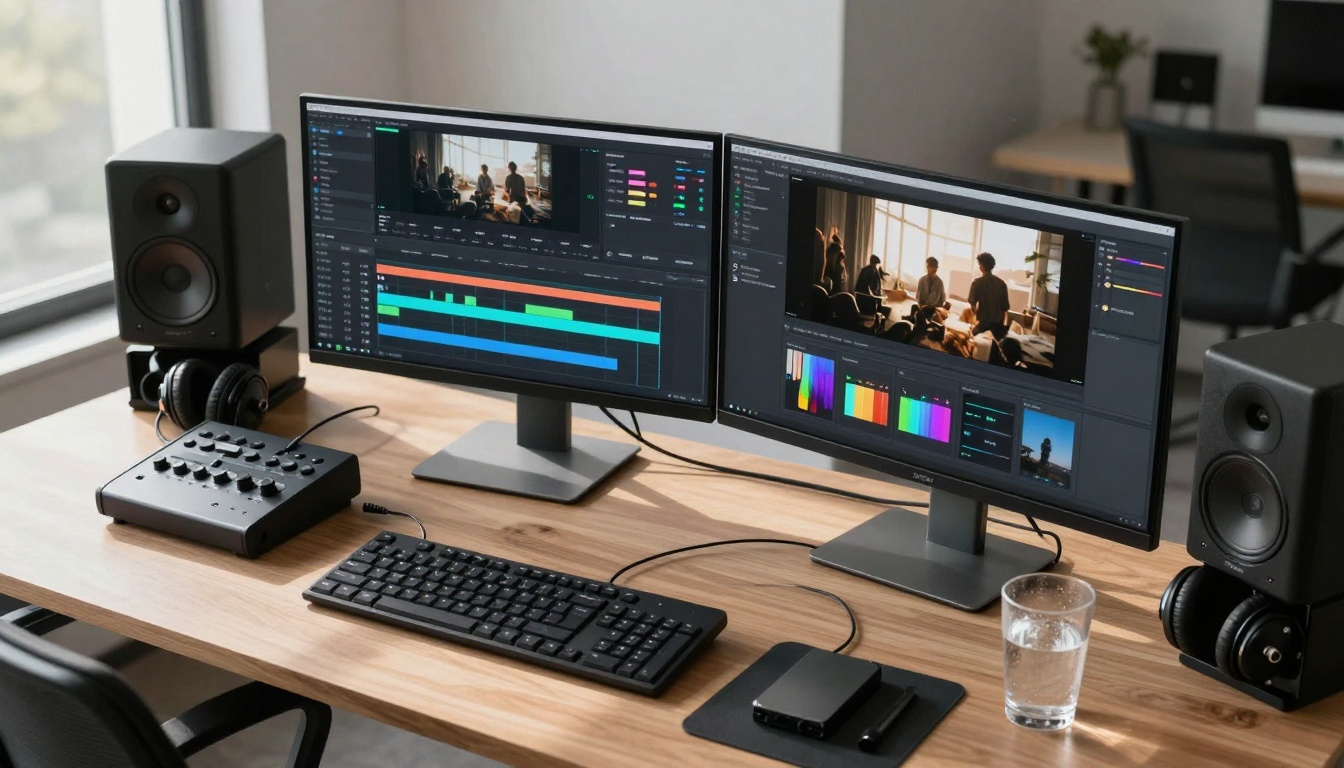
Video AI progressed from exclusive enterprise tools to accessible platforms. Sora 2 and Veo represent the high end, but practical free alternatives exist.
Free AI tools don't operate in isolation—they integrate with:
Google Workspace for document enhancement
Canva for template population
WordPress for website asset generation
Mailchimp for email visual creation
The hybrid approach combines human creative direction with AI execution speed.
Practical Implementation Steps
Getting Started with Free AI Tools
Week 1: Foundation Establishment
Identify 3 primary use cases for your content needs
Test 2-3 free tools for each category
Establish basic prompt libraries for recurring tasks
Create output quality benchmarks
Week 2-3: Workflow Integration
Map existing processes that AI can augment
Develop hybrid human-AI workflows
Establish quality control checkpoints
Create template systems for consistency
Month 2+: Scaling and Optimization
Analyze performance metrics across tools
Refine prompt libraries based on results
Explore advanced features of free tiers
Establish backup tool options for redundancy
Common Pitfalls and Solutions
Pitfall 1: Unrealistic Expectations
💡 Solution: Start with augmenting existing workflows rather than complete replacement. AI excels at specific tasks, not entire creative processes.
Pitfall 2: Inconsistent Output Quality
💡 Solution: Develop detailed prompt templates with specific parameters for each use case. Consistency comes from precise input, not random generation.
Pitfall 3: Tool Overload
💡 Solution: Master 2-3 core tools deeply rather than superficially testing dozens. Depth of understanding beats breadth of exposure.
The Future of Free Creative AI
The trajectory points toward increased capability at decreased cost. Current free tiers represent early adoption phases—capabilities will expand while barriers diminish.
Emerging trends to monitor:
Specialized niche tools for specific industries
Improved consistency across generation batches
Enhanced integration with existing software ecosystems
Advanced customization without technical complexity
The democratization of creative tools continues accelerating. What required corporate budgets yesterday becomes freely accessible today—with tomorrow's capabilities surpassing current imagination.
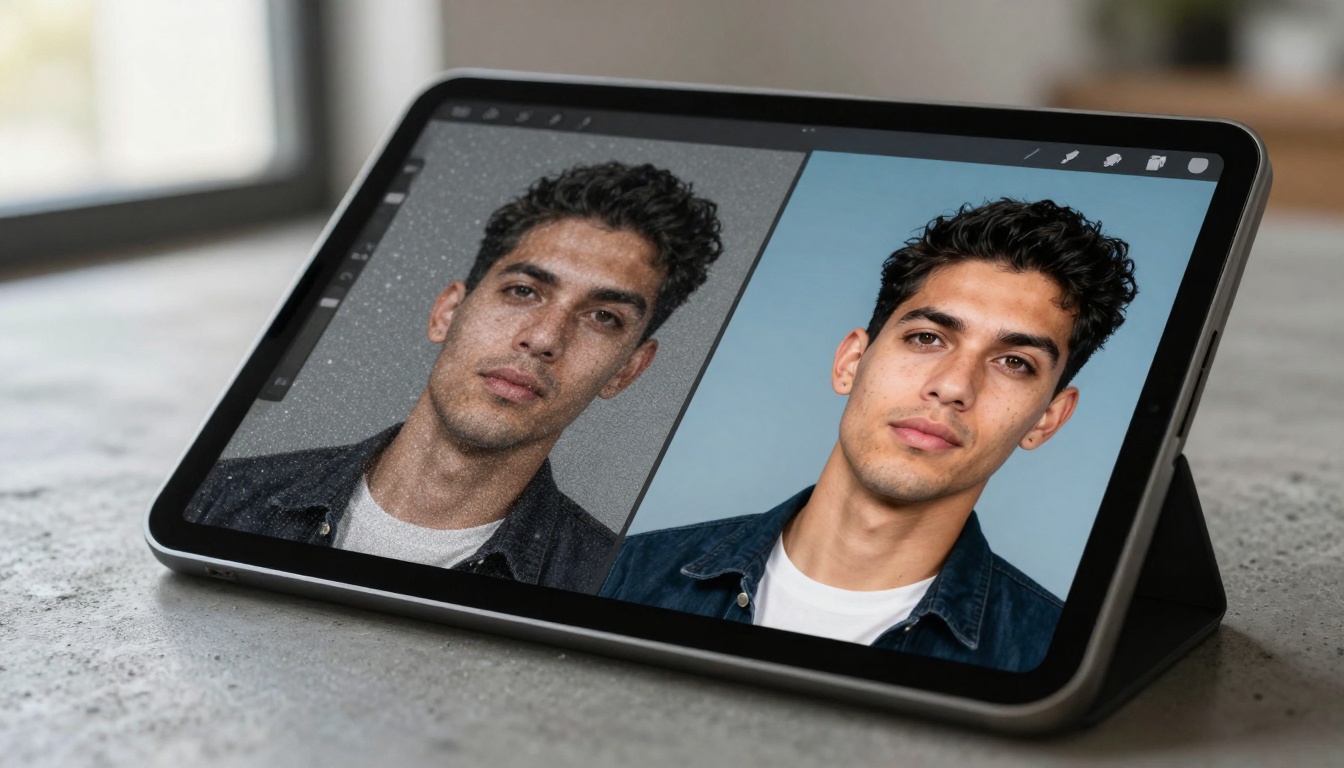
The invitation stands: Experiment with these tools. Generate test images using Flux. Create sample videos with Kling. Transform product photos through Real-ESRGAN. The creative landscape has shifted—these tools represent the new baseline, not exceptional privileges.