The landscape for creative professionals changed dramatically when AI tools became accessible. What started as niche experiments evolved into essential workflow components. In 2026, the barrier between technical complexity and creative expression dissolved completely. You don't need expensive software subscriptions or specialized training anymore. The tools are here, they're free, and they work.
Aerial perspective shows how AI integrates with traditional photography workflows
Creative work always involved trade-offs. Time spent mastering software meant less time for actual creation. Budget constraints limited access to professional tools. Technical barriers prevented ideas from reaching their full potential.
That equation no longer balances the same way. The tools listed here remove those obstacles. They don't require previous experience. They work within existing workflows. Most importantly, they're completely free to use.
💡 Practical reality: Every tool mentioned handles real creative tasks. These aren't theoretical demonstrations or limited trials. They process actual projects with professional-level output.
Image Generation: Beyond Basic Prompts
Photographers and graphic designers found their workflows transformed first. AI image generation moved from novelty to necessity. The difference between 2025 and 2026? Consistency and control.
Flux Series: Precision Image Creation
The Flux 2 Klein 4B model delivers what earlier tools promised but rarely delivered: consistent character generation, precise composition control, and reliable style maintenance across multiple images.
What changed: Earlier models struggled with consistency. Generate ten images of the same character, get ten different people. Flux 2 Klein solves this with improved attention mechanisms and better prompt understanding.
Practical use: Character sheets for animation, product visualization with consistent lighting, brand identity assets that maintain coherence across applications.
P-Image: Speed Meets Quality
When deadlines matter, P-Image provides the fastest generation times without sacrificing output quality. The model optimizes for rapid iteration - crucial for brainstorming sessions and client presentations.
Key advantage: Generate twenty variations in the time older models produced three. The speed allows for真正的 exploration而不是 settling for第一个acceptable result.
Workflow integration: Use for mood boards, concept exploration, rapid prototyping where time constraints previously limited creative options.
Macro detail reveals the precision of AI-assisted video editing tools
Video Creation: Professional Results Without the Budget
Independent filmmakers and content creators faced the steepest barriers. Professional video production required expensive equipment, specialized software, and technical expertise. AI video tools dismantled all three obstacles simultaneously.
Text-to-Video Evolution
The progression from experimental outputs to production-ready content happened faster than anyone predicted. Models that once produced seconds of usable footage now generate complete scenes.
| Model | Best For | Output Quality | Processing Time |
|---|
| Kling V2.6 | Narrative scenes | Cinematic | 2-3 minutes |
| WAN 2.6 T2V | Action sequences | Dynamic | 1-2 minutes |
| Seedance 1.5 Pro | Character animation | Expressive | 3-4 minutes |
The breakthrough: Consistent character motion across shots. Earlier models produced disconnected movements. Current models maintain physical continuity - a character walking left continues walking left, with proper weight shift and momentum.
Image-to-Video: Static to Dynamic
The WAN 2.6 I2V model transformed still photography into motion content. Upload a portrait, receive a subtle breathing animation. Provide a landscape, get cloud movement and water flow.
Creative application: Product demonstrations come alive. Marketing materials gain motion without filming budgets. Historical photographs receive subtle animation that respects their original composition.
Dramatic perspective emphasizes how AI elevates design work
Music and Audio: Composition Without Instruments
Musicians and sound designers discovered AI tools that understood musical theory, emotional tone, and structural composition. The tools don't replace musicians - they become collaborative instruments themselves.
AI Music Generation Reality
The Music 01 model produces complete musical pieces with proper structure: verse, chorus, bridge arrangements that make musical sense. It's not random note generation - it's composition with intent.
How it works: Describe the emotional tone (melancholic, energetic, contemplative), specify instruments (piano, strings, electronic), set duration. The model generates coherent music that develops themes and returns to motifs.
Professional use: Background scores for video projects, theme music for podcasts, soundscapes for immersive experiences. All royalty-free, all customizable.
Voice Synthesis That Sounds Human
Text-to-speech technology advanced beyond robotic monotones. The Speech 2.6 HD model delivers vocal performances with emotional nuance, proper pacing, and believable humanity.
Critical difference: Earlier systems sounded like machines reading text. Current models sound like people speaking naturally - complete with breath pauses, emphasis shifts, and conversational rhythm.
Application: Audiobook narration without hiring voice actors, video voiceovers with consistent quality, accessibility features that don't sound artificial.
Dynamic composition reflects the creative tension in music production
Writing and Content: Beyond Basic Grammar Check
Writers, journalists, and content creators found AI tools that understood context, tone, and audience. These aren't spellcheckers with fancier interfaces - they're collaborative writing partners.
Language Models That Understand Nuance
The GPT 5.2 model demonstrates what separates advanced language models from basic text generators: contextual awareness. It remembers earlier conversation points, maintains consistent tone, and adapts to specific writing styles.
Practical difference: Ask for a technical explanation, receive precise terminology. Request conversational content, get natural dialogue patterns. The model adjusts its approach based on what you're creating.
Workflow integration: Draft revision, idea expansion, tone adjustment, audience adaptation. The tool works alongside human judgment rather than replacing it.
Research Assistance That Actually Helps
Earlier research tools produced generic summaries. Current models like Gemini 2.5 Flash analyze source material, identify key arguments, and present information with proper citation awareness.
What changed: The tool distinguishes between primary sources and commentary, recognizes bias in materials, and presents information with appropriate qualification.
Use case: Background research for articles, fact-checking assistance, understanding complex topics quickly without oversimplification.
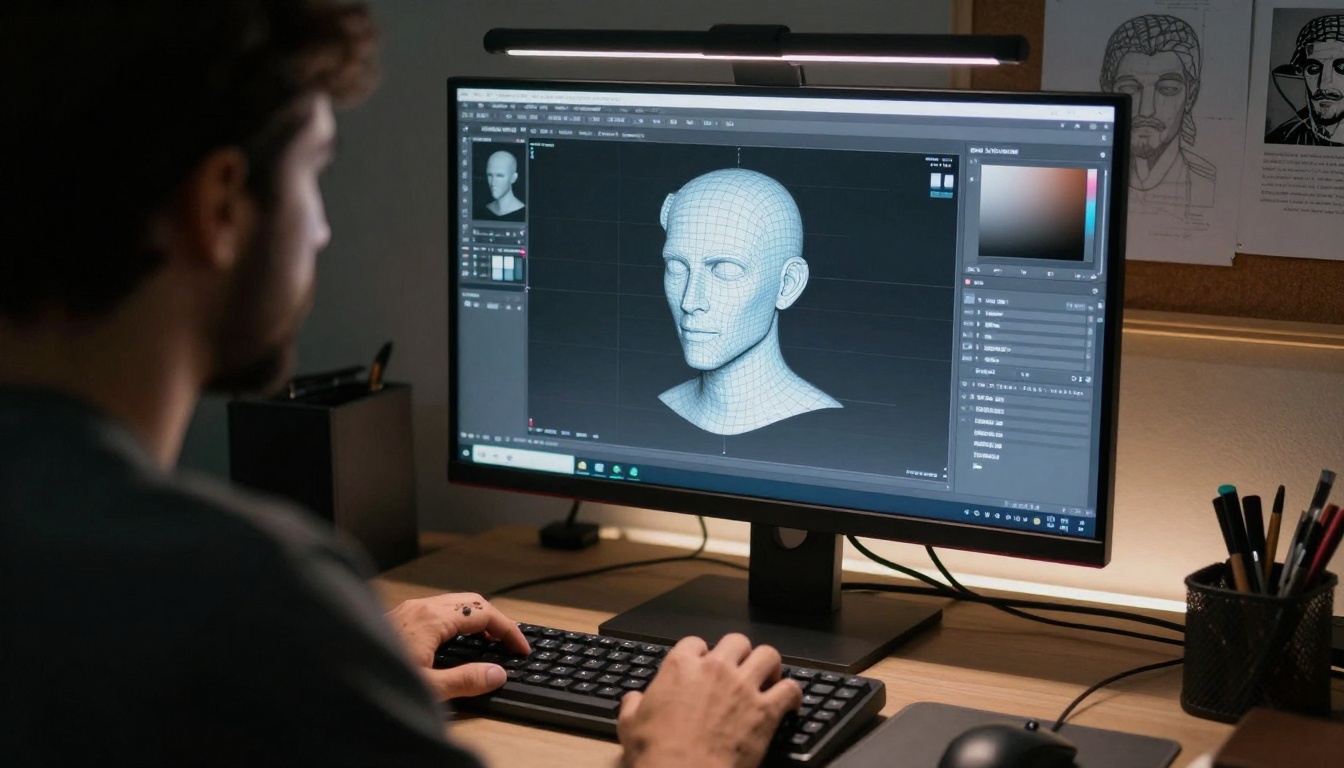
Intimate perspective shows the detail-oriented nature of 3D design work
Design and Visualization: From Concept to Reality
Graphic designers, architects, and 3D artists encountered tools that understood spatial relationships, material properties, and aesthetic principles. The AI doesn't just generate images - it creates usable assets.
3D Model Generation That Works
The transition from 2D images to 3D models represented a significant leap. Models that produce usable 3D assets with proper topology, UV mapping, and material assignments became available without specialized software.
Technical achievement: Generated models import directly into Blender, Maya, or Unity. They have clean geometry, proper edge flow, and reasonable polygon counts. They're production assets, not visual approximations.
Industry impact: Prototype visualization, architectural previews, product design iterations. What required days of modeling now takes minutes of description.
Vector Art That Scales Perfectly
AI tools that generate SVG and vector files changed graphic design workflows. The P-Image Edit model produces scalable artwork without pixelation issues.
Quality difference: Earlier AI graphics rasterized poorly when enlarged. Current vector output maintains crisp edges at any resolution - essential for logos, icons, and print materials.
Design application: Brand identity development, icon sets, illustration assets that work across digital and print media.
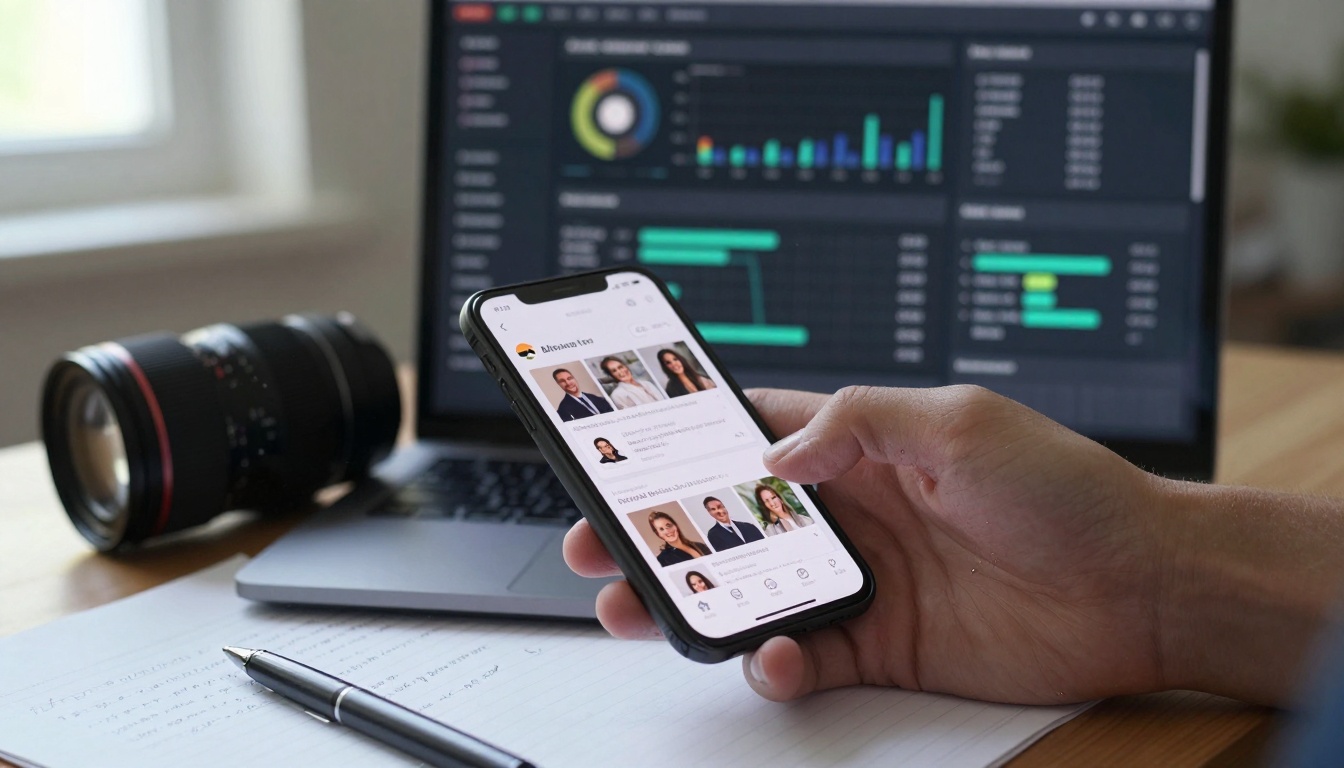
Dual focus technique illustrates balancing creative and analytical aspects
Content Strategy and Analytics: Data That Makes Sense
Social media managers and content strategists found AI tools that didn't just collect data - they interpreted it and suggested actions. The difference between charts and actionable insights became clear.
Audience Analysis With Depth
Earlier analytics showed what happened. Current tools explain why it happened and suggest what to try next. They identify patterns human analysts might miss and connect seemingly unrelated data points.
Analytical advancement: The tools recognize that engagement spikes might correlate with specific content formats rather than just topics. They notice that audience segments respond differently to the same message.
Strategic value: Content planning based on predictive patterns rather than historical averages. A/B testing with intelligent variation selection rather than random changes.
Content Optimization That Understands Context
AI tools that analyze existing content and suggest improvements understand more than keyword density. They assess readability, emotional tone, structural coherence, and audience appropriateness.
What improved: Earlier optimization focused on search engines. Current optimization focuses on human readers while maintaining search visibility.
Practical result: Content that ranks well and actually engages readers. Articles that convert visitors without feeling manipulative or artificial.
Cinematic technique captures the intense focus of writing with AI assistance
The most significant development wasn't individual tools improving - it was tools working together seamlessly. Cross-compatibility and standardized outputs transformed isolated utilities into integrated systems.
File Format Consistency
Earlier AI tools produced proprietary formats requiring conversion. Current tools output standard file types that work across applications: PNG, JPEG, MP4, WAV, SVG, OBJ, TXT.
Interoperability benefit: Generate an image in one tool, edit it in another, incorporate it into a video in a third - all without format conversion headaches.
Professional necessity: Production pipelines require predictable outputs. The standardization allows AI tools to slot into existing workflows rather than demanding entirely new processes.
API Access and Automation
Free tools with API access changed everything. Schedule content generation, automate asset creation, trigger processes based on events - all without manual intervention.
Automation capability: Set up a daily social media post generation system that creates image, writes caption, analyzes best posting time, and schedules publication - completely automated.
Scalability advantage: What required manual effort for one piece of content becomes automated for hundreds. Quality remains consistent while volume increases exponentially.
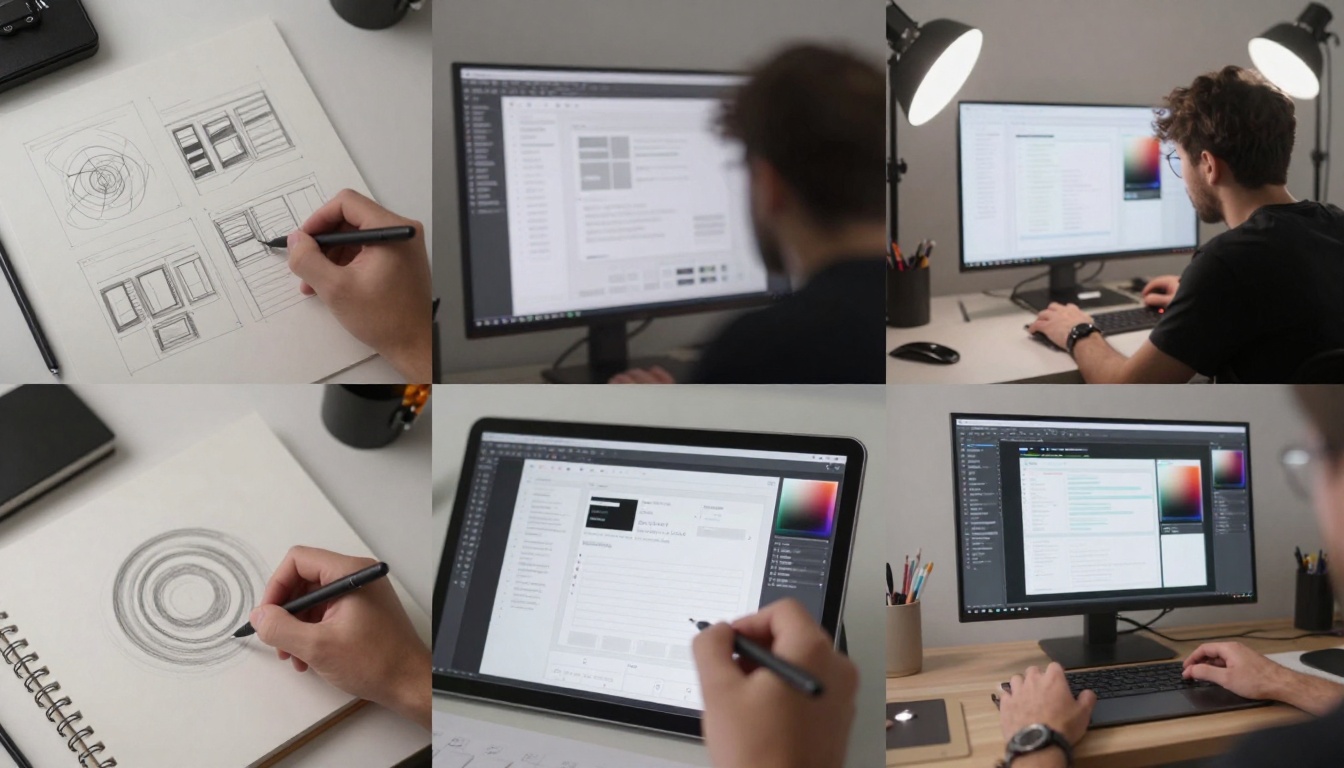
Multiple exposure illustrates the iterative nature of design work
The democratization of creative tools reached its logical conclusion: tools that adapt to individual needs rather than demanding adaptation from users.
Language and Interface Adaptation
AI tools that work in multiple languages without quality degradation opened creative work to global participation. Interface translation maintains functionality while making tools accessible.
Global impact: Creators who previously faced language barriers now participate equally. Ideas cross linguistic boundaries without getting lost in translation.
Cultural sensitivity: Tools that recognize cultural context produce appropriate rather than generic content. They understand regional aesthetic preferences and communication styles.
Accessibility Features Built In
Text-to-speech for visual content, image description for blind users, caption generation for deaf audiences - these aren't afterthoughts anymore. They're integrated from the beginning.
Inclusive design: Tools that consider accessibility during development rather than retrofitting it later. Outputs that work for diverse audiences without additional processing.
Ethical advancement: Creative expression shouldn't have accessibility barriers. Current tools remove those barriers systematically rather than piecemeal.
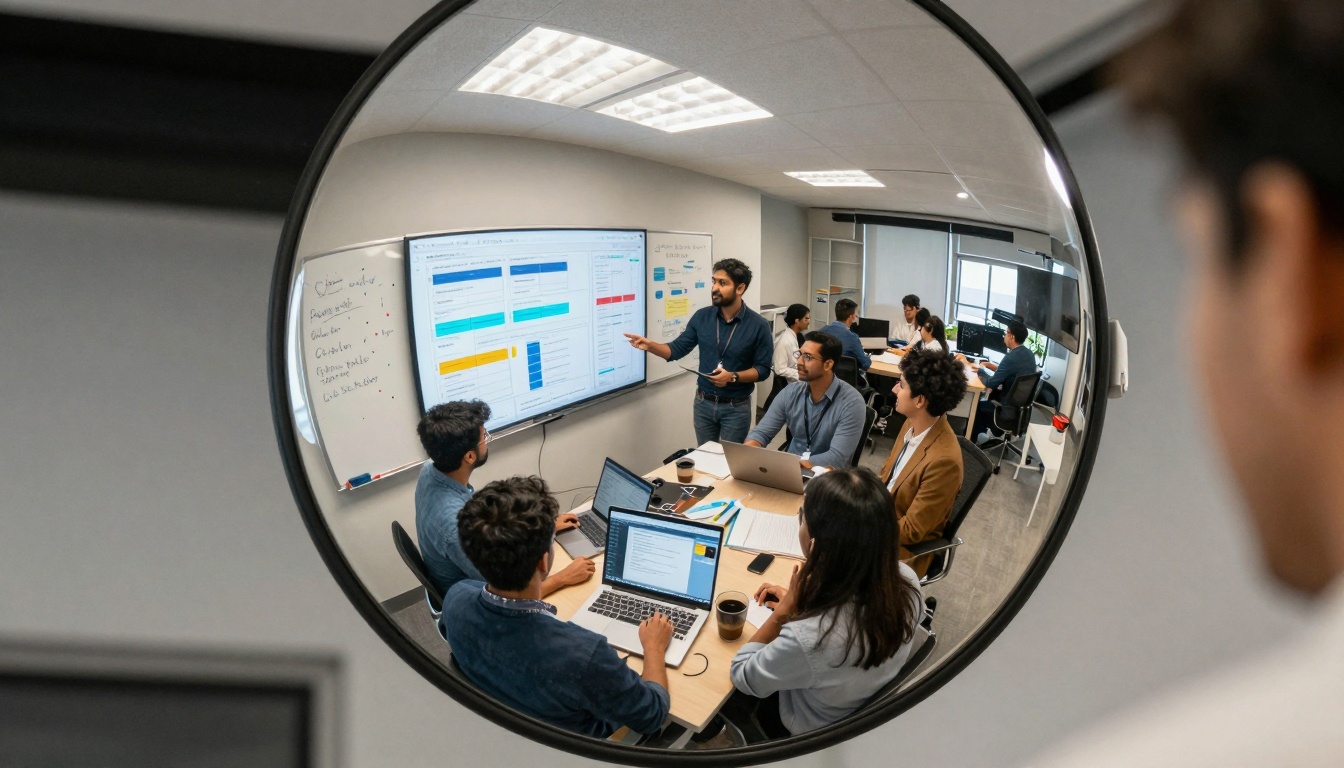
Creative composition shows collaborative dynamics in team environments
What Comes Next: Beyond 2027
The tools available today represent progress, not endpoints. Several developments already show where creative AI moves next.
Real-Time Collaboration
Current tools work sequentially: generate, review, revise. Next-generation tools work interactively: adjust parameters and see immediate updates, collaborate with AI in real-time creative sessions.
Implication: Brainstorming sessions with AI as active participant rather than passive tool. Iterative design with instant visual feedback.
Cross-Modal Understanding
Tools that understand connections between different media types: generate music that matches visual mood, create visuals that complement written tone, produce writing that aligns with audio atmosphere.
Creative potential: Cohesive multimedia experiences rather than separate assets. Consistent emotional tone across different expression forms.
Personalized Style Adaptation
AI that learns individual creative styles and applies them consistently. Not just mimicking famous artists - understanding your unique aesthetic and helping develop it further.
Artistic development: Tools that help creators find their voice rather than imposing predetermined styles. Collaborative development of signature approaches.
Getting Started: Practical First Steps
Overwhelm often comes from trying everything at once. A structured approach yields better results than random experimentation.
Week 1: Choose one tool category matching your primary work. Master its basic functions. Produce three actual projects with it.
Week 2: Integrate the tool into your existing workflow. Identify time savings and quality improvements. Document the process.
Week 3: Add a second tool from a complementary category. Explore how they work together. Create something requiring both.
Week 4: Evaluate results. Adjust approach based on what worked. Share experiences with other creators.
The tools exist. They're free. They work. The only question remaining: what will you create with them?
Try generating your first image with Flux 2 Klein 4B today. Describe something you've wanted to visualize but lacked the technical skills to create. See what emerges. Then iterate. Refine. Explore. The creative process just became more accessible than ever before.


