The internet is flooded with AI image generators, but only a handful truly deliver when it comes to adult content. If you are searching for free AI tools for creating adult images online, the good news is that the barrier to entry has never been lower. From photorealistic glamour portraits to suggestive artistic photography, today's models can produce results that would have required a professional studio just five years ago. The question is not whether AI can do it. It is knowing which tools to reach for and how to get the most out of them without paying a subscription fee.
What Makes a Good Adult AI Image Generator
Photorealism vs. Artistic Style
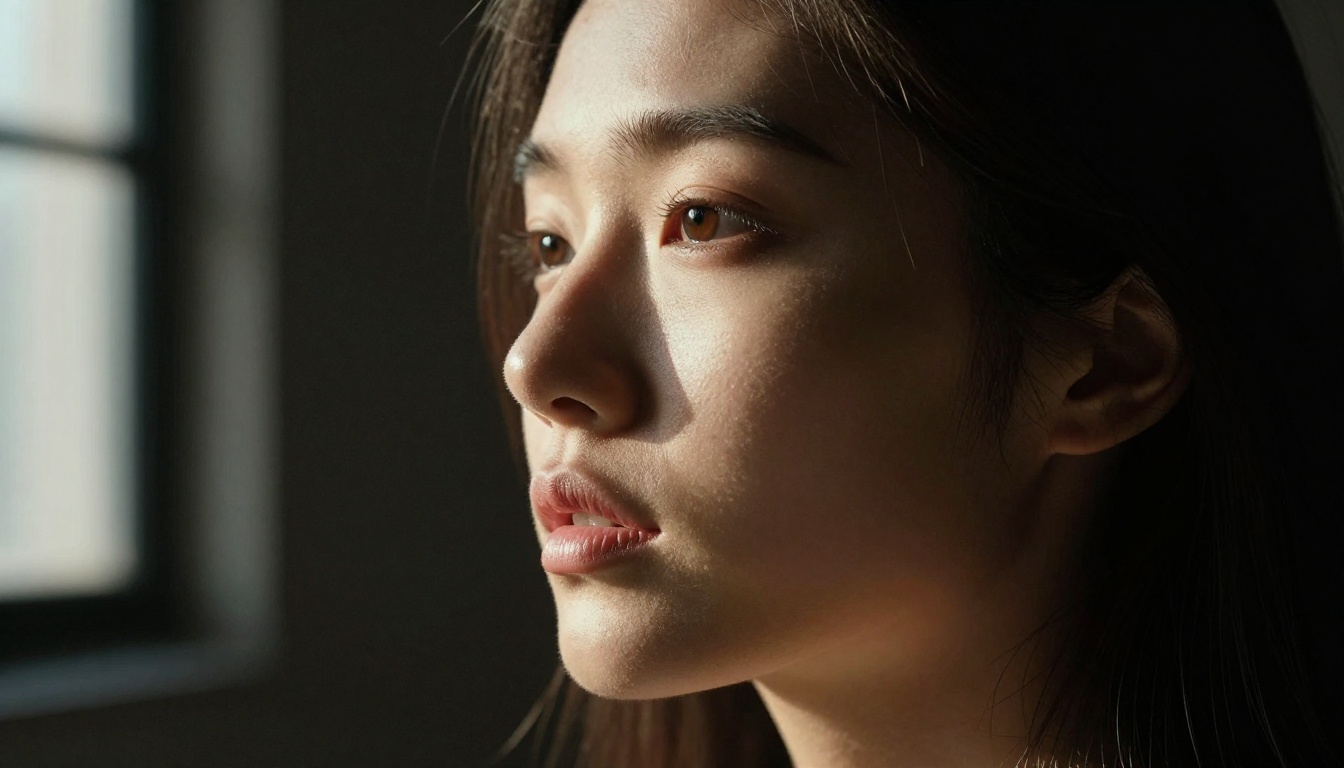
Not all AI image tools are created equal, and the difference becomes obvious fast when generating adult content. Some models specialize in hyperrealistic skin texture, natural lighting, and anatomically accurate proportions. Others lean toward stylized, painterly aesthetics that work beautifully for glamour art but miss the mark for photography-style realism.
For NSFW AI art that looks like it came from a professional shoot, you need a model trained on photographic data. One that understands how light falls on skin, how fabric drapes on a body, and how to render fine detail like hair strands, skin pores, and jewelry reflections. The best free adult AI image generators use diffusion models with photorealism-specific fine-tuning, and that distinction matters enormously in practice.
A stylized model might produce beautiful results for illustrated adult content. A photorealistic model trained on actual photography data produces output that reads as genuine camera work. For most adult content creators, the latter is what they are after, and that is where this article focuses.
The Role of Free Tiers
Many platforms offer free credits or free-tier access that lets you generate a meaningful number of images without a subscription. The trick is knowing which platforms give you access to their best models on the free tier versus gatekeeping quality behind a paywall. Several of the models covered below are genuinely free to use at full quality on PicassoIA's platform, with no credit card required to start.
Free tiers work well for creative testing, prompt development, and producing smaller batches of content. Once your workflow is established, you can decide whether an upgrade makes sense for your volume.
Top Free Models for Realistic Adult Images
Flux 1.1 Pro Ultra
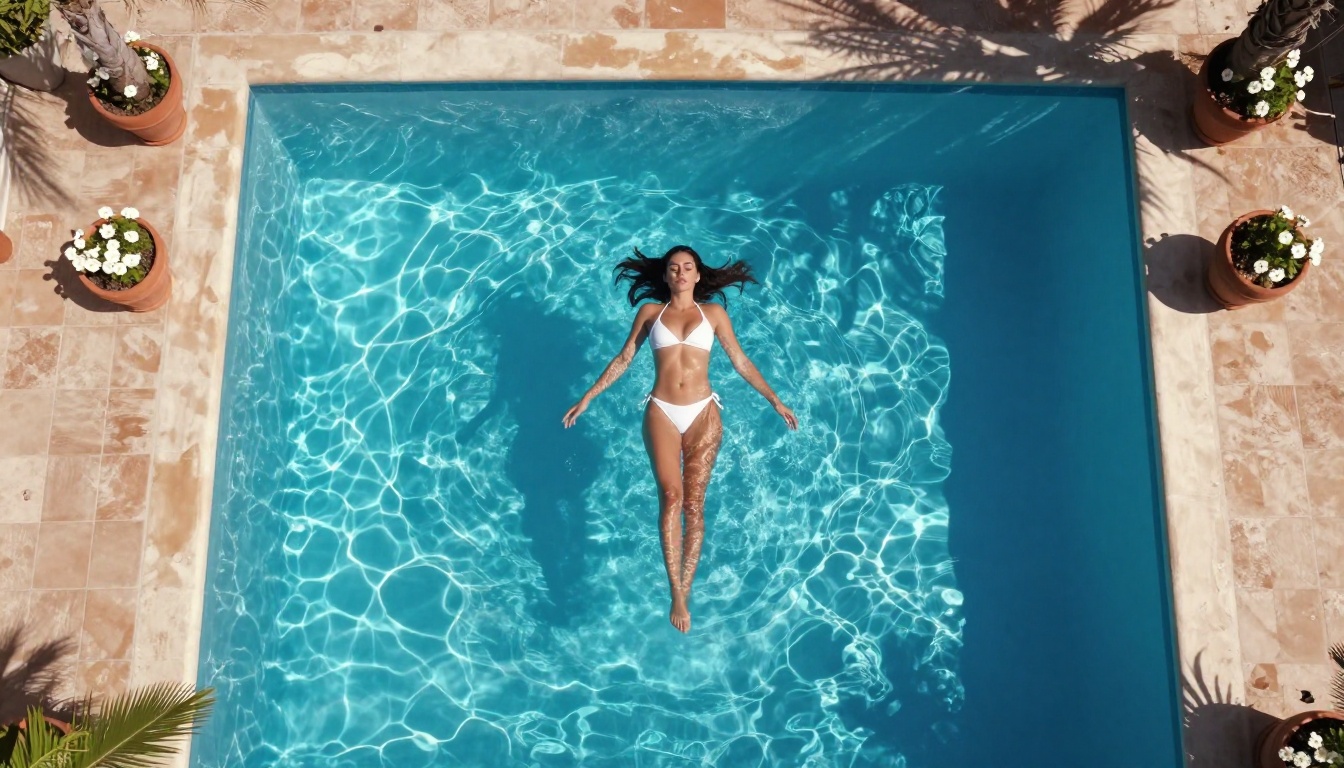
Flux 1.1 Pro Ultra is widely regarded as one of the most capable text-to-image models available today. It produces ultra-realistic female portraits with exceptional skin texture, accurate anatomy, and natural lighting response. When generating suggestive or adult-leaning content, Flux 1.1 Pro Ultra handles nuanced prompts with precision, delivering results that look genuinely photographic.
The model excels at long, detailed prompts. The more you describe, including lighting direction, camera lens focal length, fabric texture, and environmental details, the more photorealistic the output becomes. It is particularly strong at rendering the micro-details that separate believable photography from obvious AI output: the way light catches fine hair at the edges of a silhouette, the natural variation of skin tone across different body areas, the subtle texture of fabric under directional light.
For anyone serious about producing free adult AI art at a professional quality level, Flux 1.1 Pro Ultra is the starting point.
Flux Dev
Flux Dev offers a strong balance between generation speed and output quality. It is the developer-accessible variant of the Flux family, making it popular for users who want consistent results across multiple generations. For AI glamour photography, Flux Dev responds well to prompts that specify camera aperture, lighting color temperature, and film stock references.
Tip: Adding "Kodak Portra 400, film grain, 85mm f/1.8" to any Flux Dev prompt dramatically increases the photorealistic quality of skin tones and depth of field rendering. Film stock references tell the model to interpret colors and contrast in a photographic rather than digital way.
Flux Pro
Flux Pro sits between Flux Dev and Flux 1.1 Pro Ultra in terms of capability. It is a strong choice for generating realistic AI adult images where you want the Flux architecture's photorealism without the premium tier's processing demands. For bikini photography, lingerie shots, and glamour portraiture, Flux Pro produces clean, detailed results with natural proportions and accurate lighting behavior.
Realistic Vision v5.1
Realistic Vision v5.1 is a community favorite specifically fine-tuned for realistic AI female portraits. It handles skin texture better than most base models and produces natural-looking results without over-smoothing or artificial sheen. This model is particularly strong for close-up portrait work, jewelry photography, and glamour shots in natural lighting conditions.
What makes Realistic Vision v5.1 stand out is its training emphasis on photographic realism at the detail level. It consistently renders natural skin imperfections, realistic eye reflections, and organic hair behavior in ways that competing models often miss.
RealVisXL v3.0 Turbo
For users who need speed without sacrificing quality, RealVisXL v3.0 Turbo delivers. Built on the SDXL architecture with photorealism-specific training, it generates high-quality adult AI images faster than most comparable models. The turbo designation means fewer inference steps, which translates to quicker results while maintaining the core photographic quality the model is known for.
RealVisXL Turbo works particularly well for rapid prompt iteration, where you want to test five or ten variations of a prompt quickly before committing to a higher-quality final generation.
How to Use Flux Dev on PicassoIA
PicassoIA has Flux Dev available with free credits, making it one of the most accessible entry points for generating free adult AI art without any technical setup or local installation.
Step 1: Open the Model Page
Navigate to the Flux Dev model page on PicassoIA. You will see the prompt input field, aspect ratio controls, parameter sliders, and a real-time preview area. No account is required for your first generations on the free tier.
Step 2: Write a Detailed Prompt
Prompt quality is everything. A weak prompt produces mediocre results regardless of which model you use. Structure your prompts using this format:
Subject + Pose or Action + Environment + Lighting + Camera Specs + Film Stock
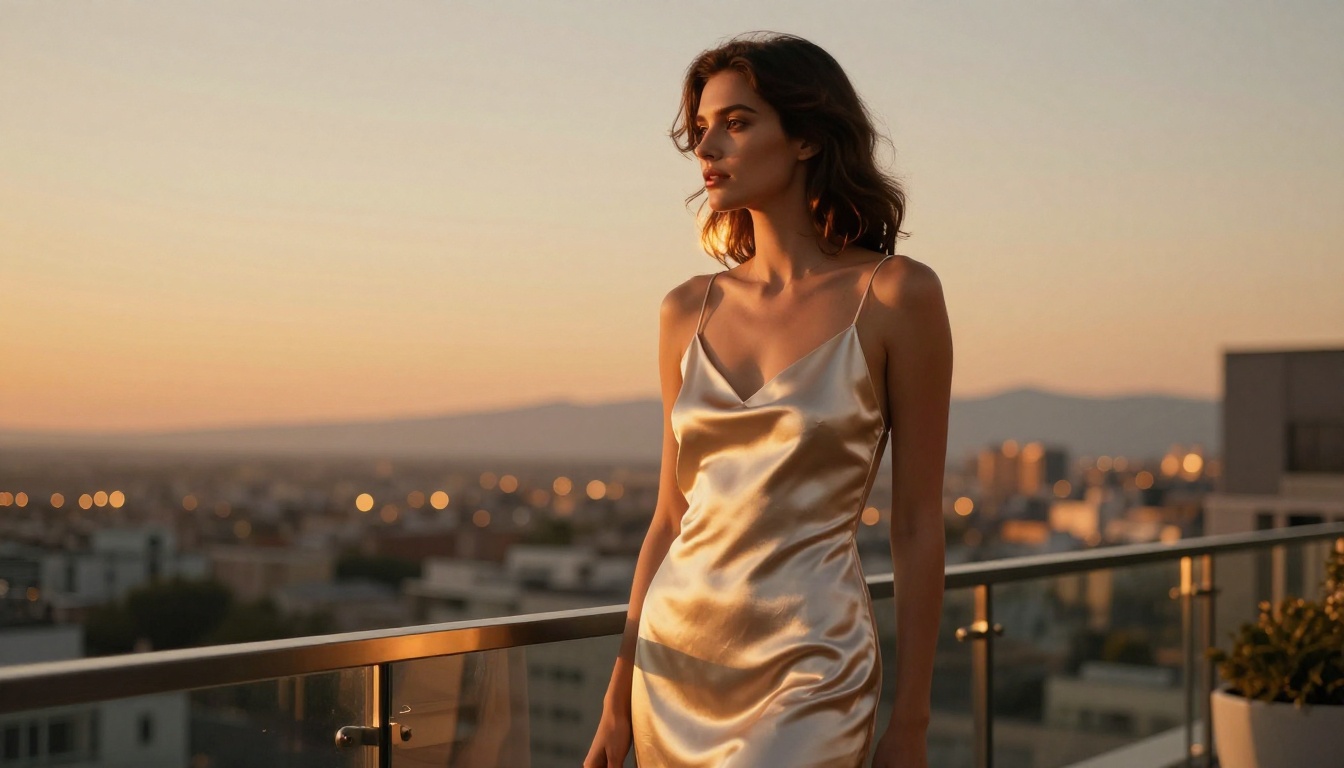
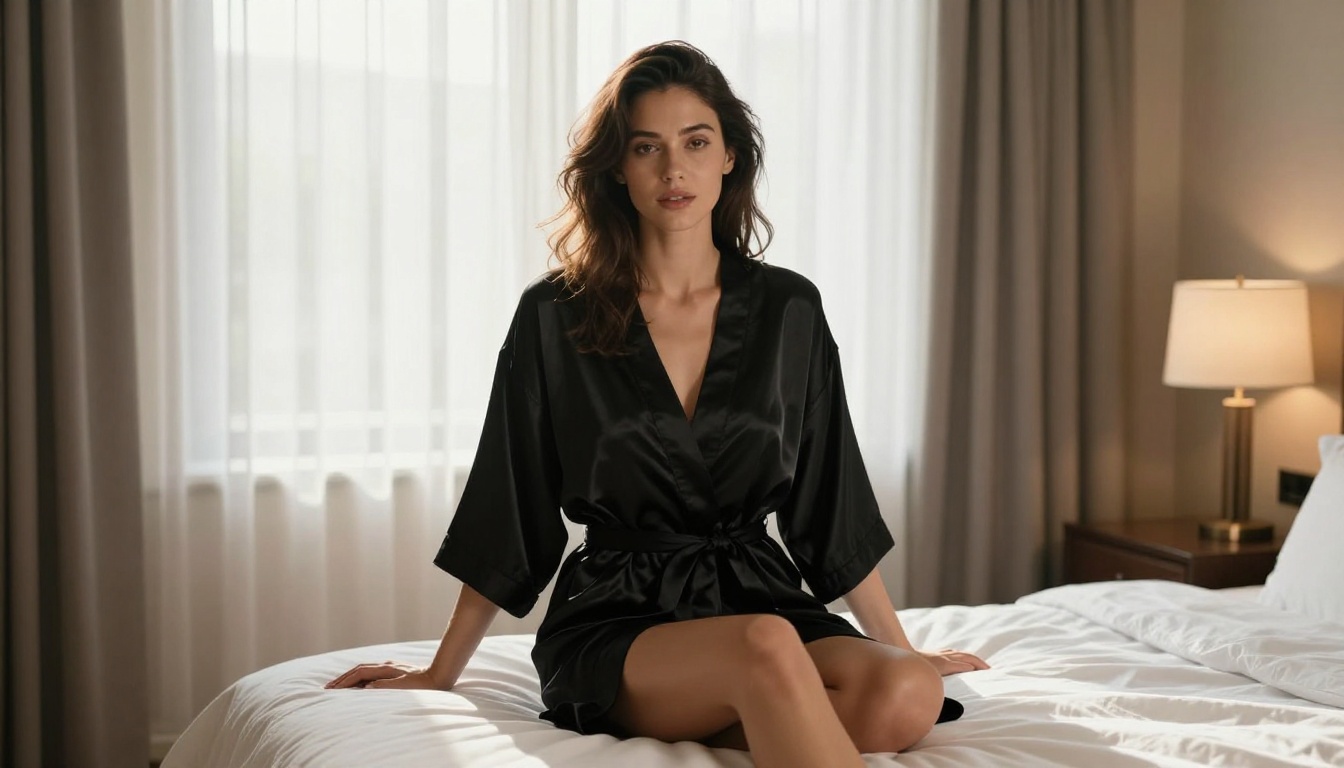
Example: "A beautiful woman in her late twenties wearing a black silk robe, sitting on a white linen bed, soft morning light filtering through sheer curtains creating a warm backlight halo, 50mm f/2.0 lens, Kodak Portra 400 film grain, photorealistic 8K RAW"
The more specific each element, the more control you have over the output. Vague prompts produce average results. Specific prompts that describe the physical world in photographic terms produce images that look like they were shot on camera.
Step 3: Set Your Parameters
Flux Dev responds well to these settings for adult glamour photography:
| Parameter | Recommended Value |
|---|
| Steps | 28 to 35 |
| CFG Scale | 3.5 to 4.5 |
| Aspect Ratio | 16:9 |
| Sampler | DPM++ 2M Karras |
| Width | 1344px |
| Height | 768px |
Step 4: Iterate and Refine
Your first generation is a draft. Use it to identify what the model is emphasizing and what needs adjustment. Add or remove prompt elements based on what you see. Small changes in lighting description or camera angle often produce dramatically different character and mood. The best results come from five to ten iterations of a strong base prompt, not from a single first attempt.
Prompt Engineering for Adult Images
What to Include in Every Prompt
The difference between a mediocre AI adult image and a stunning one almost always comes down to the prompt. Here is what separates professional-quality results from average outputs:
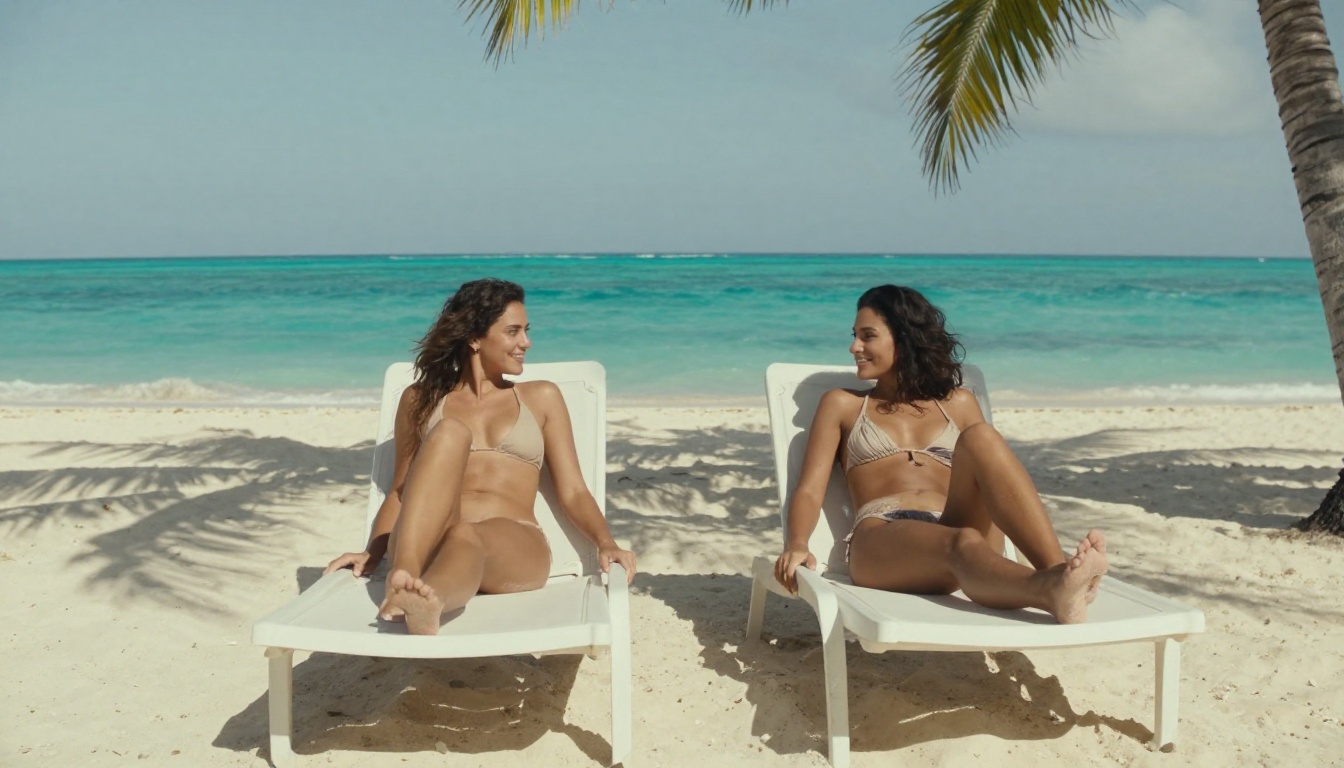
- Lighting specifics: "volumetric golden hour light from the left at 4500K" beats "good lighting" in every single test
- Camera lens details: "85mm f/1.4 shallow depth of field" tells the model exactly what bokeh and subject compression to apply
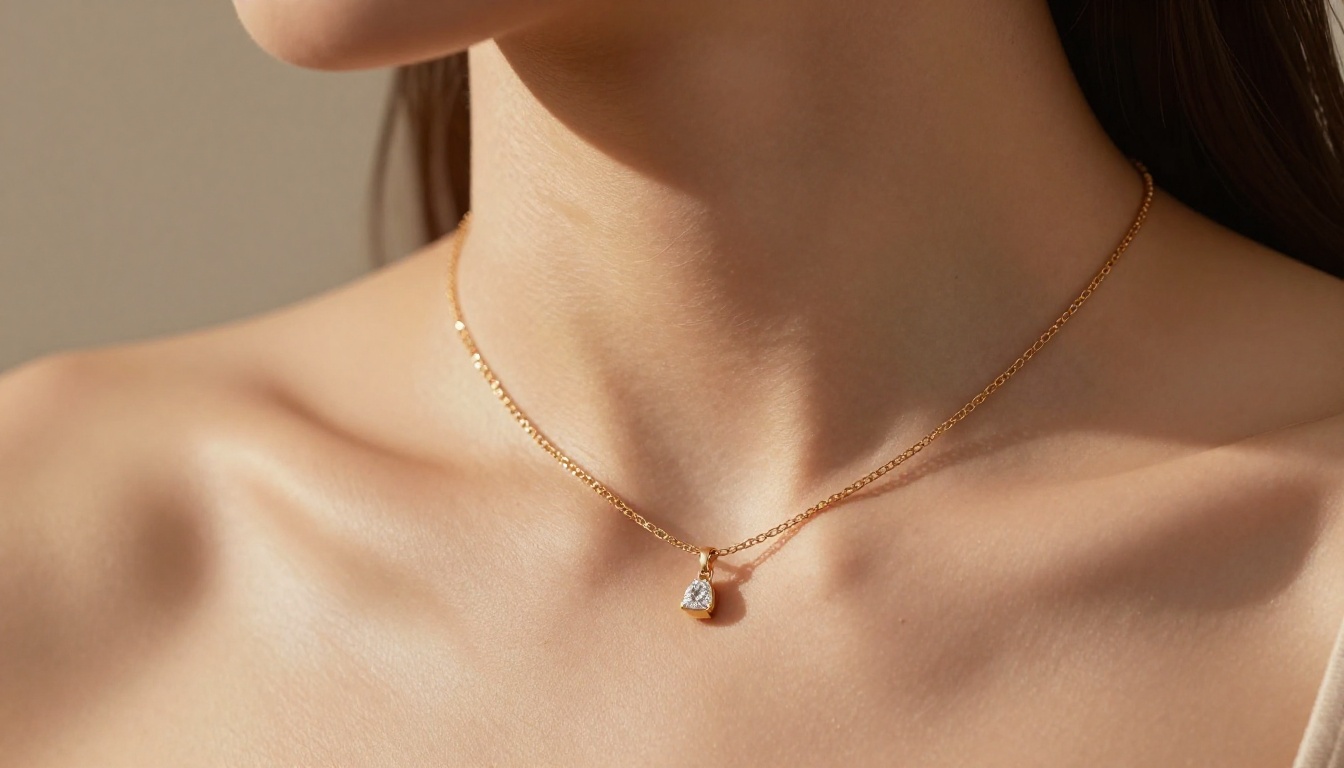
- Skin texture cues: "natural pores, subtle sun freckles, realistic skin color variation" prevents the over-smoothed plastic look common in AI images
- Film stock references: "Kodak Portra 800, Fuji Velvia 50, or Kodak Ektar 100" shifts the color science toward natural photography and away from digital sterility
- Environment details: A specific setting, terrace, beach, bedroom, studio, grounds the image in believable physical space
- Subject details: Age range, hair length and color, clothing material and color, jewelry, natural expression
Common Mistakes That Kill Quality
Over-specifying the face. Adding too many specific facial details often confuses the model. Let it interpret general descriptors like "natural beauty, relaxed expression, minimal makeup" rather than listing precise measurements.
Ignoring environment. Adult AI images with blank or abstract backgrounds look disconnected and artificial. Adding a real environment anchors the subject in believable space and dramatically increases the sense of photographic realism.
Skipping lighting direction. Flat, directionless lighting is the fastest way to kill realism. Always specify where the light comes from, its color temperature, and its quality (hard sunlight, soft diffused window light, warm studio lamp).
Using generic descriptors. Words like "beautiful," "sexy," and "stunning" are processed as very low-weight signals by most models. Replace them with specific physical and environmental descriptions that imply what you want without relying on vague adjectives.
Free vs. Paid: What You Actually Get
Free Tier Limitations
Free tiers on most AI image platforms typically include:
- Resolution caps: Free generations often max out at 768px or 1024px. For printing or large-screen display work, you need higher resolutions that usually require paid access.
- Slower queue priority: Free users wait longer for generations to process during peak platform hours, which can slow iterative workflows.
- Watermarks: Some platforms watermark free-tier outputs, limiting usability for commercial or professional applications.
- Daily generation limits: Anywhere from 5 to 25 free generations per day depending on the platform and model.
- Model selection restrictions: Premium models are often reserved for paid tiers, leaving free users with older or less capable versions.
PicassoIA's free tier gives access to a solid selection of models at respectable quality, making it a practical starting point before committing to a subscription. The platform's collection includes over 91 text-to-image models, many of which are accessible without payment.
When to Upgrade
Paid tiers make sense if you are generating more than 30 images per day, require 4K or 8K resolution outputs for commercial use, need consistent priority queue access, or want watermark-free results for professional work. For casual creators and people testing workflows, free tiers cover the majority of needs and provide genuine access to serious model quality.
Super Resolution for Detail Enhancement
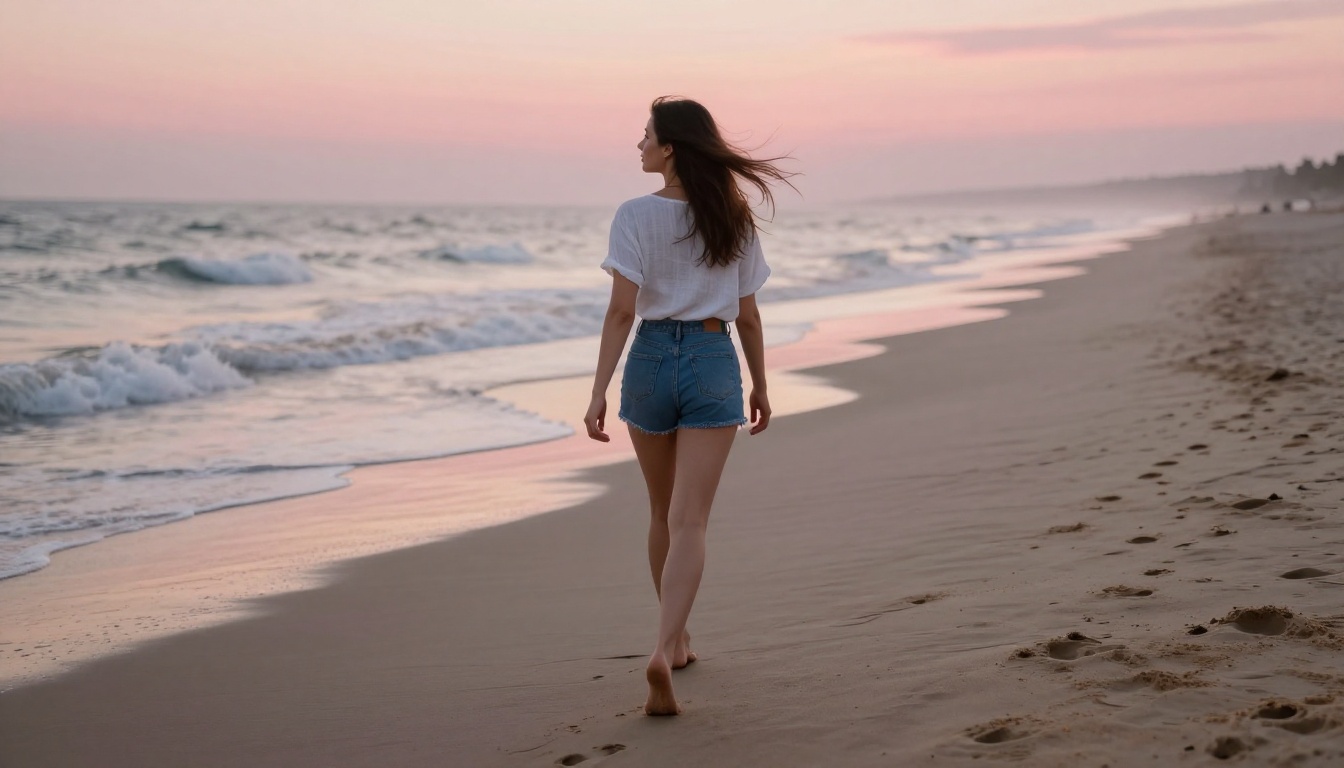
Generating an image is step one. Getting it to print or large-screen quality often requires upscaling. Super resolution models on PicassoIA upscale images 2x to 4x while adding detail rather than simply stretching pixels. For adult AI images where skin texture detail matters, running a completed generation through a super resolution model is often the difference between a good image and one that holds up at full size. The upscaled result recovers fine pore detail, sharpens hair strands, and adds depth to fabric textures that the base generation may have softened.
Face Swap for Personalization
For creators building specific recurring characters or maintaining visual consistency across a series of images, face swap tools allow realistic face replacement without visible seaming. The process works best when you match lighting conditions between your source face reference and the generated body, and when both images share similar head angles and skin tone characteristics.
Image Editing and Inpainting
Once you have a strong base generation, inpainting tools let you adjust specific areas without regenerating the entire image. Fix an awkward hand, adjust a fabric detail, replace a background element, or add accessory details to an otherwise complete image. For adult content creators who need precise control over final results, inpainting is an essential part of the production workflow.
SDXL and Stable Diffusion for Adult Content
SDXL Lightning 4Step
SDXL Lightning 4Step from ByteDance is one of the fastest high-quality text-to-image models available. It completes generation in just four inference steps while maintaining the full SDXL architecture's capability for detailed outputs. For users who need rapid iteration when testing adult AI image prompts, this model cuts experimentation time dramatically. The trade-off is slightly reduced fine detail compared to full-step models, but for concept validation and prompt development it is excellent.
DreamShaper XL Turbo
DreamShaper XL Turbo sits in an interesting middle ground between raw photorealism and stylized glamour art. It produces images with a polished, slightly elevated aesthetic that works particularly well for editorial-style adult content. Think high-fashion magazine photography rather than raw documentary realism. Skin tones are warm and luminous, lighting is flattering, and compositions tend toward the visually harmonious rather than strictly documentary.
Stable Diffusion 3.5 Large
Stable Diffusion 3.5 Large represents the current state of Stability AI's flagship text-to-image architecture. It handles complex prompts with multiple subjects, specific environments, and detailed lighting setups more reliably than earlier SD versions. The model shows significant improvement in anatomy accuracy, which matters considerably for adult AI image generation where proportional realism is critical. It also performs well with complex fabric descriptions, rendering silk, satin, and lace with realistic sheen and texture behavior.
SDXL Base
SDXL remains one of the most versatile and widely-used models for free adult AI art due to its extensive community fine-tunes and LoRA ecosystem. The base model handles most adult content prompts well, and its strong community support means there are thousands of tested prompt templates available for reference.
Comparing the Top Models at a Glance
What You Can Create Right Now
The range of content these free AI tools for adult images can produce is broader than most people realize. Beyond simple portraits, the same models that generate glamour photography can also produce:
- Editorial fashion shoots: Models in designer clothing within architectural or natural settings, matching the quality of professional catalog photography
- Artistic implied nudity: Tasteful, aesthetically-driven compositions that prioritize beauty and form over explicitness
- Lifestyle photography: Candid, natural scenes with a sensual but not explicit tone, ideal for content creators building personal brand imagery
- Beauty and body photography: Focused close-ups of skin, hair, jewelry, and form, using macro-style prompts to achieve extreme detail
- Glamour portraits: Studio-style images with controlled lighting, classic poses, and high production value aesthetics

The photorealistic quality of current models means that AI glamour photography can pass for professional studio work when prompts are crafted carefully. The combination of strong base models like Flux and Stable Diffusion with thoughtful prompt engineering is genuinely powerful, and the fact that this capability is available for free is a significant shift from where things stood even two years ago.
Tip: Start with simple, well-structured prompts and add complexity gradually. A clear, direct 50-word prompt with specific lighting and camera details often outperforms a vague 200-word one filled with adjectives.
Start Creating Your Own Images
Every model discussed in this article is accessible on PicassoIA without a credit card. The platform's text-to-image collection gives you direct access to Flux, Realistic Vision, SDXL, DreamShaper, and dozens of other models in one place, with no local installation or technical setup required.
Start with Flux Dev or Realistic Vision v5.1. Write a detailed prompt using the structure outlined above, with a specific subject, environment, lighting direction, and camera lens. Generate your first image, assess what the model emphasized, and iterate from there. The workflow builds quickly once you understand how photographic descriptors translate into model behavior.
What separates creators who get stunning results from those who get mediocre ones is not the model choice. It is the quality and specificity of the prompt. Once you internalize that principle, every model in this list becomes significantly more powerful. The tools are free. The results depend entirely on how well you describe the world you want to create.


