Visual content creation has transformed completely in the last two years. What used to require expensive software suites, professional training, and hours of manual work now happens with a few text prompts and clicks. The barrier to entry has disappeared—quality AI tools for images and videos are accessible to everyone, completely free.
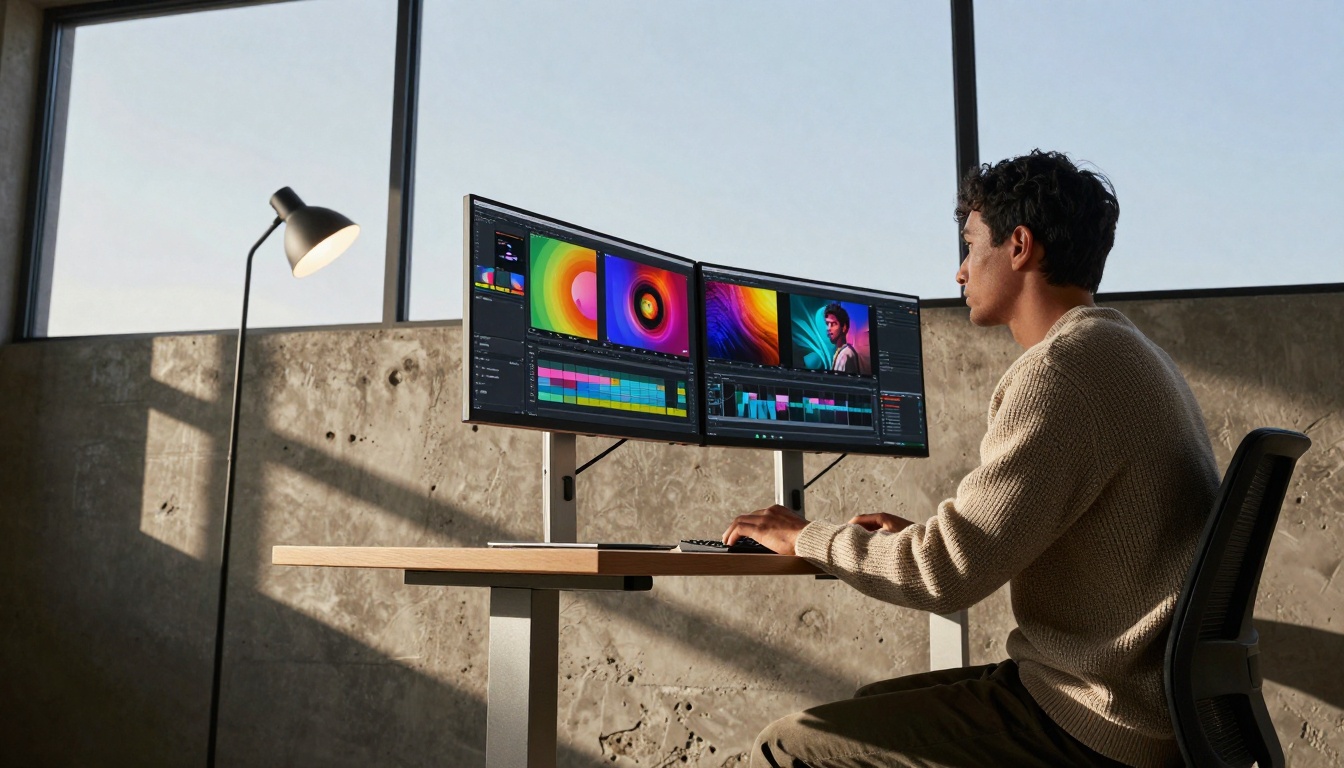
The landscape changed when AI image generation moved from research labs to consumer applications. Previously, creating professional visuals required either hiring designers or learning complex software like Photoshop. Now, anyone with an internet connection can generate stunning images in seconds.
💡 Key Shift: Free AI tools democratize visual content creation. Small businesses, content creators, and individuals now compete with established brands using the same technology.
Three factors drive this accessibility:
- Competition Between AI Companies – Major players offer free tiers to attract users
- Open Source Models – Community-driven development reduces costs
- Hardware Improvements – Cloud computing makes AI processing affordable
The result? You no longer need to choose between quality and budget.
Several platforms offer completely free image generation with impressive results. Each has different strengths:
| Platform | Best For | Daily Limit | Image Quality |
|---|
| PicassoIA (flux-2-klein-4b) | Realistic portraits, commercial use | 20 images | Professional |
| PicassoIA (p-image) | Fast generation, variety | 15 images | High |
| PicassoIA (gpt-image-1.5) | Detailed prompts, complex scenes | 10 images | Excellent |
| PicassoIA (qwen-image-2512) | Artistic styles, creative work | Unlimited* | Very Good |
*Some platforms offer unlimited generation with watermarks or slower processing.

Practical Tip: Start with PicassoIA's flux-2-flex for balanced results across different styles. It handles everything from product photos to abstract art without requiring specialized knowledge.
Video creation presents different challenges than images—timing, motion, and audio synchronization matter. Free AI video tools have matured significantly:
Text-to-Video Platforms:
- PicassoIA (kling-v2.6) – High-quality narrative videos
- PicassoIA (seedance-1.5-pro) – Smooth motion, character animation
- PicassoIA (veo-3.1) – Realistic environments, natural movement
Image-to-Video Tools:
Video Editing Assistance:
- PicassoIA (trim-video) – Basic editing without software
- PicassoIA (autocaption) – Automatic subtitles for accessibility
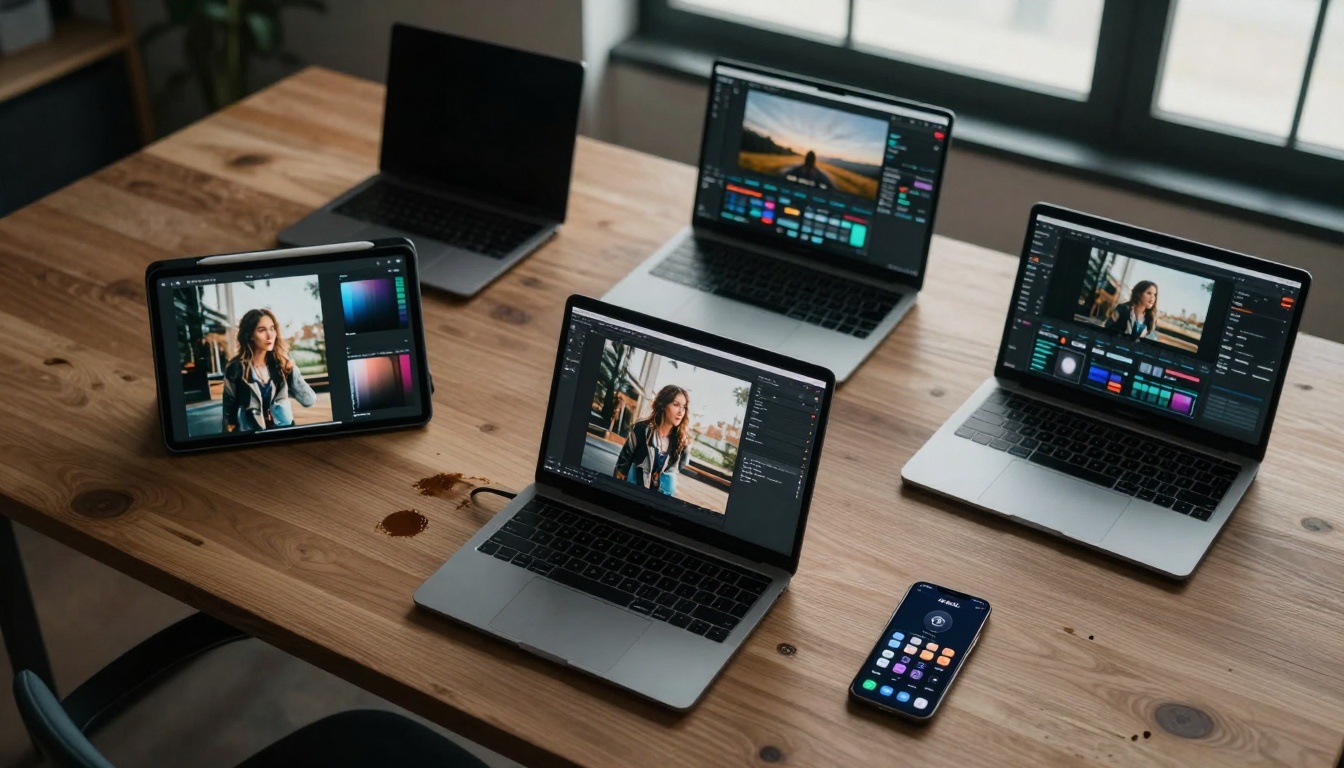
💡 Workflow Strategy: Generate images with PicassoIA's flux-2-pro, then animate them using wan-2.5-i2v. This two-step approach often yields better results than direct text-to-video generation.
The biggest advantage of modern AI platforms? Everything in one place. You don't need different accounts, subscriptions, or learning curves for each tool.
Integrated Platform Benefits:
- Unified Interface – Learn one system instead of five
- Consistent Results – Style transfer works better within same ecosystem
- Workflow Efficiency – No file format conversions or compatibility issues
- Cost Management – One free tier instead of multiple limited accounts
PicassoIA Example Workflow:
- Generate background image with seedream-4.5
- Create product image with nano-banana-pro
- Combine elements using p-image-edit
- Animate final composition with hailuo-2.3
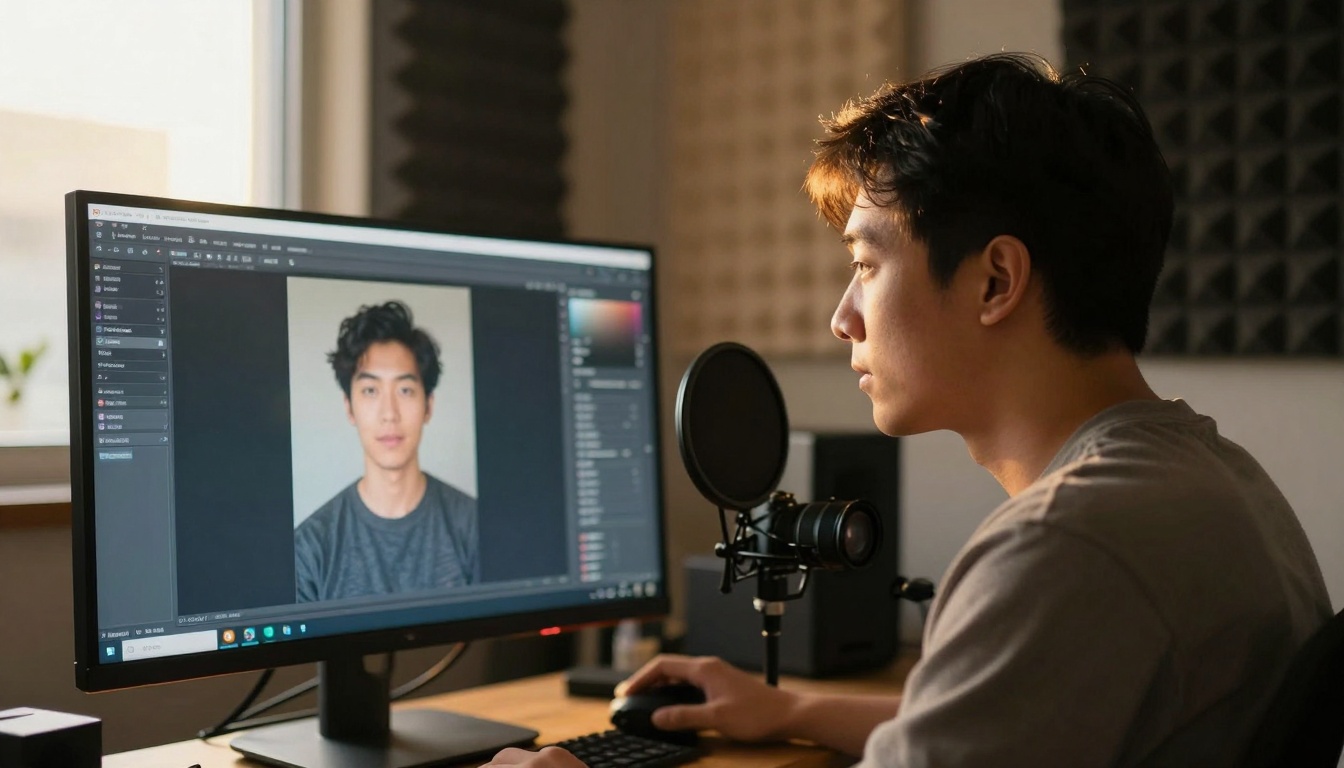
Free doesn't mean inferior. Modern AI tools achieve professional quality even at no cost. Understanding what's possible helps set realistic expectations:
Image Generation Quality:
- Resolution: 1024x1024 to 2048x2048 pixels
- Detail: Professional product photography level
- Style Consistency: Maintains chosen aesthetic throughout series
- Coherence: Objects make logical sense in composition
Video Generation Quality:
- Duration: 3-10 seconds typically
- Resolution: 480p to 720p for free tiers
- Motion Smoothness: Natural movement without artifacts
- Temporal Consistency: Objects remain stable between frames
Realistic Benchmark: Free AI tools now match what paid services offered 12-18 months ago. The gap continues narrowing monthly.
Workflow Optimization Tips
Efficiency matters when working with free tools that may have usage limits. These strategies maximize output:
Batch Processing Approach:
- Plan prompts in advance – Write 5-10 variations before starting
- Generate multiple images simultaneously – Use different tools for different needs
- Edit in batches – Apply similar edits to multiple images at once
- Schedule video generation – Longer processes can run during off-hours
Prompt Optimization Techniques:
- Specificity beats creativity – "A leather journal on oak desk" works better than "cool notebook"
- Reference existing styles – "In the style of National Geographic photography"
- Include technical details – "85mm lens, f/2.8, shallow depth of field"
- Use negative prompts – "No text, no watermark, no distortion"
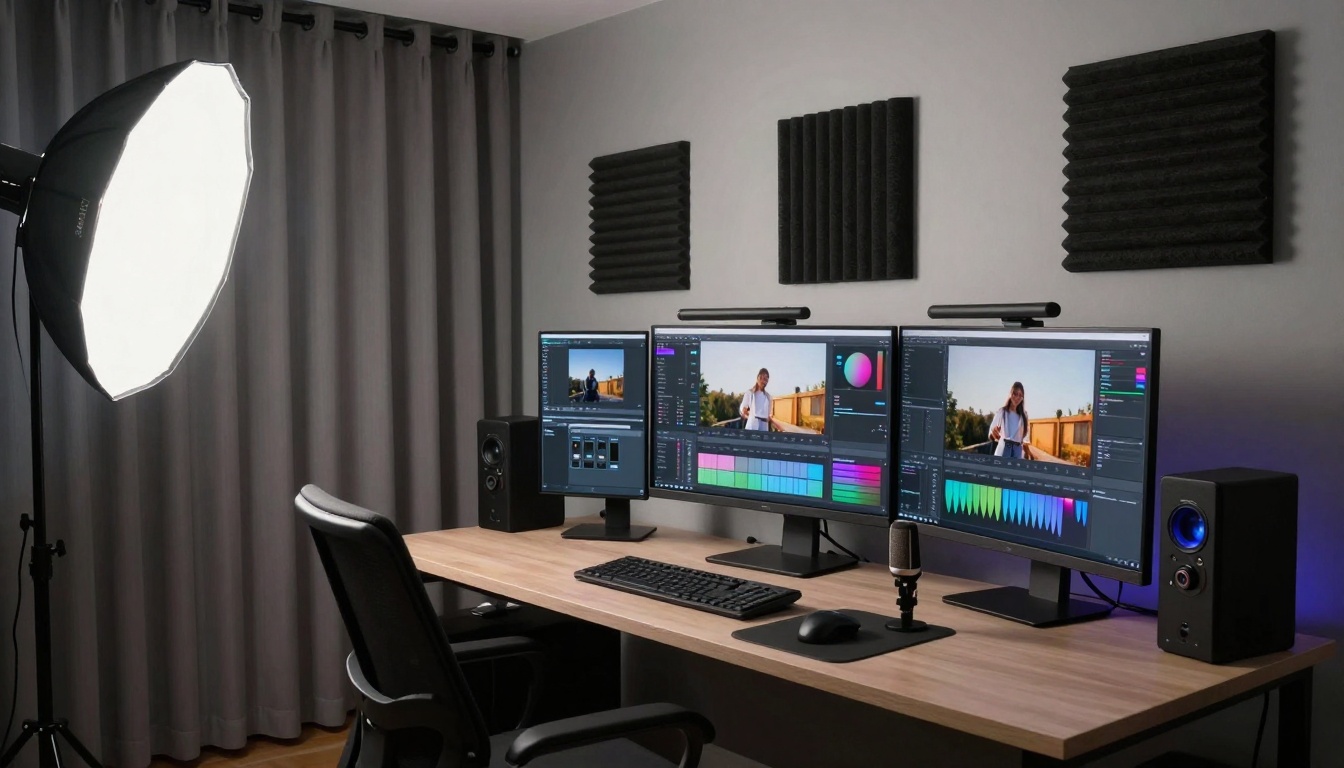
Tool Selection Strategy:
Common Limitations and Workarounds
Every free tool has constraints. Smart users work around them rather than complaining:
Daily Limit Solutions:
- Rotate between platforms – Use different tools on different days
- Prioritize quality over quantity – Fewer excellent images beat many mediocre ones
- Combine free tiers – Multiple accounts if allowed by terms
Resolution Limitations:
- Upscale later – Use PicassoIA's real-esrgan or increase-resolution
- Generate at maximum size – Don't waste prompts on small outputs
- Tile generation for larger images – Create sections and combine manually
Style Consistency Challenges:
- Save successful prompts – Document what works for each tool
- Create style guides – Reference images for consistent aesthetic
- Use seed values – When available, for reproducible results
Getting Started with Minimal Investment
Beginner mistakes cost time and waste limited free generations. This approach minimizes frustration:
Week 1: Foundation Building
- Create accounts on 2-3 platforms (PicassoIA recommended)
- Generate 5 test images with each tool
- Compare results, note which tool fits your style
- Save 3-5 successful prompts as templates
Week 2: Skill Development
- Attempt simple video generation
- Practice image editing with qwen-image-edit-plus-lora
- Create a complete project (social media post with image and video)
- Document time investment vs output quality
Week 3: Workflow Optimization
- Establish daily routine for content creation
- Build prompt library for frequent use cases
- Test batch processing techniques
- Evaluate which tools deserve premium consideration
Week 4: Production Scaling
- Schedule content creation in advance
- Develop quality control checklist
- Create templates for recurring projects
- Measure efficiency improvements

Production-Ready Results Today
The technology has reached the point where free AI tools produce commercially viable content. Social media managers, small business owners, and content creators use these tools for actual client work.
Success Indicators:
- Time reduction – Projects completed in hours instead of days
- Cost elimination – No software subscriptions or stock photo purchases
- Quality consistency – Brand aesthetics maintained across all content
- Scalability – Content production increases without proportional time increase
Current Reality: A solo creator with free AI tools now outputs more quality content than a small team could produce manually two years ago.
Technical Considerations for Professional Use
Even free tools require some technical understanding for best results:
File Management:
- Organize by project and date
- Maintain metadata (prompts, tools used, settings)
- Backup successful generations separately
Quality Control:
- Check for artifacts, distortions, logical errors
- Verify resolution matches requirements
- Ensure color consistency across series
Legal Considerations:
- Review platform terms for commercial use
- Understand copyright implications
- Document tool usage for client transparency
Performance Monitoring:
- Track which prompts yield best results
- Measure generation time vs quality trade-offs
- Identify most reliable tools for critical projects
Current trends suggest free access will expand rather than contract:
- More specialized free tools – Niche applications emerge
- Improved integration – Seamless workflows between image and video
- Higher quality ceilings – Free tools approach premium quality
- Better user experience – Simplified interfaces for beginners
Immediate Impact: Anyone can start creating professional visual content today without financial investment. The learning curve exists but has flattened significantly.
Your Next Steps with AI Content Creation
Stop researching and start creating. The tools work, the quality exists, and the cost barrier has disappeared.
Action Plan:
- Visit PicassoIA – Create free account
- Generate first image – Use flux-2-dev for reliable results
- Attempt first video – Try wan-2.5-t2v-fast for quick turnaround
- Combine both – Create simple social media post with image and short video
- Evaluate results – Compare to previous manual creation efforts
Measurement Metrics:
- Time investment per piece of content
- Quality compared to professional standards
- Client or audience feedback
- Production volume increase
The transformation happens through doing, not planning. Free AI tools for images and videos work right now, in this moment. Your content creation capability expands immediately upon starting.
Final Reality Check: Every major brand, agency, and successful creator uses these tools. The difference between amateur and professional isn't tool access—it's consistent application of available technology. Start applying today.


