The demand for free AI tools for NSFW art and images has surged dramatically over the past two years. What once required a professional photographer, a model, a studio, and expensive editing software can now happen in seconds through a text prompt. Millions of creators, artists, and curious users are generating images that were previously impossible without significant budget or technical skill. The question is no longer whether AI can produce stunning adult-oriented imagery, it can. The real question is which tools are actually worth your time, which are genuinely free, and how to use them to get results that look photorealistic instead of artificial.

What "NSFW Art" Actually Means in 2027
Beyond the binary
The term NSFW (Not Safe For Work) covers an enormous creative spectrum. At one end sits mildly suggestive content: swimwear photography, glamour portraits, boudoir imagery. At the other end sits explicit material. Most creators operate somewhere in the middle, producing art that is sensual and beautiful without crossing into explicit territory.
AI tools treat this spectrum differently. Some platforms apply heavy filters and refuse anything suggestive. Others maintain lighter restrictions while still upholding artistic boundaries. A smaller number offer near-complete creative freedom. Understanding where each tool sits on this spectrum saves hours of frustration and wasted generation credits.
The artistic tradition behind it all
Nudity and sensuality in art date back thousands of years. The Venus de Milo, Botticelli's The Birth of Venus, Rodin's sculptures. High art has always engaged with the human body as subject matter. AI image generation exists within this tradition, not outside it. The best NSFW AI art treats the human form with the same compositional care and aesthetic intentionality as classical fine art photography: attention to light, shadow, proportion, and emotional resonance.

Why Free Models Rival Paid Ones
The open-source revolution changed pricing
When Stability AI released Stable Diffusion in 2022, it fundamentally disrupted the AI image market. For the first time, a genuinely capable model was available to run locally or through free platforms with no watermarks, no subscription fees, and no usage caps. Black Forest Labs followed with Flux Dev, an open-weights model that rivals commercial offerings in raw image quality. These are not stripped-down trial versions. They are complete, powerful models that the community can fine-tune, modify, and deploy freely.
Free tier access points
Several platforms offer meaningful free access without requiring payment information:
- Browser-based generation with no software installation required
- API access for developers building their own applications and workflows
- Community platforms where free generations are funded through advertising or freemium models
- Local installation for users with capable graphics cards who want unlimited private generation
The trade-off: free tiers often mean slower generation times, queue positions, or resolution limits. For most creative use cases, these compromises are entirely acceptable.
Flux Dev: The open-weight champion
Flux Dev from Black Forest Labs has become the go-to model for creators wanting photorealistic results without hard restrictions. Its open weights mean it can be fine-tuned and deployed without API costs. The model produces exceptional skin texture, natural lighting response, and realistic body proportions that many closed commercial models still struggle to match.
Why it works for NSFW art:
- Superior anatomy and body proportion accuracy across poses
- Exceptional fabric texture rendering, silk, lace, cotton all behave differently
- Natural skin tones without the "plastic" sheen common in lesser models
- Strong prompt adherence for pose, expression, and compositional framing
Tip: When using Flux Dev, add detailed lighting descriptors. "Volumetric morning light from the left, f/1.8 bokeh, 85mm lens, Kodak Portra 400 grain" produces dramatically better results than simply appending "photorealistic" to your prompt.
Flux Schnell: Speed over perfection
Flux Schnell trades some quality for blazing generation speed, producing results in under five seconds. It is ideal for rapid prototyping: testing different poses, outfits, and compositions before committing to a higher-quality generation run. Think of it as a creative sketchbook, fast and frictionless. Generate 20 variations in the time it takes a standard model to produce one, then take the best concept to a premium model for final output.
Stable Diffusion 3.5 Large: Maximum control
Stable Diffusion 3.5 Large offers the most granular control of any free model. Its support for ControlNet means you can dictate exact pose structures using skeleton reference maps, dramatically reducing the anatomical errors that plague other models. For creators who want precise control over body positioning, limb placement, and spatial composition, this is the most reliable option in the free tier.
The Turbo variant sacrifices some fine detail for a 4x speed improvement, making it practical for iterative creative workflows where you need to generate and assess many options quickly.

SDXL and its specialized variants
SDXL remains relevant in 2027 despite its age, primarily because of the vast ecosystem of fine-tuned versions built on top of it. Realistic Vision v5.1 is one of the most downloaded SDXL fine-tunes in history, specifically optimized for photorealistic human subjects with strong skin texture rendering. DreamShaper XL Turbo blends realism with a cinematic quality that makes images feel like film stills rather than AI generations.
The RealVisXL v3.0 Turbo model deserves specific mention. Its training data weighting emphasizes skin texture, natural lighting response, and realistic fabric interaction, precisely the qualities that separate good AI art from genuinely convincing imagery. For portrait and boudoir style work, it consistently outperforms the base SDXL model.
Tip: SDXL-based models respond strongly to photographic reference descriptors. Include camera model, lens focal length, aperture, and film stock in your prompts for significantly better skin rendering.
Flux 1.1 Pro: Beyond Free Tiers
Flux 1.1 Pro and its Ultra variant represent the next quality tier. While not entirely free, many platforms offer a small number of Pro generations daily. For special projects where absolute image quality is non-negotiable, those credits are worth conserving and using intentionally.
Model Comparison at a Glance
Writing Prompts That Actually Work
The anatomy of a great NSFW prompt
Most people write prompts like search engine queries: "beautiful woman in bikini." This produces mediocre results. Exceptional AI art requires prompts structured like a film director briefing a cinematographer.
The four-part formula:
- Subject description: who they are, what they're wearing, their pose, expression, and gaze
- Environment: location, furniture, time of day, weather, surrounding objects
- Lighting: direction, quality, color temperature, shadow behavior, atmospheric effects
- Technical parameters: camera model, lens focal length, aperture, film stock, grain
Weak prompt: "Woman in lingerie on bed, photorealistic"
Strong prompt: "Woman in ivory silk slip dress reclining on rumpled white linen bed, morning light from east-facing window creating soft directional illumination, visible shadows folding across pillow fabric, her hair slightly disheveled across the pillow, expression sleepy and warm, looking toward camera, shot on Sony A7R V with 85mm f/1.4 GM lens, natural backlight creating shoulder halo, Kodak Portra 400 emulation, subtle film grain throughout"
The second prompt produces a fundamentally different class of image. The difference is not creativity. It is specificity.

Negative prompts: what to exclude
Negative prompts are equally important as positive ones. Common artifacts in AI-generated human images include:
- Extra fingers or malformed hands (still the most common failure point)
- Asymmetrical facial features and uneven eyes
- Plastic-looking skin without pore or texture detail
- Unnatural body proportions and elongated limbs
- Floating background elements and spatial incoherence
A solid negative prompt baseline for human subjects:
bad anatomy, extra limbs, deformed hands, extra fingers, fused fingers, watermark, blurry, oversaturated, plastic skin, cartoon, illustration, CGI, 3D render, text overlay, logo, artificial lighting, fake bokeh
Lighting descriptors that elevate everything
Photography lighting terminology dramatically improves AI image output. These descriptors consistently produce superior results:
- "Rembrandt lighting": Triangle of light on the shadowed cheek, dramatic and intimate
- "Golden hour backlight": Warm directional light from behind, semi-silhouette with glowing edges
- "Soft box from camera left": Evenly diffused studio light, minimal harsh shadows
- "Volumetric light rays": Visible light shafts through windows or parted curtains
- "Practical lights only": Lit exclusively by candles, bedside lamps, and ambient sources in scene

How to Use Flux Dev on PicassoIA
PicassoIA offers direct browser access to Flux Dev with no software installation required. Here is a step-by-step workflow that consistently produces high-quality results.
Step 1: Access the model
Navigate to Flux Dev on PicassoIA and open the generation interface. No subscription is needed for initial free-tier generations.
Step 2: Choose your aspect ratio
For full-body or environmental shots, 16:9 creates the most natural photographic framing. For close-up portraits, 3:4 or 2:3 produces better proportions for the human face. Avoid 1:1 square crops for full-body compositions as it forces awkward framing.
Step 3: Build a layered prompt
Use the four-part formula. Start with your subject description, add environmental context, specify lighting conditions in detail, then include technical camera parameters. Aim for 60 words minimum. Prompts under 30 words rarely produce consistently strong results with Flux models.
Step 4: Apply ControlNet for pose accuracy
For precise pose control without anatomical artifacts, use SDXL Multi ControlNet LoRA in conjunction with your primary generation. Upload a reference pose image and the model replicates body positioning while applying your prompt's subject and style characteristics.
Step 5: Upscale for final resolution
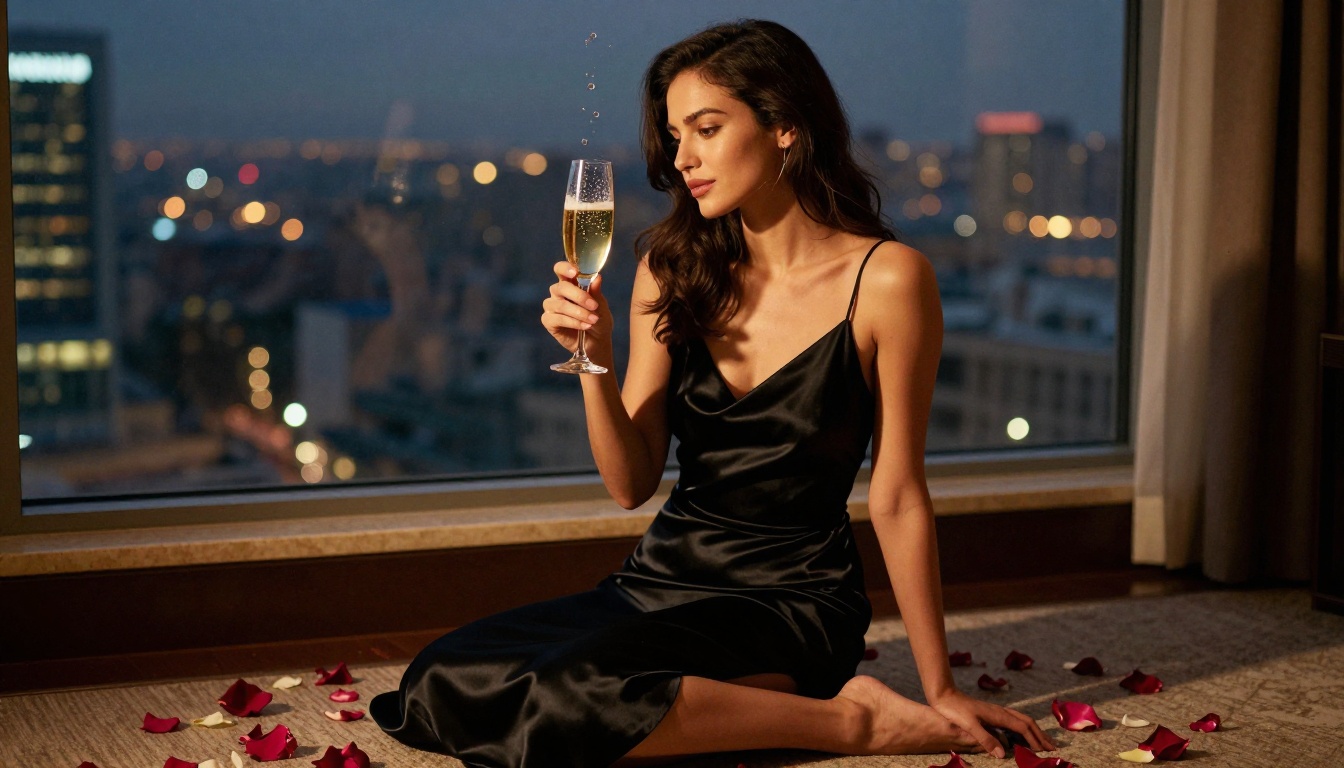
After generating your base image, run it through the Super Resolution tool available on the platform. This upscales from the 1024px generation resolution to 2048px or 4096px, revealing skin pore detail, fabric texture, and hair strand separation that existed in the model's latent space but was invisible at lower resolution.
Tip: Generate 5-10 variations at standard resolution first. Only commit to upscaling the best result. This maximizes output quality while minimizing generation credit usage.
What the Premium Models Add
GPT Image 1.5: Conversational refinement
OpenAI's image model stands out for its ability to follow complex, multi-sentence, nuanced instructions with high prompt fidelity. It handles ambiguous creative direction better than most open-source alternatives, making it valuable when you have a specific vision that is difficult to express through traditional keyword prompting. Content policies are stricter than open-source models.
Flux 2 Pro: The current benchmark
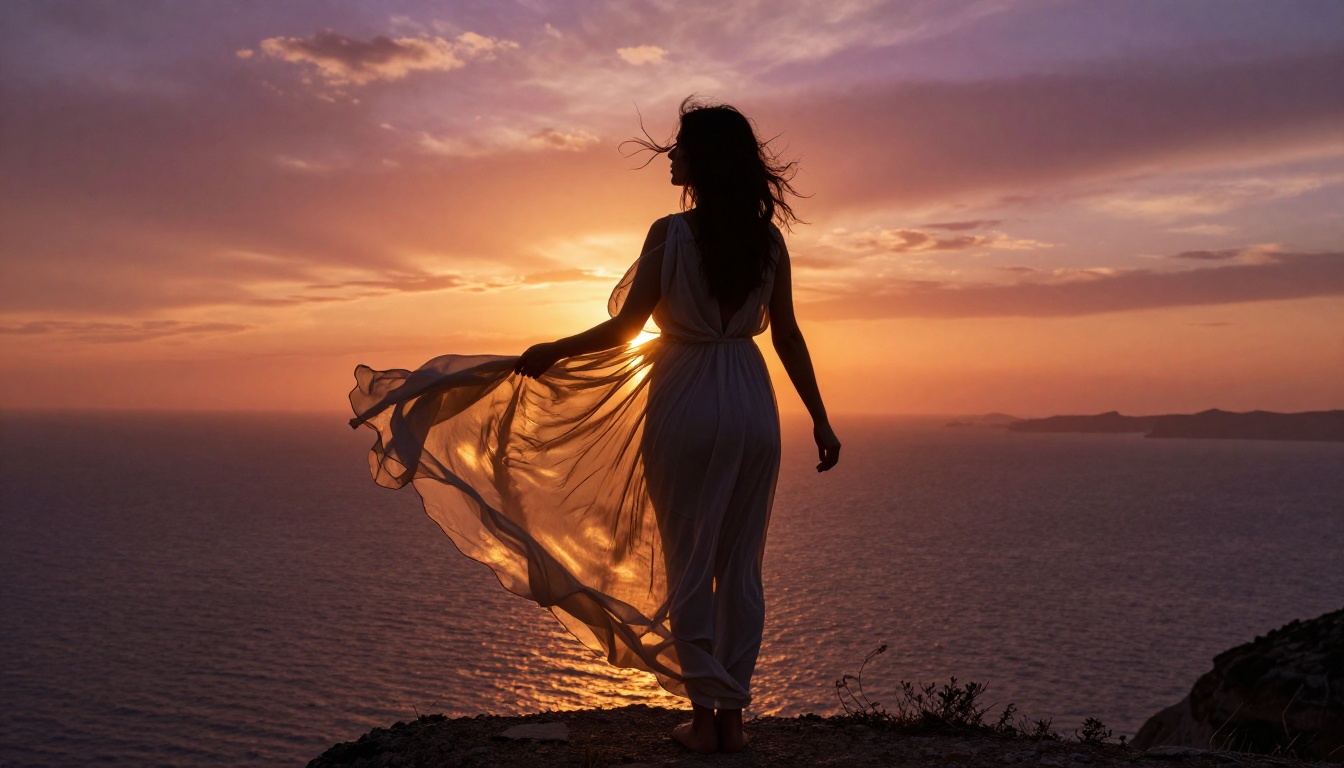
The latest Flux generation produces images that genuinely narrow the gap between AI and professional photography. Skin pore rendering at full resolution, individual hair strand separation, and fabric microdetail (the way silk catches light differently from matte cotton) are all noticeably superior to Flux Dev. For commercial or portfolio work where absolute quality is non-negotiable, this is the current benchmark model.
Seedream 4: Distinct color science
ByteDance's Seedream 4 produces exceptionally strong results with warm skin tones and a distinctly photographic color science that differs from Western-trained models. Its color grading leans warmer and more saturated, closer to Japanese and Korean photography aesthetics. For creators whose subject matter aligns with this aesthetic, it consistently outperforms models trained on predominantly Western datasets.
Common Mistakes That Kill Results
Vague subject descriptions
"Beautiful woman" tells the model almost nothing useful. Height, build, hair color and length, ethnicity, approximate age range, facial expression, gaze direction, and emotional tone all shape the output meaningfully. Specificity correlates directly with output quality across every model tested.
Ignoring negative prompts
Skipping negative prompts is the fastest way to ruin an otherwise well-conceived generation. Hands remain a weakness across all current models. deformed hands, extra fingers, fused fingers, missing fingers should appear in nearly every negative prompt for images where hands are visible.
Wrong resolution for the model
Each model has an optimal generation resolution. SDXL-based models work best at 1024x1024 or 1024x768. Flux models handle various resolutions but produce sharper results at 1344x768 for 16:9 framing rather than upscaled 768x512. Generating at non-native resolutions introduces tile artifacts and compositional distortion.
Over-relying on style words alone
"Photorealistic" alone does not produce photorealistic results. Technical photography parameters do. The visible difference between "photorealistic portrait" and "portrait on Canon EOS R5, 85mm f/1.2, natural window light from the left, Kodak Portra 400, subtle film grain, shallow depth of field" is immediately apparent in the output. Style words are shortcuts. Camera parameters are instructions.
Content policies vary significantly
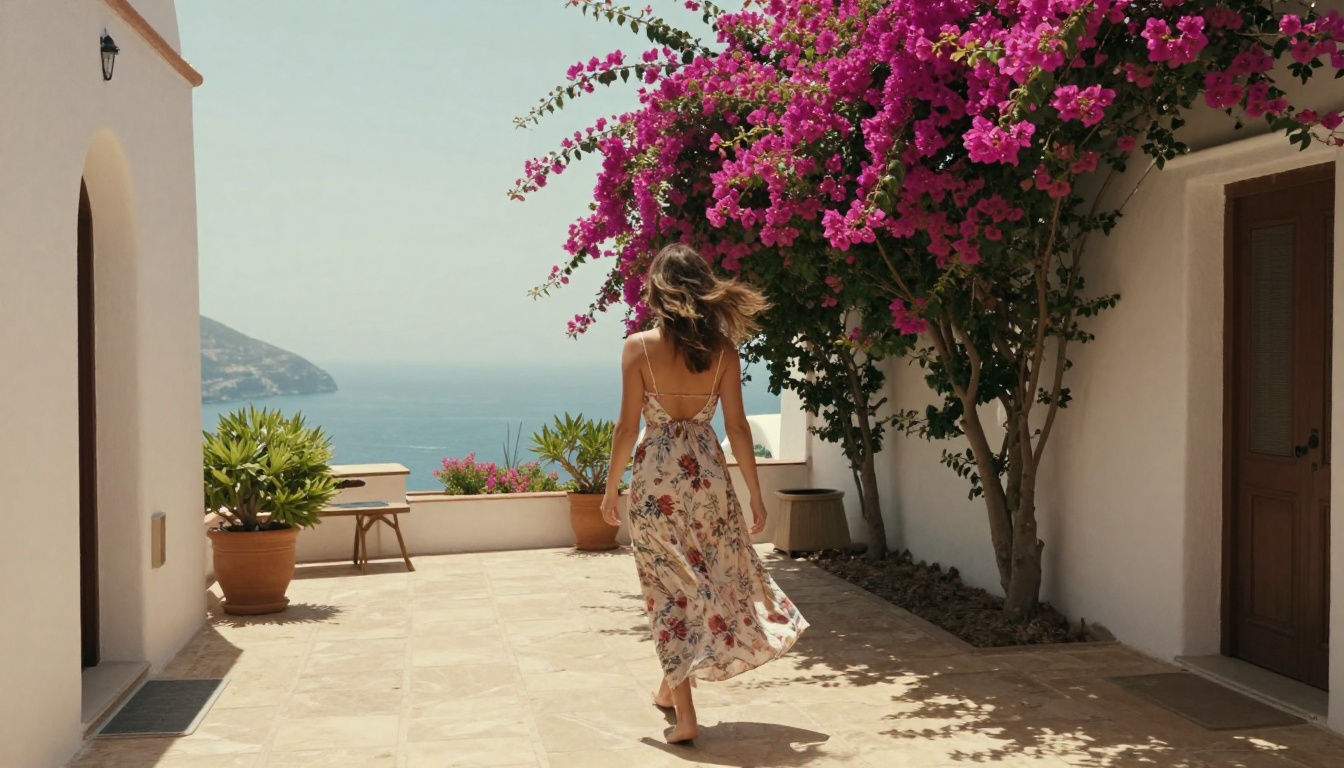
No two platforms draw the same content boundary. Some allow artistic nudity freely. Others allow suggestive content but restrict anything more explicit. Reading the terms of service before generating protects your account from suspension and ensures your work does not get flagged or permanently deleted mid-project.
Privacy in free tiers
Most platforms log generations server-side for model improvement and content moderation. Free tiers especially tend to make generations accessible to platform administrators or use them for training data. If creative privacy matters, look for platforms with explicit private generation modes or run models locally on your own hardware.
Real people and consent
Using a real, identifiable person's likeness without consent creates serious legal and moral problems regardless of artistic framing. AI art tools are not a license to create non-consensual imagery of real individuals. Stick to entirely fictional subjects or use reference material you have the rights to, including your own photographs.
Start Creating Your Own AI Art
The barrier between imagination and image has never been lower. With Flux Dev, Realistic Vision v5.1, Stable Diffusion 3.5 Large, DreamShaper XL Turbo, and dozens of other models available through PicassoIA, you have access to professional-grade image generation at zero cost. The platform brings 91 text-to-image models together in one browser-based interface, meaning you can test multiple approaches to the same concept without switching between tools or managing different accounts.
Start with a specific vision. Write a prompt that describes not just what you want but how it should be lit, what camera captured it, and what emotional tone it should carry. Generate variations. Iterate quickly with Flux Schnell to find the right direction, then commit to Flux Dev or Flux 1.1 Pro for your final output. Apply Super Resolution afterward to reveal the texture detail that the model encoded but could not display at base resolution.
Every model on this list is accessible right now through PicassoIA. No downloads. No waiting lists. No credit card required to start.
Ready to create? Head to PicassoIA and try Flux Dev for free. Write your first prompt using the four-part formula above and compare it against a vague two-word prompt to see the difference specificity makes firsthand. Your first genuinely photorealistic AI image is a single well-written prompt away.


