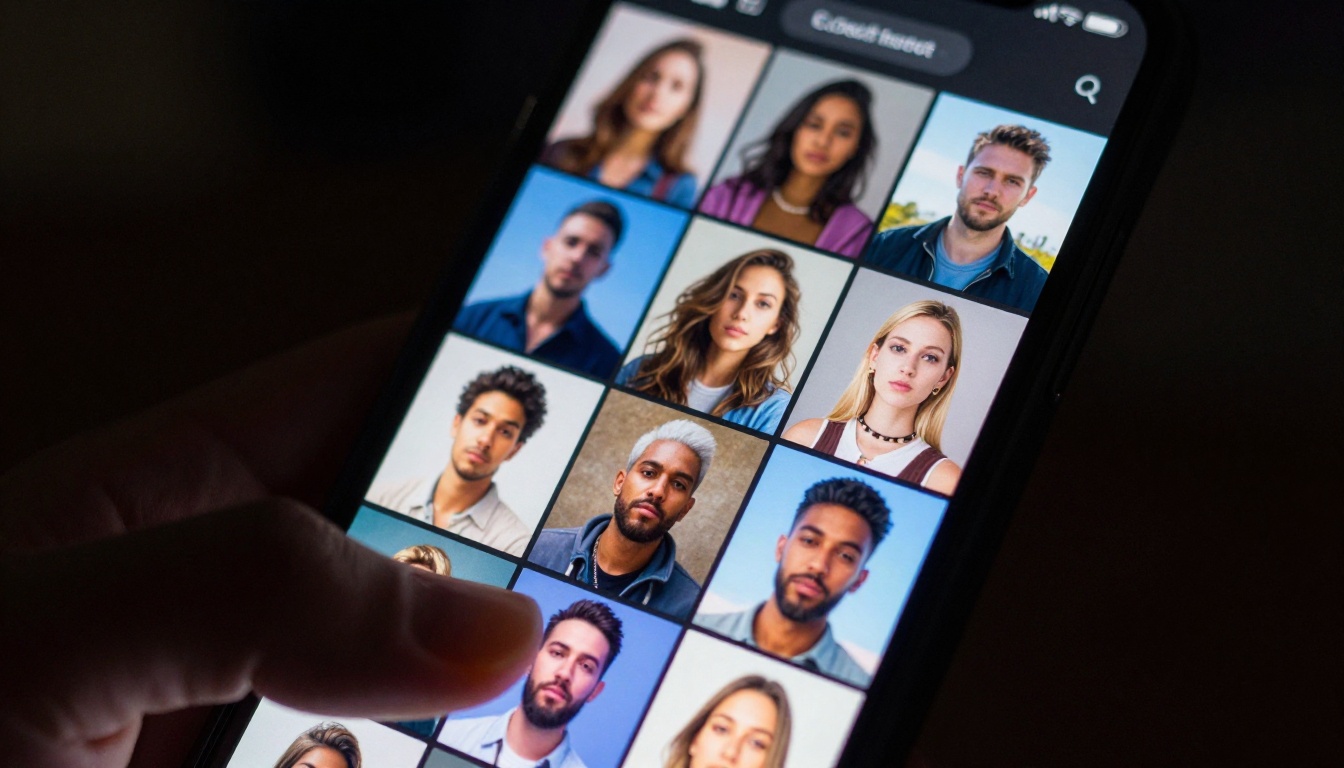
The assumption that free AI tools are lesser versions of the real thing has been wrong for a while now. It became obviously wrong sometime in the past year, when a handful of open and freely accessible models started producing outputs that are genuinely indistinguishable from what agencies charge for. The gap between "free" and "professional" in AI-generated imagery and video is not about price tiers anymore. It is about knowing which tools to use and where to find them.
The frustration with free AI creative tools almost always comes down to the same three issues: generation limits, output quality floors, and watermarks. Most platforms offer a free tier designed to demonstrate the tool rather than actually let you use it. You get five images a day, or you hit a credit wall after ten minutes of use, or the free tier deliberately produces lower-resolution outputs to push you toward paying.
The Token Wall Problem
Almost every major AI image and video platform uses a credit or token system. The free tier comes with just enough credits to show you what the tool can do, but not enough to finish a real project. This is a deliberate product decision, not a technical limitation.
The genuinely free AI tools that feel premium are the ones that either have no credit system on the free tier at all, or where the free generation quota is high enough to run a real workflow. Those tools exist. They are just not the ones getting the most advertising spend.
What the Quality Floor Reveals
Some platforms restrict the free tier's quality output intentionally. The model on the free plan is an older version. Resolution caps at 512px. Inference steps are cut in half. The result looks fine in a thumbnail but falls apart at full size.
This is distinct from tools where the free tier runs the same model as the paid tier, just with fewer generations. That second category is where the premium feel actually lives.
What "Premium" Means in AI Output
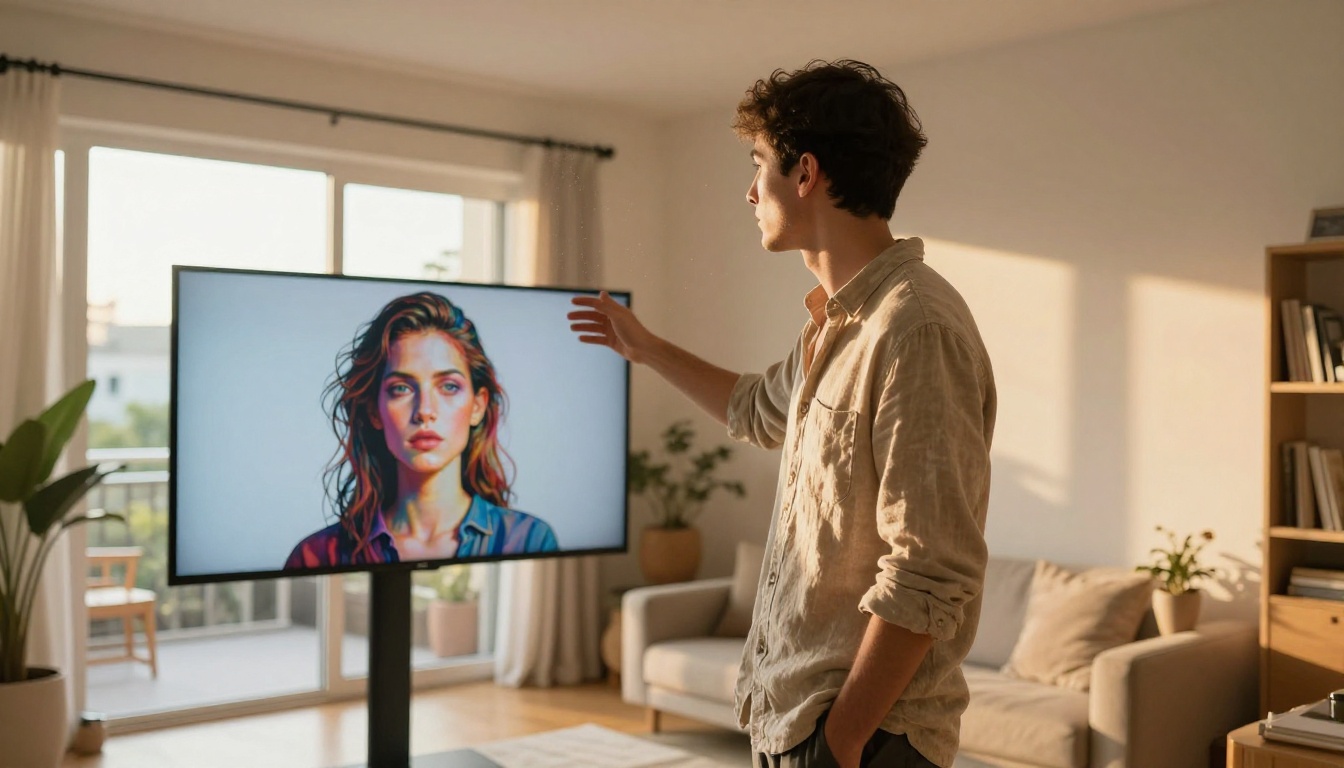
When people say a free tool "feels premium," they mean one of three things: the output resolution holds at full size, the subject coherence stays intact across generations, or the audio-visual synchronization in video does not slip. These are the technical benchmarks that used to require paid subscriptions or self-hosted models on expensive hardware.
Resolution and Coherence
An image generated at 1024x1024 with proper photorealistic coherence, accurate anatomy, consistent lighting, and logical scene construction is a premium output. It does not matter if it cost zero dollars to generate. The benchmark is what the output looks like, not what it cost.
💡 The shift happened when open-weight model architectures reached quality parity with proprietary ones. Once models like Flux became accessible via inference APIs, the quality floor for free tools rose dramatically across the entire industry.
The Audio-Visual Sync Gap
Video generation used to have a clear divide: free tools gave you silent video, paid tools gave you audio. That gap is closing fast. Several models now generate video with native synchronized audio at no cost, meaning the sound is not added as a separate step but emerges from the same generation pass as the visuals.

Image Generation That Stands On Its Own
The most mature segment of free AI tools is text-to-image. The best models have been publicly accessible via inference APIs long enough that the free tier experience has genuinely caught up to what premium subscriptions offered two years ago.
The Models Doing the Heavy Lifting
PicassoIA's platform hosts over 90 text-to-image models across a wide range of styles and use cases. The output quality varies by model, but several deliver photorealistic results that hold up at print resolution. When evaluating any model, look at three things: whether it handles complex scene composition without breaking, whether human anatomy stays accurate under varied poses, and whether the lighting model is physically plausible rather than decorative.
For video output from the same platform, Seedance 2.0 delivers 1080p video with native audio from a text prompt. Veo 3 produces similarly high-quality results with strong scene composition. These are not free tier compromises. They are state-of-the-art models accessible through a single platform.
Getting Consistent Output
The biggest challenge with free AI image generation is not the quality of any single output. It is consistency across multiple generations. When building a visual identity or creating a series of images for a campaign, you need the style, lighting, and subject treatment to stay coherent from image to image.
The way to achieve this on free tools is through detailed, precise prompting and by locking in specific parameters when the model supports it. Seed numbers, style references, and negative prompts are all part of the consistency toolkit.
| Parameter | What It Controls | Why It Matters |
|---|
| Seed | Randomness baseline | Repeatable results across runs |
| Negative prompt | What to exclude | Avoids common artifacts |
| Steps | Inference iterations | Quality vs. speed tradeoff |
| CFG scale | Prompt adherence | How literally to follow the text |
| Aspect ratio | Output dimensions | Matches your target canvas |

Video Generation at No Cost
This is where free AI tools have made the most dramatic improvement over the past twelve months. Generating a 5-second clip with coherent motion and solid resolution used to require a Pro subscription on any major platform. That is no longer true.
The 1080p Free Tier
Several models on PicassoIA's platform now output at 1080p on the free tier. Wan 2.7 T2V generates 1080p video from text prompts. LTX 2.3 Pro and LTX 2.3 Fast output at 4K resolution. Kling v2.6 produces cinematic motion with strong subject control across the full clip duration.
💡 The main metric for video quality is not just resolution. Motion coherence, subject consistency across frames, and temporal stability matter more than raw pixel count in practice.
Audio-Native Generators Now Exist
The models that generate audio natively alongside video represent a genuine capability step. Instead of silence that needs to be scored in post-production, you get ambient sound, foley effects, or music that was generated as part of the same pass as the visuals.
Seedance 2.0 leads this category. Veo 3 and Pixverse v6 also generate with native audio synchronized to the visual content. Hailuo 02 outputs 1080p with audio from either text or image input. Ray 2 720p from Luma handles narrative-driven prompts with particularly strong results for story-based clips.
The practical implication: a social media video clip that would have required shooting footage, recording sound, editing in a timeline, and exporting can now be generated from a single text prompt in under two minutes. A social media post, a product demo, a short narrative clip, all of these fit within what free tools now actually deliver.
Upscaling and Detail Recovery
Even the best free image generators sometimes produce outputs at lower resolutions than you need. Upscaling is where free AI tools have built some of their most impressive offerings, because the computational cost of upscaling is lower than generation, making it easier to offer on a free tier without sacrificing quality.
When 4x Changes Everything
A 512px image upscaled 4x with a good model does not just get bigger. The model adds texture, sharpens edges, and infers micro-detail that was not in the original. Skin texture, fabric weave, architectural surface grain: all of these get reconstructed rather than interpolated. The difference between a bilinear upscale and an AI upscale at 4x is immediately visible to anyone. The difference between a mediocre AI upscaler and a genuinely good one shows up in fine detail at full size.

The Best Free Upscalers Right Now
PicassoIA's super-resolution category has nine models, each optimized for different use cases:
- Clarity Pro Upscaler: Photorealistic upscaling with excellent skin and texture detail. Best for portraits and editorial photography where facial accuracy matters.
- Image Upscale by Topaz Labs: Up to 6x enlargement with industry-reference sharpness. Best for print production and large-format output.
- Real ESRGAN: Free 4x upscaling with strong performance on natural textures, landscapes, and organic surfaces.
- Google Upscaler: 4x without detail degradation, optimized for photographic content across a wide range of scene types.
- P Image Upscale: Sharp results in under one second. The fastest option when turnaround time matters more than maximum detail recovery.
- Crystal Upscaler: Portrait-specific model that handles facial detail at 4x with strong edge fidelity and realistic skin rendering.
How PicassoIA Gives Access to All of It
The challenge with free AI tools is not finding them. It is managing access to dozens of different platforms with different login systems, credit structures, and interfaces. PicassoIA consolidates access to 90+ image models, 107+ video models, upscaling tools, audio generation, background removal, and video upscaling and restoration in a single platform.
Using PicassoIA Video for Text-to-Video
PicassoIA Video is the platform's own free unlimited video generator. It supports both text-to-video and image-to-video inputs. For text-to-video workflows, the tool handles prompt parsing, model selection, and output formatting without switching between tabs or separate services.
The workflow for best results:
- Write a motion-specific prompt, not just a scene description. Describe what moves, how it moves, and at what speed.
- Set duration and resolution based on your target output. 5 seconds at 1080p is the practical standard for most social content.
- Generate and review before running a full batch. Motion coherence is easiest to catch in the first few frames.
- Iterate on the prompt rather than regenerating with identical text. Small changes to motion language produce large differences in the final output.
Stacking Tools for a Real Workflow
The most capable free AI creative workflows combine multiple tool types in sequence. Generate a base image with a text-to-image model. Upscale it with Clarity Pro Upscaler or Image Upscale by Topaz Labs. Use the upscaled image as the first frame for an image-to-video generation with Wan 2.7 I2V. Add audio context directly in the video generation prompt.

This stacked approach lets each tool do what it is best at, rather than asking a single model to handle everything. Image models optimize for visual coherence. Upscalers optimize for resolution and fine detail. Video models optimize for motion and temporal consistency. The outputs from each step are stronger than any single-pass generation could achieve.
💡 Treat AI tools as a pipeline, not a single step. Each handoff between tools is an opportunity to add specificity and improve the final quality of the result.
Making the Most of Free Access
Not every use case needs the most powerful model in each category. Matching the right tool to the task saves both time and generation credits.
Priority Order by Use Case
For social media visuals: Start with P Video for fast video drafts, then upscale stills with P Image Upscale for thumbnails and cover images. The speed-to-quality ratio is better than any slower model for this use case.
For portfolio-quality images: Use the platform's 91 text-to-image models directly, then run outputs through Clarity Pro Upscaler for full-body portraits or Crystal Upscaler for facial close-ups where skin detail matters.
For cinematic video: Sora 2 and Kling v3 Omni Video both produce high-fidelity cinematic motion. These are slower models best suited for final-quality outputs where iteration speed is less important than output caliber.
For short-form content with audio: Hailuo 2.3 and Seedance 2.0 generate audio-synchronized content with strong motion quality at 1080p. Both handle image-to-video inputs as well as text prompts directly.
| Use Case | Recommended Model | Resolution | Audio |
|---|
| Social media clips | Seedance 2.0 | 1080p | Native |
| Cinematic shorts | Kling v2.6 | 1080p | No |
| Fast drafts | Hailuo 02 Fast | 512p | Yes |
| Image from text | 91 models available | Up to 4K | N/A |
| Photo upscaling | Topaz Image Upscale | Up to 6x | N/A |
What the Paid Tiers Genuinely Add
The honest answer is speed and volume. The free tiers of most platforms run the same models as the paid tiers. What a subscription buys is faster queue position, more daily generations, and sometimes early access to experimental model versions before public release.
If you are generating content at scale, or if queue wait times disrupt your workflow, a paid tier is a reasonable investment. If you are a solo creator with a measured volume of work, the free tier covers most real use cases without meaningful compromise.
The tools that restrict output quality behind a paywall are in a shrinking minority. The direction of the industry is clearly toward free access to capable models, with volume and speed as the paid differentiators, not quality.
Start Creating Right Now
The free AI tools that feel premium are not hidden. They are on PicassoIA and accessible without a subscription or credit card. The 90+ image models, 107+ video models, upscaling tools, and audio generation capabilities on the platform represent a creative toolkit that would have cost hundreds of dollars per month just a few years ago.
Start with one image. Run it through an upscaler. Animate it with a video model. The workflow takes under ten minutes from a text prompt to a finished video clip with synchronized audio. That is what free AI tools that feel premium actually deliver in 2027: not a demo, not a preview, the real output.
Browse every available model at picassoia.com/en/all-models and start with whatever fits your project today.