Creative blocks hit everyone eventually. That moment when you stare at a blank canvas, document, or design file with absolutely nothing coming to mind. For decades, creatives relied on traditional brainstorming methods, mood boards, and coffee-fueled late nights to push through these barriers. Today, artificial intelligence changes everything about how we generate ideas.
Free AI tools now provide immediate creative stimulation across every discipline. Writers get story prompts and character ideas. Designers receive visual concepts and layout suggestions. Artists discover new styles and compositions. Musicians find melodic patterns and harmonic structures. The barrier to entry has disappeared completely—no subscriptions, no credits, no limitations.
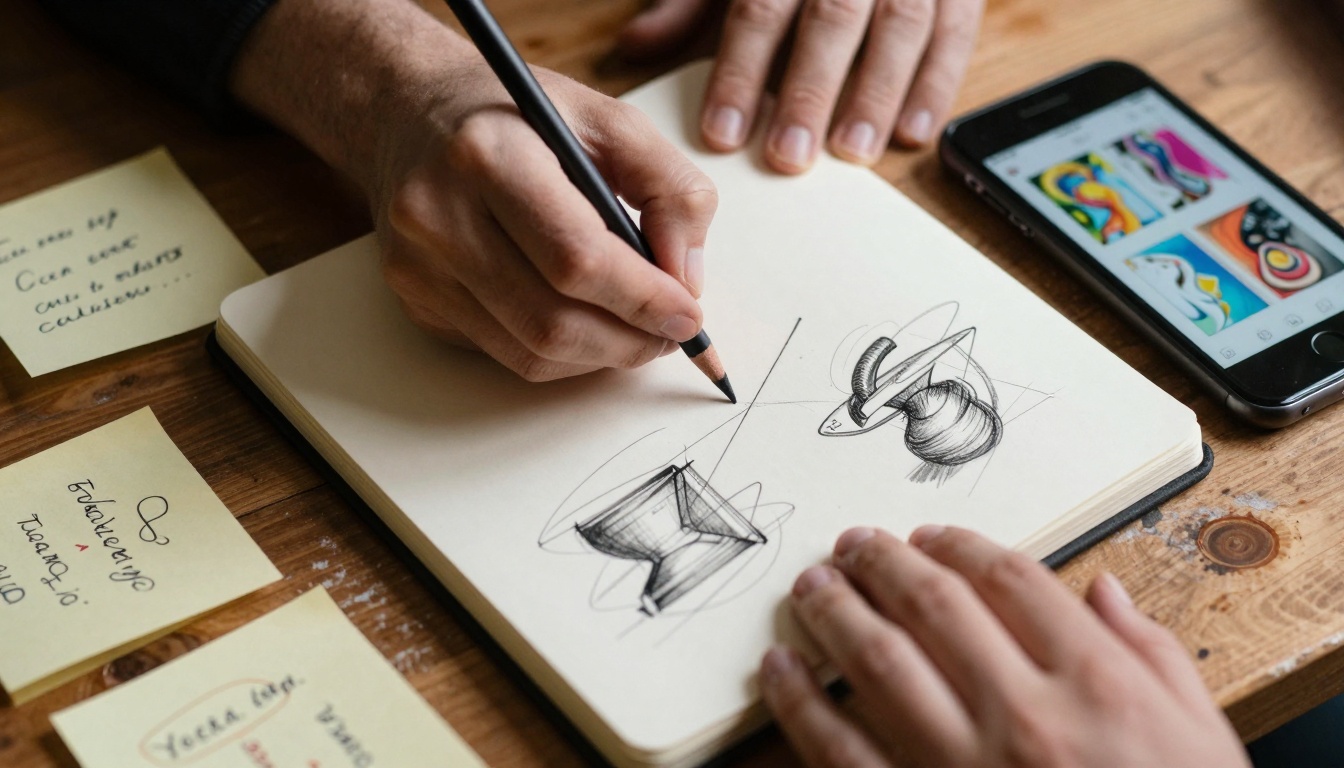
Extreme close-up of creative hands sketching ideas with AI-generated concepts on smartphone
Why AI Idea Generation Works
Traditional brainstorming relies heavily on individual experience and existing knowledge. You can only generate ideas from what you already know. AI systems access billions of data points, cross-reference millions of creative works, and identify patterns humans might miss.
💡 Key Insight: AI doesn't replace human creativity—it augments it. The most successful creatives use AI as a collaborative partner, not a replacement.
The psychology behind creative blocks often involves cognitive fixation. You get stuck on one approach or style. AI introduces randomness and unexpected connections that break these mental patterns. When you see an AI-generated concept that combines elements you wouldn't normally consider, new neural pathways activate.
Text-to-Image: Visual Idea Generation
For visual creatives, text-to-image AI represents the most accessible starting point. Describe what you want to see, and the AI generates multiple visual interpretations instantly.
How Text-to-Image Tools Spark Creativity
- Rapid Prototyping: Generate 10-20 visual concepts in minutes instead of hours
- Style Exploration: Test your idea in different artistic styles without manual work
- Composition Studies: See how different layouts affect visual impact
- Color Palettes: Discover unexpected color combinations that work
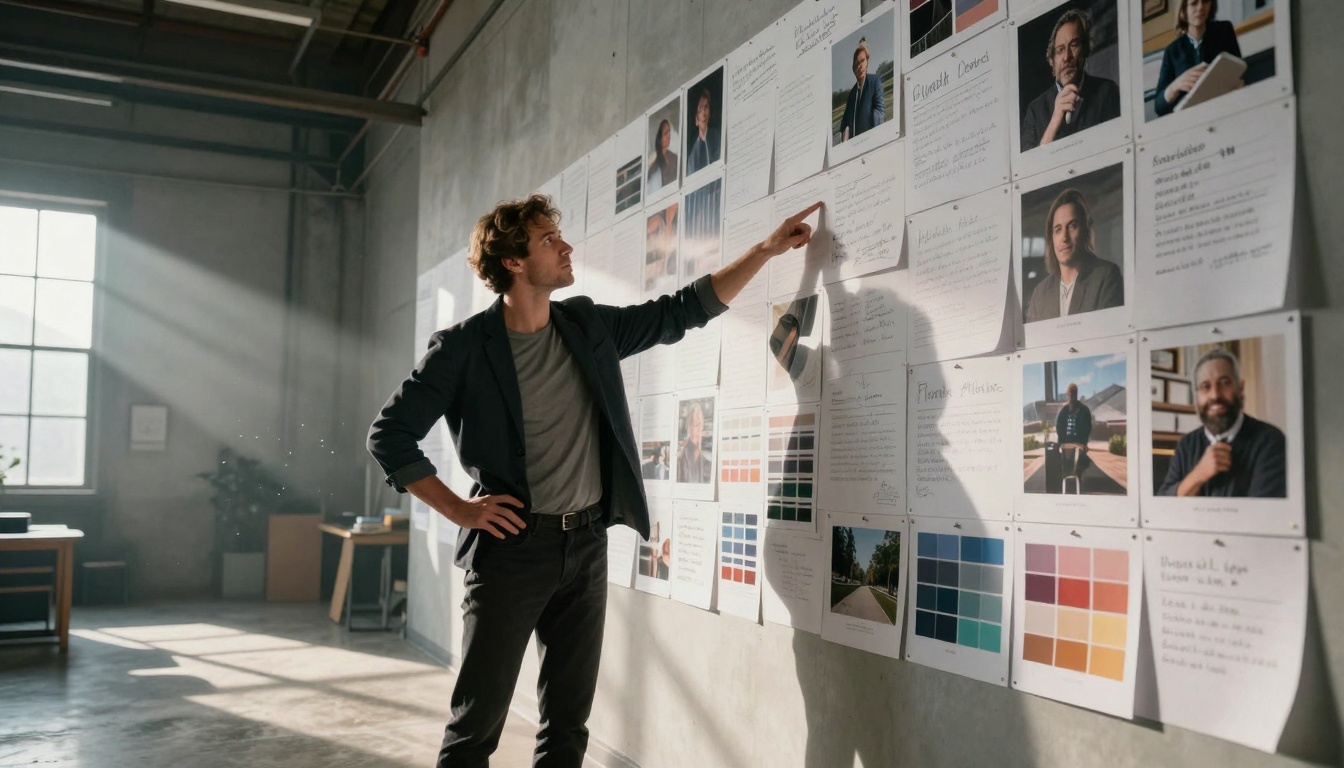
Creative director pointing at AI-generated concepts on extensive mood board wall
Free Text-to-Image Platforms
| Platform | Best For | Key Feature | Limitations |
|---|
| Craiyon | Quick sketches | Completely free, no account needed | Lower resolution outputs |
| Stable Diffusion Online | Artistic experimentation | Open-source, community-driven | Slower generation times |
| Lexica Art | Concept art generation | Huge prompt library | Watermarked outputs |
| Playground AI | Design concepts | Multiple style presets | Daily generation limits |
Each platform offers different strengths. Craiyon works for rapid ideation when you need quick visual references. Stable Diffusion provides more artistic control for refined concepts. Lexica excels at character and environment design with its extensive training data.
Writing and Content Creation AI
Writers face unique creative challenges. Blank page syndrome, plot holes, character development—AI writing assistants address these directly.
Overcoming Writer's Block with AI
Character Development Tools generate backstories, personality traits, and motivations based on simple prompts. Input "cynical detective with hidden trauma" and receive detailed character sheets with psychological depth.
Plot Structure Generators analyze your story premise and suggest narrative arcs, conflict points, and resolution options. These tools identify potential pacing issues before you write 50,000 words.
Dialogue Enhancers take flat conversations and inject natural rhythm, subtext, and character-specific speech patterns. The AI analyzes how different personalities would express the same information.

Writer experiencing moment of inspiration with AI writing tools
Free Writing AI Platforms
| Tool Type | Example Tools | Ideal Use Case | Output Quality |
|---|
| Story Prompts | Plot Generator, Writing Exercises | Breaking initial blocks | Variable, needs refinement |
| Character Builders | Character AI, Persona Creator | Deep character development | Highly detailed |
| World Building | World Anvil, Fantasy Name Generators | Setting creation | Extensive but generic |
| Style Assistants | Hemingway Editor, ProWritingAid | Polishing existing work | Professional grade |
💡 Pro Tip: Use AI for the first draft, not the final product. Generate multiple options, then refine manually. This combines AI's ideation strength with human editorial judgment.
Design and Visual Concept AI
Graphic designers, UI/UX professionals, and visual artists benefit from AI that understands composition, color theory, and visual hierarchy.
AI for Design Workflows
Layout Generators analyze content requirements and suggest multiple arrangement options. Input text blocks, images, and calls-to-action; receive 10+ layout variations with different visual flows.
Color Palette Tools go beyond basic color wheels. AI analyzes your brand personality, target audience demographics, and industry standards to suggest palettes that achieve specific emotional responses.
Typography Pairing identifies font combinations that create visual harmony while maintaining readability. The AI considers x-height ratios, stroke contrast, and historical design context.
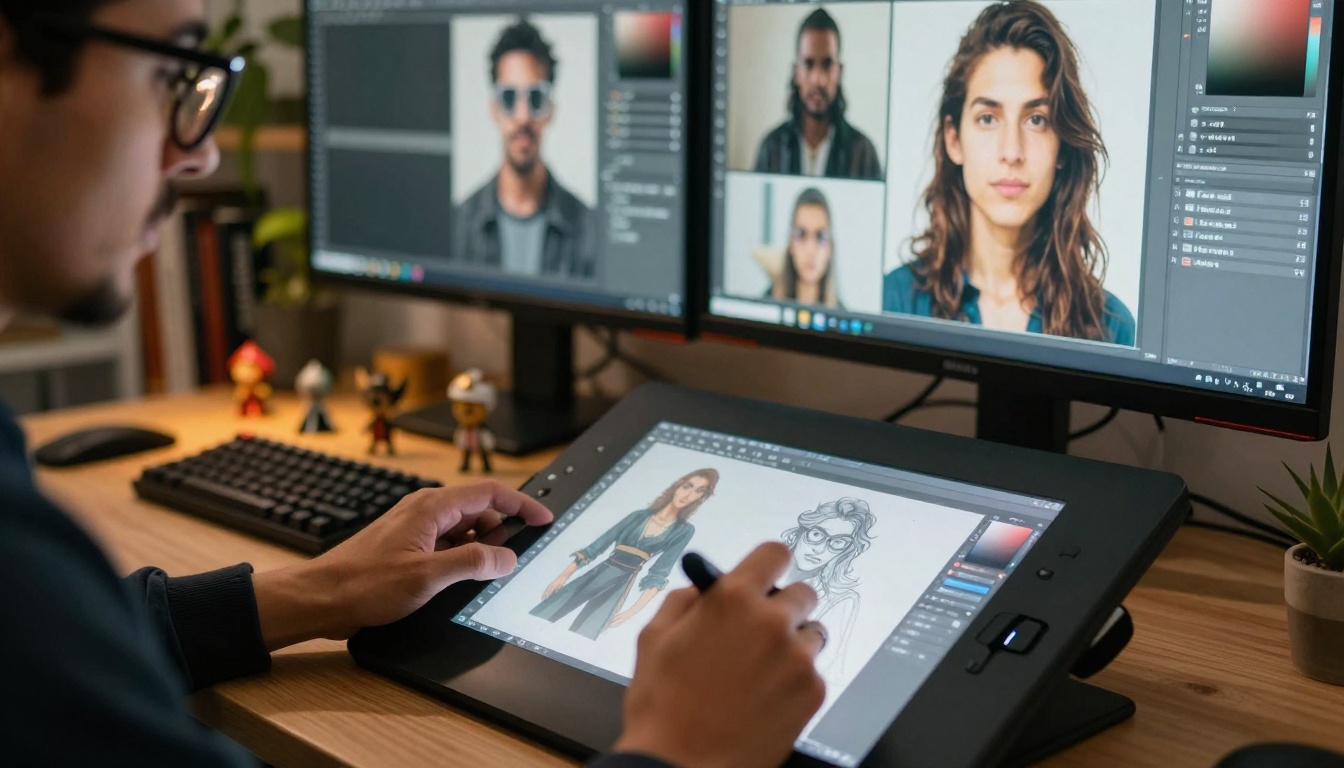
Digital artist refining AI-generated character concepts on Wacom tablet
Specific Design Applications
Logo Concept Generation: Describe your brand values, industry, and aesthetic preferences. AI generates dozens of logo concepts with different symbolic approaches, typographic treatments, and color applications.
Website Layout Testing: Input your content structure and receive responsive layout options optimized for user experience metrics like scan patterns and conversion rates.
Packaging Design Exploration: Generate 3D mockups of packaging concepts with different material finishes, structural innovations, and shelf presence considerations.
Music and Audio Creative AI
Musicians and audio producers discover AI tools that generate melodic ideas, harmonic progressions, and rhythmic patterns based on genre specifications.
AI Music Generation Workflow
- Genre Specification: Define the musical style, tempo, and emotional tone
- Instrumentation Selection: Choose which instruments should feature prominently
- Structure Definition: Specify song sections (verse, chorus, bridge)
- Melodic Generation: AI creates multiple melodic options for each section
- Harmonic Support: Generate chord progressions that support the melodies
- Arrangement Suggestions: Receive instrumentation and mix recommendations
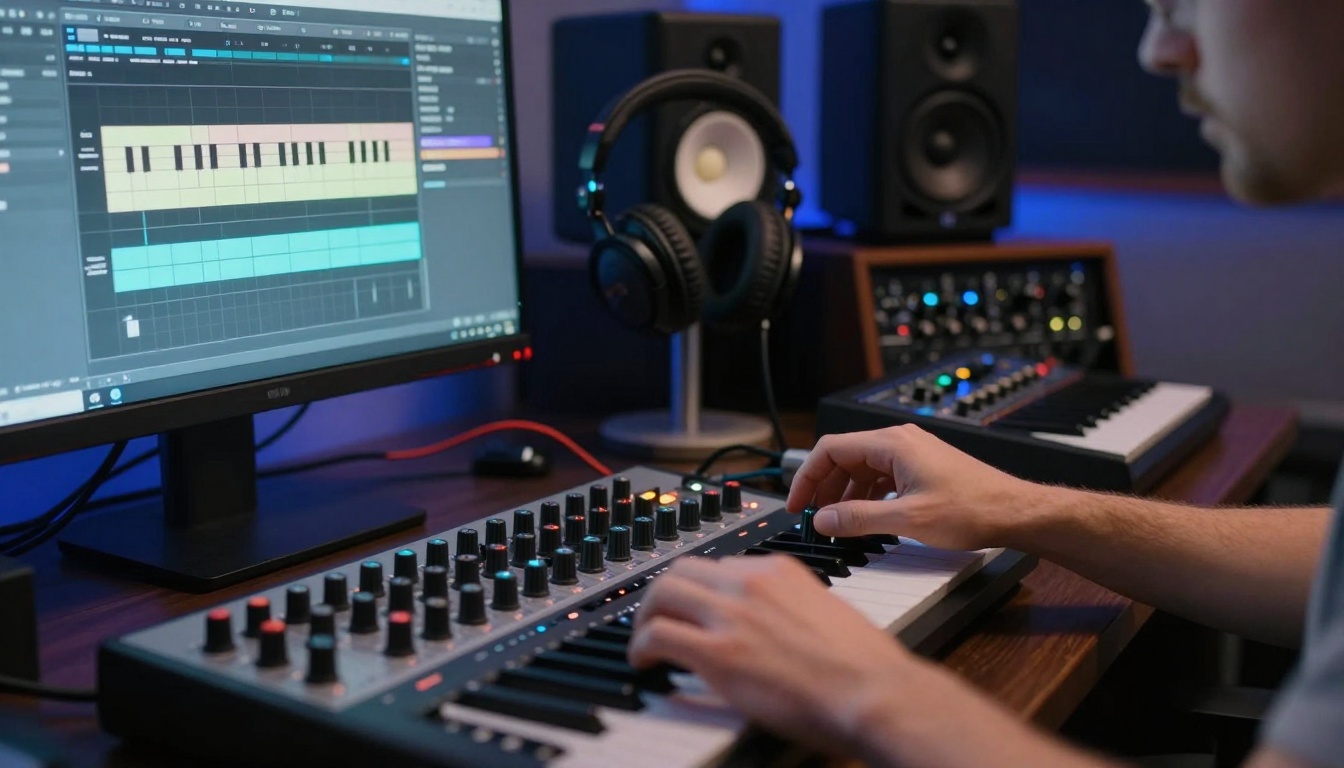
Music producer adjusting AI-generated musical patterns on MIDI controller
Free Music AI Tools
| Tool | Primary Function | Output Format | Best For |
|---|
| MuseNet | Multi-instrument composition | MIDI files | Classical and jazz |
| Jukebox | Full song generation | Audio files | Pop and rock |
| Riffusion | Guitar riff generation | Audio snippets | Rock and metal |
| Harmonai | Chord progression creation | MIDI patterns | Songwriting foundation |
These tools work best as idea starters. Generate 20 different chord progressions, select the most promising 3-4, then develop them with your personal musical sensibility.
Collaborative AI Brainstorming
Creative teams leverage AI to facilitate group ideation sessions, breaking through consensus bias and groupthink.
Team Brainstorming Enhanced by AI
Traditional group brainstorming suffers from anchoring bias—the first idea presented influences all subsequent suggestions. AI introduces parallel ideation, where multiple team members work with AI simultaneously, then converge.

Creative team collaborating with AI-generated concepts on table
Collaborative Workflow
Phase 1: Individual AI Sessions
- Each team member works privately with AI tools
- Generate 10-15 concepts independently
- No discussion or influence during this phase
Phase 2: Concept Aggregation
- All AI-generated ideas compiled anonymously
- Remove duplicates and cluster similar concepts
- Create visual gallery of all possibilities
Phase 3: Group Evaluation
- Team reviews aggregated concepts
- Vote on most promising directions
- Identify patterns across individual sessions
Phase 4: Hybrid Development
- Combine best AI concepts with human insights
- Refine and develop selected directions
- Create execution plan
This approach leverages both AI's pattern recognition and human's contextual understanding.
Architecture and 3D Design AI
Architects and 3D designers use AI for spatial concept generation, material exploration, and environmental integration.
AI in Spatial Design
Site Analysis Tools process geographical data, sun path studies, and contextual surroundings to suggest optimal building placement and orientation.
Program Optimization analyzes functional requirements and suggests spatial arrangements that maximize efficiency while maintaining aesthetic quality.
Material Palette Generation considers structural requirements, environmental conditions, and aesthetic goals to suggest material combinations with technical specifications.

Architect combining physical model with AI-generated building visualizations
Free Architecture AI Tools
| Application | Core Function | Output Type | Integration |
|---|
| Architectural Concept AI | Building form generation | 3D models | SketchUp, Rhino |
| Urban Planning AI | Site development suggestions | 2D plans | CAD software |
| Interior Layout AI | Space planning optimization | Floor plans | Revit, ArchiCAD |
| Material Visualization | Finish material rendering | Rendered images | 3D rendering suites |
These tools excel at exploratory design phases. Generate 50 building massing options in an afternoon instead of weeks. Test material combinations without physical samples. Visualize spatial experiences before construction begins.
Fashion and Textile Design AI
Fashion designers utilize AI for pattern generation, textile design, color forecasting, and trend analysis.
AI in Fashion Creation
Textile Pattern Generation creates unique prints, weaves, and embroideries based on style specifications, cultural references, and material properties.
Silhouette Exploration generates clothing forms that balance aesthetic innovation with wearability and manufacturing feasibility.
Color Trend Forecasting analyzes social media, runway shows, and cultural movements to predict color palettes 12-18 months ahead of season.
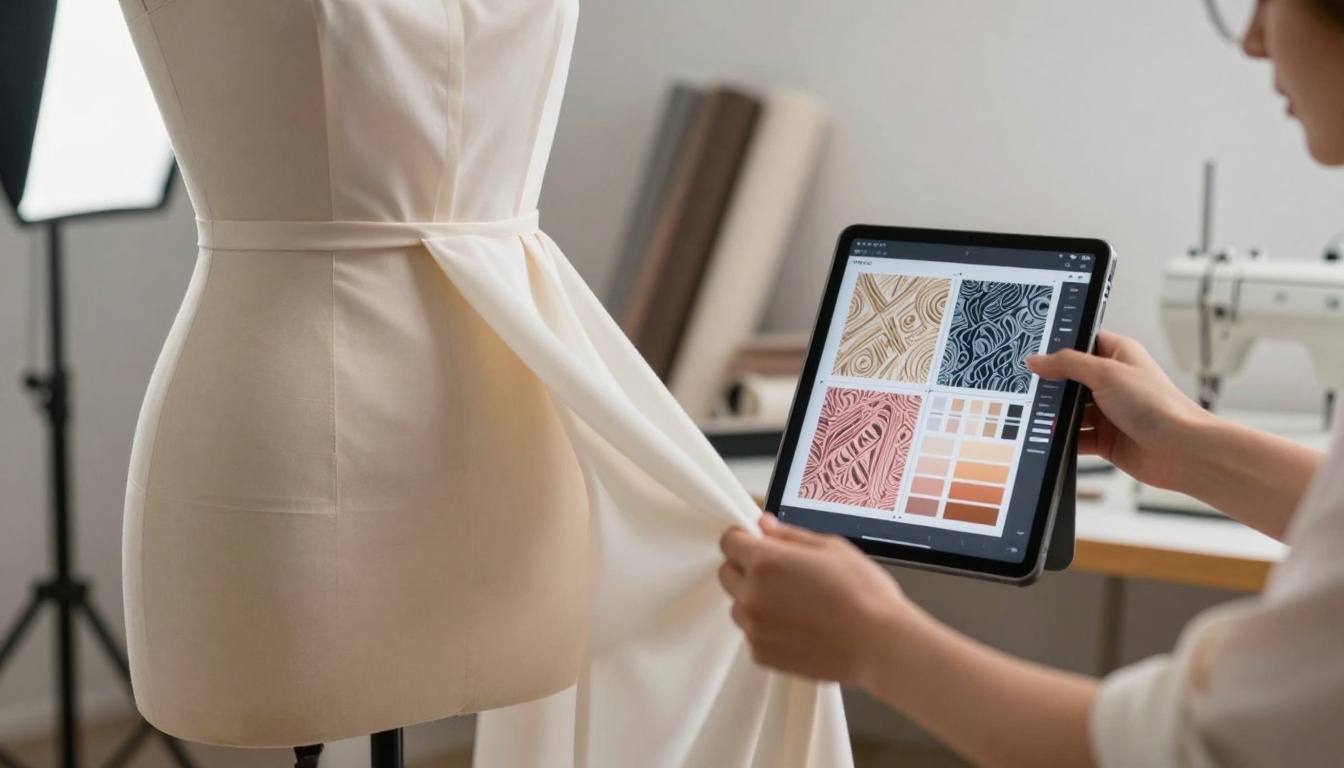
Fashion designer draping fabric with AI-generated pattern suggestions on iPad
Fashion-Specific AI Applications
Sustainable Material Matching identifies eco-friendly fabric alternatives that maintain desired aesthetic and performance characteristics.
Size and Fit Optimization analyzes body scan data to suggest pattern adjustments for different body types while maintaining design intent.
Retail Trend Analysis processes sales data, social media engagement, and search trends to identify emerging styles before they peak.
Game Development and Animation AI
Game developers and animators use AI for character design, environment creation, animation suggestion, and narrative branching.
AI in Interactive Media
Character Concept Generation creates visually distinct characters with consistent stylistic treatment across an entire game universe.
Environment Mood Setting generates atmospheric concepts that establish emotional tone through lighting, color, and composition.
Animation Motion Studies suggests movement patterns that balance stylistic exaggeration with physical plausibility.
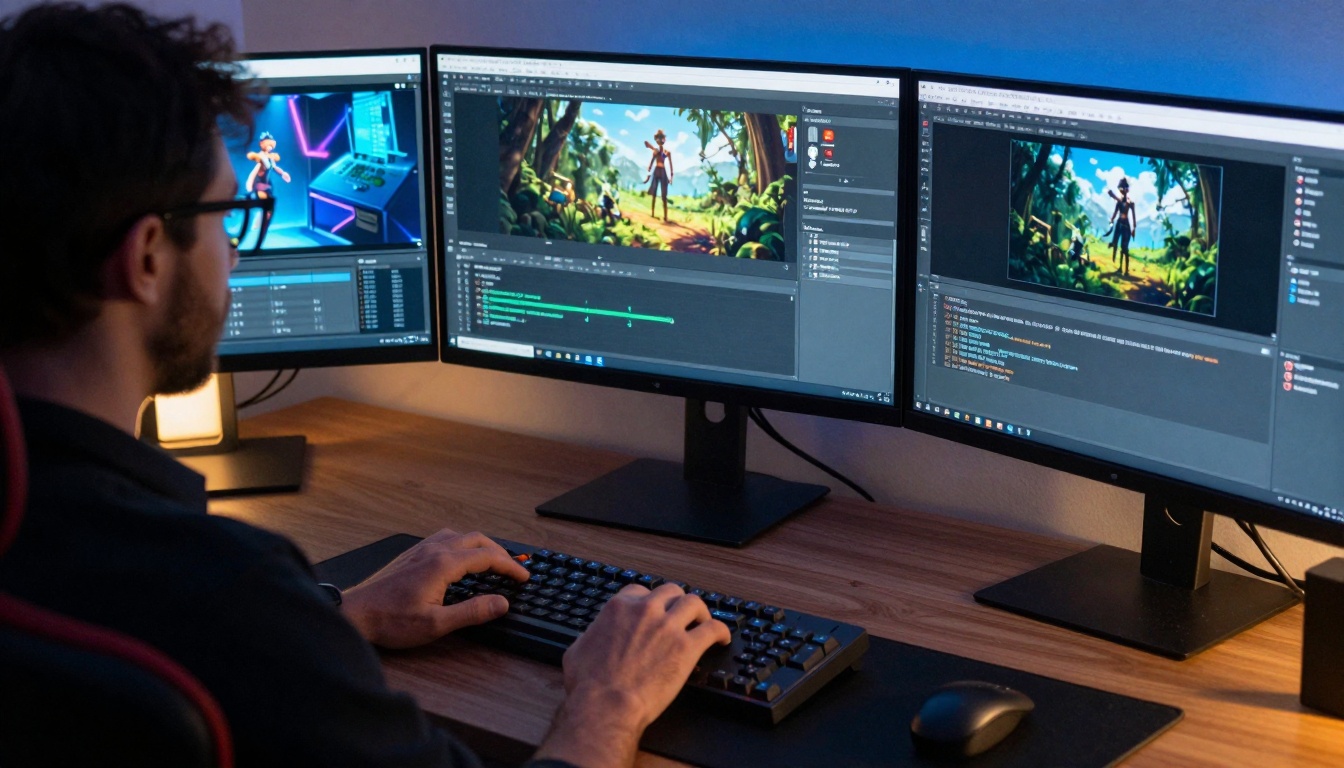
Game developer working with AI-generated character animations across multiple monitors
Game Development AI Tools
| Development Phase | AI Application | Benefit | Implementation |
|---|
| Pre-production | Concept art generation | Rapid visual direction | 2D image output |
| Production | Asset creation assistance | Speed up repetitive tasks | 3D model helpers |
| Testing | Playtest scenario generation | Comprehensive coverage | Automated testing |
| Post-release | Player behavior analysis | Update prioritization | Analytics integration |
Ethical Considerations and Best Practices
While AI tools provide tremendous creative advantages, responsible use requires ethical awareness.
Originality and Attribution
AI-generated content exists in a legal gray area. Current consensus suggests:
- Commercial Use: Disclose AI involvement in creation process
- Copyright: AI outputs may not qualify for full copyright protection
- Attribution: Credit specific AI tools used in creative process
- Transformation: Significant human modification strengthens copyright claim
Creative Integrity
Maintaining artistic voice while using AI requires conscious practice:
Blending Approach: Use AI for 30-40% of initial ideation, then apply 60-70% human refinement.
Style Preservation: Train AI on your existing work to maintain stylistic consistency rather than adopting generic AI aesthetics.
Intentional Selection: Curate AI suggestions based on alignment with creative vision, not just technical quality.
Implementation Strategy for Creatives
Adopting AI tools effectively requires structured approach rather than random experimentation.
Phased Integration Plan
Week 1-2: Exploration
- Test 3-5 different AI tools in your discipline
- Document results and compare outputs
- Identify which tools align with your workflow
Week 3-4: Skill Development
- Master prompt engineering for your primary tool
- Develop personal templates and workflows
- Create library of successful prompt patterns
Week 5-8: Production Integration
- Incorporate AI into actual project workflows
- Measure time savings and quality improvements
- Adjust processes based on results
Ongoing: Optimization
- Stay updated on new tool developments
- Refine personal AI utilization patterns
- Share learnings with creative community
Future Developments in Creative AI
The AI creative tool landscape evolves rapidly. Emerging trends include:
Multimodal AI: Systems that understand and generate across text, image, audio, and video simultaneously, allowing truly integrated creative development.
Personalized AI: Tools trained specifically on your creative output, developing understanding of your unique style and preferences.
Real-time Collaboration: AI partners that work alongside you during creation, suggesting adjustments as you work rather than batch processing.
Emotional Intelligence: AI that understands emotional resonance and suggests creative directions based on desired audience response.
Starting Your AI Creative Journey
The most effective approach begins with low-stakes experimentation. Don't attempt to transform your entire creative process immediately.
Daily Practice: Spend 15 minutes each day generating ideas with one AI tool. No pressure to use the outputs—just observe what the AI creates.
Comparative Analysis: Take one creative challenge and solve it with three different AI tools. Compare the approaches and identify which resonates most.
Hybrid Projects: Create one piece using 50% AI generation and 50% traditional methods. Evaluate where each approach adds value.
Community Learning: Join forums and groups where creatives share AI techniques specific to your discipline. Learn from others' experimentation.
The creative landscape has transformed permanently. AI tools that generate ideas represent not a replacement for human creativity, but an expansion of creative possibility. These free platforms provide immediate access to this new creative dimension.
Your next breakthrough idea might emerge from a conversation with an AI system. The only requirement is willingness to engage with these new creative partners. The tools exist, they're accessible, and they're waiting for your input.
Ready to see what happens when you combine human creativity with artificial intelligence? The first step requires nothing more than describing what you want to create. Start that conversation today and discover where it leads.


