Your selfies sit dormant in your phone's gallery - static, silent, frozen in time. But right now, free AI tools exist that can breathe movement into those still images, transforming ordinary photos into animated videos without asking for payment. The technology has reached a point where anyone with a smartphone can access these capabilities.
Every day, thousands of people upload their selfies to platforms that turn them into animated versions using advanced AI models. The process requires no technical skills, no expensive software, and most importantly, no money. The barrier has disappeared completely.

The technology behind these tools uses something called diffusion models - AI systems trained on millions of images and videos to understand how objects move and transform. When you upload a selfie, the AI analyzes facial features, lighting, composition, and then generates predictions about how those elements might animate over time.
💡 Important fact: Free tools typically use open-source models that have been trained on publicly available data. This means the core technology costs developers nothing to implement, which is why they can offer it for free.
The process happens in three stages:
- Image analysis: The AI examines your photo for facial landmarks, expressions, lighting direction
- Motion prediction: The system predicts natural movements based on similar faces in its training data
- Frame generation: Individual video frames get created and stitched together into a smooth animation
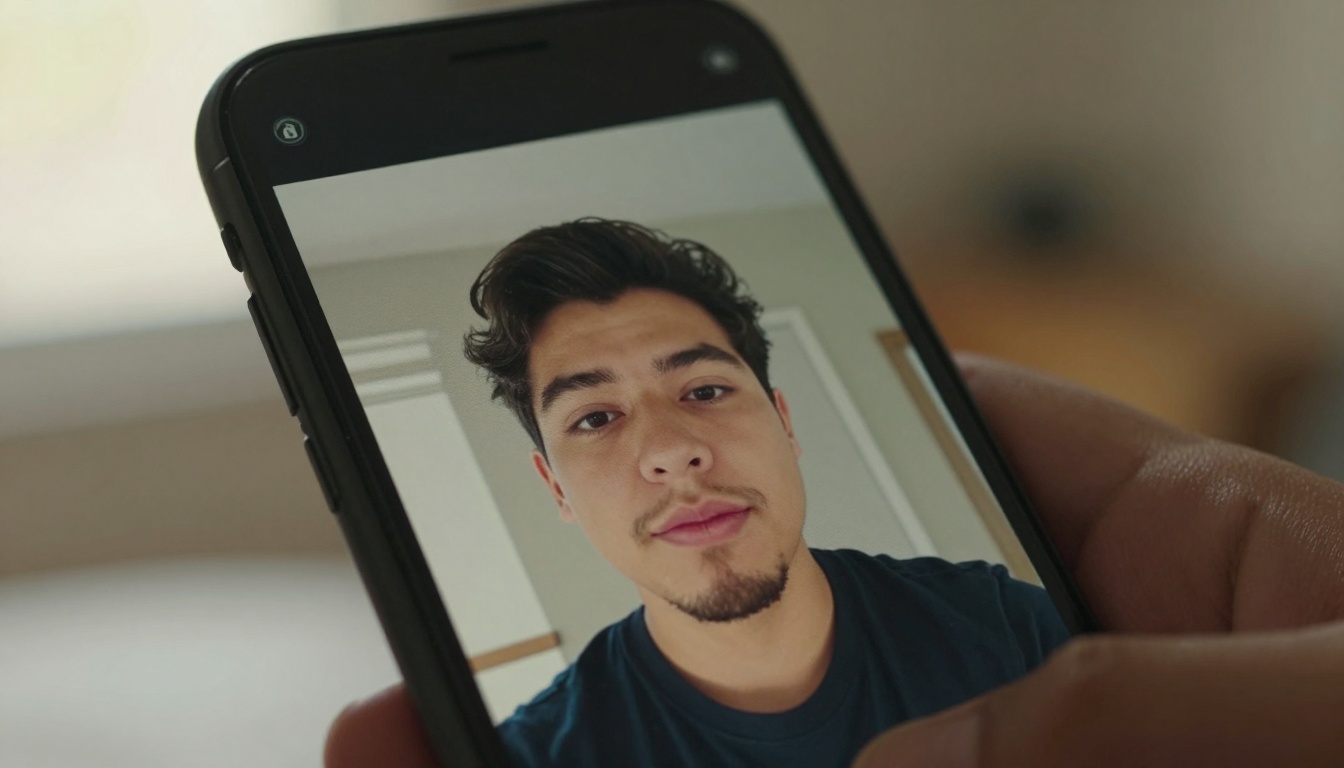
Several platforms offer completely free selfie-to-animation services with no hidden costs, no subscription requirements, and no watermarks on the final output. The business model typically revolves around volume - processing thousands of images at scale makes the cost per animation negligible.
| Platform | Animation Style | Processing Time | Quality Level |
|---|
| WAN Image-to-Video | Cinematic movement | 30-60 seconds | Professional |
| Seedance | Expressive facial animation | 45-90 seconds | High |
| Kling Video | Natural talking animations | 60-120 seconds | Studio |
| Flux Image Tools | Artistic transformations | 20-40 seconds | Creative |
WAN Image-to-Video (https://picassoia.com/en/collection/text-to-video/wan-video-wan-22-i2v-fast) produces particularly smooth results for selfie animations. The model understands facial anatomy well enough to create natural-looking movements without the uncanny valley effect that plagues older animation tools.
What you need before starting
The requirements for creating animated selfies are minimal, which explains why these tools have become so accessible:
- Any smartphone photo - resolution doesn't matter as much as you'd think
- Clear facial visibility - avoid sunglasses, heavy shadows, or extreme angles
- Decent lighting - natural light works better than artificial
- Patience - animations take 30-120 seconds to generate
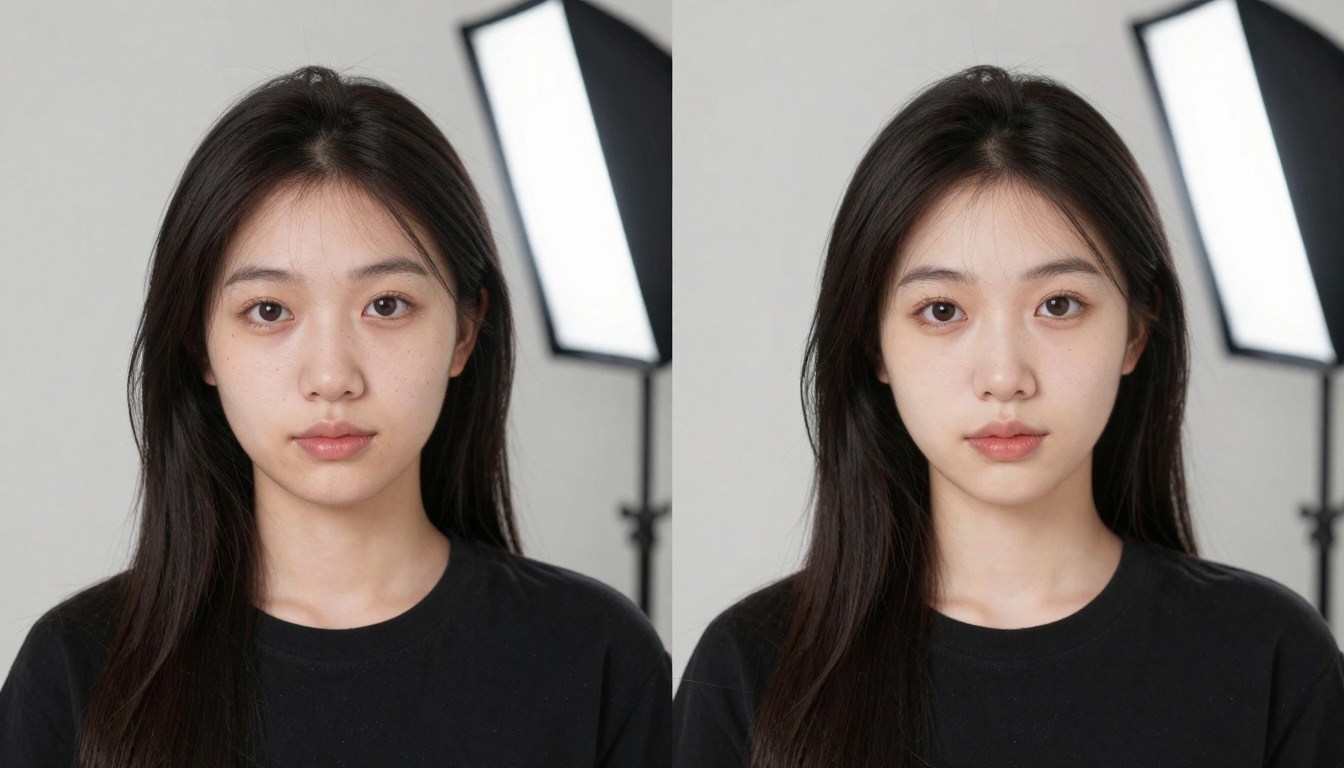
The quality of your source photo affects the final animation more than any technical setting. Well-lit selfies with clear facial features produce dramatically better results than poorly lit or blurry images.
💡 Pro tip: Take your selfie with the light source in front of your face, not behind you. This gives the AI more facial detail to work with, resulting in more realistic animations.
Step-by-step process for creating animations
The actual workflow for turning selfies into animations follows a simple pattern that works across most platforms:
- Upload your photo - either from your device or take a new one
- Select animation style - different platforms offer various movement types
- Customize settings - some tools let you adjust intensity and duration
- Generate animation - wait for the AI to process your image
- Download result - save the animated video to your device
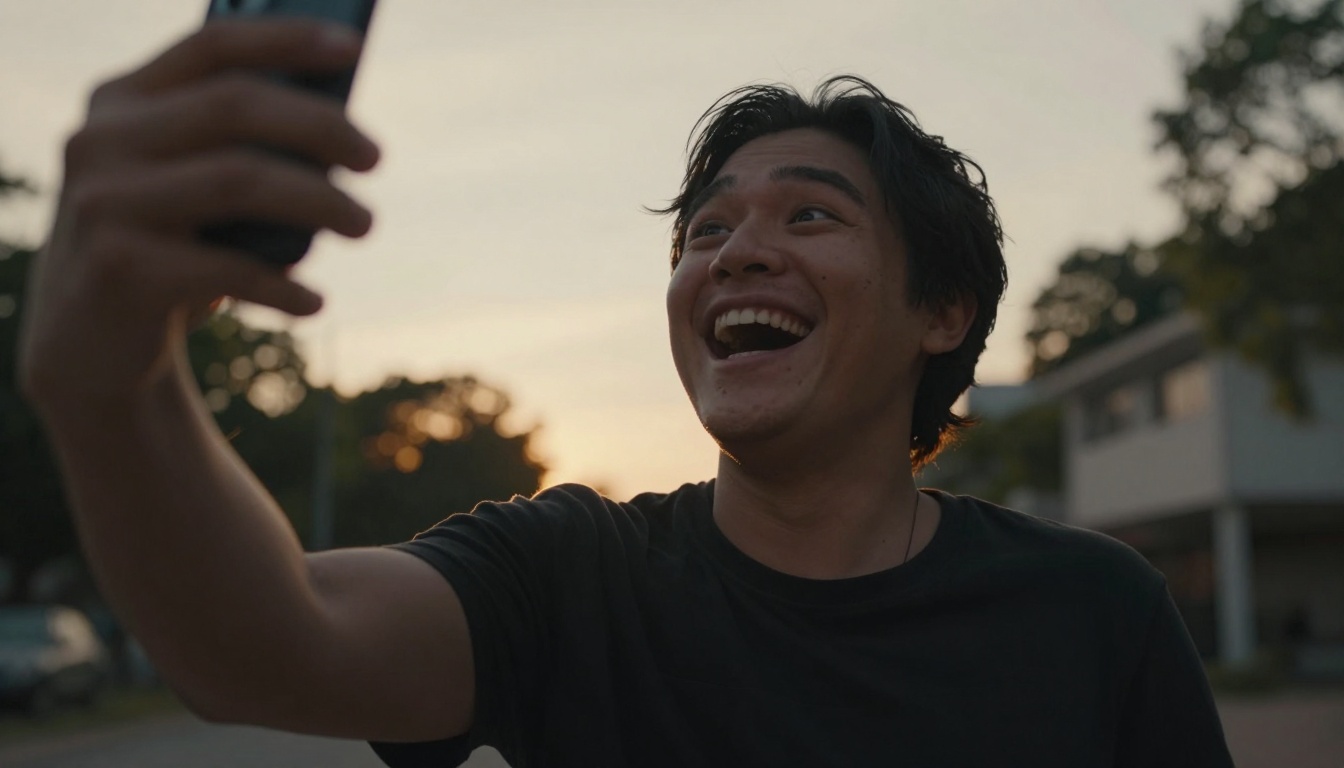
The most surprising aspect for first-time users is the emotional response. Seeing a still photo of yourself come to life with natural movements creates a visceral reaction that still photos can't match.
Technical limitations you should know
While free AI animation tools have improved dramatically, they still have boundaries you should understand:
- Duration limits: Most free animations last 3-10 seconds maximum
- Resolution caps: Output typically ranges from 480p to 720p
- Processing queues: Free tiers often have wait times during peak hours
- No customization: You can't control specific facial movements
The Flux model family (https://picassoia.com/en/collection/text-to-image/black-forest-labs-flux-2-klein-4b) handles facial animation particularly well within these constraints. The technology focuses on creating believable rather than perfect animations.
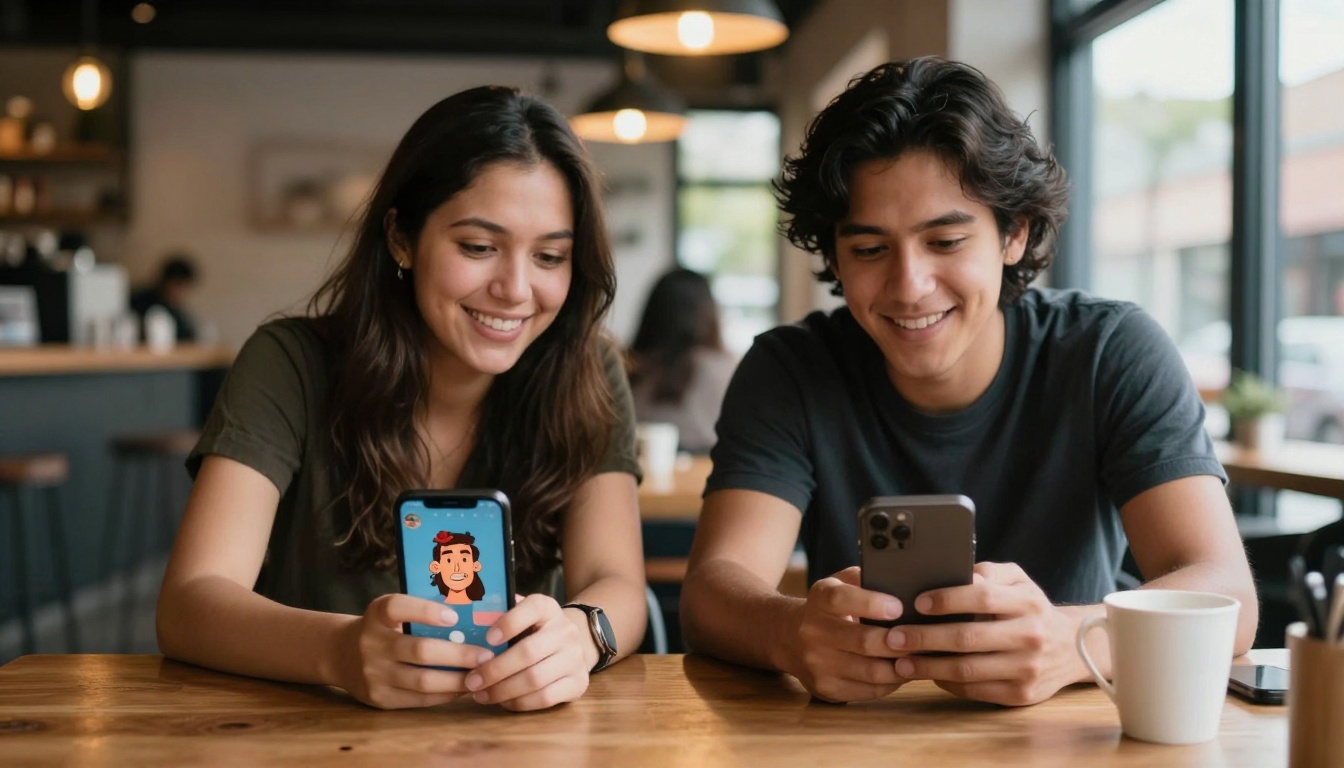
Why these tools remain free
Understanding the business model explains why high-quality AI animation tools can operate without charging users:
- Training data collection: Your animations help improve the models (anonymously)
- Scale economics: Processing millions of images reduces per-unit costs to almost zero
- Advertising revenue: Some platforms show non-intrusive ads
- Premium upsells: Free users occasionally convert to paid features
The most successful platforms use the free tier as a discovery mechanism. Once users experience the quality, a small percentage opt for premium features like longer animations, higher resolutions, or commercial usage rights.
When you upload personal photos to any platform, privacy becomes a legitimate concern. Reputable free AI animation tools implement several protections:
- Automatic deletion: Most platforms delete your original photo after processing
- No facial recognition: The AI analyzes geometry, not identity
- Encrypted transfers: Your upload travels through secure connections
- Anonymous processing: Your image gets mixed with thousands of others
💡 Security check: Before using any free animation tool, check their privacy policy for data retention periods and usage rights. Legitimate platforms clearly state they don't keep your photos longer than necessary for processing.
Realistic expectations vs marketing claims
The marketing around AI animation tools often overpromises, so setting realistic expectations helps avoid disappointment:
- Not movie quality: Animations look good but not Hollywood-level
- Limited control: You can't direct specific facial expressions
- Variable results: Some photos animate better than others
- Trial and error: You might need several attempts for optimal results
The GPT Image models (https://picassoia.com/en/collection/text-to-image/openai-gpt-image-15) produce particularly consistent results across different photo types. The technology has advanced enough that failures happen less frequently than two years ago.
Creative uses beyond personal entertainment
While most people create animated selfies for fun, several practical applications exist:
- Social media content: Animated profile pictures stand out more
- Digital greeting cards: Animated photos make messages more personal
- Educational materials: Teachers animate historical figures for engagement
- Therapy tools: Animated memories help with cognitive exercises
- Family history: Animate old family photos for emotional impact
The Stable Diffusion ecosystem (https://picassoia.com/en/collection/text-to-image/stable-diffusion) offers particularly good options for artistic animations rather than photorealistic ones. The style leans more toward creative interpretation than literal translation.
The difference between free and paid animation tools comes down to four main factors:
| Feature | Free Tools | Paid Tools |
|---|
| Animation Length | 3-10 seconds | 30+ seconds |
| Resolution | 480p-720p | 1080p-4K |
| Processing Priority | Queue-based | Immediate |
| Customization | Preset styles | Full control |
| Commercial Use | Not allowed | Licensed |
For casual users who want to animate a few selfies for personal enjoyment, free tools provide more than enough capability. The paid options make sense primarily for content creators, marketers, or professionals needing longer, higher-quality animations.
Mobile vs desktop experience differences
The animation process works differently depending on whether you use mobile apps or desktop websites:
Mobile apps typically offer:
- Camera integration for instant photos
- Simplified interfaces with fewer options
- Social sharing built directly into the app
- On-device processing for better privacy
Desktop websites generally provide:
- More customization options and settings
- Batch processing for multiple images
- Higher quality outputs
- Better preview capabilities
The Qwen Image models (https://picassoia.com/en/collection/text-to-image/qwen-qwen-image-2512) work particularly well on mobile devices because of their efficient architecture. The processing happens quickly enough that mobile users don't experience frustrating wait times.
Specific techniques improve your animation quality regardless of which free platform you choose:
- Face the camera directly - avoid extreme angles or tilts
- Use natural daylight - artificial light creates strange shadows
- Neutral expression - exaggerated smiles or frowns animate poorly
- Simple background - busy backgrounds distract from facial animation
- Upload original resolution - don't compress or resize first
The Imagen series (https://picassoia.com/en/collection/text-to-image/google-imagen-3-fast) handles challenging lighting conditions better than most other models. If your selfie has mixed lighting or shadows, these models often produce better results.
The evolution of animation quality over time
Animation quality has improved dramatically in just the past 12 months. Compare current results with what was possible last year:
- 2013 animations: Robotic, uncanny valley effects common
- 2022 animations: Better but still noticeably artificial
- 2023 animations: Significant improvement in natural movement
- 2024 animations: Near-photorealistic for brief sequences
- 2025 animations: Current state - believable short animations
The SDXL model (https://picassoia.com/en/collection/text-to-image/sdxl) represents the current standard for quality versus processing time. The balance makes it ideal for free tier implementations where both factors matter.
Common problems and how to fix them
Even with advanced AI, certain issues still occur with free animation tools:
- Blurry results: Usually means poor source image quality
- Jagged movements: Try a different animation style or platform
- Facial distortions: The AI struggled with your specific facial geometry
- Processing errors: Server overload - try again in 15 minutes
- Download failures: Browser issue - try different browser or device
Most problems resolve by switching platforms rather than adjusting settings. Different AI models handle various facial types and lighting conditions differently. What fails on one platform often succeeds on another.
Future developments in free animation technology
The technology continues evolving rapidly. Expect these developments in the next 6-12 months:
- Longer animations: Free tools will likely offer 15-20 second clips
- Higher resolution: 1080p outputs becoming standard on free tiers
- Voice integration: Animations that match spoken audio
- Expression control: Basic control over smile intensity, eye movement
- Real-time preview: See animation results as you adjust settings
The Seedream models (https://picassoia.com/en/collection/text-to-image/bytedance-seedream-45) already show where the technology is heading - faster processing with higher quality outputs simultaneously.
Legal considerations for animated selfies
Creating animated versions of photos raises certain legal questions:
- Commercial use: Free animations typically can't be used for business purposes
- Identity rights: You retain rights to your likeness in animations
- Platform terms: Each service has specific usage restrictions
- Sharing permissions: Social media platforms have animation policies
- Derivative works: Animated versions constitute new creative works
💡 Legal note: Most free animation platforms grant you personal usage rights but reserve commercial rights for themselves. If you plan to use animations for business, check the specific terms or consider paid options.
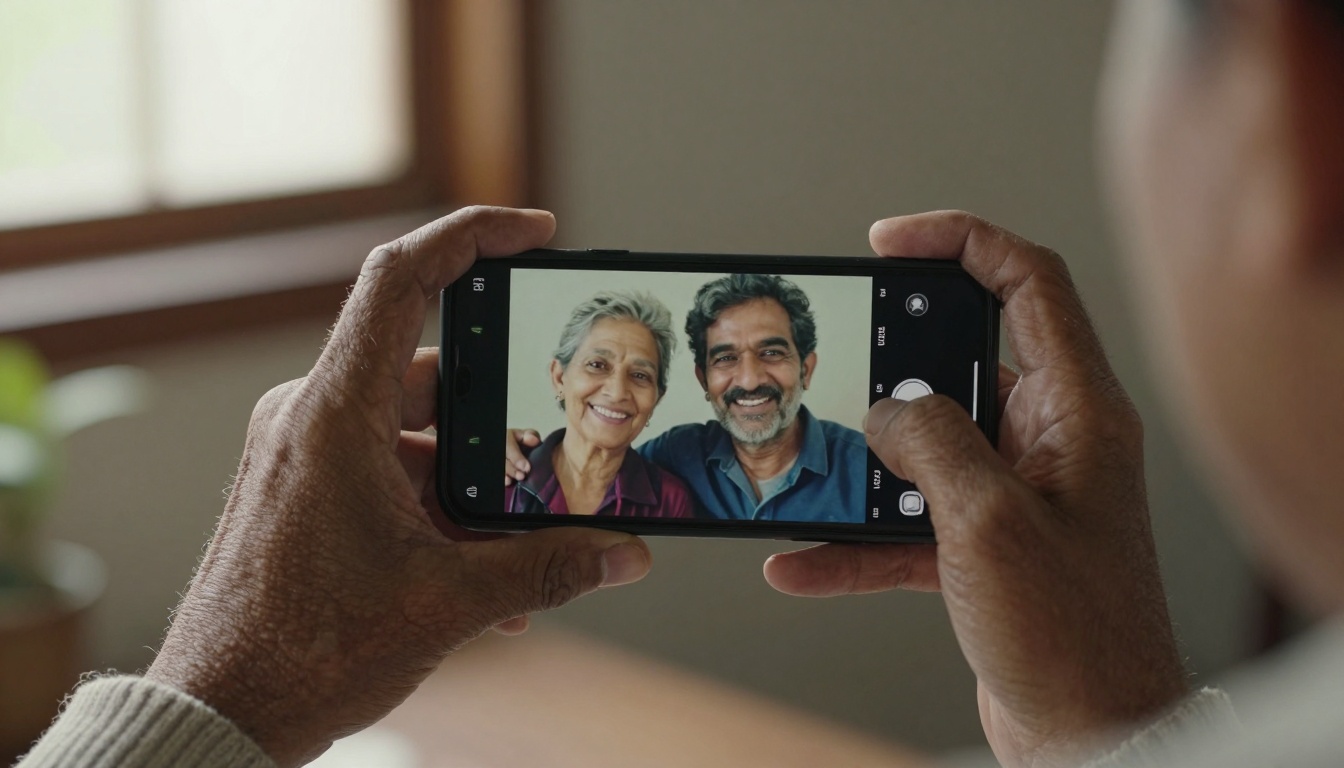
Demographic differences in animation quality
Animation quality varies surprisingly across different demographics:
- Children: Animate particularly well due to expressive features
- Young adults: Good results with standard selfie poses
- Middle-aged: Mixed results depending on facial lines and texture
- Elderly: Often excellent results due to distinctive features
- Different ethnicities: Varies by platform training data diversity
The Nano Banana models (https://picassoia.com/en/collection/text-to-image/google-nano-banana) perform consistently across diverse demographics because of their extensive and varied training datasets.
Why this matters beyond personal use
The ability to animate selfies freely represents something larger than just entertainment technology:
- Democratized creativity: Professional tools become accessible to everyone
- Emotional connection: Animated memories create stronger bonds
- Digital literacy: People engage with AI in non-threatening ways
- Cultural preservation: Animate historical or family photos
- Educational potential: Visual learning becomes more engaging
The technology has reached a tipping point where quality meets accessibility. What required expensive software and technical expertise two years ago now happens with a smartphone photo and 60 seconds of processing time.
Start creating your animated selfies today
The process requires nothing more than a photo you already have and a few minutes of your time. Different platforms produce varying results, so trying several gives you options to compare. The emotional impact of seeing a still photo come to life often surprises first-time users more than the technical achievement.
Experience what these tools can do with your own photos. The technology continues improving monthly, with each iteration producing smoother, more natural animations. What exists today already surpasses what was possible just last year, and the trajectory suggests even better capabilities arriving soon.


