If you have ever searched for a way to create your own AI companion without hitting a wall of content filters and paywalls, you are in the right place. Free AI tools for making uncensored 3D companions have advanced dramatically in the past two years, and the platforms available today let you build photorealistic characters with a level of detail and creative freedom that simply was not possible before. Whether you want a hyper-realistic companion for artistic projects, character design, or personal creative expression, this article covers exactly which tools are worth your time, which NSFW-capable models deliver the best results, and how to write prompts that produce stunning output from the very first generation.
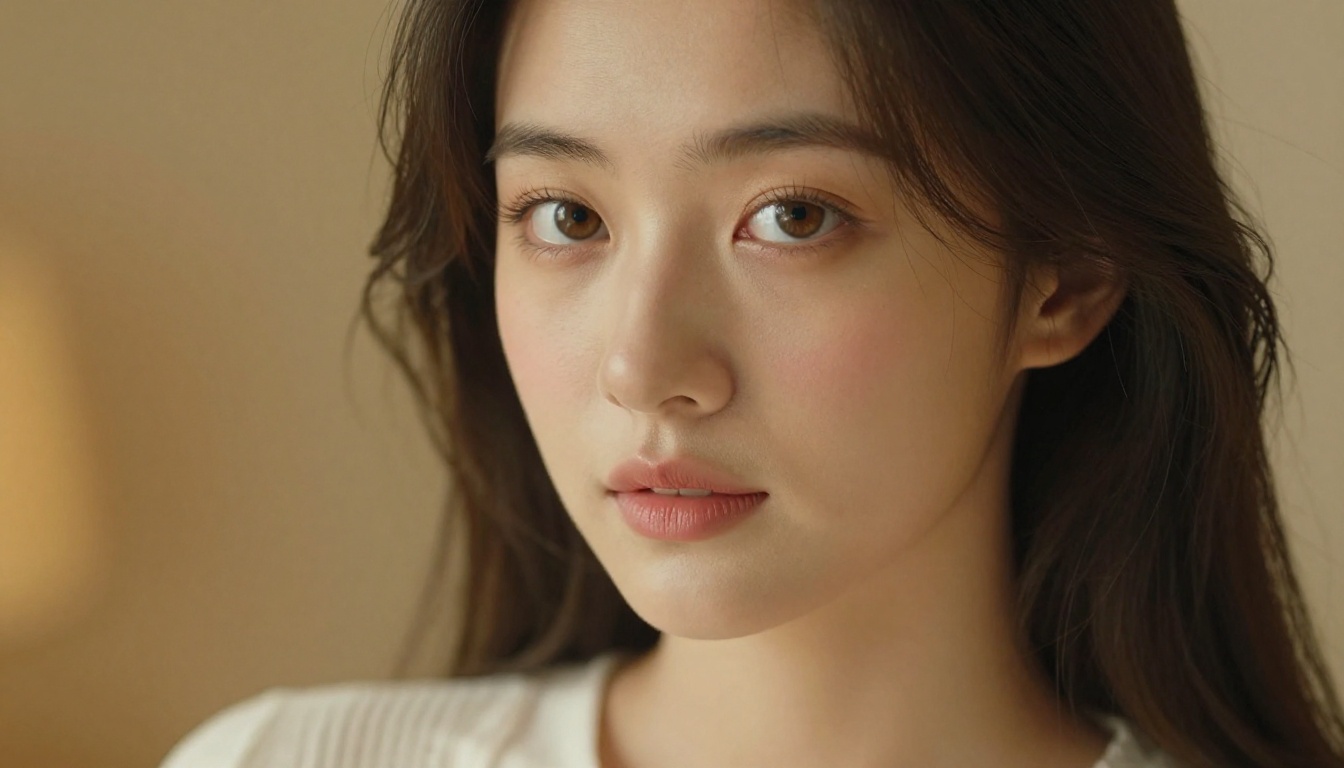
What "3D Companion" Actually Means in AI
The phrase "3D companion" means different things to different creators. To some, it means a rendered polygonal figure built in software like Blender or Daz3D. To others, it means a photorealistic AI-generated portrait that looks indistinguishable from a real photograph. Understanding this distinction is essential for choosing the right tool and setting realistic expectations.
CGI Renders vs. Photorealistic AI
Traditional 3D character software produces images by rendering mathematical geometry with applied textures and lighting simulations. The results can be impressive, but the learning curve is steep, software licenses are expensive, and most platforms restrict adult content on their free tiers. Photorealistic AI generators work differently: they produce images by predicting pixel patterns based on billions of training examples. The output is not a 3D model in the technical sense, but the visual realism routinely exceeds what traditional 3D renders achieve, and the process takes seconds rather than hours.
For most creators, AI-generated companions produce better, faster, and more customizable results than traditional 3D tools. When you add the uncensored requirement, AI platforms like PicassoIA become the clear winner, because most traditional 3D software locks adult content behind expensive add-on packs or prohibits it entirely in their terms of service.
Why Most Platforms Restrict Your Creativity
Mainstream AI tools enforce content policies for a combination of legal, contractual, and commercial reasons. Platforms like Midjourney, DALL-E 3, and Adobe Firefly block suggestive content entirely. Stable Diffusion's official web implementations filter most adult prompts. The tools that allow genuinely unrestricted generation fall into two categories: local installations you run on your own hardware, or specialized web platforms built specifically for creators who need full creative control. Among web platforms, PicassoIA consistently delivers the best combination of model quality, content freedom, and accessible pricing.
💡 The real advantage of web-based AI companion tools: Zero setup, zero hardware requirements, and access to multiple NSFW-capable models from a single browser tab. No GPU needed. No Python environment. Just a prompt and a result in under three seconds.
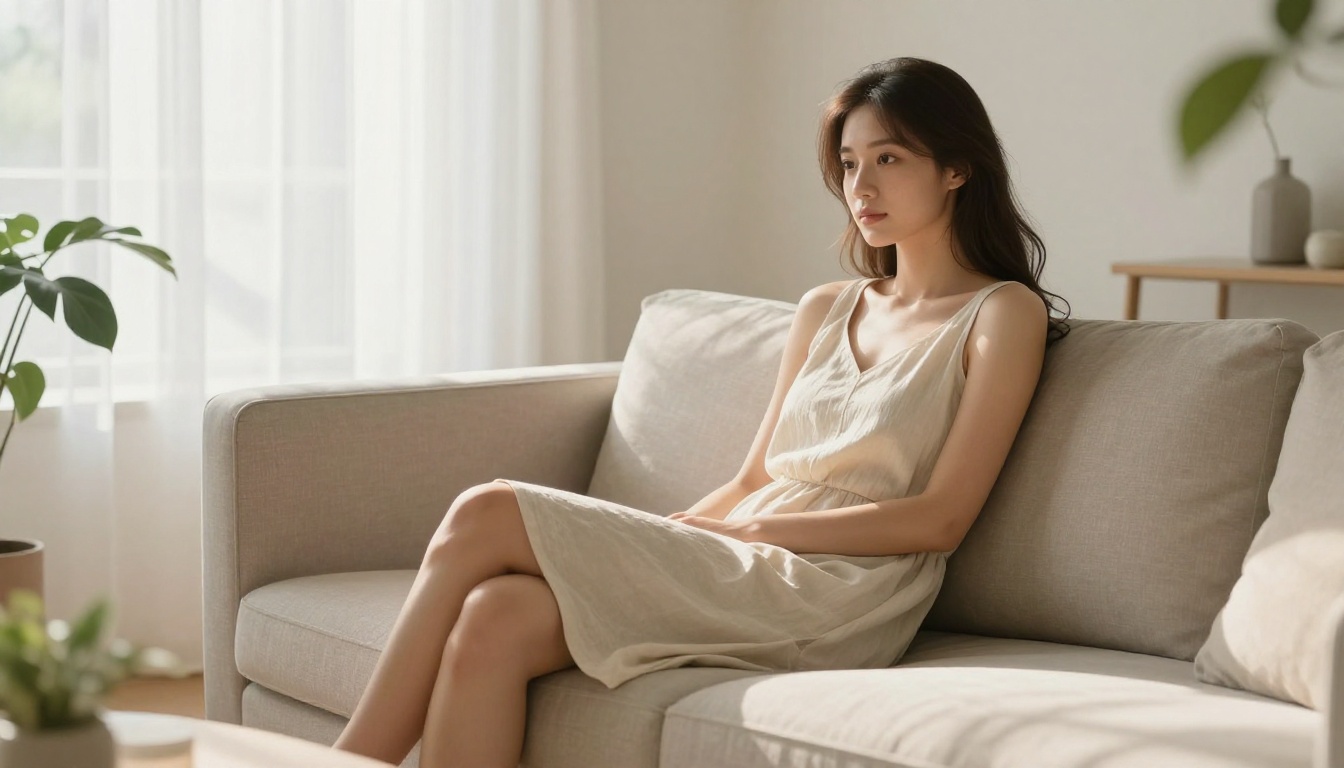
Not all "free" tools are created equal. Some limit you to five images per day. Others watermark everything. A few require powerful hardware to run locally. Here is an honest comparison of the most commonly recommended free AI 3D companion generators:
| Tool | Free Tier | NSFW Allowed | Speed | Quality |
|---|
| PicassoIA | 3 real gens, no CC required | ✅ Full | Under 3 seconds | ⭐⭐⭐⭐⭐ |
| Stable Diffusion (local) | Unlimited | ✅ With configuration | GPU-dependent | ⭐⭐⭐⭐ |
| Tensor.Art | Limited daily credits | Partial | Moderate | ⭐⭐⭐ |
| Civitai | Limited free credits | ✅ With account | Moderate | ⭐⭐⭐⭐ |
| SeaArt | Daily free credits | Partial | Moderate | ⭐⭐⭐ |
| NightCafe | 5 credits per day | ❌ No | Slow | ⭐⭐⭐ |
PicassoIA: The Best Starting Point
PicassoIA's free trial is genuinely free: no credit card, no auto-renewing trial period, and no watermarks on generated images. You get three full generations using the same models that paid subscribers access, including Seedream 4.5, which is currently the top-performing NSFW-capable model available on any web platform. The free trial functions as a real evaluation of the platform, not a teaser that blocks the best features.
Stable Diffusion Locally: Powerful but Demanding
Running Stable Diffusion locally is technically unlimited and completely unrestricted when you use community-built models. But the barrier is real: you need a modern NVIDIA GPU with at least 12GB VRAM, Python configured properly, Automatic1111 or ComfyUI installed, and the right model weights downloaded from Civitai or HuggingFace. For most creators, the setup time exceeds a week of effort. Web platforms eliminate all of that friction.
Other Web Options
Tensor.Art and Civitai both offer limited free tiers with access to community-uploaded models, many of which support adult content. The quality varies significantly because you are relying on user-uploaded checkpoints rather than curated, professionally maintained models. For creating consistent, high-quality AI companions, the variability is a real drawback compared to PicassoIA's curated lineup.
💡 Simple rule: If you want free + uncensored + high quality + no setup, PicassoIA wins on every dimension. If you want unlimited + zero restrictions + full technical control, local Stable Diffusion is the serious alternative. Every other option compromises on at least two of those four criteria.
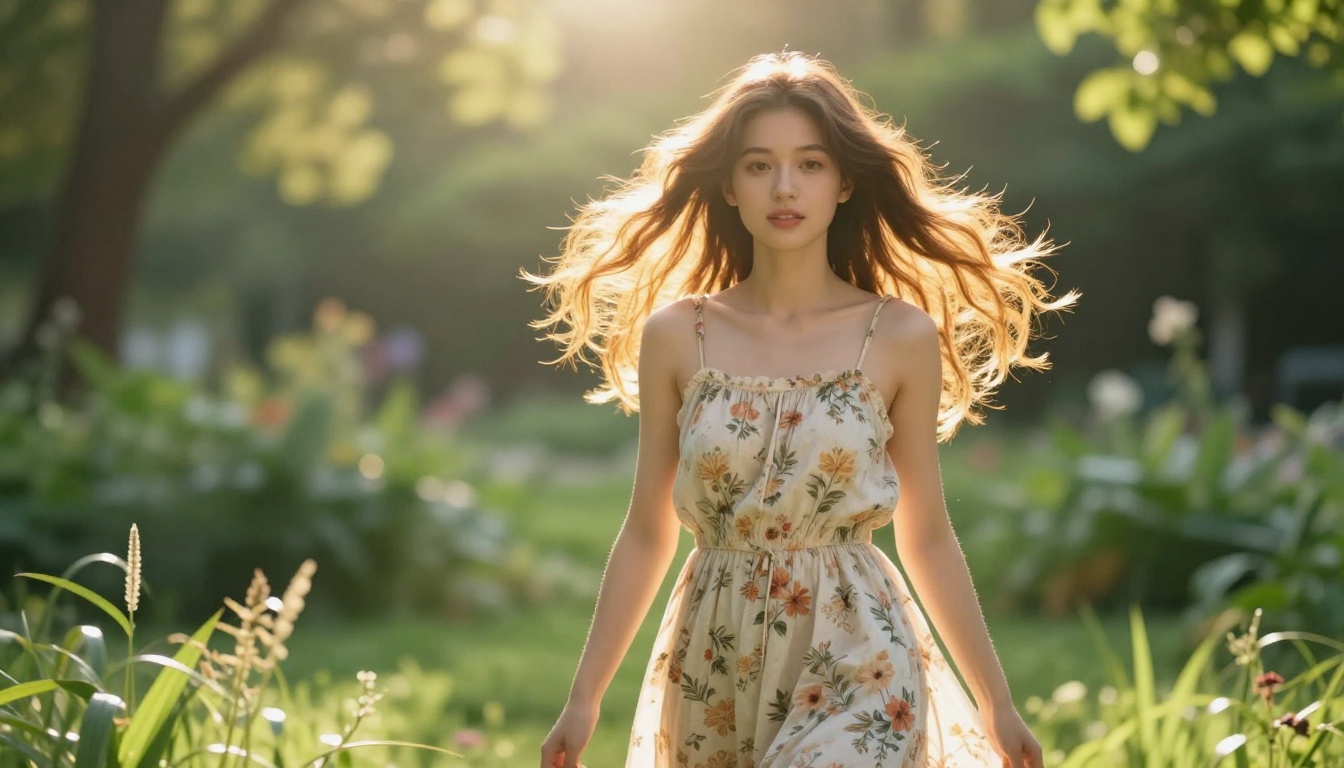
Best Models on PicassoIA for Uncensored Companions
PicassoIA maintains a curated library of models specifically capable of high-quality, uncensored companion creation. Below is the full recommended ranking, ordered by performance, flexibility, and value:
-
Seedream 4.5 ⭐ — The definitive top pick for free AI 3D companion creation. Accepts NSFW content, supports both text-to-image and image editing workflows, and generates ultra-realistic results in under three seconds. Skin texture, hair detail, fabric realism — all best-in-class. (Important: the newer Seedream 5 Lite does NOT support adult content. Use 4.5 specifically for uncensored creative work.)
-
PicassoIA Image Editor Pro — The best option for generating multiple variations of the same companion character. As an img2img model, you provide a reference image and describe what to change, preserving your companion's identity across dozens of scenes. Its biggest practical advantage: unlimited generations on Elite and Infinite plans. Compare 1,000 images at zero marginal cost here versus roughly $100 on volume-charged models like Nano Banana 2. Returns results in under one second and includes three free trial generations with no credit card required.
-
Qwen Image 2 — Open-source architecture with no content restrictions. Exceptional for detailed realism, particularly with complex scenes and intricate environmental detail around your companion character.
-
Grok Imagine Image — The leading choice for outfit and style transformation on existing companion images. Upload a reference and describe the change you want. The model preserves identity while making targeted modifications with high realism.
-
Recraft V4 — Text-to-image only, but delivers exceptional photorealism with natural skin tone and lighting accuracy. Best for creating a companion character from scratch with no reference image.
-
P-Image — NSFW text-to-image in under one second. The fastest option when iterating on prompt variations and needing rapid feedback on different character descriptions.
-
Wan 2.2 Image — No content filters enabled. Generates highly realistic companion images from descriptive prompts with particular strength in natural poses and environmental integration.
💡 Start here: Use Seedream 4.5 for initial character creation, then switch to Image Editor Pro for unlimited variations of your best result.
👉 Explore the full lineup of NSFW-capable models at picassoia.com/en/all-models.
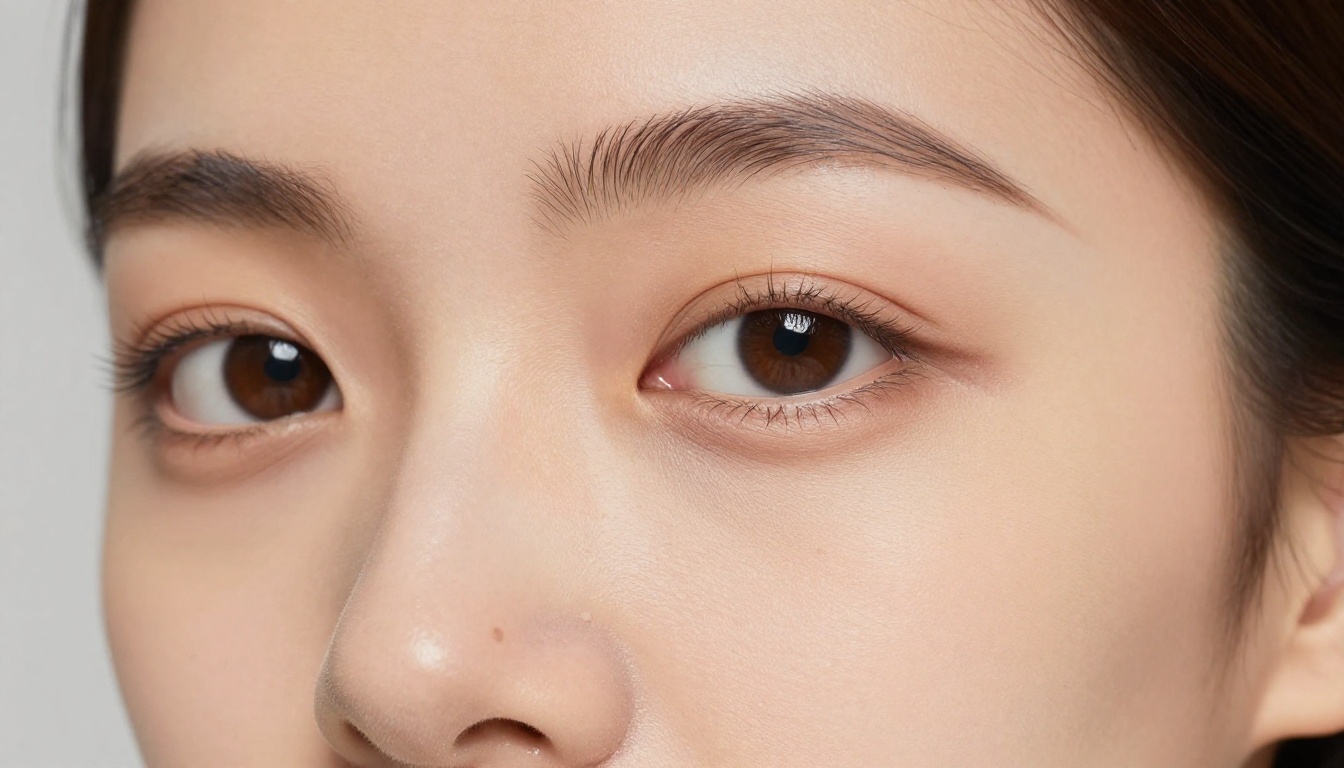
How to Create Your First AI Companion on PicassoIA
The process from zero to your first high-quality companion image takes under five minutes. Here is the exact workflow:
Step 1: Create a Free Account
Go to picassoia.com and sign up. No credit card required. Your free trial with three full generations activates immediately with no restrictions on model access.
Step 2: Select Seedream 4.5
In the navigation, go to Text-to-Image and select Seedream 4.5. This is the recommended first model because it handles the widest range of companion styles with the best realism-to-speed ratio available on the platform.
Step 3: Build Your Prompt
Use this structure for reliable, detailed results:
[Physical description] + [Clothing/Style] + [Scene/Location] + [Lighting] + [Camera/Technical specs]
Weak prompt: "Beautiful woman in a bedroom"
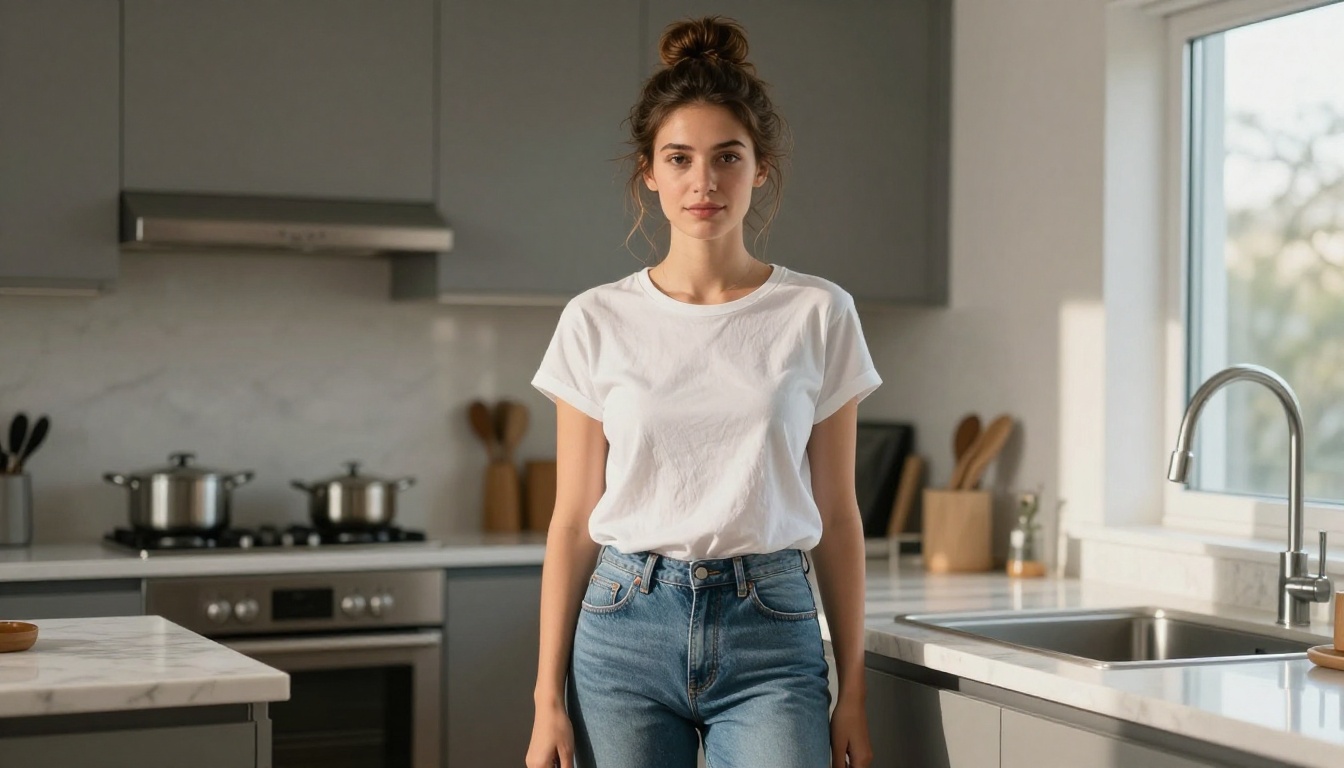
Strong prompt: "Young woman with long auburn hair and dark almond eyes, wearing a fitted ivory satin slip dress, standing in a modern minimalist bedroom with soft morning light streaming from a window on the left, shallow depth of field, 85mm f/1.4 lens, Kodak Portra 400 film grain, 8K, photorealistic"
The second prompt gives the model specific, actionable information at every visual layer. The result is dramatically more detailed and realistic.
Step 4: Set Aspect Ratio and Generate
For landscape companion scenes choose 16:9. For portrait-style close-ups choose 9:16. For square social media formats choose 1:1. Hit generate and your image returns in under three seconds.
Step 5: Iterate with Image Editor Pro
Once you have a base character you are happy with, bring that image into PicassoIA Image Editor Pro. From here, run unlimited variations: different outfits, different environments, different moods — all while preserving the core character identity. On an Elite or Infinite plan, this scales to thousands of images at no additional cost.
Prompt Writing That Makes the Difference
Prompt quality separates average AI companion images from truly stunning photorealistic results. These patterns consistently produce professional-grade output across every model on PicassoIA.
Five Elements of a Winning Prompt
Every high-performing companion prompt contains five distinct layers:
-
Specific physical features: Hair color, texture, length. Eye color. Skin tone. Facial structure. "Long wavy dark hair, expressive almond-shaped brown eyes, warm olive complexion" is infinitely more useful than "beautiful woman".
-
Detailed clothing: Fabric type, color, fit, and specific garment name. "Fitted ivory satin slip dress with thin straps and a subtle sheen" beats "white dress" every time.
-
Precise environment: Where is the scene? What surfaces are visible in the background? What objects create depth? "Modern penthouse living room with floor-to-ceiling windows overlooking a city at dusk, warm oak flooring, minimalist white walls" creates a complete visual world.
-
Specific lighting: Direction, quality, and color temperature. "Warm volumetric morning light from the left at 45 degrees casting a soft shadow across her right cheek" gives the model a precise lighting scenario that elevates realism dramatically compared to just "natural light".
-
Technical photography terms: "85mm f/1.4 prime lens, shallow depth of field, Kodak Portra 400 film simulation, RAW 8K, photorealistic" signal to the model that you want photographic realism, not a stylized illustration.
What to Leave Out
- Redundant quality stacks like "ultra-high-quality perfect masterpiece" add noise without improving output
- Style conflicts such as "photorealistic 3D render" confuse the model — choose one style direction
- Prompt lengths above 120 words often degrade composition as the model tries to satisfy too many competing instructions simultaneously
💡 Negative prompts matter as much as positive ones: Always include what you do NOT want. Add to your negative prompt field: "blurry, distorted, deformed, cartoon, illustration, CGI, watermark, extra limbs, bad anatomy, flat lighting"
Keeping Your Companion Consistent Across Multiple Images
One of the biggest practical challenges in AI companion creation is maintaining a consistent character identity across different scenes and scenarios. Here are the methods that work best on PicassoIA.
Image-to-Image Pipelines
The most reliable consistency method available. Generate your base character with Seedream 4.5, save the result, then use it as the input image for PicassoIA Image Editor Pro. Describe only the changes you want while keeping the core character description identical. The model uses your reference image as an anchor, changing what you specify while preserving what you do not.
Seed Numbers for Reproducibility
Most models on PicassoIA support a seed number parameter. If a generation produces a character you love, note the seed. Using the same seed with similar prompts often reproduces comparable facial features and structural proportions across different scenes and outfits.
Style Transformation with Grok Imagine Image
Grok Imagine Image specializes in targeted style transformations while preserving character identity. Upload your base companion image and describe a new outfit, environment, or scenario. The model makes targeted changes to what you describe while anchoring the core character appearance to your reference.
Free vs. Paid: What You Actually Get
Here is a transparent, no-marketing breakdown of what each PicassoIA tier delivers:
| Feature | Free Trial | Elite Plan | Infinite Plan |
|---|
| Total Generations | 3 (no CC required) | Large monthly credit pool | Unlimited |
| NSFW Model Access | ✅ Full access | ✅ Full access | ✅ Full access |
| Image Editor Pro | ✅ 3 free uses | ✅ Unlimited | ✅ Unlimited |
| Seedream 4.5 | ✅ Yes | ✅ Yes | ✅ Yes |
| Grok Imagine Image | ✅ Yes | ✅ Yes | ✅ Yes |
| Recraft V4 | ✅ Yes | ✅ Yes | ✅ Yes |
| Max Resolution | Up to 8K | Up to 8K | Up to 8K |
| Generation Speed | Under 3 seconds | Under 3 seconds | Under 3 seconds |
| Watermarks | None | None | None |
For casual exploration, the free trial delivers genuine value — three real, watermark-free images from the best models available. For creators building large companion image libraries, the unlimited plan makes the cost per image approach zero, which no competing platform matches.
The Hidden Cost of "Free" Competitors
Tools marketed as free often surface hidden costs quickly: credits that expire within 72 hours, quality tiers that force watermarks unless you upgrade, or NSFW features gated behind premium access. PicassoIA's three free trial generations come with no conditions attached — no watermarks, no feature restrictions, and no credit card required.
Build Your AI Companion Right Now
You have the tools identified, the best models listed with direct links, a clear five-step workflow from zero to your first professional-quality image, and prompt structures that actually work. The barrier to entry is genuinely zero: a free account with no credit card required puts the most capable uncensored AI companion generation tools on the market in your hands today.
Start with Seedream 4.5 for your first character. Apply the five-element prompt structure from this article. Iterate on what works. Then move to PicassoIA Image Editor Pro for unlimited variations at scale.
For creators who want to take their AI companions into video, PicassoIA also offers powerful video generation models including PicassoIA Video for unlimited text-to-video at up to 720p, P-Video for up to 1080p with the safety filter off by default, and Grok Imagine Video for clips up to 15 seconds with no watermarks.
Every model in this article, plus dozens more for video, audio, and visual effects, is available in one place:
👉 picassoia.com/en/all-models
Your AI companion is one prompt away.


