Most free AI upscalers work perfectly well on landscape photos and product shots. The moment you feed them anything more provocative — portraits with exposed skin, glamour photography, or images flagged as adult content — they either refuse to process, return a blank output, or silently downgrade the result. This article cuts through the noise and lists the tools that actually do the job, specifically the ones available free on PicassoIA that process uncensored content without stripping detail or blocking your workflow.
Why Most Upscalers Block Your Images
The content-filter problem is real, and it hits harder than most people expect. A lot of upscaling tools are built on top of APIs that share safety classifiers with their image generation systems. The result: the same model that generates safe outputs refuses to upscale an image of someone in swimwear because the classifier flagged "exposed skin."
The Filter Problem in Practice
Most commercial upscalers apply content moderation at the input stage. Before the model even processes your image, a separate classifier checks it for adult content, nudity, or anything flagged in its training policy. If your image trips any of those checks, the upscaler returns an error or a heavily blurred result.
This is fine for social media tools built for mass-market audiences. It's a serious problem if you're a:
- Boudoir or glamour photographer trying to batch-process shoots
- Digital artist working with stylized or artistic nude imagery
- Photographer restoring vintage intimate portraiture
- Creator working in adult content spaces
What "Uncensored" Actually Means Here
"Uncensored" in this context doesn't mean explicit or pornographic. It means the upscaler processes your image based on what's there, applying its super-resolution algorithm to every pixel without flagging or modifying content it doesn't agree with.
💡 The best uncensored upscalers don't treat your image differently based on what's in it. They just upscale it.
The tools below do exactly that. They apply their algorithms to the full image, including exposed skin, artistic nude imagery, and suggestive content, without triggering a content warning or returning a blank response.
The Best Free AI Upscalers Without Content Filters
These models are available for free on PicassoIA. Each one processes various content types including portrait, fashion, and artistic imagery without restrictions.
Clarity Pro Upscaler
Clarity Pro Upscaler by philz1337x is one of the most capable photorealistic upscalers currently available. It was built specifically for portrait and human photography, which makes it naturally good at skin texture, hair detail, and facial features.
What sets it apart for uncensored content: the model doesn't apply any input filtering. It processes what you give it. For boudoir photography or artistic portrait work, this makes a significant difference — skin pores, fabric texture, and fine hair strands are all recovered without the model blurring or masking regions it finds sensitive.
Best for: Portraits, glamour photography, fashion editorial shots
Output quality: Exceptional skin texture recovery, film-grain preservation
Scale: Up to 4x
Real ESRGAN
Real ESRGAN by nightmareai is the model that started the modern AI upscaling movement. Originally open-source and trained on a massive dataset of real-world degradations, it handles noise, compression artifacts, and blurriness with a consistency other models still struggle to match.
For uncensored imagery, Real ESRGAN is reliable because it's architecture-first — it processes pixels, not categories of content. No input classifier, no output moderation. The result is predictable and clean.
- Works on heavily compressed JPEGs
- Strong on fine body detail and fabric texture
- Handles low-light photography without adding noise
- Free, unlimited, no account-tier restrictions
Best for: Compressed or low-quality sources, artistic photography
Scale: 4x
Crystal Upscaler
Crystal Upscaler is the portrait-specialist model from philz1337x. Where Clarity Pro handles general photography well, Crystal was built from the ground up for human subjects — specifically faces, skin, and hair at close range.
For intimate photography or boudoir work, this is the model to reach for when the subject's face and body are both prominent in the frame. Crystal recovers facial micro-detail (pores, lashes, fine lines) without over-sharpening or creating artificial HDR skin.
💡 Crystal Upscaler performs especially well on images where the subject's skin occupies more than 40% of the frame.
Best for: Close-range portraits, intimate photography, facial detail recovery
Scale: 4x
Topaz Image Upscale
Image Upscale by Topaz Labs is the highest-scale option in the PicassoIA lineup at up to 6x. Topaz has been the industry standard in professional photography upscaling for years, and their model available here brings that same capability without content restrictions.
The Topaz algorithm excels at preserving long-range detail consistency. When you upscale a full-body shot 6x, the background, midground, and subject all maintain proportional sharpness. Competing models often over-sharpen the subject while leaving backgrounds soft.
Best for: Full-body shots, scenes with multiple depth layers, large print preparation
Scale: Up to 6x
P Image Upscale
P Image Upscale by prunaai is the fastest option in this list. The model was optimized for speed — it processes an image in under one second while maintaining competitive quality for most photo types.
For high-volume workflows (batch processing glamour sessions, restoring archives of intimate photography), P Image Upscale gives you throughput no other model here can match. Quality is slightly below Clarity Pro and Crystal on fine skin texture, but for medium-detail requirements, it's the right choice.
Best for: Batch workflows, speed-critical pipelines, medium-detail requirements
Scale: Standard upscaling
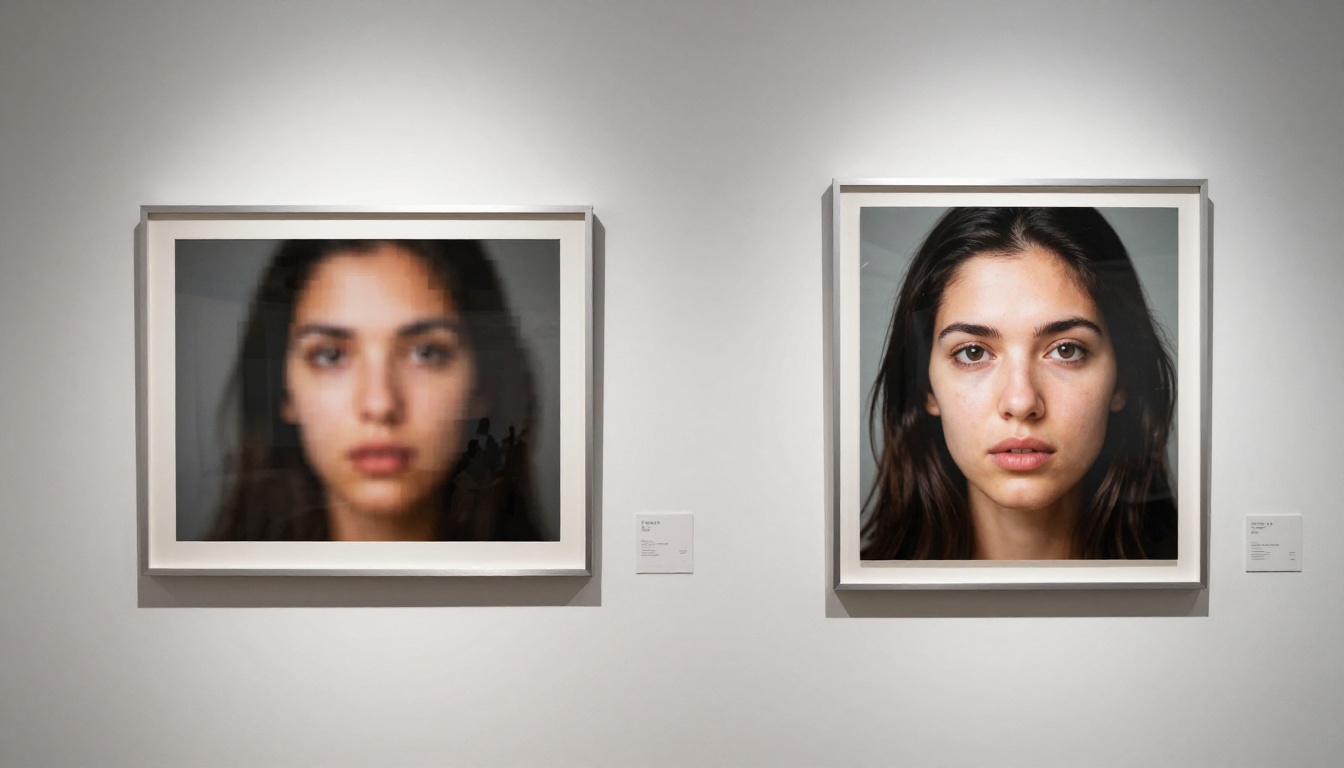
Side-by-Side: What Changes After Upscaling
The most visible improvement after upscaling is always detail recovery. But not all detail matters equally depending on your use case.
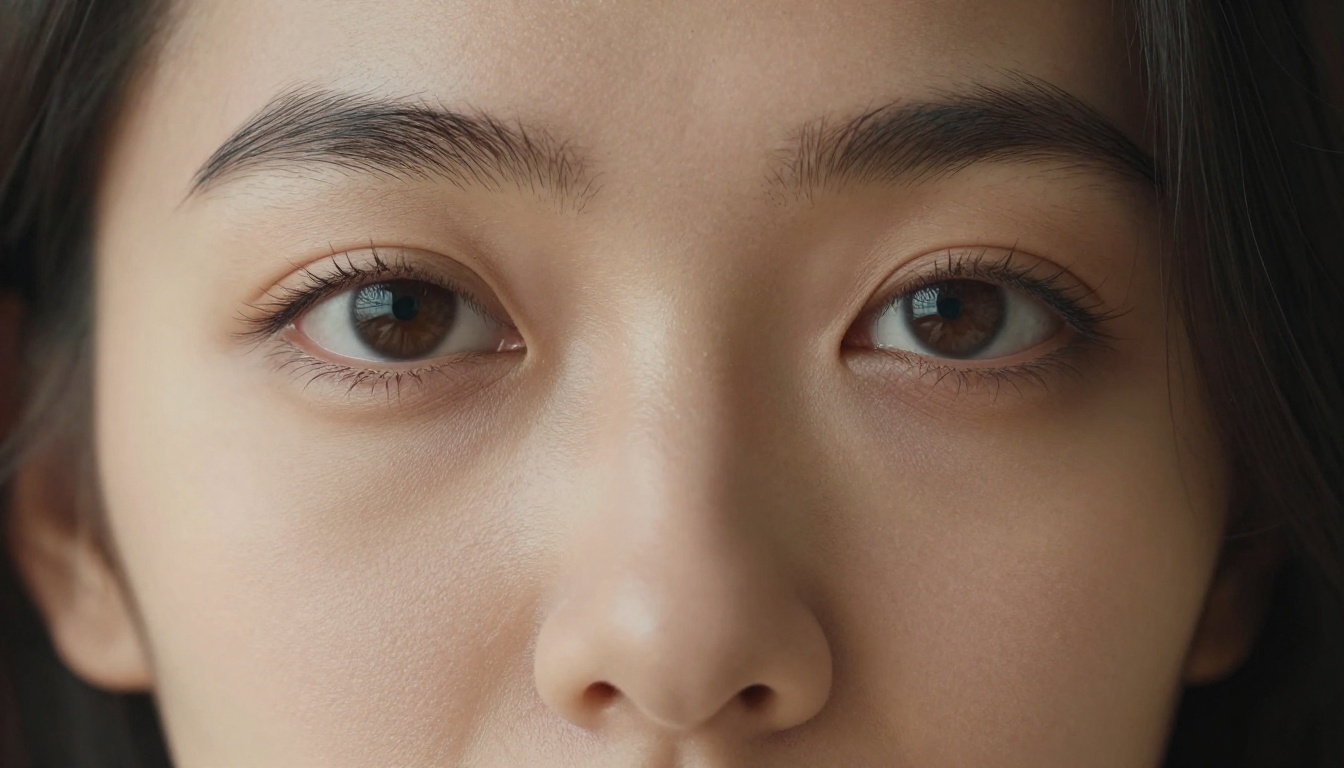
Skin Texture Recovery
This is the most important category for portrait and boudoir photography. A well-trained upscaler should add back:
- Natural skin pores at high zoom
- Fine hair (peach fuzz, eyebrow strands, lash separation)
- Natural highlight and shadow gradients across curved surfaces
- Lip texture and micro-detail
Bad upscalers either smooth everything out (over-processing) or introduce artificial HDR crunch that looks unnatural. Clarity Pro and Crystal both hit the target here consistently.
Fabric and Fine Detail
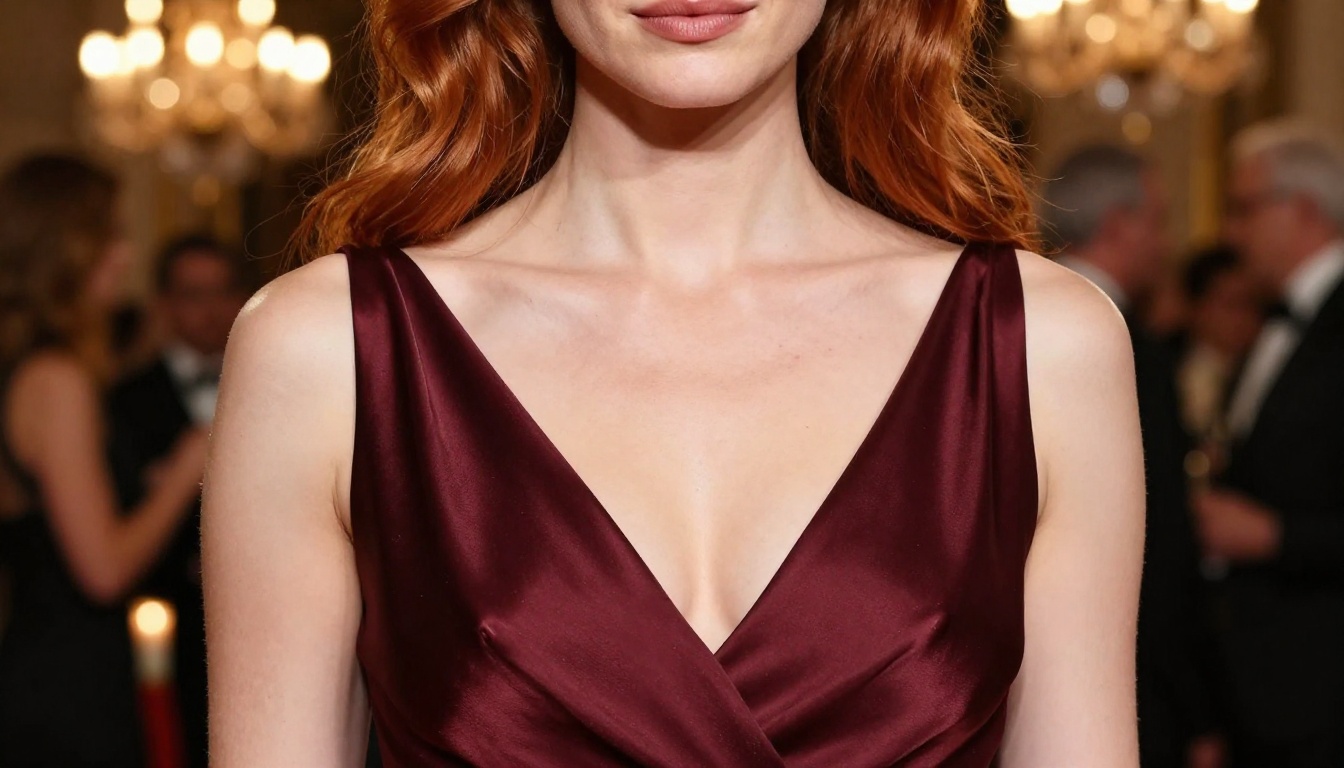
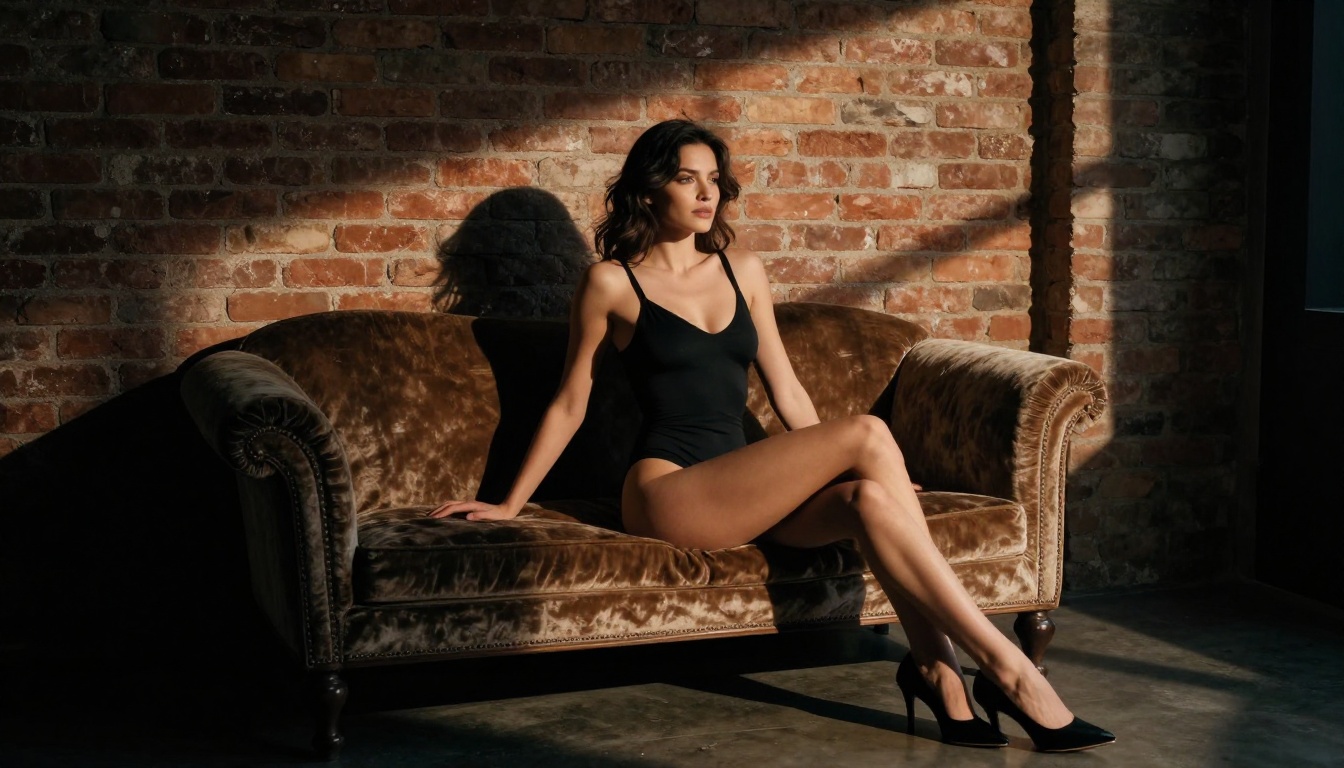
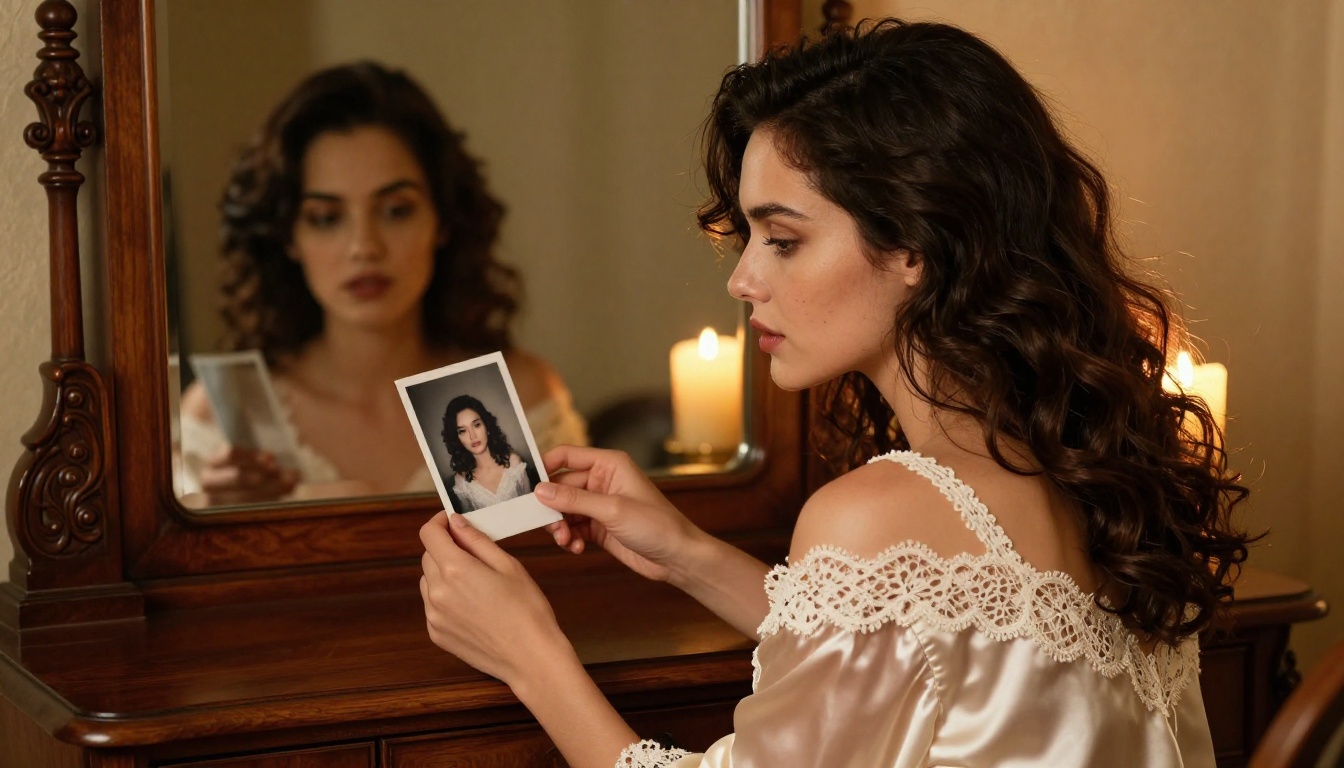
Beyond skin, upscaling reveals fabric detail that compressed images lose. Silk sheen, lace needlework, satin weave patterns, and velvet nap texture are all visible after a proper 4x upscale. This matters for fashion photography and any work where the clothing texture is part of the composition.
| Detail Type | Clarity Pro | Real ESRGAN | Crystal | Topaz 6x |
|---|
| Skin pores | Excellent | Good | Excellent | Very Good |
| Hair strands | Very Good | Good | Excellent | Very Good |
| Fabric texture | Excellent | Very Good | Good | Excellent |
| Background depth | Good | Good | Fair | Excellent |
| Compression artifacts | Very Good | Excellent | Good | Very Good |
How PicassoIA Handles Uncensored Upscaling
PicassoIA runs all nine super-resolution models as open-access tools. There's no tiered content policy where standard accounts get filtered versions while premium accounts get the full model. Every user gets the same underlying inference engine.
No Account Restrictions
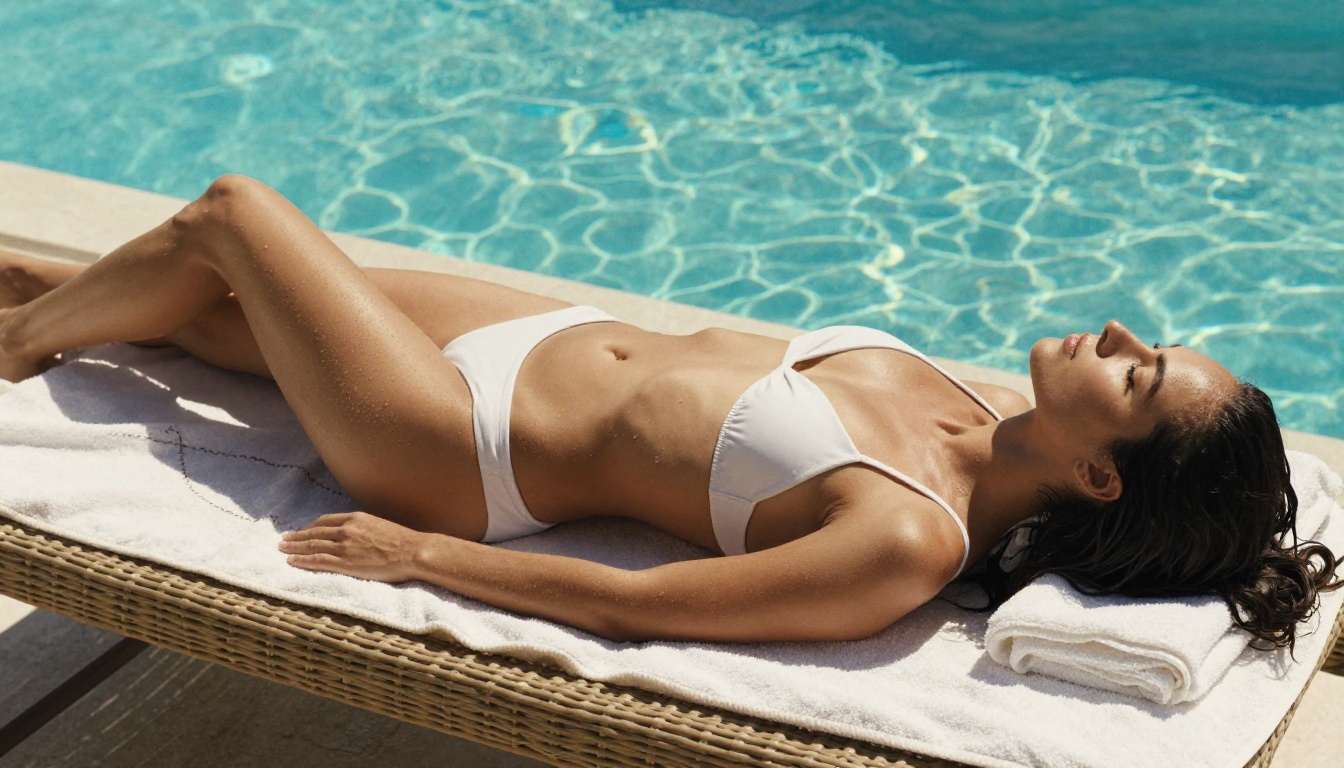
The models at PicassoIA process images based on their visual properties, not their content categories. Whether you're upscaling a landscape, a portrait, or an intimate boudoir shot, the algorithm applies the same enhancement logic without triggering a safety refusal.
This is the meaningful distinction from many competing platforms. Some upscaling tools that claim to be "unrestricted" still run a soft filter that blurs or crops regions with exposed skin. PicassoIA doesn't apply that layer.
Nine Models in One Place
Having nine distinct super-resolution models in one location matters more than it sounds. When you're working through a diverse batch of photos — some tight portraits, some full-body shots, some heavily compressed, some well-exposed — you want to reach for the right tool without switching platforms.
At PicassoIA's super-resolution collection, you can:
- Run Clarity Pro on portrait-heavy shots
- Switch to Topaz for full-body or landscape compositions
- Use P Image Upscale on the bulk of a batch for speed
- Finish with Crystal Upscaler on the hero shots that need face-level detail
This workflow runs without copying files between services, without re-authenticating, and without hitting different content policies across different platforms.
Picking the Right Model for Your Photo Type
The right upscaler depends on two things: what's in the frame and the quality of your source image.
Portraits vs. Full Body
Tight portrait (face fills 60%+ of frame): Crystal Upscaler or Clarity Pro. Both were trained heavily on human facial data. Crystal edges it out for very close crops; Clarity Pro handles mid-to-close portraits more consistently.
Full body with background: Topaz Image Upscale. The 6x ceiling and its multi-plane sharpness consistency make it the right choice when you need the whole frame sharp, not just the subject.
Group shots: Real ESRGAN. Its general-purpose training handles mixed subject types (multiple people, varied skin tones, different clothing) more reliably than the portrait-optimized models.
Low-Res Source vs. Medium-Res Source
| Source Quality | Recommended Model | Why |
|---|
| Very low res (under 512px) | Real ESRGAN | Best artifact correction |
| Medium res with compression | Clarity Pro | Natural texture recovery |
| Good res, just needs scale | Topaz Image Upscale | Clean scale-up without over-processing |
| Speed priority | P Image Upscale | Fastest inference time |
| Portrait with face detail | Crystal Upscaler | Finest micro-detail on skin and hair |
Tips for Better Upscaling Results
Prep the Image First
Before running an upscaler, do a quick pass on the source:
- Remove obvious dust or sensor spots at the original resolution — they will upscale too
- Straighten and crop before upscaling, not after — rotation at high res introduces resampling artifacts
- Save as PNG or high-quality JPEG for the input — upscalers amplify compression artifacts, so feeding them a heavily compressed file gives a worse starting point
💡 A 90% quality JPEG will upscale significantly better than the same image saved at 60%. The difference compounds at 4x scale.
Choosing Scale Factor
More scale doesn't always mean better results. Upscaling a 400px image 6x to 2400px sounds appealing, but the model has to fabricate a lot of detail. That fabrication introduces hallucinated texture that looks wrong on close inspection.
The sweet spot for most photography:
- 4x for anything above 512px
- 2x for anything above 1500px that just needs a print-size bump
- 6x only for images that are sharp and clean at the source, just small
For uncensored imagery specifically, skin texture hallucination is the main risk with aggressive upscaling. Clarity Pro and Crystal handle this better than most because their training data included extensive real skin-texture references.

Bria Increase Resolution and Google Upscaler
Two additional models round out the PicassoIA super-resolution collection:
Increase Resolution by Bria delivers reliable 4x upscaling with strong general performance across content types. It processes cleanly without artifacts and handles both warm and cool-toned photography equally well.
Google Upscaler applies Google's research-grade upscaling to images up to 4x. It's particularly strong on detail preservation in high-contrast areas — shadows and highlights — which makes it useful for dramatic lighting situations like backlit silhouettes or stage photography.
Both are uncensored, free, and accessible without special account tiers.
All PicassoIA Super-Resolution Models at a Glance
What About Generating Images First?
If you need to generate uncensored or suggestive imagery before upscaling it, PicassoIA also provides access to generation models that work without content filters. The most capable option for this use case is the Seedream 4.5 model available in the text-to-image collection. It produces photorealistic output at high native resolution and handles suggestive and artistic content without blocking or degrading the result.
After generating, run the output through Clarity Pro Upscaler or Crystal Upscaler to push the resolution to print quality. The combination of unrestricted generation followed by no-filter upscaling gives you a complete pipeline that doesn't break at any point.
For ongoing creation without credit limits, PicassoIA Image Editor Pro provides unlimited generations alongside the upscaling suite, so you're not throttled mid-project.
Browse the full model library at picassoia.com/en/all-models to find the right generator for your style before passing results to the upscalers above.
Try the Models on PicassoIA Now
The nine super-resolution models covered in this article are all free and available without content restrictions on PicassoIA. If you're working with glamour photography, boudoir sessions, artistic portraiture, or any image type that gets flagged or degraded on mainstream upscaling tools, the PicassoIA collection gives you the full model capability without the filtering.
Start with Clarity Pro Upscaler for portraits, Topaz Image Upscale for full-body and wide compositions, and Real ESRGAN for anything with heavy compression or artifacts. Upload your first image at picassoia.com/en/all-models and see the difference between a filtered upscaler and one that actually processes your work.