You typed your prompt, clicked generate, waited 30 seconds, and got back a decent video. Then you noticed it: a small but unmistakable watermark burning into the bottom corner. All that creative energy, wasted. If that scenario sounds familiar, you are not alone.
The free AI video market has exploded in 2027, but most platforms attach their branding to every output by default. Some hide removal behind a paid plan. Others make it nearly impossible to get clean footage without subscribing. Finding free AI video apps with no watermark that actually deliver usable clips takes more digging than it should. This article cuts through the noise and lists the tools that genuinely let you create, edit, and share AI video without anyone knowing which platform made it.
Why Watermarks Are a Real Problem
It is easy to dismiss watermarks as a minor annoyance, but for anyone producing content professionally, even at a hobbyist level, they signal a lack of ownership over your own work. A watermark tells your audience that another company's product made your video. For brands, social media creators, or anyone building a visual portfolio, that is a hard sell.
Beyond aesthetics, watermarks on AI video can:
- Undermine trust with clients who expect polished, original content
- Limit monetization because platforms like YouTube flag or restrict third-party branded overlays
- Break immersion in cinematic or narrative video projects
- Reduce perceived production value even when the underlying clip quality is excellent
The good news is that the AI video ecosystem has matured enough that several high-quality generators now offer genuinely free, watermark-free output. You just need to know where to look.
Not every "free" AI video app is created equal. Before diving into specific tools, here are the criteria that actually matter when evaluating a free AI video generator without a watermark:
Output cleanliness. The video file you download should contain zero branding, visible overlays, or embedded logos. Always check the corners and borders of the output.
Generation quality. Free does not have to mean low-resolution or blurry. Some models produce 720p and even 1080p output without charging anything.
Prompt flexibility. The best tools accept both text prompts and image inputs, giving you more control over results.
Rate limits and caps. A truly useful free tool either has no daily limit or a generous enough cap that you can actually complete a project.
Speed. Waiting 10 minutes per clip kills creativity. Look for tools with fast inference times, ideally under 2 minutes per generation.
💡 Pro tip: Platforms that host many models in one place tend to offer better free tiers because they spread infrastructure costs across a wider user base. That is exactly why PicassoIA works so well as a free AI video platform.

Best Free AI Video Apps With No Watermark
All of the tools below are accessible through PicassoIA, a platform that hosts over 200 AI models including dedicated video generators, editors, and enhancement tools, all delivering clean output with no watermarks.
Seedance 2.5 Lite
Seedance 2.5 Lite is the standout recommendation for anyone who wants free, unlimited AI video generation with no watermark. Built by PicassoIA, this model accepts both text prompts and image inputs and generates clips up to 10 seconds long.
What sets it apart from other free options:
- Unlimited generations with no daily cap, ever
- Clean output with zero branding on every file you download
- Text-to-video and image-to-video modes in one tool
- Realistic motion with natural-looking movement that holds up at full resolution
For content creators who need volume, Seedance 2.5 Lite is the closest thing to a professional AI video generator without a price tag attached. It sits firmly at the top of any list of free AI video apps with no watermark.
PicassoIA Video
PicassoIA Video is the platform's native text-to-video and image-to-video model, designed specifically for users who want high-quality watermark-free video without navigating complicated settings.
The model supports:
- Direct text prompts with strong semantic adherence
- Image conditioning for precise visual control over the first frame
- Fast generation times that keep creative momentum going
- Free and unlimited usage within the platform
This is an excellent starting point for users new to AI video creation who want clean, shareable output immediately without any learning curve.
Ray Flash 2 720p
Ray Flash 2 720p from Luma AI delivers 720p resolution video without a paywall. The model prioritizes speed and visual clarity, making it one of the fastest free text-to-video generators available right now.
What it does well:
- 720p output for crisp, shareable clips with solid detail
- Fast generation time, typically under 90 seconds
- Strong handling of camera motion descriptions in prompts
- No watermark on downloaded files regardless of how many you generate
💡 For social media clips, short-form content, or quick concept tests, Ray Flash 2 720p hits the sweet spot between quality and speed.
Wan 2.1 T2V 480p
Wan 2.1 T2V 480p from WaveSpeedAI is a lightweight free AI video generator built on the open-source Wan architecture. At 480p it is not the highest resolution option, but what it lacks in pixel count it makes up for in motion quality and prompt adherence.
Best for:
- Detailed scene descriptions with multiple elements in frame
- Animated backgrounds and natural environment scenes
- Fast prototyping when resolution is not the primary concern
- Users on slower connections who benefit from smaller file sizes
Pair this with Video Increase Resolution afterward and you can upscale the output to 8K without spending anything. It is a surprisingly powerful free workflow.
LTX 2 Fast
LTX 2 Fast by Lightricks earns its name. This model prioritizes inference speed above all, generating usable video in seconds rather than minutes. For rapid iteration on a concept, it is hard to beat.
What it does well:
- Near-instant generation that keeps the creative process moving
- Solid handling of motion-heavy prompts with dynamic scenes
- 4K-capable architecture in the broader LTX family
- Clean downloads with no watermark at any quality level
For workflows where speed matters more than peak quality, LTX 2 Fast is the right pick. It sits alongside Wan 2.1 T2V 480p as one of the fastest free AI video apps with no watermark currently available.

How to Use Seedance 2.5 Lite on PicassoIA
Since Seedance 2.5 Lite is the top free pick, here is a step-by-step to get your first clean watermark-free video in under 3 minutes:
Step 1: Open the model page
Navigate to Seedance 2.5 Lite on PicassoIA. No account is required to try a generation; sign up for unlimited free access.
Step 2: Choose your mode
Select Text to Video if you want to generate from a written description, or Image to Video if you have a source image you want to animate into motion.
Step 3: Write your prompt
Be specific. Include subject, action, environment, and lighting in your description. A strong prompt example: "A woman walking down a rain-soaked cobblestone street at dusk, warm lamp light reflecting on puddles, slow dolly forward, realistic natural motion."
Avoid vague descriptions like "a cool video." The model responds far better to concrete visual details.
Step 4: Set duration
Choose up to 10 seconds. For social media content, 5-6 seconds is the sweet spot for platform performance.
Step 5: Generate and download
Click generate. The model runs inference and returns your clip. Click download. The file contains no watermark, no branding, no overlay of any kind.
💡 Prompt tip: Add explicit camera motion descriptions like "slow zoom in," "handheld slightly shaky," or "wide static shot" to dramatically improve the cinematic quality of your output.
| Parameter | Recommended Setting |
|---|
| Duration | 5-8 seconds |
| Mode | Text-to-Video or Image-to-Video |
| Prompt length | 30-60 words |
| Lighting description | Always include |
| Camera movement | Describe explicitly |
Free AI Video Editing Without Watermarks
Generating video is only part of the workflow. Editing, stylizing, and enhancing your clips matters just as much, and all of the following tools operate without adding any branding to your output. These are among the best free AI video editing tools with no watermark available on the platform.
P Video Edit
P Video Edit takes a video you already have and rewrites its visual style using a text prompt. Want to restyle a raw clip into a cinematic film look? Type your instruction and the model applies it across every frame consistently.
It is particularly strong for:
- Style transfer, changing the look of footage without re-generating it from scratch
- Adjusting lighting mood across a full clip in a single pass
- Converting realistic video into a specific aesthetic direction quickly
Wan 2.7 VideoEdit
Wan 2.7 VideoEdit is one of the most capable free text-based video editors available. It allows fine-grained control over what changes in a clip and what stays the same, making it ideal for targeted edits rather than full visual overhauls.
Common use cases:
- Replacing backgrounds while keeping the subject intact and natural
- Changing clothing or object colors across the full duration
- Adjusting weather or time-of-day in outdoor footage without a reshoot
Video Increase Resolution
Video Increase Resolution by Bria is an upscaling tool that can push video quality up to 8K. If you generated a clip at 480p or 720p and need higher resolution for a specific delivery requirement, this is a free post-processing step that adds significant value to your final output.
The upscaling model preserves fine detail well and avoids the artificial smoothness that older upscaling algorithms introduced. It works cleanly with output from any of the generators listed above.
Also worth noting: Real ESRGAN Video is another free upscaler in the same category, offering 4x upscaling with strong noise reduction, ideal for footage that looks slightly grainy at its native resolution.
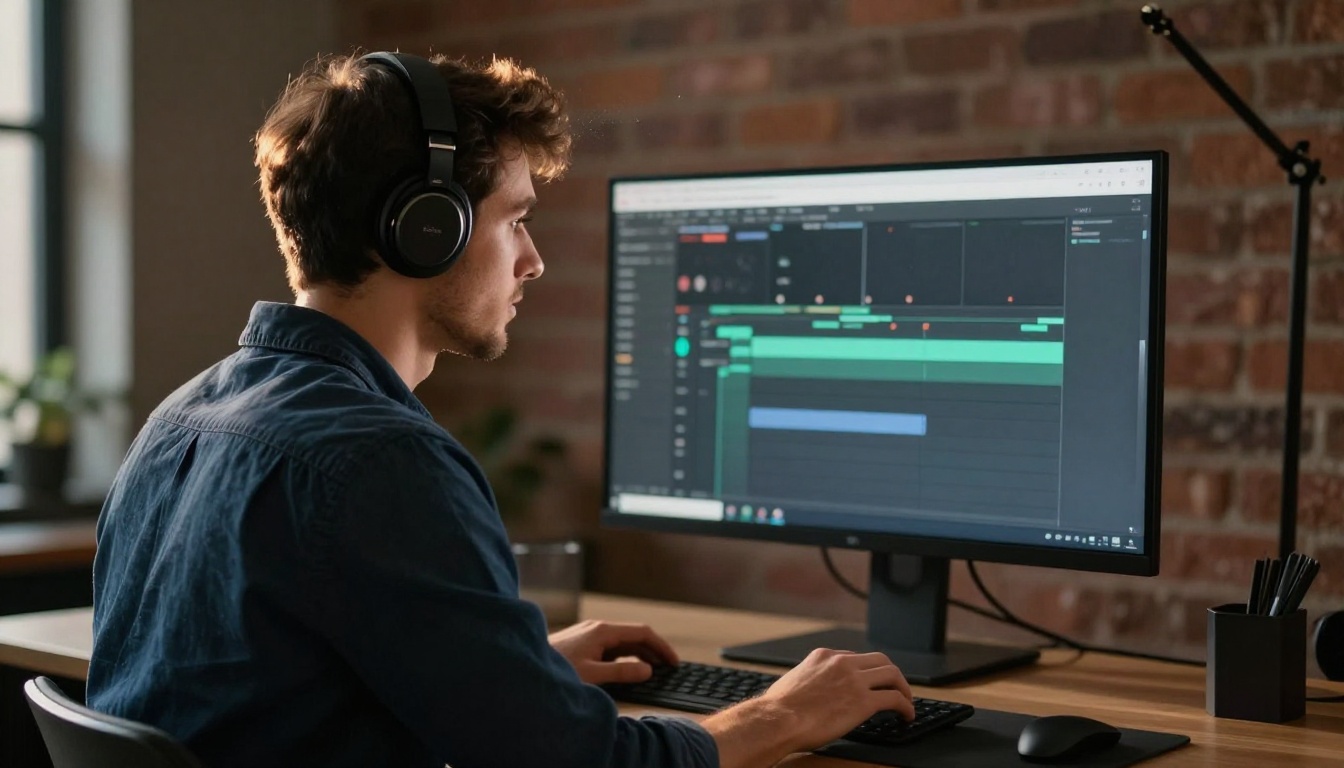
Side-by-Side: Which One Fits Your Workflow
Not every creator has the same needs. Here is a quick comparison across the top free AI video tools with no watermark:
For most users, Seedance 2.5 Lite is the practical default because of its unlimited free usage and zero-watermark policy. If speed is critical, Ray Flash 2 720p or LTX 2 Fast are the better picks. If you are editing existing footage rather than generating new clips, start with P Video Edit or Wan 2.7 VideoEdit.
One underrated workflow: generate your base clip with Wan 2.1 T2V 480p, pass it through P Video Edit for a style pass, then upscale with Video Increase Resolution. You get a polished, high-resolution clip entirely for free, with no watermarks at any stage of the process.
Start Creating Your Own Watermark-Free AI Videos
Every tool listed here is accessible on PicassoIA, which brings together more than 200 AI models including 87+ text-to-video generators, dedicated video editing tools, and upscaling capabilities, all in one free-to-access platform with no watermarks on any output.
The barrier to high-quality watermark-free AI video creation is lower than it has ever been. Whether you need a quick clip for a social post, a stylized sequence for a short film, or raw footage to iterate on with editing tools, the options in this article cover the full range of use cases and workflows.
Here is where to start based on your situation:
All of these produce clean video files. No watermarks. No subscriptions required to get started. Just type your prompt and generate.