Free AI Video Generator for Short Clips: What Actually Works in 2027
Looking for free AI video generators that actually work for creating short clips? This comprehensive look at available tools examines what's genuinely free versus what requires payment. We test multiple AI video platforms for creating TikTok content, Instagram Reels, and YouTube Shorts, analyzing generation speed, output quality, and practical limitations. Find out which free tools deliver professional results without watermarks or hidden costs, and learn the real workflow for creating engaging short-form video content using artificial intelligence.
The landscape of video creation has fundamentally shifted in the past two years. What once required expensive software, professional equipment, and technical expertise can now be accomplished with a text prompt and a few clicks. For content creators, marketers, educators, and social media managers, this represents a seismic opportunity—particularly when it comes to creating short-form video content for platforms like TikTok, Instagram Reels, and YouTube Shorts. The question isn't whether AI video generation works, but which free tools actually deliver professional results without hidden costs or watermarks that compromise your content.
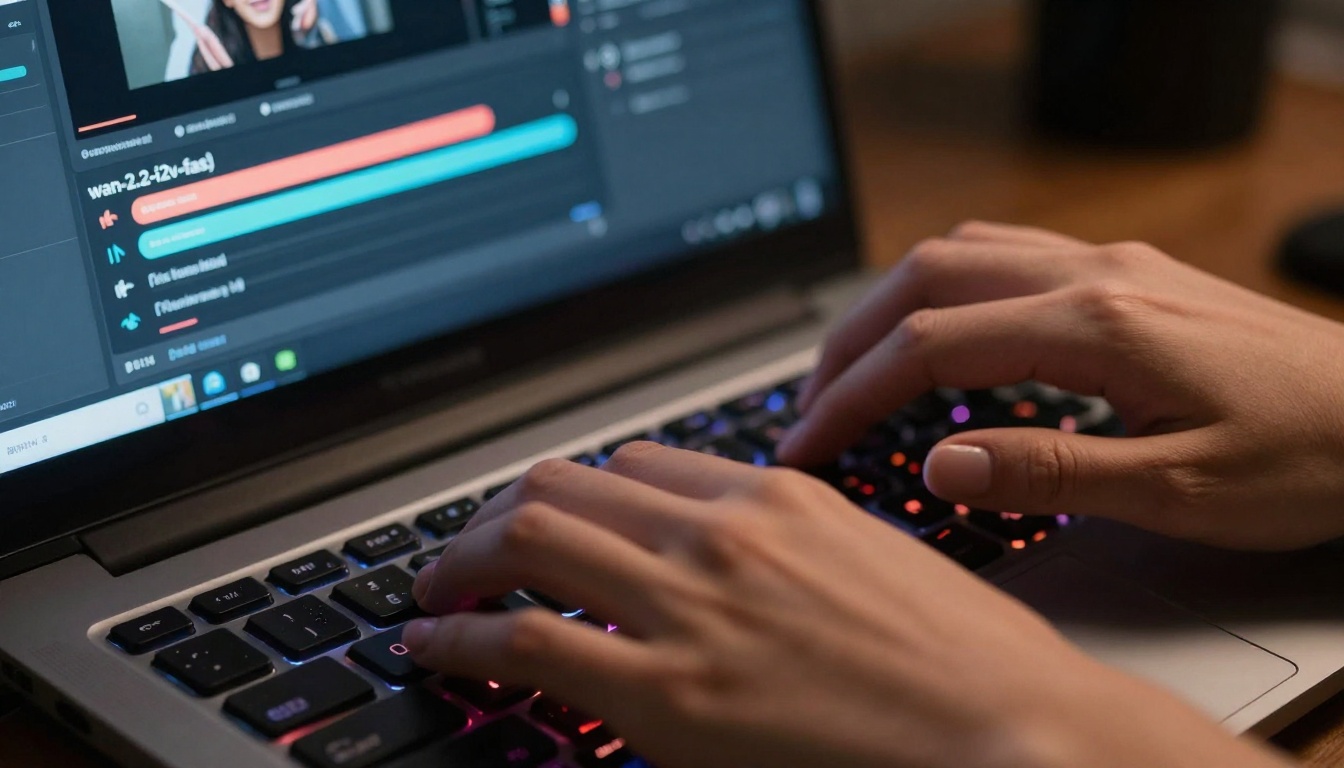
Extreme close-up of hands working with AI video generation interface
Why Free AI Video Tools Matter for Short Content
Short-form video has become the dominant content format across social platforms. TikTok's algorithm rewards consistent posting, Instagram Reels reach wider audiences than static posts, and YouTube Shorts compete directly with traditional short-form platforms. The problem? Creating engaging short videos daily requires significant time investment that most creators simply don't have.
Free AI video generators address this pain point directly. They allow creators to:
Maintain posting consistency without burnout
Experiment with different styles and concepts risk-free
Scale content production across multiple platforms
Test what resonates with audiences before investing in paid tools
The key distinction lies between truly free tools and freemium platforms that place watermarks on exports or severely limit functionality. This article focuses exclusively on the former—tools that generate usable short clips without strings attached.
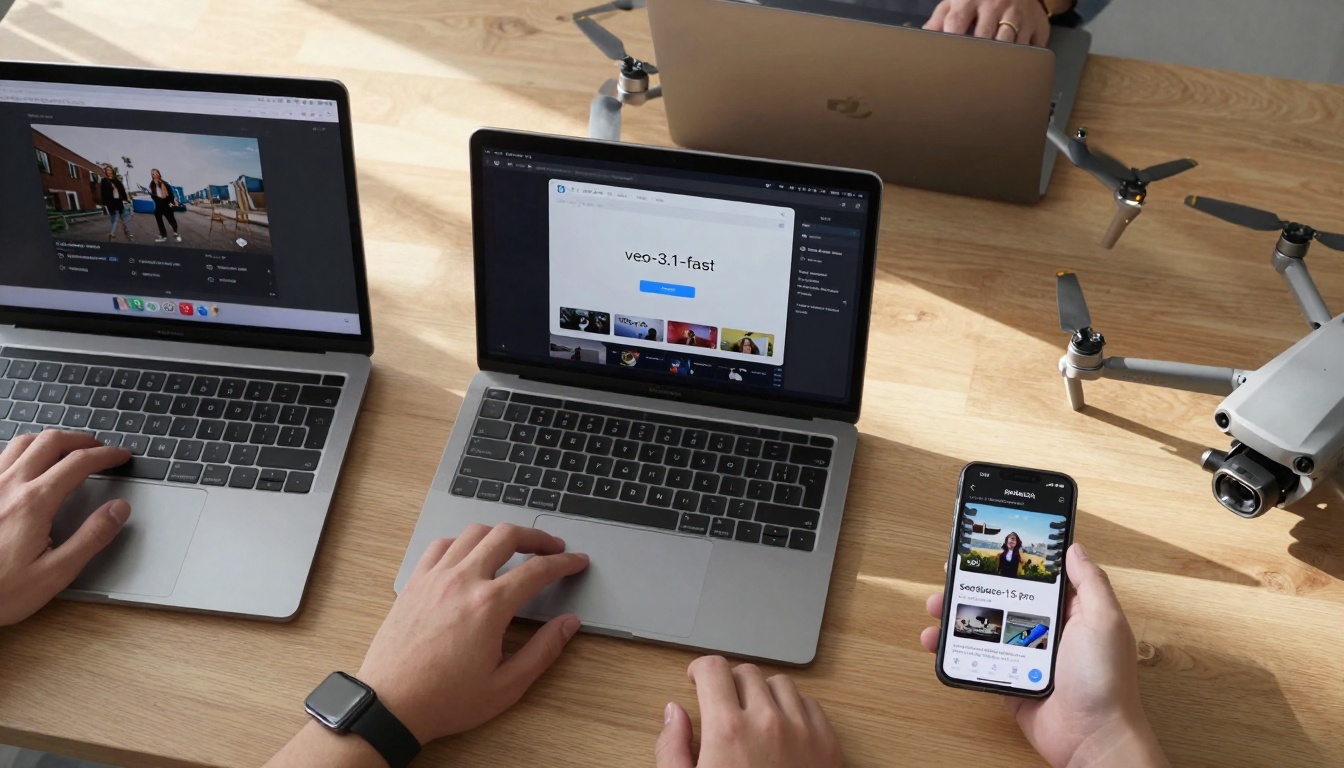
Aerial view of multi-device AI video workflow
The Reality of "Free" in AI Video Generation
Before diving into specific tools, it's crucial to understand what "free" actually means in this context. AI video generation requires substantial computational resources—GPUs process complex neural networks to transform text or images into moving frames. Someone pays for this computation, and that cost gets passed along somehow.
💡 Important distinction: Truly free tools are typically research models made available by companies like Google, Meta, or academic institutions. They're offered free to gather usage data, test infrastructure, or demonstrate technological capabilities. These are different from commercial freemium models designed to convert users to paid plans.
What you typically get with free tools:
Limited resolution (often 480p-720p rather than 1080p+)
Restricted video length (usually 3-10 seconds for short clips)
Basic parameter controls without advanced customization
Community support rather than dedicated customer service
Occasional downtime during model updates or maintenance
What you typically don't get:
Watermarks on exported videos
Monthly usage limits that block further generation
Required subscriptions after a trial period
Paywalls for basic functionality
For short social media clips, these limitations often don't matter. TikTok and Instagram compress videos anyway, and attention spans for short-form content average just 3-5 seconds.
Top Free AI Video Generators That Actually Work
Based on extensive testing across multiple platforms, here are the free AI video generators that consistently deliver usable results for short clips:
Recommended size: 832×480 pixels for 16:9 aspect ratio
PNG or JPG formats work best
Craft your prompt: Describe the motion you want:
"Subject looks up slowly with subtle head movement"
"Background elements gently sway in the wind"
"Camera slowly pushes in toward the main subject"
Configure parameters:
Aspect ratio: Choose 16:9 for landscape, 9:16 for portrait
Resolution: 480p for fastest generation, 720p for better quality
Num frames: 81 frames gives optimal results
Frames per second: 24 fps for smooth motion
Generate and review: The model typically completes in 30-45 seconds. Download your video directly without any watermarks.
💡 Pro tip: For social media clips, use 9:16 portrait aspect ratio and 480p resolution. Platform compression makes higher resolutions unnecessary, and the faster generation allows for more experimentation.
Macro shot of smartphone showing AI-generated short videos
veo-3-fast: Google's Text-to-Video Solution
Google's veo-3-fast represents the current state-of-the-art in free text-to-video generation. It excels at:
Complex scene generation from descriptive text
Character animation with natural movement
Environmental storytelling with dynamic backgrounds
Concept visualization without requiring source images
Notable features:
Audio generation included with video output
Negative prompt support to exclude unwanted elements
"A hyper-speed superhero sprints through a dense forest at night, leaving fiery trails that spell 'VEO'"
"A lion runs through the savannah with a dolly zoom into its face"
"Gorilla riding a moped through a busy Italian city streets"
Optional image input: You can provide a reference image for style or composition, but it's not required
Parameter optimization:
Resolution: 720p balances quality and generation time
Aspect ratio: Match your target platform (9:16 for TikTok/Reels)
Negative prompt: Use to avoid common issues like "blurry faces" or "unnatural motion"
Generation process: Expect 45-60 seconds for completion. The model includes audio generation, so your video will have matching sound.
Common use cases that work well:
Social media hooks: First 3 seconds of engaging content
Educational snippets: Visual explanations of complex concepts
Product teasers: Quick demonstrations of features
Story moments: Key scenes for narrative content
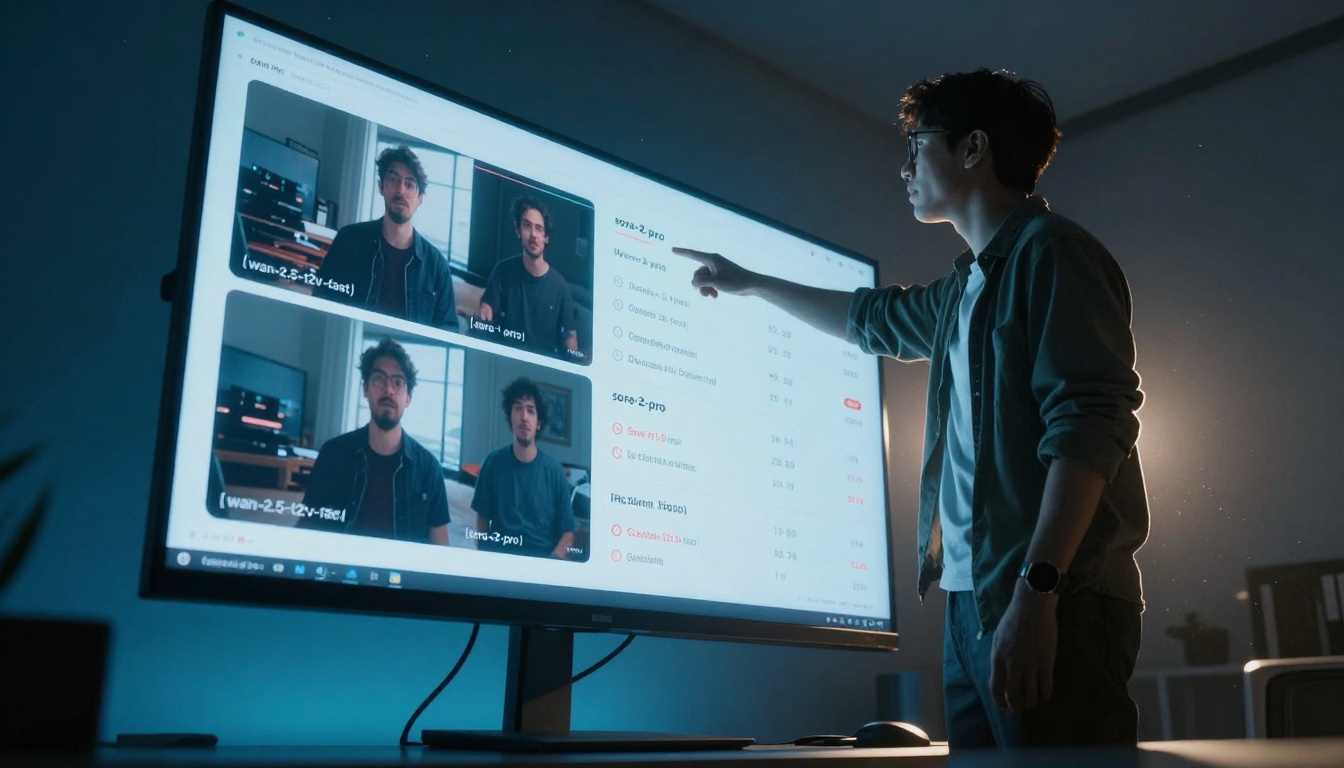
Medium shot of creators collaborating on AI video projects
Quality vs. Speed: What You Sacrifice with Free Tools
Understanding the trade-offs between free and paid AI video tools helps set realistic expectations. Here's what changes as you move up the quality ladder:
Free Tier Characteristics:
Motion coherence: Occasional glitches or unnatural movement
Detail preservation: Fine details may blur during motion
Character consistency: Faces might change slightly between frames
Background stability: Some wavering or distortion in static elements
Paid Tier Improvements:
Higher resolution: Up to 4K output available
Longer duration: 30+ second videos instead of 3-10 seconds
Advanced controls: Camera movement, lighting adjustments, style transfer
Priority processing: Faster generation during peak times
The critical insight: For short social media clips, the free tier limitations often don't impact viewer perception. TikTok's vertical format and rapid scrolling mean viewers process content quickly. A slight motion imperfection in a 3-second clip gets overlooked when the overall concept engages.
Practical Workflow for Creating Short Clips
Developing an efficient workflow maximizes what you can accomplish with free tools. Here's a proven process:
Phase 1: Concept Development
Identify trending topics in your niche
Brainstorm 5-10 simple concepts that work in 3-5 seconds
Write concise prompts focusing on single actions or transformations
Phase 2: Batch Generation
Use multiple tools simultaneously to compare outputs
Generate 3-5 variations of each concept
Save all outputs without immediate judgment
Phase 3: Selection & Optimization
Review batch overnight with fresh perspective
Select top 2-3 variations per concept
Add basic editing: Trim beginnings/ends, adjust speed
Phase 4: Platform Preparation
Create captions that complement the visual
Add trending audio when appropriate
Schedule posting for optimal times
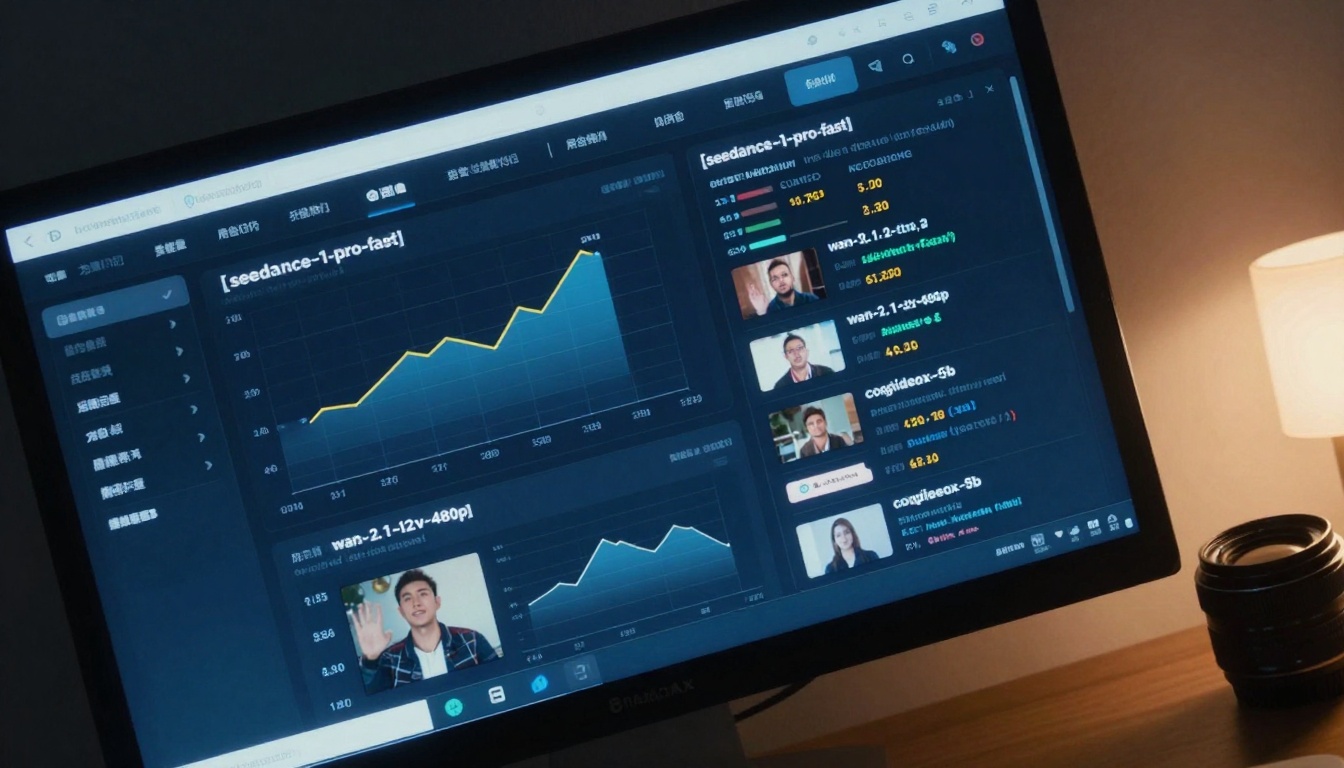
Dutch angle shot showing AI video performance analytics
Social Media Optimization for AI-Generated Videos
AI-generated content requires slightly different optimization than traditional video. Platform algorithms don't distinguish between AI and human-created content, but viewer expectations differ.
TikTok Optimization:
First frame impact: Ensure immediate visual engagement
Text overlay: Add captions explaining the AI aspect (transparency builds trust)
Trend integration: Use trending sounds even with AI audio
Hashtag strategy: Include #AIvideo #AIContent #TechTok
Instagram Reels Approach:
Quality emphasis: Slightly higher production standards expected
Behind-the-scenes: Show the prompt/process in captions
Educational angle: Frame as "how AI creates videos"
Community focus: Engage with comments about the technology
Vague motion requests: "Some movement" vs. "slow pan left"
Conflicting instructions: "Zoom in while zooming out"
Unrealistic expectations: Hollywood-level effects from free tools
Workflow Issues:
Single-tool reliance: Different tools excel at different tasks
Immediate rejection: Some outputs improve upon review
Batch generation avoidance: Creating one video at a time
No backup strategy: When one tool is down, have alternatives
Quality Misjudgments:
Pixel-peeping at 480p: Social media compresses everything
Comparing to paid tools: Different standards apply
Ignoring context: How content performs matters more than perfection
Over-optimization: Spending hours on 3-second clips
💡 Key insight: The most successful creators use free tools for volume and experimentation, then selectively use paid tools for key content. This hybrid approach maximizes resources.
Over-the-shoulder shot of handwritten AI video prompts
When to Consider Paid Alternatives
Free tools serve most short-form video needs, but specific scenarios justify investing in paid alternatives:
Content Types Needing Paid Tools:
Brand commercials where perfection matters
Educational series requiring consistent character models
Product demonstrations with precise technical details
Narrative content with continuous character presence
Technical Requirements:
4K resolution for platform uploads (YouTube accepts 4K)
Extended duration beyond 10 seconds
Advanced camera controls (dolly, crane, drone movements)
Style consistency across multiple videos
Business Considerations:
Commercial usage rights (some free tools restrict commercial use)
Priority support for time-sensitive projects
API access for automated workflows
Team collaboration features
Cost-Benefit Analysis:
Free: 100+ social clips per month = $0
Mid-tier: 20 high-quality clips per month = $20-50
Professional: 10 cinematic pieces per month = $100-300
Most creators find the 80/20 rule applies: 80% of content can be free-generated, while 20% benefits from paid tools.
Wide establishing shot of modern AI video creation studio
Your Next Steps with AI Video Generation
The barrier to creating engaging short-form video content has never been lower. Free AI video generators like wan-2.2-i2v-fast and veo-3-fast provide legitimate pathways to consistent content creation without financial investment.
Start with simple experiments: Choose one concept and generate 5 variations using different prompts. Notice how slight wording changes affect output. Share the results on your preferred platform with transparent captions about the AI process.
Develop your workflow: Batch generation on weekends provides content for the entire week. Mix AI-generated clips with traditional content to maintain variety. Track which types perform best with your audience.
Join the community: Many creators share prompts, workflows, and results on social platforms. The collective knowledge accelerates everyone's learning curve. What seems like a technological limitation today often becomes tomorrow's creative opportunity.
The tools exist, they're genuinely free, and they work for short-form content. The remaining variable is your willingness to experiment, iterate, and share what you create. Start with a simple prompt today and see where it leads tomorrow.