The landscape of video creation has undergone a seismic shift. What once required expensive equipment, specialized training, and weeks of production time can now be accomplished with a few lines of text and a free AI tool. We're talking about professional-quality video generation accessible to anyone with an internet connection.

The arrival of tools like Google's Veo 3.1 and OpenAI's Sora 2 Pro has democratized video production in ways that were unimaginable just two years ago. These aren't novelty tools generating quirky, low-resolution clips—they're sophisticated systems capable of producing cinematic content that rivals professionally shot footage.
💡 What changed? The barrier to entry for professional video content has collapsed. A content creator working from a coffee shop now has access to tools that match what major studios were using just 24 months ago.
The timing couldn't be more significant. Social media platforms are increasingly prioritizing video content, with algorithms favoring moving images over static posts. Marketing teams need more video content than ever before. Educational platforms are transitioning to video-based learning. The demand for video has skyrocketed, but traditional production methods can't scale to meet it.
The Production Gap Problem
Consider these numbers:
| Content Type | Traditional Production Time | AI Generation Time | Cost Difference |
|---|
| 30-second social media clip | 8-12 hours | 2-5 minutes | $500+ vs. $0 |
| 1-minute product demo | 16-24 hours | 3-7 minutes | $1,200+ vs. $0 |
| 3-minute educational video | 40-60 hours | 5-15 minutes | $3,000+ vs. $0 |
| Background b-roll footage | 4-8 hours | 1-3 minutes | $300+ vs. $0 |
The disparity is staggering. Small businesses, educators, independent creators, and even larger organizations with limited budgets can now produce video content that was previously financially out of reach.
The Accessibility Revolution
Three fundamental changes have made this possible:
- Computational efficiency - AI models have become dramatically more efficient, reducing generation costs to near-zero
- Quality breakthroughs - The gap between AI-generated and traditionally produced video has narrowed to the point of being indistinguishable for many applications
- Interface simplicity - You no longer need technical expertise; natural language prompts are the primary interface
Understanding Veo 3.1: Google's Video Generation Powerhouse
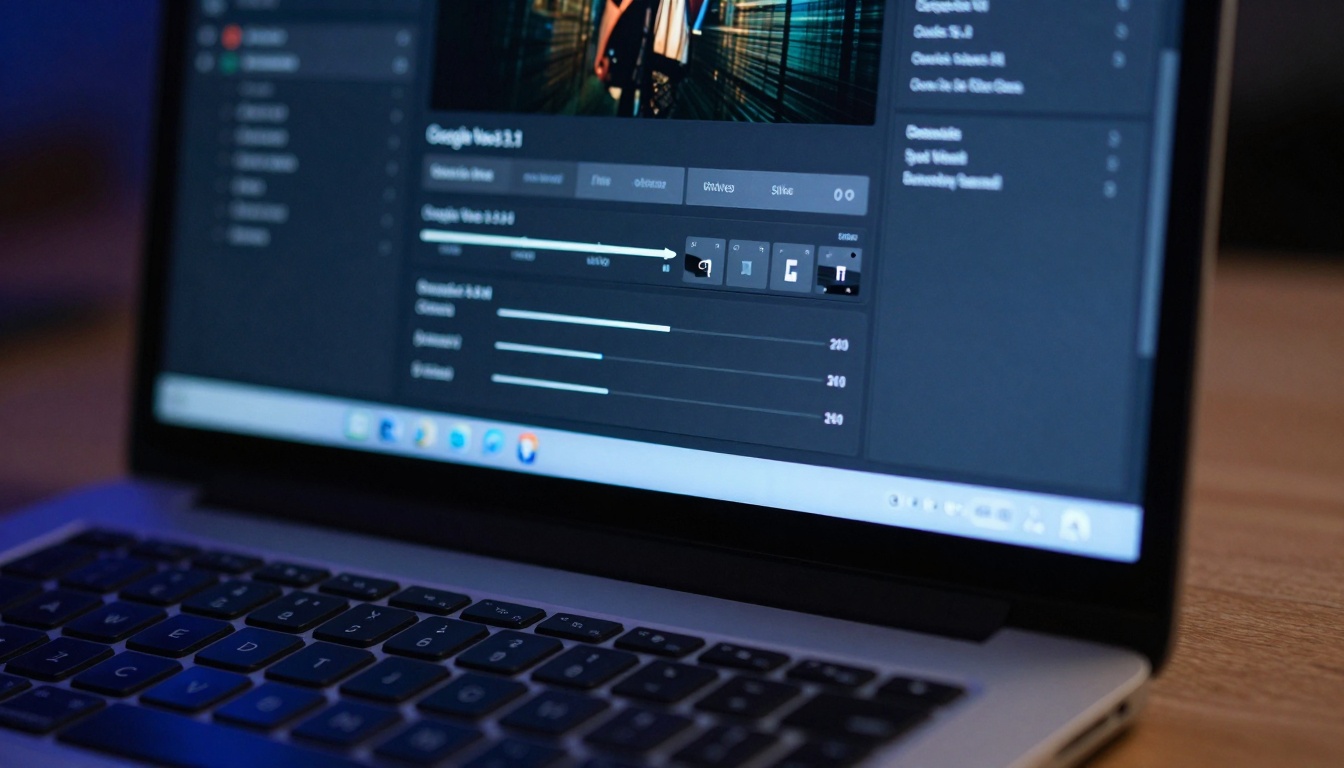
Google Veo 3.1 represents one of the most accessible and capable free video generation tools available today. What sets it apart isn't just its technical capabilities, but its approach to making video creation intuitive for non-technical users.
Key Features That Matter
Prompt Understanding: Veo 3.1 excels at interpreting complex, descriptive prompts. Where earlier systems might have struggled with nuanced descriptions, Veo handles detailed scene specifications with remarkable accuracy.
Resolution and Duration: The tool generates videos at resolutions suitable for professional use, with durations that accommodate most common content needs—from short social clips to longer explanatory videos.
Style Consistency: One of Veo's strongest points is maintaining consistent visual style throughout a generated sequence, a challenge that plagued earlier AI video systems.
Practical Applications for Veo 3.1
Social Media Content: Create consistent, branded video content for platforms like TikTok, Instagram Reels, and YouTube Shorts without filming a single frame.
Educational Materials: Generate explanatory videos, animated diagrams, and visual demonstrations for online courses or internal training programs.
Marketing Assets: Produce product demos, brand stories, and promotional content that would typically require location shoots and professional crews.
Sora 2 Pro: OpenAI's Cinematic Approach
While Sora 2 Pro operates on similar principles to Veo, it brings a distinctly cinematic sensibility to AI video generation. The system seems optimized for narrative content and atmospheric scenes rather than purely functional video.
Where Sora 2 Pro Excels
Character Consistency: The model maintains character appearance across shots and scenes better than most alternatives, making it particularly suited for storytelling.
Environmental Detail: Sora generates richly detailed environments with convincing lighting, textures, and spatial relationships.
Camera Movement: The system understands cinematic camera techniques—dolly shots, pans, zooms—and implements them with professional sophistication.
Use Cases Where Sora Shines
Short Films: Create complete narrative sequences with consistent characters and settings.
Concept Visualization: Generate mood videos, style references, and visual proofs of concept for larger productions.
Atmospheric Content: Produce ambient background videos, visual poetry, or abstract sequences where mood takes precedence over literal representation.
Understanding the current capabilities and limitations is crucial for setting realistic expectations and achieving the best results.
Current Strengths
Scene Composition: Both tools excel at creating well-composed scenes with balanced visual elements and logical spatial relationships.
Lighting Consistency: Generated videos maintain consistent lighting conditions throughout sequences, a significant technical achievement.
Object Persistence: Objects and characters remain recognizably consistent across frames, though there are still occasional artifacts.
Style Transfer: The systems can mimic various visual styles, from photorealistic to painterly, based on prompt instructions.
Current Limitations
Duration Constraints: Most free generations are limited to short clips (typically under 60 seconds), though this is rapidly improving.
Complex Motion: Highly specific camera movements or complex object interactions can sometimes produce unnatural results.
Text Generation: While improving, generating readable text within videos remains challenging.
Precise Control: You can't yet control exact camera angles, lighting setups, or actor performances with cinematographer-level precision.
How to Get Started: A Practical Workflow
The workflow for creating AI-generated video has matured into a repeatable process that yields consistent, high-quality results.
Step 1: Conceptualization and Prompt Crafting
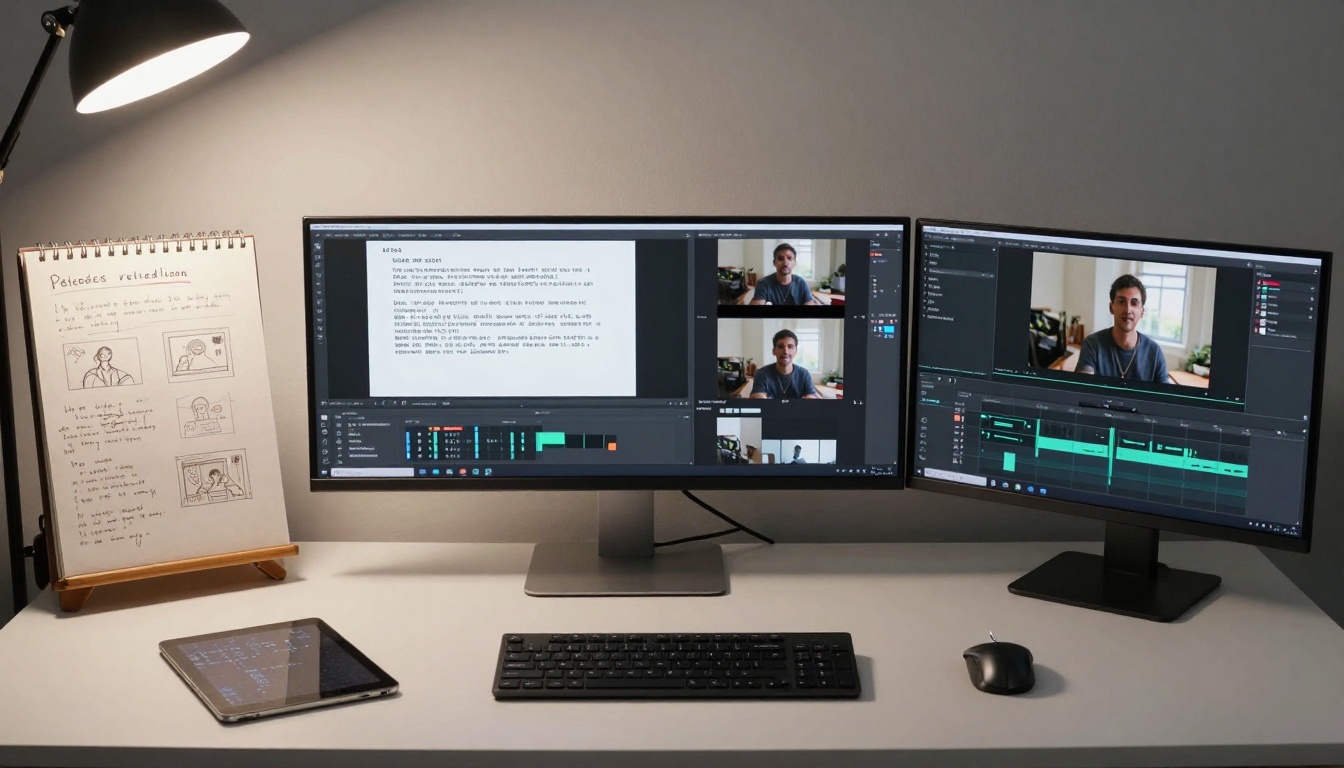
Start with the end in mind: Before typing a single word into the AI interface, clearly define what you want to achieve. Are you creating an explainer video? A social media clip? Background footage?
Write detailed prompts: The quality of your output directly correlates with the specificity of your input. Instead of "a beach scene," try "sunset at a tropical beach, golden hour lighting, waves gently crashing on white sand, palm trees silhouetted against orange sky, cinematic wide shot with slight camera pan left."
Include technical specifications: Specify aspect ratio, duration, style, and any particular camera movements you want to emulate.
Step 2: Generation and Iteration
Generate multiple variations: Don't settle for the first result. Generate 3-5 variations of the same prompt to see which interpretation works best for your needs.
Iterate based on results: Analyze what worked and what didn't in your initial generations, then refine your prompt accordingly.
Combine strengths: Sometimes the best approach is generating multiple shorter clips and editing them together rather than trying to create one perfect long sequence.
Step 3: Post-Processing and Integration
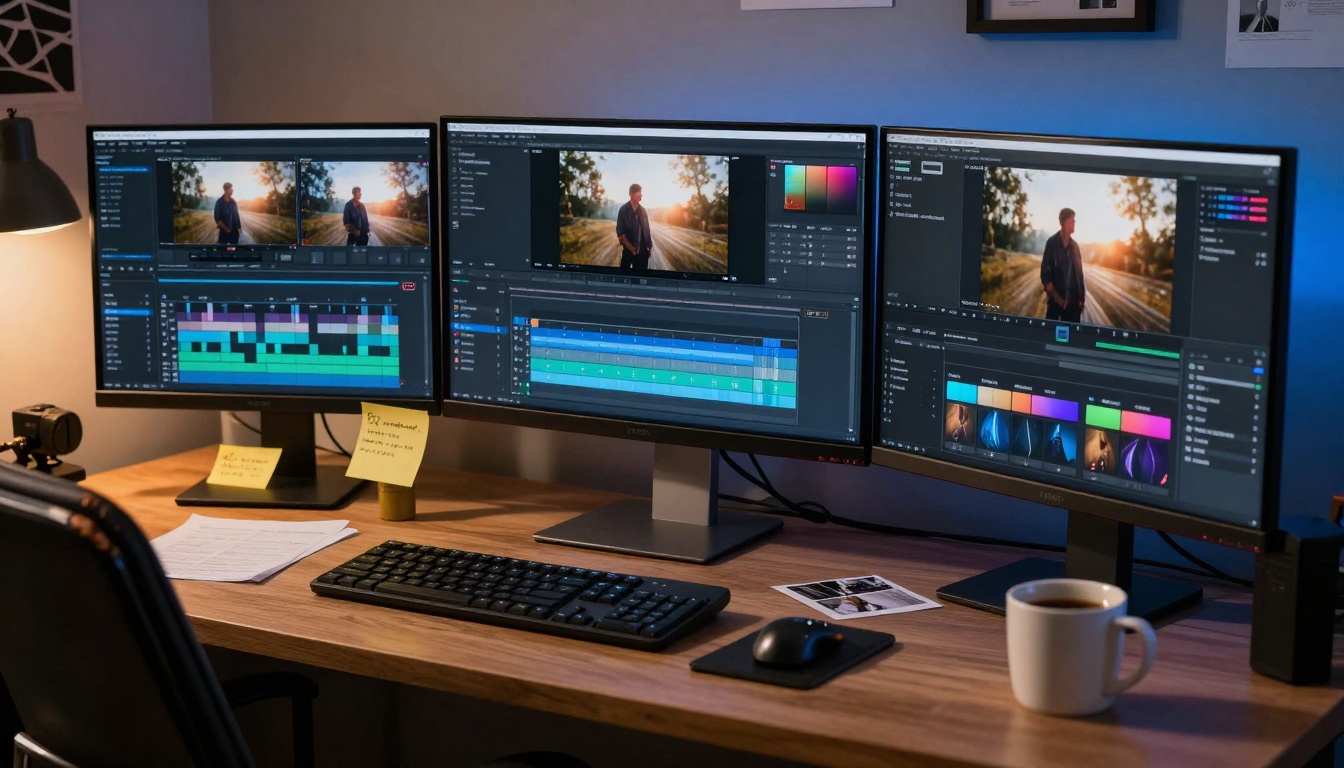
Basic editing: Even AI-generated videos benefit from traditional editing—trimming, sequencing, adding transitions.
Audio integration: The right music, sound effects, and voiceover can transform AI video from technically impressive to emotionally engaging.
Color correction: A pass through basic color grading can unify multiple generated clips and match your brand aesthetic.
Real-World Applications: Beyond Theory
Let's move from abstract discussion to concrete examples of how organizations are already using these tools.
Case Study: Small Business Marketing
The Challenge: A boutique skincare company needed regular video content for social media but lacked the budget for professional video production.
The Solution: Using Veo 3.1, they began creating:
- 15-second product feature videos
- 30-second "ingredient story" explainers
- Background footage for website headers
The Result: 300% increase in social media engagement, 40% reduction in content production costs, and the ability to maintain a consistent posting schedule that was previously impossible.
Case Study: Educational Content Creation
The Challenge: An online learning platform needed to convert text-based courses into video format for improved student retention.
The Solution: Leveraging Sora 2 Pro for:
- Animated concept explanations
- Historical recreation scenes
- Scientific process visualizations
The Result: Course completion rates increased by 25%, student satisfaction scores improved dramatically, and production timelines shortened from months to weeks.
The Hybrid Approach: Combining AI and Traditional Filmmaking
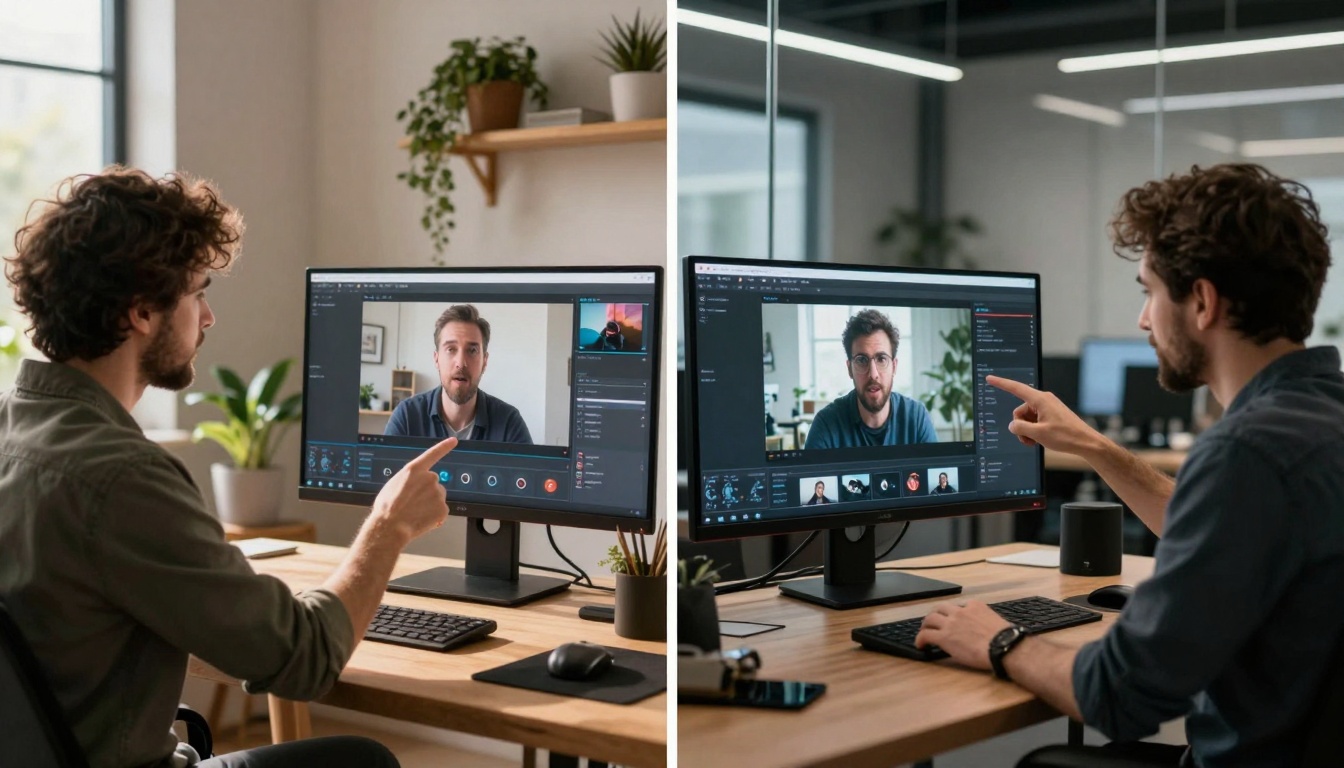
The most sophisticated users aren't choosing between AI and traditional methods—they're combining them intelligently.
AI as a Pre-Visualization Tool
Generate multiple versions of a scene before shooting to test different compositions, lighting setups, and color palettes. This reduces on-set experimentation time and improves shooting efficiency.
AI for Impossible Shots
Create establishing shots, historical recreations, or fantasy sequences that would be prohibitively expensive or physically impossible to film traditionally.
AI for Supplemental Content
Generate additional b-roll, background footage, or transitional elements to complement your traditionally shot main content.
Ethical Considerations and Best Practices
As with any powerful technology, responsible use is paramount. These considerations aren't just ethical—they're practical guidelines for maintaining credibility and trust.
Transparency Matters
Label AI-generated content: When appropriate, disclose that content was AI-generated. This builds trust with your audience.
Respect intellectual property: Be mindful of generating content that too closely resembles specific copyrighted works or individual likenesses without permission.
Quality Over Quantity
Curate your outputs: Just because you can generate endless content doesn't mean you should. Focus on quality, relevance, and value.
Maintain brand consistency: Ensure AI-generated content aligns with your established visual identity and messaging standards.
How to Use Veo 3.1 and Sora 2 Pro on PicassoIA
Accessing these powerful tools is simpler than you might think. PicassoIA provides a streamlined interface for both Veo 3.1 and Sora 2 Pro.
Getting Started with PicassoIA
- Navigate to the model page: Visit either the Veo 3.1 or Sora 2 Pro page on PicassoIA
- Review the interface: Familiarize yourself with the available parameters and options
- Start with simple prompts: Begin with straightforward concepts before attempting complex scenes
- Experiment with parameters: Adjust duration, style, and other settings to see how they affect your results
Pro Tips for PicassoIA Users
Batch processing: Generate multiple variations simultaneously to compare results efficiently.
Parameter experimentation: Don't just change your prompt—experiment with different parameter combinations to discover optimal settings for your specific needs.
Community learning: Review examples from other users to understand what's possible and gather inspiration for your own projects.
Looking Ahead: What's Next for AI Video Generation
The current capabilities are impressive, but they represent just the beginning of what's possible. Several developments on the horizon will further transform the landscape.
Immediate Improvements (Next 6-12 Months)
Longer durations: Expect the ability to generate coherent videos extending beyond current time limits.
Greater control: More precise parameter controls for camera movement, lighting, and character performance.
Audio integration: Systems that generate synchronized audio alongside video, including dialogue, sound effects, and music.
Medium-Term Developments (1-3 Years)
Interactive generation: Real-time adjustment of generated content based on user feedback during the creation process.
Style personalization: Systems that learn and adapt to individual creator styles and preferences.
Multi-modal integration: Seamless combination of generated video with other media types (3D models, traditional footage, animation).
Your Next Step: Start Creating Today
The most important thing to understand about free AI video generators is that they're not future technology—they're available right now, working at professional quality levels, accessible to anyone.
The learning curve isn't steep. You don't need technical expertise. You don't need expensive equipment. You need curiosity, a clear idea of what you want to create, and the willingness to experiment.
Start with a simple project. Generate a 15-second clip for a social media post. Create a visual explanation for a complex concept. Produce background footage for an existing project. The tools are waiting, and the only cost is your time and creativity.
The democratization of video production isn't coming—it's here. The question isn't whether you should explore these tools, but what you'll create with them first. The most exciting applications haven't been invented yet, and they're waiting for creators like you to imagine them into existence.
Visit PicassoIA today to start experimenting with Veo 3.1 and Sora 2 Pro. The only limit is your imagination, and even that boundary is expanding daily.


