Free AI video generation is no longer gated behind paywalls and registration walls. Whether you want to turn a text prompt into a cinematic clip or animate a still photo, you can do it right now, in a browser, without creating a single account. The tools are better than they have ever been, and the barrier to entry is essentially zero.
The problem most people run into is not knowing which platforms actually work without sign-up. Many sites advertise "free" generation but hit you with a login wall after the first click. Others require credit card details to access the free tier. This article cuts through all of that. Every tool featured here lets you generate AI video without sign-up, at least for a meaningful number of credits or outputs.
Why Registration Barriers Kill Creativity
The Friction Problem
Every extra step between you and your first generated video is a step where interest dies. Research consistently shows that conversion rates drop sharply with each additional form field or required action. For creative tools especially, friction kills momentum. You get an idea, you want to execute it, and the moment a "Create Account" popup appears, the spark fades.
This is not a hypothetical problem. Most major AI video platforms launched with mandatory registration partly to capture email lists and partly to control usage costs. The result is a landscape where accessing genuinely useful tools requires handing over personal data before you have any idea whether the product is worth your time.
What People Actually Need
The average person searching for a free AI video generator without sign-up is not looking for a forever-free subscription. They want to:
- Test the quality before committing
- Create a one-off video for a specific project
- Experiment with prompts to pick up the technology
- Avoid spam emails tied to yet another account
Every tool featured here addresses those use cases directly.
The Best Free AI Video Generators Without Sign-Up
P Video: Versatile Text and Image to Video
P Video is one of the most flexible options available. It accepts both text prompts and uploaded images as starting points, which means you can either describe what you want or hand it a photo and let the model animate it.
The model outputs smooth, coherent video clips that hold together well across motion sequences. It handles camera movement, subject motion, and scene transitions better than many older open-source alternatives. For users who want a reliable starting point without account creation getting in the way, P Video delivers.
Wan 2.1 1.3B: 5-Second Clips, No Friction

Wan 2.1 1.3B is built specifically for fast, lightweight generation. At 1.3 billion parameters, it prioritizes speed without sacrificing quality entirely. The output is 5 seconds per clip, which is the sweet spot for social media content, product teasers, and motion graphics.
For creators who need volume, this is a serious advantage. You can iterate quickly, test different prompts, and find what works before spending time on longer, higher-resolution generation. The no-signup access makes it ideal for first-time AI video creation.
Ray Flash 2: High Quality at No Cost
Luma's Ray Flash 2 540p and Ray Flash 2 720p represent a notable jump in output quality for accessible generation. The 540p version is faster and lighter on compute, while the 720p version produces sharper, more detailed clips suitable for larger displays.
Both versions handle complex scene descriptions well. Prompts describing multiple subjects, varied lighting conditions, and specific camera angles all translate with reasonable accuracy. This makes Ray Flash 2 a strong pick when visual quality matters and registration is not an option.
LTX 2 Fast: Real-Time Video from Text
LTX 2 Fast from Lightricks is engineered for speed. The model can generate usable video in close to real time, which changes how you interact with AI generation entirely. Instead of submitting a prompt and waiting minutes, you get rapid feedback that lets you refine your input on the fly.
This is particularly valuable for prompt iteration. When you can see the result quickly, you build instincts faster about what phrasing produces what kind of motion, lighting, and composition. The LTX 2 Distilled variant takes this further, using distillation to maintain quality while cutting generation time even more.
Animatediff Prompt Travel: Creative Storytelling
Animatediff Prompt Travel takes a different approach. Instead of a single prompt generating a clip, it lets you define prompt keyframes at different points in the video. The model then interpolates between these prompts, creating organic transitions between scenes or moods.
This opens up storytelling possibilities that single-prompt models cannot match. You can describe a serene outdoor scene at the beginning and a dramatic interior at the end, and the model will smoothly travel between them. For short films, music video concepts, and creative experiments, this remains one of the most interesting free options available.
Comparing the Top Options
💡 Speed and output quality vary based on prompt complexity and server load. Testing multiple models for your specific use case is always worth the time.
More Free Models Worth Trying
Wan 2.2 T2V Fast: Social-Ready Speed
Wan 2.2 T2V Fast targets the exact use case most creators need: fast turnaround at 720p resolution, directly suitable for social media platforms. The generation time is among the shortest available, and the model handles descriptive prompts well enough for most non-cinematic applications.
Pair this with Wan 2.1 T2V 720p for a slightly different rendering style at the same resolution tier. Both are worth testing to see which handles your specific subject matter better.
Stable Diffusion Videos: Stylized Flexibility
Stable Diffusion Videos brings the full creative flexibility of the Stable Diffusion ecosystem to video output. If you are already familiar with SD prompt engineering, those skills transfer directly. The model produces stylized outputs that work well for artistic content, motion backgrounds, and experimental visuals.
For clips that prioritize artistic expression over photorealism, Damo Text To Video is another strong option. It excels at short, focused clips where a specific action or scene needs to be depicted cleanly.
Mochi 1: Fluid and Natural Motion
Mochi 1 stands out specifically for the quality of its motion. Where many text-to-video models produce clips that feel jerky or artificially smooth, Mochi 1 generates motion with a distinctly organic quality. Subject movement, camera pans, and physical interactions all read more naturally.
This makes it a strong choice for videos featuring human subjects or natural environments where motion realism matters more than resolution.
Text to Video vs. Image to Video

Starting from Text
Text-to-video generation starts with a written description. You describe what you want to see: the subject, the environment, the camera angle, the movement. The model interprets your description and generates video frames that match it.
The main advantage here is pure creative freedom. You are not constrained by any existing visual, so anything you can describe can theoretically be generated. The challenge is writing prompts that translate clearly into visual output.
Prompt tips that actually work:
- Describe the subject first, then the environment, then the camera movement
- Use specific visual language: "slow dolly forward" instead of "moving camera"
- Mention lighting conditions explicitly: "golden hour backlight", "overcast diffused light"
- Avoid abstract concepts: "beautiful", "amazing", "dramatic" add little without visual context
- Specify duration or action: "woman walking slowly toward camera" beats "woman walking"
Starting from a Photo
Image-to-video takes an existing photograph or illustration and animates it. This is often the faster route to polished output because the visual foundation is already established.
P Video handles image-to-video inputs alongside text, making it a genuinely flexible starting point. You can upload a product photo, a portrait, or a landscape and add a prompt describing how it should move.
💡 For image-to-video, keep your subject in the center of the frame and use a photo with clear foreground separation from the background. This dramatically improves animation quality.
How to Use P Video on PicassoIA

PicassoIA provides direct access to P Video without mandatory account creation for your first generations. Here is exactly how to use it:
Step 1: Open the Model
Navigate to the P Video model page directly. You will see the generation interface immediately, with a prompt input field and optional image upload already visible.
Step 2: Write Your Prompt
Type a clear, specific description of what you want to generate. Focus on the subject, environment, and motion. A good starting prompt:
"A woman walking slowly through a sunlit forest, dappled morning light filtering through tall trees, birds visible in soft background blur, slow forward camera movement, photorealistic"
Step 3: Adjust Settings
Before generating, check the available settings:
- Duration: Most models offer 3-8 second outputs. Start with the shortest for faster iteration
- Resolution: Higher resolution takes longer. Use standard resolution for testing, upgrade for finals
- Motion strength: If available, lower values produce subtle movement, higher values produce more dramatic motion
Step 4: Generate and Download
Hit generate, wait for the clip to process, and download the result directly. No email confirmation, no account dashboard, no waiting list.
Tips for Better AI Video Results
Prompt Writing That Works
The single biggest factor in output quality is prompt specificity. Vague prompts produce generic output. Specific prompts produce targeted, usable clips.
What works:
- Camera angle specification: "low-angle shot", "overhead aerial", "close-up on hands"
- Lighting descriptors: "volumetric morning light", "harsh midday sun", "soft window light"
- Motion verbs: "slowly panning", "static shot", "tracking forward"
- Subject state: "seated", "in motion", "at rest"
What does not work:
- Emotional descriptors without visual anchors: "passionate", "energetic", "mysterious"
- Brand or copyright references
- Contradictory instructions within one prompt
Choosing the Right Resolution
Resolution choice affects both generation time and final output quality. Here is how to decide:
| Use Case | Recommended Resolution | Why |
|---|
| Social media testing | 480p | Fast generation, sufficient for mobile |
| Instagram Reels / TikTok | 720p | Platform standard, good file size |
| YouTube / desktop | 1080p | Full HD for larger screens |
| Professional presentation | 4K | Maximum detail for high-end use |
For first attempts with any model, use 480p or 540p. Generation is faster, meaning you can test more prompts in less time. Once you find a prompt that works, upgrade to the target resolution for your final output.
What to Do with Your AI Videos
Social Media Content
Short AI video clips are ideal for social media. A 5-8 second loop works perfectly for:
- Product demonstrations: Animate a product photo to show it from multiple angles
- Ambient visuals: Create backgrounds for story frames or video overlays
- Brand intros: Generate a motion sequence that opens your video content
- Trend participation: Rapid text-to-video generation lets you create timely content quickly
The Wan 2.2 T2V Fast and Seedance 1 Lite models are particularly well-suited for this workflow because their generation speed matches the pace of social content creation.
Personal Projects and Experimentation

Beyond social media, AI video generation opens creative doors for:
- Short film pre-visualization: Rough out scenes before committing to production
- Music video concepts: Generate visual interpretations of lyrics or beats
- Personal art projects: Create moving image works from purely text-based descriptions
- Building prompt skills: The best way to get better at AI generation is repetition and observation
The no-signup access model makes all of these genuinely achievable. You can spend an afternoon experimenting with Animatediff Prompt Travel or Mochi 1 without committing to a subscription.
AI video is one piece of a larger creation toolkit. If you are building content that involves video, you will likely also need:
- Image generation: Create still images with text-to-image models to use as animation source material
- Super resolution: Upscale lower-resolution video frames for better output quality
- Background removal: Isolate subjects before animating them for cleaner results
- AI music generation: Pair your video clips with original soundtracks created from text prompts
Each of these capabilities is available on the same platform as the video tools, which means your workflow stays in one place without multiple accounts across multiple services.
Start Creating Right Now
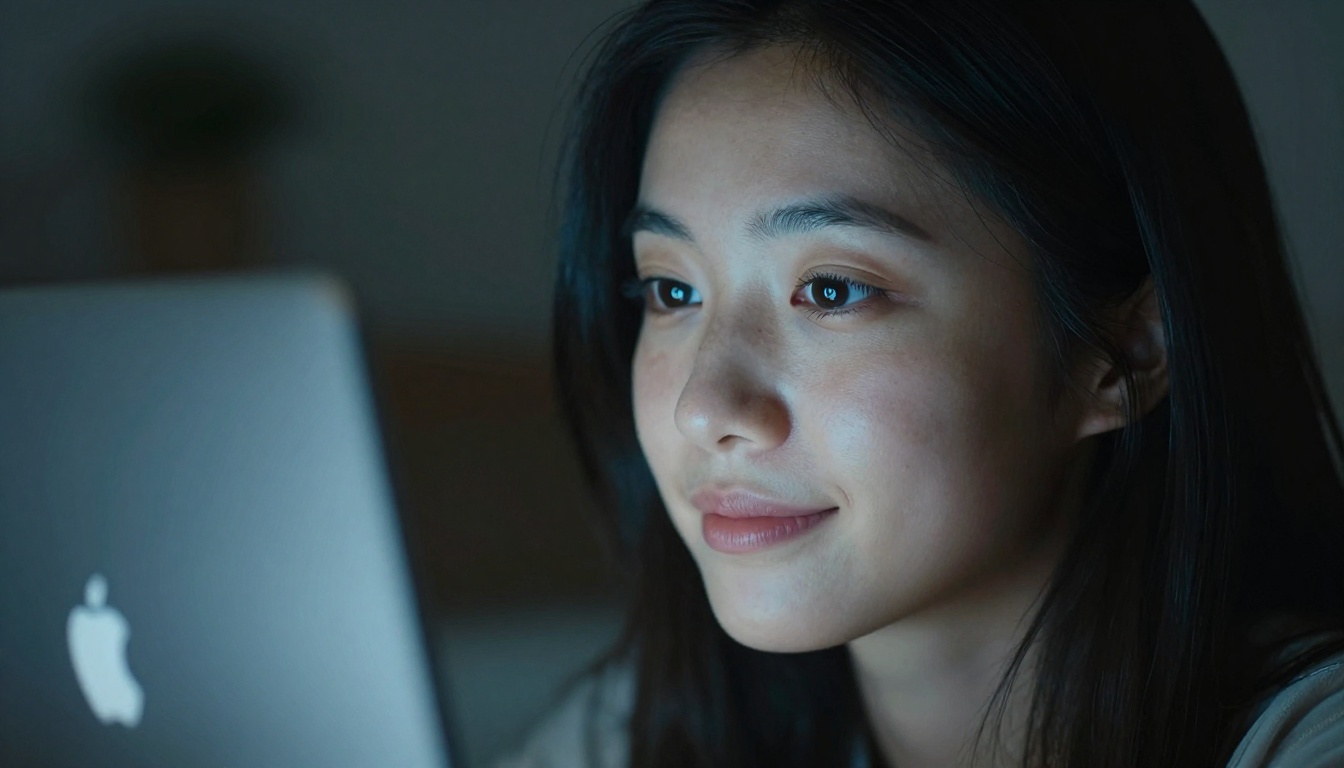
The simplest path from idea to AI video is: open P Video, type a description of what you want to see, and generate. No account. No payment details. No tutorial required.
If P Video does not match your specific need, over 100 text-to-video models are available on the same platform, including fast options like LTX 2 Fast for rapid iteration, quality-focused options like Ray Flash 2 720p for polished output, and creative tools like Animatediff Prompt Travel for multi-scene storytelling.
The only thing between you and your first AI-generated video is writing a sentence that describes what you want to see. Go write it.


