The year 2027 has brought remarkable advances in AI video generation technology. What started as experimental tools requiring technical expertise has evolved into accessible platforms that anyone can use to create stunning video content. The best part? Many of these powerful tools are now available for free.
This shift means content creators, marketers, and hobbyists can produce professional-quality videos without expensive software or subscriptions. Whether you're creating social media content, educational materials, or marketing videos, free AI video generators offer capabilities that were unimaginable just a few years ago.
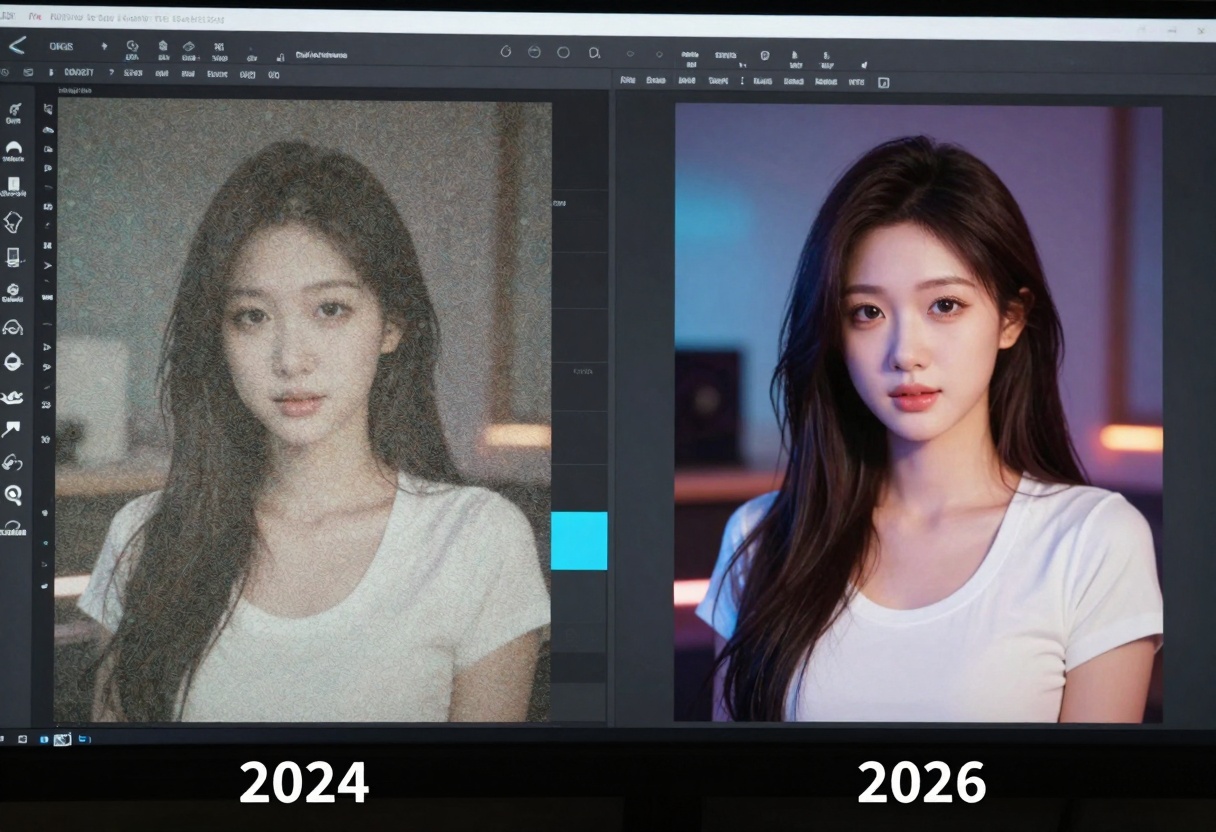
Why Free AI Video Generators Matter
The democratization of video creation technology has opened doors for creators worldwide. Small businesses can now produce marketing content that rivals big-budget productions. Educators can create engaging visual materials without costly production teams. Independent creators can bring their ideas to life without financial barriers.
Free AI video generators offer several advantages:
- No subscription fees or hidden costs
- Access to cutting-edge technology
- Rapid content creation workflows
- Professional results without technical expertise
- Experimentation without financial risk
The technology has matured to the point where free options can genuinely compete with paid alternatives in many scenarios. While premium services still offer advantages in terms of processing speed and advanced features, free tools have become surprisingly capable.
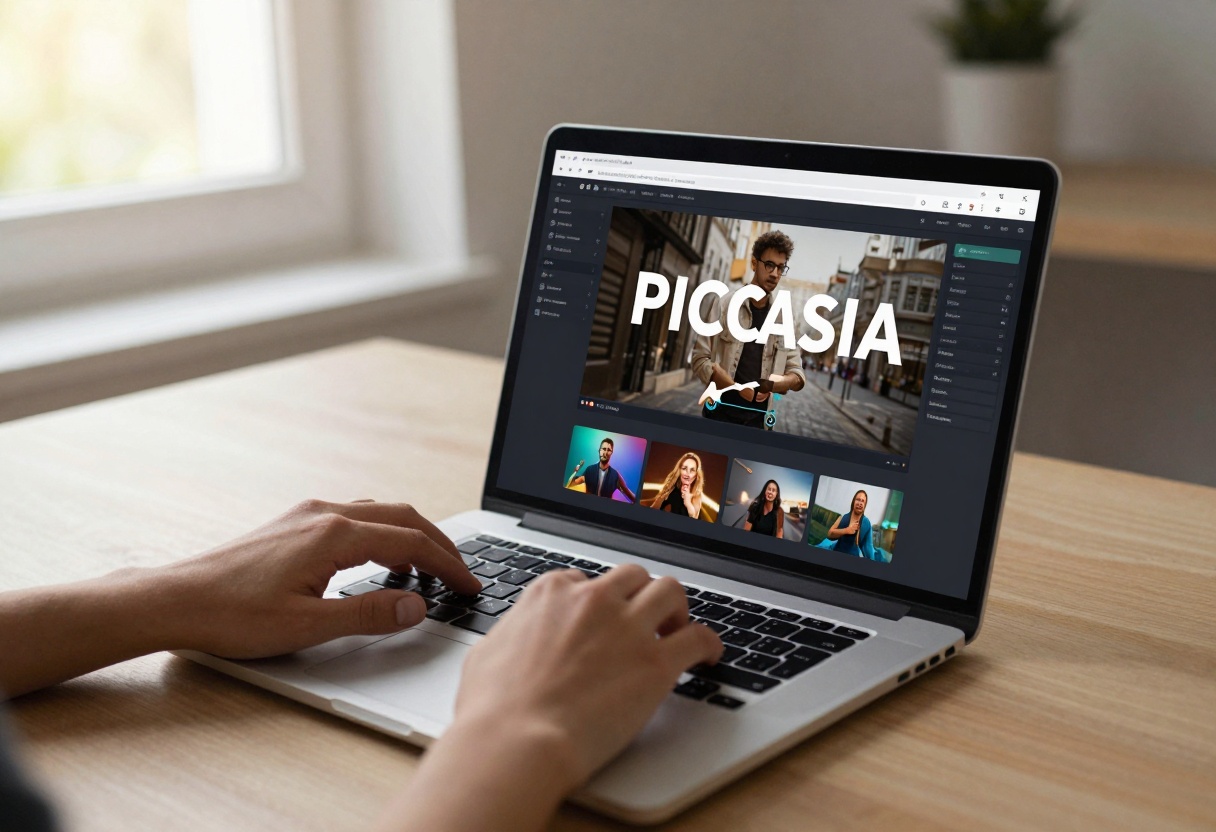
What Makes a Video Generator Worth Using
Not all free AI video generators are created equal. Some offer excellent quality but slow processing times. Others generate videos quickly but with noticeable artifacts or limitations. The best tools strike a balance between quality, speed, and usability.
Quality Considerations
Video resolution matters significantly. While 480p might suffice for quick social media clips, most creators need at least 720p for professional work. The best free generators now offer options up to 1080p or even 4K resolution.
Frame rate affects how smooth your video appears. Choppy 15fps videos can work for certain artistic effects, but most applications benefit from 24fps or 30fps output. Some advanced models now support up to 60fps for ultra-smooth motion.
Visual coherence separates good generators from great ones. Videos should maintain consistent lighting, perspective, and subject appearance throughout. Early AI video tools often struggled with temporal consistency, but modern models have largely solved this problem.
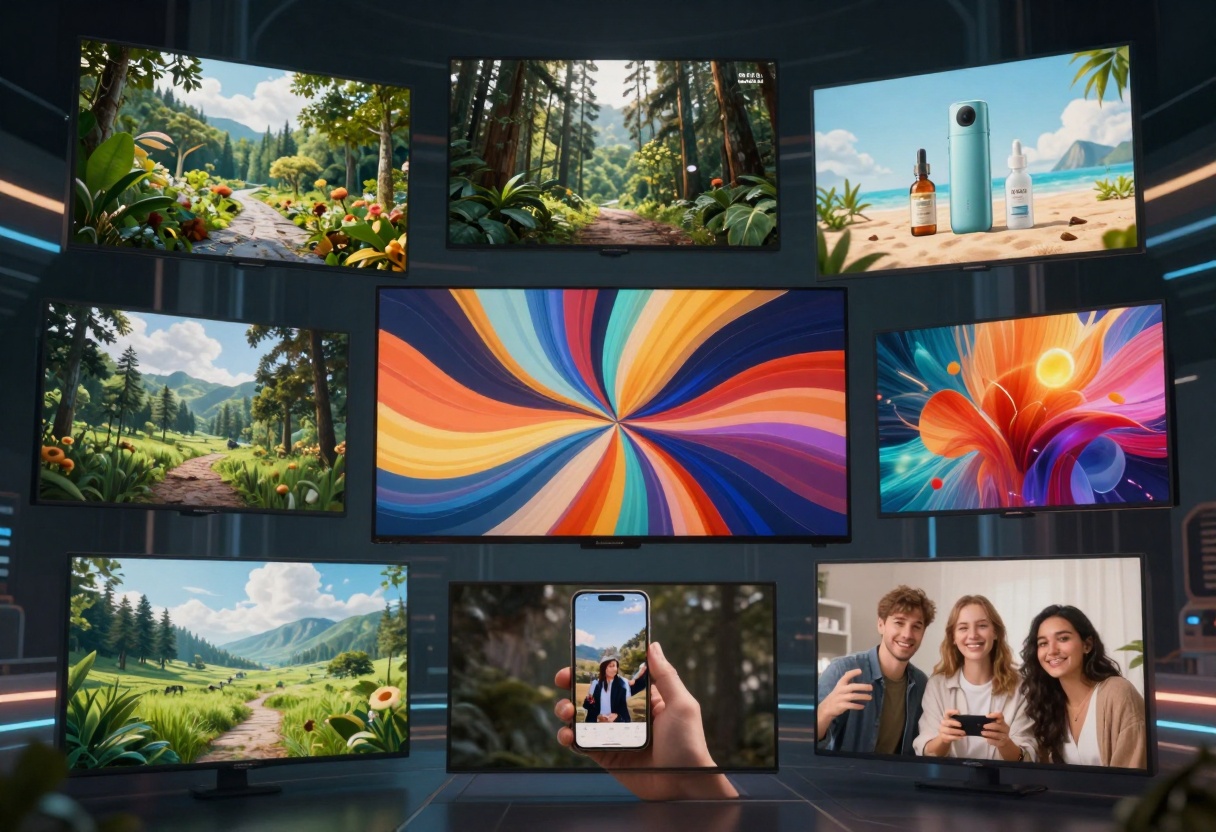
Practical Features
The best free AI video generators include features that make them practical for real-world use. Text-to-video conversion should be straightforward, with clear prompt guidelines that help you get good results. The interface should be intuitive, not requiring you to study documentation for hours.
Processing time varies widely between platforms. Some models generate a 5-second clip in under a minute, while others might take 10-15 minutes. For rapid iteration and testing, faster processing makes a huge difference.
Customization options let you fine-tune results. Parameters like guidance scale, inference steps, and seed values give you control over the output. While beginners might stick with defaults, having these options available becomes valuable as you gain experience.
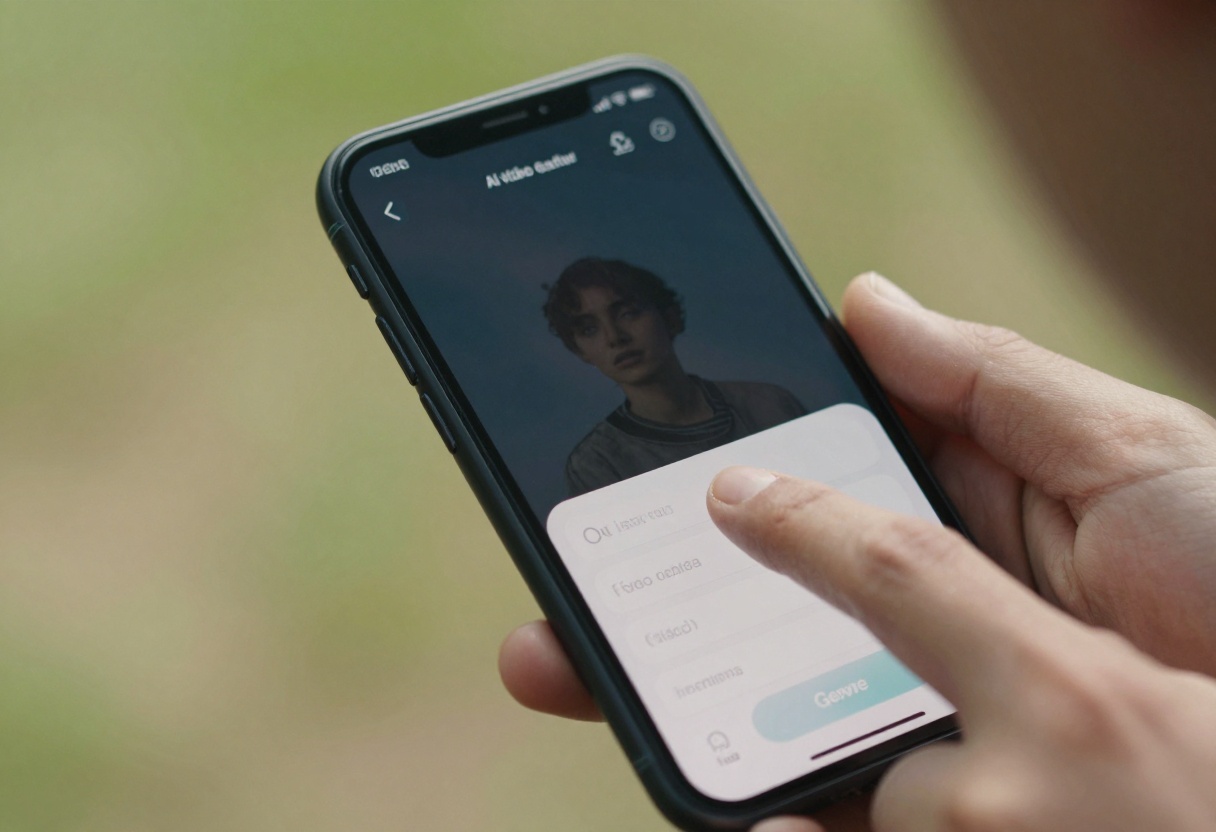
Top Free AI Video Generators on PicassoIA
PicassoIA hosts an impressive collection of open-source AI video generators that you can use without subscriptions or credit card requirements. These models represent the cutting edge of what's possible with free tools.
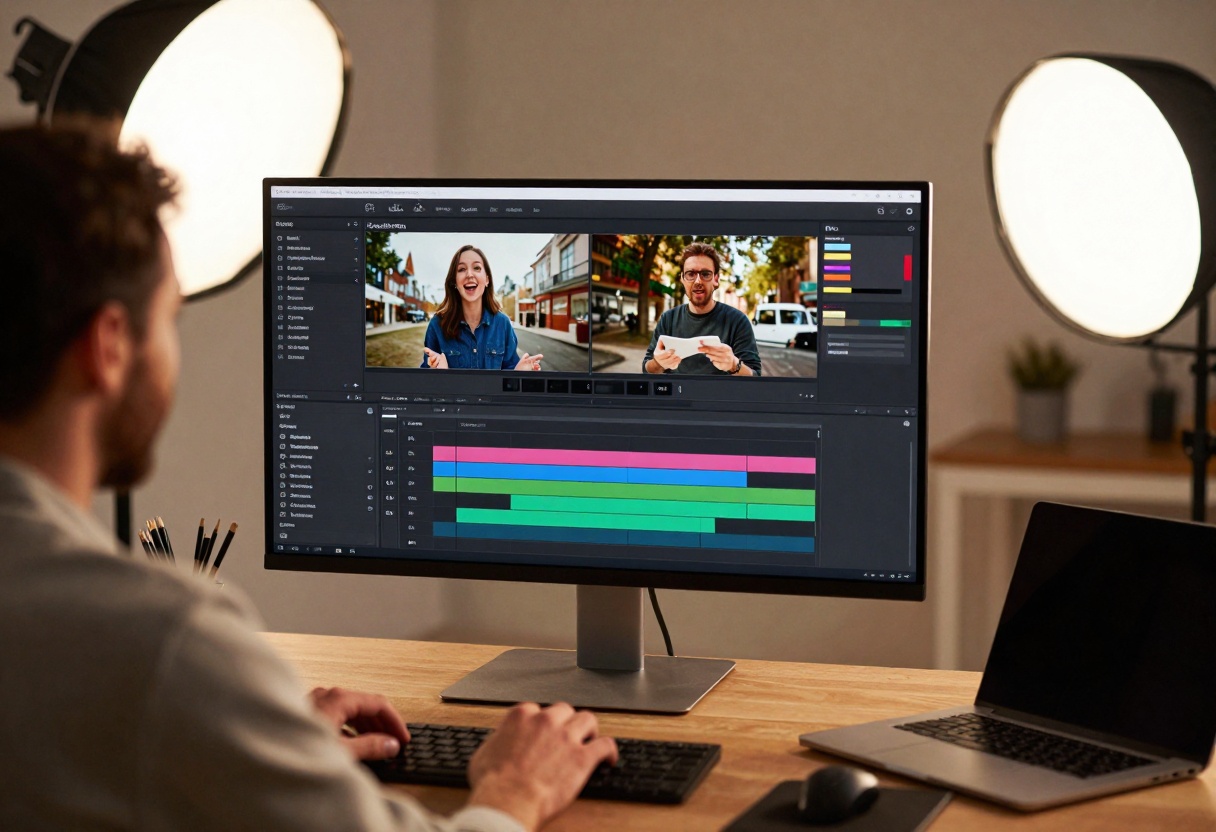
CogVideoX-5B
This model excels at converting text descriptions into vivid, high-quality videos. The 5-billion parameter model delivers impressive results while remaining accessible on standard hardware.
What makes it special: CogVideoX-5B includes automatic prompt extension, which means you can provide a brief description and the model will expand it into a more detailed prompt for better results. This feature helps beginners who might not know how to write effective prompts.
The model offers adjustable inference steps, letting you balance between speed and quality. More steps generally produce better results but take longer to process. For quick drafts, 30 steps might suffice, while final outputs benefit from 50+ steps.
Best for: Marketing videos, social media content, storyboard visualization, educational materials
Mochi-1
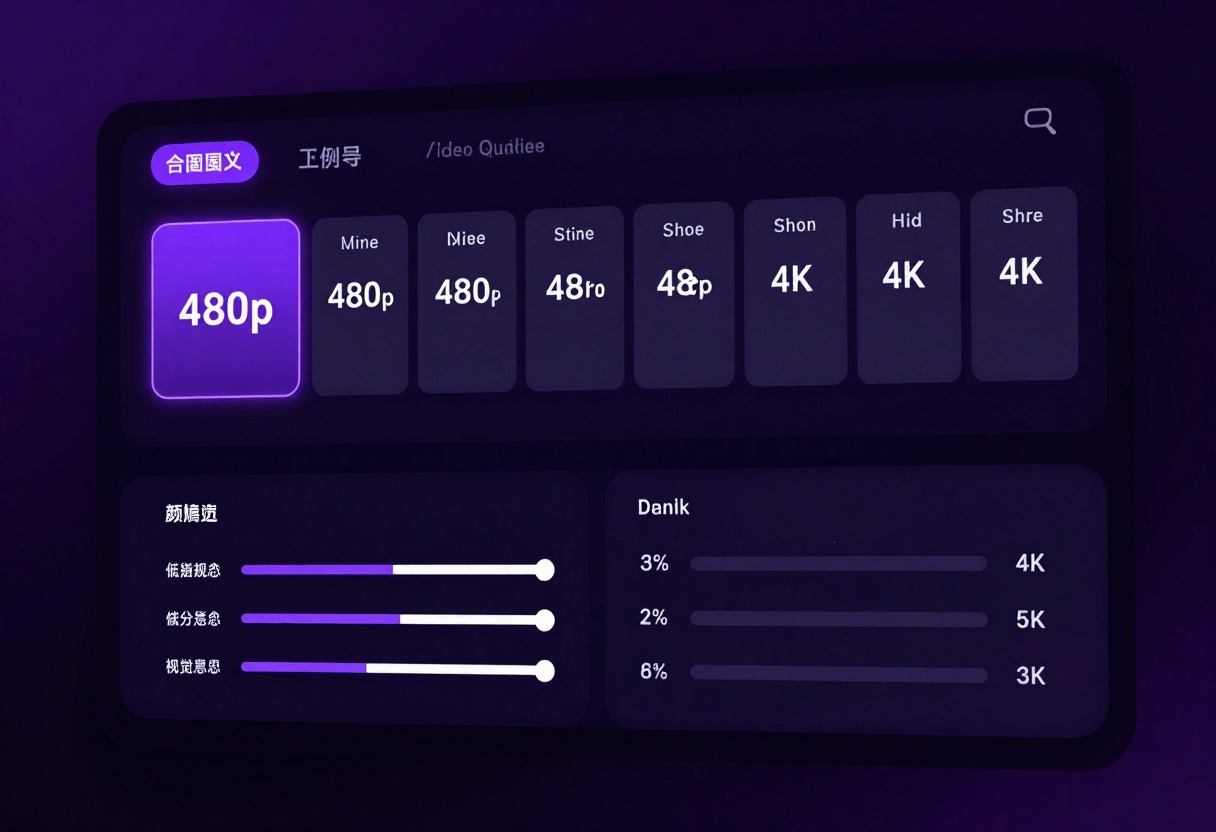
Mochi-1 stands out for its exceptional prompt adherence and smooth motion rendering. This model produces 4K video clips with natural movement that feels organic rather than artificially generated.
What makes it special: The model excels at creating videos with a single, central subject. Whether you're filming a product, person, or object, Mochi-1 maintains focus and consistency throughout the clip. The output quality rivals professional video capture in many scenarios.
Frame rate and duration are fully customizable, supporting up to 163 frames per video at your chosen fps. This flexibility means you can create everything from quick 2-second loops to longer 10-second clips depending on your needs.
Best for: Product demonstrations, close-up shots, professional marketing content, high-quality social posts
LTX-Video
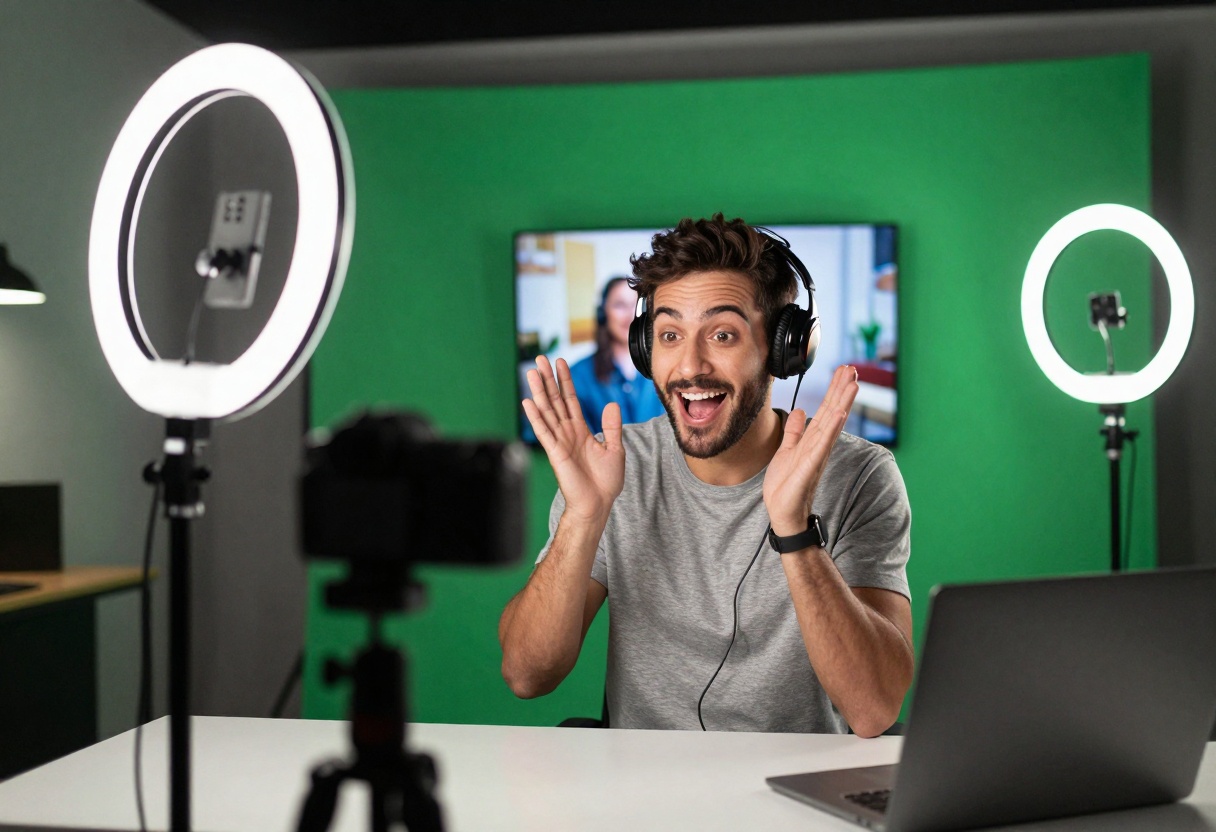
Real-time video generation sets LTX-Video apart from competitors. This model processes requests quickly, making it ideal for rapid prototyping and iterative creation workflows.
What makes it special: LTX-Video supports starting images, which means you can provide a reference frame and the model will generate video that extends or animates from that image. This feature opens up creative possibilities for mixed-media projects.
The model offers extensive customization options including aspect ratio selection, video length adjustment, and negative prompts. You can specify what you don't want to see in your video, helping avoid unwanted elements or artifacts.
Best for: Fast content creation, image-to-video conversion, dynamic product demos, social media clips
Pyramid-Flow
Pyramid-Flow brings a unique multi-resolution approach to video generation, processing video data at different scales simultaneously. This technique produces particularly smooth motion with fewer artifacts.
What makes it special: The pyramid architecture means the model considers both fine details and overall motion patterns when generating video. This results in outputs that maintain coherence across different types of movement, from slow pans to quick action.
Best for: Action sequences, complex motion, multi-subject scenes
Hunyuan-Video
Developed by Tencent, Hunyuan-Video offers enterprise-grade quality in an open-source package. The model handles complex scenes with multiple subjects particularly well.
What makes it special: Hunyuan-Video excels at generating videos with multiple interacting elements. If your prompt describes several people, objects, or activities happening simultaneously, this model manages the complexity better than most alternatives.
Best for: Narrative content, complex scenes, multi-subject videos, storytelling
Writing Effective Prompts
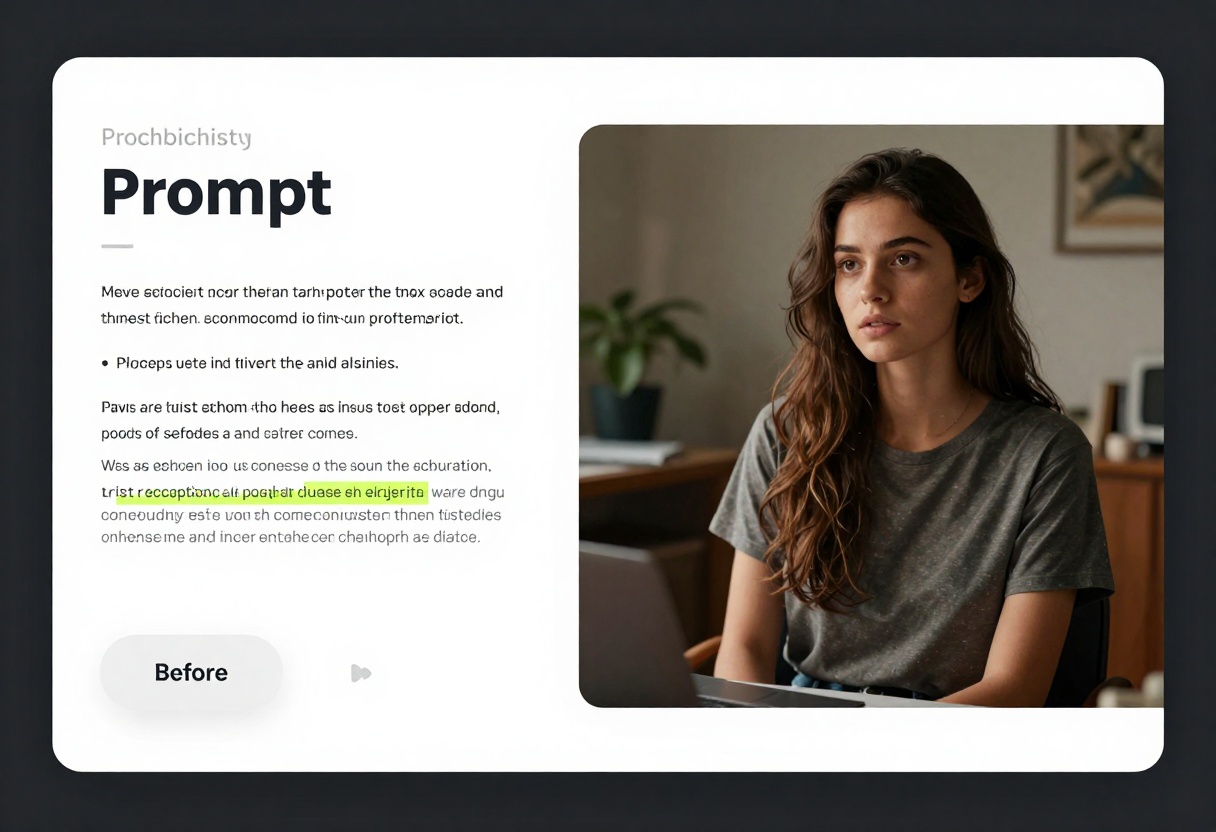
The quality of your AI-generated video depends heavily on how you describe what you want. Good prompts share several characteristics that help the model understand your vision.
Start with the Subject
Begin your prompt with the main focus of your video. Whether it's a person, object, or environment, clearly stating the subject helps the model prioritize what matters most.
Example: "A woman walking through a park" works better than "A scene with trees and maybe someone walking around."
Add Visual Details
Describe colors, lighting, atmosphere, and mood. These details give the model context about the aesthetic you're pursuing.
Example: "A woman walking through a park at sunset, golden hour lighting, warm orange and pink sky, long shadows, peaceful atmosphere"
Specify Camera Movement
Mention if you want static shots, panning, zooming, or tracking movements. Camera instructions help the model generate appropriate motion.
Example: "A woman walking through a park at sunset, golden hour lighting, warm orange and pink sky, long shadows, peaceful atmosphere, slow tracking shot following from behind"

Include Quality Modifiers
Terms like "high resolution," "cinematic," "professional," or "4K" can influence the model to prioritize visual quality. While not magical, these descriptors often improve results.
Example: "A woman walking through a park at sunset, golden hour lighting, warm orange and pink sky, long shadows, peaceful atmosphere, slow tracking shot following from behind, cinematic 4K, professional cinematography"
Keep It Focused
While detailed prompts generally work better, avoid cramming too many ideas into one video. If you want multiple scenes or concepts, generate separate clips and combine them later.
What works: "Close-up of coffee being poured into a white ceramic mug, steam rising, morning light from window, shallow depth of field"
Too much: "Coffee shop with people talking, barista making drinks, coffee being poured, customers reading newspapers, music playing, plants in corners, sunlight streaming through windows"
Common Issues and Solutions
Even with the best free AI video generators, you'll occasionally encounter problems. Most issues have straightforward solutions once you know what to look for.
Blurry or Low-Quality Output
Problem: Your video looks fuzzy or lacks detail despite using quality prompts.
Solutions:
- Increase the number of inference steps
- Add quality descriptors to your prompt
- Try a different model better suited to your content type
- Reduce video length for better detail in shorter clips
Inconsistent Motion
Problem: Subjects or objects change appearance mid-video, or motion feels jerky.
Solutions:
- Use models specifically designed for temporal consistency
- Keep your subject descriptions simple and focused
- Avoid prompts that describe dramatic changes or transformations
- Increase guidance scale for stronger adherence to your prompt
Wrong Aspect Ratio
Problem: Generated video doesn't match your intended use case format.
Solutions:
- Check if the model supports custom aspect ratios
- Specify your desired ratio in the prompt
- Use models with aspect ratio parameters
- Crop video in post-processing if needed
Unexpected Elements
Problem: Video includes objects, people, or effects you didn't request.
Solutions:
- Use negative prompts to exclude unwanted elements
- Make your positive prompt more specific and detailed
- Try different seed values for alternative interpretations
- Rephrase ambiguous descriptions
Practical Applications
Free AI video generators aren't just experimental tools. They're being used right now for real-world projects across multiple industries.
Social Media Content
Creators use AI video generators to produce eye-catching content that stops scrollers mid-feed. Whether it's product showcases, behind-the-scenes glimpses, or abstract visuals, AI-generated video provides fresh content consistently.
Tips for social media:
- Keep videos short (3-7 seconds) for maximum impact
- Use vertical aspect ratios for mobile platforms
- Generate multiple variations and test what performs best
- Match video style to your brand aesthetics
Marketing and Advertising
Small businesses and startups leverage free AI video tools to create marketing materials that compete with big-budget campaigns. Product demonstrations, explainer videos, and promotional content all benefit from AI generation.
Tips for marketing:
- Focus on your product as the central subject
- Use professional lighting descriptions
- Generate longer videos (10-15 seconds) for full product showcases
- Create series of related clips for campaign consistency
Educational Content
Teachers and course creators use AI video to illustrate concepts, create engaging visual aids, and bring abstract ideas to life. The technology makes video-enhanced education accessible without expensive production.
Tips for education:
- Generate clear, focused visuals that support your teaching points
- Create consistent visual styles for course materials
- Use AI video to demonstrate processes or sequences
- Combine AI-generated video with voiceover narration
Creative Projects
Artists and filmmakers incorporate AI-generated video into larger works, using it for backgrounds, effects, or experimental elements. The technology becomes another tool in the creative toolkit.
Tips for creative work:
- Experiment with unusual prompts and combinations
- Use AI video as raw material for further editing
- Mix AI-generated and traditionally-filmed footage
- Push boundaries with abstract or surreal concepts
Limitations to Keep in Mind
While free AI video generators have improved dramatically, they still have limitations compared to traditional video production or premium AI services.
Processing Time
Free tools generally process slower than paid alternatives. What might take 30 seconds on a premium service could take 5-10 minutes on a free platform. This matters when you need to iterate quickly or produce large volumes of content.
Video Length
Most free AI video generators limit output to 5-10 seconds per generation. While you can combine multiple clips, creating longer videos requires more work and planning than traditional shooting.
Complex Scenes
Despite improvements, AI still struggles with certain types of content. Videos with multiple subjects interacting, complex physics simulations, or precise timing requirements might not generate reliably.
Resolution Limits
While many models now support 1080p, achieving true 4K quality remains challenging for free tools. The computational resources required for ultra-high-resolution video generation often necessitate paid tiers.
Creative Control
AI video generation involves some randomness even with the same prompt. You might need multiple attempts to get exactly what you envision, which can be frustrating when you have a specific creative vision.
The Future of Free AI Video
The trajectory of AI video generation points toward even more accessible, powerful tools in the near future. Models continue to improve in quality while computational requirements decrease.
We're likely to see longer video generation capabilities, with 30-second or even minute-long clips becoming standard. Resolution improvements will make 4K output common rather than exceptional. Processing times will decrease as models become more efficient.
Most importantly, the barrier between imagination and creation will continue to lower. What requires hours of work today might take minutes tomorrow. The creative possibilities expand as the technology evolves.
Using CogVideoX-5B on PicassoIA
Ready to create your first AI-generated video? CogVideoX-5B offers an excellent starting point with its combination of quality and ease of use.
Step 1: Access the Model
Navigate to the CogVideoX-5B model page on PicassoIA. The interface presents all available parameters in a clear, organized layout.
Step 2: Write Your Prompt
Enter a detailed description of the video you want to create. Remember to include subject, visual details, camera movement, and quality descriptors.
Example prompt: "Professional chef decorating a chocolate cake in modern kitchen, close-up shot, natural lighting from large windows, shallow depth of field, 4K quality, smooth motion"
Step 3: Configure Settings
The prompt extension toggle should generally remain enabled. This feature uses language models to expand your description into a more detailed prompt that produces better results.
Inference steps control generation quality. Start with the default 50 steps. If results aren't meeting your expectations, try increasing to 60 or 70 steps.
Guidance scale determines how closely the model follows your prompt. The default value of 6 works well for most cases. Lower values (4-5) allow more creative interpretation, while higher values (7-8) enforce stricter adherence.
Step 4: Generate Your Video
Click the generate button and wait for processing to complete. Generation typically takes 3-8 minutes depending on server load and your chosen settings.
Step 5: Review and Iterate
Watch your generated video and evaluate the results. If it's not quite what you envisioned, adjust your prompt or settings and generate again. Each attempt teaches you more about how the model interprets different descriptions.
Step 6: Download and Use
Once satisfied with your video, download it in your preferred format. The file is ready to use in your projects, social media posts, or any other application.
Free AI video generators have evolved from experimental novelties into practical tools for creators across all skill levels. Whether you're producing content for social media, marketing, education, or creative projects, these accessible platforms offer remarkable capabilities without financial barriers.
The models available on PicassoIA represent the current state of the art in open-source video generation. CogVideoX-5B, Mochi-1, and LTX-Video each bring unique strengths to different use cases, ensuring you can find the right tool for your specific needs.
Start experimenting with these free AI video generators today. The learning curve is gentle, the creative possibilities are vast, and the cost is zero. Your next project deserves video content that makes an impact, and now you have the tools to create it.


