The landscape of video creation has transformed dramatically over the past two years. What used to require expensive software, specialized training, and hours of manual editing can now be accomplished with a few text prompts and clicks. For creators working with limited budgets, the emergence of free AI video generators represents a seismic shift in accessibility and creative potential. These tools aren't just simplified versions of professional software—they're entirely new paradigms for visual storytelling that democratize video production in ways previously unimaginable.

What Changed Since 2024
The difference between AI video capabilities in 2024 versus what's available today is staggering. Two years ago, most "free" AI video tools were essentially glorified filters with severe limitations: low resolution outputs, watermarks on every frame, restrictive generation quotas, and video lengths measured in seconds rather than minutes. The technology felt experimental, the results were often uncanny, and the practical applications were limited to novelty content.
Today's free platforms offer:
- 1080p video generation as standard (with some reaching 4K)
- 60-second clips without watermarks
- Daily generation allowances that accommodate serious workflow
- Sophisticated motion control for camera movements and object animation
- Style transfer that maintains consistency across scenes
💡 The most significant shift isn't just improved quality—it's the removal of psychological barriers. Creators no longer approach AI video as "let's see what this weird thing produces" but as "I need a specific type of video for my project, and AI can deliver it."
The Quality Leap in Numbers
| Aspect | 2024 Free Tools | 2026 Free Tools | Improvement |
|---|
| Maximum Resolution | 480p-720p | 1080p-4K | 4x increase |
| Video Length | 3-10 seconds | 30-60 seconds | 6x increase |
| Generation Speed | 2-5 minutes | 30-90 seconds | 4x faster |
| Style Consistency | Low | High-Medium | Dramatic improvement |
| Motion Smoothness | Jerky, unnatural | Fluid, cinematic | Professional grade |
Not all free AI video generators are created equal. Some excel at specific types of content while others offer broader capabilities. Here's how the major players stack up for different creator needs.
For Social Media Content Creators
Platform A specializes in short-form vertical video optimized for TikTok, Instagram Reels, and YouTube Shorts. Its interface is mobile-first, with templates for trending content formats and built-in music synchronization.
Key advantages:
- One-click aspect ratio switching between 9:16, 1:1, and 16:9
- Trend integration that analyzes what's performing well across platforms
- Batch generation for creating multiple variations of successful content
- Auto-captioning with accurate speech-to-text for accessibility
For Educators and Course Creators
Platform B focuses on explainer videos, tutorial content, and educational animations. It includes specialized tools for diagram generation, step-by-step process visualization, and knowledge retention through visual storytelling.
Standout features:
- Concept visualization that transforms complex ideas into clear animations
- Character consistency for maintaining the same avatars across multiple videos
- Timeline-based editing within the free tier
- Export options optimized for learning management systems
For Small Business Marketing
Platform C targets commercial use with branding tools, logo integration, and professional templates for product demos, service explanations, and company culture videos.
Business-focused capabilities:
- Brand kit implementation (colors, fonts, logos)
- Voiceover generation with multiple language and accent options
- Call-to-action templates optimized for conversion
- Analytics integration for tracking video performance
Quality vs Cost Reality
The eternal question for creators: "Do I get what I pay for?" With AI video generators, the answer has become increasingly nuanced. While premium platforms certainly offer advantages, the gap has narrowed to the point where free tools can handle 80-90% of common creator needs.
Where Free Tools Excel
- Rapid prototyping - Test concepts before investing in premium rendering
- Content experimentation - Try different styles without financial risk
- Educational purposes - Learn AI video principles without upfront costs
- Low-volume production - Create occasional videos for personal projects
- Skill development - Master prompt engineering and parameter adjustment
Where Premium Still Matters
- Commercial licensing - Rights clearance for monetized content
- Extended generation limits - High-volume production needs
- Advanced parameter control - Fine-tuning for specific artistic visions
- Team collaboration features - Multiple users working on projects
- Priority support - Critical deadlines requiring immediate assistance
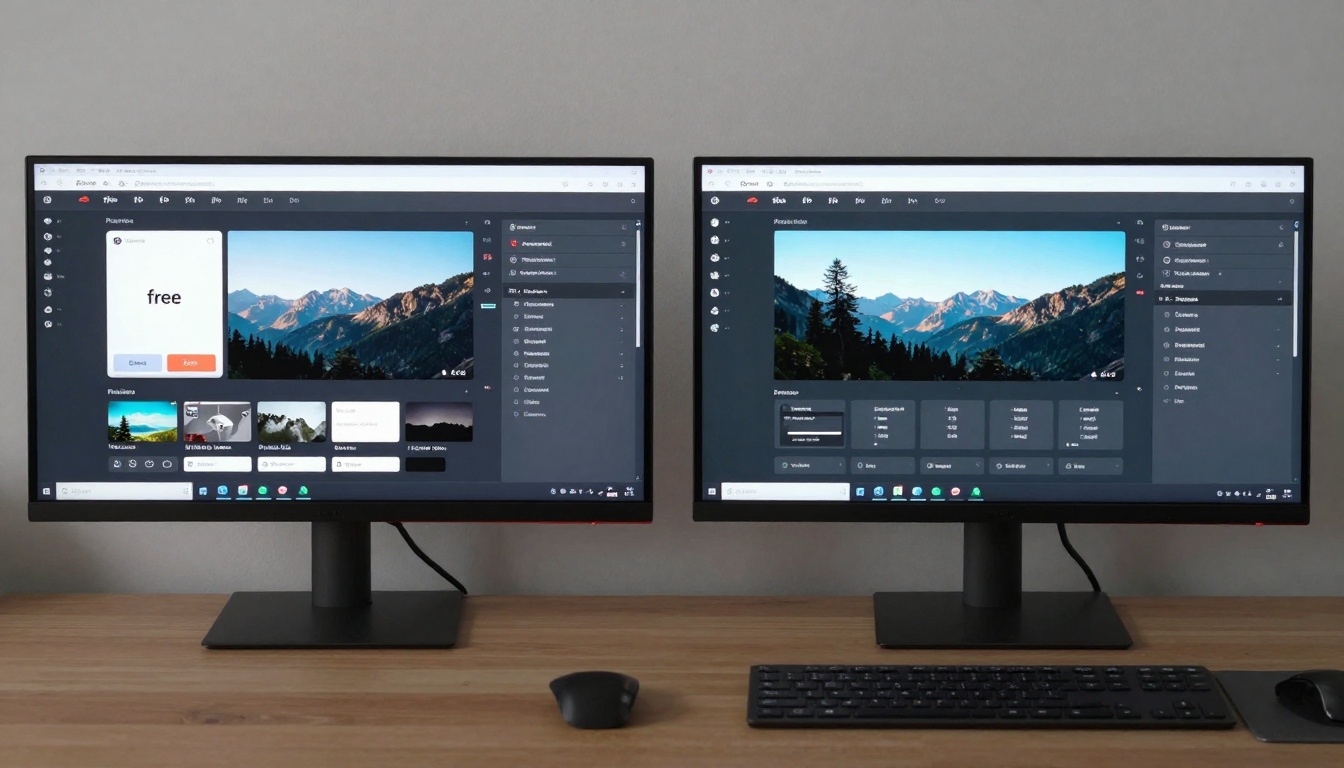
💡 The smart approach: Start with free tools to validate your workflow. Once you've established consistent video production needs and understand exactly which premium features would benefit you, consider upgrading. Many creators find they can accomplish their goals entirely within free tiers.
Mobile vs Desktop Options
The platform choice extends beyond feature sets to the actual device you'll use for creation. Each approach has distinct advantages depending on your lifestyle and workflow preferences.
Mobile-First Platforms
Pros:
- Creation anywhere - Generate videos during commute time or between meetings
- Camera integration - Combine AI generation with real-world footage
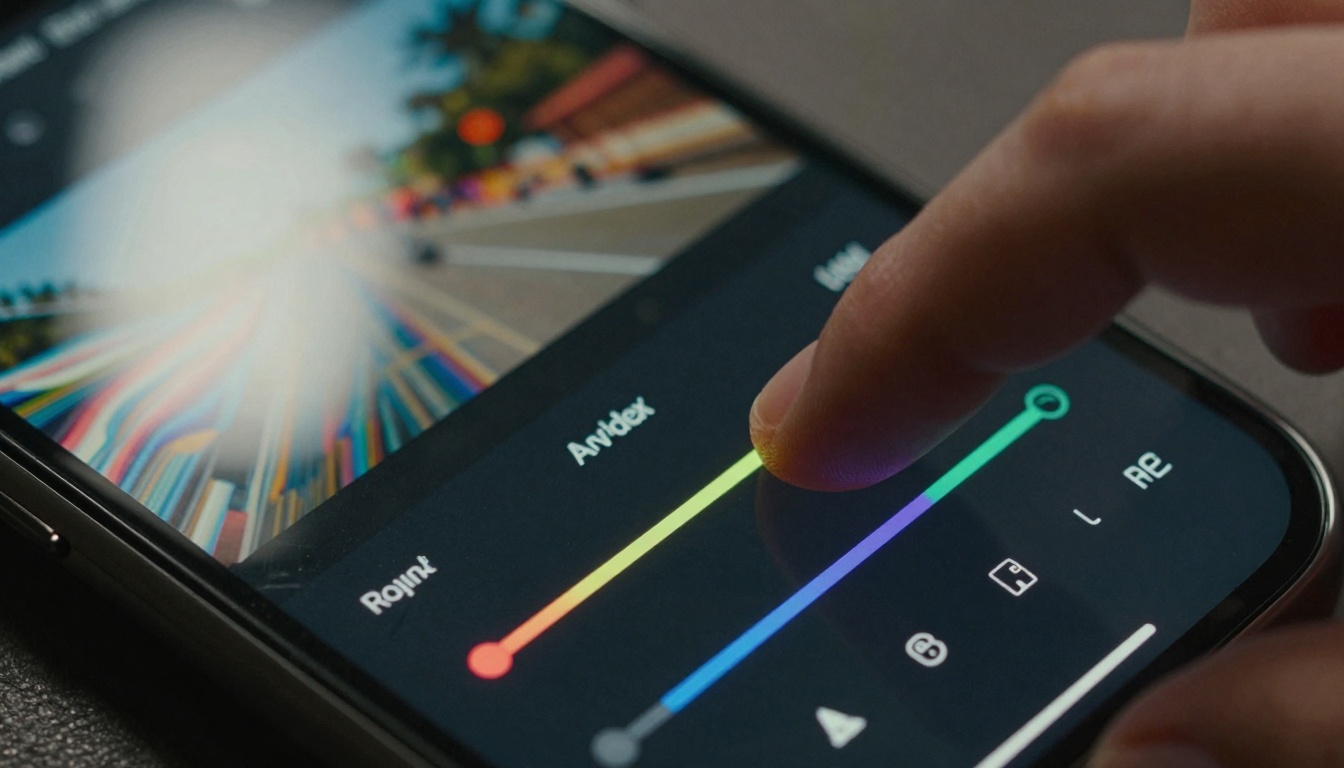
- Touch interface - Intuitive parameter adjustment through sliders and gestures
- Instant sharing - Direct posting to social platforms
Cons:
- Limited screen real estate - Complex projects become cumbersome
- Processing power constraints - Longer generation times for complex scenes
- File management challenges - Organizing multiple projects on small screens
Desktop-Optimized Platforms
Pros:
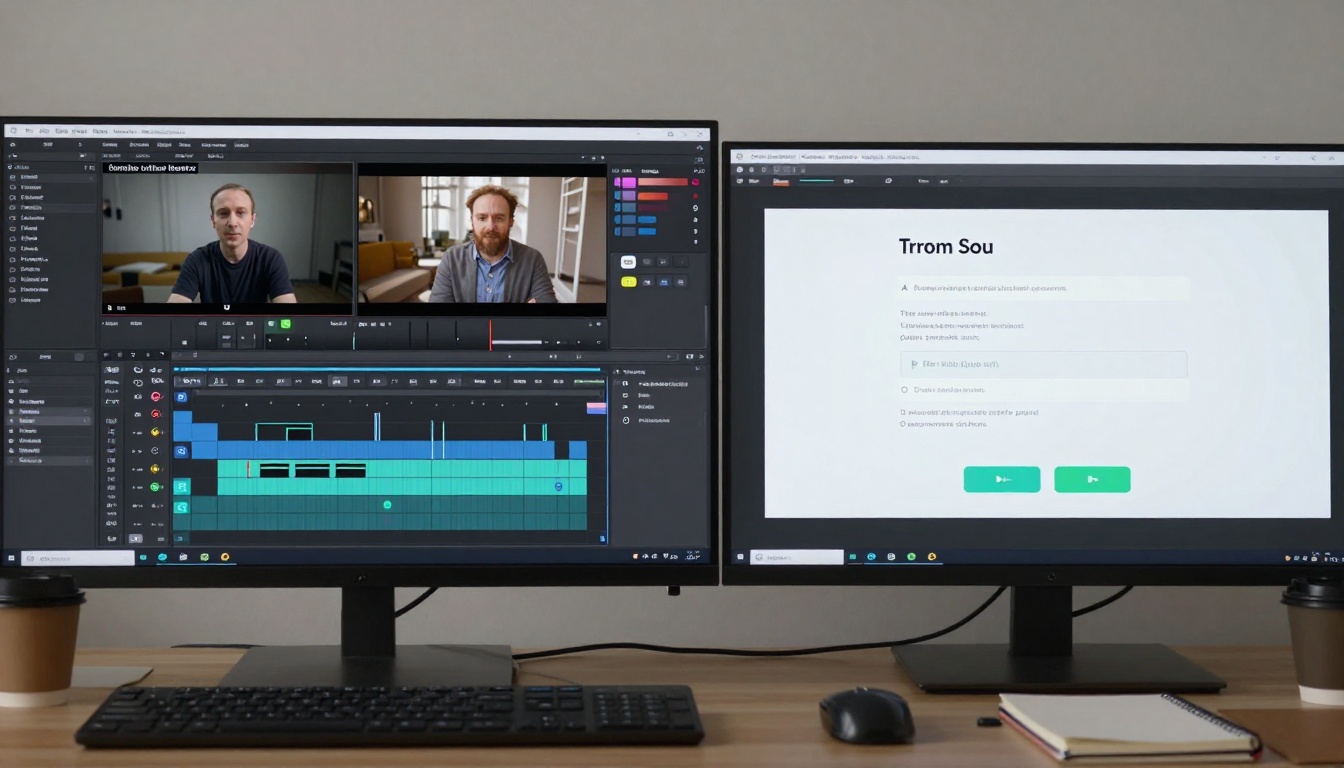
- Multi-window workflow - Reference materials alongside generation interface
- Keyboard shortcuts - Faster navigation for experienced users
- External monitor support - Better preview quality and detail visibility
- Advanced export options - Higher quality formats and compression control
Cons:
- Location dependent - Tied to your workspace
- Steeper learning curve - More complex interfaces with greater power
- System requirements - May need decent hardware for optimal performance
Hybrid Approach
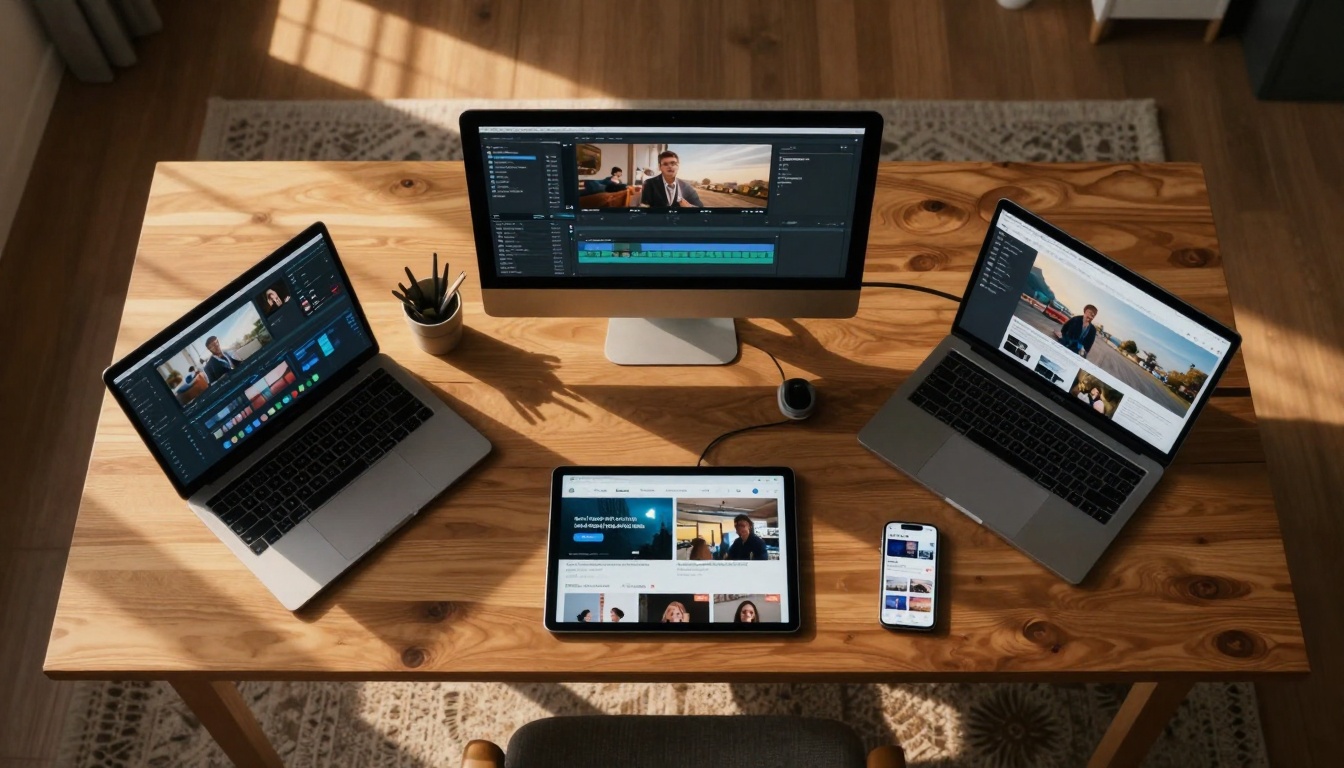
Many creators adopt a hybrid workflow: using mobile apps for ideation and quick concepts, then moving to desktop for final production. This leverages the strengths of both environments while minimizing their limitations.
Workflow Integration
The most successful creators don't treat AI video generation as an isolated activity. They integrate it into broader content production systems that include planning, editing, distribution, and analysis.
Pre-Production Planning
Effective prompt engineering begins before you open any AI tool. Consider these elements:
- Scene breakdown - List every visual element needed
- Motion specifications - Camera movements, object animations, transitions
- Style references - Collect visual examples for consistency
- Parameter planning - Decide which settings will achieve your vision

Post-Production Enhancement
Even the best AI-generated videos often benefit from traditional editing:
- Color correction - Adjust tones to match brand or mood
- Audio layering - Add music, sound effects, and voiceovers
- Text overlays - Include titles, captions, and calls-to-action
- Transition smoothing - Blend between AI-generated segments
Distribution Optimization
Different platforms have specific requirements:
| Platform | Optimal Format | Length Range | Style Notes |
|---|
| YouTube | 16:9, 4K | 2-15 minutes | Narrative structure, clear pacing |
| TikTok | 9:16, 1080p | 15-60 seconds | Fast cuts, trending elements |
| Instagram | 1:1 or 4:5 | 30-90 seconds | Aesthetic focus, brand consistency |
| LinkedIn | 16:9, 1080p | 1-3 minutes | Professional tone, value demonstration |
Legal Considerations
The legal landscape for AI-generated content continues to evolve. While free tools make creation accessible, understanding usage rights protects your work and avoids potential issues.
Copyright and Ownership
Most free platforms operate under one of three models:
- Creator owns output - You retain full rights to generated content
- Platform owns output - The service can use your videos for their purposes
- Shared ownership - Both parties have certain usage rights
Always check the terms of service before using any platform commercially. Look specifically for:
- Commercial use permissions
- Redistribution rights
- Modification allowances
- Attribution requirements
Content Guidelines
AI platforms implement content moderation to comply with regulations and platform policies:
- Prohibited content - Violence, hate speech, explicit material
- Restricted content - Political themes, medical claims, financial advice
- Age restrictions - Content unsuitable for younger audiences
- Regional limitations - Some features unavailable in certain countries
💡 Document your process. Keep records of prompts, parameters, and generation details. This establishes your creative contribution to AI-assisted works, which can be important for copyright claims and portfolio presentation.
Getting Started Tips
If you're new to AI video generation, these practical steps will help you achieve better results faster.
First Project Success Formula
- Start simple - Single scene, clear subject, minimal motion
- Use reference images - Provide visual examples for style guidance
- Iterate gradually - Make small parameter adjustments between generations
- Save successful prompts - Build a library of what works for your needs
- Learn from failures - Analyze why certain generations didn't meet expectations
Prompt Engineering Basics
Effective prompts include:
- Subject (clear, specific description)
- Style (visual aesthetic, artistic reference)
- Composition (camera angle, framing, perspective)
- Lighting (time of day, quality, direction)
- Motion (camera movement, object animation)
- Atmosphere (mood, emotion, environmental details)
Poor prompt: "A video of a city"
Better prompt: "Time-lapse video of Tokyo at dusk from a drone perspective, neon signs glowing against darkening sky, smooth horizontal camera movement, cinematic color grading with teal and orange tones, 4K resolution, professional photography aesthetic"
Common Mistakes to Avoid
- Over-complicated prompts - Too many conflicting elements
- Vague descriptions - AI interprets ambiguity randomly
- Ignoring platform limitations - Expecting capabilities beyond the tool's design
- Skipping preview stages - Generating long videos without testing shorter versions
- Not adjusting for aspect ratio - Composition that doesn't work for intended format
Future Developments
The trajectory of AI video technology suggests several developments creators should anticipate in the coming months and years.
Short-Term Expectations (Next 6-12 Months)
- Longer generation limits - Free tiers extending beyond 60 seconds
- Higher resolution standards - 4K becoming common in free tools
- Improved consistency - Characters and objects maintaining appearance across scenes
- Audio integration - Synchronized music and sound effect generation
- Multi-scene narratives - Coherent story progression across multiple clips
Medium-Term Evolution (12-24 Months)
- Interactive generation - Real-time adjustment during video creation
- Personal style training - AI learning your visual preferences
- Collaborative features - Multiple users working on shared projects
- Advanced editing integration - Seamless transition between AI and traditional tools
- Platform interoperability - Assets moving between different AI services
Long-Term Possibilities (2-3 Years)
- Real-time generation - Instant video creation from text
- Full production pipelines - End-to-end video creation within single platforms
- Emotional intelligence - AI understanding and replicating specific moods
- Style transfer mastery - Perfect replication of any visual aesthetic
- Interactive narratives - Viewers influencing video progression
Why This Matters for Creators
The availability of capable free AI video generators fundamentally changes what's possible for independent creators, small businesses, educators, and artists. This isn't about replacing human creativity but expanding its reach and reducing technical barriers.
Democratization of Visual Storytelling
Video was once the most exclusive medium—requiring equipment, expertise, and budget that excluded most potential creators. AI tools reverse this dynamic, making sophisticated visual communication accessible to anyone with ideas to share.
Acceleration of Creative Process
What used to take days of planning, shooting, and editing can now be accomplished in hours or even minutes. This doesn't eliminate the value of traditional video production but creates a parallel track for different types of content needs.
Expansion of Creative Possibility
AI doesn't just make existing video techniques easier—it enables entirely new forms of visual expression. Impossible camera movements, fantastical environments, and surreal transformations become practical creative choices rather than technical challenges.
Your Next Steps
The tools exist, the quality is proven, and the cost barrier has been removed. What separates creators who benefit from this technology from those who don't is simply starting.
Pick one free platform that aligns with your primary content needs. Don't try to master everything at once—focus on becoming proficient with a single tool that solves your most pressing video creation challenges.
Schedule regular experimentation time. Like any creative skill, AI video generation improves with consistent practice. Set aside 30 minutes twice weekly to test new prompts, explore different parameters, and push the boundaries of what's possible.
Join creator communities. Most platforms have Discord servers, subreddits, or forum communities where users share techniques, prompt libraries, and workflow tips. Learning from others accelerates your progress dramatically.
Document your journey. Keep a simple log of what you create, what prompts worked, and what you learned. This becomes your personal knowledge base that grows in value over time.
The most successful creators in 2027 won't necessarily be those with the biggest budgets or most advanced technical skills. They'll be the ones who understand how to effectively harness AI video generation to amplify their unique creative vision. The tools are here, they're free, and they're waiting for you to start creating.


