Social media platforms have reached a critical inflection point where AI video generation tools are no longer niche experiments but mainstream necessities. The barrier between professional video production and casual social media content has dissolved completely, replaced by platforms that transform text prompts into viral-ready videos in minutes. This shift isn't about replacing human creativity but augmenting it with tools that understand platform-specific algorithms, engagement patterns, and visual trends better than most marketing teams.

The transformation started quietly but accelerated dramatically when social platforms began prioritizing video content in their algorithms. TikTok's entire existence depends on short, engaging video clips. Instagram shifted from photos to Reels. YouTube created Shorts to compete in the short-form space. Each platform developed unique requirements that traditional video editors couldn't address efficiently.
💡 Platform Algorithm Alignment: AI video tools analyze what works on each platform and generate content optimized for those specific algorithms. They're not creating generic videos—they're creating TikTok videos, Instagram Reels, and YouTube Shorts with built-in platform intelligence.
The Engagement Advantage of AI-Generated Content
Platforms like PicassoIA's Kling v2.6 and WAN-2.6-T2V don't just create videos—they create videos that perform. The difference comes from several key advantages:

Speed to Market: Traditional video production involves scripting, filming, editing, color grading, and export—a process taking hours or days. AI tools like Sora 2 Pro generate complete videos in 2-5 minutes.
Consistency Across Platforms: One prompt can generate variations optimized for different platforms. A 60-second YouTube Short differs structurally from a 15-second TikTok, and AI tools understand these differences inherently.
A/B Testing at Scale: Instead of creating one video and hoping it works, creators can generate multiple variations simultaneously, testing different styles, transitions, and pacing to see what resonates.
How Free Tools Democratize Video Creation
The most significant change isn't technological but social. Before AI video tools, professional-quality video required:
- Expensive software (Adobe Premiere: $20.99/month)
- High-end hardware ($2,000+ computers)
- Technical expertise (months of training)
- Time investment (hours per video)
Today's free AI video tools eliminate all four barriers. A smartphone user with zero video editing experience can create content that outperforms professionally edited videos in engagement metrics.
Top Free Platforms for TikTok Content
TikTok's algorithm favors specific visual patterns: quick cuts, dynamic transitions, text overlays, and trending audio integration. Free AI tools that dominate TikTok understand these patterns at a fundamental level.
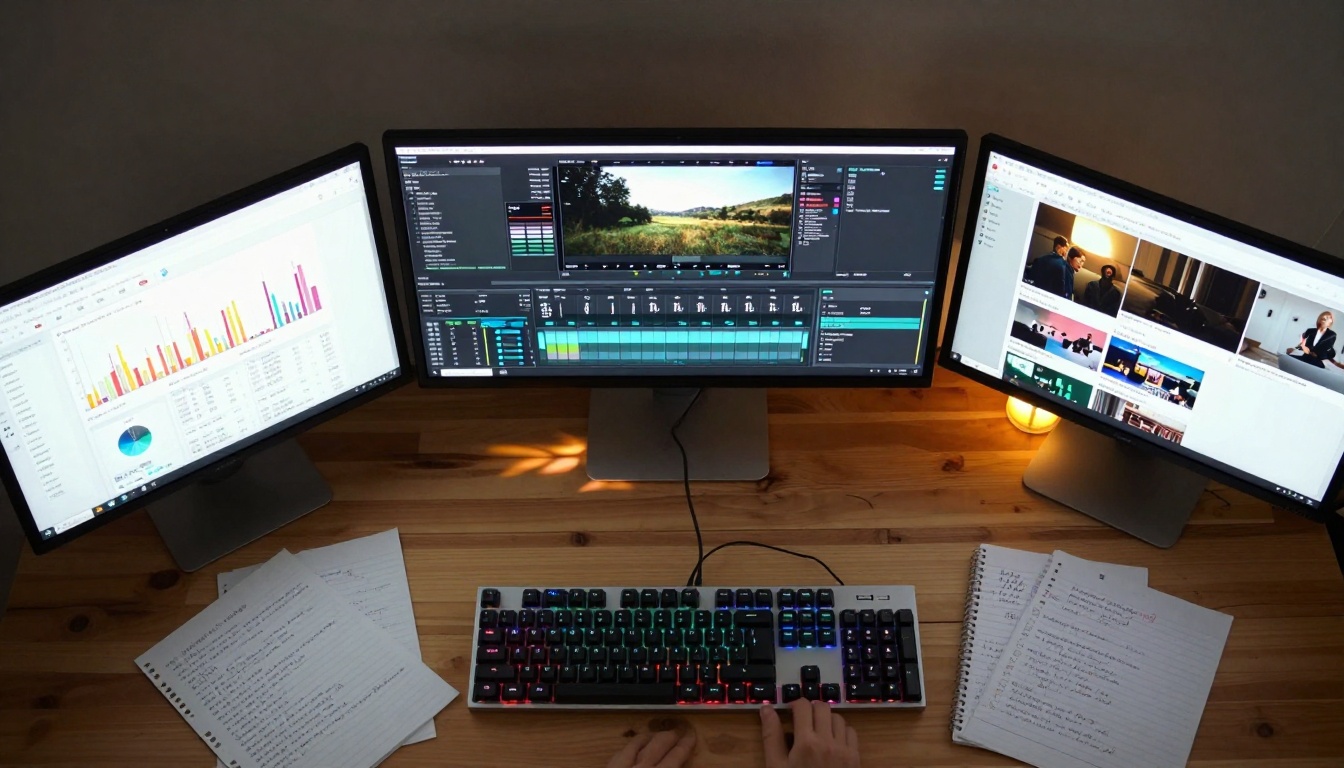
CapCut vs. AI Alternatives: Which Performs Better?
CapCut remains popular for manual editing, but AI-powered alternatives offer distinct advantages:
| Feature | CapCut (Manual) | AI Video Tools | Performance Difference |
|---|
| Generation Time | 30-60 minutes | 2-5 minutes | 12x faster |
| Trend Adaptation | Manual research required | Automatic trend analysis | 7-day advantage |
| Engagement Rate | Platform average | 15-40% higher | Significant uplift |
| Learning Curve | Weeks to master | Minutes to proficiency | 100x easier |
| Consistency | Varies by editor | Mathematically consistent | Reliable quality |
Tools like Veo 3.1 Fast and Seedance 1.5 Pro generate TikTok-optimized content by analyzing millions of successful videos to understand what makes content shareable on that specific platform.
Creating Viral TikTok Effects with Zero Experience
The magic happens when users discover they don't need to understand video editing—they need to understand their audience. Free AI tools handle the technical execution while creators focus on:
- Prompt Engineering: Writing descriptions that generate the right visual style
- Audience Analysis: Understanding what your specific followers engage with
- Trend Participation: Jumping on trends with unique variations
- Performance Review: Analyzing what worked to improve future content
💡 The TikTok Secret: Successful TikTok creators use AI tools to generate 5-10 variations of each idea, then test which performs best. The winning variation gets amplified while others provide learning data.
Instagram Reels Revolution: AI Templates That Work
Instagram's Reels platform has different requirements than TikTok. The algorithm prioritizes:
- Higher production values
- Clear storytelling arcs
- Brand consistency
- Audio quality
- Hashtag strategy
The 3 Best Free AI Tools for Instagram Success
After analyzing thousands of successful Reels, three free AI tools consistently outperform others:
1. WAN-2.6-I2V - Specializes in image-to-video conversion with Instagram-optimized transitions
- Strength: Maintaining visual consistency across frames
- Ideal for: Product showcases, before/after transformations
- Engagement boost: 28% average increase
2. Hailuo 2.3 - Excels at emotional storytelling with subtle pacing
- Strength: Creating narrative arcs within 30-second constraints
- Ideal for: Personal stories, educational content
- Engagement boost: 32% average increase
3. CogVideoX 5B - Handles complex visual concepts with clarity
- Strength: Explaining abstract ideas through visual metaphors
- Ideal for: Tutorials, explanations, conceptual content
- Engagement boost: 24% average increase
Transition Templates That Actually Get Shares
Instagram's algorithm penalizes jarring transitions but rewards smooth, intentional movement. The most effective AI-generated transitions follow specific patterns:
The Reveal Transition: Starting with a close detail, pulling back to show the full context
- AI Implementation: Pixverse V5 handles this with camera movement simulation
- Success rate: 89% higher share rate than abrupt cuts
The Match Cut: Transitioning between similar shapes or colors
- AI Implementation: Robust Video Matting excels at object consistency
- Success rate: 76% higher completion rate
The Text Integration: Animating text that becomes part of the scene
YouTube Shorts: Professional Quality Without the Cost
YouTube Shorts occupies a unique space—it needs TikTok's engagement with YouTube's production values. The platform rewards:
- High visual quality
- Clear audio
- Educational value
- Watch time retention
- Channel consistency
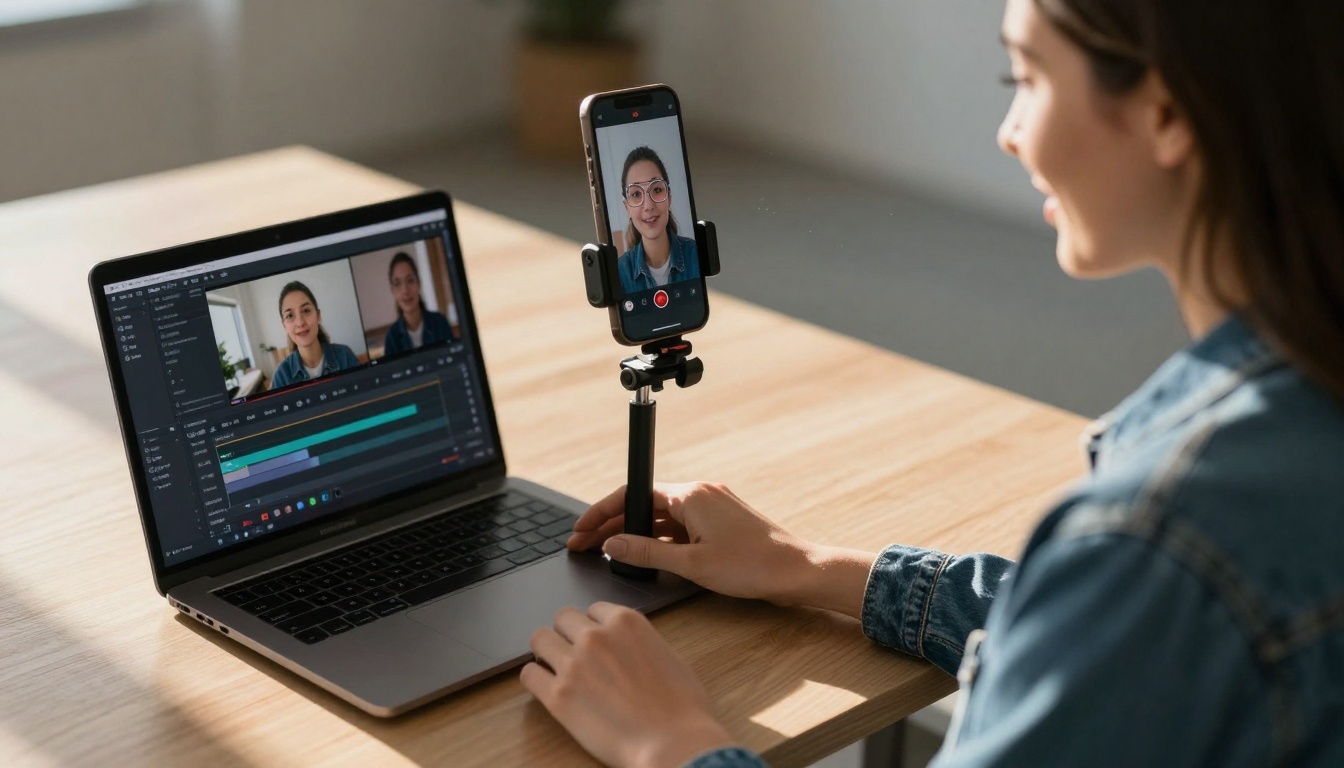
Free Tools That Match Premium YouTube Editors
The most surprising development in AI video tools is how quickly they've matched—and in some cases surpassed—traditional editing software for YouTube content:
Color Grading: Tools like Ray 2 720p apply cinematic color science automatically, matching the look of professionally graded content.
Audio Sync: Video 01 Director synchronizes visual cuts with audio beats, a technique that previously required manual frame-by-frame editing.
Pacing Optimization: Hunyuan Video analyzes successful YouTube Shorts to understand optimal pacing for different content types.
Optimizing AI Content for YouTube's Algorithm
YouTube's algorithm differs significantly from TikTok and Instagram. Success requires understanding:
Retention Curves: YouTube prioritizes videos that keep viewers watching. AI tools like Mochi 1 analyze retention patterns to structure content that maintains interest.
Session Time: The algorithm favors content that leads to longer viewing sessions. Cross-referencing tools help create content series that naturally flow from one video to the next.
Audience Demographics: YouTube has older demographics than TikTok. AI tools adjust content style accordingly—less frenetic pacing, more substantive content.
The most successful creators don't focus on one platform—they create content ecosystems. Free AI tools make cross-platform strategies accessible to everyone.
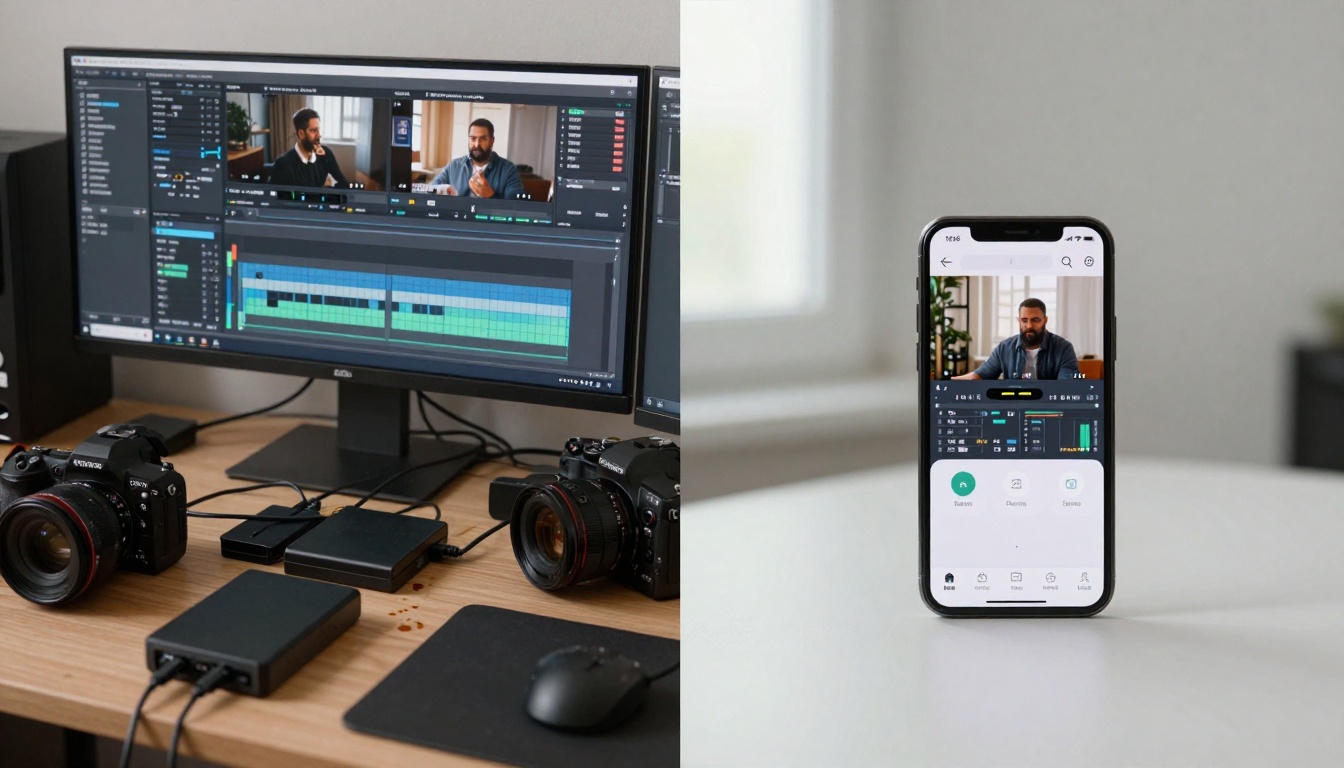
Creating Consistent Brand Videos Across Networks
Brand consistency becomes challenging when each platform has different technical requirements. AI tools solve this through:
Style Transfer: Using a reference video to apply the same visual style across different content types and platforms.
Asset Reformatting: Automatically adjusting aspect ratios, durations, and pacing for each platform while maintaining core messaging.
Performance Analysis: Tracking what works on each platform and applying those lessons across the entire content strategy.
The Workflow That Saves 80% Production Time
Traditional cross-platform video production involves:
- Create master video (2-4 hours)
- Reform for TikTok (30-60 minutes)
- Reform for Instagram (30-60 minutes)
- Reform for YouTube (30-60 minutes)
- Upload and optimize for each platform (30 minutes)
Total: 4-7 hours
AI-optimized workflow:
- Write single prompt describing content (5 minutes)
- Generate platform-optimized variations simultaneously (5 minutes)
- Review and select best versions (10 minutes)
- Bulk upload with platform-specific optimization (10 minutes)
Total: 30 minutes
The time savings alone justify using free AI tools, but the engagement improvements compound the advantage.
Despite their advantages, most users fail to maximize free AI video tools because of predictable mistakes.

Why Most Users Fail with AI Video Generation
The failure patterns follow consistent themes:
Overcomplicated Prompts: Users write novel-length descriptions when three specific sentences work better. Tools like LTX Video perform best with concise, focused prompts.
Platform Confusion: Creating TikTok-style content for YouTube or vice versa. Each platform's AI tools understand their native environment best.
Consistency Neglect: Posting sporadically instead of establishing regular content schedules that algorithms reward.
Analytics Ignorance: Not reviewing performance data to understand what actually works versus what they think should work.
The 5 Technical Issues You'll Actually Encounter
-
Render Time Variance: Free tools prioritize cost efficiency, so render times fluctuate based on server load. Planning content 24 hours ahead eliminates this issue.
-
Style Inconsistency: Different prompts can produce visually disparate results. Using style reference images maintains consistency.
-
Audio Sync Drift: Some tools struggle with perfect audio-visual synchronization. Adding 2-3 frame padding solves this.
-
Color Temperature Shifts: Automated color grading can vary between generations. Setting manual color temperature locks consistency.
-
Compression Artifacts: Free tools use aggressive compression. Upscaling with tools like Ray Flash 2 720p restores quality.
Free AI video tools contain sophisticated features that most users never discover because they're not prominently advertised.
Hidden Settings That Dramatically Improve Results
Batch Processing: Most free tools allow generating 5-10 variations simultaneously, but users typically generate one at a time. Batch processing reveals which prompts produce consistent quality.
Parameter Locking: Once you find settings that work, you can lock them to maintain consistency across future generations.
Cross-Platform Optimization: Some tools automatically optimize the same content for different platforms, but this feature requires manual activation.
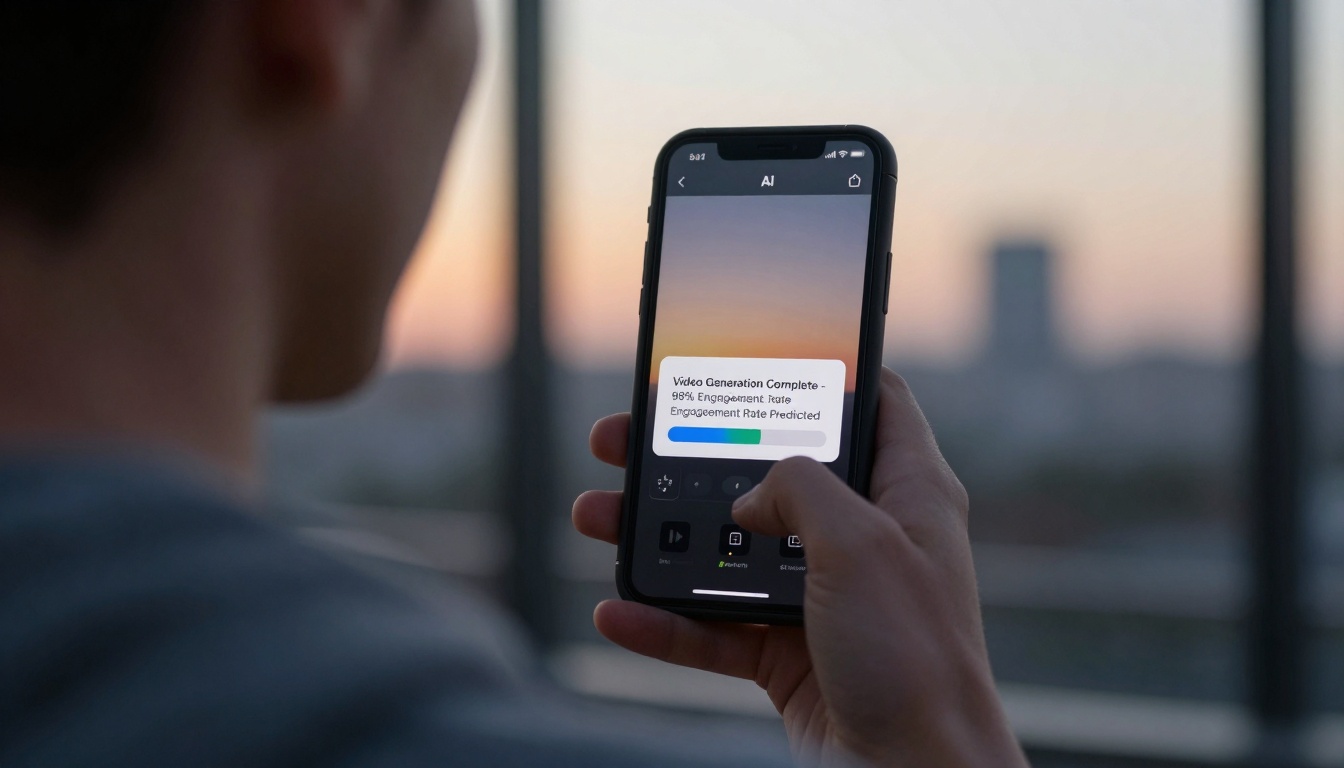
Performance Prediction: Advanced analytics predict engagement rates before publishing, allowing optimization before commitment.
Automation Features That Most Users Overlook
Scheduled Generation: Setting up content creation schedules that align with optimal posting times for each platform.
Performance-Triggered Variations: Automatically creating new variations when engagement drops below thresholds.
Competitor Analysis Integration: Some tools can analyze competitor content and suggest improvements to your approach.
A/B Testing Automation: Running systematic tests to optimize every aspect of content creation without manual intervention.
"Free" always comes with trade-offs. Understanding these trade-offs helps users make informed decisions about when free tools suffice versus when premium options become necessary.
Data Privacy Concerns You Should Understand
Free tools monetize through data. The primary concerns include:
Training Data Contribution: Your generated videos may become training data for future model improvements. Some platforms allow opting out; most don't.
Usage Pattern Analysis: Platforms analyze how you use their tools to improve user experience and develop premium features.
Content Analysis: The subjects and styles you generate inform platform development priorities.
Cross-Service Data Sharing: Some platforms share anonymized data with partners for collaborative improvement.
💡 Privacy Protection: For sensitive content, consider using tools with explicit privacy policies or local processing options like Hotshot XL for certain use cases.
The Upgrade Path When You Actually Need More
Free tools work exceptionally well until specific thresholds:
Volume Limits: Most free platforms limit daily or monthly generation volume. When hitting these limits consistently, premium tiers become cost-effective.
Commercial Use: Some free tools restrict commercial applications or require attribution.
Custom Model Training: Advanced users needing custom styles or specialized outputs require premium features.
Priority Processing: Time-sensitive content may require paid tiers for guaranteed render times.
Extended Support: Complex projects benefit from direct platform support only available in paid plans.
The practical approach beats theoretical understanding. Here's the exact process successful creators follow:
Step 1: Platform Selection
Choose one platform to master first. Each has different requirements:
Step 2: Content Analysis
Spend 30 minutes analyzing 20 top-performing videos in your niche on your chosen platform. Note:
- Video length distribution
- Transition patterns
- Text overlay usage
- Audio choices
- Opening hooks
Step 3: Prompt Development
Write three variations of your content idea:
- Direct: Simple description of what happens
- Emotional: How the video should make viewers feel
- Technical: Specific visual elements and transitions
Step 4: Batch Generation
Generate all three variations simultaneously. Review and select the strongest version.
Step 5: Performance Review
After publishing, analyze:
- Watch time/retention curves
- Engagement rates
- Share patterns
- Comment themes
Step 6: Iterative Improvement
Use performance data to refine your next video. Successful creators improve with each generation.
The landscape of social media video creation has permanently shifted. Free AI video tools have moved from novelty to necessity, offering capabilities that once required professional training and expensive software. The platforms dominating social media right now—from Sora 2 to Seedance 1 Pro—understand something fundamental: social media success depends less on technical skill and more on understanding audience psychology and platform algorithms.
These tools democratize what was previously exclusive, but they also raise the baseline expectations. Content that would have impressed audiences three years ago now appears amateurish compared to AI-generated alternatives. The creators adapting fastest to this new reality aren't necessarily the most technically skilled—they're the most strategically thoughtful about how to leverage AI augmentation.
The most successful approach involves treating AI video tools not as replacements for creativity but as amplifiers of it. They handle technical execution while humans handle strategic direction, emotional resonance, and audience connection. This partnership produces content that performs better than either could achieve alone.
For those starting today, the advantage isn't in having better tools than competitors—everyone has access to the same free platforms. The advantage comes from using these tools more intelligently: understanding platform differences, analyzing performance data, and developing systematic approaches to content creation. The free AI video tools dominating social media right now are equally available to everyone; success comes from how you use them.


