Video creation has transformed from expensive professional equipment to accessible AI tools anyone can use. If you're starting with video content, the right tools make everything possible without technical expertise or large budgets.
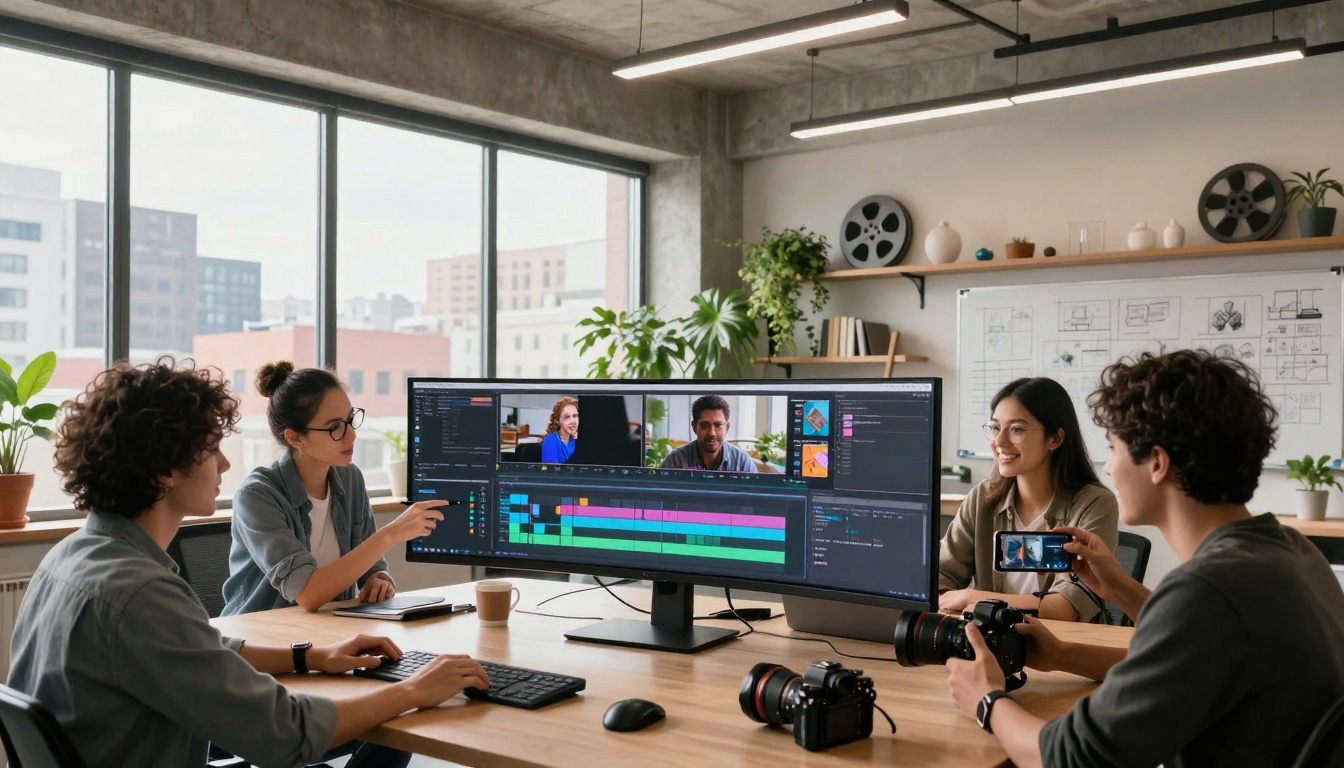
Creative team collaborating around video editing timeline
Traditional video production required cameras costing thousands, editing software with steep learning curves, and teams of specialists. Today's AI tools remove those barriers completely.
Three fundamental shifts happened:
- Cost elimination: Free tools replace expensive software
- Skill compression: AI handles technical aspects automatically
- Access democratization: Anyone with a smartphone can create professional content
The result? A creative explosion where ideas matter more than equipment budgets.
Free Text-to-Video AI Platforms
💡 Pro tip: Start with text-to-video tools first. They're the easiest entry point requiring only written descriptions.
Web-Based Free Options
CapCut offers completely free video editing with AI features including auto-captions, background removal, and text-to-video templates. The web version requires no downloads.
Canva's video suite provides free AI-powered video creation tools. Their text-to-video feature turns descriptions into animated scenes with professional transitions.
Pictory gives free credits for AI video generation from text. Ideal for turning blog posts or scripts into engaging video content.
Desktop Software with Free Tiers
DaVinci Resolve remains the professional's choice offering a completely free version rivaling paid alternatives. Its AI features include facial recognition, auto-color grading, and smart editing tools.
Shotcut provides open-source video editing with growing AI integration. Completely free with active community development.
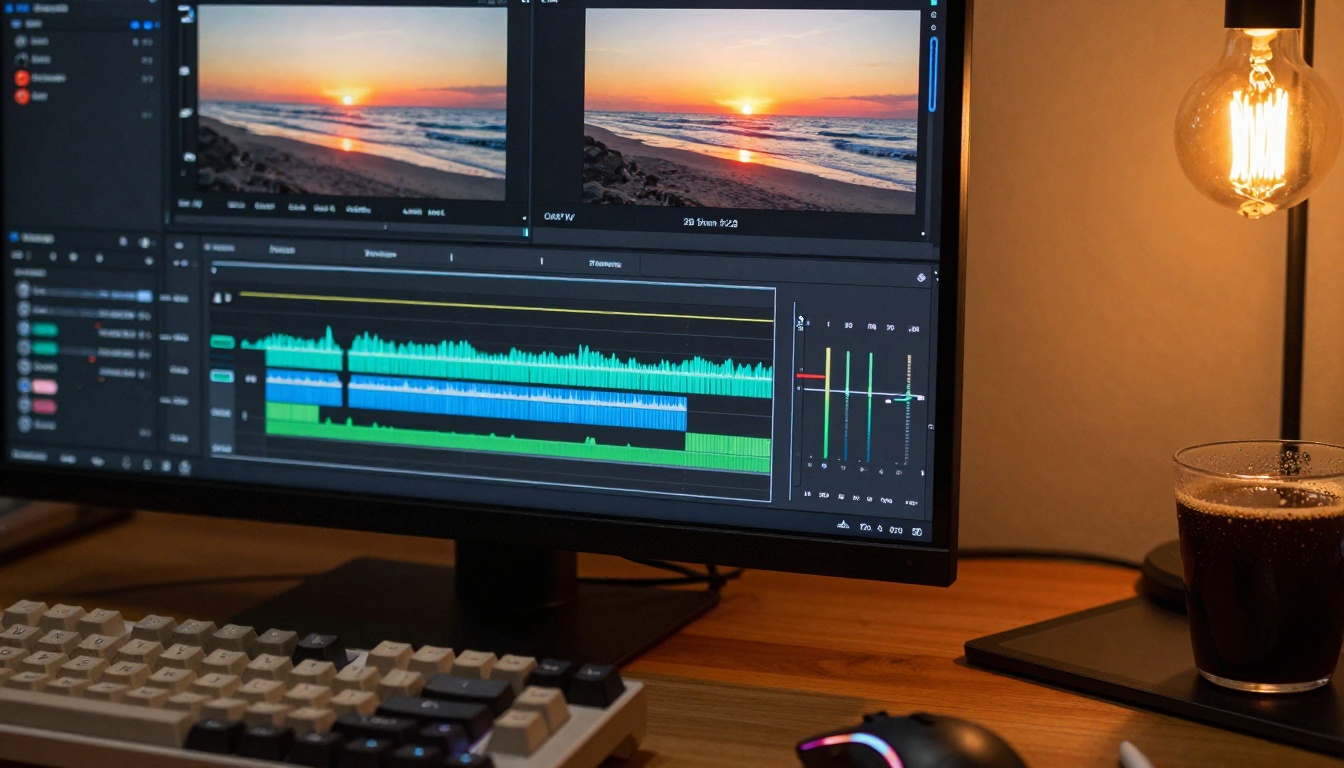
Professional video editing timeline with multiple tracks
PicassoIA Video Generation Models
PicassoIA hosts numerous free-to-use AI video models perfect for beginners. Each specializes in different video creation aspects.
Text-to-Video Models
- Kling v2.6: High-quality video generation with excellent motion
- Seedance 1.5 Pro: Professional-grade video creation with smooth animations
- WAN 2.6 T2V: Fast text-to-video conversion with good results
- Veo 3.1: Google's advanced video model with cinematic quality
- Sora 2 Pro: OpenAI's premium text-to-video generation
Image-to-Video Models
Specialized Video Tools
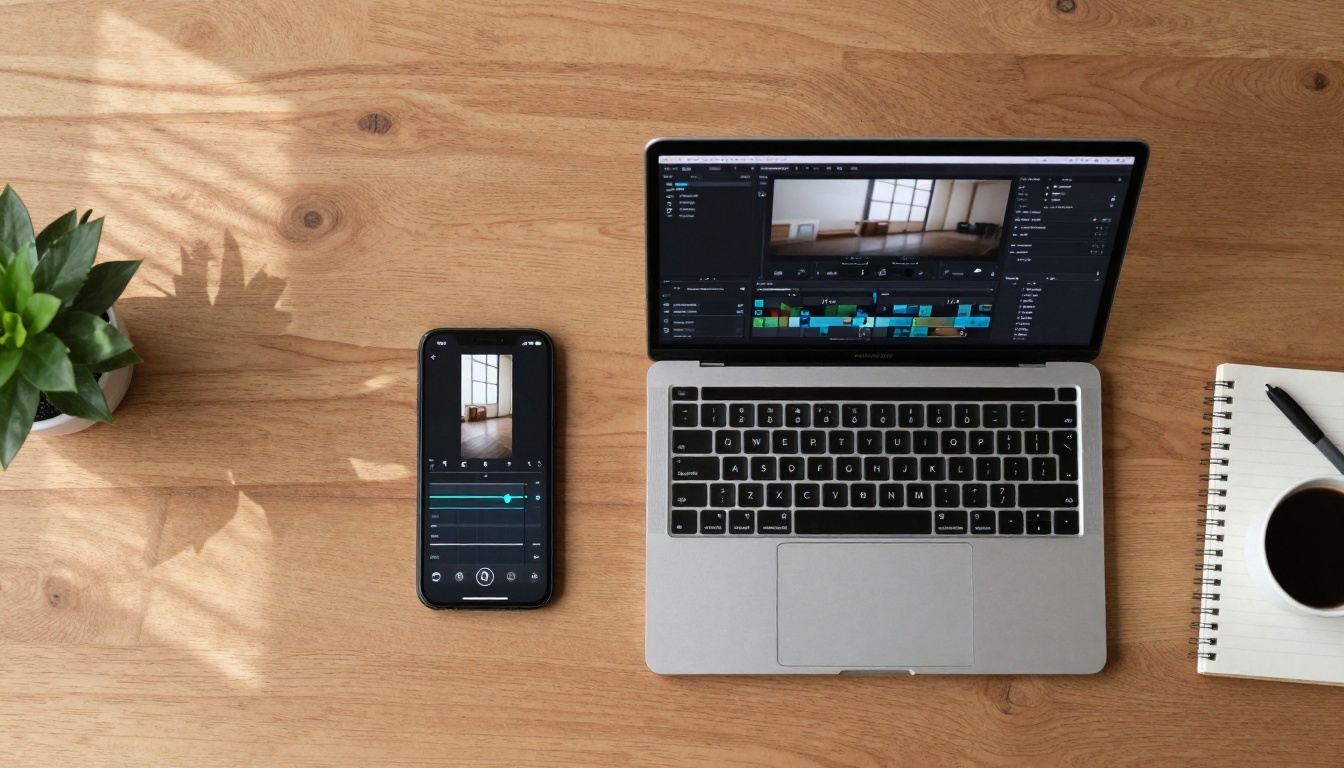
Smartphone and laptop showing video editing apps side-by-side
Essential Free Video Editing Software
Beginner-Friendly Editors
| Software | Best For | AI Features | Learning Curve |
|---|
| CapCut | Social media videos | Auto-captions, templates | Very easy |
| Canva Video | Marketing content | Text-to-video, animations | Easy |
| Veed.io | Quick edits | Auto-subtitles, resizing | Moderate |
| InShot | Mobile editing | Filters, transitions | Easy |
| OpenShot | Basic projects | Simple interface | Very easy |
Intermediate Power Tools
DaVinci Resolve dominates professional workflows while remaining free. Its Fusion module provides node-based compositing rivaling After Effects. The Fairlight audio suite offers Hollywood-grade sound editing.
Key advantages for beginners:
- Color grading: AI-assisted color matching between clips
- Facial recognition: Automatic tagging and organization
- Audio cleanup: Remove background noise intelligently
- Stabilization: Fix shaky footage with one click
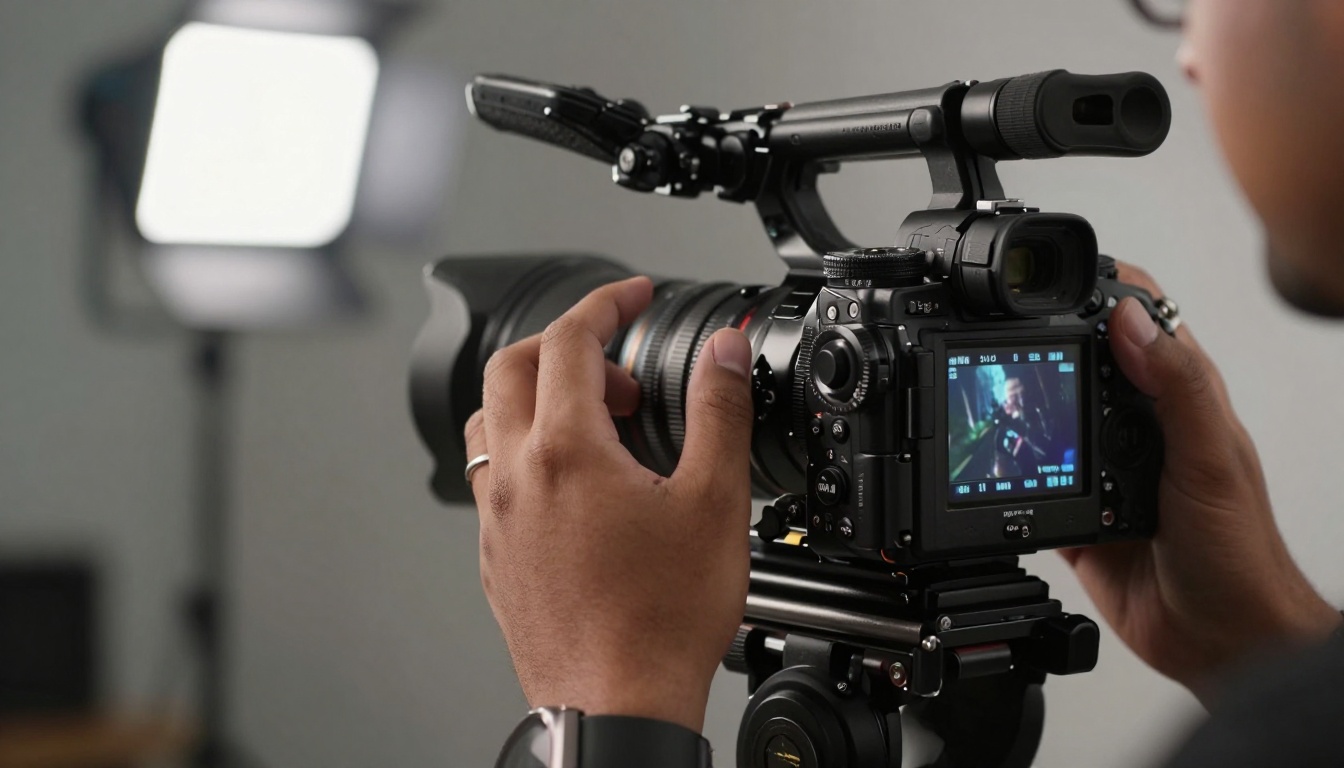
Filmmaker's hands adjusting professional camera settings
Mobile Video Creation Apps
Smartphones contain capable video tools within reach. The right apps transform phones into production studios.
Recording & Capture Apps
Filmic Pro (free version) provides manual controls usually reserved for professional cameras. Adjust shutter speed, ISO, white balance, and focus manually.
Open Camera offers completely free advanced recording features. Includes manual controls, multiple formats, and RAW video support.
Moment pairs with lens accessories while offering pro features in the free version.
Editing & Post-Production
KineMaster provides multi-layer editing free with watermark. Its AI features include auto-beat sync for music videos.
PowerDirector offers surprisingly advanced features in the free tier. Includes motion tracking, chroma key, and speed controls.
VN Video Editor delivers professional timeline editing completely free. No watermarks on exported videos.
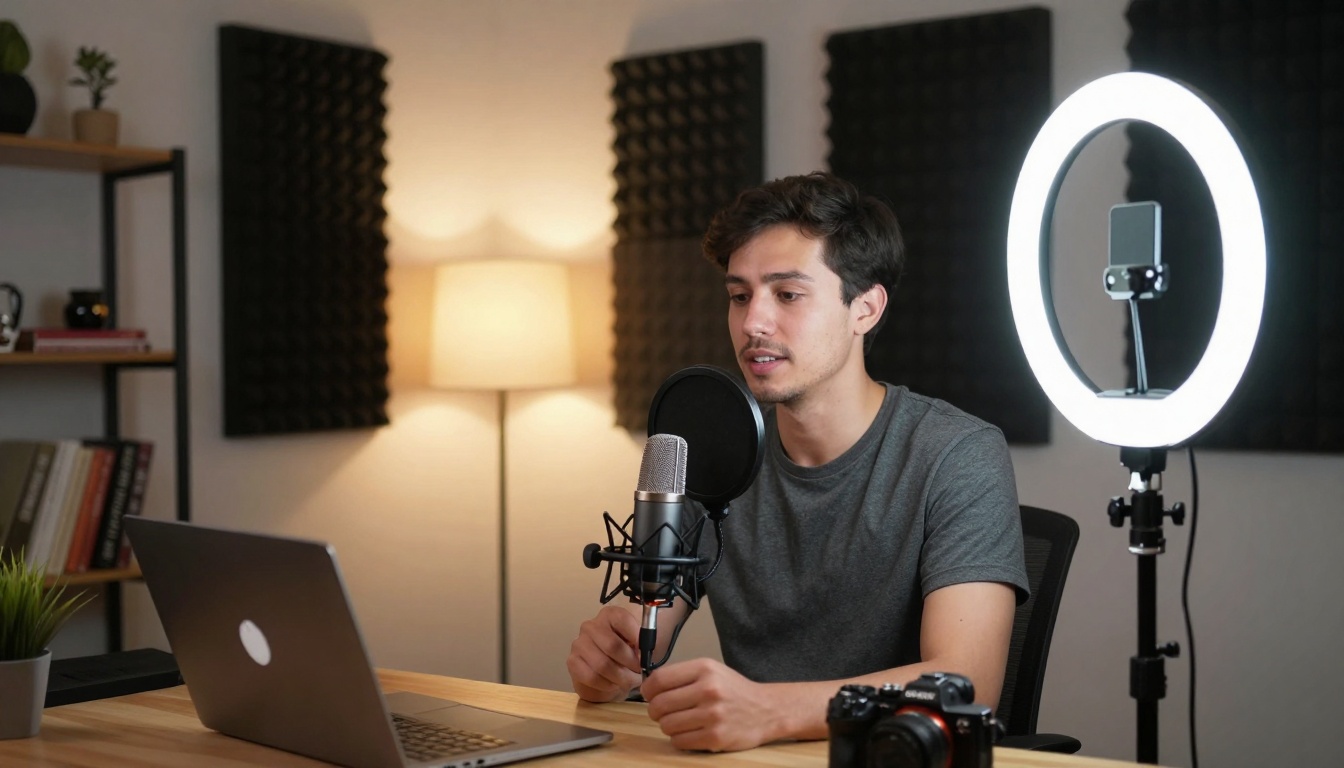
Modern home studio setup perfect for beginners
Automated Editing Assistants
Descript revolutionized editing by transcribing audio into editable text. Edit video by editing text—cut words from the transcript to cut corresponding video segments.
Runway ML provides numerous AI video tools including green screen removal, motion tracking, and style transfer—all accessible through their free tier.
Luma AI offers free credits for generating 3D models from video, creating NeRF representations of real-world scenes.
Quality Improvement Tools
Topaz Video AI has a free trial providing industry-leading video upscaling and stabilization. Enhance low-resolution footage to 4K quality.
Adobe Enhance Speech (free through Adobe Podcast) removes background noise and improves vocal clarity automatically.
Remove.bg Video extends their famous image tool to video, offering free seconds of background removal monthly.
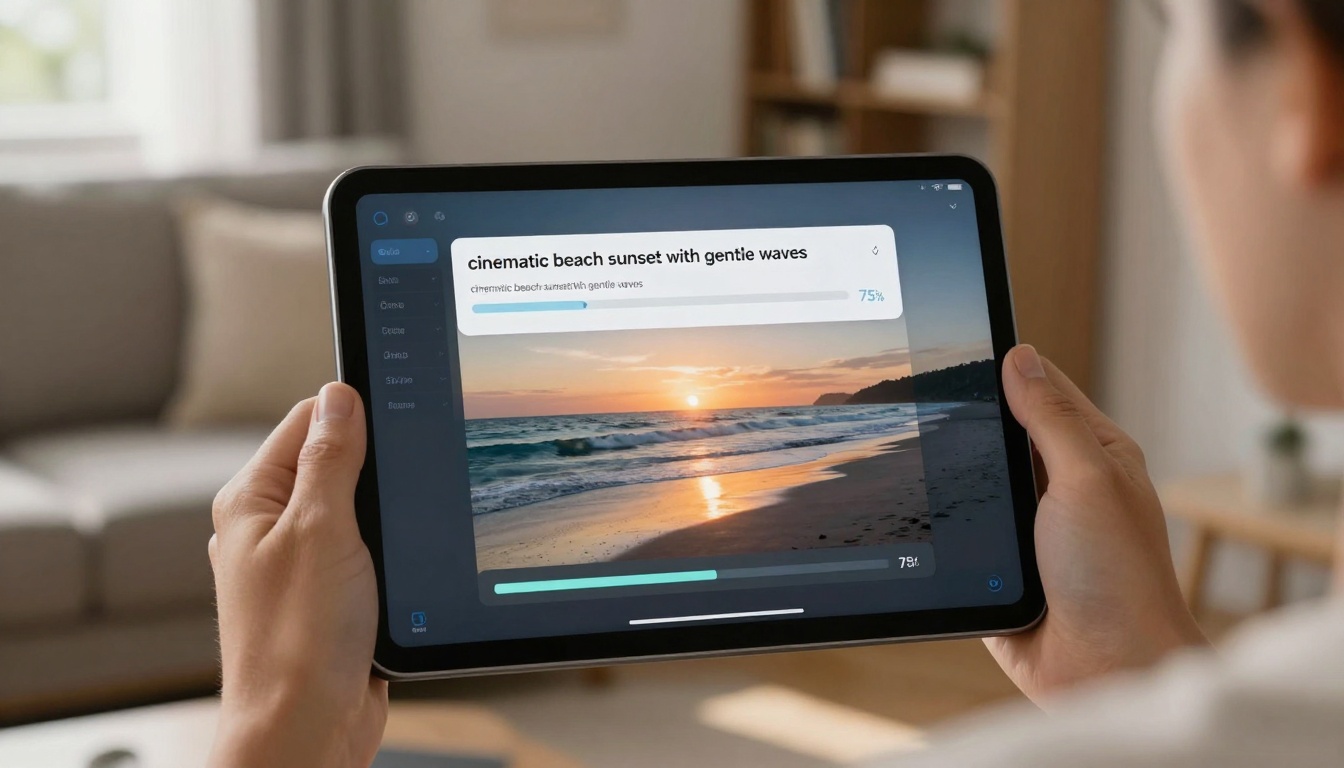
Tablet displaying AI video generation progress
Great video requires great audio. These free tools solve common audio problems.
Voice Recording & Enhancement
Audacity remains the free audio editor standard. Record, edit, mix, and master audio tracks with professional results.
Adobe Podcast Enhance provides completely free AI voice enhancement. Upload recordings to remove noise and improve clarity.
Krisp offers free noise cancellation during recording. Eliminate background sounds in real-time.
Music & Sound Effects
Epidemic Sound provides free music through creator partnerships. High-quality tracks cleared for YouTube and social media.
YouTube Audio Library contains thousands of free music tracks and sound effects usable in any video project.
Freesound.org community database offers Creative Commons licensed sounds searchable by category.
Side-by-side comparison showing editing transformation
Getting Started: First Project Workflow
Day 1: Planning & Scripting
- Choose a simple topic (product review, tutorial, vlog)
- Write a 1-minute script (approximately 150 words)
- List required visuals (b-roll, images, text overlays)
Day 2: Recording & Collection
- Record main footage using smartphone
- Gather supporting images/videos
- Record voiceover using phone's voice memo app
Day 3: Editing & Assembly
- Import everything into CapCut or Canva
- Use AI auto-captions for subtitles
- Add free background music from YouTube Audio Library
- Export and share
Critical beginner mistake: Overcomplicating first projects. Start with 60-second videos using one editing tool.
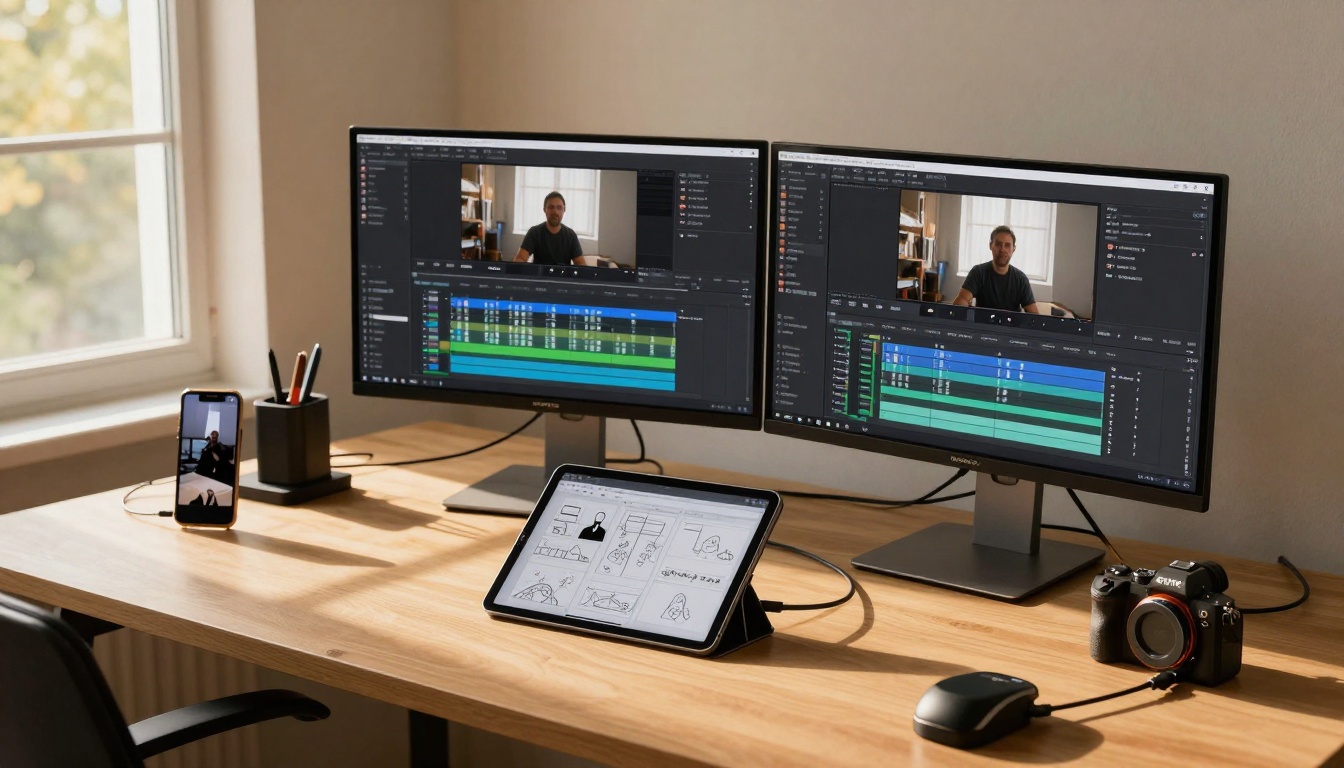
Creative workspace with multiple connected devices
Common Technical Issues & Solutions
Problem: Large File Sizes
Solution: Use HandBrake (free) to compress videos without quality loss. Set CRF value to 23 for optimal balance.
Problem: Shaky Footage
Solution: DaVinci Resolve's stabilization works better than most paid options. Apply to clip, adjust smoothness slider.
Problem: Poor Lighting
Solution: HitFilm Express (free) includes color grading tools rivaling paid software. Use curves and wheels to fix exposure.
Problem: Background Noise
Solution: Audacity's noise removal identifies noise profile then removes it from entire track.
Problem: Copyright Strikes
Solution: Only use music from YouTube Audio Library, Epidemic Sound free tier, or create original using Soundtrap (free version).
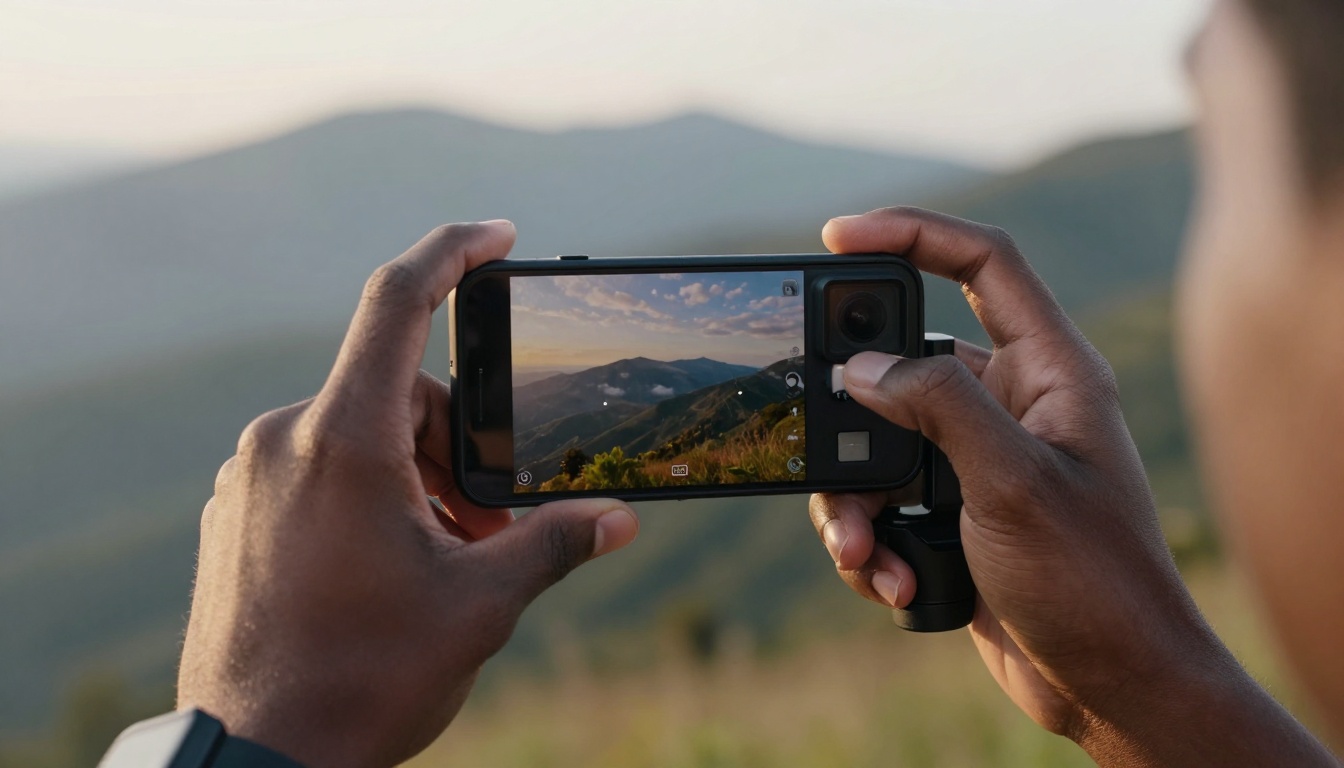
First-person view of smartphone recording with gimbal
Once comfortable with basics, these tools provide professional capabilities without cost.
Visual Effects & Compositing
Blender's video editor includes professional compositing, masking, and effects. The learning curve steepens but capabilities explode.
Natron provides node-based compositing similar to Nuke. Free and open-source with active development.
Motion Graphics
Enve offers free vector animation similar to After Effects. Create animated titles, lower thirds, and motion graphics.
Synfig Studio provides timeline-based animation with bone rigging for character animation.
3D Integration
Blender (again) dominates free 3D creation. Integrate 3D elements into video projects with camera tracking and lighting matching.
Production Quality on Zero Budget
Lighting: Use natural window light supplemented with desk lamps covered with parchment paper for diffusion.
Audio: Smartphone recording in quiet closet with blankets for sound absorption works surprisingly well.
Stabilization: Lean against walls or use homemade weights (bean bags) instead of expensive gimbals.
Backgrounds: Plain walls with strategic lighting create professional appearance. Add virtual backgrounds via OBS Studio (free) for variety.
The reality: Viewers care more about content value than production polish. Start publishing with current tools, improve gradually.
Next Steps: From Beginner to Creator
Pick one tool from each category below. Master it before adding complexity.
Editing: DaVinci Resolve or CapCut
AI Generation: PicassoIA's WAN 2.2 I2V Fast for quick tests
Audio: Audacity for cleanup
Graphics: Canva for thumbnails and text overlays
Create three 60-second videos using this toolkit. Analyze what worked, what frustrated you. Adjust tools based on actual experience rather than theoretical capabilities.
The perfect moment to start creating videos arrived when AI tools became freely accessible. Your ideas now have direct pathways to video reality without technical or financial barriers. What story will you tell first?


