The moment AI video stopped being a novelty was when tools like Sora 2 and Seedance 1.5 Pro arrived with free access tiers. Suddenly, producing a 10-second cinematic clip from a single sentence was not reserved for studios with six-figure budgets. It became something anyone with a browser could do in under two minutes. This article breaks down what each tool actually delivers, where they diverge, how to use them effectively, and what else is worth trying when you are ready to go deeper into AI video creation.
What Sora 2 Actually Does
OpenAI's Sora 2 arrived as a significant leap over its predecessor. Where the original was impressive but unpredictable, Sora 2 handles prompt adherence with a reliability that makes it genuinely usable for real projects, not just demos.

The Prompt-to-Video Pipeline
Sora 2 accepts a text description and returns a video clip. The process is straightforward: write a prompt, select duration and aspect ratio, and let the model run. What sets it apart is the coherence of motion. Objects do not randomly vanish mid-clip. Faces hold up under camera movement. Camera paths feel intentional rather than random.
The model is trained on a massive dataset of video paired with text descriptions, giving it a strong internalized sense of how real-world physics behaves. Water splashes realistically. Cloth folds during motion. Shadows track with light sources across frames.
💡 Tip: Sora 2 responds well to cinematic language in prompts. Instead of "a woman walking," try "a woman in a beige coat walks slowly through a misty Paris street at dawn, slow dolly forward, soft overcast light." The more specific the scene, the more intentional the output.
Output Quality Breakdown
| Feature | Sora 2 | Sora 2 Pro |
|---|
| Max Duration | 10s | 20s |
| Max Resolution | 1080p | 1080p |
| Free Tier | Yes (limited) | Paid |
| Prompt Adherence | High | Very High |
| Camera Control | Basic | Advanced |
Sora 2 Pro adds extended duration and more precise control over camera behavior, which matters for storytelling across a scene. Both versions are accessible through PicassoIA without needing a ChatGPT Plus subscription.
Where Sora 2 Struggles
Sora 2 is not without limits. Text rendering inside generated video remains unreliable. Prompts with multiple scene changes packed into one clip often produce confused results. The free tier has generation limits, which rewards deliberate, well-written prompts over rapid iteration.
Seedance 2.0: ByteDance's Answer
ByteDance's Seedance series has been building steadily since its first models appeared. The Seedance 1.5 Pro represents the current state of the art in this family, and what it brings differs from Sora 2 in meaningful, practical ways.

ByteDance's Approach to Motion
Where Sora 2 focuses on physical realism, Seedance prioritizes motion quality and stylistic range. Seedance clips tend to have more dynamic camera movement, smoother transitions between actions, and a slightly more cinematic color palette straight out of the box.
This reflects ByteDance's deep familiarity with short-form video through TikTok and CapCut. The training objectives are shaped by what performs visually on social platforms: movement that feels alive, framing that holds attention, and colors that pop without post-processing.
Seedance Model Lineup
The Seedance family on PicassoIA includes several options at different speed and quality points:
- Seedance 1.5 Pro: The flagship. Best output quality, suitable for final content delivery.
- Seedance 1 Pro: Solid quality, slightly older generation architecture.
- Seedance 1 Pro Fast: Same core model, faster generation for iteration workflows.
- Seedance 1 Lite: Lightweight version, ideal for testing prompt concepts quickly.
💡 Pro Move: Start with Seedance 1 Lite to validate a prompt concept in seconds, then switch to Seedance 1.5 Pro for the final high-quality render.
What Seedance Does Better
Seedance handles stylized, fashion-forward, and portrait-heavy content especially well. Model walks, product showcases, lifestyle scenes, and content with deliberate aesthetic choices tend to look more polished through Seedance than through Sora 2.

For content destined for Instagram Reels, TikTok, or YouTube Shorts, Seedance is frequently the stronger starting point. Its natural handling of skin tones, fabric movement, and portrait framing gives it an edge in the content formats that actually get viewed at scale.
Sora 2 vs. Seedance 2.0: Side by Side
These two models are not in direct competition. They excel at different things, and understanding where each one wins saves both time and generation credits.
| Category | Sora 2 | Seedance 1.5 Pro |
|---|
| Physical realism | Excellent | Good |
| Motion quality | Good | Excellent |
| Portrait and fashion content | Moderate | Excellent |
| Architecture and landscapes | Excellent | Good |
| Free tier availability | Yes | Yes |
| Typical best use | Cinematic, documentary | Social, fashion, lifestyle |
| Prompt style | Descriptive, cinematic | Shorter, action-focused |
| Speed | Medium | Fast |
The right choice depends entirely on what you are making. A travel video showcasing natural landscapes will look stronger through Sora 2. A fashion or lifestyle video for social platforms will typically perform better through Seedance 1.5 Pro.
How to Use Sora 2 on PicassoIA
PicassoIA provides direct access to both Sora 2 and Sora 2 Pro without requiring a separate subscription or account. Here is the exact workflow.

Step-by-Step: Generating with Sora 2
- Go to the Sora 2 model page on PicassoIA.
- Write your prompt. Be specific about setting, action, camera movement, and lighting conditions.
- Select duration. The free tier supports 5s and 10s clips.
- Choose aspect ratio: 16:9 for landscape video, 9:16 for vertical social content.
- Click generate. Sora 2 typically processes in 30 to 90 seconds depending on load.
- Download your clip or use PicassoIA's built-in tools to further edit or upscale the result.
Writing Prompts That Actually Work
Sora 2 responds to structured, layered descriptions. A strong prompt has four clear components:
- Subject: Who or what is the focus of the shot?
- Action: What is happening in the scene?
- Environment: Where is it set, and what is the atmosphere like?
- Camera: What is the shot type, angle, and movement?
Weak: "A cat outside."
Strong: "A tabby cat sits on a weathered stone wall in a narrow Italian alleyway, head slowly turning toward camera, warm late-afternoon sunlight from the right, shallow depth of field, slow push-in shot."
The difference in output quality between these two prompts is dramatic and consistent.
How to Use Seedance on PicassoIA
Seedance 1.5 Pro is available directly on PicassoIA alongside the faster Seedance 1 Pro Fast variant. The workflow is similar to Sora 2 but the prompt style that works best is noticeably different.

Step-by-Step: Generating with Seedance
- Open the Seedance 1.5 Pro page on PicassoIA.
- Enter a concise, action-focused prompt. Seedance responds better to shorter, energetic descriptions than to long cinematic paragraphs.
- Set aspect ratio. Seedance excels at 9:16 for portrait and social-first vertical content.
- Generate. Seedance 1.5 Pro is typically faster than Sora 2 for equivalent clip duration.
- For iterations, try Seedance 1 Pro Fast for quick adjustments, then finalize with the Pro version.
Prompt Style for Seedance
Seedance favors active, vivid, visual language. Drop the nested technical camera details and focus on scene energy and subject motion.
Works well: "Young woman in a red dress spinning in slow motion in a sun-drenched wheat field, golden hour, wind in hair, joyful expression."
Avoid: Long compound sentences with multiple nested clauses and detailed camera blocking instructions.
💡 Tip: Append "cinematic lighting, photorealistic, vibrant colors, professional photography" to any Seedance prompt for consistently better color and contrast output.
Sora 2 and Seedance are the flagships, but PicassoIA carries a deep catalog of text-to-video models that are worth rotating through depending on the project type and speed requirements.
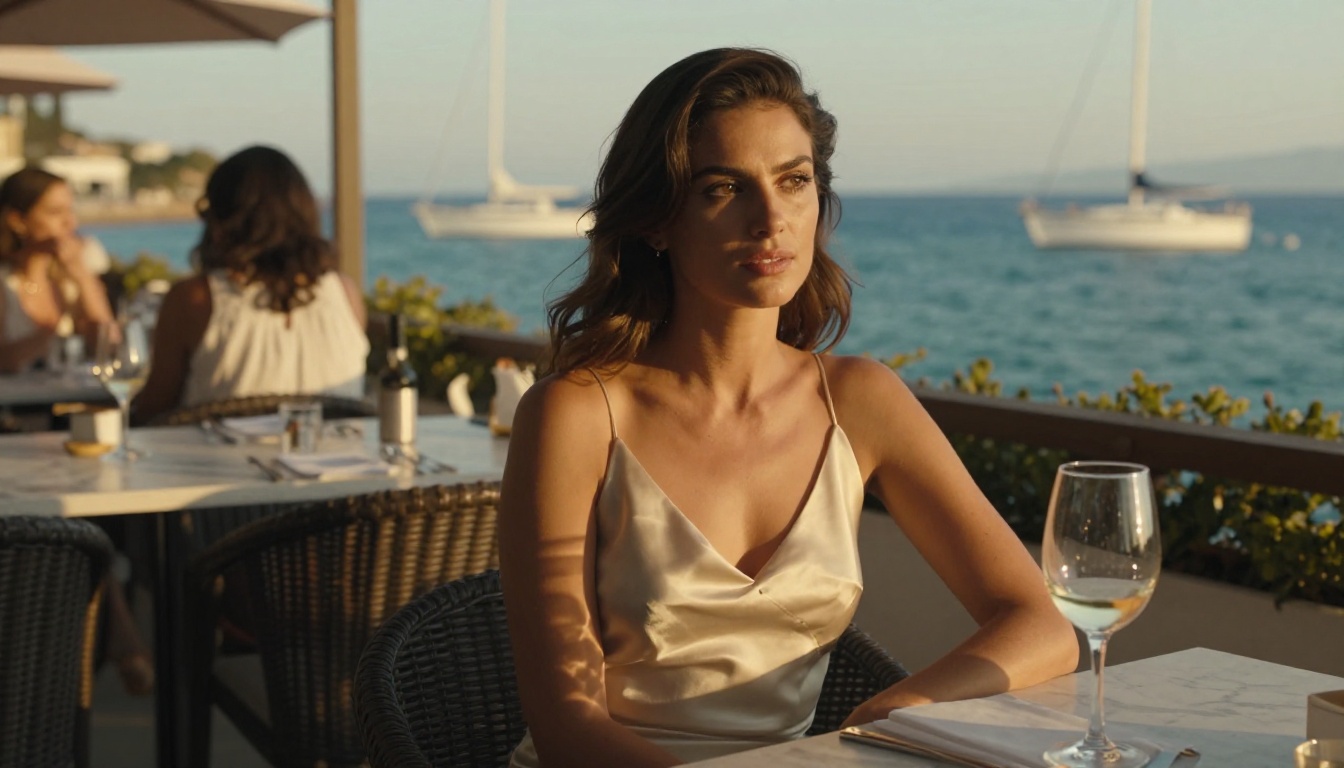
LTX-2 Distilled: Fastest Free Option
LTX-2 Distilled by Lightricks is one of the fastest free models on the platform. It trades some realism for speed, which makes it ideal for rapid concept testing, storyboard generation, or social content where iteration speed matters more than photorealism. If you are building any kind of automated content pipeline, LTX-2 Distilled is the workhorse.
Kling v3: Motion Control at Scale
Kling v3 from Kwai brings something unique to the table: precise motion control. You can specify exactly how a character or object moves through a scene, which opens up choreography and product demo use cases that are difficult to achieve with purely text-driven models. For social content that needs synchronized or structured movement, Kling v3 is the right call.
WAN 2.6: Open and Powerful
WAN 2.6 T2V is one of the most capable open models on PicassoIA. It handles diverse subjects reliably and has strong temporal consistency, meaning objects do not warp or flicker between frames the way weaker models sometimes do. If you want Sora-level quality without the associated wait times, WAN 2.6 is consistently worth trying.
Veo 3 and Hailuo 2.3
Google's Veo 3 targets cinematic quality with a particular focus on natural light and environment rendering. Hailuo 2.3 from Minimax is strong on portrait video and face consistency across multiple frames, making it a solid option when a human subject is the primary focus.
What Real Creators Are Building
The ceiling for AI video has risen dramatically since Sora 2 and Seedance 1.5 Pro became freely accessible. Creators across genres are using these tools in ways that would have required full production teams just two years ago.

Social Media Content
Short clips generated with Seedance 1 Pro Fast are being used as background loops for Instagram Stories and Reels. A single well-written prompt describing a product in an attractive environment can produce multiple variations for A/B testing ad creative at a fraction of the cost of traditional production.
Music Videos and Visual Art
Musicians are generating visual accompaniment to tracks using Sora 2. Because Sora 2 handles environmental storytelling so well, it fits narrative-driven video projects where a consistent mood needs to be maintained across multiple connected clips.
Architecture and Real Estate
Architects and property marketers are using WAN 2.6 T2V and Sora 2 to produce virtual walkthroughs of spaces from text descriptions or reference images.
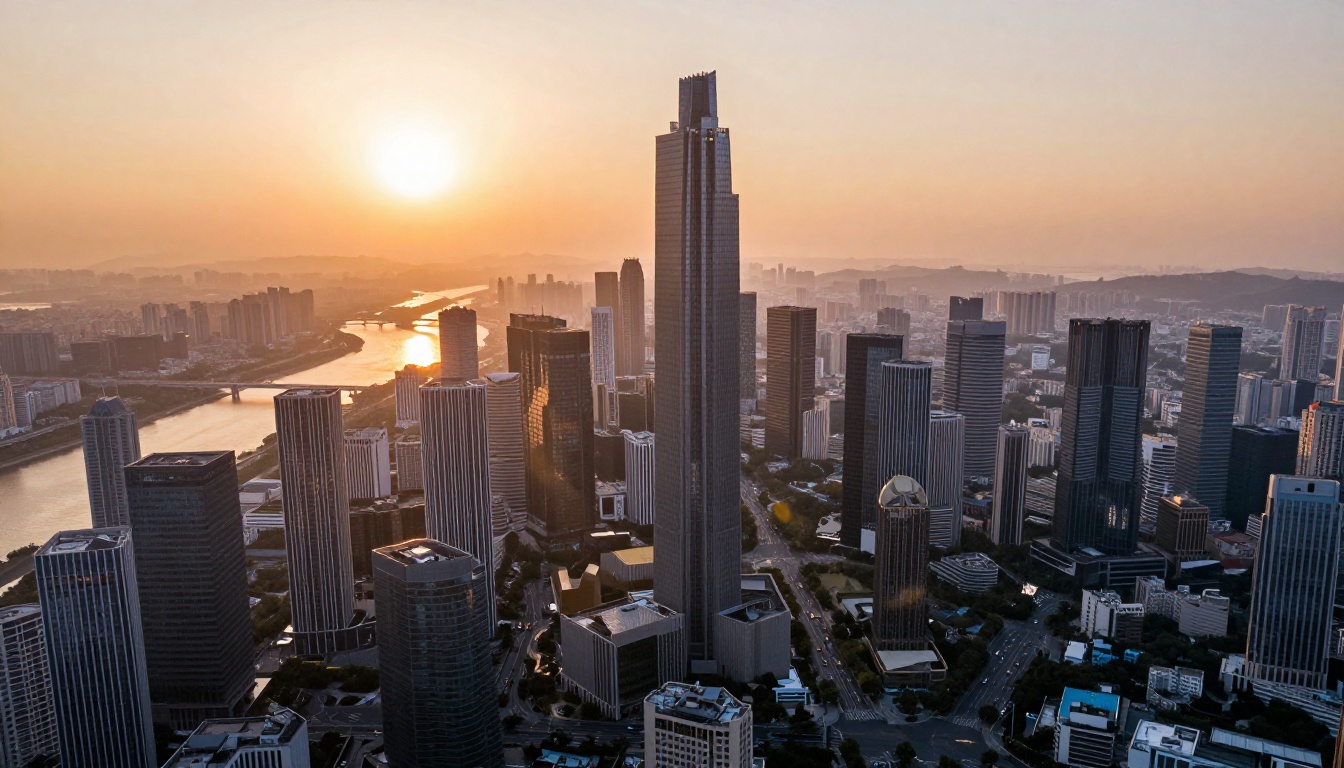
This is faster and cheaper than conventional 3D rendering for early-stage client presentations. A prompt describing an interior space with specific lighting conditions and materials produces a walkthrough clip in under two minutes.
Fashion and Lifestyle
Fashion brands and independent creators are getting significant traction with Seedance 1.5 Pro for lookbook videos, styling showcases, and brand identity content. The model's natural handling of fabric movement and skin tones makes it particularly well-suited for this category of content.
Prompt Craft: The Skills That Actually Matter
Getting great results from Sora 2 or Seedance is not about luck. It is entirely about how you write the prompt.
Three Rules for Better Prompts
1. Be specific about time of day and light. "Afternoon sun" is acceptable. "Warm late-afternoon sunlight from the left casting long diagonal shadows" is far better. Both Sora 2 and Seedance use lighting description to set the entire visual mood of the clip. Light direction alone can completely change the feel of an output.
2. Describe motion explicitly. AI video models do not assume movement. If you want a slow pan, write "slow pan left." If you want a character walking, specify "walking slowly" or "striding purposefully." Generic verbs produce generic motion. Precise action language produces precise motion.
3. State what is NOT in the scene. Adding "no other people, no text overlays, no logos" helps keep compositions clean, especially for product, architecture, and lifestyle video where clutter kills the shot.
Prompts That Work Across Both Models
These three prompts produce strong, reliable results in both Sora 2 and Seedance 1.5 Pro, though with different aesthetic flavors:
- "A woman in a white linen dress walks through a narrow cobblestone street in Lisbon at golden hour, slow tracking shot, warm direct sunlight, minimal foot traffic"
- "Close-up of a coffee cup on a marble surface, steam rising slowly, soft morning light from the right, static shot, film grain"
- "Aerial pull-back from a solo surfer on a wave at sunrise, ocean turquoise and gold, wide angle, slow motion"
Run the same prompt through both models and compare. The differences in style, color, and motion will help you build intuition for which tool fits which project type.
Your First AI Video Takes 60 Seconds
Every tool in this article is accessible right now through PicassoIA, with free tier options that require no credit card to start. Sora 2 and Seedance 1.5 Pro are the two models worth knowing first. Once you have tested both, Kling v3, WAN 2.6 T2V, and LTX-2 Distilled each cover specific workflow gaps.
The only thing separating your first AI video from a polished piece of content is the quality of the prompt you write. Type something specific, generate, observe, adjust, and repeat. The barrier to cinematic AI video is now a few lines of text and zero dollars to start.
💡 Ready to create? Head over to PicassoIA and pick any model from the text-to-video collection. Your first generation takes about 60 seconds. Write a specific prompt, hit generate, and see what comes back. The results will change how you think about video production.


