The creative landscape has fragmented into dozens of specialized platforms, each requiring separate accounts, payment plans, and learning curves. Picasso IA consolidates every AI tool category into one unified interface that remains completely free without usage limits. Over 220 models span text-to-image generation, video synthesis, language processing, audio production, and specialized editing capabilities—all accessible through a single dashboard.
What Picasso IA Actually Provides
Platform consolidation addresses the primary friction point in modern creative workflows: context switching between disparate tools. Each subscription service creates artificial barriers between related creative processes. Picasso IA removes these barriers by providing:
- Unified authentication: One account accesses every tool category
- Consistent interface design: Similar parameter controls across different model types
- Cross-tool data sharing: Outputs from one model become inputs for another
- Centralized project management: All creations organize within shared workspace
- No usage tracking: Unlimited generations without counting credits or tokens
💡 Workflow continuity matters more than individual tool quality. When tools connect seamlessly, creative momentum accelerates exponentially. Picasso IA prioritizes interconnection over isolated excellence.
Text-to-Image Models Available
Image generation represents the platform's most developed category with multiple competing models for different aesthetics and use cases:
| Model | Primary Use | Key Characteristics |
|---|
| flux-2-klein-4b | General purpose imagery | Balanced quality and speed, reliable results |
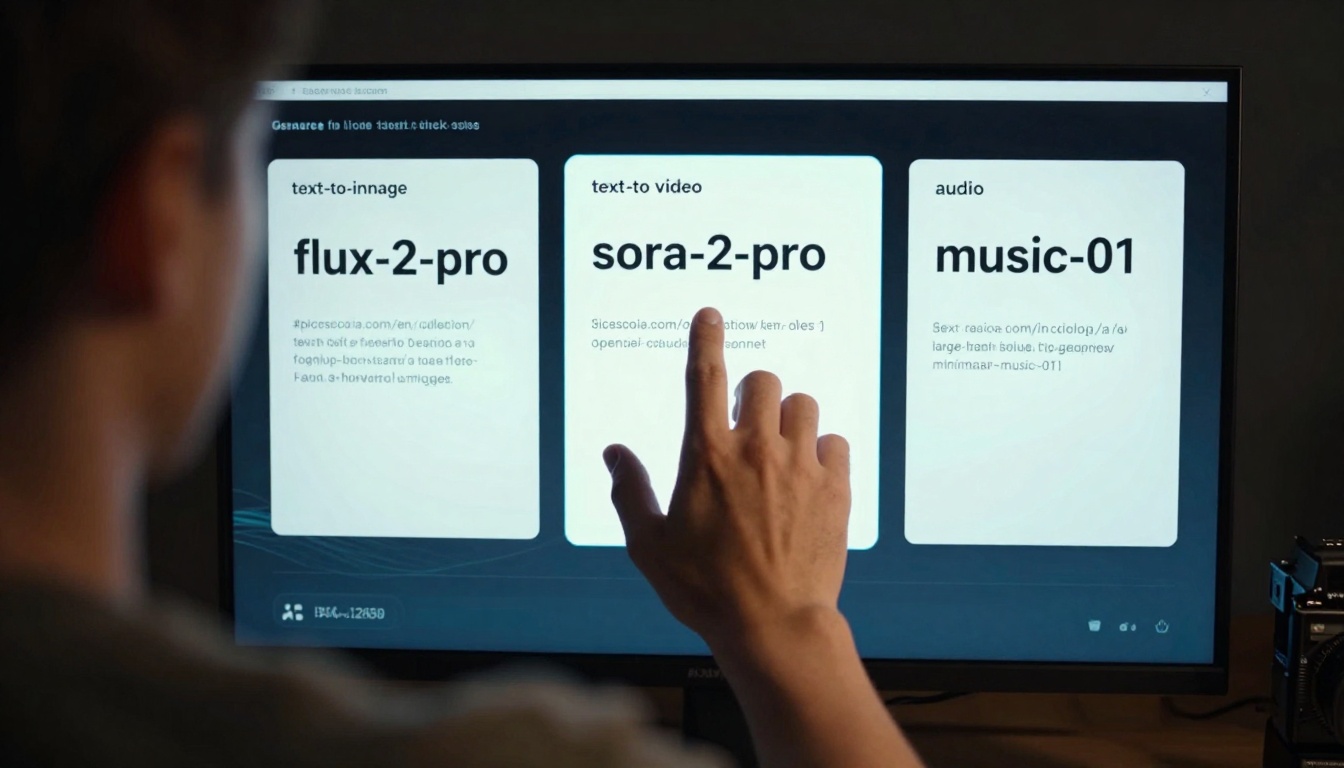
| flux-2-pro | Professional visuals | Highest fidelity, detailed rendering |
| qwen-image-2512 | Realistic photography | Photorealistic textures, natural lighting |
| p-image | Rapid prototyping | Fast generation, good for iteration |
| gpt-image-1.5 | Creative concepts | Strong compositional understanding |
Model selection depends on project requirements rather than pricing tiers. Photorealistic product visuals benefit from qwen-image-2512's attention to material textures. Concept art and illustrations leverage flux-2-pro's artistic rendering. Rapid prototyping uses p-image for quick iteration without quality sacrifice.
Video Generation Without Complexity
Video synthesis transforms static concepts into dynamic narratives using multiple specialized models:
- kling-v2.6 - General video generation with strong motion understanding
- sora-2-pro - Cinematic quality with complex scene construction
- veo-3.1 - Natural camera movements and lighting transitions
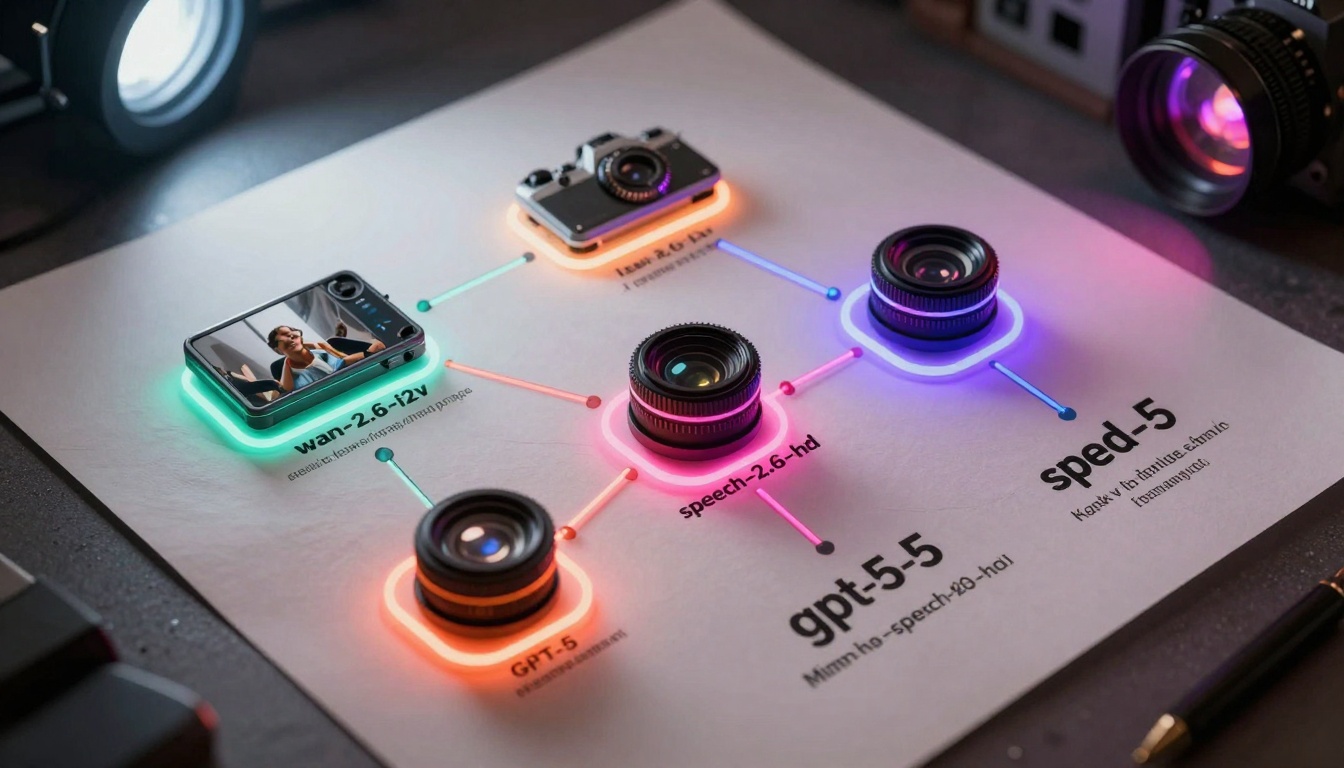
- wan-2.6-i2v - Image-to-video conversion with temporal consistency
- seedance-1.5-pro - Character animation and expressive movement
Video parameters mirror professional editing software controls: duration settings (2-10 seconds), aspect ratios (16:9, 9:16, 1:1), motion intensity, and style consistency. The platform handles technical complexities like frame interpolation, temporal coherence, and rendering optimization automatically.
💡 Video generation works best when paired with image models. Create key frames with flux-2-pro, then animate them with wan-2.6-i2v. This two-stage approach produces higher quality than direct text-to-video.
Language Models for Every Task
Text generation spans creative writing, technical documentation, code generation, and analysis:
| Model Category | Best For | Example Models |
|---|
| Creative Writing | Stories, scripts, marketing copy | claude-3.7-sonnet, gpt-5 |
| Technical Analysis | Data interpretation, research summaries | gemini-2.5-flash, deepseek-v3.1 |
| Code Generation | Programming, debugging, documentation | gpt-4o, claude-4.5-sonnet |
| Fast Responses | Chat, quick queries, brainstorming | gpt-4o-mini, claude-3.5-haiku |
Language models integrate directly with other tool categories. Generate script outlines with gpt-5, create visual concepts with flux-2-pro, then produce video storyboards with sora-2-pro—all within the same project workspace.
Audio and Music Creation
Sound design and music generation complete the multimedia production pipeline:
- music-01 - Complete musical compositions with instrumentation control
- speech-2.6-hd - High-fidelity voice synthesis for narration
- stable-audio-2.5 - Ambient soundscapes and electronic music
- lyria-2 - Vocal generation and harmonization
- voice-cloning - Custom voice reproduction from samples
Audio parameters include duration (up to 3 minutes), genre specification, instrument focus, tempo, and mood indicators. Generated audio exports as WAV or MP3 files compatible with video editing workflows.
Beyond core generation capabilities, specialized tools handle specific production tasks:
Image Editing & Enhancement
Video Processing
These specialized tools eliminate the need for external software like Photoshop, Premiere Pro, or After Effects for common editing tasks. The platform maintains consistent quality while reducing workflow complexity.
Platform integration creates synergistic effects where combined tools produce results exceeding individual capabilities:
Complete Video Production Workflow
- Concept Development: gpt-5 generates script outline and scene descriptions
- Visual Creation: flux-2-pro produces key frame images for each scene
- Animation: wan-2.6-i2v animates images with camera movements
- Audio: speech-2.6-hd generates narration from script
- Music: music-01 creates background score matching scene mood
- Editing: video-merge combines all elements with transitions
Marketing Content Package
- Product Images: qwen-image-2512 generates photorealistic product shots
- Social Media Videos: kling-v2.6 creates short promotional clips
- Copywriting: claude-3.7-sonnet writes product descriptions and ad copy
- Audio Jingles: stable-audio-2.5 generates background music
💡 Workflow templates accelerate production. Save successful tool combinations as reusable templates for similar projects. The platform remembers parameter settings and tool sequences.
Three fundamental distinctions separate Picasso IA from fragmented AI tool ecosystems:
1. Zero Financial Barriers
Every tool remains completely free without usage limits, credit systems, or subscription tiers. This eliminates the primary constraint affecting creative experimentation: cost consideration during the ideation phase.
2. Native Tool Interoperability
Data flows naturally between tools without export/import steps. Image outputs automatically format as video inputs. Text generations reference visual concepts. Audio files sync with video timelines.
3. Consistent Quality Baseline
All models meet professional output standards regardless of category. There are no "free version" limitations or quality degradation compared to paid alternatives.
The platform's architecture prioritizes creative flow preservation over individual tool optimization. When switching between text generation, image creation, and video production feels seamless, creative momentum accelerates exponentially.
Getting Started Recommendations
Begin with simple cross-category experiments to understand tool connections:
First Project: Animated Social Media Post
- Use gpt-4o-mini to generate a short message (under 10 words)
- Create a background image with p-image using that message as inspiration
- Animate the image with wan-2.2-i2v-fast using "subtle movement" parameters
- Add background music with stable-audio-2.5
Second Project: Product Visualization
- Describe a product concept to claude-3.5-haiku
- Generate photorealistic product shots with qwen-image-2512
- Remove backgrounds with remove-background
- Create a rotating product video with wan-2.6-i2v
Parameter Optimization Tips
Platform exploration reveals unexpected tool combinations that produce unique creative outcomes. The absence of financial constraints encourages experimentation with models that would otherwise remain unused due to subscription costs. Each tool category contains multiple competing models—test several options to identify which produces results matching your aesthetic preferences.
Test different image models with the same prompt to compare rendering styles. Experiment with video parameters to understand motion characteristics. Combine language models with visual tools to create cohesive multimedia narratives. The platform's comprehensive toolset enables complete creative production cycles without external software dependencies.


