Paying $20 every month for ChatGPT Plus just to generate images is, frankly, unnecessary in 2025. The AI image generation landscape has changed dramatically, and several platforms now offer free access to models that rival, and in some cases clearly outperform, what ChatGPT Plus delivers. If the only reason you keep that subscription is to generate images, this article will show you exactly where to go instead, what to expect, and which tools actually deliver without charging you a dime.
What ChatGPT Plus Actually Gives You
ChatGPT Plus costs $20 per month. For that, you get access to GPT-4o, which includes image generation via DALL-E 3 integration. The images are reasonable: they handle complex instructions well, follow prompts accurately, and produce clean outputs most of the time. But there is a usage cap. Once you hit it, generation stops until your quota resets.
The Real Subscription Trade-Off
The subscription was never designed around image generation as a primary use case. ChatGPT Plus is primarily a conversation and text tool, with image generation added as one of many features. If you are mainly using it to create visuals, you are essentially paying for a full-feature set when you only need one part of it. That is a poor cost-to-value ratio for any serious creative workflow.
Where It Falls Short
DALL-E 3 is not the most advanced image generation model available in 2027. It produces good general-purpose results but struggles with photorealism at the level that newer models achieve. It also lacks fine-grained control: no LoRA customization, no style consistency across image sets, no inpainting or outpainting, and no face-specific retouching. For anyone who needs more than a casual image, the limitations become apparent quickly.
The Real Cost of "Free" AI
Not all free tiers are equal. Some platforms call themselves free but front-load significant restrictions: watermarks, low resolution, 3 images per day, or slow processing queues that make them impractical for real work. When looking for a genuine free alternative to ChatGPT Plus for image generation, the standard has to be higher than that.
A real free alternative needs:
- No watermarks on generated images
- Access to modern, high-quality models, not checkpoints from three years ago
- Reasonable generation speed: results within a few seconds, not 20-minute queues
- Variety: multiple models to choose from, not a single locked option
- No credit card required to get started
These are the minimum criteria. Anything below this is not a true free alternative; it is a free trial with a paywall wall looming around the corner.
Why Free Models Now Match Paid Ones
The open-source AI community has completely closed the quality gap. Models like Flux Schnell LoRA and Stable Diffusion 3 are freely available and produce outputs that are indistinguishable from paid commercial tools in most visual categories. Platforms that host these models can offer free tiers because the underlying technology is open-source, eliminating the massive R&D cost that proprietary services must recoup through subscriptions.

This is a fundamentally different situation from three years ago, when the best models were locked inside proprietary APIs with steep pricing. Today, open-source model development moves faster than commercial development in several image quality benchmarks, and platforms hosting these models can give you access at no cost. The quality ceiling has risen dramatically, and it is no longer sitting behind a paywall.
Prompt Quality Matters More Than the Tool
One thing that rarely gets mentioned: the gap between a bad result and a great result is usually in the prompt, not the model. A specific, detailed prompt on a free model will consistently outperform a vague prompt on an expensive one. This holds true across every platform, paid or free. Describing lighting direction, camera angle, lens focal length, and texture in your prompts will improve your results far more than switching to a paid subscription.
Top Free Models for Image Generation
These are the models worth using right now, all available for free on platforms that do not require a ChatGPT Plus subscription.
Flux Schnell LoRA
Flux Schnell LoRA is one of the fastest high-quality models available. "Schnell" means fast in German, and the model lives up to that name. Generation times sit under 5 seconds for most prompts, and the output quality is sharp, detailed, and photorealistic. The LoRA support means you can apply style customization without needing to fine-tune from scratch, which is a major advantage for anyone building a consistent visual style.
Best for: Quick iterations, photorealistic portraits, general scenes
Seedream 4.5
Seedream 4.5 produces 4K images from text prompts. The resolution and detail level are exceptional, particularly for complex scenes with multiple subjects or fine background elements. ByteDance's development team has pushed this model aggressively on photorealism benchmarks, and the results show in the final output quality.
Best for: High-resolution output, detailed scenes, commercial-grade visuals
Wan 2.7 Image Pro
Wan 2.7 Image Pro sits at the top of the quality stack for 4K image generation. It handles lighting, shadows, and texture rendering at a level that rivals professional photography in many scenarios. If you need the absolute best output from a text prompt, this is the model to use. The processing time is slightly longer than Schnell, but the quality difference for demanding prompts is noticeable.
Best for: Maximum image quality, professional-grade output, detailed photorealism
Hunyuan Image 2.1
Hunyuan Image 2.1 from Tencent generates 2K images with strong prompt adherence and consistent results. It performs particularly well for portrait work, with accurate facial rendering and natural skin tones. The model is reliable: it rarely produces the anatomical errors that plague some other free options.
Best for: Portrait generation, prompt-accurate results, 2K output
GPT Image 2
GPT Image 2 is OpenAI's own model, accessible without a paid subscription. This is the same underlying technology that powers ChatGPT's image generation, available on PicassoIA at no cost. The instruction-following capability is excellent, making it ideal for prompts that require precise composition or very specific details. For users who are already comfortable with how ChatGPT interprets prompts, this model will feel immediately familiar.
Best for: Instruction-following, complex prompts, familiar ChatGPT-style output without the subscription
Stable Diffusion 3
Stable Diffusion 3 remains one of the most versatile open-source models available. Its architecture handles both photorealistic and stylized outputs with equal competence. The extensive community around it means there is deep documentation, prompt libraries, and support. If you are new to AI image generation and want a model with a well-documented behavior, this is the best starting point.
Best for: Versatility, photorealism and stylized outputs, well-supported behavior
Recraft 20B
Recraft 20B offers a wide range of output styles and strong detail retention. Its 20B parameter count gives it significant capacity for retaining complex scene information and rendering fine details that smaller models often lose. It is particularly strong for visual content that sits between photography and design.
Best for: Design-adjacent content, stylistic variety, high detail retention
Fibo
Fibo by Bria focuses on precise image generation with accurate spatial reasoning. It places subjects and elements within scenes with unusually high accuracy compared to most generalist models. When your prompt specifies exact positioning or composition, Fibo is more reliable than most alternatives.
Best for: Precise scene composition, accurate element placement, controlled outputs
Side-by-Side: ChatGPT Plus vs Free Alternatives
| Feature | ChatGPT Plus ($20/mo) | Free via PicassoIA |
|---|
| Image generation model | DALL-E 3 only | 90+ models |
| Maximum resolution | Up to 1024x1024 | Up to 4K |
| Usage limits | Yes, resets monthly | Generous free tier |
| Model variety | 1 model | Flux, SD3, Seedream, GPT Image 2, and more |
| LoRA customization | No | Yes |
| Inpainting / Outpainting | No | Yes |
| Face retouching tools | No | Yes |
| Generation speed | Moderate | Fast (model-dependent) |
| Watermarks | None | None |
| Cost | $20/month | Free |
The difference in model variety alone is decisive. Having access to a single model, regardless of its quality, limits what you can produce. Different models have different strengths, and being able to switch between them depending on the task is a significant creative advantage.
What You Can Actually Create for Free
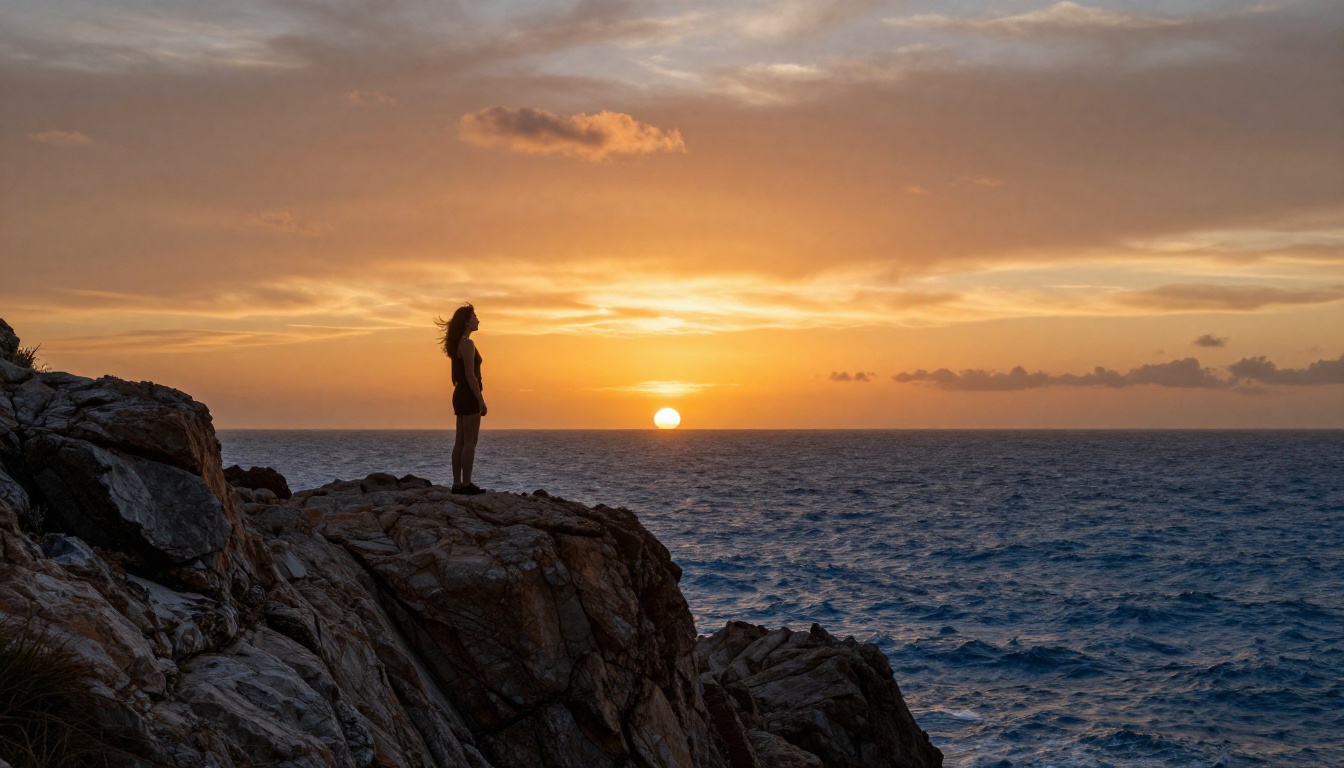
The range of creative work you can produce without paying for ChatGPT Plus is wider than most people realize. Below are the main categories where free models genuinely deliver professional results.
Portraits and People Photography
This is where modern free models truly excel. Seedream 4.5 and Hunyuan Image 2.1 handle human subjects with exceptional skin texture rendering, natural lighting response, and accurate anatomy. Portrait work that would previously require professional photography is now achievable through a detailed text prompt.
Tip: For portrait prompts, always specify lens focal length (85mm or 50mm), aperture (f/1.4 to f/2.8), and lighting direction. These details push models toward photographic rather than illustrated output.
Product Photography
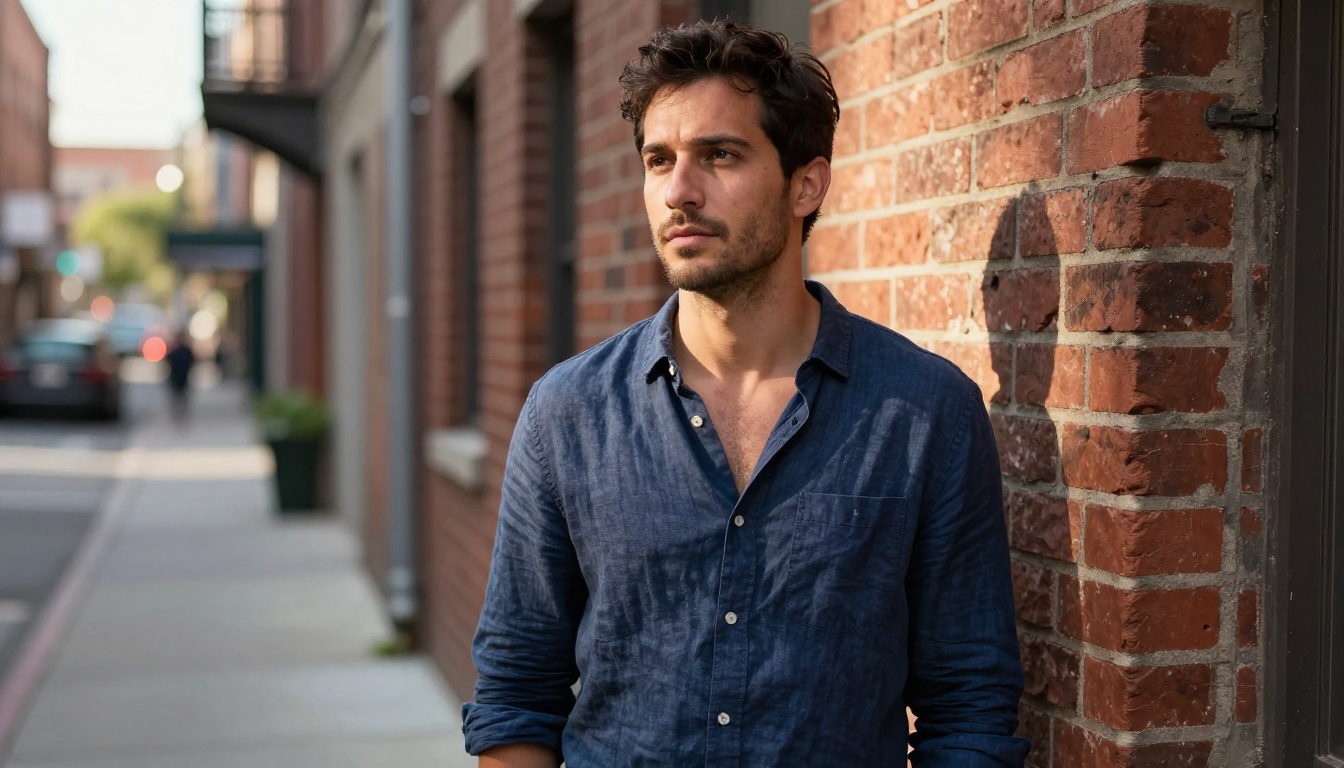
E-commerce and marketing teams are using free AI image generation to replace expensive product shoots. Wan 2.7 Image Pro handles material texture and surface reflectivity with precision, making it suitable for cosmetics, electronics, and lifestyle products. The ability to iterate rapidly, changing backgrounds or lighting conditions without reshooting, is the main practical advantage over traditional photography workflows.
Creative Scenes and Landscapes
Wide-angle outdoor scenes, architectural photography, nature landscapes, and dramatic lighting scenarios all benefit from the prompt flexibility that free models provide. Stable Diffusion 3 handles complex environmental compositions with strong spatial coherence, and its open-source nature means the community has extensively mapped which prompt styles produce which results.
Social Media and Marketing Visuals
Flux Schnell LoRA is the go-to for rapid social content production. The speed of generation means you can produce 10 to 20 variations of a concept in a few minutes, select the best, and have content ready to publish. For marketers and content creators operating on tight deadlines, this workflow saves hours per week compared to sourcing or producing original photography.
How to Use PicassoIA to Generate Images Free

Getting started takes under two minutes. Here is the exact process:
- Go to PicassoIA and create a free account. No credit card required.
- Navigate to the text-to-image section where all available models are listed with previews.
- Select your model. For general photorealistic images, start with Flux Schnell LoRA. For maximum quality, choose Wan 2.7 Image Pro.
- Write your prompt. Be specific: describe the subject, environment, lighting, camera angle, and any texture or atmosphere details you want the model to capture.
- Set the aspect ratio to 16:9 for landscape images or 1:1 for square social content.
- Generate and refine. Adjust the prompt based on the output and regenerate. One or two targeted changes per iteration is the most efficient approach.
Tip: If your first result is close but not perfect, change one specific element in the prompt rather than rewriting the whole thing. Isolating variables helps you understand how each model responds to specific instructions.
Quick Model Selection Reference
Different types of images respond better to different models. Here is a quick reference:
Beyond Still Images
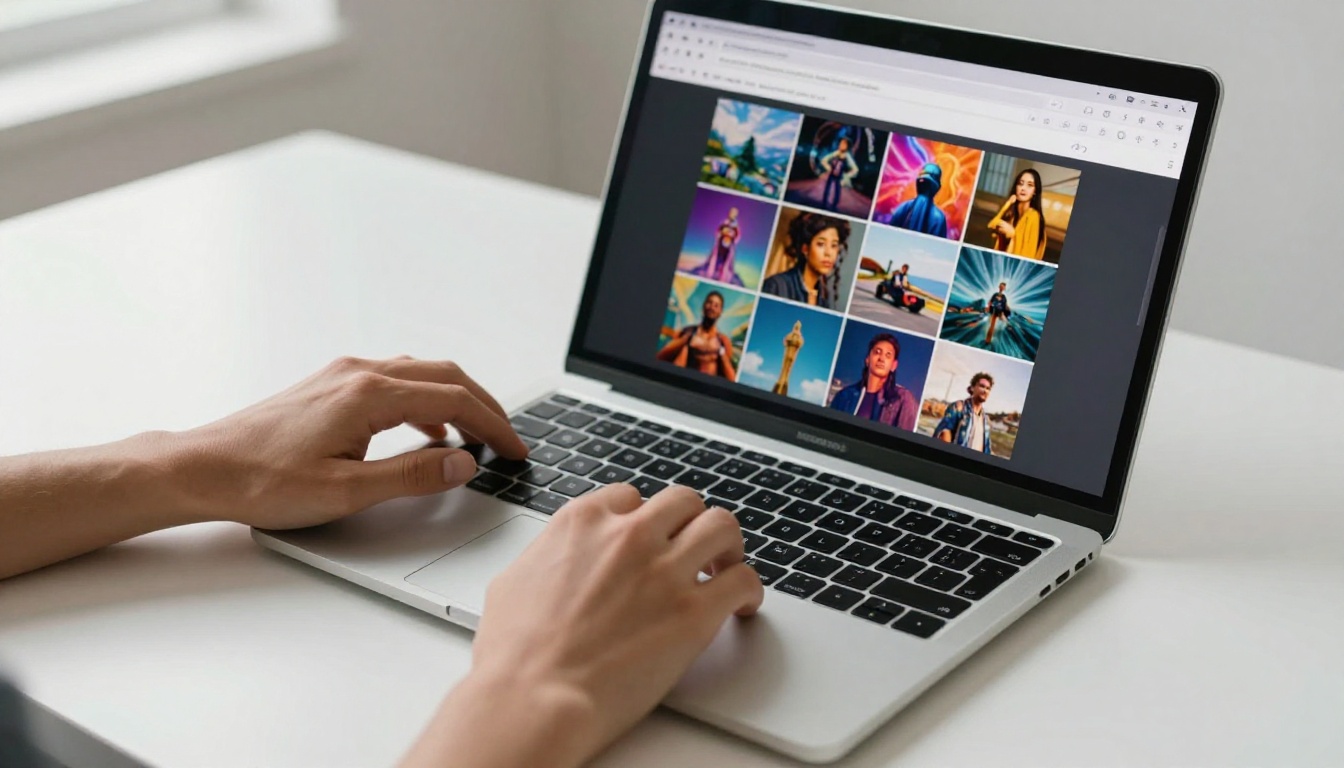
PicassoIA is not limited to image generation. If you want to expand beyond static visuals, the platform also offers:
- Image editing with Qwen Image Edit Plus: modify existing images with text instructions, change backgrounds, adjust lighting, or replace objects without redoing the whole image
- Image variations with Flux Redux Dev: generate multiple consistent variations from a single source image, ideal for maintaining visual identity across a content set
- Precision editing with Fibo: make targeted modifications to specific areas of an image without touching the rest of the composition
This is where free alternatives genuinely surpass ChatGPT Plus by a wide margin. The editing capabilities available on PicassoIA require separate paid tools on other platforms: inpainting tools, outpainting tools, face retouching tools, all sitting behind additional subscriptions. On PicassoIA, they are part of the same free platform.
The Numbers Behind the Decision
| Monthly Cost | What You Get |
|---|
| $20 (ChatGPT Plus) | 1 image model, limited monthly generations, no editing tools |
| $0 (PicassoIA free tier) | 90+ image models, editing tools, 4K resolution, LoRA support |
The math is straightforward. If image generation is your primary use case, the free alternative delivers more capability at zero cost. More models, higher resolution, editing tools, and no monthly usage anxiety. The only category where ChatGPT Plus wins is text and reasoning tasks, which is exactly what it was built for.
Note: ChatGPT Plus offers significant value for text-based work like writing, coding assistance, and detailed analysis. If those are your main use cases, the subscription may well be worth it. But if images are the primary reason you subscribed, the case for keeping it does not hold up against what is freely available today.
Run the Same Prompt on Both
The most direct way to test this for yourself is to take a prompt you have used in ChatGPT Plus and run it through Flux Schnell LoRA or Wan 2.7 Image Pro on PicassoIA. The quality difference will be immediately visible, and in most photorealistic categories the free models produce results that are equivalent to or better than DALL-E 3.
The variety of models available also means you can find the one that suits your specific prompting style, which is something a single-model platform can never offer. Whether you need speed, maximum resolution, precise composition, or instruction accuracy, there is a model on PicassoIA built for that exact scenario.
PicassoIA gives you immediate access to over 90 models on a free account, including every model mentioned in this article. No subscription, no credit card, and no monthly limit watching the counter tick down. Open a prompt, pick a model, and start generating. The results will speak for themselves.


