Midjourney is stunning. Its outputs are arguably the most aesthetically polished in the AI image generation industry. But there is a hard wall standing between you and unlimited creative output: a paid subscription. If you are a student, a freelancer testing ideas, or just someone who generates images for fun, paying monthly just to avoid credit limits feels wrong. The good news is that a real free alternative to Midjourney with unlimited images already exists, and you do not need a credit card to use it.
This article breaks down everything you need to know: which platforms deliver genuine unlimited output, which models rival Midjourney's quality, and how to begin without spending a cent.
Why Midjourney Is Not Actually Free
The Credit Wall Explained
Midjourney's free tier technically exists, but in practice it is barely usable. New accounts used to receive around 25 generations. As of 2024, the free trial is either severely restricted or outright unavailable depending on server load. Even on the Basic Plan ($10/month), you only get 200 images per month using Fast mode, after which you are either billed per generation or moved to Relax mode with significantly longer wait times.
For anyone doing serious creative work, 200 images disappears fast. Testing prompt variations alone can burn through dozens of generations in an afternoon. A single product shoot with multiple lighting variations, backgrounds, and crops can easily consume 30 to 50 generations before you land on something usable.
What "Unlimited" Actually Means
When people search for a free alternative to Midjourney with unlimited images, they usually want one of three things:
- No per-generation fees or credits
- No monthly image cap
- No forced upgrade prompts mid-session
The platforms and models in this article satisfy all three criteria. You write a prompt, you generate, you generate again. There is no counter in the corner ticking down.
The Real Competitors to Midjourney
Flux: The New Standard
If there is one model family that has genuinely challenged Midjourney's dominance, it is Flux by Black Forest Labs. Flux models produce photorealistic, compositionally accurate images with exceptional prompt adherence. They do not have Midjourney's painterly aesthetic by default, but they are faster, more controllable, and accessible for free on platforms that run open models.
On PicassoIA, you can run Flux Schnell LoRA without a subscription. It is one of the fastest text-to-image models available today, generating results in under five seconds. For users who need volume across a workflow, this is genuinely transformative. No waiting, no planning around a monthly budget, no rationing.
For editing and inpainting tasks after initial generation, Flux Fill Pro handles image completion and object replacement with impressive accuracy. Need to swap a background, fix a hand, or add an element to an existing image? Flux Fill Pro does it in seconds without touching the rest of the composition.
For tasks where context matters, Flux Kontext Fast brings context-aware generation that respects visual elements already in a scene. This is the model for character consistency and scene continuity work.
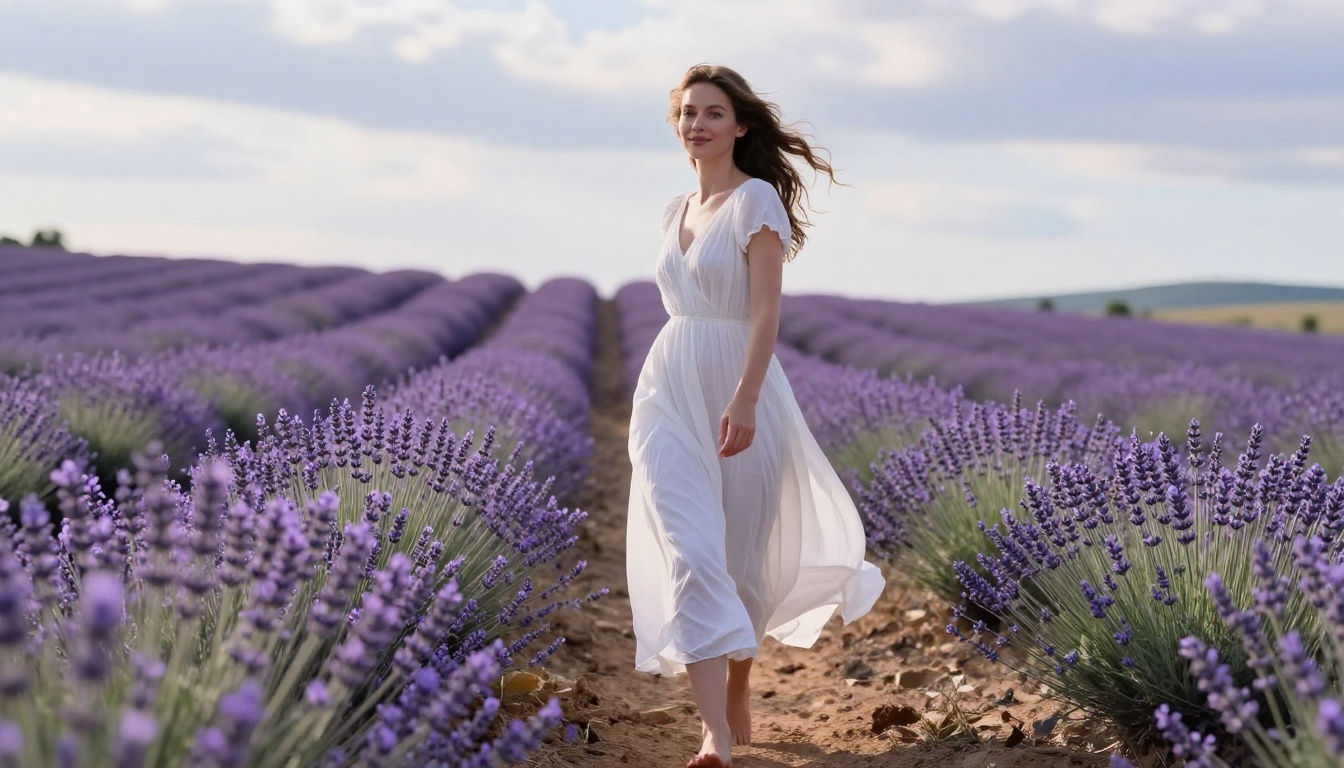
💡 Tip: Flux models respond extremely well to specific, descriptive prompts. Instead of "a woman on the beach," try "a woman in a red sundress at a rocky shoreline at dusk, Canon 85mm, golden backlight, Kodak Portra 400." The difference in output quality is significant.
SDXL: Battle-Tested and Widely Supported
Stable Diffusion XL remains one of the most capable open models available. SDXL delivers 1024x1024 images with strong detail, realistic textures, and broad style flexibility. It runs on PicassoIA without credits or caps, and years of community development mean there is a massive ecosystem of knowledge, prompting strategies, and workflow patterns around it.
For users who need speed without sacrificing much quality, SDXL Lightning 4-step generates images in just four diffusion steps, making batch creation genuinely practical. What used to take minutes per image now takes seconds. At scale, that matters enormously.
What SDXL does well:
- Realistic portrait photography with accurate skin tones
- Product mockups and editorial imagery
- Stylized art with consistent character proportions
- Landscape and architectural visualization
- Fashion and lifestyle photography prompts
Where it falls short:
- Complex multi-subject scenes can lose spatial coherence
- Hands and fine details require explicit prompt correction
- Typography and text rendering is unreliable
Ideogram: When Text in Images Matters
One of Midjourney's persistent weaknesses is typography. Text in generated images is notoriously unreliable across most AI models, resulting in garbled letters, phantom words, or visual noise where clean copy should be. Ideogram v3 Turbo was built specifically to close this gap, producing images where readable, stylized text is part of the composition.
For designers creating mock banners, posters, t-shirt graphics, social media assets, or branded content, this is a major differentiator. Ideogram v2 offers an excellent balance between creative image quality and text accuracy that neither Midjourney nor standard Stable Diffusion models can match.
Playground v2.5: Aesthetic Quality at Zero Cost
Playground v2.5 was trained specifically for aesthetic appeal rather than raw photorealism. It produces images with vibrant, balanced color grading and a sense of intentional composition that many other models lack. Colors pop without looking oversaturated. Subjects feel centered without being rigid. Lighting feels deliberate rather than accidental.
For social media content, portfolio work, or creative projects where visual polish matters as much as realism, Playground v2.5 competes directly with Midjourney's aesthetic output, often producing results that feel just as intentional and visually striking.
Kandinsky: For Abstract and Conceptual Work
Kandinsky 2 takes a different approach entirely. Where Flux and SDXL aim for photorealism and Playground targets aesthetic polish, Kandinsky excels at surreal, painterly, and conceptually abstract imagery. It interprets prompts with more creative latitude, making unexpected visual connections that literal-minded models miss entirely.
If your creative direction involves dreamlike scenes, symbolic compositions, or non-literal interpretations of prompts, this is the model to reach for first.
Side-by-Side Comparison
| Model | Style | Speed | Text in Images | Best For |
|---|
| Midjourney | Painterly / Stylized | Medium | Poor | Artistic aesthetics |
| Flux Schnell LoRA | Photorealistic | Very Fast | Good | Photography, bulk generation |
| SDXL | Versatile | Medium | Fair | Portraits, products |
| SDXL Lightning | Versatile | Ultra Fast | Fair | Rapid iteration |
| Ideogram v3 Turbo | Clean / Editorial | Fast | Excellent | Design assets, posters |
| Playground v2.5 | Aesthetic | Fast | Fair | Social media, portfolios |
| Kandinsky 2 | Abstract / Artistic | Medium | Poor | Conceptual, surreal |
How to Use Flux Schnell on PicassoIA
Step 1: Open the Model
Go to Flux Schnell LoRA on PicassoIA. No account is required to begin generating images immediately.
Step 2: Write Your Prompt
Enter a detailed description. The more specific you are, the better the output. A strong Flux prompt includes:
- Subject and action ("a woman in a white shirt reading")
- Environment or background ("on a sunlit café terrace in Paris")
- Lighting conditions ("golden afternoon light from the left")
- Camera or lens style ("85mm f/1.4, shallow depth of field")
- Film stock or mood ("Kodak Portra 400, warm tones")
Step 3: Set Parameters
Adjust the aspect ratio, inference steps, and guidance scale based on your needs. For photorealistic results, keep guidance scale between 3.5 and 7. For artistic or stylized outputs, push it higher toward 9 to 12.
Step 4: Generate
Hit generate. With Flux Schnell, you will have results in seconds. If the first output is not right, refine the prompt and regenerate as many times as needed. There is no credit counter ticking down.
Step 5: Download or Refine
Download directly, or use additional tools on the platform. Flux Fill Pro allows precise inpainting to fix specific areas. Super Resolution tools upscale your output to print quality at 2x or 4x the original size.
Beyond Images: What Else You Can Do for Free
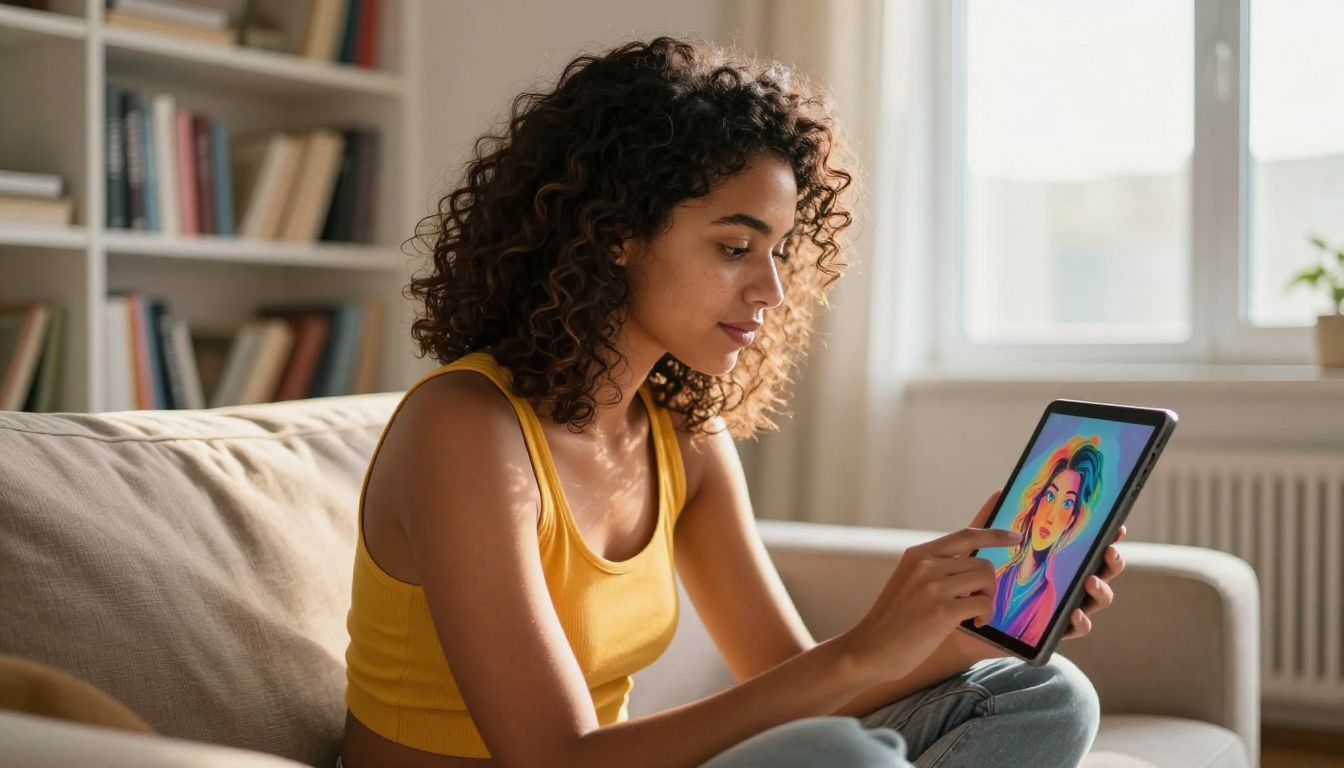
Most people searching for a free alternative to Midjourney with unlimited images are thinking purely about text-to-image generation. But a full AI creative workflow goes much further, and the same platform that generates your images can handle the entire production pipeline.
Editing and Refinement
- Inpainting: Fix specific regions of an image without regenerating from scratch. Flux Fill Pro handles this natively with high precision.
- Outpainting: Extend the canvas and fill in new areas contextually, matching the original image's lighting and style.
- Object replacement: Swap out specific elements while keeping the rest of the composition intact.
Upscaling
Raw generated images often top out at 1024x1024. To use them in print or large-format digital contexts, Super Resolution tools upscale 2x to 4x with detail preservation, sharpening edges and recovering fine texture that compression softened.
Background Removal
Clean product shots or portrait cutouts in a single step, without needing external editing software. This is particularly useful for e-commerce workflows where every product image needs a clean white or transparent background.
5 Mistakes People Make When Switching From Midjourney
1. Using the Same Prompt Style
Midjourney responds well to vague, evocative prompts: "ethereal forest god, golden hour." Most open models, especially Flux, prefer structured, specific descriptions with technical photography language. Rewrite prompts with explicit subjects, settings, technical camera specs, and detailed lighting conditions.
2. Ignoring Model Selection
Not every model is right for every task. Using Kandinsky 2 for a product mockup, or SDXL for a typographic poster, will produce noticeably weaker results than using purpose-built alternatives. Spend two minutes choosing the right model before writing a prompt.
3. Skipping the Aspect Ratio Setting
Midjourney defaults to square outputs and accepts --ar flags inline. On PicassoIA, set the aspect ratio explicitly before generating. Use 16:9 for landscape images, 9:16 for vertical social content, and 1:1 for thumbnails and profile photos.
4. Not Iterating Enough
With unlimited generation, iteration costs nothing. Treat the first output as a rough draft, not a final result. Run five or ten variants of a prompt and pick the strongest. A two-word prompt change can dramatically shift composition, lighting, and mood.
5. Missing the Editing Layer
Many users generate an image, find it 90% correct, and then waste hours trying to fix it through prompt rewrites. Use inpainting tools to correct specific areas rather than regenerating everything from scratch. Fixing a hand or adjusting a background takes thirty seconds with Flux Fill Pro.
💡 Tip: The fastest path to professional quality is a solid prompt plus one targeted round of inpainting refinement. Not more prompting, just better editing.
Who Actually Needs Midjourney's Paid Tier
This is worth being honest about. Midjourney's paid tier offers real advantages in specific situations:
- Consistent character styles: Midjourney's
--sref and style reference system is extremely powerful for maintaining visual consistency across a long series of images.
- Community and inspiration: Discord-based generation means you see what thousands of other creators are making in real time, which is genuinely useful for creative direction.
- Certain aesthetic niches: The painterly, cinematic look Midjourney produces has a distinct quality that some industries (fantasy illustration, concept art, high-fashion editorial) specifically request and recognize.
If you are a concept artist, a game developer building mood boards, or working in an industry that has built visual standards around Midjourney's aesthetic, the subscription may be worth it for that reason alone. But for photographers, marketers, social media creators, bloggers, e-commerce operators, and developers who need volume and flexibility, the free alternatives in this article are not second-best options. They are genuinely better for those use cases.
Prompt Templates That Work Across Free Models
These structures consistently produce strong results regardless of which model you use:
For portraits:
[Subject description], [clothing], [location], [time of day], [lighting direction], [camera + lens], [film stock or color profile], photorealistic, 8K
For products:
[Product name and color], placed on [surface], [background environment], [lighting type], [camera angle], product photography, studio quality
For landscapes:
[Scene description], [time of day and weather], [specific details], [light quality], [camera lens], [film profile], photorealistic
For editorial and social content:
[Scene], [color palette], [mood], editorial photography, [camera model], natural lighting, clean composition, 8K
Saving these as templates and swapping in specific variables per project is the single fastest way to maintain consistent output quality at scale.
Start Creating Without Limits
The search for a free alternative to Midjourney with unlimited images used to mean accepting lower quality, unstable interfaces, or constant upsell pressure. That gap has closed. Models like Flux Schnell LoRA, SDXL Lightning, and Ideogram v3 Turbo now deliver output that competes directly with paid platforms across most real-world use cases. And you can run all of them without limits.
Pick a model that fits your use case from the comparison table above. Write a detailed, technical prompt. Generate. If the result is not right, generate again. There is no cost, no credits, and no paywall standing between your idea and the output. Just an unlimited canvas and the models to fill it.
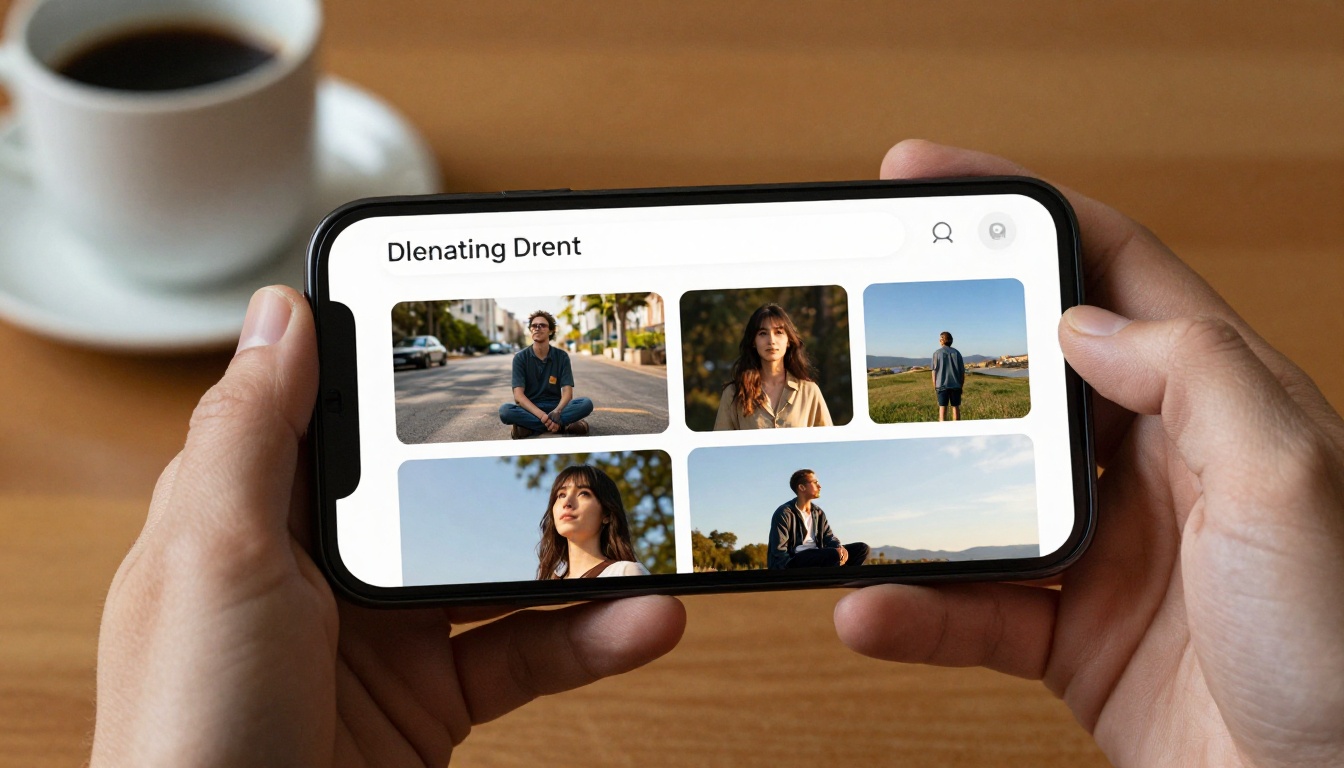
Try generating your first image on PicassoIA and see what happens when there is nothing stopping you from generating as many times as it takes.