The moment Midjourney moved to a subscription-only model, millions of creators started looking elsewhere. Not because the tool was bad, but because paying $10 to $60 per month for a hard credit cap felt restrictive when alternatives had become this capable. If you have been searching for a free alternative to Midjourney with unlimited images and no hidden limits, this article will give you real answers.
This is not a padded list of mediocre apps. What follows covers what actually separates free image platforms from paid ones, which models produce the best results, and where you can generate unlimited AI images without watching a credit counter drain every time you click.
Why Midjourney's Model Pushes Creators Away
The credit ceiling problem
Midjourney runs on a GPU-minutes credit system. Every image you generate costs minutes from your monthly allowance. The Basic plan at $10/month gives you roughly 200 fast GPU minutes, which sounds reasonable until you are deep in a project iterating on lighting, composition, and character details across dozens of prompts.
Here is what the plans actually give you:
| Plan | Price | Fast GPU Time | Notes |
|---|
| Basic | $10/mo | ~200 mins | Hard cap, no rollover |
| Standard | $30/mo | 15 hours fast | Unlimited relax (queue waits) |
| Pro | $60/mo | 30 hours fast | Stealth mode added |
| Mega | $120/mo | 60 hours fast | For heavy team use |
When you are running 50 variations on a single concept, or iterating daily for a client, even the Pro plan runs dry faster than expected.
What creators actually want
People searching for a free alternative to Midjourney with unlimited images are not just being cost-conscious. They want creative freedom without anxiety:
- No credit anxiety when iterating on ideas
- No Discord dependency for a visual tool
- Watermark-free downloads for professional use
- Multiple model choices for different visual styles
- A clean browser interface that requires no API keys or command-line setup
The Real State of Free AI Image Generators
The truth about "free" generators
The word "free" in AI tools almost always comes with asterisks. Most platforms that claim to be free operate on one of these models:
- Freemium with daily caps: You get 10 to 50 images per day, then you hit a wall.
- Trial credits: A fixed number of generations to test the platform before a paywall appears.
- Watermarked output: Free to generate, but every image carries a visible brand stamp.
- Queue priority penalties: Free users wait in long queues while paying users get instant results.
Truly unlimited free generation, with clean output and no queue, is rare. The platforms that offer it do so because they are built on open-source models like Flux Schnell, Stable Diffusion, and SDXL that have no per-generation API costs when run efficiently.
Midjourney uses a proprietary model. Every generation hits their servers and they charge accordingly. Platforms built on open-source models can absorb generation costs differently, which is why unlimited plans become economically viable, and why you get multiple model options instead of one.
What this means for you: When a platform uses open-source models, you often get multiple model options, transparent parameters, and the ability to run as many generations as your project demands without watching a billing meter.
Top Free Alternatives to Midjourney With Unlimited Images
Flux Schnell: the fastest option available
Flux Schnell is one of the most capable free image generators available today. Built by Black Forest Labs, it processes prompts in as few as four denoising steps, returning a finished image in under five seconds. That speed makes it the closest thing to Midjourney's fast mode, except without the credit counter.
Key features:
- 11 aspect ratios: From 1:1 square to 21:9 ultra-wide
- No credit caps: Unlimited generations on the platform
- No watermarks: Clean, download-ready output in WebP, JPG, or PNG
- Seed control: Reproduce any result exactly for consistent iterations
- Speed-optimized processing: Full 1-megapixel images in under 5 seconds
For creators who need rapid iteration, Flux Schnell is the first model to reach for. Its speed means you can test 30 prompt variations in the time Midjourney would process five on a standard queue.
Flux Dev: when quality takes priority
Flux Dev is the larger sibling of Flux Schnell. Where Schnell prioritizes speed, Dev is the 12-billion parameter version built for maximum output fidelity. It takes slightly longer per generation but produces noticeably sharper edges, better text rendering, and more accurate prompt adherence on complex descriptions.
It also supports img2img mode, which lets you upload a reference photo and redirect it with a text prompt. This is one of Midjourney's most-used features, and having it in a free, unlimited tool removes a significant reason to subscribe.
When to use Flux Dev over Flux Schnell: Complex prompts with multiple subjects, specific spatial relationships, or text elements will follow more precisely in Dev. For quick mood boards or rapid concept checks, Schnell is faster.
SDXL: the reliable workhorse
SDXL generates at 1024x1024 resolution natively, putting it in a different quality tier from the original Stable Diffusion. It includes:
- Inpainting: Select and replace specific regions of an image
- Img2img mode: Start from an existing image and redirect with a prompt
- Refiner pipeline: A second-pass sharpening step for high-detail output
- LoRA style support: Load custom weights for consistent visual identity
- Seven schedulers: Fine-grained control over generation behavior and quality
SDXL's inpainting capability is where it genuinely beats Midjourney on features. Midjourney's "vary region" inpainting is locked behind the subscription. With SDXL on a free platform, you get it without a plan.
Stable Diffusion: the original still delivers
Stable Diffusion is the model that started the open-source image revolution. It outputs up to 1024x1024 pixels, supports negative prompts, offers six different schedulers, and has been the foundation for thousands of fine-tuned creative workflows.
It is slower than Flux and lower-resolution than SDXL at its ceiling, but its community knowledge base is unmatched. Prompt libraries, style references, and workflow tutorials exist in volumes no other model can match. Learning Stable Diffusion prompting builds creative skills that transfer across all AI image tools.
What free tools match or beat:
| Capability | Midjourney | Free Alternatives |
|---|
| Photorealistic output | Excellent | Excellent (Flux Dev, SDXL) |
| Generation speed | Fast (paid) / Queue (free tier) | Fast with no queue |
| Inpainting | Subscription only | Free with SDXL |
| Img2img editing | Subscription only | Free with Flux Dev |
| No watermarks | Yes | Yes |
| Credit limits | Yes, hard caps | None |
| Multiple models | No (one proprietary) | Yes, 4+ free models |
| Aspect ratio options | Multiple | 11+ options |
Where Midjourney still leads:
Midjourney's aesthetic is distinctive. Its model tends to produce painterly, high-contrast images with dramatic composition that has become recognizable. If that specific look is what your project requires, free alternatives will not replicate it exactly.
Midjourney also has Niji mode for anime and illustration, style reference for applying the look of a reference image, and character reference for maintaining consistent appearance across prompts. These are features tied to the paid subscription. Free alternatives are closing the gap rapidly, but the proprietary aesthetic remains unique.
Reality check: For photography-style realism, product visualization, portrait work, and most commercial creative tasks, free alternatives like Flux Dev and SDXL produce results that are visually indistinguishable from Midjourney output to most viewers.
How to Use Flux Schnell on PicassoIA
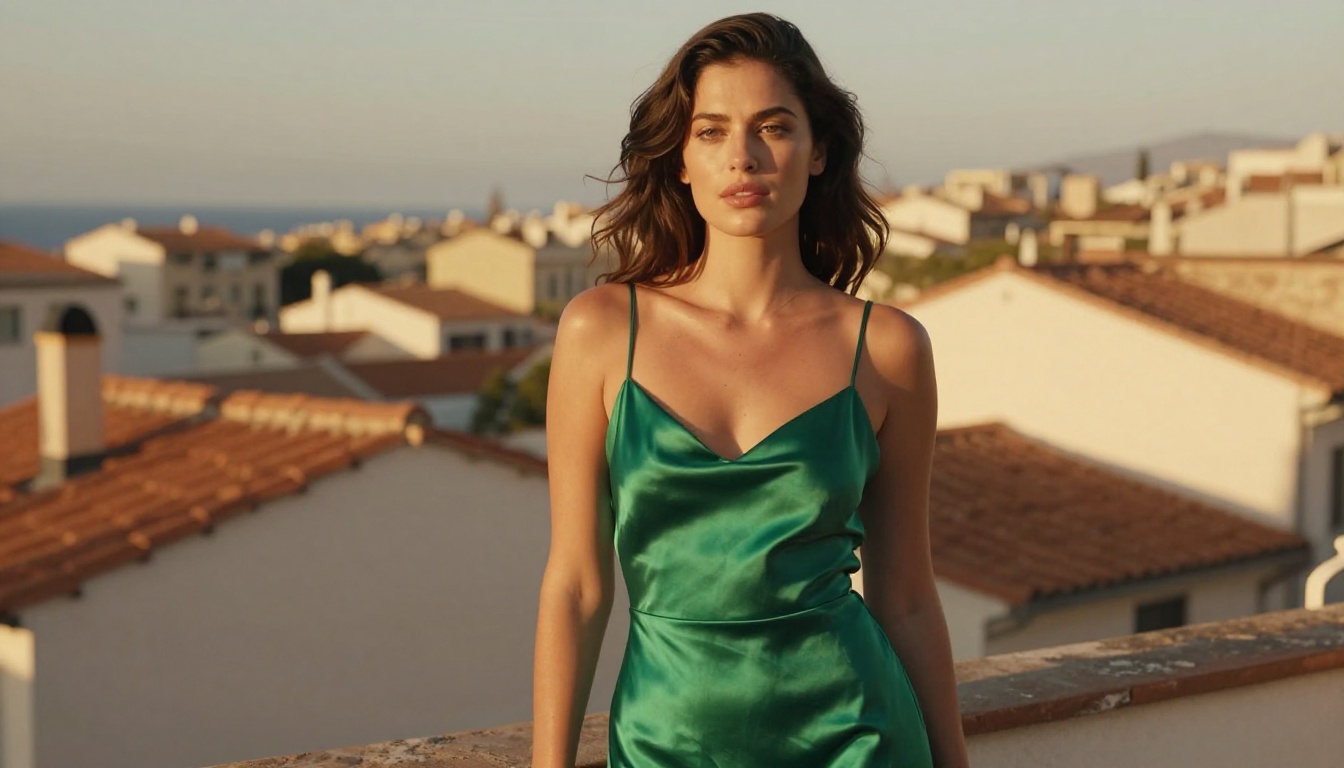
Flux Schnell is available on PicassoIA with unlimited generations and no credits required. Here is how to get the best results from it:
Step 1: Open the model page
Go to the Flux Schnell page on PicassoIA. No account is required to start generating, though signing in saves your generation history for future sessions.
Step 2: Write a structured prompt
Flux Schnell responds well to descriptive, layered prompts. Structure yours like this:
[Subject] + [Environment] + [Lighting] + [Camera and Lens] + [Style and Mood]
Example: "A woman in a white linen shirt sitting at a sunlit cafe terrace in Lisbon, warm morning light from the left, 85mm f/1.8 lens, photorealistic, Kodak Portra 400 film grain"
For the best photorealistic results, include:
- A specific light source and direction ("soft north light", "golden hour rim light from behind")
- Camera lens specs ("85mm f/1.8", "24mm wide-angle with slight distortion")
- Technical quality modifiers ("8K RAW, photorealistic, film grain")
Step 3: Choose your aspect ratio and refine
Match the ratio to your output channel before generating:
| Ratio | Best For |
|---|
| 1:1 | Instagram posts, social squares |
| 16:9 | Website banners, YouTube thumbnails |
| 9:16 | Stories, Reels, TikTok covers |
| 3:2 | Print-standard, photography proportions |
| 21:9 | Cinematic ultra-wide compositions |
Add negative prompts to exclude unwanted elements: blurry, low resolution, watermark, text, logo, cartoon, illustration, CGI, 3D render
Step 4: Use seed control for consistent iterations
Once you find a result you like, copy the seed value. Reusing that seed with slight prompt adjustments lets you iterate on a consistent base without starting from zero each time.
Workflow tip: Run 5 to 10 quick generations without a fixed seed to find a composition direction. Then lock the seed and refine from there. This is faster than trying to perfect the prompt on the first generation.
Step 5: Download and use your images
All output from Flux Schnell on PicassoIA downloads without watermarks. Choose WebP for web use, PNG for transparent-background work, or JPG for standard digital delivery. Quality settings from 0 to 100 let you balance file size against output fidelity.
Prompting for Unlimited Image Generation
Why prompt quality beats model choice
Most beginners switch tools looking for better output when the real bottleneck is the prompt. A weak prompt on Midjourney produces weak images. A strong prompt on a free model produces strong images. The model sets the ceiling; the prompt determines whether you reach it.
Strong prompts share these traits:
- Specificity over vagueness: "A woman with auburn hair in a red structured blazer" beats "a professional woman"
- Lighting description: Always specify source and quality ("soft north light", "golden hour rim light from behind left")
- Camera language: Include lens specs for photo-realistic output ("85mm f/1.8", "24mm wide-angle")
- Negative exclusions: Tell the model explicitly what you do not want in the output
- Technical modifiers: "photorealistic, 8k, RAW, film grain, Kodak Portra 400" push results toward the quality ceiling
3 common mistakes that hurt output quality:
Stacking conflicting styles: Asking for "watercolor painting, photorealistic, oil canvas, anime" in the same prompt confuses any model. Pick one aesthetic direction and commit.
Ignoring composition language: Words like "rule of thirds", "centered composition", "shallow depth of field", and "leading lines" directly influence how elements are arranged. Use them with intention.
Skipping negative prompts: Free models respond especially well to negative prompts because they have fewer built-in style guardrails than proprietary tools. Always list what you want excluded.
Combining models for different stages
The most effective free image workflows use multiple models for different tasks rather than one model for everything:
| Stage | Best Model | Why |
|---|
| Initial concept | Flux Schnell | Fastest iteration speed |
| Final quality output | Flux Dev | Maximum fidelity and detail |
| Inpainting and editing | SDXL | Inpaint and refiner built in |
| Style exploration | Stable Diffusion | Widest parameter and scheduler control |
This multi-model approach is one of the biggest structural advantages free platforms hold over Midjourney, where you are locked into a single proprietary model regardless of the project.
Batch generation without restrictions
One of the most practical benefits of unlimited generation is running batches without cost anxiety. With Midjourney, generating 50 variations of a concept burns a significant portion of monthly credits. On a platform with no limits, you can:
- Run 20 prompt variations to find a creative direction
- Generate 10 aspect ratio exports of the same concept
- Test 15 different lighting descriptions side by side
- Iterate on a single element (background, color, expression) across many generations
This changes the creative process fundamentally. Instead of trying to perfect the prompt before generating, you generate to discover what the prompt should be.
Who gets the most value:
Freelancers and small studios: Paying $60/month for Midjourney eats into margins when project volume fluctuates. Unlimited free tools let you scale output without changing your cost structure.
Content creators publishing frequently: High-frequency publishing across multiple platforms means generating a large volume of visual content. Credit caps punish high-frequency users most. Unlimited generation means every content calendar date is covered without rationing.
Students learning AI image generation: Learning properly requires hundreds of iterations. You need to fail, adjust, and try again. Credit caps force conservative behavior that slows skill development. Unlimited platforms let you learn at full speed.
Agencies managing multiple client accounts: A single Midjourney subscription covers one session context. Browser-based platforms with unlimited generation remove that bottleneck and let you move between client visual identities without friction.
Start Creating Without Limits
You have been searching for a free alternative to Midjourney with unlimited images because you want to create without watching a credit counter. That platform exists, and it runs models that are competitive with anything Midjourney offers for photography-style realism, product visualization, and portrait work.
Four strong models are ready to use: Flux Schnell for speed, Flux Dev for quality, SDXL for editing and inpainting, and Stable Diffusion for deep parameter control. All four come with no credit caps and no watermarks on your downloads.
The best way to understand what these models can do for your specific creative workflow is to try them. Pick a concept you have been sitting on, write your strongest prompt, and generate ten variations. See what comes back. Adjust the lighting description, try a different aspect ratio, change one element and run it again. That iterative process is exactly what Midjourney's credit system makes expensive, and what unlimited generation makes completely accessible.
Your next image is one prompt away.