Freepik used to be the go-to for designers, bloggers, and content creators who needed quick, polished visuals. Then came the AI wave, and suddenly the platform started counting every image you generated, throttling your creativity behind a paywall. If you have burned through your monthly AI credits before the month even ended, you already know the frustration. The good news: there is a free Freepik alternative for unlimited AI generations that does not put a meter on your imagination.

Why Freepik Falls Short for Heavy AI Users
Freepik's AI generator is technically impressive. But the moment you start using it seriously, the cracks show fast.
The Credit Wall
Free users on Freepik get a limited number of AI image generations per day. Once those are gone, you either wait until midnight or pull out your credit card. For freelancers juggling multiple client projects, bloggers who publish daily, or social media managers running several accounts, this cap is a genuine productivity bottleneck.
Even paid plans impose limits. Mid-tier subscriptions give you a few hundred generations per month, which sounds like a lot until you are iterating on a single concept and burning through 20 variations in one sitting.
Quality Drops on the Free Tier
The free tier does not just limit quantity. It often limits output resolution as well. Images generated without a premium subscription frequently come out smaller, with watermarks, or at reduced quality. Using them commercially puts you in a legal grey zone, which is the last thing any professional needs.
One Platform, One Style
Freepik's AI leans heavily on a single visual identity. You get a certain aesthetic that works well for generic stock-style images, but the moment you want cinematic realism, raw photographic quality, or a very specific look, the creative ceiling appears quickly.
💡 What most creators actually need: unlimited generations, access to multiple AI models, high output resolution, and zero watermarks. That combination is what separates a real creative tool from a glorified stock photo subscription.
What Real Unlimited AI Generation Looks Like
The phrase "unlimited AI image generation" gets thrown around a lot, but the actual experience varies wildly depending on the platform. Here is what it should mean in practice.
No Daily or Monthly Cap
True unlimited means you can generate 5 images or 500 images in a single session without hitting a wall. Your workflow dictates your output, not an arbitrary counter set by a pricing department.
Multiple Models, Multiple Aesthetics
No single AI model does everything well. Photorealistic portraits require different architecture than illustrated concepts or product mockups. A platform with a wide model library gives you the right tool for each job rather than forcing you to work around a single engine's limitations.
Instant Access, No Queue
Some free platforms technically offer unlimited generations but throttle your requests so heavily that you are waiting minutes between each image. Real unlimited access means near-instant output so you can iterate quickly and keep momentum.
Commercial-Ready Output
Generating an image is pointless if you cannot use it. The platform needs to provide output that is yours to use without copyright ambiguity, watermarks, or hidden licensing restrictions.
PicassoIA as a Free Freepik Alternative
PicassoIA is an AI creative platform that bundles over 90 text-to-image models, upscaling tools, background removal, and more, all accessible without running out of generation credits. It sits in a different category from Freepik entirely: rather than offering a curated stock library with an AI bolt-on, PicassoIA is built from the ground up around AI model access.
The key difference is model variety. While Freepik gives you one AI engine and a limited number of shots at it, PicassoIA gives you dozens of models across categories, each optimized for different creative outputs.
| Feature | Freepik (Free) | PicassoIA |
|---|
| Daily AI generations | Limited | Unlimited |
| Number of AI models | 1 | 90+ text-to-image |
| Output resolution | Standard | Up to 8K with upscaling |
| Watermarks | Yes | No |
| Background removal | Paid feature | Free |
| Image upscaling | Limited | Multiple dedicated models |
| Commercial use | Restricted | Yes |
Text to Image Without Limits
The core offering is text-to-image generation. You write a prompt, choose a model, and generate. There are no daily generation caps, no waitlists, and no paywalled model tiers. The platform includes models suited to photorealistic photography, portrait generation, landscape imagery, and everything in between.
For creators who need high volumes of content, this matters enormously. A content team producing blog thumbnails, social media assets, and newsletter visuals can generate hundreds of image variations per week without any billing surprises.
Prompting for Consistent Results
The quality of your output scales directly with your prompting. Rather than vague descriptions, add specifics: lighting direction, camera lens, texture details, color temperature. The models on PicassoIA respond well to cinematic and photographic language. Describing your subject with the precision of a photographer briefing a shooting crew produces dramatically better results than generic keywords.
💡 Prompting tip: Think like a photographer, not a search engine. Instead of "woman at desk," try "young woman in cream linen blouse, pale ash wood desk, morning light from upper-left, 85mm f/1.4, Kodak Portra 400 emulation." The specificity is what separates generic output from something genuinely usable.
Upscale Everything You Generate
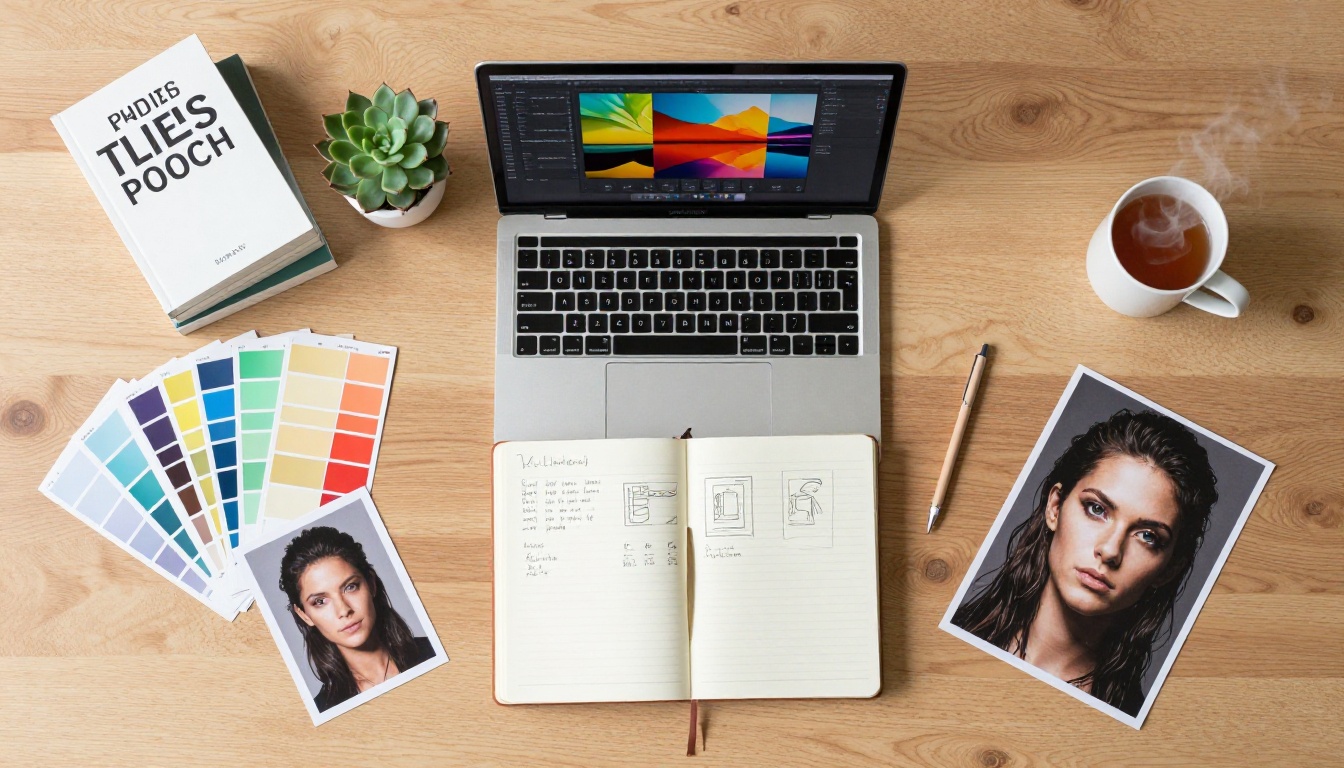
One of the most practical advantages of using PicassoIA over Freepik is the dedicated upscaling suite. Generated images often come out at good resolution, but for print, large-format displays, or high-DPI screens, you want more. PicassoIA bundles multiple super-resolution models that take any image and enlarge it without the blurring and artifact introduction that simple interpolation causes.
Clarity Pro Upscaler
Clarity Pro Upscaler is built for photorealistic images. It adds fine detail, sharpens edges, and produces results that look genuinely high-resolution rather than artificially enlarged. For portrait photography and any image where skin texture, hair detail, or fabric grain matters, this model delivers.
Google Upscaler
Google Upscaler enlarges any photo up to 4x while preserving the structural integrity of the original. It handles architectural images, product shots, and clean compositions particularly well, making it useful for anyone working on commercial visuals that need to hold up at large sizes.
Real ESRGAN
Real ESRGAN is one of the most respected open-source upscaling models available. On PicassoIA, it is accessible without any technical setup. Drop in an image, select your upscale factor up to 4x, and get results trained on real-world photographic data. It handles noise reduction and artifact removal alongside the resolution boost.
Topaz Image Upscale
Topaz Image Upscale goes further than most, with support for up to 6x enlargement. Topaz Labs has a strong reputation in professional photography for their upscaling algorithms, and having this capability inside an AI generation platform without a separate subscription is a significant advantage.
Fast and Specialized Options
For speed-focused workflows, P Image Upscale delivers sharp results in about one second, useful when you are batch-processing a large set of generated images. Recraft Crisp Upscale excels at clean, sharp edges on images with text or geometric elements. Recraft Creative Upscale adds interpretive detail while enlarging, making it better suited for stylized and illustrative work.
Remove Backgrounds in One Click
Freepik charges extra for background removal on generated images. It is a premium feature that adds friction to what should be a straightforward part of any image editing workflow.
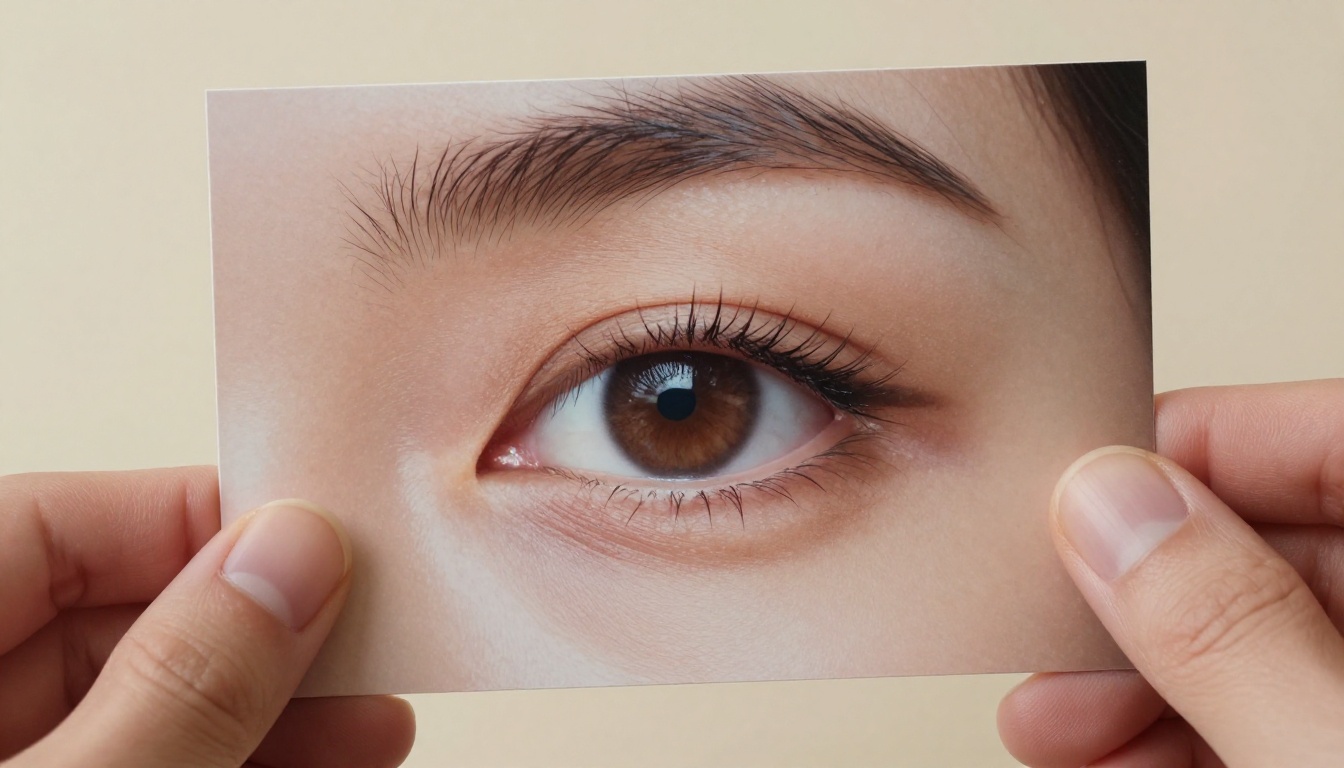
PicassoIA includes the Remove Background model for free. It handles complex edges including hair, transparent fabrics, and detailed silhouettes with clean precision. For product photography, portrait cutouts, and content that needs compositing, this removes a step that would otherwise require Photoshop or a separate paid tool.
The process is exactly what you would expect: upload an image, run the model, download a clean PNG with a transparent background. No manual selection, no tedious edge cleanup, no subscription required.

Who Gets the Most From This
Switching from Freepik to a platform like PicassoIA makes the most sense for specific types of creators. Here is who benefits most from having unlimited AI image generation at no cost.
Freelance designers working across multiple clients need flexibility that per-credit systems cannot offer. When you are exploring concepts for a brand identity, generating dozens of rough visual directions should not cost anything. The iteration phase is where the work happens, and it should be uncapped.
Bloggers and content writers publishing regularly need a steady stream of header images, in-article visuals, and social media assets. A single blog post might need 5 to 10 custom images to perform well visually. Multiply that by 4 posts per week and you are at 20 to 40 images before the month ends, which exceeds most free-tier allowances on platforms like Freepik.
Social media managers working across Instagram, Pinterest, LinkedIn, and TikTok face the highest visual volume demands. Each platform has different aspect ratios, visual styles, and content rhythms. Having unlimited generation means you can produce platform-specific variations without rationing credits.
Small business owners who cannot afford a full design team use AI image generation as a way to produce professional visuals for their website, emails, and ads. The commercial use clarity that PicassoIA offers is particularly important here, where Freepik's licensing terms can get murky.
💡 For agencies: the ability to generate, upscale, and remove backgrounds within a single platform without per-seat billing makes PicassoIA especially attractive when the whole team needs access to the same tools without individual credit limits.
Comparing the Real Workflow
The best way to understand the difference between these platforms is to think through a specific use case: creating a set of images for a blog post.
| Task | Freepik (Free) | PicassoIA |
|---|
| Generate 10 hero image variations | Uses most daily credits | Unlimited |
| Upscale best results to print quality | Requires paid plan | Free, multiple models |
| Remove backgrounds for compositing | Additional fee | Free |
| Adjust and regenerate after feedback | Hits credit wall | Continue without limits |
| Export without watermark | Paid plan only | Free |
In this scenario, a freelancer using Freepik would either need a premium subscription or would be repeatedly interrupted by credit limits. The same workflow on PicassoIA runs without friction from start to finish.
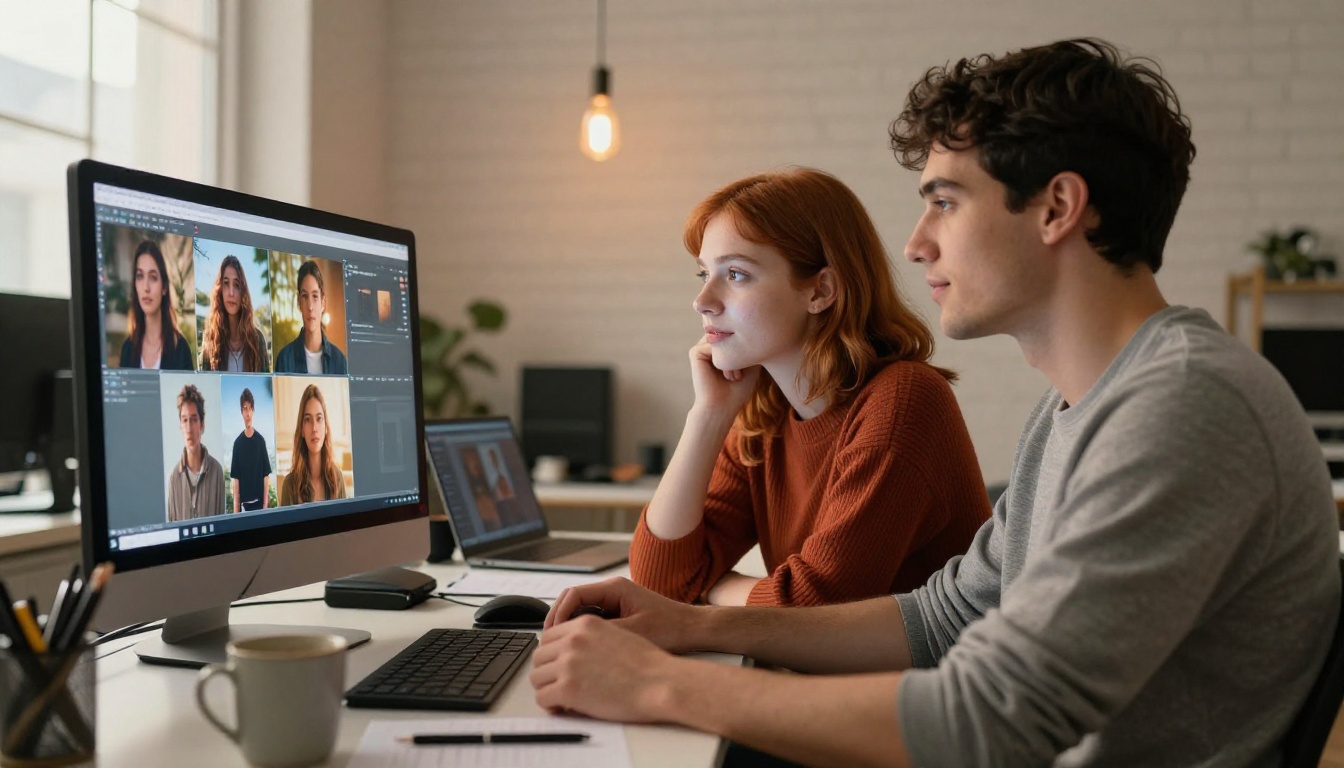
Upscaling Changes What AI Images Can Do
There is a practical ceiling on what raw AI-generated images can do without post-processing. Most models produce images at standard resolutions that work fine on screens but fall apart when printed or displayed large. This is where the combination of generation and upscaling becomes powerful.
The workflow is straightforward: generate your image at standard resolution, select the best result from a few variations, then run it through a dedicated upscaler. Crystal Upscaler is specifically designed for portrait work and adds convincing detail to skin, hair, and eyes. Bria Increase Resolution handles the full 4x enlargement while maintaining color accuracy across the entire image.
For anyone who has struggled with softness in AI-generated images at larger sizes, this combination resolves the problem entirely. What you generate and what you deliver can be the same asset, just at different scales.
What 91 Text-to-Image Models Actually Means
Having over 91 text-to-image models available changes the nature of creative work. You are not constrained by a platform's house style or the limitations of a single architecture. Different models have different strengths:
- Some excel at photorealistic human portraits with fine skin detail
- Others produce stunning natural landscape imagery with atmospheric depth
- Certain models handle architectural and interior photography convincingly
- Some are optimized for product visualization with clean backgrounds
- Others produce fashion photography aesthetics with editorial lighting
When you can switch models between prompts, you develop an intuition for which engines produce what kind of output. This is a creative skill that builds over time and produces better results than working within a single model's constraints indefinitely.
The variety also means you can find models that respond differently to the same prompt. Generating the same description across three different models gives you three meaningfully different results, increasing your chances of landing on something genuinely original.
Your Images, Your Terms
One factor that gets overlooked in the Freepik vs. alternatives conversation is ownership and commercial licensing. When you generate images on Freepik, the platform's terms apply to how you can use those images commercially. For freelancers billing clients or businesses using images in advertising, the licensing terms matter enormously.
PicassoIA's approach gives creators cleaner commercial use rights, which matters when you are producing images for websites, print materials, ads, and products. Knowing your creative output is yours to use professionally without licensing ambiguity is a significant practical benefit.
- No per-image licensing fees on generated content
- No watermarks to remove before publication
- No attribution requirements that complicate commercial work
- No subscription needed to access core generation tools
Start Creating Your Own Images
The best way to understand what unlimited AI image generation actually offers is to use it for a real project: something with iteration, refinement, and the kind of volume that would burn through credits on Freepik.
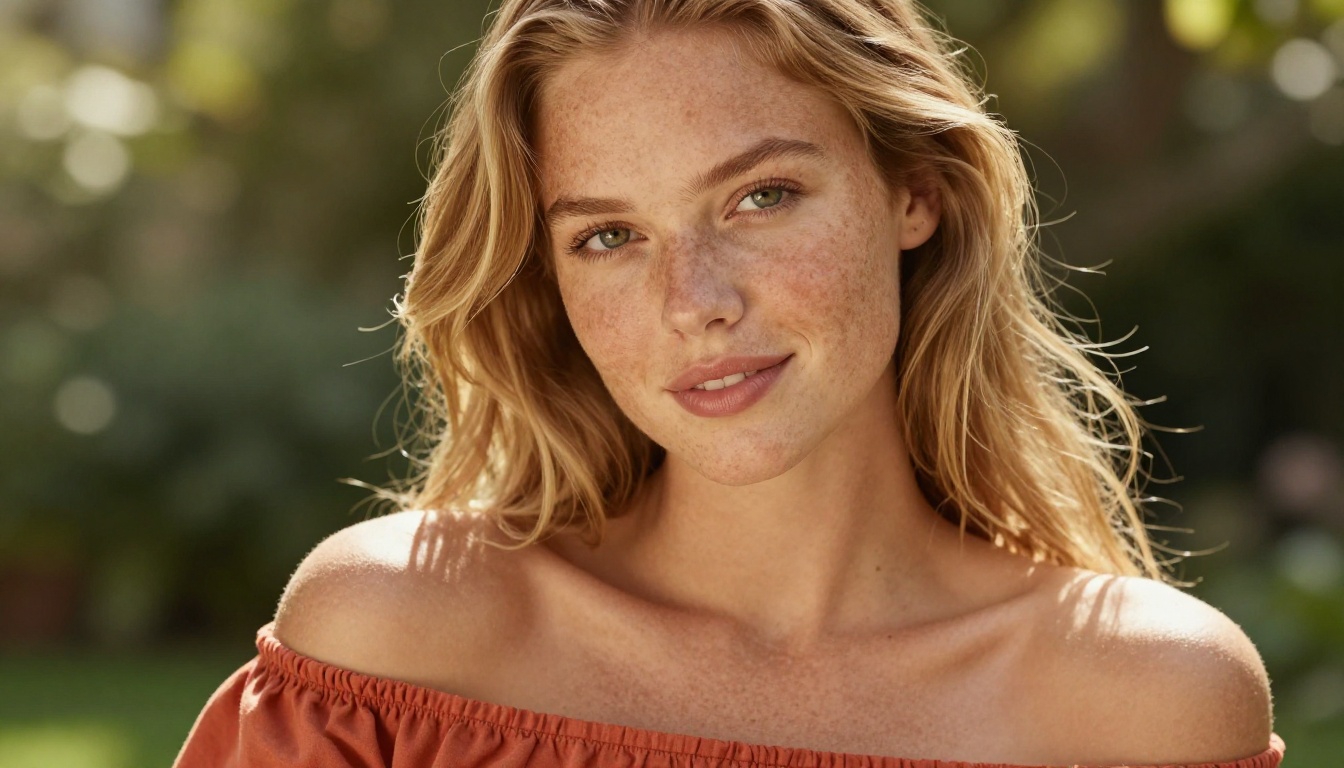
Start with an idea for a visual you actually need: a header image for a post, a product mockup background, or a portrait in a specific style. Write a detailed prompt. Generate multiple variations. Upscale the best one using Clarity Pro Upscaler or Topaz Image Upscale. Remove a background with Remove Background if you need it composited. Do all of this without watching a credit counter tick down.
That is what a real free Freepik alternative for unlimited AI generations feels like in practice. Not a stripped-down demo, not a trial with a hidden limit, but a creative toolset that lets you work at the pace your projects actually demand. Try it at PicassoIA and see how much you can produce when the only limit on your creative output is your own imagination.


