The landscape of image creation has transformed dramatically in recent years. What once required expensive software, professional photography equipment, and years of technical training can now be accomplished with a few well-crafted words and the right AI tool. Among the most impressive developments in this space is Nano Banana Pro, a free image generation model that produces photorealistic results rivaling professional photography.
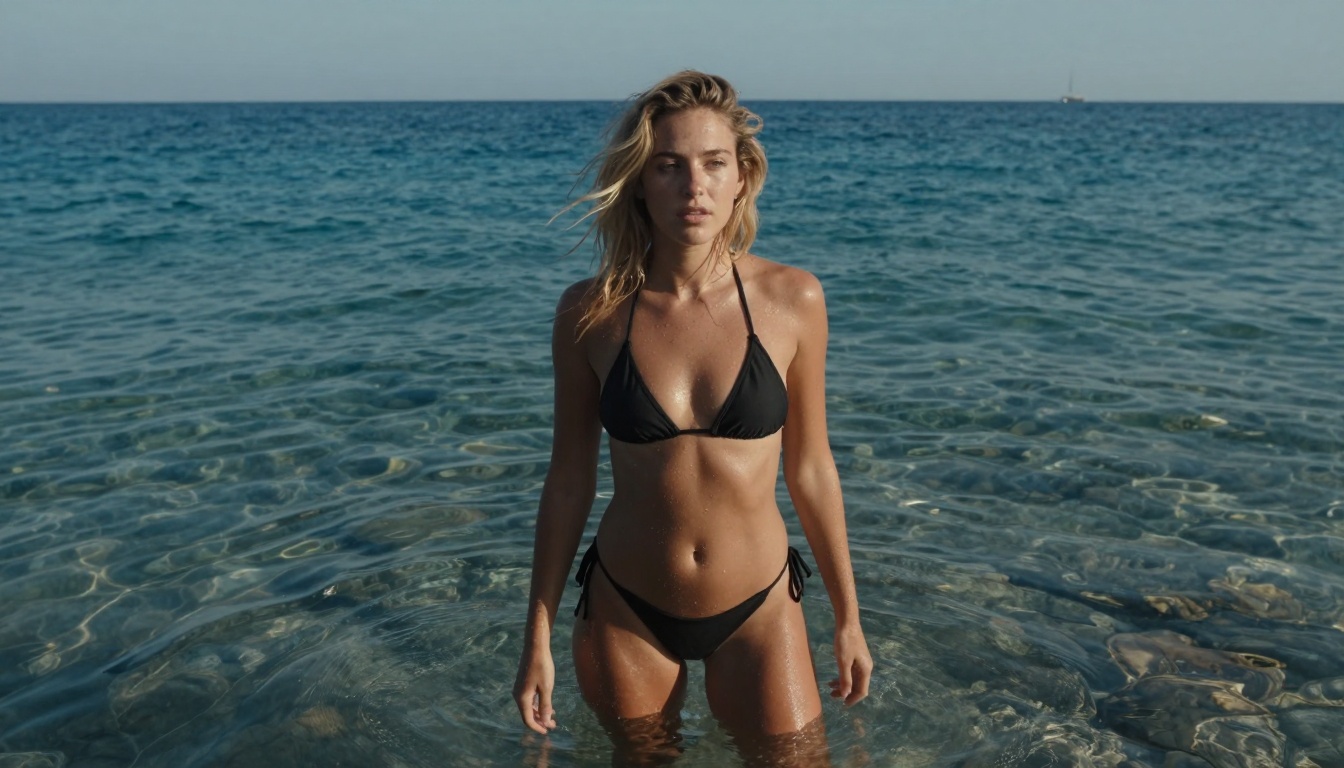
Medium low-angle shot capturing natural beauty in Mediterranean waters
What Nano Banana Pro Actually Does
Nano Banana Pro isn't just another AI image generator—it's a specialized tool optimized for creating photorealistic images with exceptional detail and natural lighting. Unlike models that produce cartoonish or overly stylized results, Nano Banana Pro focuses on authentic photographic quality. The model understands complex lighting scenarios, natural textures, and realistic human proportions in ways that many other free tools struggle with.
💡 Key Insight: Nano Banana Pro excels at environmental integration—placing subjects naturally within their surroundings rather than creating disconnected foreground/background relationships.
Technical Capabilities
- Resolution: Generates high-quality 16:9 aspect ratio images suitable for web and social media
- Lighting Understanding: Handles complex lighting scenarios including golden hour, backlighting, and underwater conditions
- Texture Reproduction: Creates realistic skin textures, water effects, fabric details, and environmental elements
- Composition: Understands photographic composition rules and can apply them appropriately
Getting Started with Zero Cost
One of the most appealing aspects of Nano Banana Pro is its completely free access. You don't need:
- Subscription fees
- Credit purchases
- Complex software installations
- Technical expertise in AI or programming
The platform operates through a simple web interface where you input text descriptions and receive generated images. The entire process happens in seconds, with results that often surpass what you'd expect from free tools.
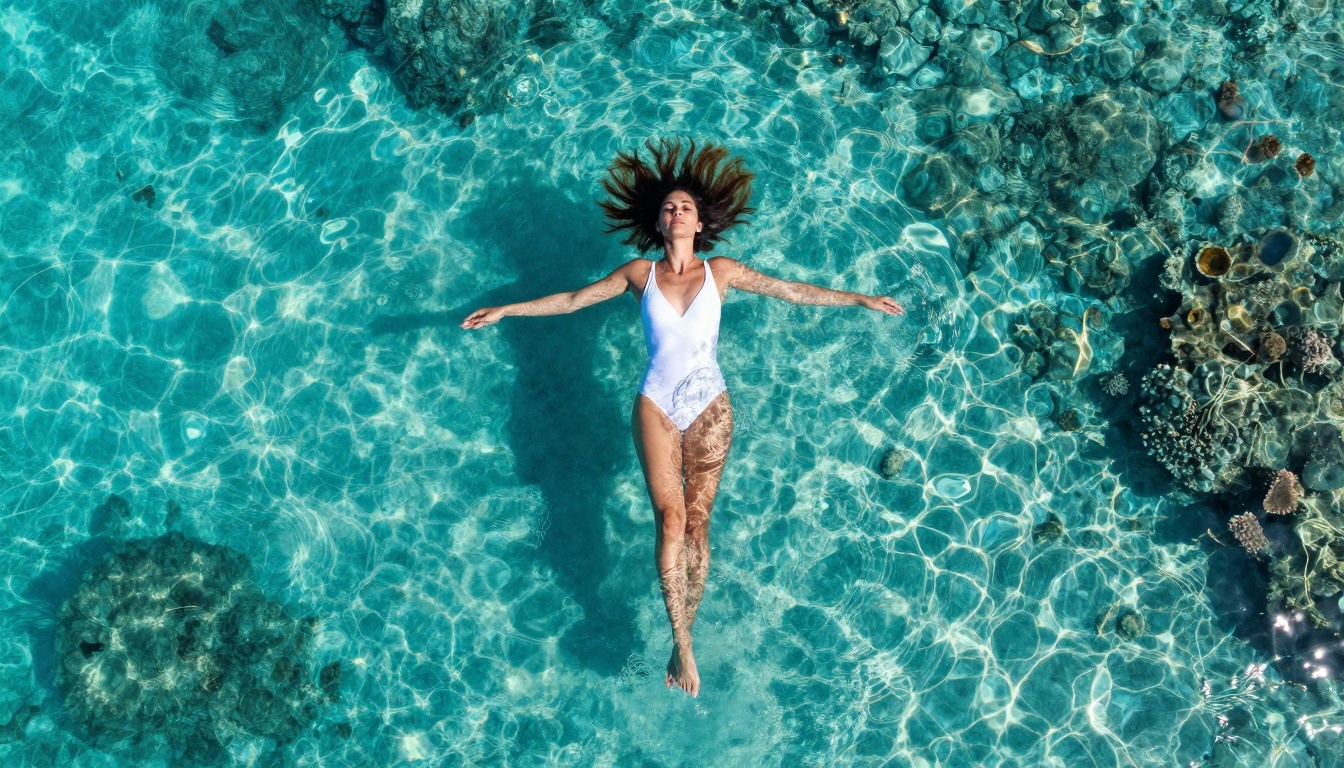
Aerial perspective creating abstract artistic patterns in tropical waters
Basic Workflow
- Access the platform through its web interface
- Enter your prompt describing the image you want
- Adjust parameters (optional advanced settings)
- Generate the image
- Download or refine as needed
This simplicity makes Nano Banana Pro accessible to everyone from complete beginners to professional designers looking for quick visual assets.
Crafting Effective Prompts
The quality of your results depends heavily on how you describe what you want. Here's a breakdown of effective prompt structure:
Essential Elements Every Prompt Should Include
- Subject Description: Who or what is in the image
- Action/Pose: What the subject is doing
- Environment: Where the scene takes place
- Lighting Conditions: Time of day, light quality, direction
- Camera Details: Lens choice, angle, distance
- Style Notes: Photographic style, mood, atmosphere
Example Prompt Analysis
Let's examine a successful prompt:
"Medium low-angle shot of a young woman with sun-kissed blonde hair standing waist-deep in crystal clear Mediterranean sea at midday, wearing minimal black bikini, dramatic midday sun creates strong contrast between deep blue water and her tanned skin"
Breakdown:
- Subject: Young woman with blonde hair
- Action: Standing waist-deep in water
- Environment: Mediterranean sea
- Lighting: Midday sun with strong contrast
- Camera: Medium low-angle shot
- Style: Natural, vibrant, energetic
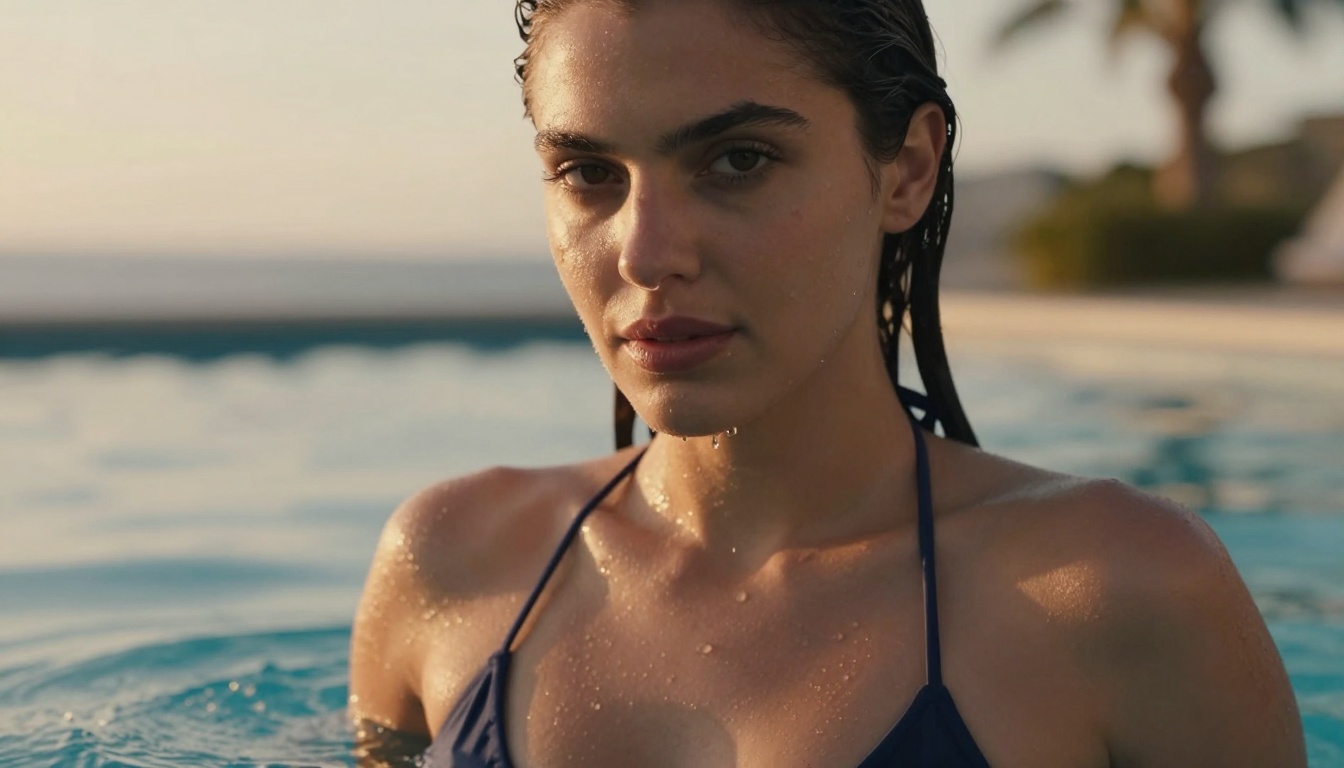
Intimate portrait with perfect golden hour lighting and water interaction
Advanced Techniques for Professional Results
Once you've mastered basic prompts, these advanced techniques can elevate your image quality significantly:
1. Lighting Mastery
Nano Banana Pro responds exceptionally well to specific lighting descriptions:
Golden Hour Techniques:
- "Warm sunset light creating long shadows"
- "Soft directional lighting from side"
- "Backlit silhouette against colorful sky"
Water Lighting Effects:
- "Sunlight filtering through water surface creating light shafts"
- "Water droplets catching and refracting light"
- "Reflective water surface mirroring sky colors"
2. Camera and Lens Specifications
The model understands photographic equipment:
| Lens Type | Best For | Example Prompt |
|---|
| 85mm f/1.8 | Portraits, shallow depth of field | "85mm f/1.8 lens creating beautiful bokeh" |
| 35mm | Environmental shots, wide scenes | "35mm wide-angle capturing expansive ocean" |
| 200mm | Compressed perspectives, silhouettes | "Telephoto 200mm lens compressing perspective" |
| Macro | Extreme detail shots | "Macro 100mm f/2.8 capturing intricate droplets" |
3. Texture and Detail Enhancement
Add specific texture descriptions for more realistic results:
- "Natural skin texture with subtle pores"
- "Water showing realistic foam and turbulence patterns"
- "Sand with shell fragments and water patterns"
- "Fabric clinging to wet skin with realistic drape"
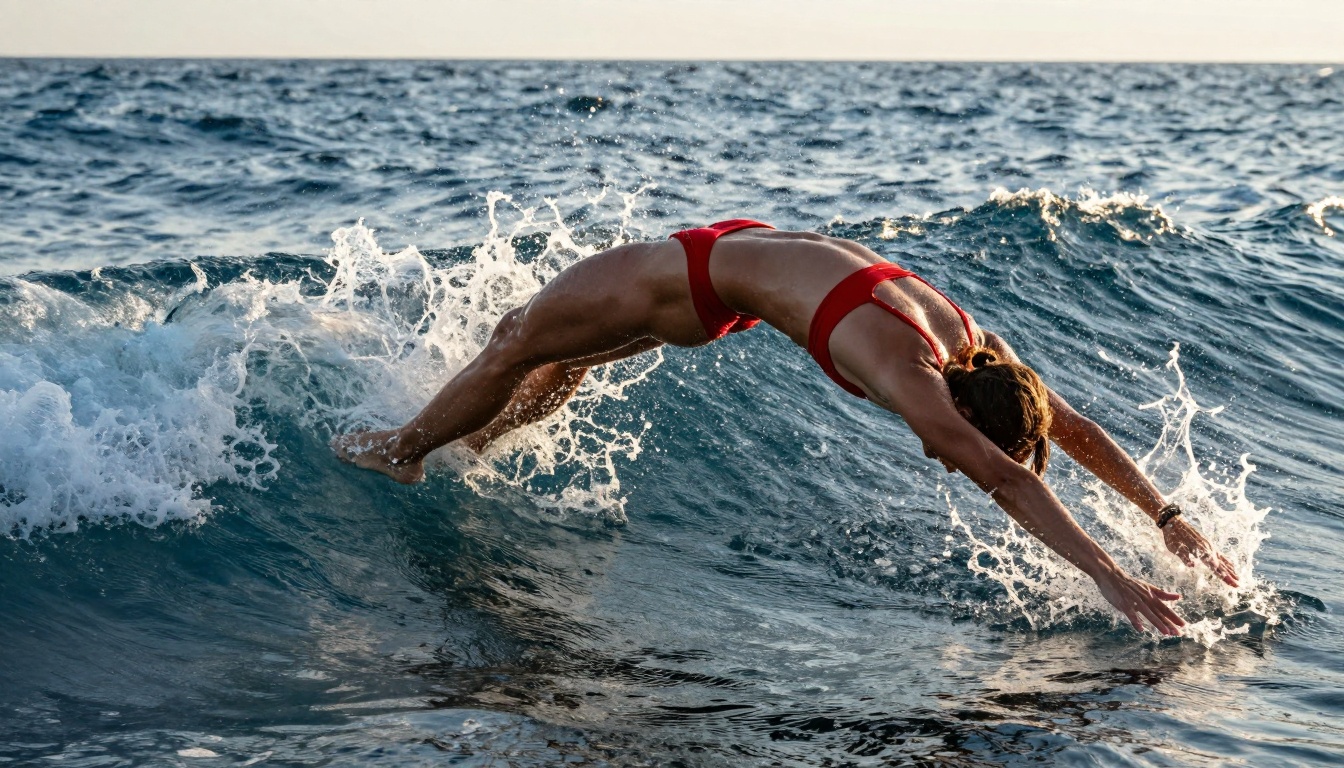
Dynamic action shot freezing water droplets in mid-air
Comparing Nano Banana Pro to Other Models
While there are many AI image generators available, Nano Banana Pro stands out in specific areas:
Strengths vs. Other Free Tools
- Photorealism: Superior to most free models in creating authentic-looking images
- Lighting Accuracy: Better understanding of complex lighting scenarios
- Human Proportions: More natural human anatomy than many alternatives
- Environmental Integration: Subjects appear naturally placed within their surroundings
Areas Where It Excels
- Water scenes (ocean, pools, rain)
- Outdoor environments with natural lighting
- Human subjects in natural poses
- Textured surfaces (skin, fabric, natural elements)
Limitations to Consider
- Specific Styles: Best for photorealistic rather than artistic styles
- Complex Scenes: May struggle with extremely detailed multi-subject compositions
- Text Integration: Not optimized for images containing readable text
Practical Applications and Use Cases
Nano Banana Pro isn't just for experimentation—it has real-world applications:
1. Social Media Content Creation
Create unique, engaging visuals for platforms like Instagram, Pinterest, and TikTok without copyright concerns or stock photo costs.
Ideal for:
- Profile pictures and header images
- Post visuals for travel, lifestyle, and fashion content
- Story highlights and reel backgrounds
2. Website and Blog Visuals
Generate custom images that match your brand aesthetic and content themes perfectly.
Use cases:
- Blog post featured images
- Product placeholder visuals
- Landing page backgrounds
- About page personal photos
3. Creative Projects and Prototyping
Quickly visualize concepts before investing in professional photography or illustration.
Applications:
- Book cover concepts
- Music album art ideas
- Presentation visuals
- Mood boards and inspiration collections
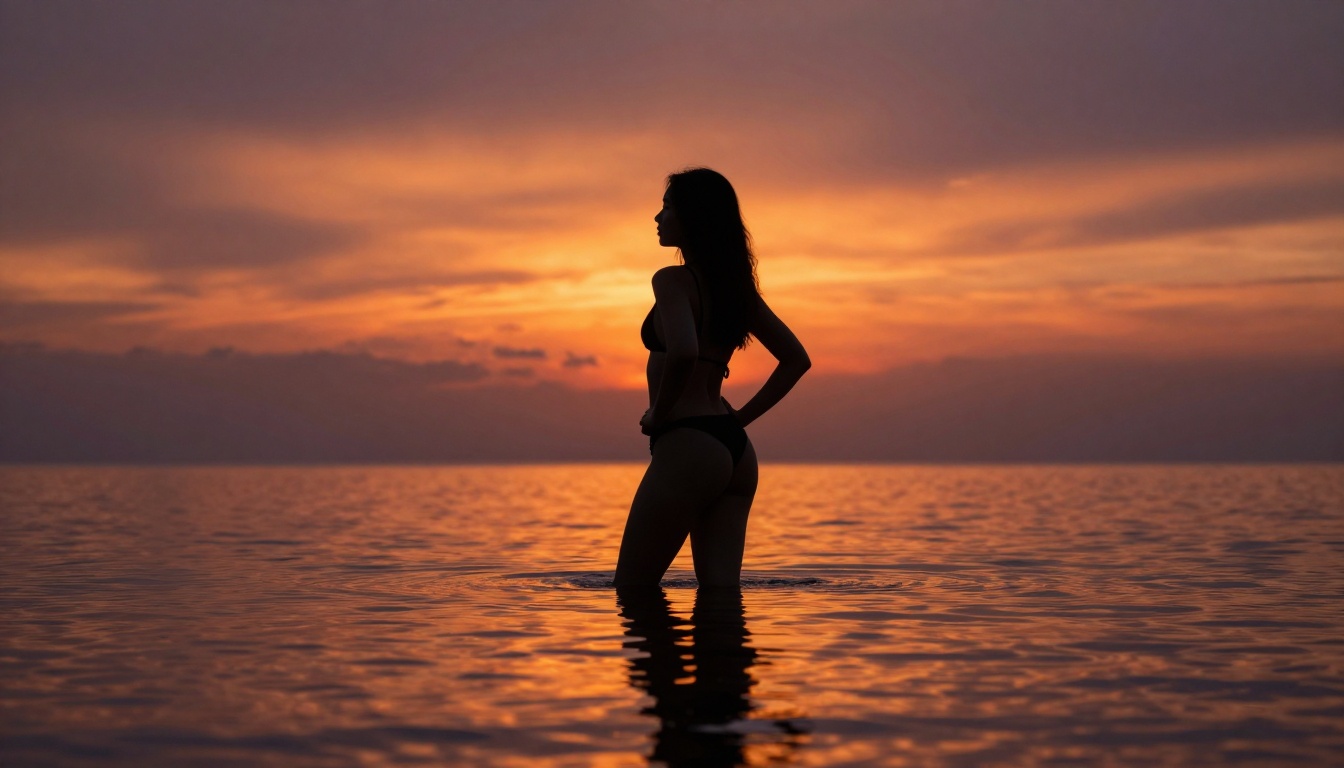
Artistic silhouette against dramatic sunset sky with perfect water reflection
How to Use Nano Banana Pro on PicassoIA
Since Nano Banana Pro is available on the PicassoIA platform, here's how to access and use it effectively:
Step-by-Step Process
- Navigate to the model page: Visit Nano Banana Pro on PicassoIA
- Access the interface: Click the "Try Now" or similar button to open the generation tool
- Enter your prompt: Use the detailed prompt structure outlined earlier
- Adjust settings (if available): Some interfaces offer quality, style, or aspect ratio options
- Generate: Click the create button and wait for your image
- Refine or save: Download the result or make adjustments and try again
Tips for PicassoIA Platform
- Bookmark the model page for quick access
- Experiment with different prompt styles to see what works best
- Check for updates as the platform may add new features
- Save successful prompts for future reference
Common Challenges and Solutions
Even with a powerful tool like Nano Banana Pro, you might encounter some issues. Here's how to address them:
Problem: Unnatural Human Proportions
Solution: Add specific anatomical details to your prompt:
- "Natural athletic physique with realistic muscle definition"
- "Proportionate facial features with natural expressions"
- "Realistic body posture with weight distribution"
Problem: Artificial-Looking Lighting
Solution: Be more specific about light sources and quality:
- "Natural sunlight at 45-degree angle creating soft shadows"
- "Diffused lighting through morning haze"
- "Direct midday sun creating strong contrast"
Problem: Inconsistent Style
Solution: Add style anchors to maintain consistency:
- "--style raw" (for photographic style)
- "Authentic documentary photography feel"
- "Natural color grading without artificial filters"
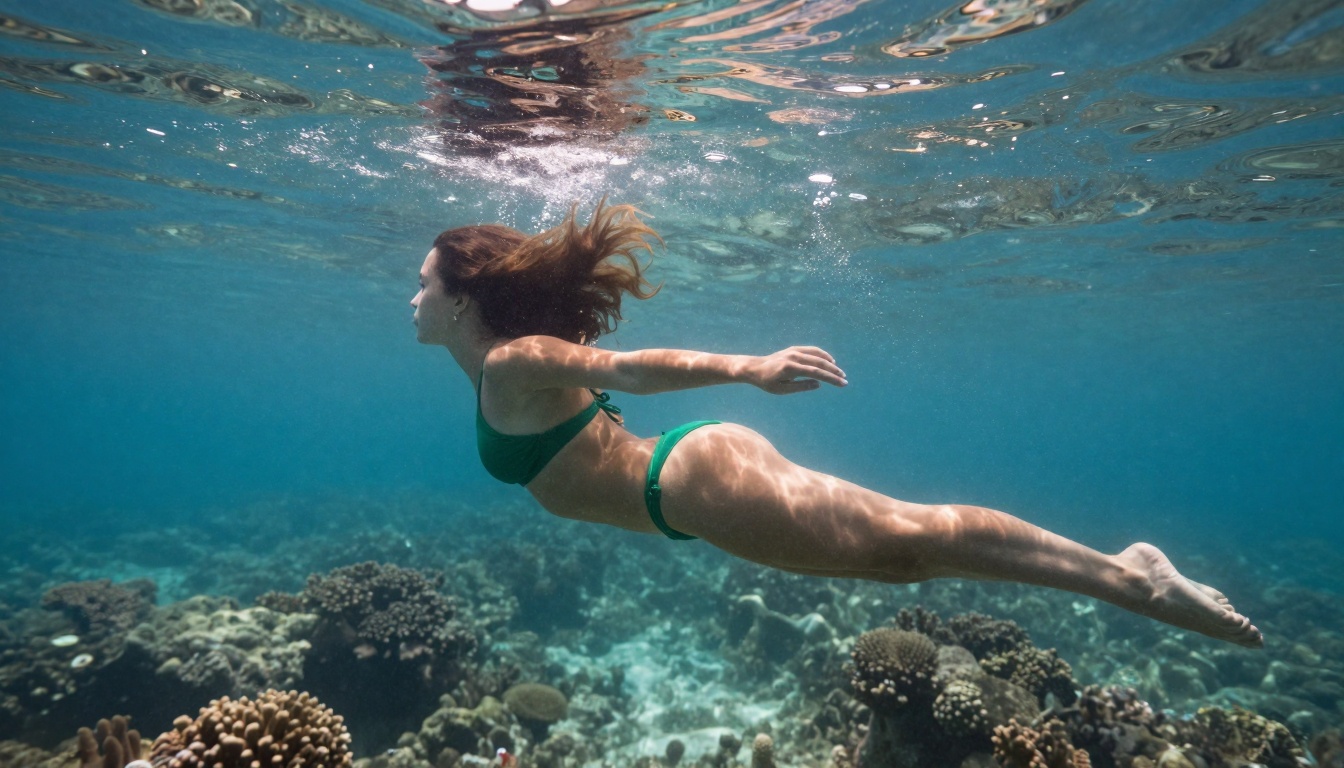
Underwater photography with beautiful light shafts and fluid motion
Optimizing for Different Content Types
The approach varies depending on what you're creating:
For Social Media
- Aspect ratio: 16:9 or 9:16 depending on platform
- Style: Bright, engaging, platform-appropriate
- Details: Include elements that encourage engagement (eye contact, interesting backgrounds)
For Professional Use
- Aspect ratio: Standard sizes (16:9 for web, 4:5 for print)
- Style: Clean, professional, brand-appropriate
- Details: Focus on quality and appropriateness for the context
For Artistic Projects
- Aspect ratio: Experiment with different ratios
- Style: Creative, mood-focused, expressive
- Details: Emphasize atmosphere, emotion, and visual impact
When to Choose Other Models
While Nano Banana Pro excels at photorealistic images, other models might be better for specific needs:
Alternative Models for Different Styles
Decision Framework
Choose Nano Banana Pro when:
- You need photorealistic results
- Natural lighting is important
- Human subjects look authentic
- Water or outdoor environments are involved
Consider alternatives when:
- You want artistic or stylized results
- Text needs to be clearly readable in the image
- You're creating abstract or conceptual art
- You need very specific art styles (anime,油画, etc.)
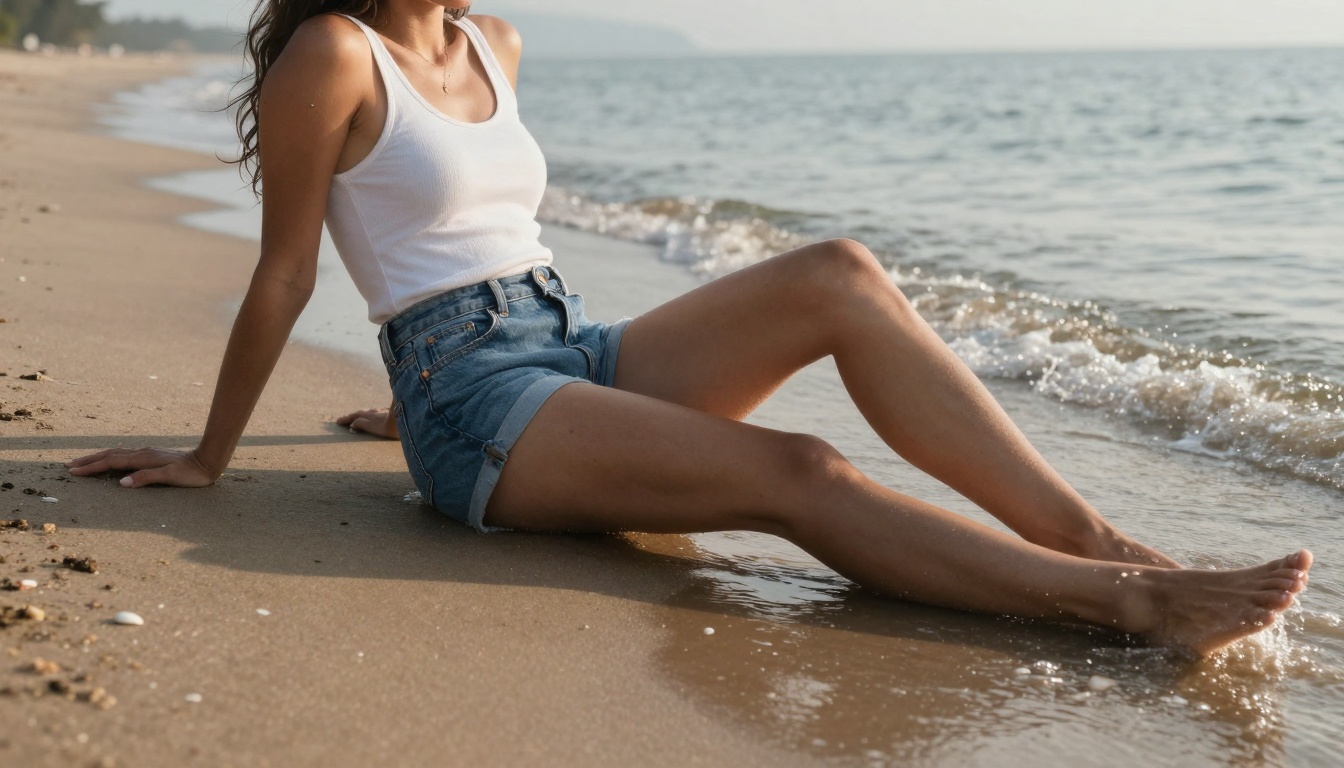
Casual lifestyle photography capturing relaxed beach atmosphere
Best Practices for Consistent Quality
To get reliable, high-quality results every time:
1. Prompt Library Management
Create and organize successful prompts:
- Categorize by subject type (people, landscapes, objects)
- Note what works for different lighting conditions
- Save parameter combinations that produce good results
- Track iterations when refining specific concepts
2. Quality Control Checklist
Before finalizing an image, check for:
- ✅ Natural lighting (no artificial-looking highlights)
- ✅ Realistic proportions (especially for human subjects)
- ✅ Consistent style (throughout the image)
- ✅ Appropriate detail level (not too noisy or too smooth)
- ✅ Color accuracy (natural, not oversaturated)
- ✅ Composition balance (visually pleasing arrangement)
3. Iterative Refinement Process
Don't expect perfect results on the first try:
- Generate a basic version
- Identify areas for improvement
- Adjust specific prompt elements
- Regenerate with refinements
- Repeat until satisfied
Technical Considerations for Advanced Users
For those looking to push Nano Banana Pro to its limits:
Understanding Model Limitations
- Resolution constraints: Maximum output dimensions
- Processing time: Variations based on complexity
- Style boundaries: What the model can and cannot do
- Content policies: Acceptable subject matter guidelines
Optimization Techniques
- Batch processing: Generate multiple variations simultaneously
- Prompt chaining: Use results as input for further refinement
- Parameter experimentation: Test different settings systematically
- Quality vs. speed: Balance based on your needs
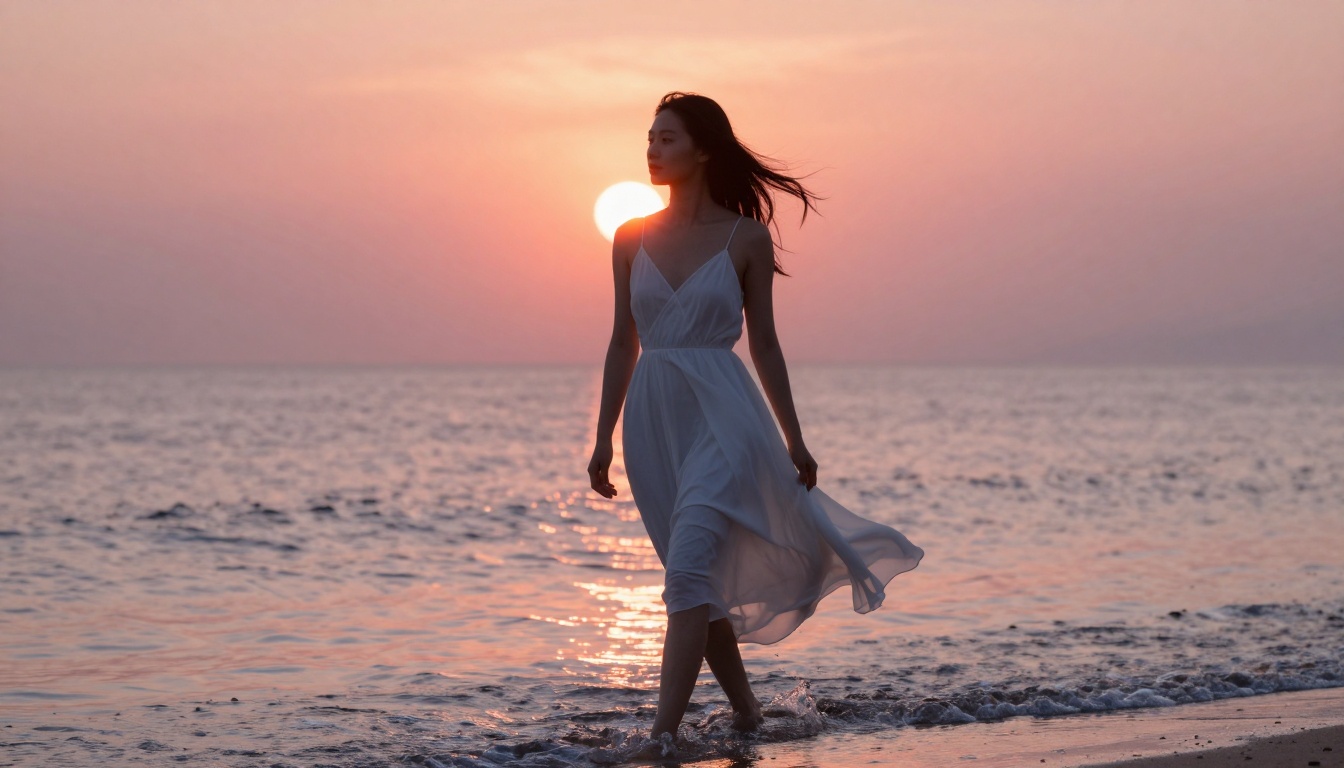
Dramatic backlit silhouette with flowing dress and morning atmosphere
Real-World Success Stories
People are already using Nano Banana Pro for impressive projects:
Case Study 1: Travel Blogger
Challenge: Needed unique destination images without travel budget
Solution: Generated photorealistic beach and landscape scenes
Result: Increased social media engagement by 40% with consistent, high-quality visuals
Case Study 2: Small Business Owner
Challenge: Required product lifestyle photos without photography budget
Solution: Created images showing products in beautiful environments
Result: Improved website conversion rates with professional-looking visuals
Case Study 3: Content Creator
Challenge: Needed diverse visuals for YouTube thumbnails and channel art
Solution: Generated custom images matching video themes
Result: Higher click-through rates and channel growth
Future Developments and What to Expect
The AI image generation field evolves rapidly. Here's what might come next:
Potential Improvements
- Higher resolutions for print-quality outputs
- More style options within the photorealistic domain
- Better understanding of complex multi-subject scenes
- Integration with other creative tools and workflows
How to Stay Current
- Follow platform updates on PicassoIA
- Join communities of other users
- Experiment regularly with new features
- Share techniques and learn from others
Making the Most of Free Access
Since Nano Banana Pro is free, maximize your use:
Without Cost Limitations
- Experiment freely with different styles and techniques
- Create comprehensive visual libraries for future projects
- Develop personal style through trial and error
- Build portfolio pieces without financial investment
Ethical Considerations
- Respect content guidelines and acceptable use policies
- Be transparent when using AI-generated content
- Consider copyright implications for commercial use
- Support artists when appropriate for professional projects
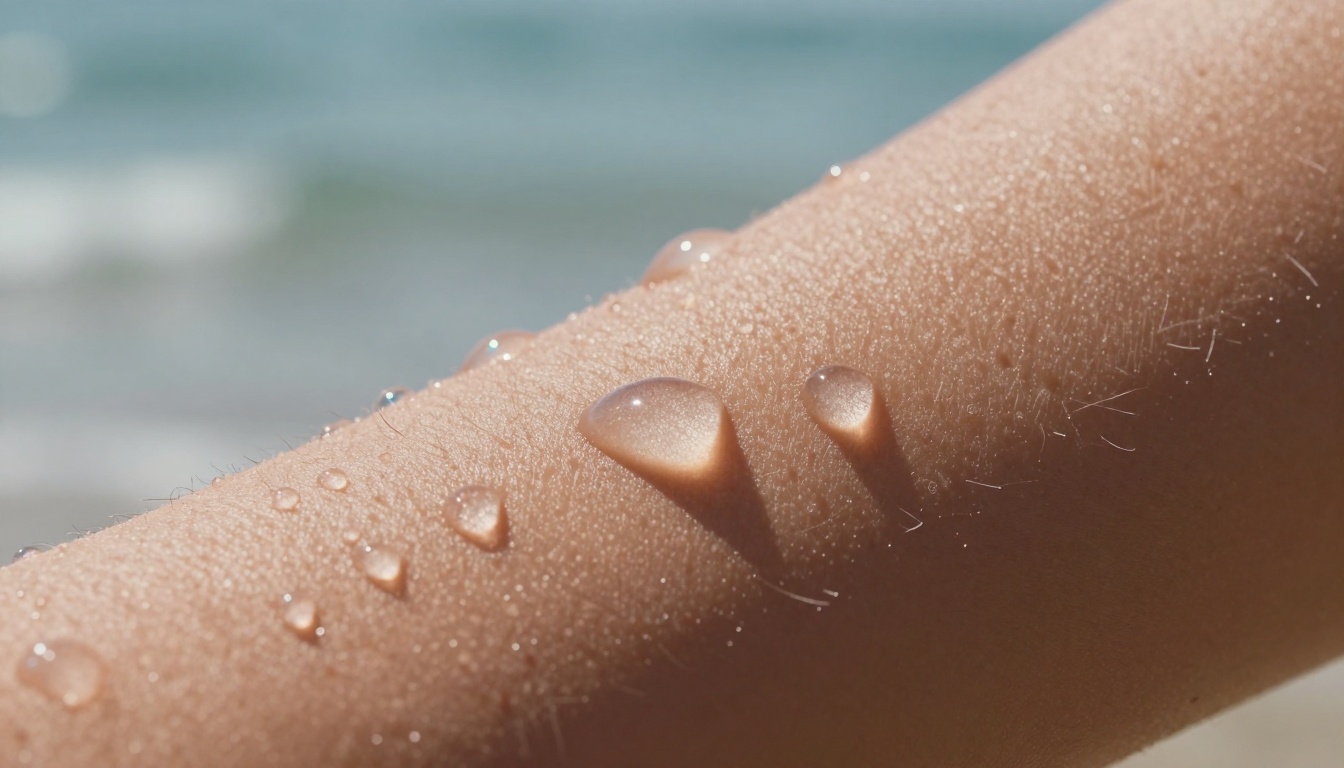
Macro detail shot revealing intricate water droplet patterns on skin
Your Next Steps with Nano Banana Pro
Now that you understand what Nano Banana Pro can do and how to use it effectively, the best approach is to start creating. The platform's free access means there's no risk in experimenting and discovering what works for your specific needs.
Begin with simple prompts focusing on subjects and environments you're familiar with, then gradually add complexity as you become more comfortable with the tool. Document what works and what doesn't, building your own personal knowledge base of effective techniques.
Remember that while AI tools like Nano Banana Pro are powerful, they work best when combined with human creativity and judgment. Use the tool as a starting point, then apply your own artistic sensibility to select, refine, and incorporate the results into your projects.
The ability to create photorealistic images for free represents a significant shift in creative possibilities. Whether you're building a social media presence, developing a brand, creating content, or simply exploring artistic expression, Nano Banana Pro offers capabilities that were previously inaccessible without significant investment.
Take advantage of this opportunity to experiment, create, and discover new visual possibilities. The combination of free access and professional-quality results makes now the perfect time to explore what you can achieve with AI image generation.
Now it's time to put this knowledge into practice. Visit the Nano Banana Pro page on PicassoIA and start creating your first images. Experiment with different prompt structures, test various lighting scenarios, and see what unique visuals you can produce. The more you practice, the better your results will become, and with no cost barrier, you have unlimited opportunities to refine your skills and create exactly what you envision.


