The assumption that quality AI images require a paid subscription is now officially outdated. In 2025, the open-source and free-tier AI image generation landscape has reached a point where outputs are genuinely indistinguishable from those produced by premium tools costing $30 to $100 per month. The question is no longer whether free tools can compete. It is which ones are worth your time.
This article breaks down the best free AI image generators available right now, what each one does well, where it falls short, and how to access them without spending a cent.
The Real Gap Between Free and Paid
Not long ago, the gap between free and paid AI image tools was obvious. Free models produced blurry faces, distorted hands, and flat lighting. Paid platforms like Midjourney offered something meaningfully different.
That gap has collapsed.
Flux, Stable Diffusion 3.5, and SDXL-based models now generate images with crisp detail, accurate anatomy, and controlled lighting conditions that rival anything behind a paywall. The architecture improvements in diffusion models over 2023-2025 have been remarkable.
💡 The real advantage paid tools retain is convenience, speed, and uptime guarantees. The underlying image quality is now competitive at the free tier.
The distinction worth paying attention to is not free versus paid. It is which specific free models perform at a high enough level for your use case, and where you can run them without managing local GPU infrastructure.
Flux Schnell and Flux Dev
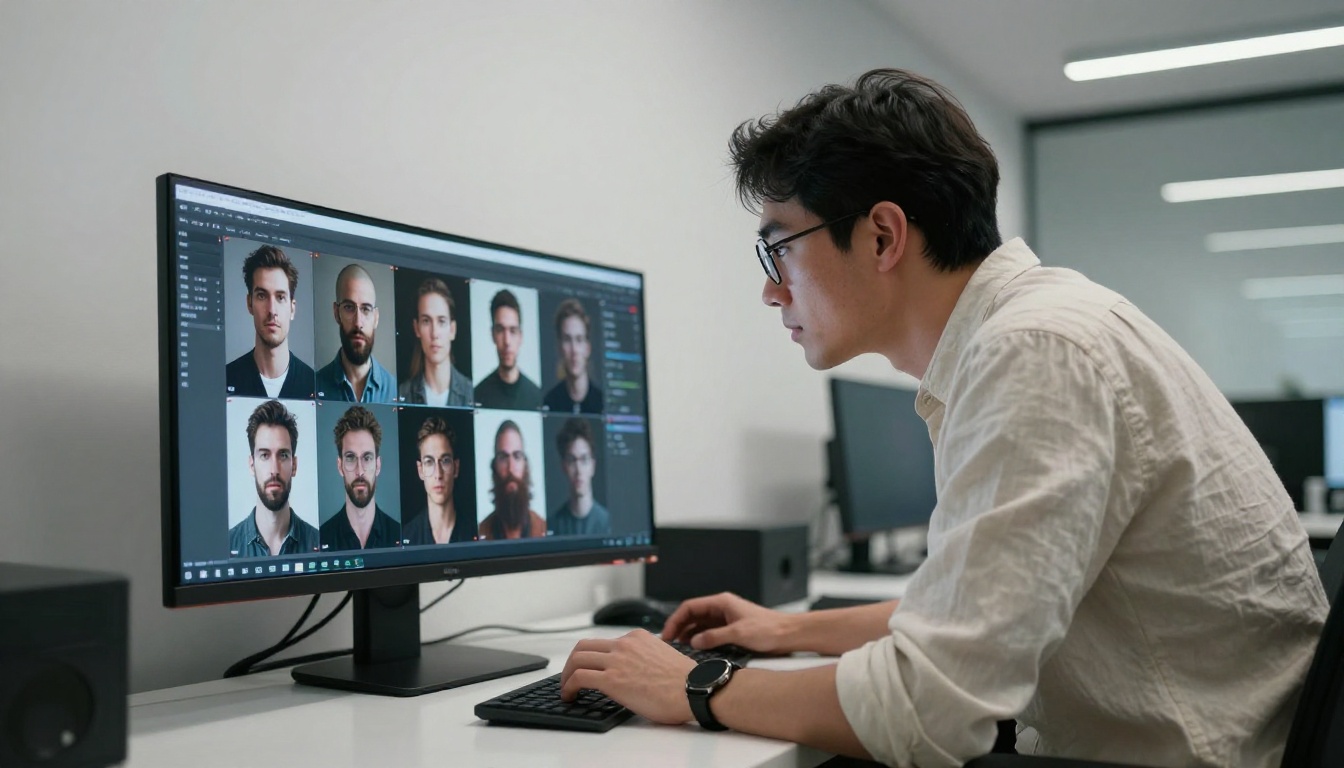
Black Forest Labs released the Flux family of models as open-weight tools, and the impact was immediate. Flux Schnell became the go-to free model for anyone needing fast, high-quality generations. It produces images in seconds, follows text prompts accurately, and handles complex compositions with far fewer artifacts than older free models.
Flux Dev is the fuller-quality sibling. It takes longer to generate but produces images with richer detail, more accurate lighting, and better consistency with fine-grained prompts.
What Makes Flux Special
The Flux architecture uses a rectified flow transformer rather than the standard U-Net used in earlier diffusion models. In practical terms, this means:
- Prompt following is significantly better. Complex multi-subject prompts produce coherent results.
- Text in images is readable. Earlier free models failed completely at this.
- Anatomy is consistently correct. Hands and faces are handled with precision.
- 16:9 and portrait formats work equally well, without cropping artifacts.
Speed vs. Quality
| Model | Speed | Quality | Best For |
|---|
| Flux Schnell | Very Fast (2-4s) | High | Rapid iteration, drafts |
| Flux Dev | Moderate (10-20s) | Very High | Final output, detailed prompts |
| Flux 1.1 Pro | Fast | Premium | Commercial-grade output |
Stable Diffusion 3.5 and SDXL
Stability AI's track record with free, high-quality models is unmatched in terms of community reach. The SD 3.5 family and the older-but-still-powerful SDXL represent two different points on the quality curve.
SD 3.5 Large Turbo in Practice
Stable Diffusion 3.5 Large Turbo is the sweet spot model for free users who want quality without waiting. The "Turbo" designation means it uses distillation to generate in fewer steps, roughly 4 to 8 steps instead of 30 to 50. The visual results retain most of the quality of the full model.
What it excels at:
- Portrait photography with natural skin tones and crisp hair detail
- Landscape and environment shots with atmospheric depth
- Product mockups against clean, neutral backgrounds
Stable Diffusion 3.5 Medium offers a lower memory footprint with solid performance, making it a practical choice when you need efficient generation at scale.
💡 Tip: For SD 3.5 Large Turbo, keep your CFG scale between 1 and 2. Higher values produce oversaturation and artifacts in distilled models.
SDXL and Its Ecosystem
SDXL remains one of the most versatile free image generators ever released. Its architecture supports LoRA fine-tunes, ControlNet conditioning, and an enormous range of community-trained styles.
Two standout free SDXL variants worth knowing:
- SDXL Lightning 4Step by ByteDance: generates 1024px images in 4 diffusion steps with sharp detail and minimal artifacts. Genuinely remarkable for a free, open model.
- DreamShaper XL Turbo: a popular fine-tune for cinematic, photorealistic, and stylized imagery across a wide range of subjects.

Free Models Built for Speed
Some use cases do not require the highest possible fidelity. If you are generating hundreds of images for testing, drafting content, or building datasets, speed-optimized free models are worth knowing in detail.
SDXL Lightning 4Step
SDXL Lightning 4Step is the current champion for free, fast, high-resolution generation. 4 steps at 1024px is a technical achievement that was not possible just two years ago. It performs particularly well for:
- Social media content drafts and thumbnail generation
- E-commerce product visualization
- Rapid A/B testing of visual concepts
Latent Consistency Model
The Latent Consistency Model brought consistency sampling to diffusion models, enabling 4 to 8 step generation on base SD 1.5 architecture. While newer models have overtaken it in raw quality, it remains lightweight, fast, and free to run without heavy GPU requirements. It is particularly useful for prototyping workflows where speed matters more than output polish.
DreamShaper XL Turbo
DreamShaper XL Turbo hits a specific aesthetic niche exceptionally well: cinematic, dramatic, slightly stylized imagery. It is not the most photorealistic option, but for creative content, concept art, and editorial visuals, it produces consistently compelling results at no cost.

The Photorealistic Champions
For users specifically targeting photorealistic output at zero cost, two models consistently rise to the top of any honest ranking.
Realvisxl v3.0 Turbo
Realvisxl v3.0 Turbo is an SDXL fine-tune trained specifically on photographic datasets. The result is a model that prioritizes human skin texture, hair detail, natural environmental lighting, and realistic material surfaces. It does not try to be an artistic model. It tries to look like a photograph, and it succeeds.
Key strengths:
- Human portraits with natural skin and hair rendering
- Indoor environments with realistic light bounce and shadow behavior
- Casual and lifestyle photography aesthetics that read as genuine photographs
Realistic Vision v5.1
Realistic Vision v5.1 is based on SD 1.5 architecture but with extensive fine-tuning toward photographic realism. While its resolution ceiling is lower than SDXL-based alternatives, its color science, skin rendering, and overall realism are impressive for its generation.
💡 For portrait work, combine Realistic Vision v5.1 with a super-resolution upscale pass to bring portrait sharpness to commercial-level quality without any additional cost.

Newer Free Challengers Worth Trying
The newest wave of free or free-tier models has closed the quality gap even further. These are not just competitive. In specific use cases, they beat paid alternatives outright.
Seedream 5 Lite
Seedream 5 Lite by ByteDance is a significant release for free-tier users. It delivers high-resolution photorealistic image generation with strong prompt adherence, available without a subscription. The model handles complex scenes with multiple subjects and objects better than most alternatives in its class, making it a strong default choice for general-purpose free generation.
Ideogram V2 Turbo
Ideogram V2 Turbo is notable for one specific capability that most free models still struggle with: legible text rendering within images. If your workflow requires generating social media graphics, posters, event flyers, or any image where readable text appears in the visual, Ideogram V2 Turbo is the strongest free option available.
Additional strengths:
- Strong visual composition with balanced, intentional layouts
- Reliable prompt adherence for structured, graphic-design-oriented content
- Consistent performance across both portrait and landscape orientations
Playground V2.5
Playground V2.5 takes a different approach from the photorealism-first models. Rather than pure technical accuracy, it targets aesthetic quality, producing images with exceptional color grading, visual balance, and stylistic polish. Think of it as the model for social media content creators who want images that look beautiful and curated rather than strictly documentary.
Free vs. Paid: The Honest Numbers
Here is where the real conversation gets specific. Paid tools like Midjourney v6, DALL-E 3, and Adobe Firefly offer genuine advantages. But those advantages are narrower than their price tags imply.
| Factor | Best Free Option | Paid Tools |
|---|
| Image Quality | Flux Dev, SD 3.5 Large | Comparable |
| Speed | SDXL Lightning, Flux Schnell | Faster queue priority |
| Text in Images | Ideogram V2 Turbo | Strong in DALL-E 3 |
| Style Consistency | LoRA fine-tunes on SDXL | Midjourney style tuner |
| Uptime and API Access | Varies by platform | Guaranteed SLA |
| Cost at Scale | Zero | $10-100 per month |
For most individual creators, bloggers, marketers, and developers, the free models listed above are sufficient for daily production needs. Where paid tools justify their cost is in high-volume commercial workflows with strict uptime requirements.
💡 Scale tip: If you need 500 or more images per month reliably without managing infrastructure, a low-tier paid plan makes sense. For anything below that volume, free models on platforms like PicassoIA handle it comfortably.
How to Run These Models on PicassoIA
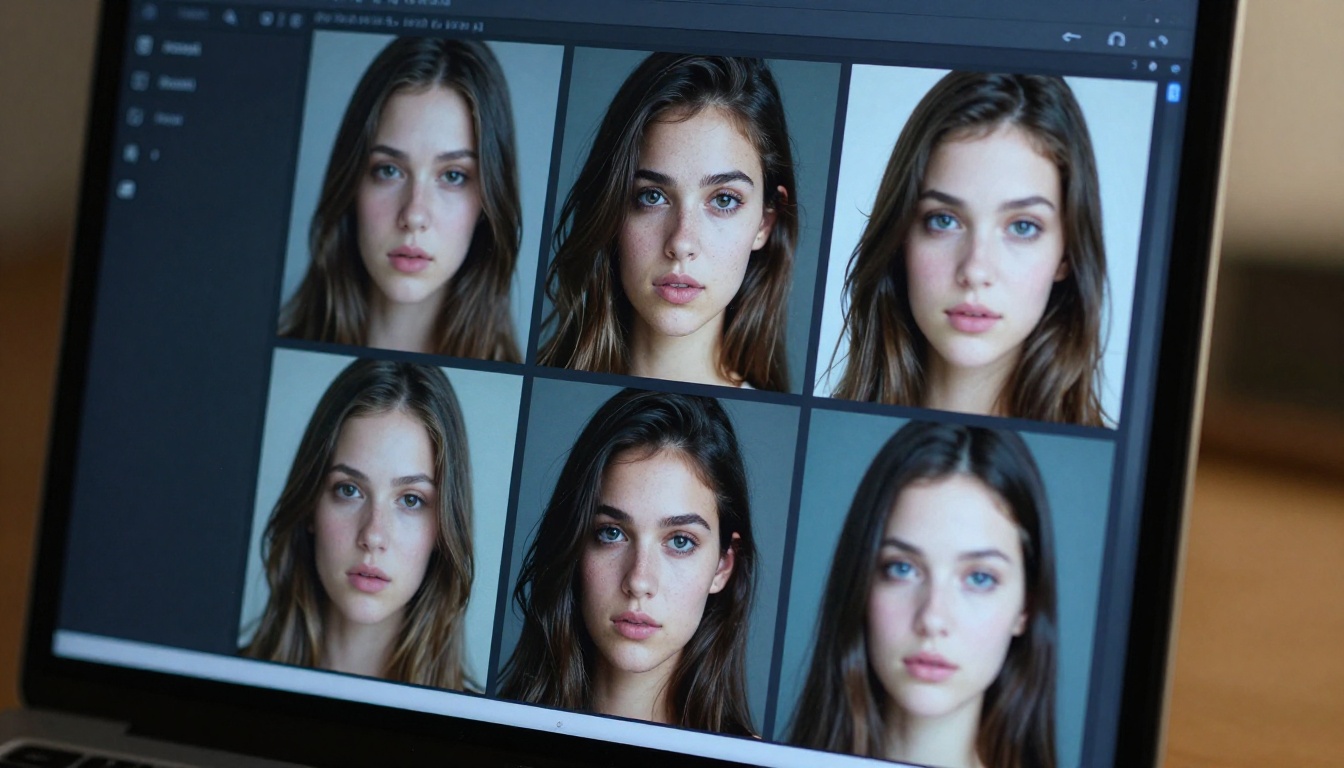
You do not need to set up a local GPU, rent cloud compute, or manage Python dependencies to access any of the models listed in this article. PicassoIA provides browser-based access to all of them from a single interface.
Step 1: Choose Your Model
Visit the PicassoIA text-to-image collection and browse by quality, speed, or style. Each model page includes example outputs and parameter descriptions. For most users starting out, Flux Schnell is the best entry point.
Step 2: Write a Structured Prompt
The quality of your output depends significantly on prompt structure. A reliable framework:
- Subject: What or who is in the image
- Environment: Where, with what background or setting
- Lighting: Direction, quality, color temperature
- Camera: Lens, angle, depth of field
- Style cue: Photography, editorial, cinematic
Example for Flux Schnell:
"Young woman in a bright kitchen, natural morning light from left window, 50mm lens, f/2.0, shallow depth of field, Kodak Portra color, photorealistic"
Step 3: Iterate Fast with Schnell
With Flux Schnell generating in under 4 seconds, iteration is effectively free in both cost and time. Generate 5 to 10 variations of a prompt, pick the best composition, then refine with a more detailed prompt on Flux Dev for your final output.
Step 4: Upscale for Print or Large Format
If your final image needs higher resolution for print, large-format display, or commercial use, PicassoIA's super-resolution models can upscale outputs 2x to 4x with genuine detail preservation. This is especially useful when combining the speed of SDXL Lightning 4Step with a final upscale pass.
Practical Model Pairings by Use Case
Different free models serve different workflows. Here is a practical mapping to save you time when selecting:
Try It for Yourself
The tools are free. The quality is real. The only thing between you and professional-grade AI images is picking the right model for your specific need.
PicassoIA brings all of the models covered in this article into a single browser-based interface, with no local setup, no API key management, and no monthly fee to access the free tier. Start with Flux Schnell for fast iteration, move to Flux Dev when you need final-quality output, and browse the full library of 91 text-to-image models as your workflows grow.
The paid subscription is optional. The quality is not.


