If you have been chasing smooth, cinematic AI video generation without stumbling into paywalls every five minutes, you already know the Kling AI frustration. The output quality is impressive. The pricing structure and content restrictions are not. There are now several free alternatives that produce comparable motion quality, handle suggestive and mature content far more generously, and do not require a credit card just to test the tool. This article breaks down exactly which platforms and models are worth your time in 2027.
Why Kling AI Falls Short
Kling AI arrived with serious momentum. Its early demos showed fluid motion, realistic fabric physics, and impressive subject consistency across frames. Creative communities lit up. The benchmarks were hard to argue with. But within weeks of heavy use, the friction points became impossible to ignore.
The Credit Wall Hits Fast
The free tier gives you just enough credits to generate three or four clips before the paywall appears. At that point you are stuck choosing between a monthly subscription running $10 to $30 or waiting 24 hours for credit renewal. For creators who iterate rapidly, run multiple projects simultaneously, or need volume output for professional workflows, neither option is sustainable.
The per-credit pricing on top-tier Kling plans is also inconsistent. A single 1080p, ten-second generation can consume a meaningful chunk of your monthly allocation, which pushes the real cost per clip far above what the subscription price suggests.
Content Restrictions Are Overly Aggressive
Kling's moderation filters flag content that would be considered completely standard on most photography platforms. Swimwear scenes, form-fitting clothing on female subjects, romantic interactions, and any scene involving physical closeness between subjects all trigger hard rejections. The system does not distinguish between artistic intent and explicit material. It blocks and moves on without explanation.
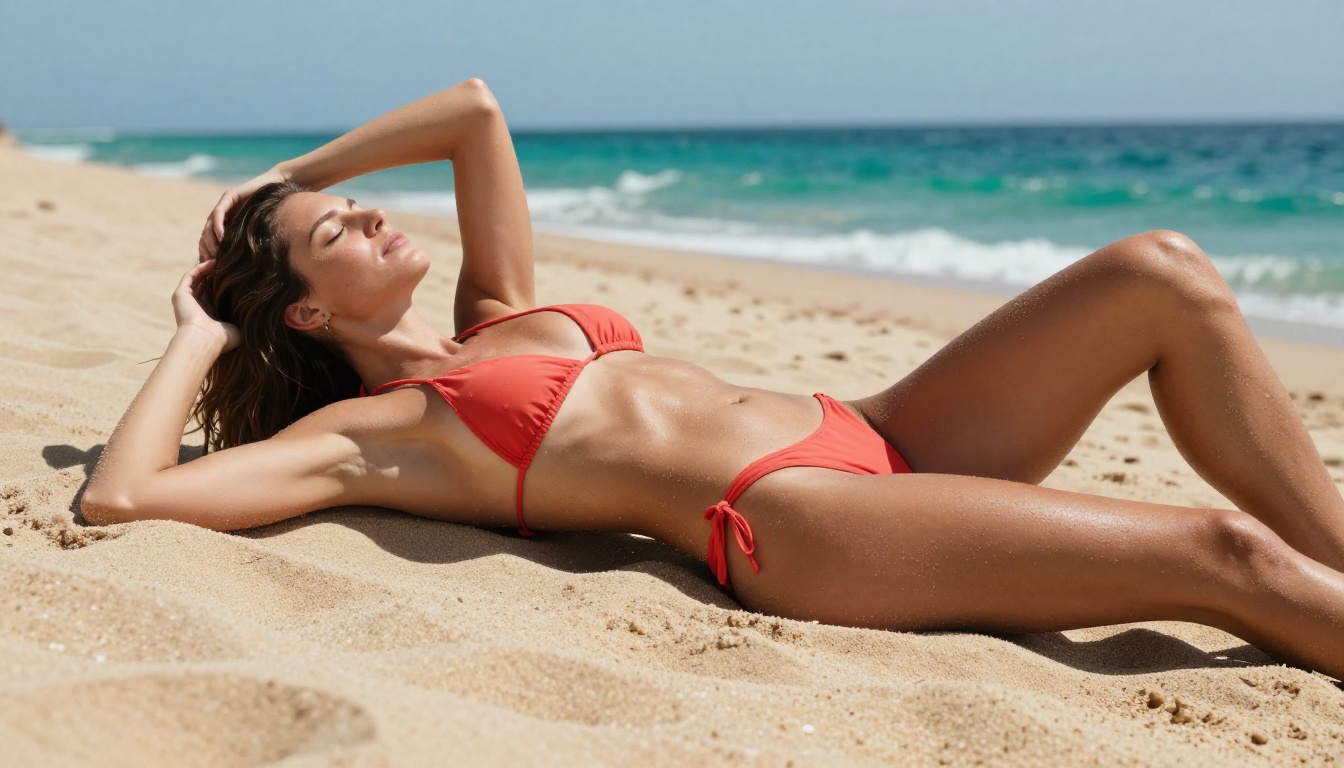
This creates a real problem for creators building content for adult platforms, glamour photographers exploring AI generation, social media creators in the fashion and lifestyle space, and anyone working with mature aesthetic content. You need a tool that understands the difference between explicit and expressive.
What Makes an Alternative Worth Using
Not every "free" AI video tool deserves that label. Before committing to any platform, two things separate genuinely useful alternatives from marketing noise: the quality of the free tier and the actual content policy in practice.
Free Tier vs. Actually Free
Some platforms advertise free access but throttle generation to resolutions below 480p, add persistent watermarks to every output, or cap you at five-second clips with no option to extend. That is not free in any practical sense. It is a demo.
An alternative genuinely worth using provides:
- At least 720p output on the free tier with no embedded watermark
- Reasonable clip length (five to ten seconds minimum per generation)
- Daily or rolling credits rather than a one-time trial allocation that expires
- No forced email wall or credit card requirement before the first generation
- Consistent uptime rather than frequent capacity limits during peak hours
NSFW Support: What to Actually Look For
NSFW support is not a binary feature. Platforms exist along a spectrum, and knowing where each one sits saves you from wasted generation attempts.
| Level | What It Allows |
|---|
| SFW Only | No skin exposure, no romance, no suggestive posing or clothing |
| Soft NSFW | Swimwear, lingerie, glamour posing, mild romantic scenes |
| Moderate NSFW | Implied intimacy, artistic partial nudity, mature lifestyle themes |
| Explicit NSFW | Full adult content, no content restrictions applied |
Most creators working in the adult content, glamour photography, or lifestyle influencer space need at least Soft to Moderate NSFW support. That means the platform allows suggestive scenes without constant hairpin-trigger rejections eating your credits and your time.
Note: Content policies can change with platform updates. Always test a sample prompt before committing a workflow to any specific model.
The Best Free Alternatives Right Now
These are the models producing real results in 2027, selected based on output quality, free tier generosity, content flexibility, and workflow compatibility.
Wan 2.7 T2V: The Open Powerhouse
Wan 2.7 T2V is the most technically capable open alternative available right now. Built on an architecture that handles prompt adherence with remarkable accuracy, it generates 720p to 1080p video from text prompts with smooth temporal consistency across the full clip duration. Motion blur, fabric physics, hair movement, and skin rendering all behave realistically without the uncanny valley artifacts common in earlier open-source models.
Why it works for NSFW content: The model applies inference-level filters that are considerably more permissive than Kling's. Suggestive prompts describing glamour shoots, beach scenarios, lingerie scenes, and intimate settings render without the constant rejections that Kling users experience.
You can also pair Wan 2.7 T2V with Wan 2.7 I2V to animate a static image into video. This two-step workflow gives precise control: generate your subject's appearance exactly right with a text-to-image model first, then feed that frame into I2V for animation.
Prompt tip: Be specific about camera movement. Phrases like "slow dolly push in on subject" or "gentle pan left revealing background" produce far smoother, more intentional motion than generic descriptions.
Pixverse v5.6: Cinema Quality on a Budget
Pixverse v5.6 punches above its weight class. The model excels at generating scenes with dynamic lighting transitions, natural motion arcs through the frame, and consistent subject appearance across the full clip duration. The free tier offers a solid daily credit allocation without watermarks at 1080p.
Content filtering sits in the soft-to-moderate NSFW range. Glamour content, lingerie scenes, and suggestive interactions between subjects render reliably. The boundaries align roughly with what mainstream stock photography agencies accept, which keeps it workable for most professional creative applications.
Pixverse v5 and Pixverse v4.5 are previous versions still worth using if you find the latest model hitting capacity limits during high-traffic hours.
Hailuo 02: Smooth Motion, Realistic Faces
Hailuo 02 from Minimax is the model to use when face consistency is the priority. It tracks facial features through camera movement and subject motion better than most alternatives in its class. Expressions remain believable, the jaw line stays stable during head turns, and eye reflections maintain realism through the clip.
For portrait-style NSFW content where the subject's face needs to hold up across six to ten seconds of motion, Hailuo 02 is consistently the top performer among free alternatives.
The Hailuo 02 Fast variant runs at 512p with significantly faster generation, which makes it ideal for prompt testing before committing credits to the full-resolution render. The workflow of testing fast then rendering full is worth building into your process from the start.
LTX 2 Fast: When Iteration Speed Matters
LTX 2 Fast from Lightricks competes on raw generation speed. If you are iterating through multiple prompt variations to get a specific scene right, waiting three minutes per render is a workflow killer. LTX 2 Fast reduces that wait considerably, letting you move through ten prompt variations in the time competitors produce three.
The trade-off is slightly softer detail at the frame edges, and the model handles close-up facial work less precisely than Hailuo 02. But for motion testing, composition scouting, and creative iteration, the speed advantage is genuinely transformative.
Once you have locked in the right prompt through LTX 2 Fast testing, run it through LTX 2 Pro or LTX 2.3 Pro for the high-resolution final output. The speed-to-quality handoff workflow is one of the most efficient approaches available.
Ray Flash 2 720p: Luma's Free Entry Point
Ray Flash 2 720p is Luma's accessible free tier, and it delivers consistent 720p output with smooth motion interpolation between frames. The model handles medium-distance shots and environmental scenes particularly well. Landscape elements, architectural backgrounds, and lifestyle settings come through with strong temporal coherence.
Close-up facial detail is not its strongest area, so position it accordingly in your workflow. For establishing shots, atmospheric lifestyle videos, and scenes where mood and environment matter more than microscopic facial accuracy, Ray Flash 2 720p is a reliable free option.
The Ray Flash 2 540p variant runs lighter if you need even faster turnaround during the testing phase.
How to Use Wan 2.7 on PicassoIA
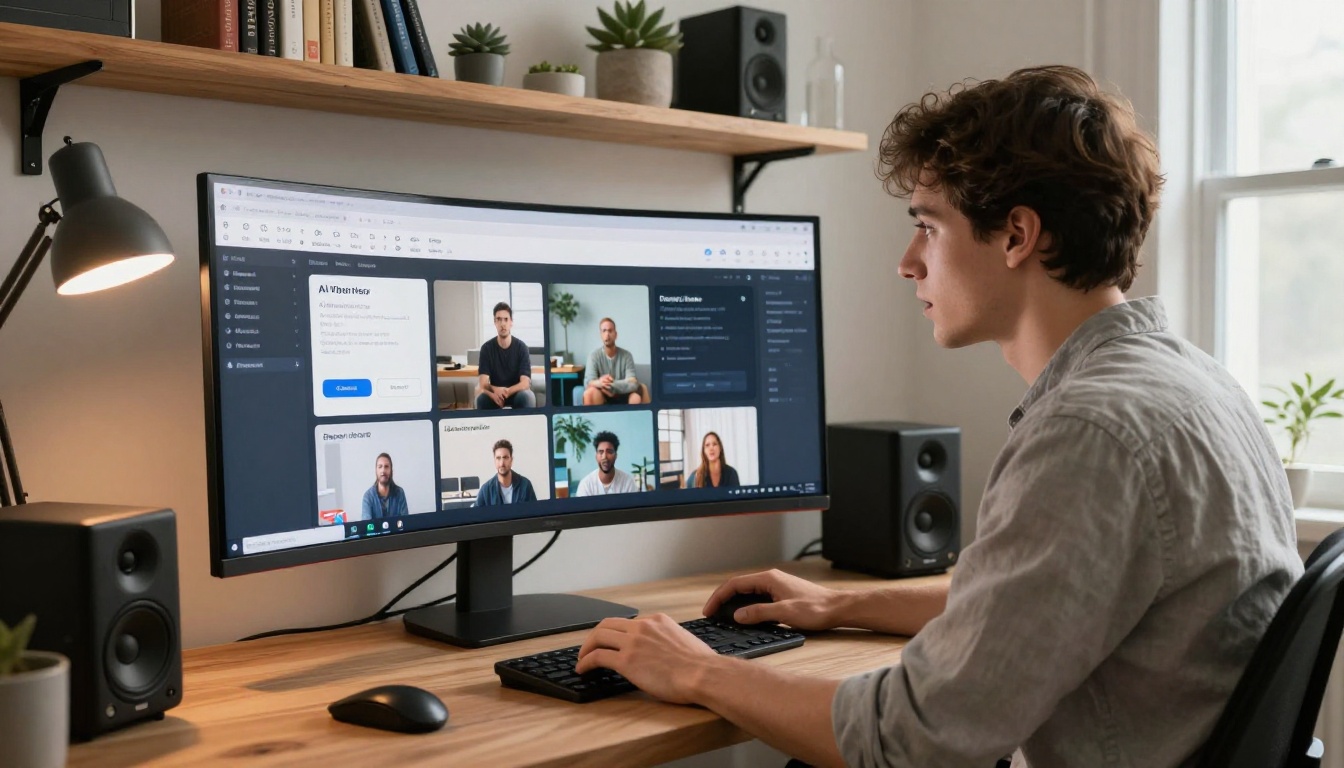
Since Wan 2.7 T2V is the strongest free alternative for NSFW-friendly content generation, here is a step-by-step approach to getting the best results on PicassoIA.
Setting Up Your First Generation
- Navigate to the Wan 2.7 T2V model page on PicassoIA
- Write your prompt in the text input field. Be specific about subject, setting, lighting quality, and camera movement
- Set output resolution to 720p for testing passes and 1080p for final renders
- Adjust the motion intensity parameter. Higher values produce more dynamic movement but introduce instability in scenes with multiple moving elements
- Submit and monitor the preview thumbnail for composition before the full render completes
Writing Prompts That Produce Results
The model responds best to prompts built around a clear structure: Subject description + Action or pose + Environment + Lighting conditions + Camera angle and movement
Working example: "A woman in a flowing ivory slip dress walks slowly through a field of tall golden wheat at sunset, warm amber sidelight from the right, slow follow cam from behind at mid-body height, slight lens flare, photorealistic, 8K"
Avoid stacking multiple competing actions in a single prompt. One clear subject behavior paired with one camera movement and one lighting condition outperforms a dense list of simultaneous instructions.
The Image-to-Video Workflow
For precise subject control, generate a reference image first using any text-to-image model, then feed it into Wan 2.7 I2V. This two-step process gives exact control over the starting frame appearance before animation begins. The subject's facial structure, clothing, and environment all carry over from the image, eliminating the inconsistency that pure text-to-video generation sometimes introduces.
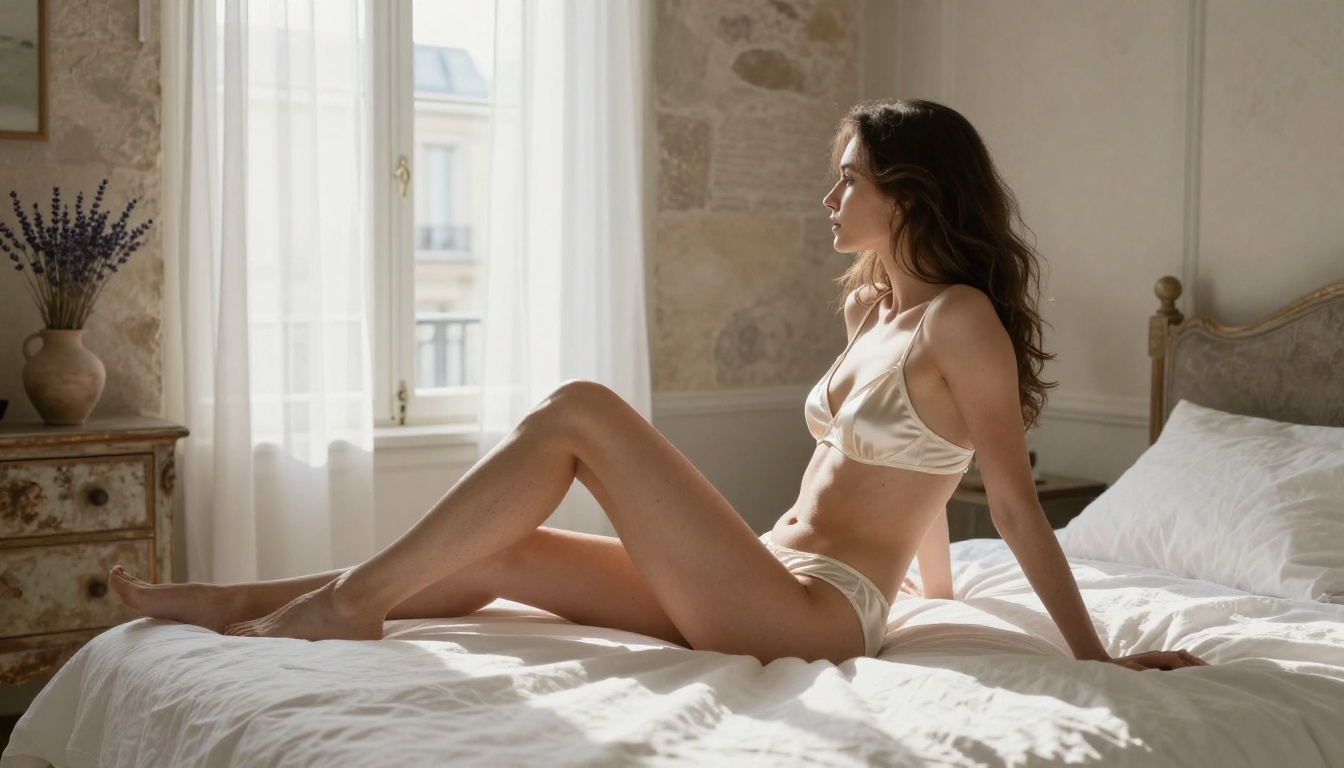
Head-to-Head Comparison
| Model | Max Resolution | Free Tier | NSFW Level | Strongest Use Case |
|---|
| Wan 2.7 T2V | 1080p | Yes | Moderate | Creative text prompts, open workflows |
| Pixverse v5.6 | 1080p | Yes | Soft-Moderate | Cinematic lifestyle content |
| Hailuo 02 | 1080p | Yes | Soft-Moderate | Portrait work, face consistency |
| LTX 2 Fast | 720p | Yes | Soft | Rapid iteration and prompt testing |
| Ray Flash 2 720p | 720p | Yes | Soft | Atmospheric, environmental scenes |
| Kling v2.6 | 1080p | Limited | SFW | Cinematic motion, paid tiers only |
What About Kling Models on PicassoIA?
Worth noting: PicassoIA carries multiple Kling models across different generations and performance tiers. Kling v3 Video and Kling v3 Omni Video represent the latest generation, while Kling v2.1 Master, Kling v2.6, and Kling v2.5 Turbo Pro cover the mid-range.
These run through the PicassoIA infrastructure rather than directly through Kling's native platform, which can result in different access models and credit economics. If you specifically value Kling's motion quality but want to access it through a different pricing structure, the PicassoIA interface is worth exploring.
For NSFW content specifically, the content policies on PicassoIA-hosted Kling models may differ from what you experience on the native Kling platform. Testing your specific use case prompts before building a full workflow around any platform is always the right move.
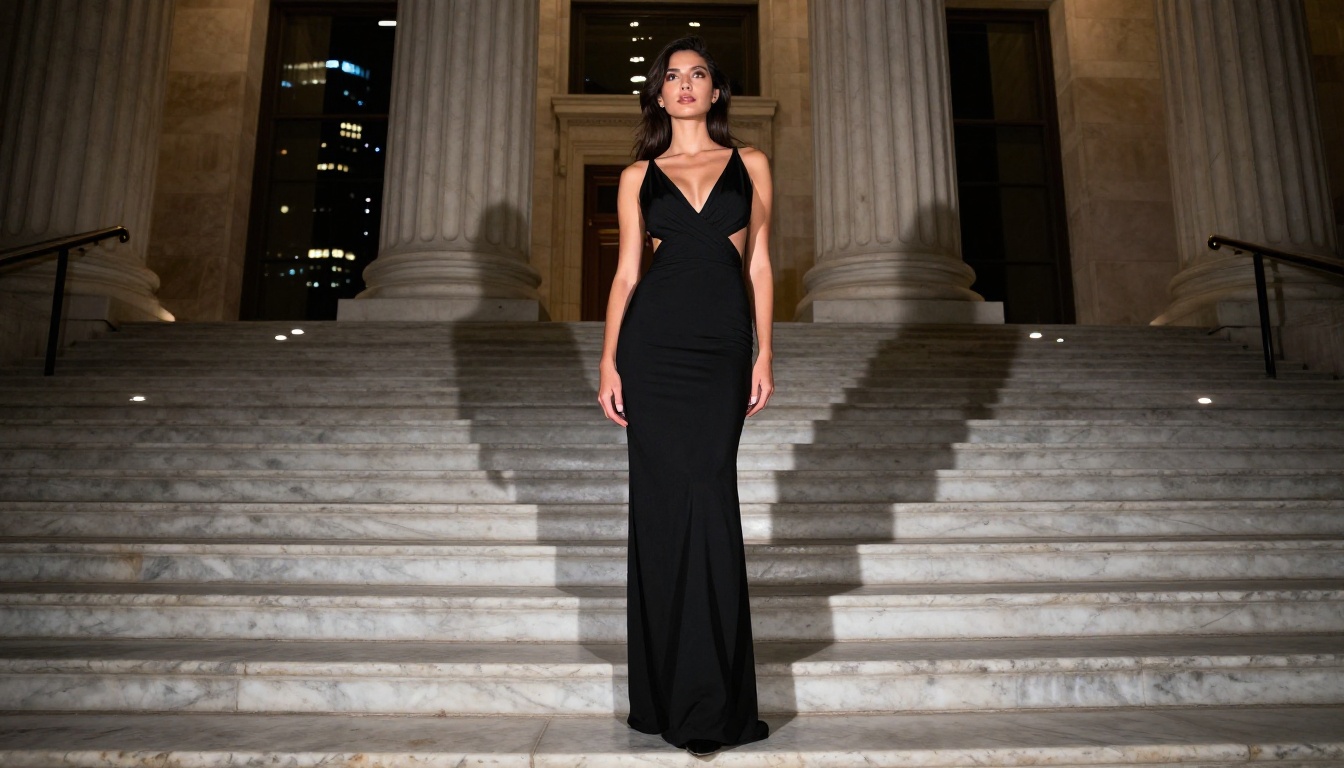
5 Prompt Techniques That Actually Work
Getting acceptable output from these models is one thing. Getting consistently impressive output worth publishing is another entirely. Here is what separates mediocre AI video from content that holds up.
1. Describe Lighting With Direction and Quality
Vague lighting instructions produce unpredictable results. "Good lighting" means nothing to the model. Instead, use directional and quality-specific language: "soft diffused overcast light from above left creating zero harsh shadows," "warm rim backlight from a sunset positioned at frame right," or "single practical lamp behind subject creating volumetric separation from background." Lighting direction changes the entire mood and readability of the clip.
2. Lock Camera Distance Before Anything Else
Decide your camera distance before writing any other part of the prompt. Close-up prompts push the model to prioritize skin texture, facial detail, and fine fabric rendering. Wide shots give the model latitude to handle environmental elements, depth of field, and atmospheric perspective. Specify it clearly: "medium close-up framed from chest to top of head," "full body wide shot from 15 feet," or "extreme close-up on face from chin to crown."
3. Anchor Subject Appearance With Clothing Specifics
Rather than "a woman in lingerie," write "a woman in an ivory lace bralette with thin satin straps and matching high-waist briefs with scalloped trim at the hip." The specificity dramatically reduces hallucination during generation and keeps subject appearance stable across frames. Generic clothing descriptions are one of the most common causes of inconsistent video output.
4. Use One Motion Cue Per Prompt
Listing multiple simultaneous movements confuses temporal prediction and produces erratic output. Pick the single most important motion element and describe it precisely. "Subject slowly turns head from left profile to face camera" beats "subject turns head, raises hand, smiles, and hair blows in wind" every time.
5. Test at Five Seconds Before Committing to Full Length
Generate five-second clips during the testing phase without exception. If the motion quality, subject consistency, lighting behavior, and composition all satisfy you at five seconds, extend to ten. Committing to maximum-length renders before validating the setup is the fastest way to burn your free tier credits without usable output to show for it.
Seedance 2.0: A Model Worth Watching
Seedance 2.0 from ByteDance adds built-in audio generation alongside video output, which is a meaningful capability for creators who need both visual and sound in a single generation pass rather than compositing them separately. The model sits at the top of ByteDance's video generation line alongside Seedance 1.5 Pro, and the results for longer-form creative projects are worth serious testing.
The fast variant Seedance 2.0 Fast offers the same audio-visual generation at reduced quality for rapid iteration, fitting the same test-then-render workflow described above.
Beyond Video: The Full Creative Stack
Video generation is one layer of what an integrated platform can do. If your workflow involves generating reference images before animating them, using inpainting to fix specific problem areas in generated footage, applying super-resolution upscaling to push outputs beyond the base model resolution, or adding lipsync to animated subjects, all of these capabilities live in the same environment on PicassoIA.
A complete workflow moving from text-to-image generation for subject definition, through inpainting for refinement, into video animation, and finally through super-resolution upscaling produces results that most single-tool platforms cannot approach. Having all of these in one place without switching services between steps is a practical advantage that compounds significantly across a full production day.
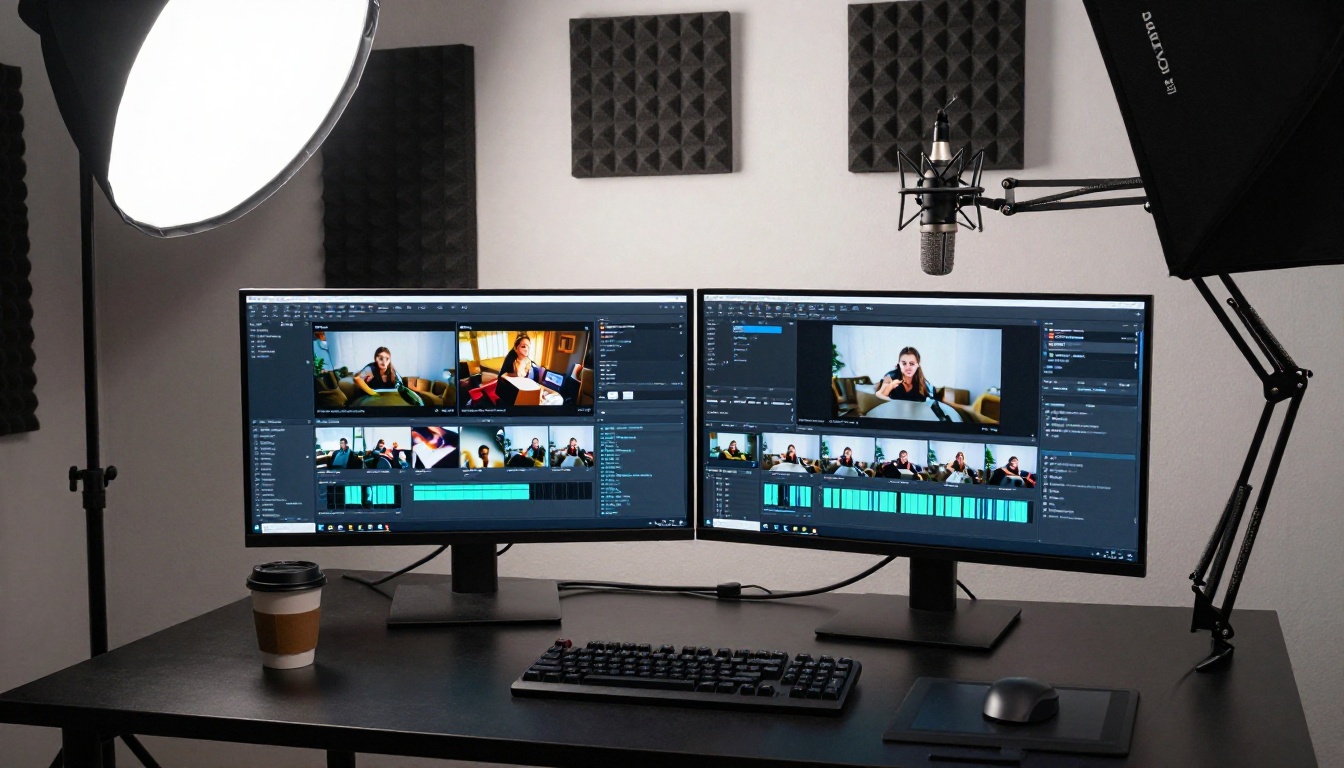
Start Generating Without the Friction
The free Kling AI alternatives covered here are not compromises forced on creators who cannot afford better tools. Wan 2.7 T2V, Pixverse v5.6, Hailuo 02, LTX 2 Fast, and Ray Flash 2 720p each produce output that matches or surpasses Kling's free tier in specific use cases, with more permissive content policies and fewer credit walls standing between you and the finished video.
The fastest way to identify which model fits your creative style is to run the same prompt through three or four of them and compare outputs side by side. You will know within two tests which model matches your workflow and content needs.
All of the models referenced throughout this article are available directly on PicassoIA. Pick one, write a specific structured prompt using the techniques above, and run your first clip. The gap between the creative idea and the finished video has never been smaller.


